 3DMAGIC

Blender Zero to Hero: Documentation
What this is
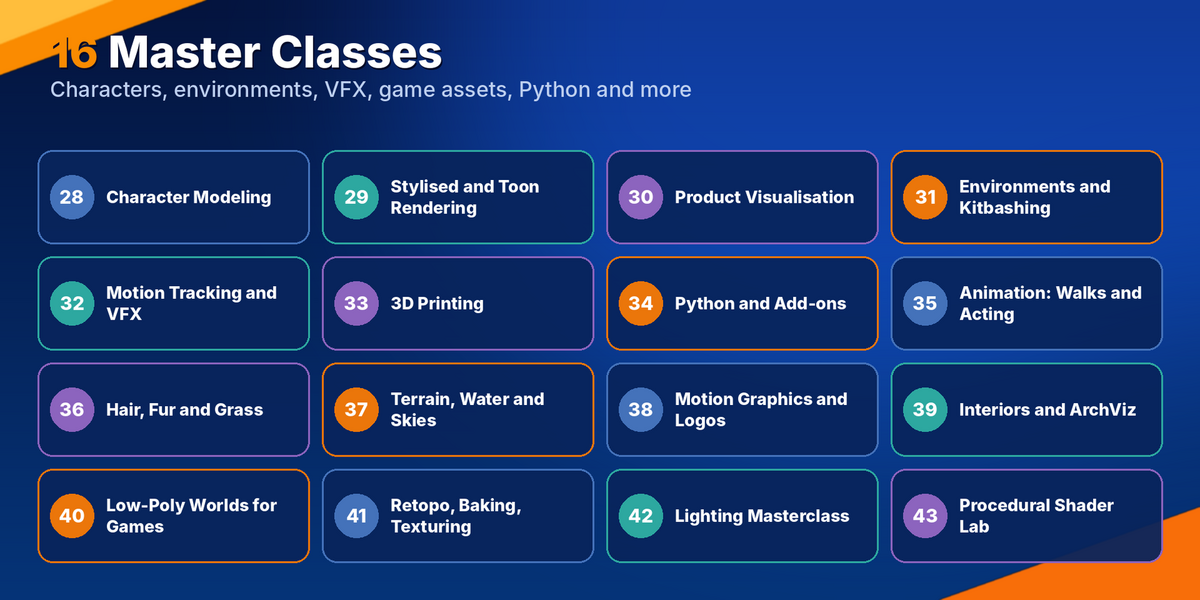
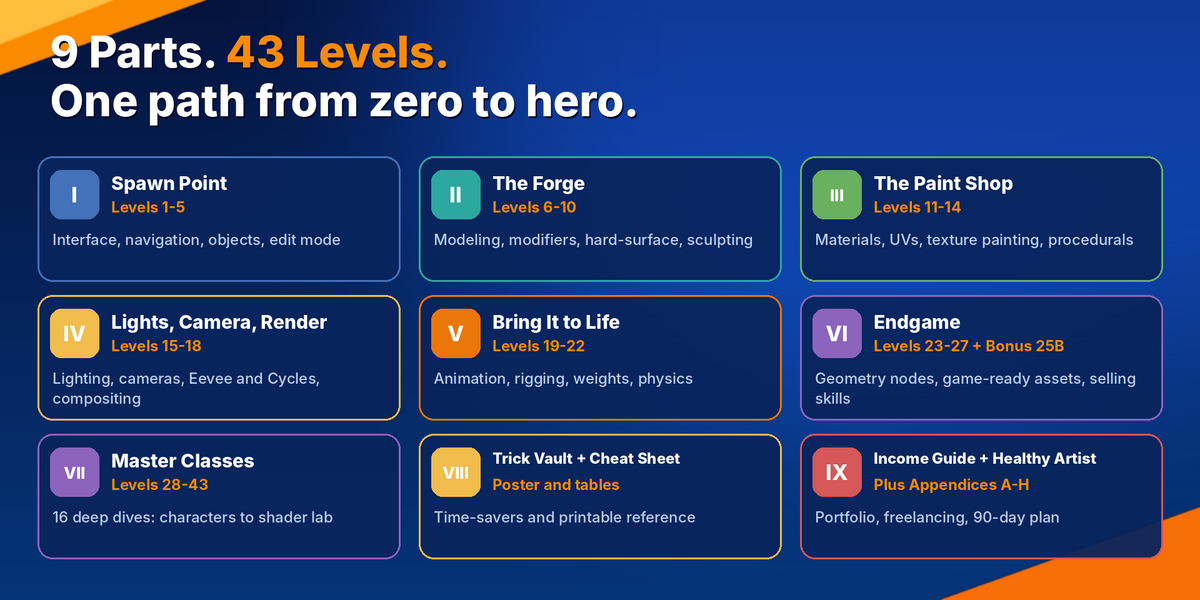
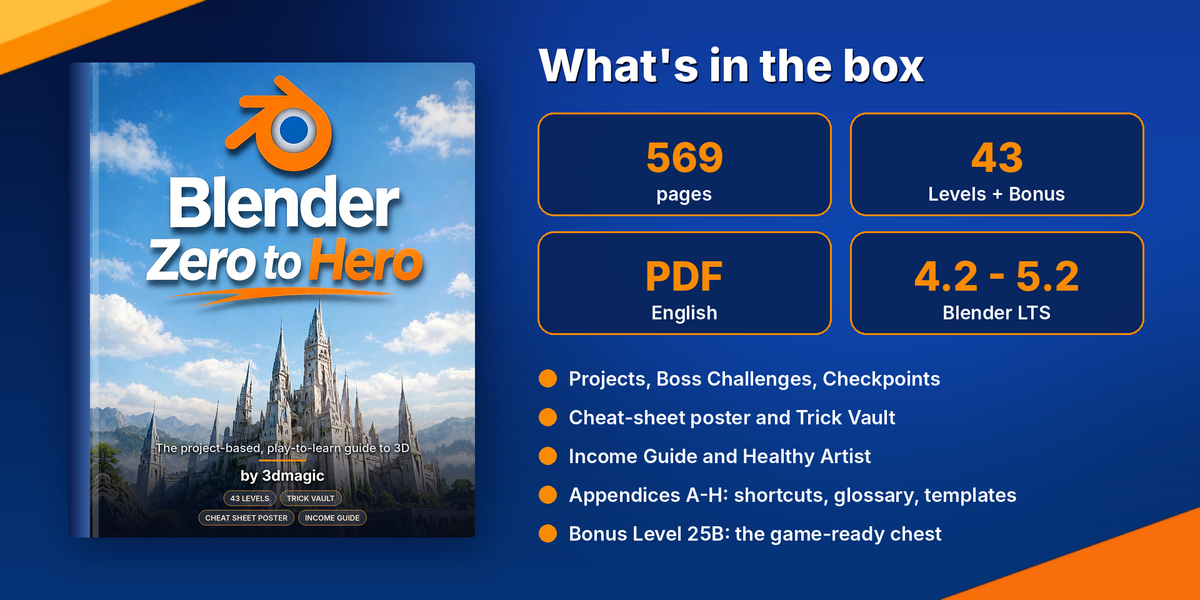
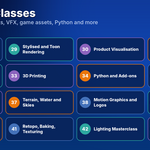
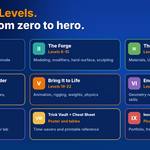
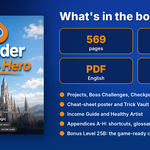
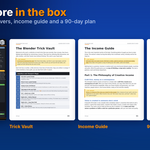
A 569-page PDF guide that takes you from installing Blender to exporting a game-ready asset and launching a portfolio. It is organised as 43 Levels, 16 Master Classes, 100 practice projects and 8 appendices.
What you receive
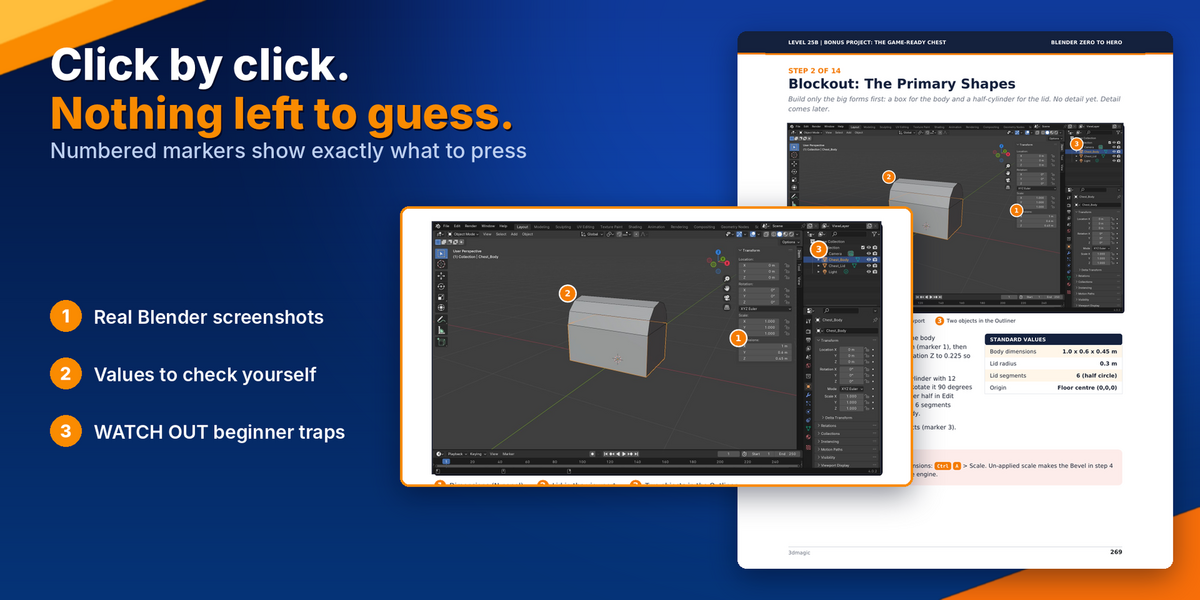
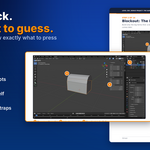
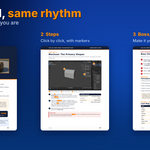
One PDF file in English, with real screenshots, numbered markers on every important click and Standard Values tables to check your numbers.
Requirements
- Blender 4.2 LTS to 5.2 LTS (free from blender.org)
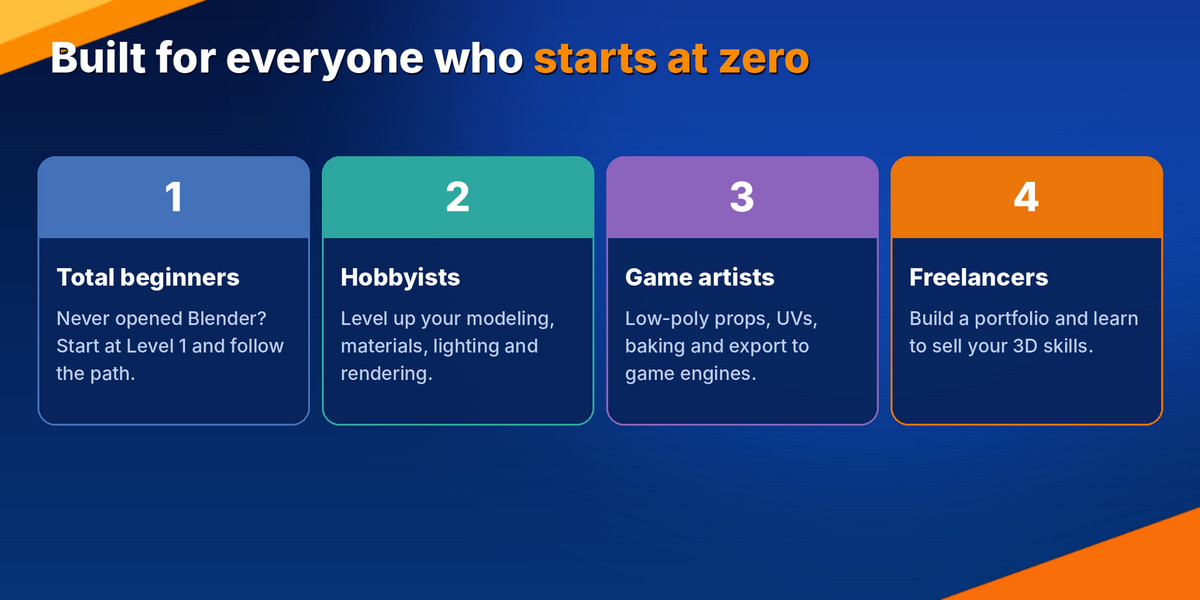
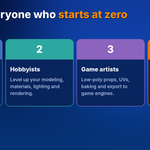
- No prior 3D experience needed
How to use it
- Start at Level 1 and follow the Levels in order. Each one builds on the last.
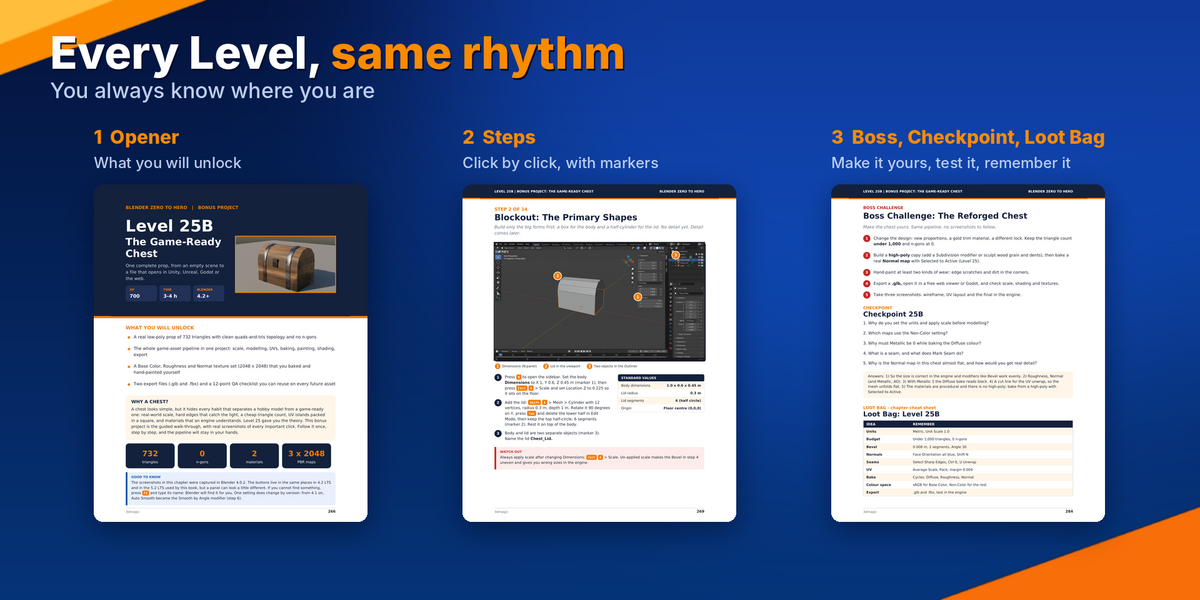
- In every Level, read the “What you will unlock” opener, follow the click-by-click steps, then finish the project.
- Test yourself with the Boss Challenge (redo the project your own way) and the Checkpoint quiz.
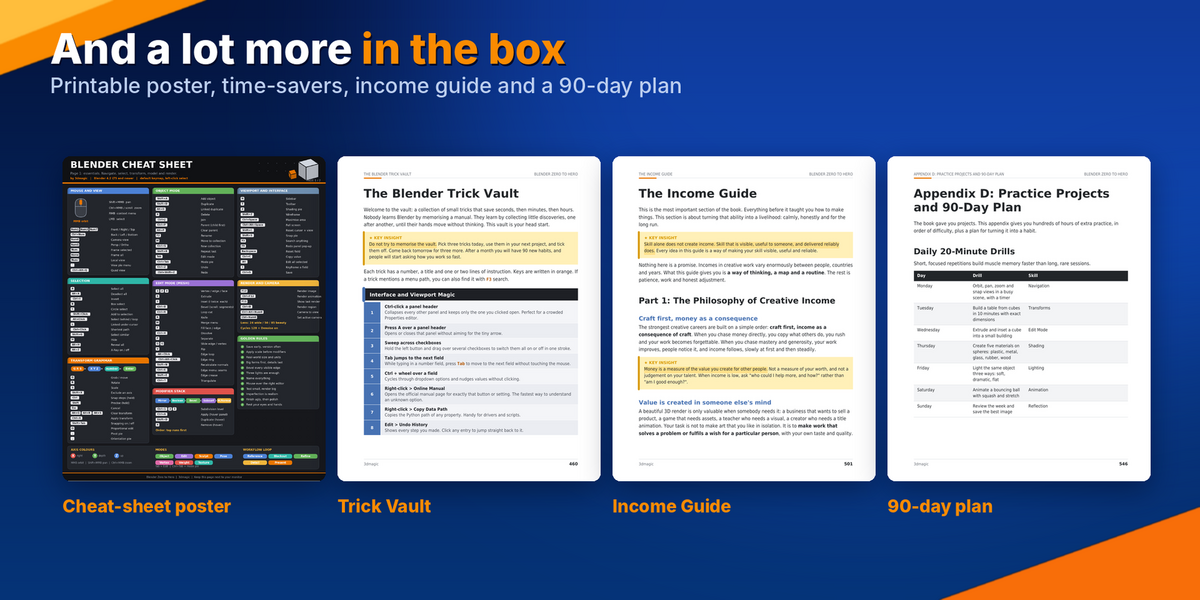
- Keep the Loot Bag, a one-page cheat sheet, for quick review.
- After Level 27, pick the Master Classes that match your goal.
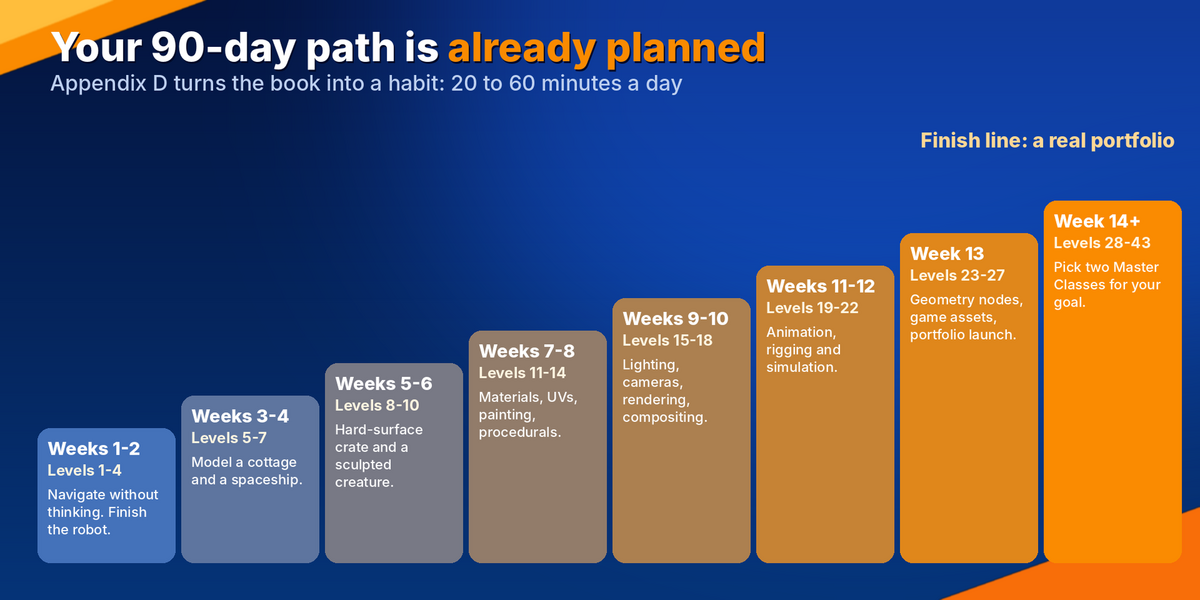
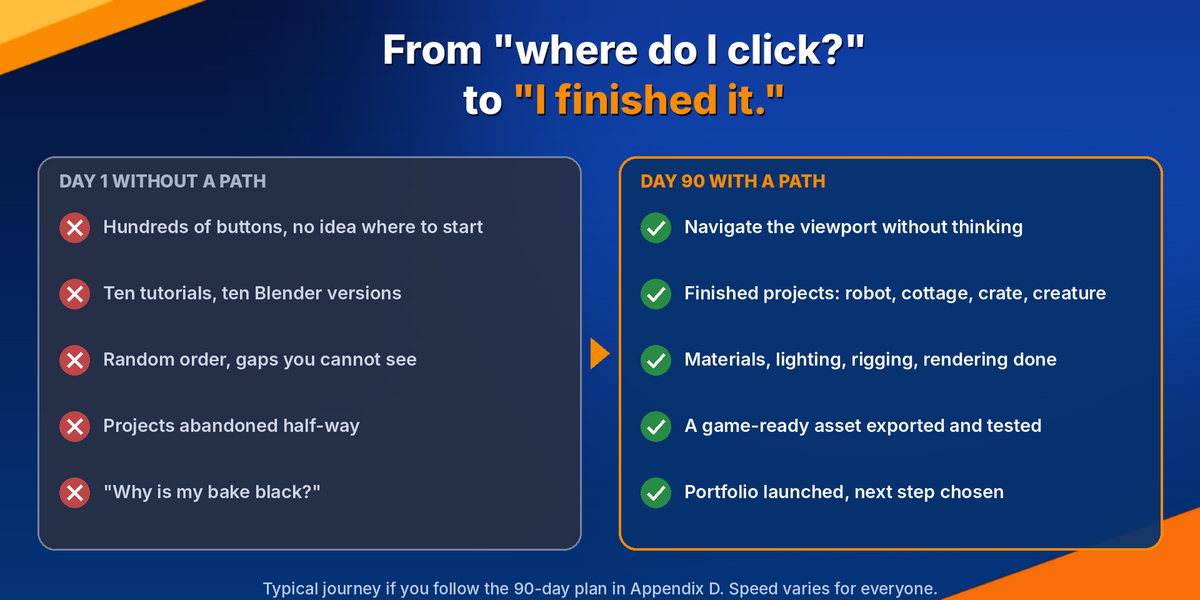
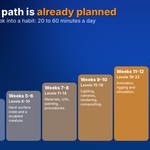
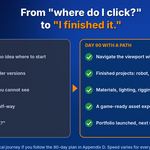
- Use Appendix D for the 90-day plan (20 to 60 minutes a day) and the 100 practice projects.
Good to know
- Look for the WATCH OUT boxes. They sit exactly where beginners usually get stuck.
- If a panel looks different in your Blender version, press F3 and search for the tool by name.
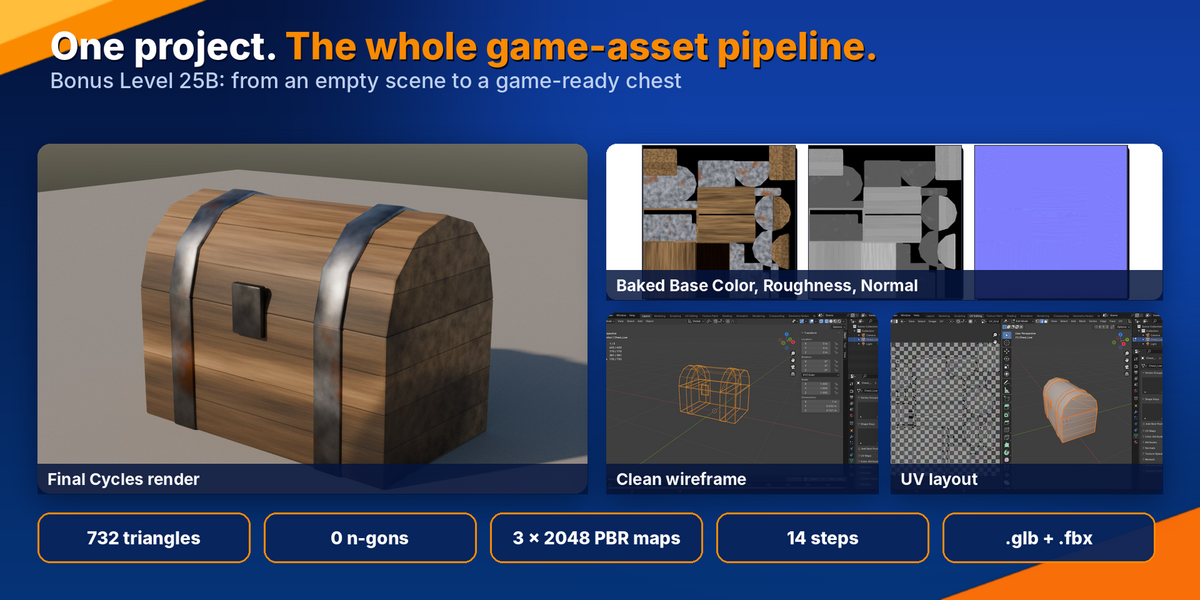
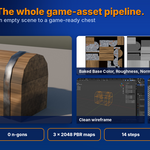
- The bonus chest chapter screenshots were taken in Blender 4.0.2. The buttons are in the same places in newer versions, and the chapter flags the one setting that changed.
Where to find things
Appendix A: Shortcut Index · B: Glossary · C: Troubleshooting · D: Practice Projects and 90-Day Plan · E: Resources, Licences and Safety · F: Progress Tracker · G: Templates and Checklists · H: Recommended Blender Setup
Support
Questions or problems? Contact me through
Have questions about this product?
Login to message
| Published | about 1 hour ago |
| Blender Version | 4.2 - 5.2 |
| License | Royalty Free |
Discover more products like this
learn blender 3d animation blender training geometry nodes game assets Texturing beginner guide blender tutorial sculpting blender Character Creation 3d modeling