 3DMAGIC
10. Do I need to buy anything else, and can I use what I learn commercially?
No extra purchase is needed. Blender itself is free for personal and commercial use, and the book teaches with the free version. Appendix E covers licences and safe sources for assets.
9. Does the book help me earn money with Blender?
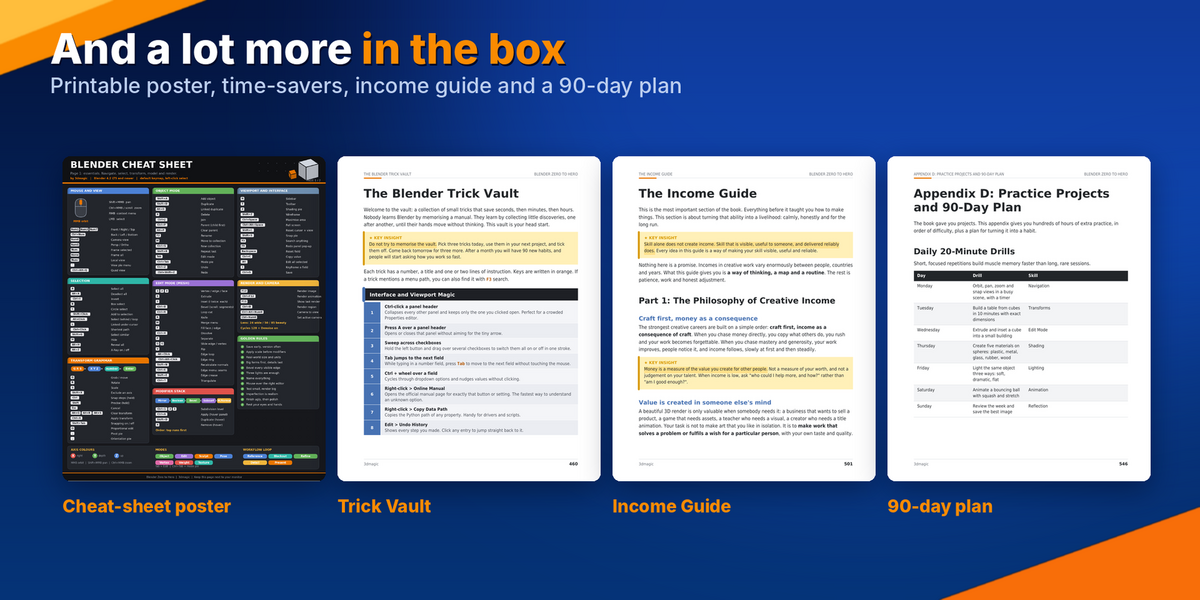
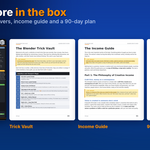
It gives you the foundations, but it does not promise income. Level 27 (Selling Your Skills) and the Income Guide cover how to price your work, how to find your first niche, how to build a portfolio and how to write a clear outreach message. The Portfolio projects (81 to 100) give you pieces worth showing.
8. Will I learn to make assets for Unity, Unreal and Godot?
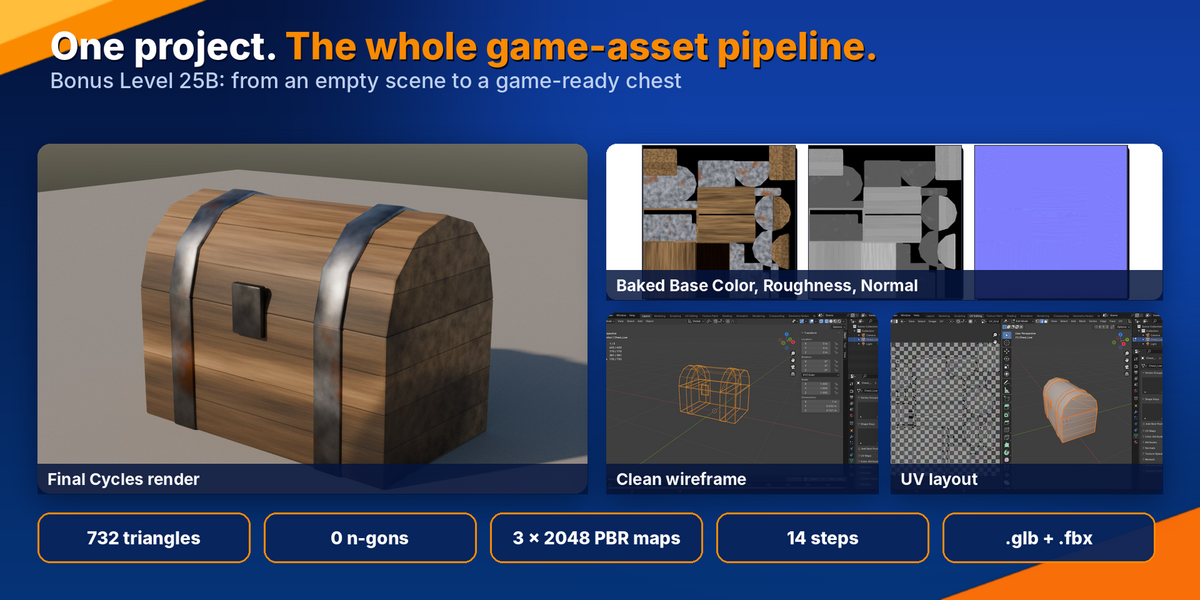
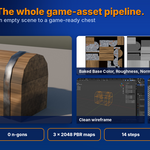
Yes. Level 25 covers game-ready assets, and Bonus Level 25B walks you through a complete game-ready chest in 14 steps (about 3 to 4 hours). It covers real-world scale, clean low-poly modeling, UVs, baking, hand-painted wear and a shader setup engines understand. You then export to .glb and .fbx for Unity, Unreal and Godot, and you finish with a reusable 12-point QA checklist.
7. Are there real projects, or only theory?
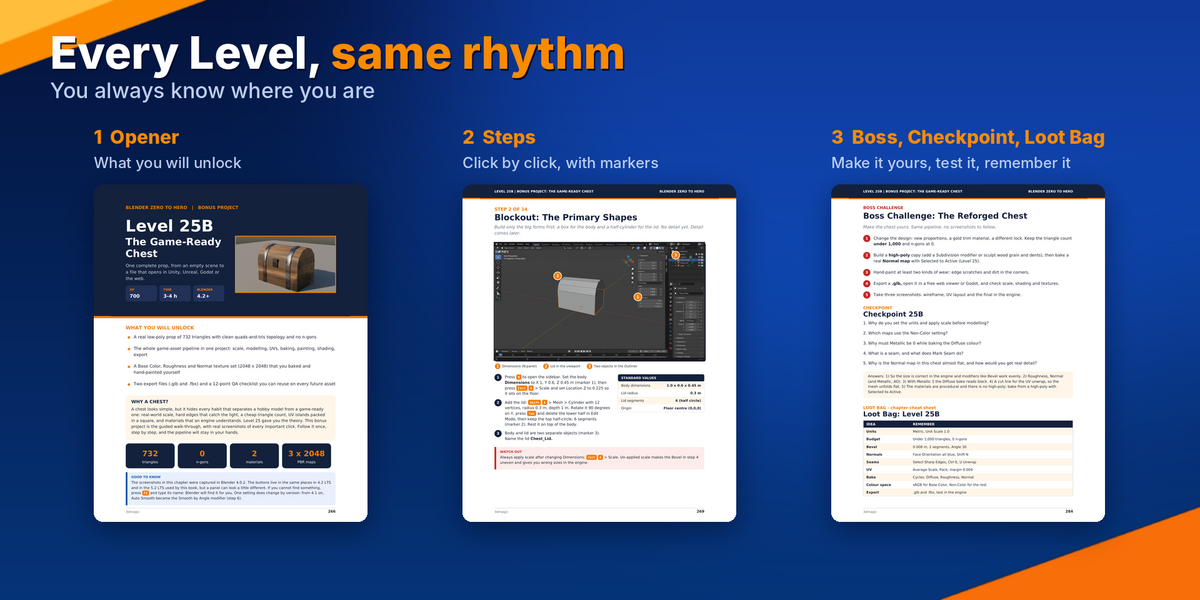
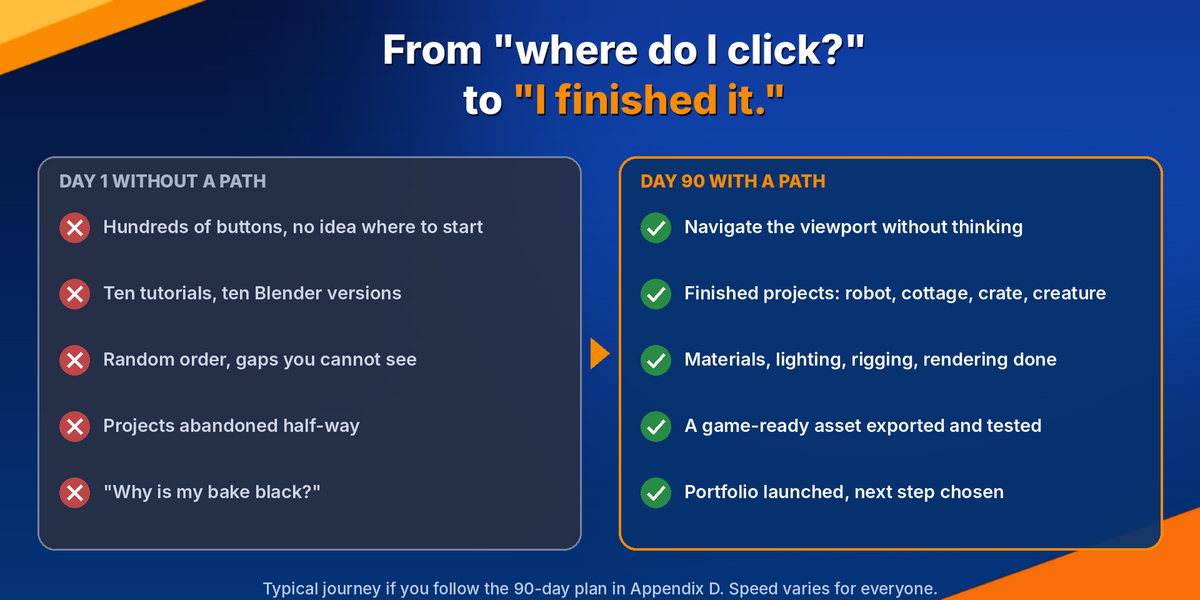
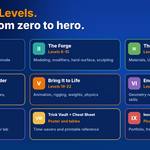
Mostly projects. Most Levels end with a hands-on build, such as a robot, a low-poly cottage, a chair, a crate or a spaceship. Each Level also has a Boss Challenge to redo the project your own way, a checkpoint quiz and a one-page Loot Bag cheat sheet. Appendix D adds 100 graded practice projects and daily 20-minute drills.
6. What if I get stuck, or my screen looks different from the screenshots?
Most Levels include a WATCH OUT box exactly where beginners usually get stuck. There is also a troubleshooting appendix, and the book teaches the F3 search key, which finds any tool even when you cannot remember which menu it is in. If a panel looks slightly different in your version, press F3 and search for it.
5. Is this only for game art?
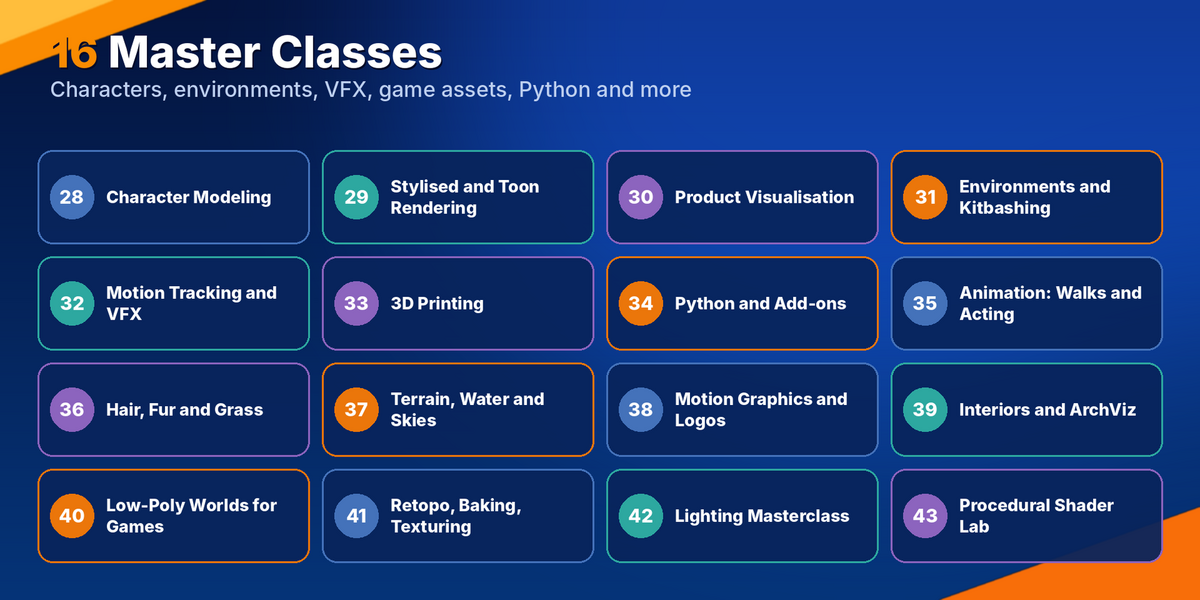
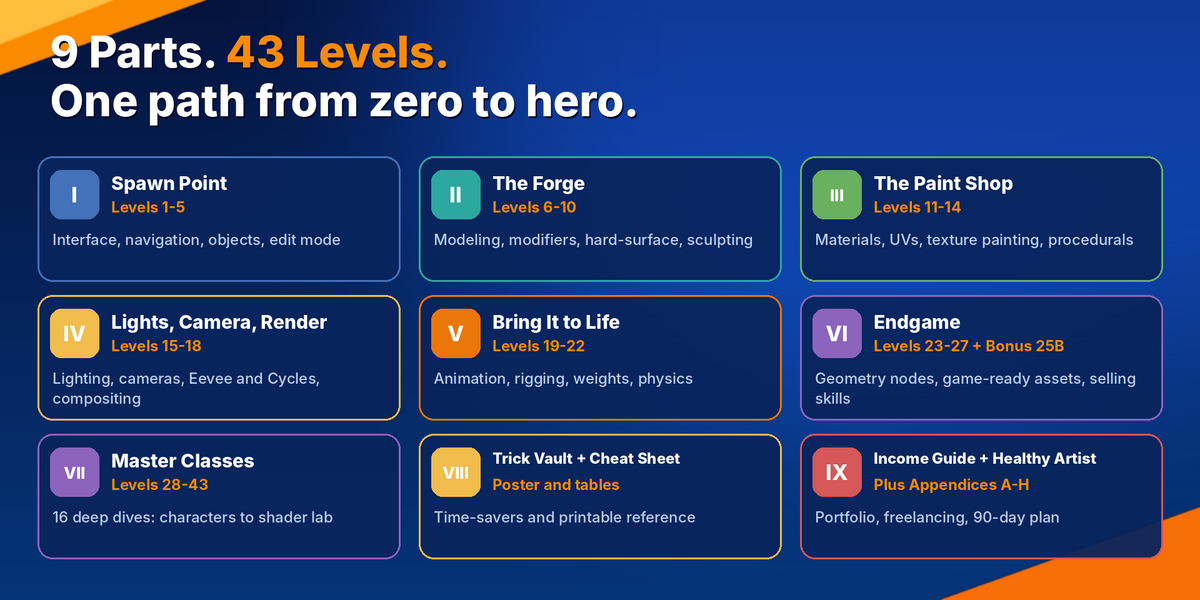
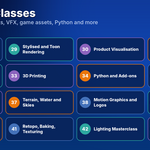
No. The core path covers modeling, materials, UV unwrapping, lighting, rendering, animation, rigging and Geometry Nodes. The 16 Master Classes then let you choose a direction, such as characters, toon rendering, VFX, 3D printing, architecture visualisation or Python add-ons. Game-ready assets are just one part of the path.
4. How long will it take to finish?
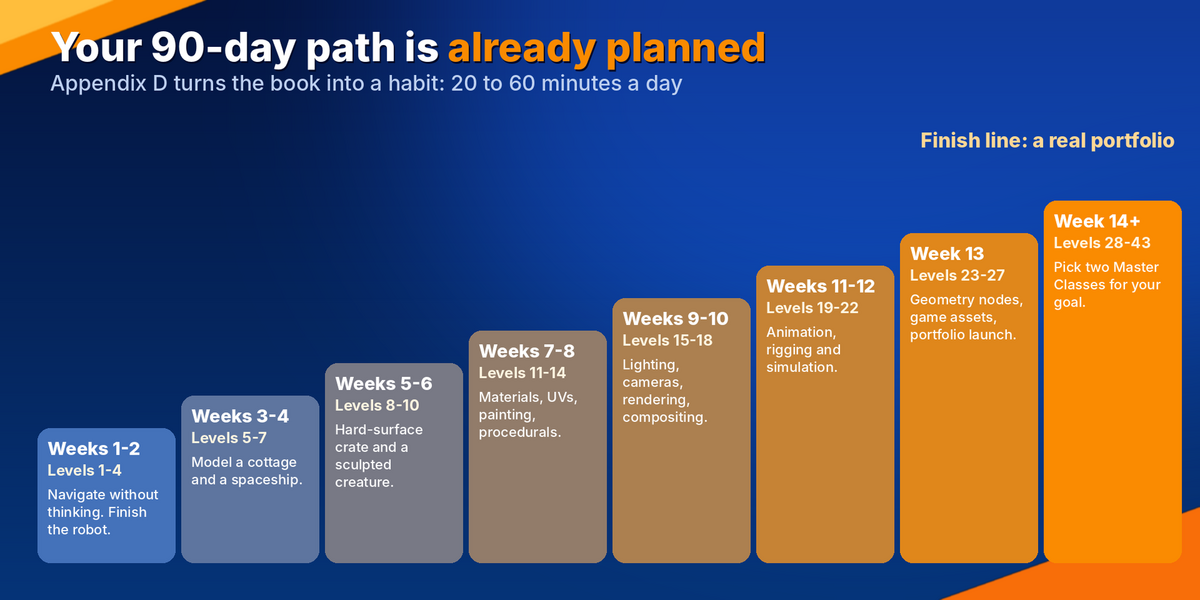
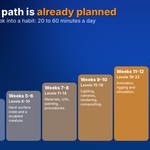
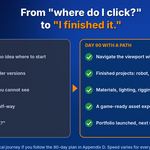
It is built for 20 to 60 minutes a day, and Appendix D lays out a 90-day plan with a clear target every two weeks. Level 1 takes about 60 minutes. You can go slower, because the goal is to finish the projects, not to race through the book.
3. Which Blender version do I need?
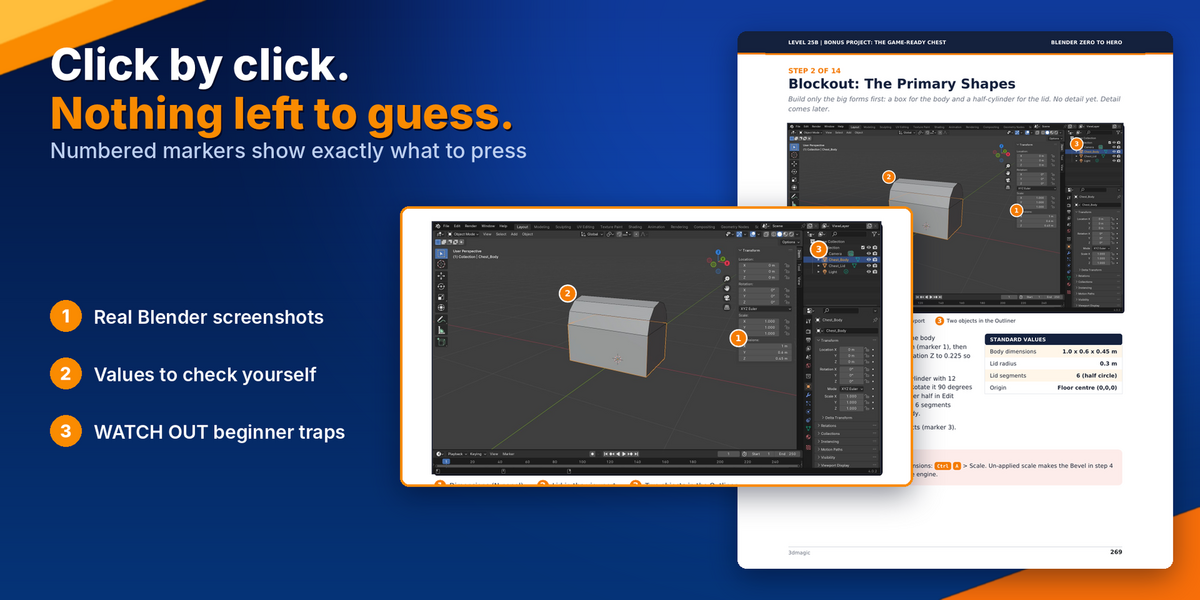
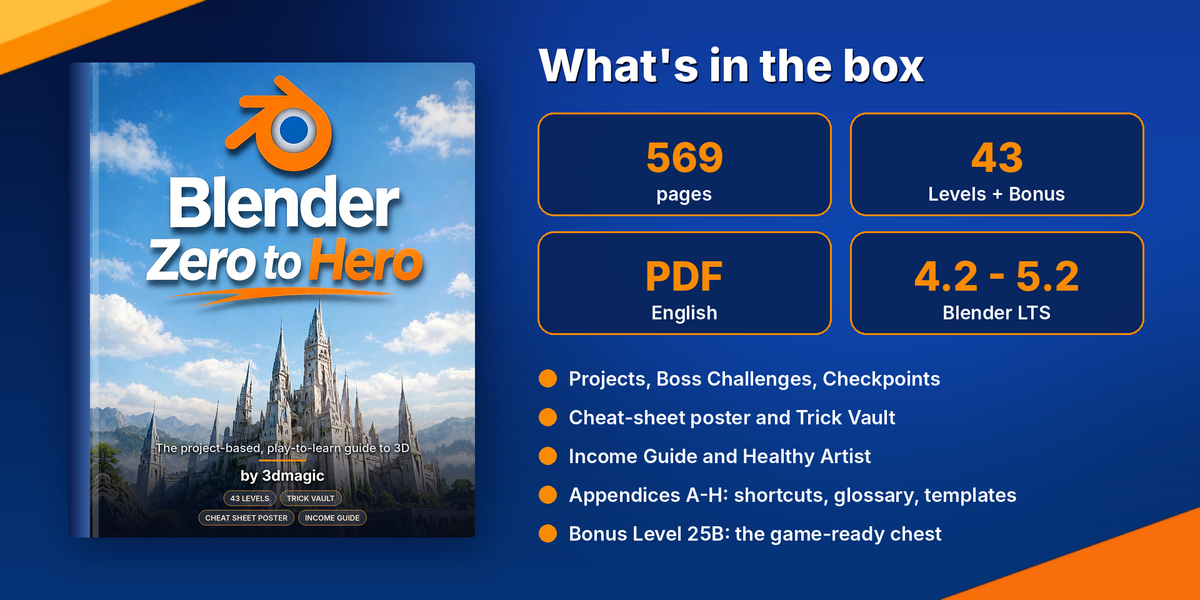
The book is written for Blender 4.2 LTS to 5.2 LTS. The screenshots in the bonus chest chapter were captured in Blender 4.0.2. The buttons are in the same places in newer versions, and the chapter flags the one setting that changed.
2. Is this a video course? What exactly do I receive?
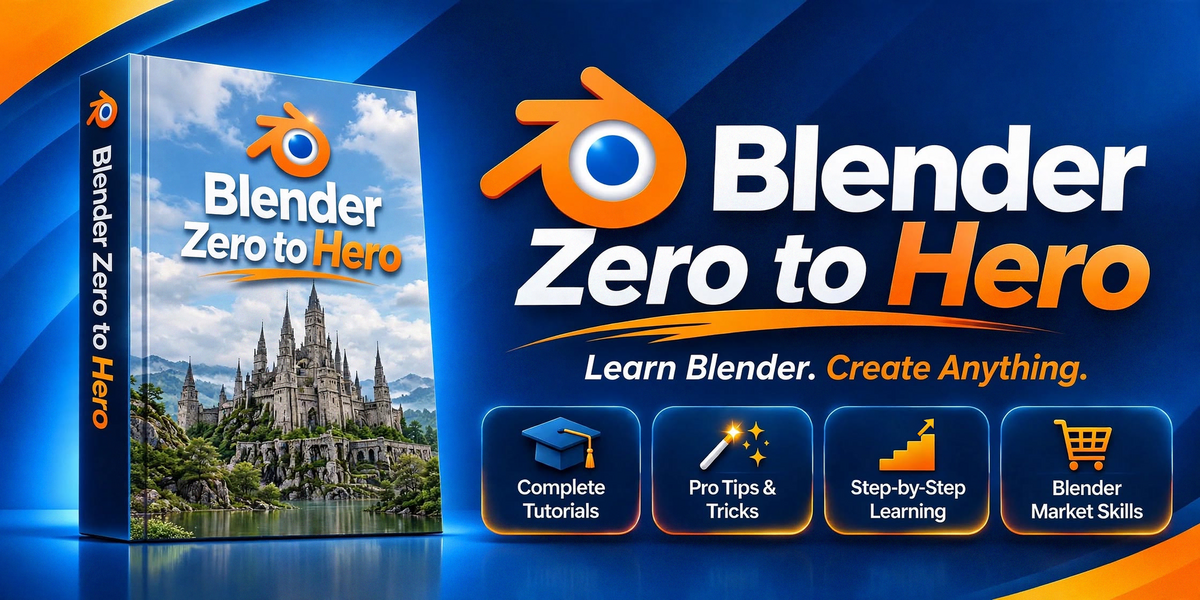
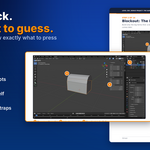
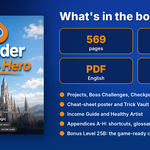
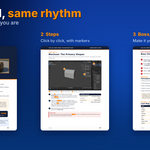
No, it is not a video course. You receive one 569-page PDF in English with real screenshots, numbered markers pointing at the exact buttons, and Standard Values tables so you can check your own numbers as you follow along.
1. I have never opened Blender. Can I still follow this book?
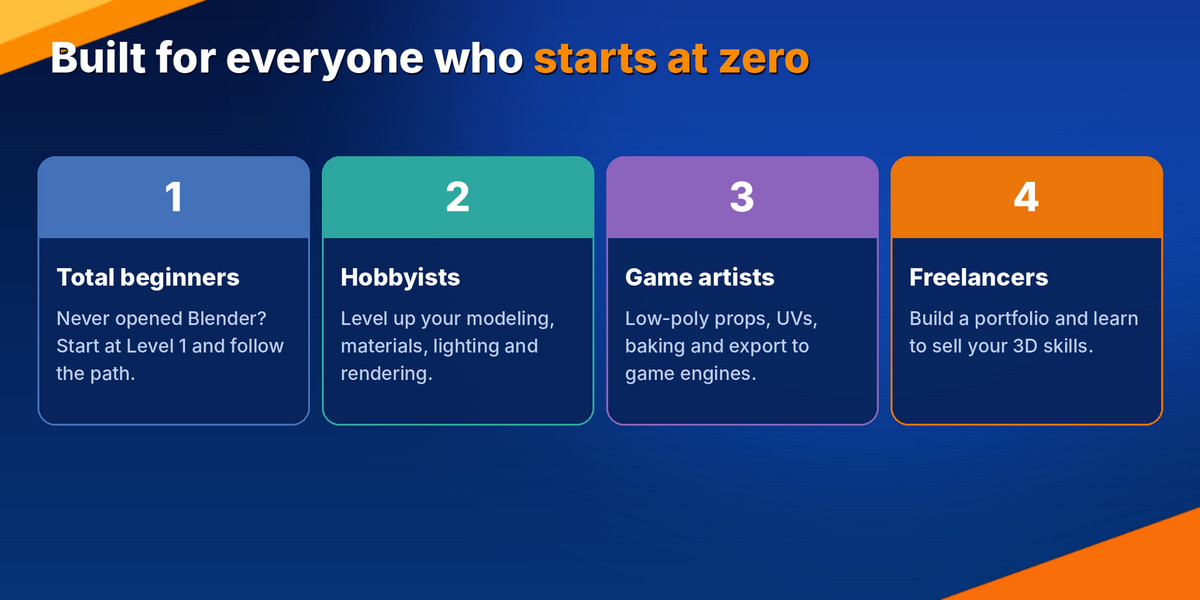
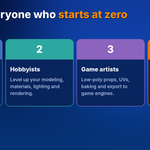
Yes. Level 1 starts from zero: installing Blender, understanding the default scene and saving safely. No prior 3D knowledge is assumed, and every Level builds on the one before it.
Have questions about this product?
Login to message
| Published | about 1 hour ago |
| Blender Version | 4.2 - 5.2 |
| License | Royalty Free |
Discover more products like this
learn blender blender training blender beginner guide blender tutorial sculpting game assets Texturing 3d modeling Character Creation geometry nodes 3d animation