An updated version for Blender 5.3 has been added
THE PROJECT-BASED GUIDE TO 3D
Stop collecting tutorials
Start finishing projects
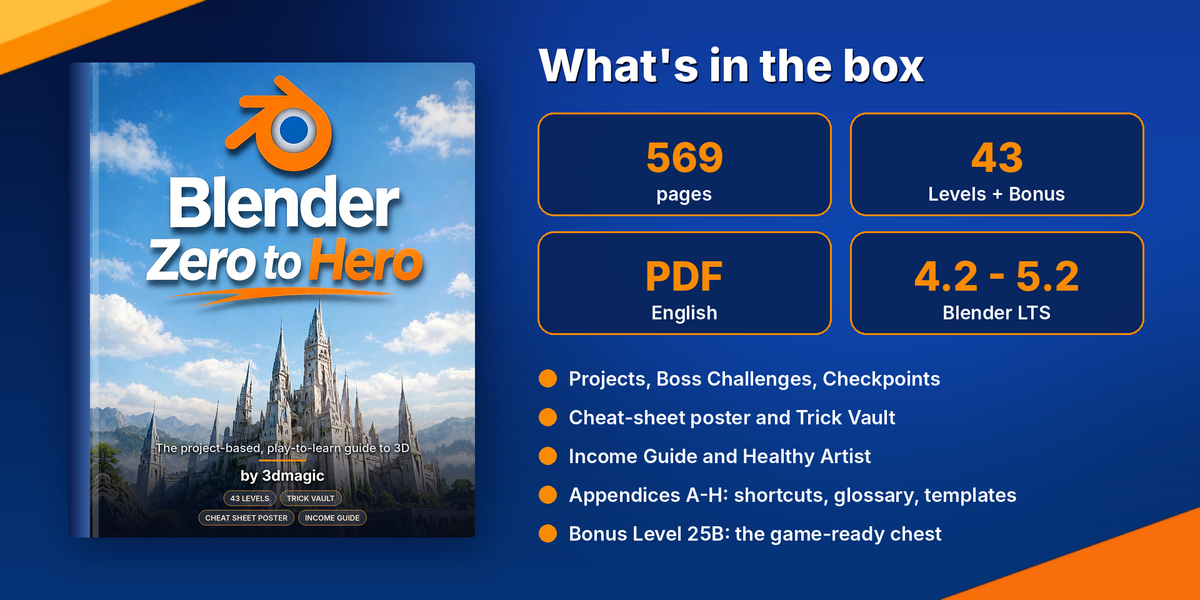
A 569-page PDF that takes you from installing Blender to exporting a game-ready asset and launching a portfolio, one small win at a time.
DOES THIS SOUND FAMILIAR?
You open Blender. It looks like a spaceship cockpit.
Hundreds of buttons. Ten tutorials in ten different versions. A half-finished donut, a half-finished chair, and no idea what to learn next.
That is not a talent problem. It is a missing-path problem. Beginners rarely quit because 3D is too hard. They quit because nobody told them what to do next.
Blender Zero to Hero is that missing path: one book, one order, one clear next step. Level 1 promises your first rendered image in about an hour, and it keeps that promise.
WHY MOST PEOPLE NEVER GET GOOD
Three reasons beginners quit (and how this book fixes each)
🔀
1. Random order
Videos teach whatever is trendy, so you learn rendering before you can model and sculpting before you can navigate. Fix: 43 Levels in a deliberate order, each building on the last.
🧭
2. Version chaos
Every tutorial uses a different Blender version and a different interface. Fix: one book written for Blender 4.2 LTS to 5.2 LTS, with the search key (F3) as your safety net.
🏁
3. No finish line
Without projects you never finish anything, so you never feel progress. Fix: projects, Boss Challenges and a 90-day plan with a clear target every two weeks.
SAVE YOURSELF HOURS
The most expensive part of learning Blender is not the price
It is the evenings lost to problems that have a one-line fix. Most Levels place a WATCH OUT box exactly where beginners get stuck, so you read the warning before you make the mistake, not after three hours of confusion.
Five costly mistakes the book stops you from making:
✓ Un-applied scale: uneven bevels and the wrong size in the game engine
✓ Flipped normals: black or inside-out faces in the engine
✓ Metallic = 1 while baking colour: a completely black bake
✓ Unsaved painted textures: your wear and dirt vanish when you close the file
✓ Wrong colour space: Normal and Roughness loaded as sRGB make lighting look wrong
Real example from the bonus chest project
If Metallic is set to 1 while you bake colour, the Diffuse bake comes out completely black. Most beginners assume their model is broken. The book tells you why it happens and the exact setting to change, before you lose the evening.
THE ROADMAP
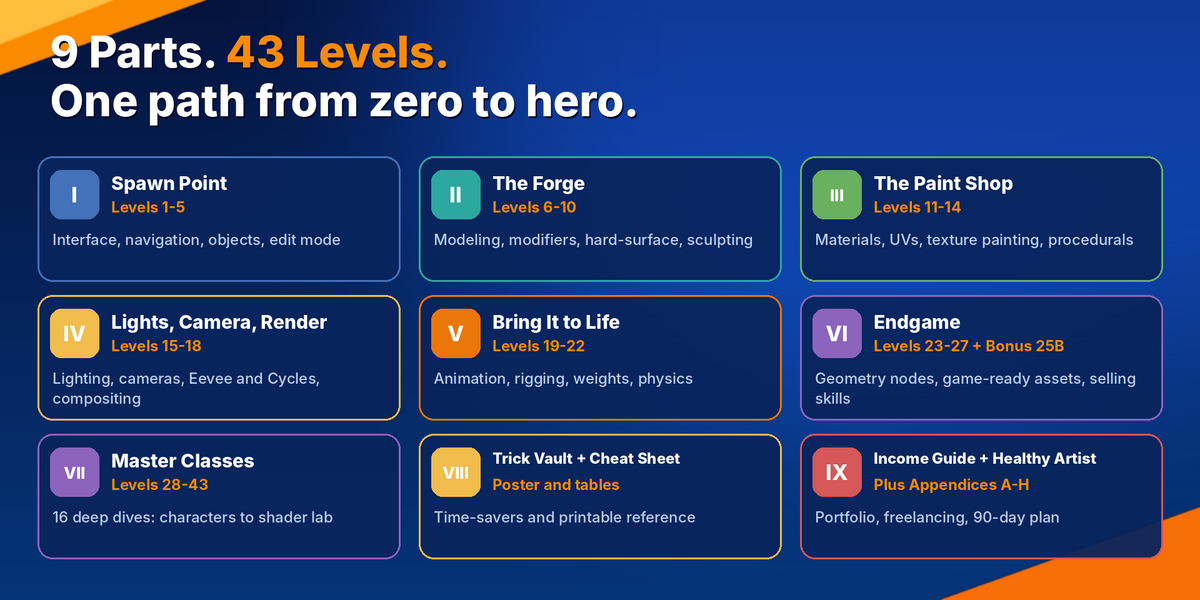
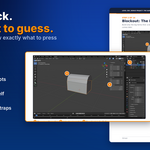
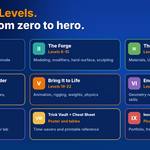
9 Parts. 43 Levels. Nothing to guess.

Part I: Spawn Point
Levels 1-5
Install Blender, learn the interface, navigate with confidence, understand objects and Edit Mode, and finish your first model.
Part II: The Forge
Levels 6-10
Modeling for real: modifiers, hard-surface thinking, clean topology and sculpting basics.
Part III: The Paint Shop
Levels 11-14
Materials, UV unwrapping, texture painting and procedural shaders that make models look finished.
Part IV: Lights, Camera, Render
Levels 15-18
Lighting, cameras, Eevee and Cycles, and compositing for images that look professional.
Part V: Bring It to Life
Levels 19-22
Animation principles, rigging, weights and physics simulation.
Part VI: Endgame
Levels 23-27 + Bonus 25B
Geometry Nodes, game-ready assets, the full chest project and selling your skills.
Part VII: Master Classes
Levels 28-43
16 deep dives: characters, toon rendering, VFX, 3D printing, Python add-ons and a procedural shader lab.
Part VIII-IX: Vault, Poster, Income
Bonus parts
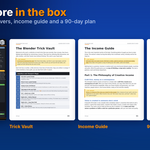
Trick Vault, cheat-sheet poster, Income Guide and Healthy Artist.
See all 43 Levels
1 Welcome to the Blender Universe2 Navigating the 3D Viewport3 The Interface and Workspaces4 Objects and Transforms5 Edit Mode Essentials6 Modeling Tool Belt7 Modifiers8 Hard-Surface Basics9 Curves and Text10 Digital Sculpting11 Materials and Shader Nodes12 UV Unwrapping13 Texture Painting14 Procedural Materials15 Lighting16 Cameras17 Eevee and Cycles18 Compositing19 Animation Basics20 Rigging21 Weights and Shape Keys22 Physics and Simulation23 Geometry Nodes24 Grease Pencil and Video Editing25 Game-Ready Assets26 Rendering Large Scenes27 Selling Your Skills28 Character Modeling from Scratch29 Stylised and Toon Rendering30 Realistic Product Visualisation31 Environments and Kitbashing32 Motion Tracking and VFX33 3D Printing34 Python and Add-ons35 Animation Masterclass: Walks and Acting36 Hair, Fur and Grass37 Terrain, Water and Skies38 Motion Graphics and Logo Animation39 Interiors and Architectural Visualisation40 Low-Poly Worlds for Games41 Retopology, Baking and Texturing a Game Character42 Lighting Masterclass: Cinematic Mood and Colour43 Procedural Shader Lab
HOW EVERY LEVEL WORKS
Built like a game, so you actually finish
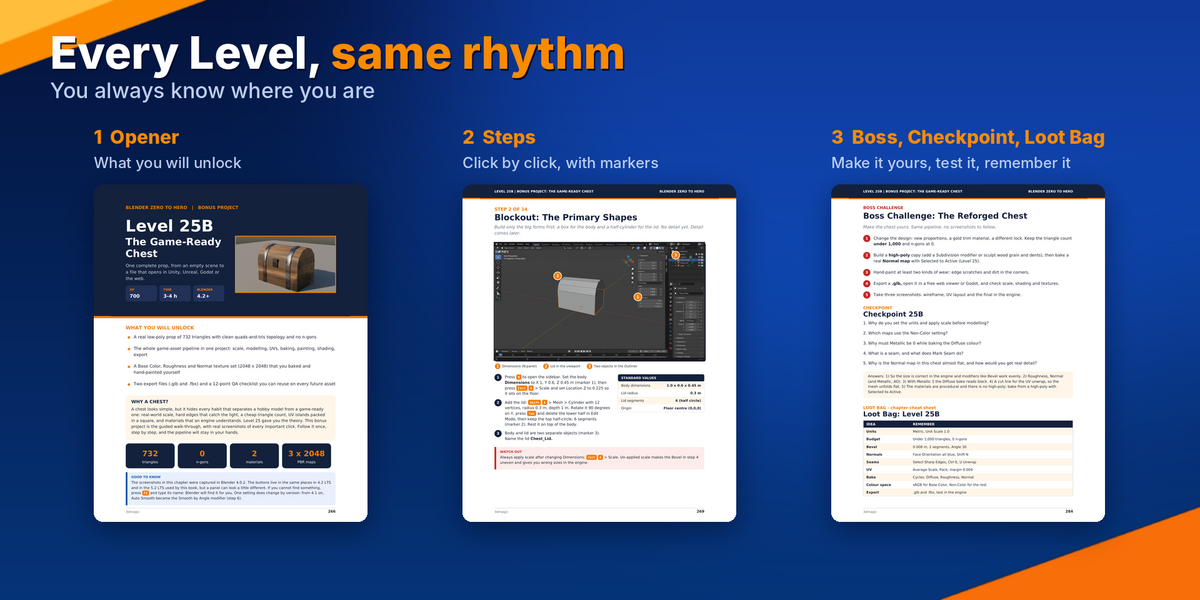
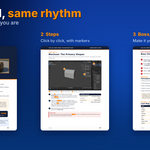
Every Level follows the same rhythm, so you always know where you are and what comes next. Familiar structure removes the friction that makes people quit.
⭐
XP and time
Each Level shows its XP and an honest time estimate (Level 1 is 300 XP, about 60 minutes), so you can plan your evenings.
🔓
"What you will unlock"
Every opener lists the exact skills you gain, so you know why each Level matters.
👉
Click-by-click steps
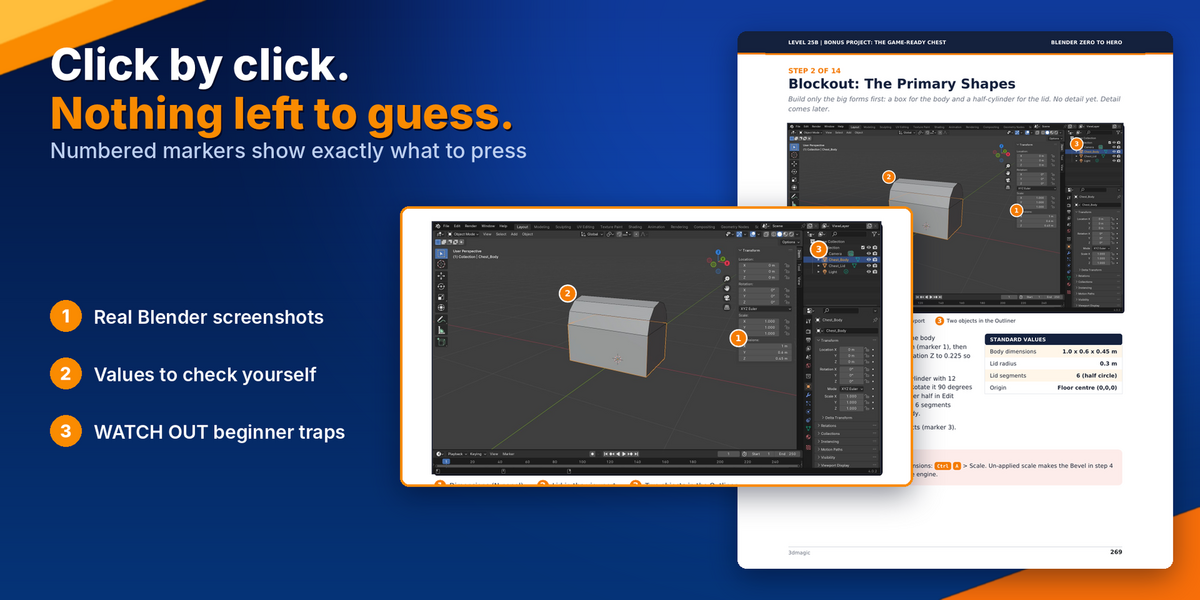
Numbered markers on real screenshots point at the exact button. Standard Values tables let you check your numbers.
⚠
WATCH OUT boxes
Warnings placed exactly where beginners get stuck.
👑
Boss Challenge
Redo the project your own way with no screenshots to follow. This is where real skill grows.
✔
Checkpoint quiz
Short questions with answers, so you know you understood before moving on.
🎁
Loot Bag
A one-page cheat sheet of the few things worth remembering.
A TASTE OF THE BOOK
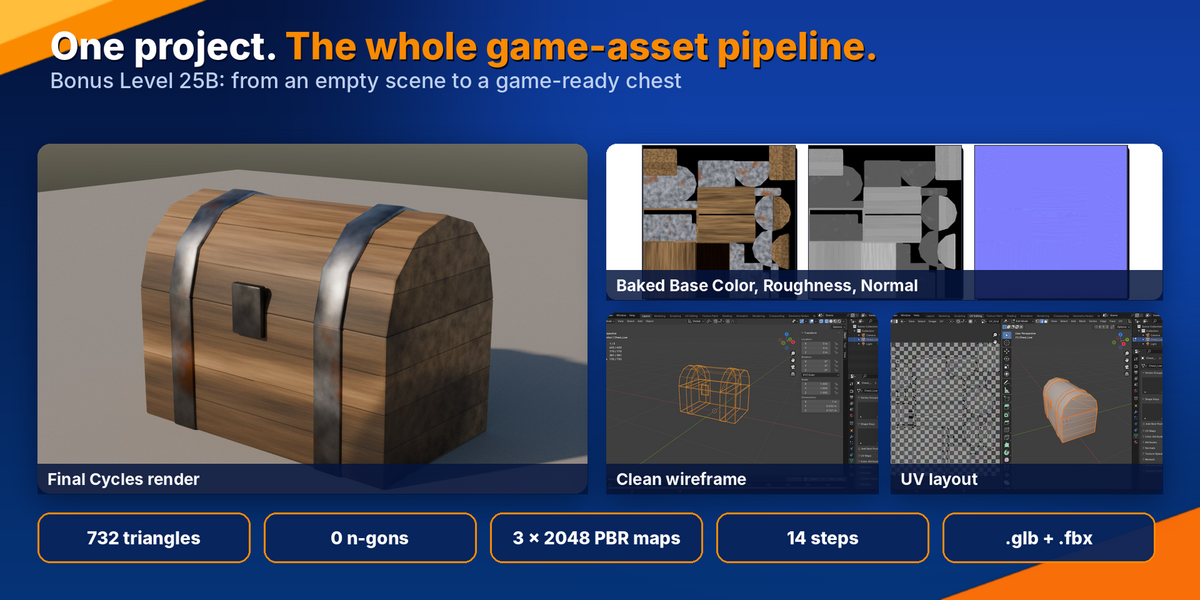
Bonus Level 25B: a complete game-ready chest
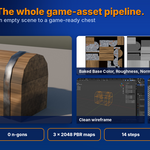
One project that teaches the whole game-asset pipeline in 14 steps (about 3-4 hours): real-world scale, clean low-poly modeling, UVs, baking, hand-painted wear, a shader setup an engine understands, and export to .glb and .fbx for Unity, Unreal and Godot.
1 Scene setup and units2 Blockout: the primary shapes3 Planks with edge loops4 Metal bands, lock and bevel5 Triangle count (under 1,000)6 Normals and origin7 Seams and unwrap8 UV editing and packing9 Baking texture maps10 Texture paint: setup11 Texture paint: wear and dirt12 Shader editor: the workspace13 Shader editor: the node setup14 Export: glTF and FBX
You finish with a source .blend, two engine-ready files and a checklist you can reuse on every asset you ever make.
LEARN BY BUILDING
Real projects, not endless theory
Most Levels end with a hands-on project: a robot built from primitives, a low-poly cottage, a chair, a crate, a spaceship, a sculpted creature, a low-poly world and more. Small finished things beat big abandoned ones.
PART VII
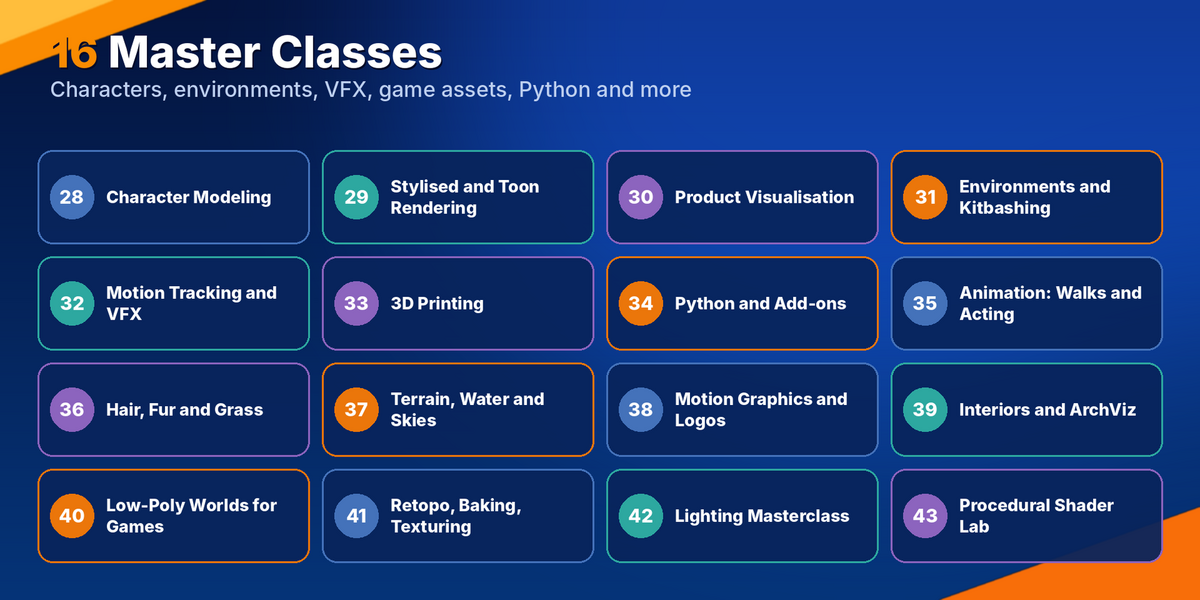
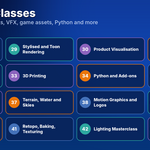
16 Master Classes for the direction you choose
After the core path you pick what matches your goal. Each Master Class is a full project, not a summary.
28 Character Modeling from Scratch29 Stylised and Toon Rendering30 Realistic Product Visualisation31 Environments and Kitbashing32 Motion Tracking and VFX33 3D Printing34 Python and Add-ons35 Animation Masterclass: Walks and Acting36 Hair, Fur and Grass37 Terrain, Water and Skies38 Motion Graphics and Logo Animation39 Interiors and Architectural Visualisation40 Low-Poly Worlds for Games41 Retopology, Baking and Texturing a Game Character42 Lighting Masterclass: Cinematic Mood and Colour43 Procedural Shader Lab
NEVER RUN OUT OF THINGS TO BUILD
100 practice projects and daily 20-minute drills
The book gives you projects. Appendix D gives you hundreds of hours of extra practice, in order of difficulty, so you never wonder what to make next.
Beginner (1-25)
A bowl of fruit, a coffee mug, a simple chair, a traffic cone, a snowman, a treasure chest, a donut, a simple robot...
Intermediate (26-55)
A teapot, a wine glass, a sneaker, headphones, a smartphone, a pirate ship, a low-poly fox, a food truck, a lighthouse on a cliff...
Advanced (56-80)
A sci-fi corridor, a mech character, a dragon head, a neon alley, a perfume ad, a walk cycle, a liquid pour, a motion-tracked shot...
Portfolio (81-100)
A 5-second logo sting, a prop pack of 10 items, a modular building kit, a game-ready weapon, a Blender add-on, a 15-second showreel, a personal brand kit.
Short repetitions build muscle memory faster than long, rare sessions. Here is a week of drills:
| Day |
Drill |
Skill |
| Monday |
Orbit, pan, zoom and snap views in a busy scene, with a timer |
Navigation |
| Tuesday |
Build a table from cubes in 10 minutes with exact dimensions |
Transforms |
| Wednesday |
Extrude and inset a cube into a small building |
Edit Mode |
| Thursday |
Create five materials on spheres: plastic, metal, glass, rubber, wood |
Shading |
| Friday |
Light the same object three ways: soft, dramatic, flat |
Lighting |
| Saturday |
Animate a bouncing ball with squash and stretch |
Animation |
| Sunday |
Review the week and save the best image |
Reflection |
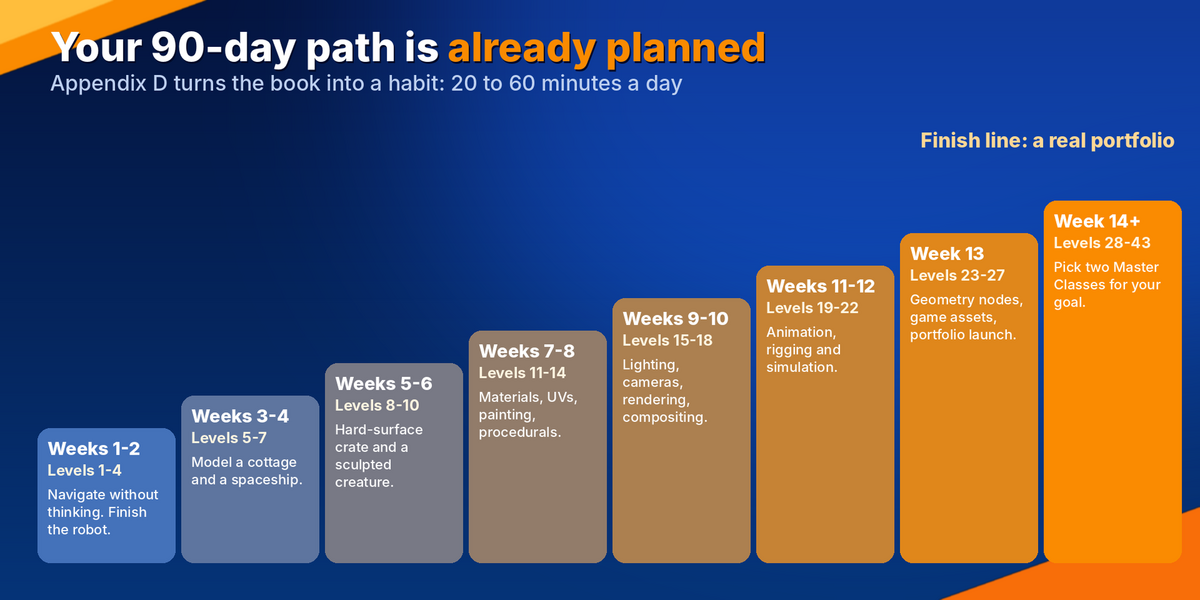
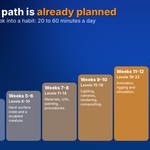
YOUR PLAN IS ALREADY WRITTEN
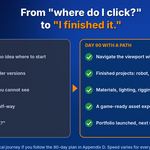
Finish the path in 90 days with 20 to 60 minutes a day
| Weeks |
Focus |
Target |
| 1-2 |
Levels 1-4 |
Navigate without thinking. Finish the robot. |
| 3-4 |
Levels 5-7 |
Model a cottage and a spaceship with modifiers. |
| 5-6 |
Levels 8-10 |
Hard-surface crate and a sculpted creature. |
| 7-8 |
Levels 11-14 |
Materials, UVs, painting, procedurals. |
| 9-10 |
Levels 15-18 |
Lighting, cameras, rendering and compositing. |
| 11-12 |
Levels 19-22 |
Animation, rigging and simulation. |
| 13 |
Levels 23-27 |
Geometry Nodes, game assets, portfolio launch. |
| 14+ |
Levels 28-43 |
Pick two Master Classes that match your goal. |
Permission to go at your own speed
Everyone learns differently. If a Level takes two weeks, that is fine. The goal is not to finish the book. It is to finish the projects.
The book also teaches you how to practise well:
✓ Time-box every session: when the timer ends, stop, save and move on
✓ Always work from reference photos
✓ Finish. A finished mediocre piece beats an abandoned great one
✓ Keep your first render of every project and compare after a month
✓ Ask for one specific critique, not general feedback
✓ Rest. 20 to 60 minutes a day beats six hours once a week
BEYOND THE LEVELS
Bonuses that turn skills into a career
📜
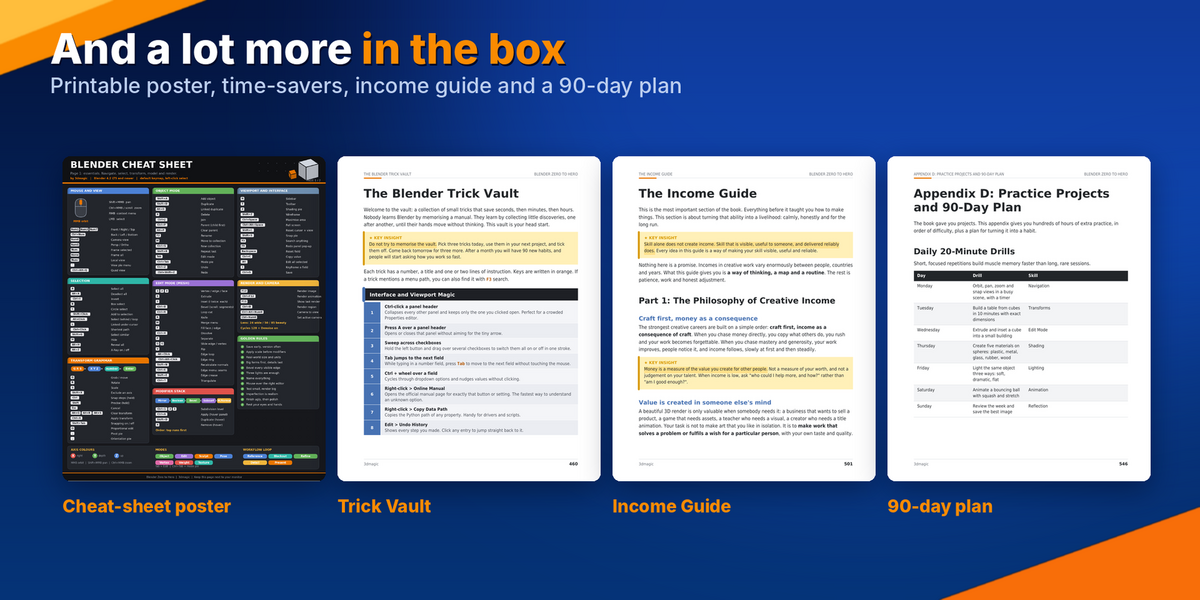
Cheat-sheet poster and reference tables
Two poster pages and reference tables with the shortcuts you will use daily.
💎
The Blender Trick Vault
A collection of time-savers that experienced users rely on.
💰
The Income Guide
The philosophy of creative income, pricing in plain words (know your floor, know the client value, price by project), a step-by-step path to your first niche and portfolio, and a five-part outreach message.
💚
The Healthy Artist
Time, energy and calm: habits that keep you creating without burning out.
📚
8 Appendices
A: Shortcut Index. B: Glossary. C: Troubleshooting. D: Practice Projects and 90-Day Plan. E: Resources, Licences and Safety. F: Progress Tracker. G: Templates and Checklists. H: Recommended Blender Setup.
EVERYTHING IN ONE PLACE
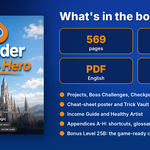
What you get in the PDF
✓ 43 Levels with real screenshots, markers and Standard Values tables
✓ 16 Master Classes for the direction you choose
✓ 100 graded practice projects plus daily 20-minute drills
✓ Bonus Level 25B: complete game-ready chest with a reusable 12-point QA checklist
✓ Cheat-sheet poster, reference tables and Trick Vault
✓ Income Guide and Healthy Artist chapters
✓ 8 appendices including glossary, troubleshooting, progress tracker and templates
✓ Delivered as one 569-page PDF in English, for Blender 4.2 LTS to 5.2 LTS
Try one lesson right now (free)
In Blender, press F3 and type the name of any tool. Blender finds it for you, even when you cannot remember which menu hides it. That kind of small, practical habit appears throughout the book, and it is the reason beginners stop feeling lost.
IS THIS FOR YOU?
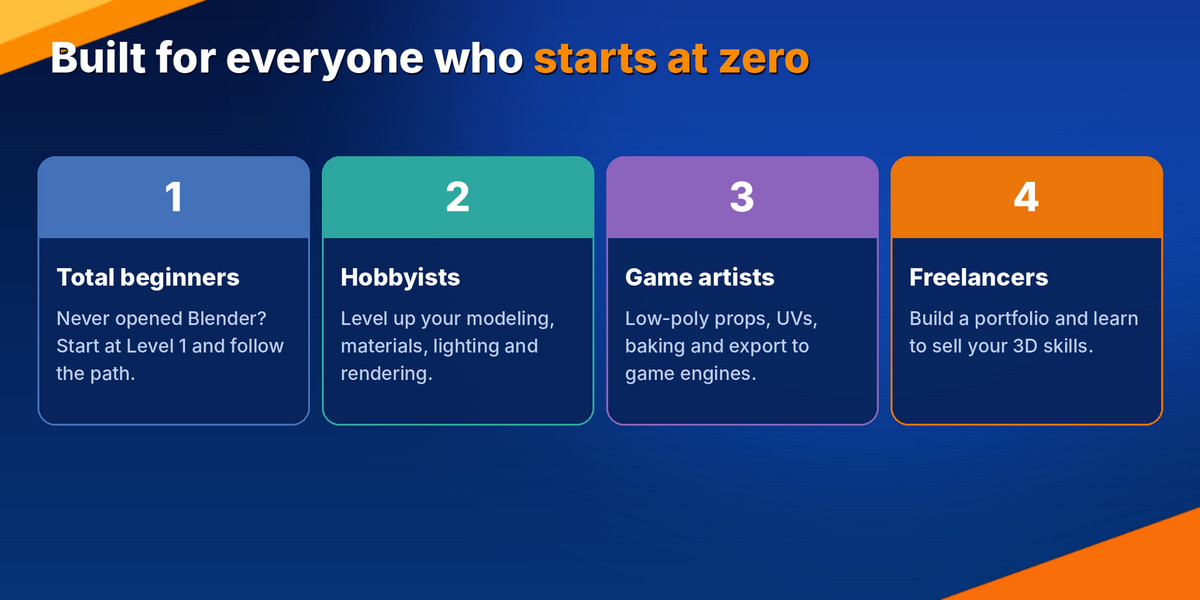
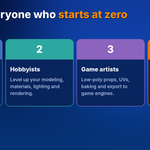
Built for everyone who starts at zero
👍
This book is for you if...
You are starting from zero
You learn best by building
You want a clear order instead of random videos
You want game-ready assets, renders or a portfolio
You want a plan you can follow in short daily sessions
🚫
This book is not for you if...
You want a video course (it is a PDF)
You already know Blender well and need one narrow advanced technique
You want results without practising
TRANSPARENCY
An honest note about versions and practice
No book can replace practice, and this one will not pretend to. It is written for Blender 4.2 LTS to 5.2 LTS. The screenshots in the bonus chest chapter were captured in Blender 4.0.2. The buttons live in the same places in newer versions, and the chapter flags the one setting that changed (Auto Smooth became the Smooth by Angle modifier). If a panel looks slightly different, press F3 and search for it.
WHERE YOU WILL BE
After this book, you will be able to...
✓ Navigate Blender confidently without hunting through menus
✓ Model clean low-poly and hard-surface objects with sensible topology
✓ Unwrap UVs, bake maps and build materials that engines understand
✓ Light and render images that look intentional, not accidental
✓ Animate, rig and simulate simple scenes
✓ Export game-ready assets to Unity, Unreal and Godot and test them
✓ Plan your learning with a 90-day schedule and 100 project ideas
✓ Build a portfolio, price your work and send a clear outreach message
QUESTIONS
Frequently asked questions
I have never opened Blender. Is that okay?
Yes. Level 1 starts with installing Blender, understanding the default scene and saving safely. No prior knowledge is assumed.
Is this a video course?
No. It is a 569-page PDF in English, designed to be followed step by step, with screenshots and numbered markers next to every important click.
Which Blender version do I need?
The book is written for Blender 4.2 LTS to 5.2 LTS. Any version in that range works.
Is it only for game art?
No. It covers modeling, materials, lighting, animation, rendering, VFX, 3D printing and more. Game-ready assets are one part of the path.
How much time does it take?
Plan on 20 to 60 minutes a day. Appendix D shows what to do each week. Level 1 takes about 60 minutes.
Do I need to buy anything else?
Blender itself is free for personal and commercial use. The book teaches you with the free version.
Can I use what I learn commercially?
Yes. The book explains that Blender is free forever for personal and commercial work, and Appendix E covers licences and safe asset sources.
What if I get stuck?
Use the WATCH OUT boxes, the troubleshooting appendix and the search key (F3). The bonus chapter even ends with a table of common problems and their fixes.

Your first cube is one click away
Six months from now you will either still be bouncing between tutorials, or you will have finished projects, a portfolio and a clear next step.
The only difference is whether you start with a path today.
Learn Blender. Create Anything.
 3DMAGIC