Blender2Bag
 Me_D
Me_D
🚀 Installation Guide
Method 1: Drag & Drop
- Open Blender.
- Drag and drop the downloaded .zip file directly into the Blender window.
- Click Install on the popup menu.
Method 2: Standard Installation
- Open Blender and go to Edit > Preferences > Get Extensions (or Add-ons in older versions).
- Click the dropdown menu in the top right corner and select Install from Disk... (or click Install...).
- Select the downloaded .zip file and click Install.
- Enable Blend2Bag Exporter by checking the box if needed.
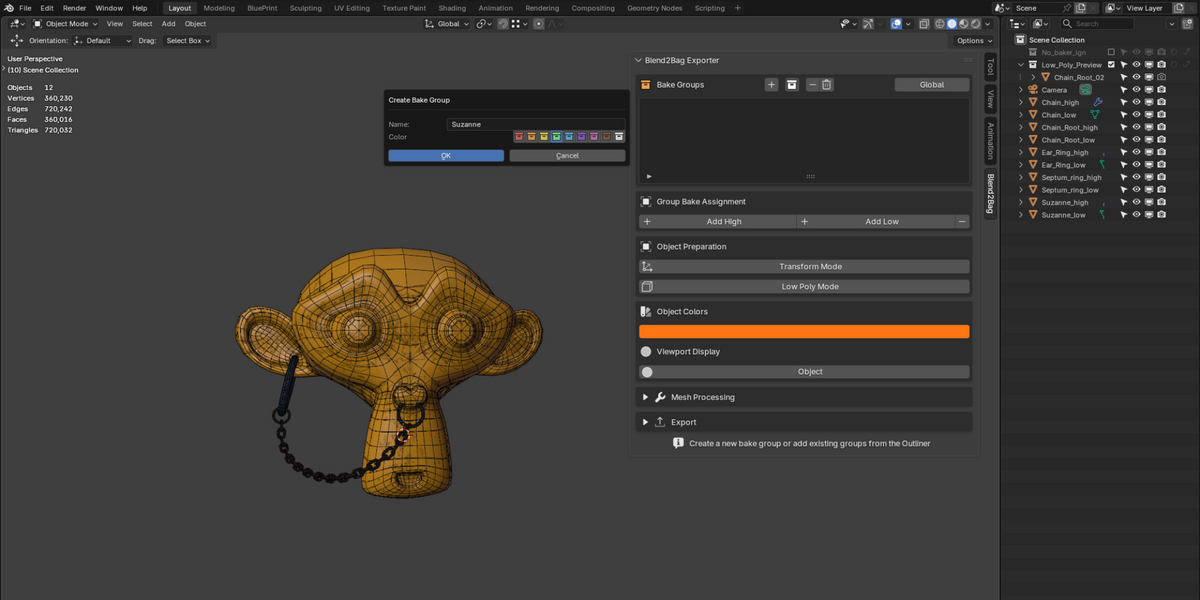
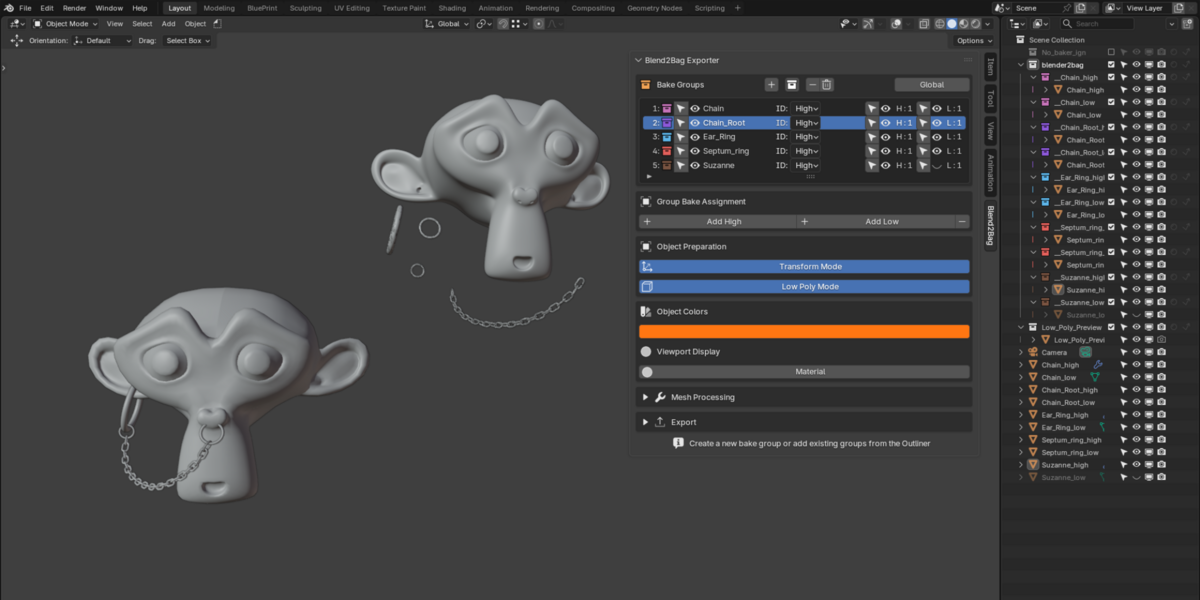
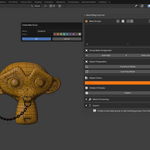
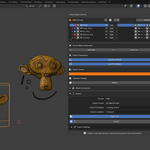
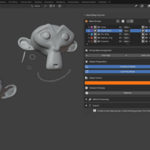
Accessing the Add-on: Open the 3D Viewport, press N to open the Sidebar, and click on the Blend2Bag tab.
📖 How to Use
1. Creating & Assigning Bake Groups
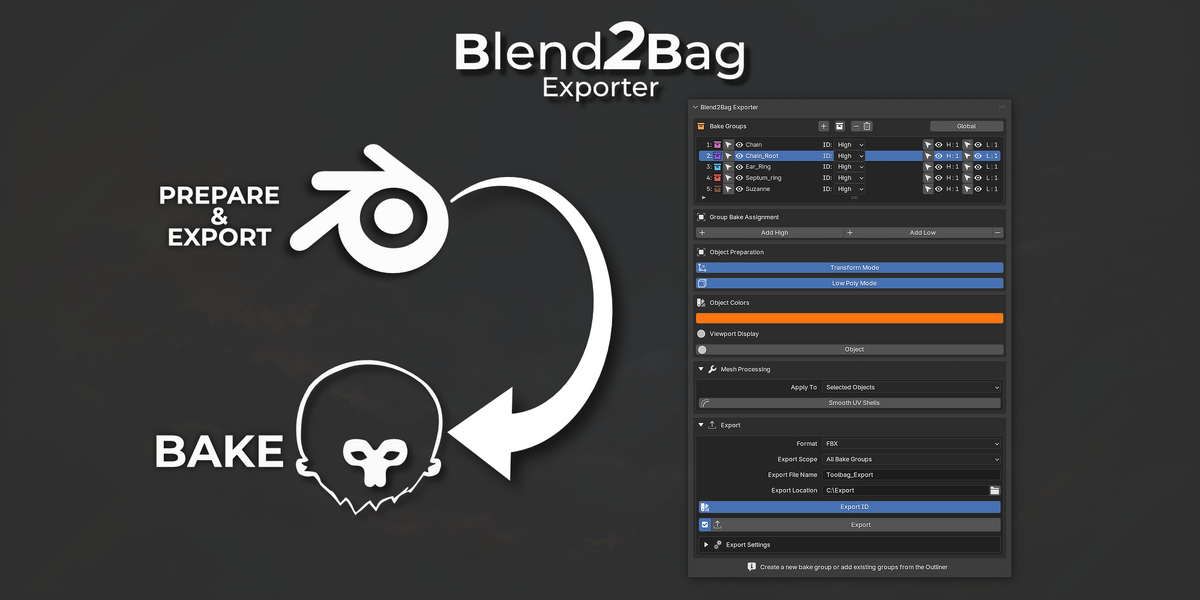
- Manual Creation: Click + in the Bake Groups list to create a new group. Select your objects in the Viewport and click + Add High or + Add Low to assign them to the selected bake group.
- Auto Grouping: Click the Auto Grouping button to automatically detect objects ending in _high and _low and group them instantly.
2. Display & Viewport Tools
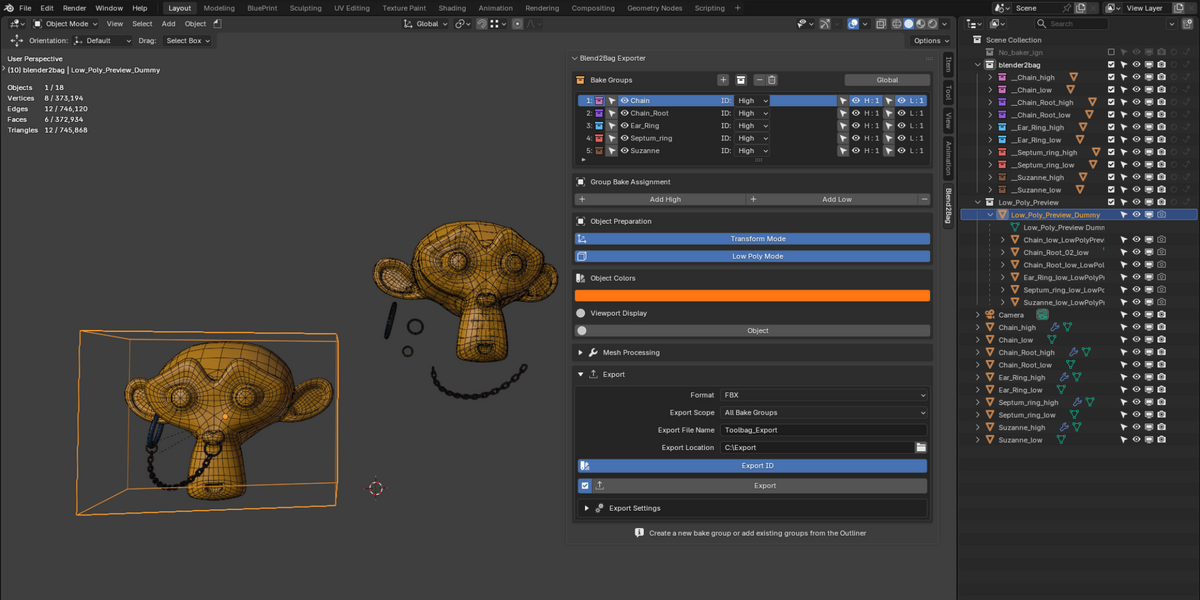
- Visibility Toggles: Use the H (High) and L (Low) icons in the Bake Group list to quickly show or hide specific meshes.
3. Preparation Modes
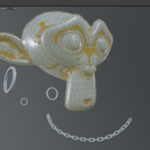
- Transform Mode: Move and adjust your objects freely for a better visual setup. Disabling the function instantly snaps your items back to their initial positions before export.
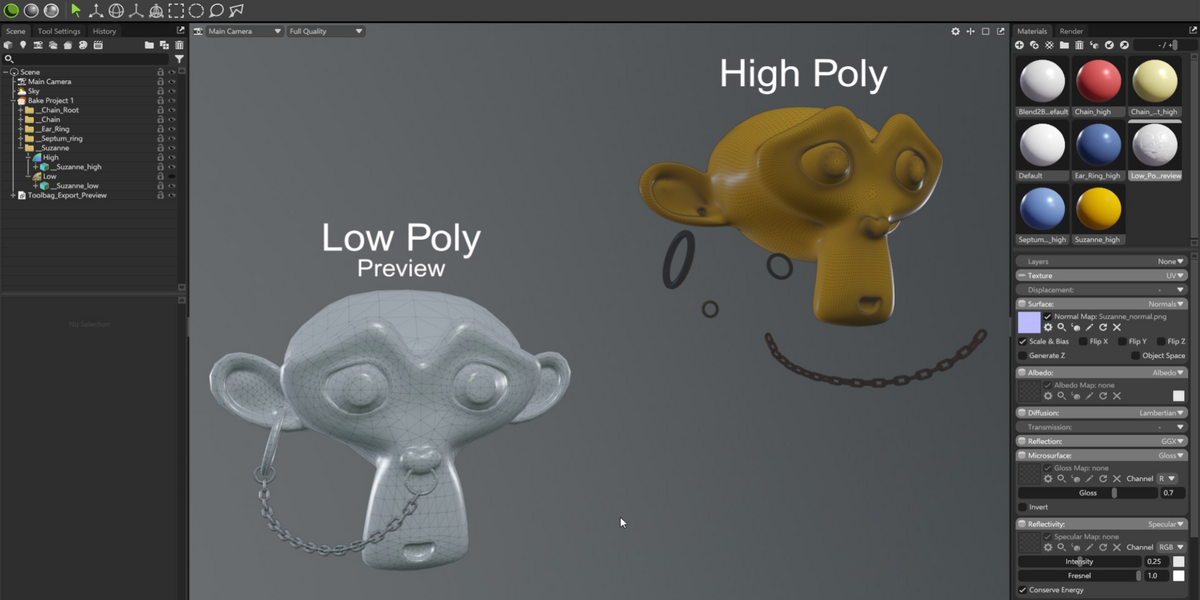
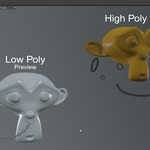
- Low Poly Mode: Gathers all low-poly objects into a single preview block with a bounding box control. When active during export, it automatically generates a separate low-poly file alongside your main baking export.
4. Mesh Processing & Exporting
- Smooth UV: Click Smooth UV Shells to automatically optimize shading while preserving sharp edges on UV shell borders.
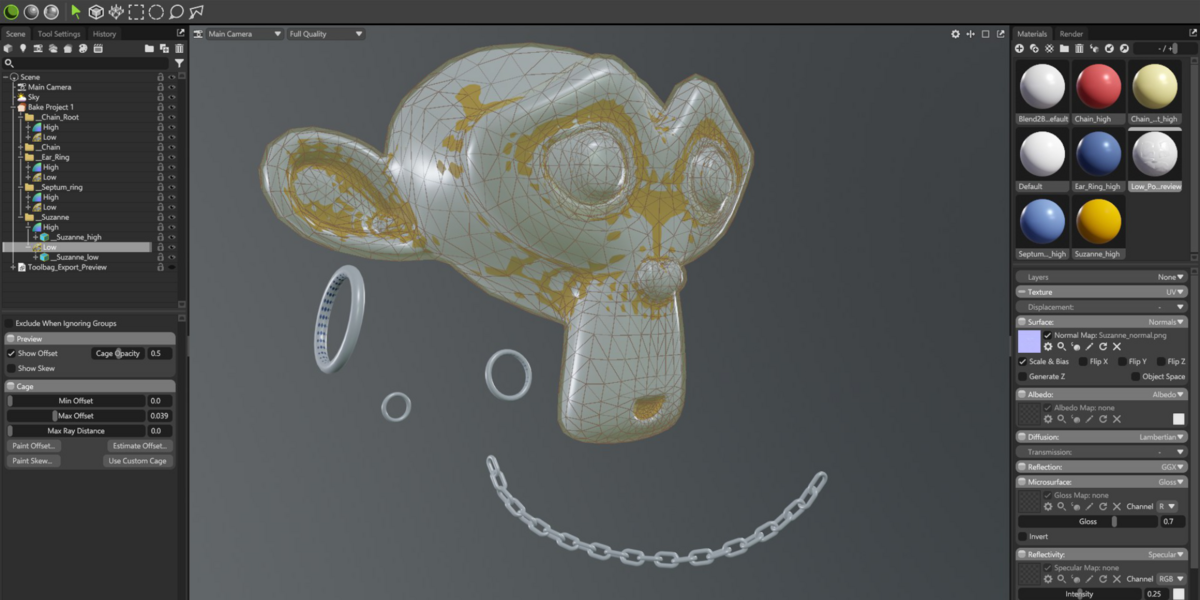
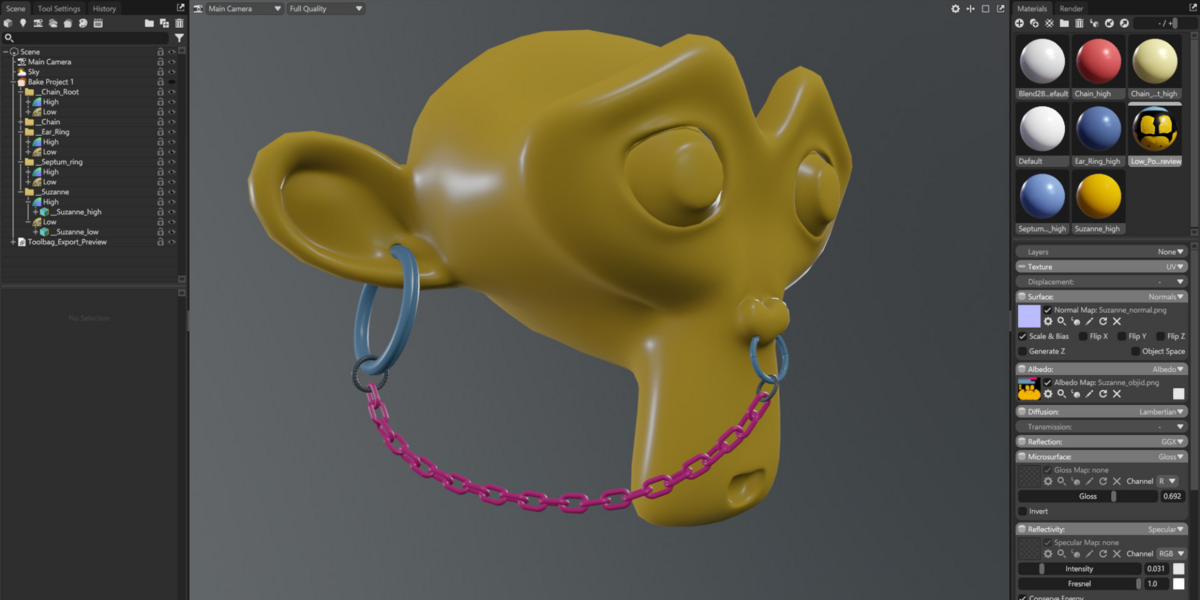
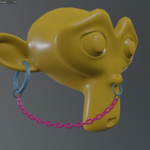
- ID Map Pipeline: Select which objects serve as ID maps, and Blend2Bag handles the rest during export by generating dedicated materials used to bake ID maps in Marmoset Toolbag.
- Exporting: Choose your format (FBX or OBJ), select the output directory, and click Export. Import the generated files directly into Marmoset Toolbag.
Have questions about this product?
Login to message
| Blender Extension Compatible | Yes |
| Published | about 6 hours ago |
| Blender Version | 5.0 - 5.2 |
| Extension Type | Add-on |
| License | GPL |
Discover more products like this
bake blende to marmoset Obj addon blender fbx blender--marmoset-toolbag blender Export