 Jooapa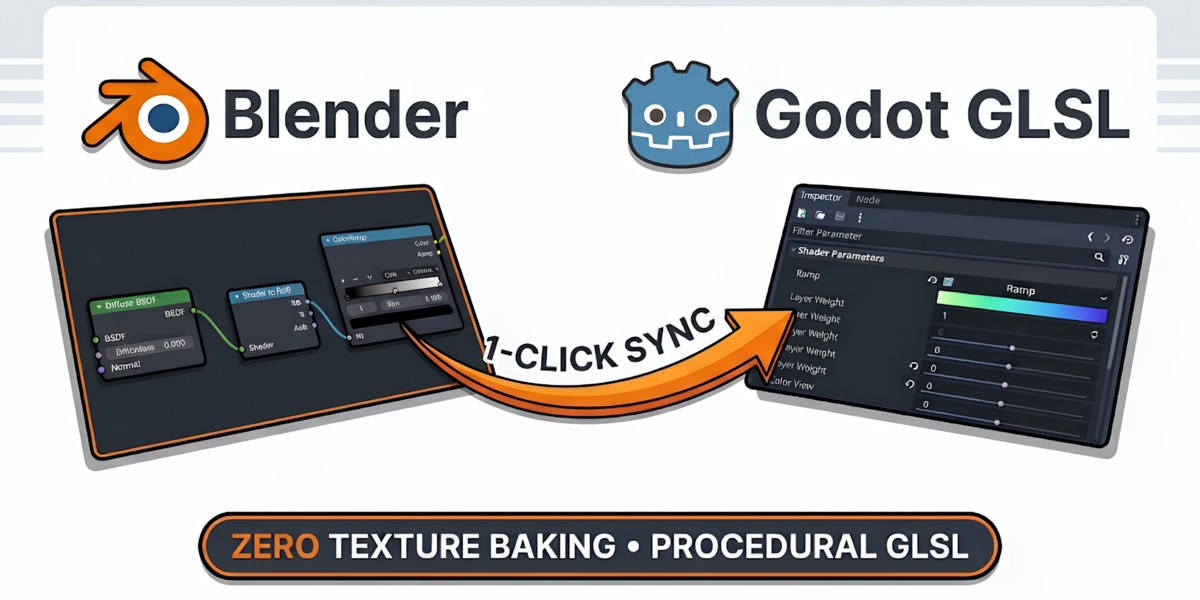

Transpile Blender Material Graphs into Real-Time Godot Shaders • Without Texture Baking
Compile Blender shader node graphs directly into production-ready Godot 4 Spatial Shaders (.gdshader) and native ShaderMaterial (.tres) resources. Export meshes, hierarchies, and material bindings straight into Godot in one click.
| Blender Support 4.2 LTS & 5.x Extension Ready | Godot Engine Godot 4.0+ Spatial Shaders (.tres) | Node Coverage 74 Shader Nodes Surface, Noise & Math | Shader Architecture Zero Baking Needed 100% Procedural GLSL |
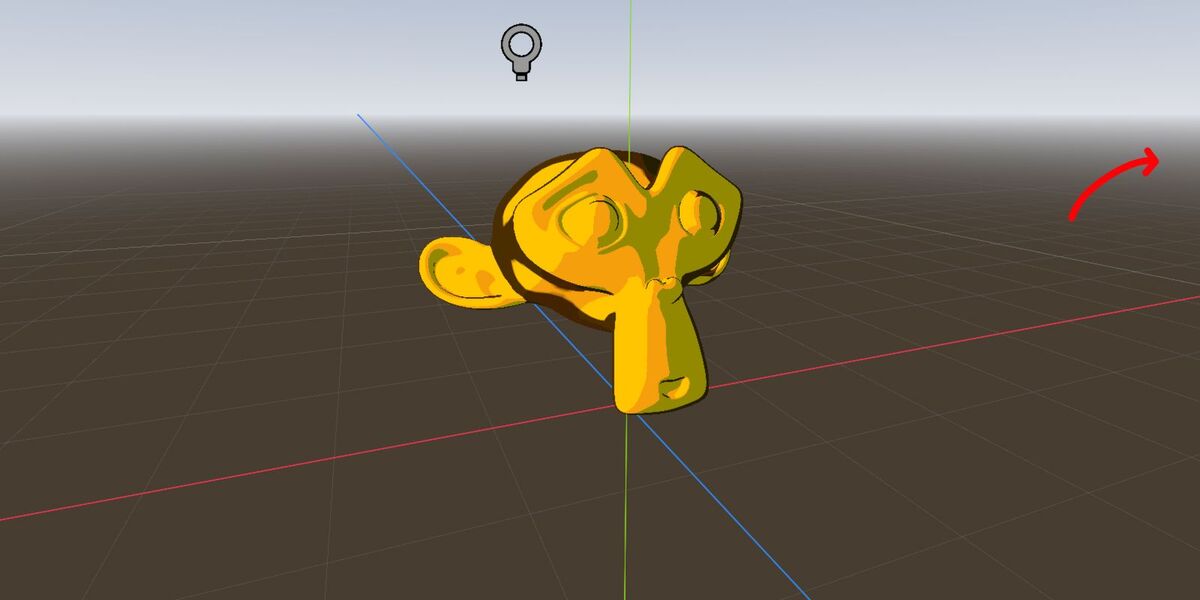
One-click export: Models, procedural shaders, and scenes appear immediately in Godot 4 with zero baking.
Procedural Shading & Mathematical Parity
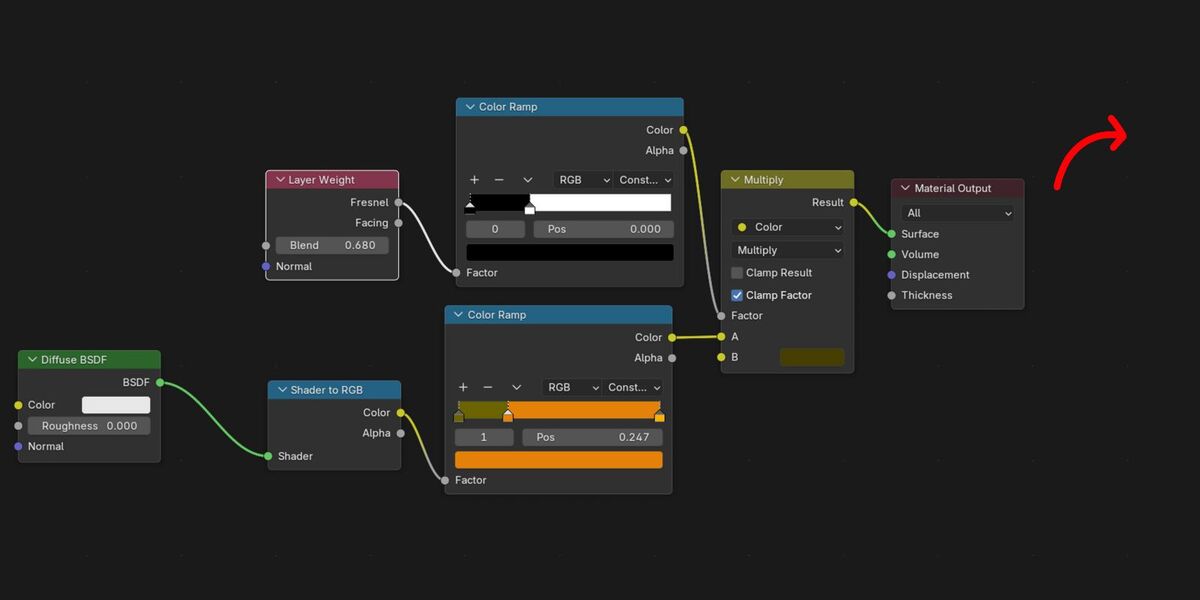
No baking, no resolution loss. Chameleon3D compiles shader node logic directly into real-time GPU fragment shaders with exact mathematical parity to Blender EEVEE.
| 100% Procedural GPU Math Perlin noise, Voronoi cells, wave patterns, and gradients evaluate dynamically on the GPU. Textures stay pin-sharp at any camera distance with zero texture memory overhead. | Exact Blender GLSL Parity Built with direct ports of Blender's GLSL algorithms ( |
| Native Godot Sub-Resources ColorRamps serialize into native | Automated Asset Bridge Exports meshes ( |
3D Model Export Bridge & Scene Sync
Synchronize full object hierarchies, geometry, transpiled shaders, and instantiable scenes directly into your Godot project.
Hierarchy Traversal & Member Opt-Out
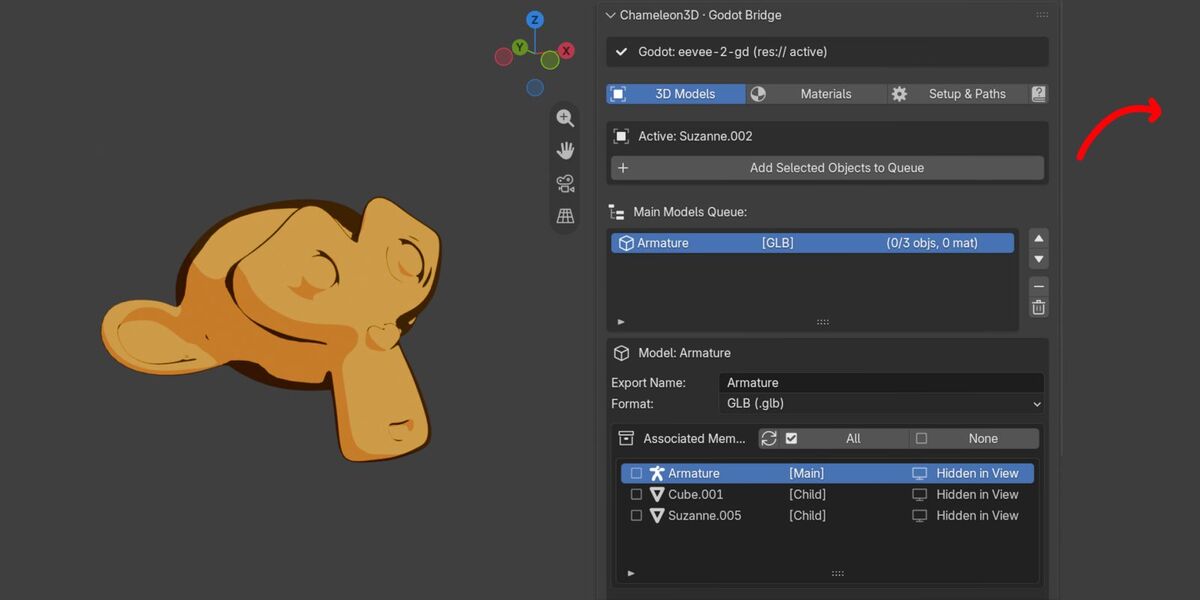
Auto-detects parent-child hierarchies, siblings, and armatures while excluding hidden objects. Toggle members and materials individually with live badges:
Member inspector: Toggle individual child objects or materials in and out of the export with live status badges.
Automated Multi-Asset Generation
One click generates clean models (.glb / .obj / .fbx), Godot .tres materials, .gdshader files, extracted textures, and ready-to-use .tscn scenes:
Organized asset structure: Output files are routed into standardized Godot project subdirectories automatically.
Zero Reload Prompts & Live Iteration
Binds material slots via Godot's ..import configuration without altering project.godot timestamps—Godot imports changes in the background seamlessly:
Instant iteration: Modify geometry or materials in Blender, hit export, and Godot updates the active scene automatically.
Inspector Controls & Uniforms in Godot
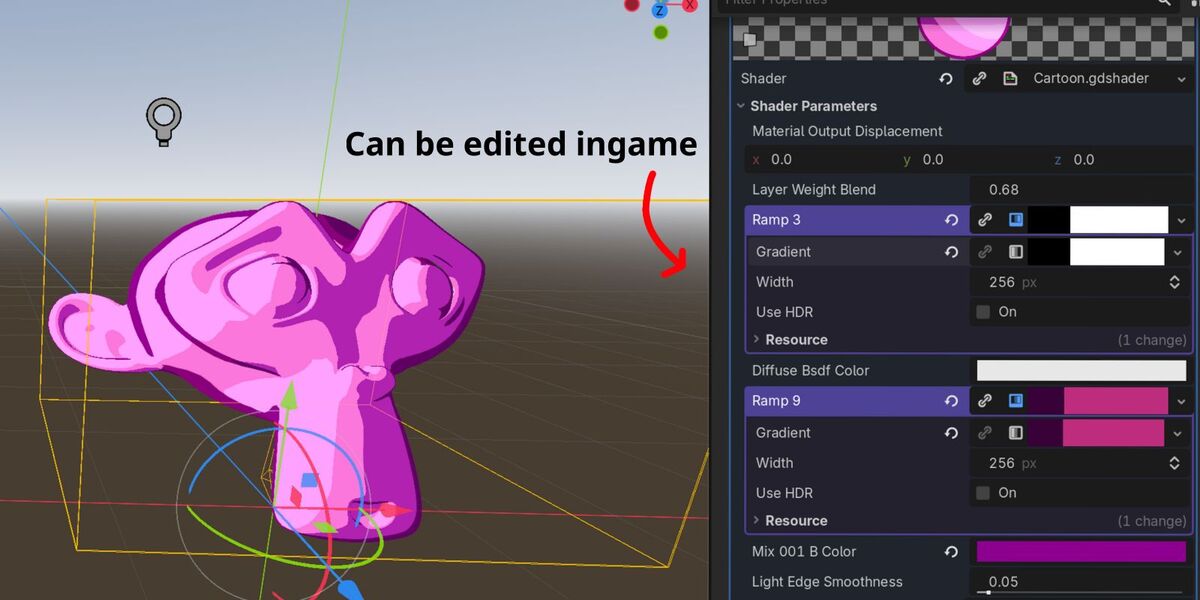
Blender node inputs (Base Color, Roughness, Metallic, Emission, procedural scale) automatically become typed Godot shader uniforms with descriptive labels and slider ranges. Fine-tune materials live in Godot's Inspector:
Inspector control: Tweak exposed shader uniforms, color gradients, and curves directly within Godot.
Materials Tab & Batch Queue
Dedicated material management for library workflows: queue materials across selected objects, inspect properties, and batch export without mesh files.
Queue individual materials, monitor slot status, and export standalone .tres files.
Select multiple objects in the viewport to collect and queue all unique materials in one click.
Rapid material updates: Recompile edited shader graphs to Godot in seconds.
Blender Shader Editor Integration
Access quick-export tools directly inside Blender's Shader Editor sidebar:
Compiles the active material into self-contained Godot GLSL with numerical constants baked inline, copied straight to your clipboard.
Saves the active material node graph to any chosen file location using a standard file browser dialog without requiring a full project structure.
Setup & Pipeline Configuration
Configure your Godot project root, routing directories, and hardware target presets:
| Automatic Project Detection Finds Organizes exports into clean folders: Optimizes shaders for your Godot 4 rendering back-end:
Position the interface in the 3D Viewport sidebar (N-Panel), Scene Properties, or both. | 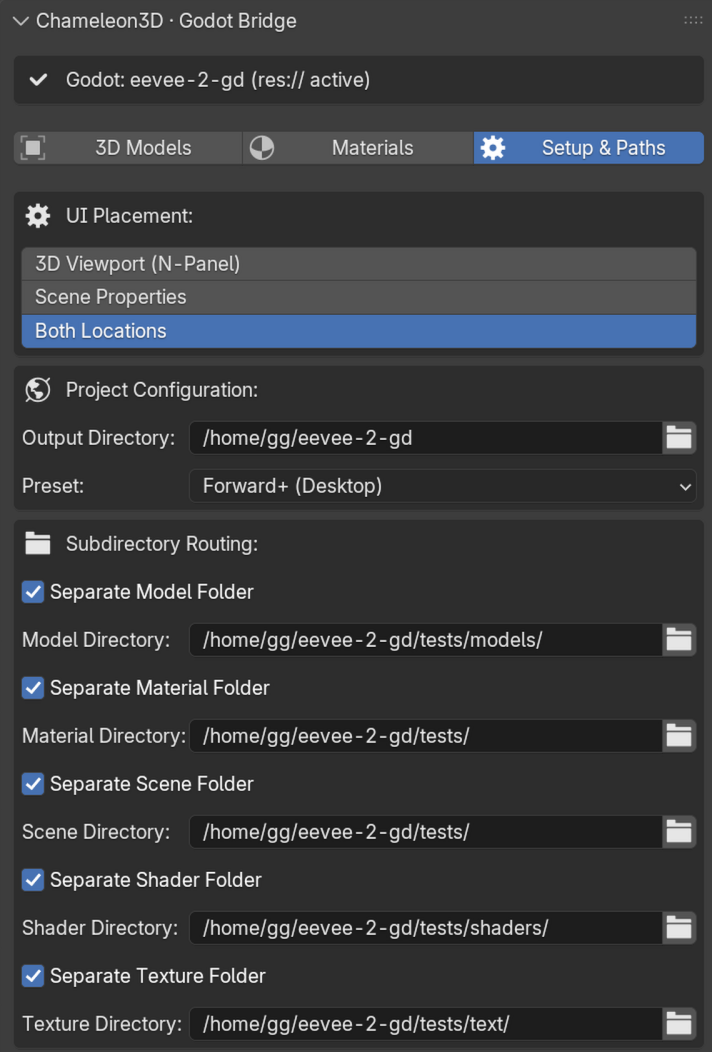 Setup & Paths: Configure paths, routing folders, and renderer presets. Setup & Paths: Configure paths, routing folders, and renderer presets. |
Supported Nodes Catalog (74 Nodes)
Chameleon3D supports 74 shader nodes covering surface BSDFs, procedural textures, color curves, vector operations, and mathematical transformations with 1:1 parity between Blender and Godot.
The complete, searchable catalog of all 74 supported nodes and technical parity notes is available under the Documentation tab on Superhive (Blender Market), as well as in the add-on's built-in Documentation panel in Blender.
Quick Start Workflow
| Step 1 Install Add-on In Blender: Edit > Preferences > Get Extensions > Install from Disk and select | Step 2 Set Project Root In Setup & Paths, choose your Godot project folder containing | Step 3 Queue Selection Select objects in the 3D Viewport and click "Add Selected Objects to Queue" (or queue materials directly). | Step 4 Export & Sync Click "Export Model". Switch to Godot: models, shaders, materials, and scenes update instantly. |
Requirements & Compatibility
| Environment | Supported Specifications |
|---|---|
| Blender Versions | Blender 4.2 LTS, 4.3+, and 5.x (Blender Extension specification compliant). |
| Godot Versions | Godot 4.0 through 4.4+ (Godot 4.x Spatial Shaders and format=3 .tres). |
| Godot Renderers | Forward+ (Clustered Vulkan), Mobile (Vulkan), and Compatibility (OpenGL 3 / WebGL). |
| Geometry Formats | GLB / GLTF 2.0 (.glb), Wavefront OBJ (.obj), and Autodesk FBX (.fbx). |
| Operating Systems | Windows 10 / 11, macOS (Apple Silicon & Intel), Linux (Ubuntu, Fedora, Arch, etc.). |
| Dependencies | 100% self-contained pure Python add-on. Zero external binaries, pip packages, or compilers required. |
Chameleon3D
Engineered for Blender 4.2 LTS & 5.x • Native Integration for Godot Engine 4.x