Pro Blender Branding Mockup Kit
 Mtheuniverse


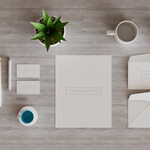
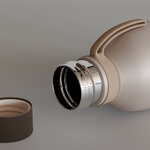
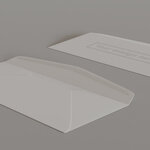
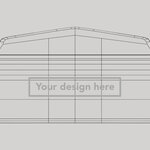
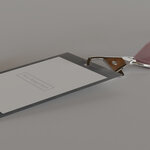
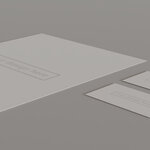
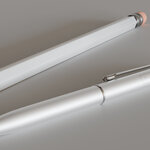
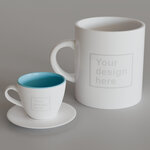
Steps to add your brand to the different items in this pack :
- Go to the the UVs folder and open the jpg of the product you want to add your branding to in your favorite image editor
- Add your branding on top of it, remove any background and save you image as a png with transparency
- Open the blender file containing all the items in the pack and select the associated item
- Go to the shader, and replace the image texture by your new png
$17
Have questions about this product?
Login to message
| Dev Fund Contributor | |
| Published | 10 months ago |
| Blender Version | 3.4 - 5.0 |
| Render Engine Used | Cycles, Eevee |
| Misc Data | Uvs-Unwrapped, Textured |
| License | Royalty Free |