Blenderexr
 BelAmiMax


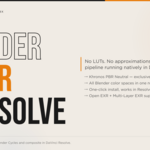
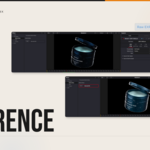
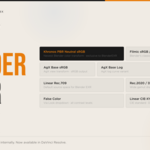
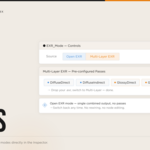
BlenderEXR 1.0 by BelAmiMax
INSTALLATION — Mac
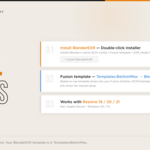
- Double-click Install_BlenderEXR_Mac
- If macOS blocks it — System Settings → Privacy & Security → Open Anyway
- If asked for administrator password — enter it
- Follow the on-screen installation steps
- Open DaVinci Resolve → Effects → Templates → BelAmiMax → BlenderEXR
INSTALLATION — Windows
- Double-click Install_BlenderEXR_Win
- If Windows blocks it — click "More info" then "Run anyway"
- Follow the on-screen installation steps
- Open DaVinci Resolve → Effects → Templates → BelAmiMax → BlenderEXR
REQUIREMENTS
- Mac — Apple Silicon
- Windows 10 or 11
- DaVinci Resolve 19, 20, or 21 must be installed first
LICENSE Single user license. Personal and commercial use permitted. Redistribution, resale, or sharing is strictly prohibited. BlenderEXR is not affiliated with the Blender Foundation. © 2026 BelAmiMax. All rights reserved.
SUPPORT [email protected]
-
$39
-
$39
Have questions about this product?
Login to message
| Published | 4 months ago |
| Blender Version | 3.0 - 5.1 |
| Render Engine Used | Cycles |
| License | Royalty Free |
Discover more products like this
exr Cycles davinci resolve color science color management ocio fusion openexr Compositing compositor