Blenspy - Camera Matching From Photos
 Null Station

Installing
- Blender 4.2 and later: go to Edit > Preferences > Get Extensions, open the menu in the top right, choose Install from Disk, and pick blenspy.zip.
- Blender 3.5 to 4.1: go to Edit > Preferences > Add-ons > Install and pick blenspy-legacy.zip, then tick the checkbox to enable it.
- Install only one of the two packages. If you're replacing an older copy, disable and remove it first, and restart Blender once if it still holds the old version.
- Press N in the 3D View or Image Editor and open the Blenspy tab.
Matching a photo
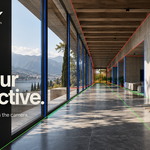
- Drop a photo onto the Blenspy panel (Blender 4.1 and later) or click the photo box to browse for one. If Blender offers several importers, choose Load Reference Image.
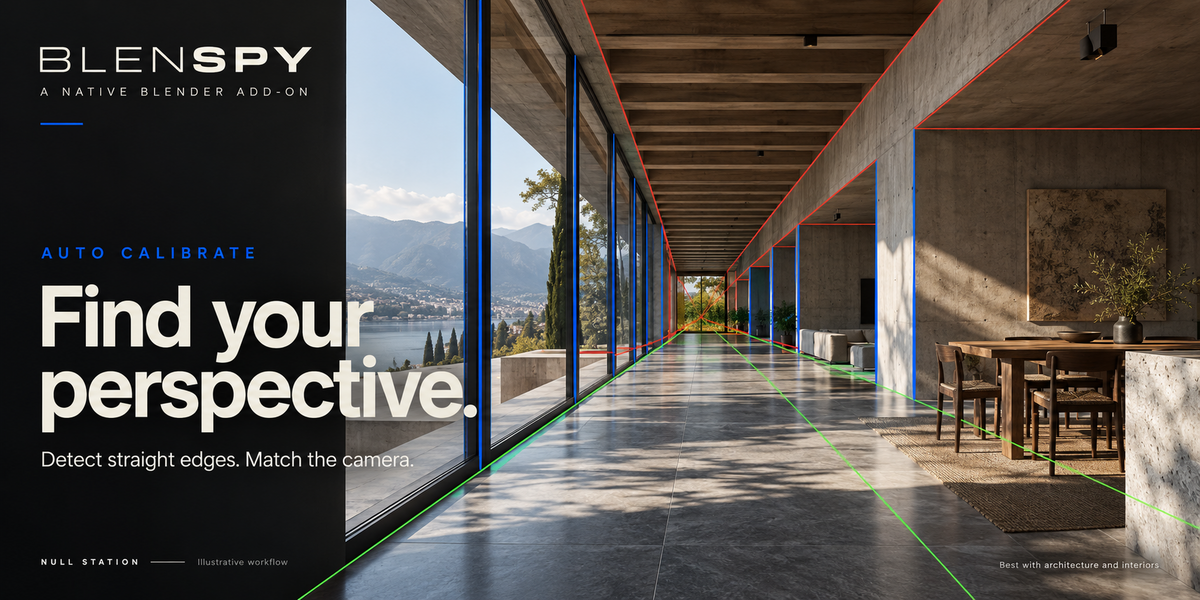
- New photos auto-calibrate by default. To work manually, turn off the lock under Auto Calibrate, then press the Auto Calibrate button when you're ready. The solved camera opens with your photo as its background.
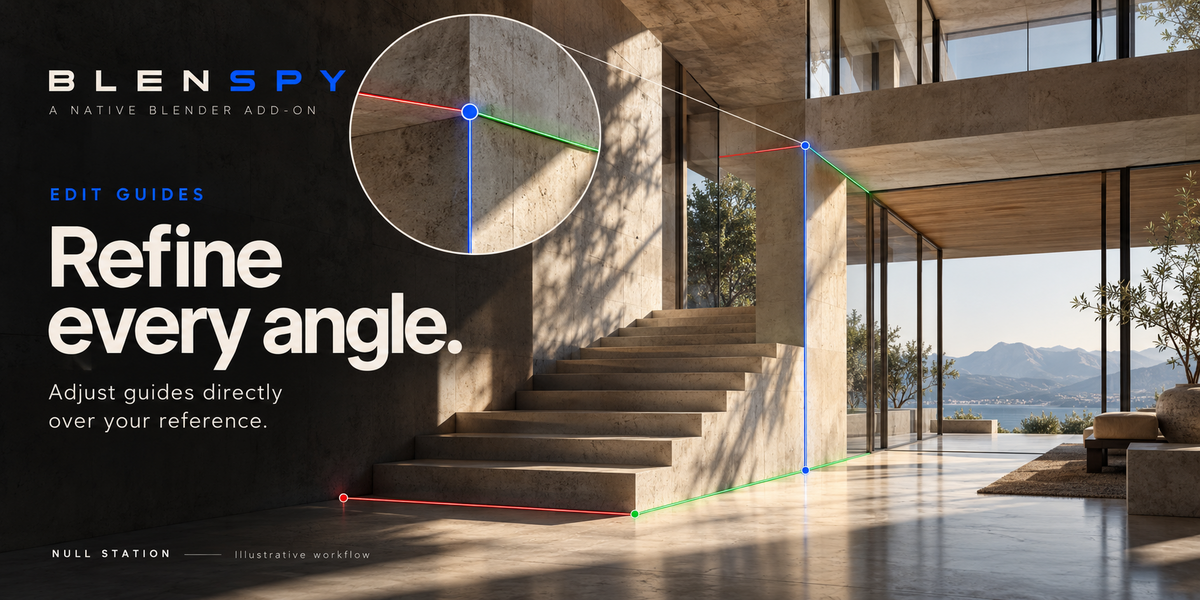
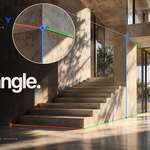
- Turn on Edit Guides to adjust the detected lines. Place each color on edges that are parallel in the real scene (X red, Y green, Z blue). Hold Shift for a slower drag, Ctrl+Z undoes a drag, and Esc cancels a drag or finishes editing.
- Turn editing off and model through the camera.
Scale
A single photo doesn't tell you absolute size. Under Scale, set a known distance between two points when real dimensions matter.
Draw Plane
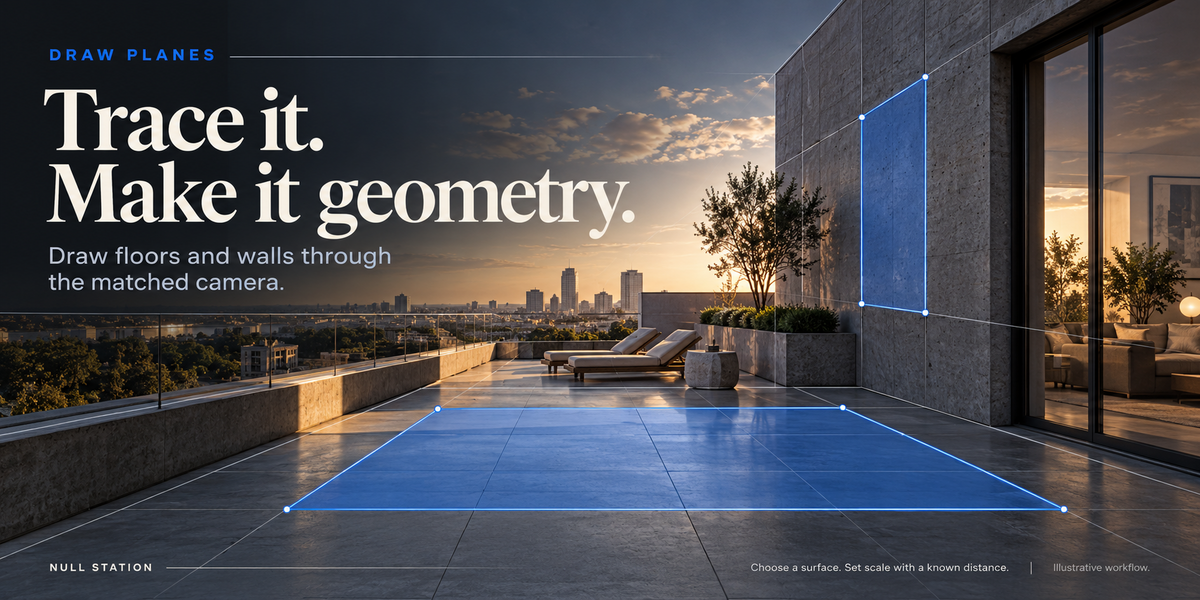
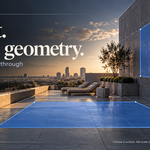
In Object Mode, open Scale > Modeling Guides > Draw Plane. Click three or more points around a surface, then click the first point again or press Enter to close it. Four points make a quad and more make an n-gon. Backspace removes the last point, and Esc or right-click cancels.
Choose the surface: Floor (XY), Wall (XZ), Wall (YZ) or Camera Facing. Floor Height or Wall Position sets where that plane sits, and zero passes through the matched origin. The result is a normal filled mesh you can edit in Edit Mode.
Tip for floors: calibrate so world Z follows vertical edges, put the origin on the floor in Edit Guides, set a known distance, then trace the floor with Floor (XY) at height zero.
Modeling guides
Scale > Modeling Guides > Add Floor / Wall Planes creates three wireframe planes on the XY, XZ and YZ axes at the matched origin, grouped in their own collection and hidden from renders. They are scaffolds for orientation, not detected surfaces, so position and size them by hand. Plane Size sets their starting size. Grid and Cube is in the same section.
Saving and exporting
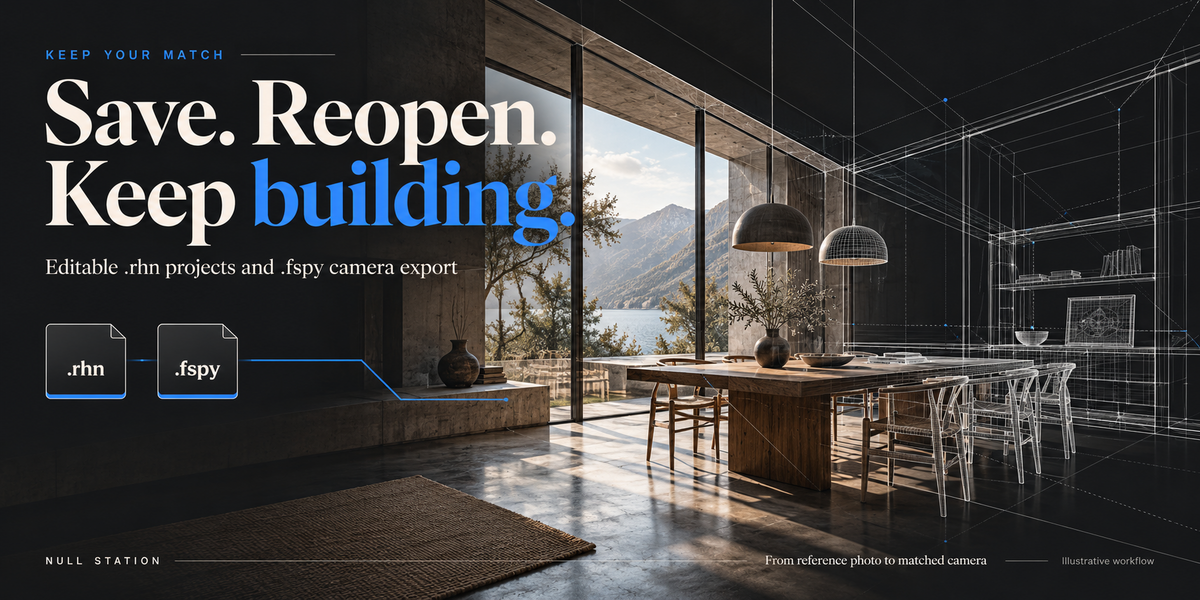
- .rhn saves an editable project with your guides, camera and embedded image.
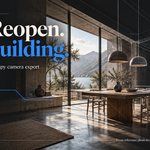
- .fspy exports the camera for tools that import the fSpy format.
Both are under the File section of the panel, and under File > Import / Export.
Tips for good results
- Architecture and interiors with clear straight edges solve best.
- Lens hints come from the EXIF 35 mm equivalent focal length, scaled to the sensor you pick.
- Cropped photos may need principal point shift. Lens correction is optional and works on a copy of the image.
- Organic scenes, panoramas, strong lens distortion and narrow telephoto shots may need guides placed by hand.
- If an automatic solve fails, your previous guides and camera are kept.
-
$12
Solo User License
-
$49
2-5 people sit license
-
$79
6-14 people sit license.
 Included
Includes 12 months of
- Support from Null Station
- Product updates
Extend this product’s Support Period +12 months: 50% of product price
Have questions before purchasing?
Login to message
| Blender Extension Compatible | Yes |
| Published | 1 day ago |
| Blender Version | 3.5 - 5.2 |
| Extension Type | Add-on |
| License | GPL |
Discover more products like this
fspy Interior vanishing-points reference image perspective camera calibration camera matching camera photo match architecture