Offline AI · Local models · Attachments · Ollama · LM Studio · Claude · Codex · Gemini |
|
|
AI command bar for Blender
Type it.
Blender builds it.
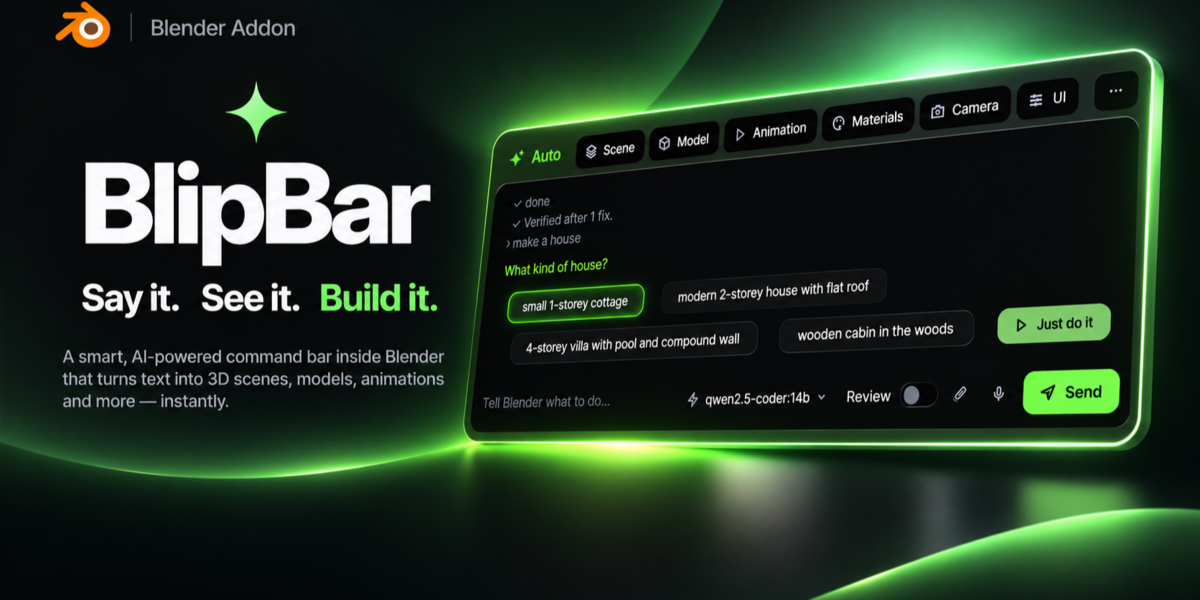
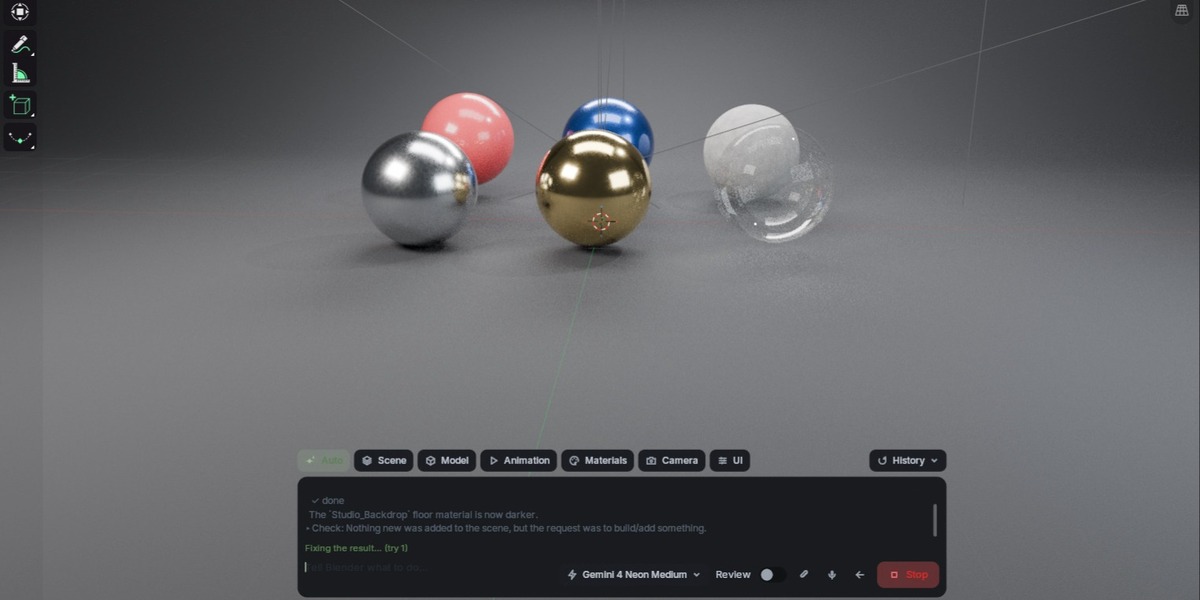
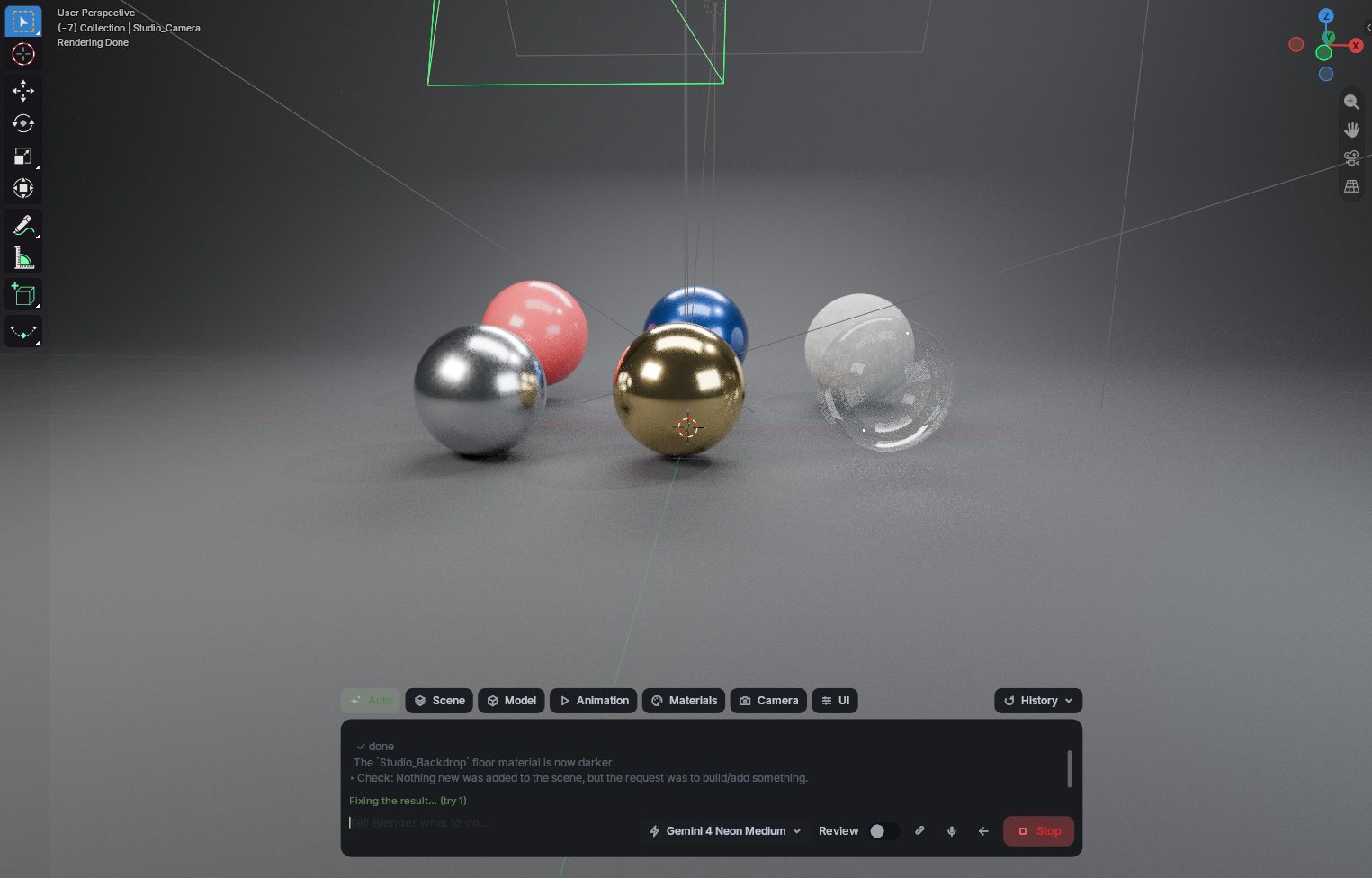
A floating bar in your 3D viewport. Describe what you want: BlipBar writes the Python and runs it, stage by stage, while the model is still thinking. Then it checks the result.
|
|
Always there, never in the way
A pill when you
don't need it.
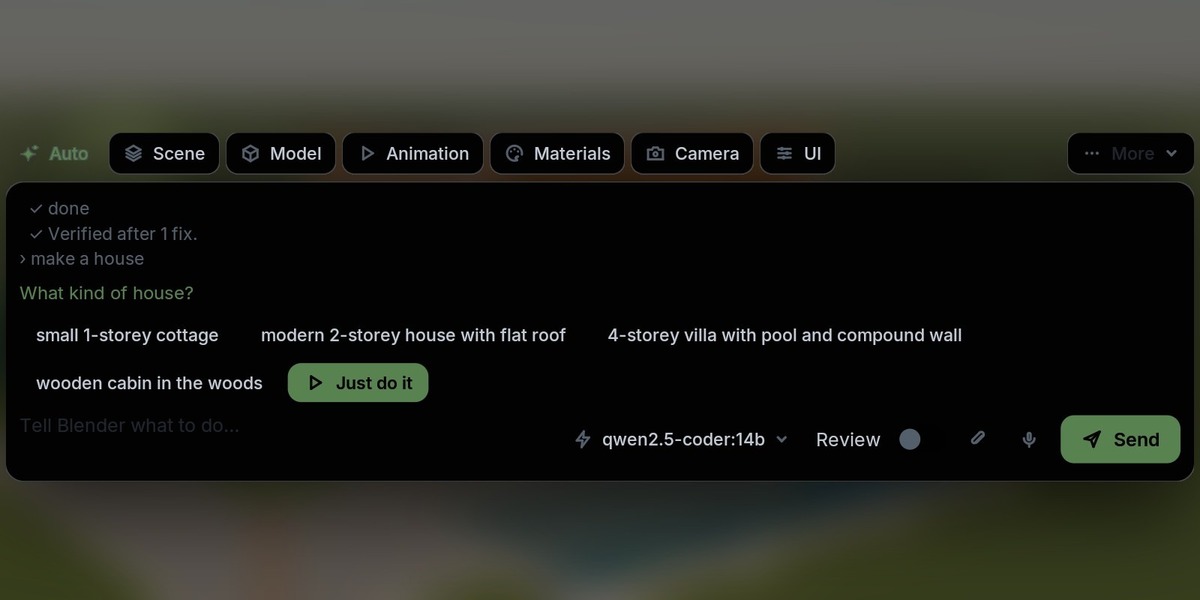
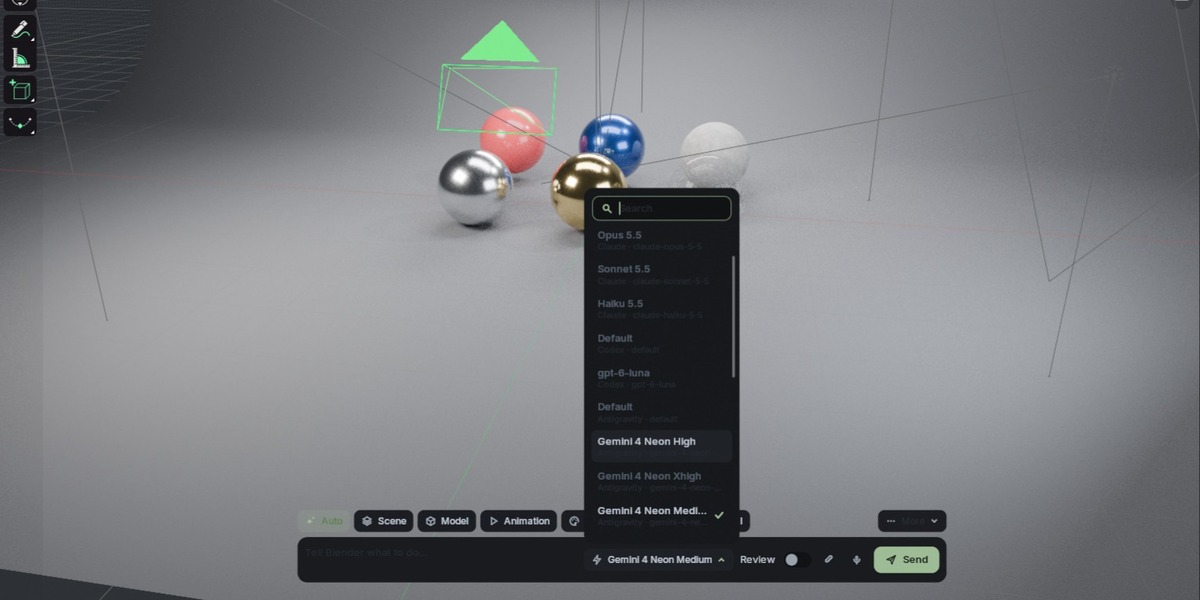
BlipBar lives as a small dark pill at the bottom of your viewport. Hover and it grows into the full bar. Click elsewhere or press Esc and it folds back.
Press Ctrl+Space to jump straight to typing from anywhere in the viewport.
|
|
Built with BlipBar
Real scenes, real Blender.
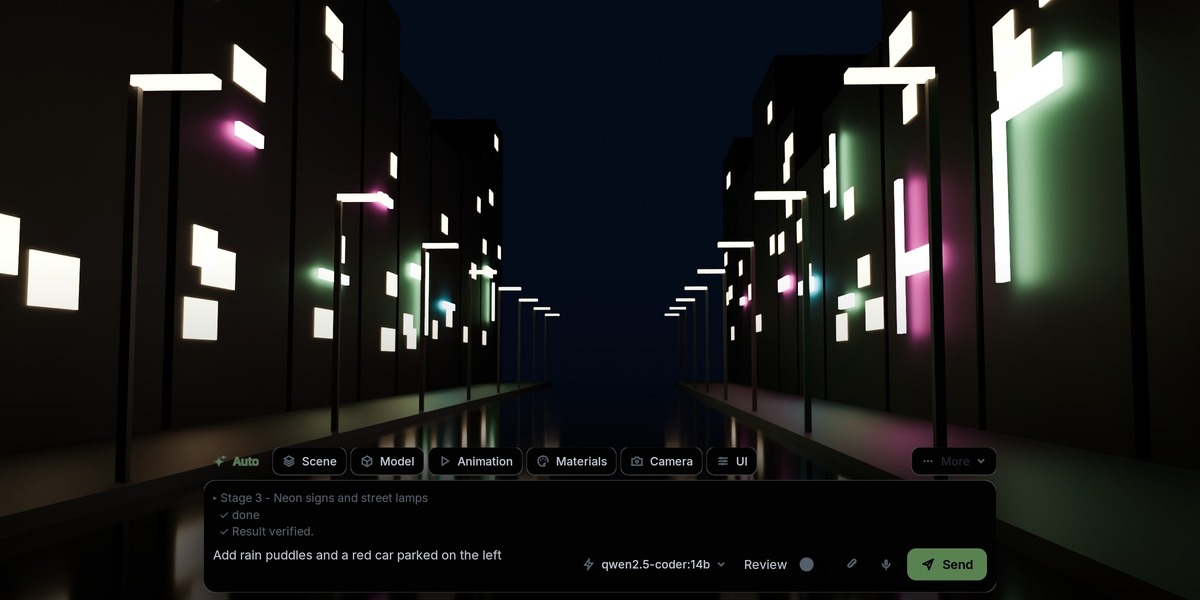
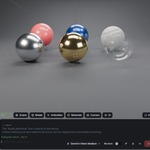
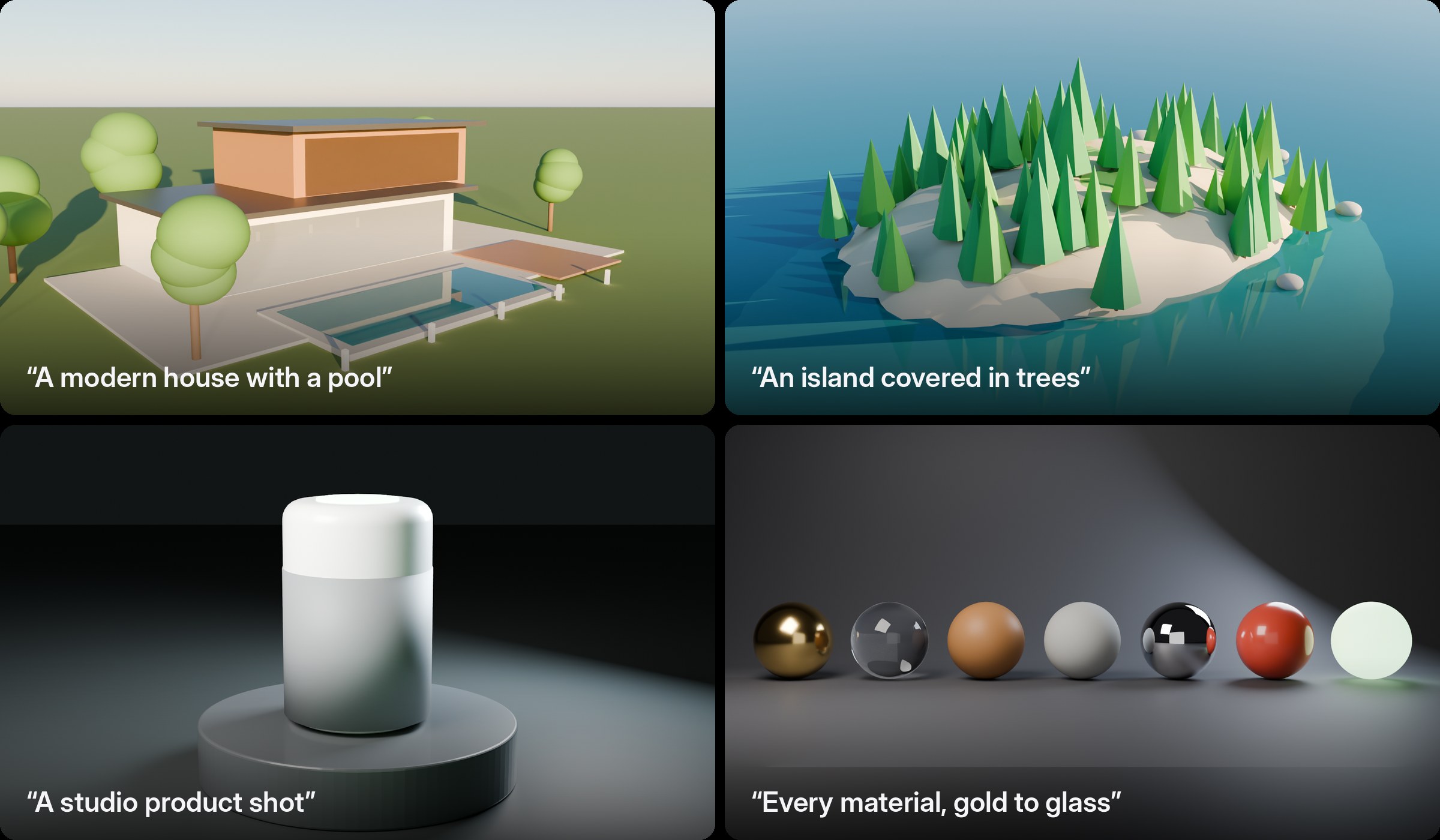
Every scene here was built with BlipBar's own building blocks: the same walls, roofs, scattering, materials, lights and camera tools the AI uses when you type a request. Rendered in Cycles, nothing painted over.
Result quality scales with your model. Claude and Codex produce the most reliable architecture. A 14B local model handles most tasks.
|
|
|
Self-checking
It checks its own work.
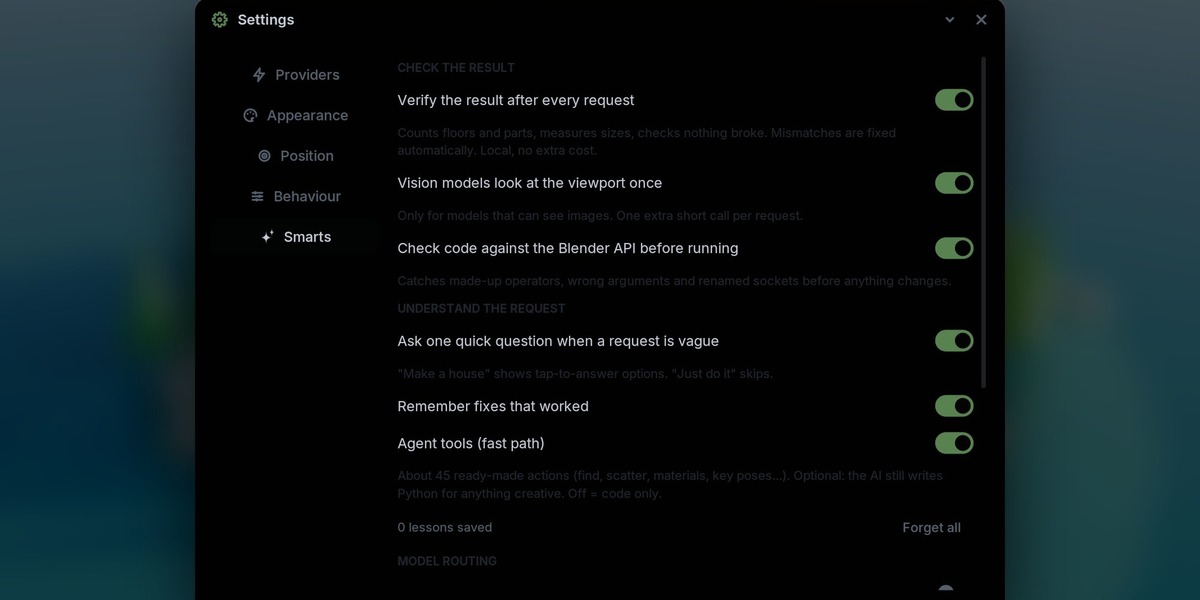
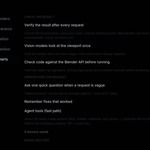
Most AI add-ons run the code and hope. BlipBar checks the code before running it, checks the scene after, and fixes the difference.
01
Checks code before it runs
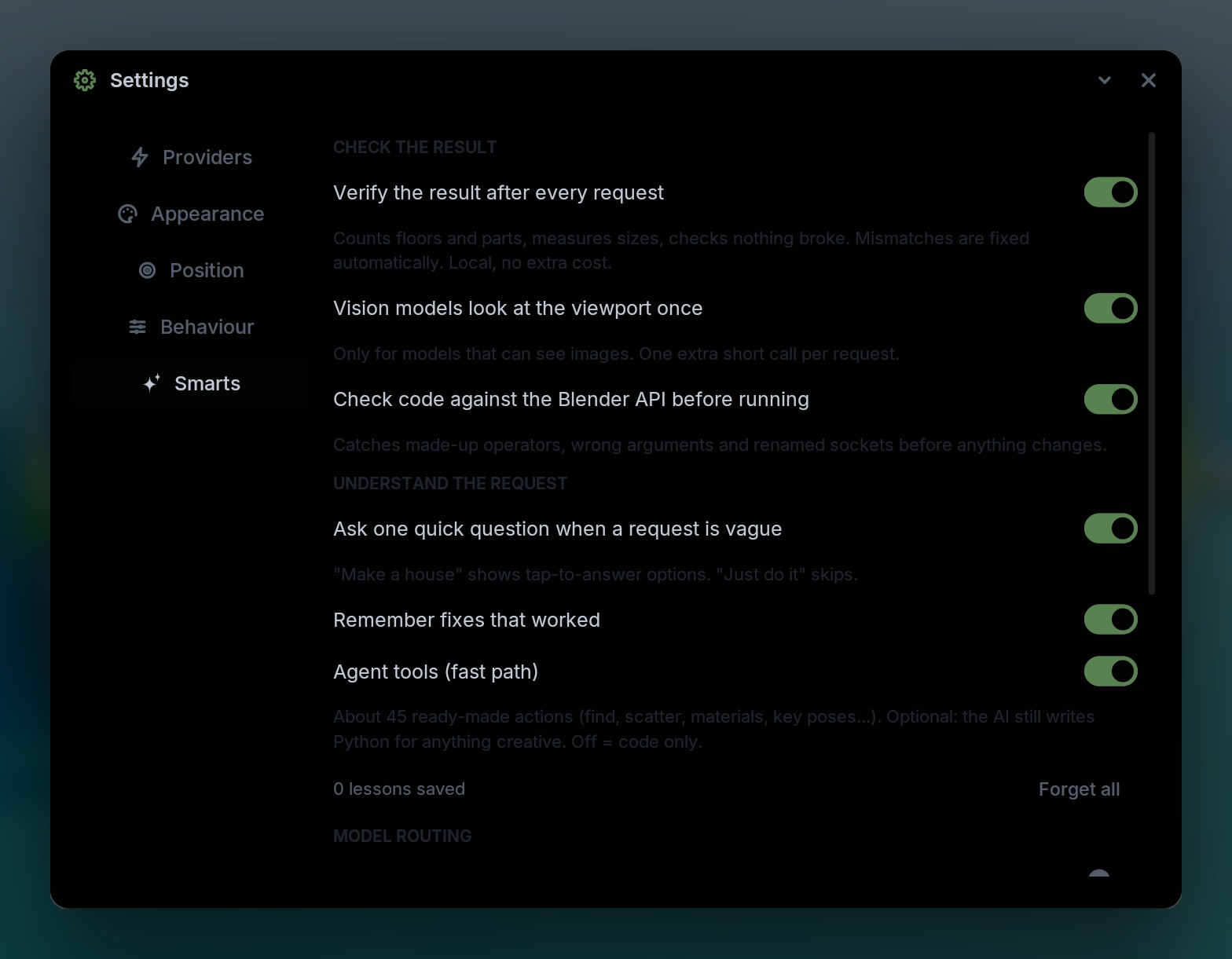
Made-up commands, wrong arguments and renamed sockets are caught against your Blender's real API before anything changes.
02
Rolls back a failed step
If a step crashes halfway, whatever it half-built is removed. No broken leftovers.
03
Verifies the result
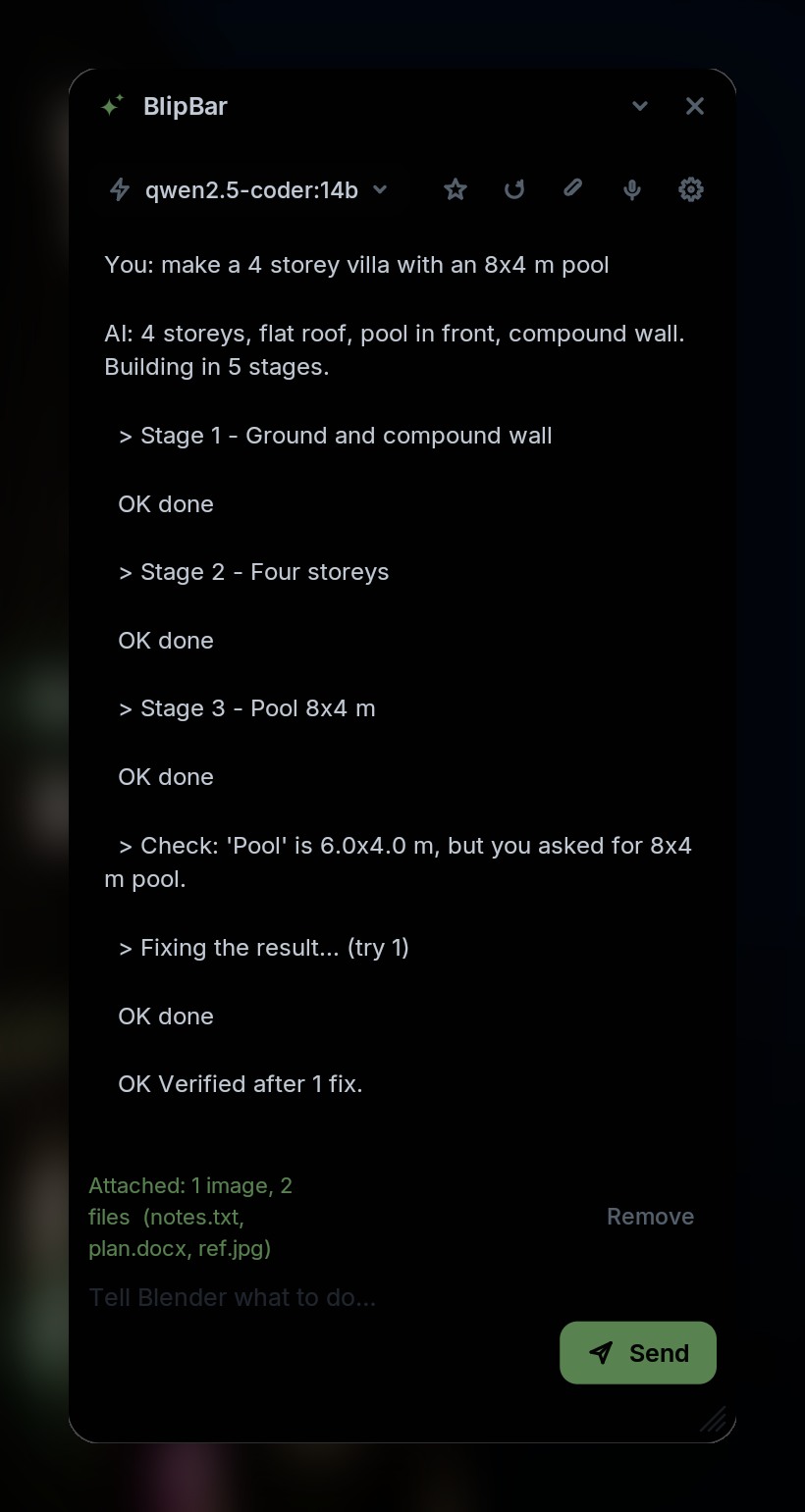
Asked for 4 storeys and an 8×4 m pool? It counts the storeys, measures the pool and fixes what doesn't match.
04
Looks at the viewport
Vision models get one screenshot after building and confirm the result, or correct what's off.
05
Remembers fixes
When a repair works, BlipBar saves it. The same mistake is right first time next time.
06
Asks before guessing
“Make a house” gets one quick question with tap-to-answer options. “Just do it” skips it.
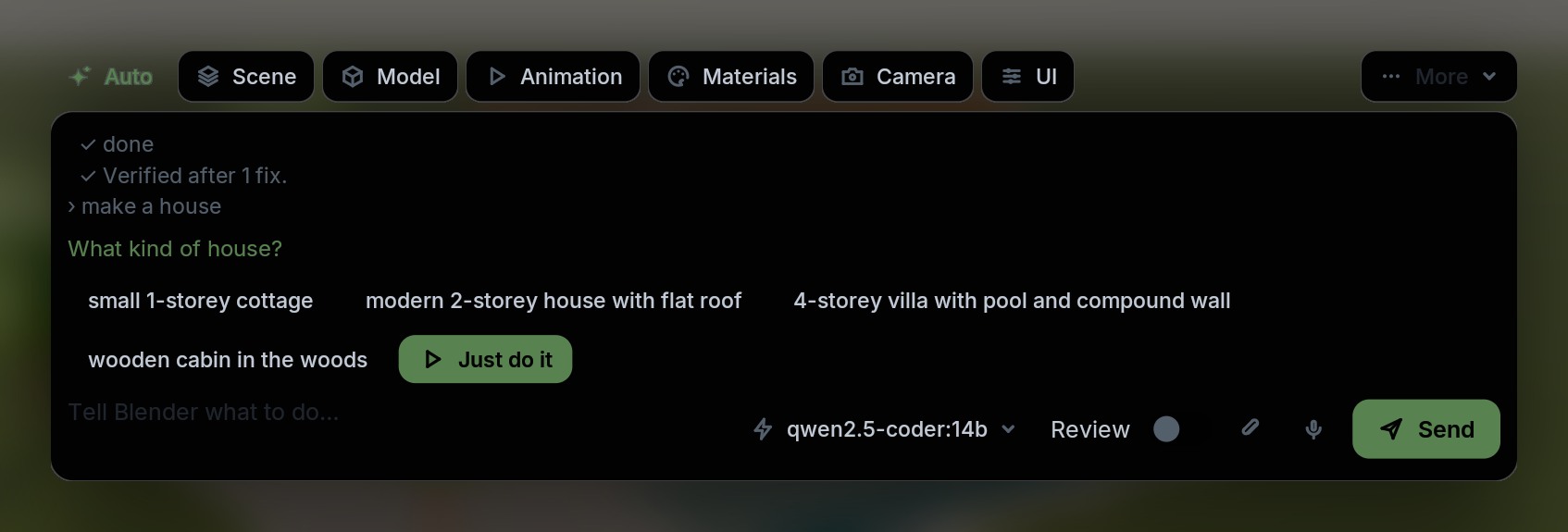 A vague request gets one quick question. Tap an answer and it builds.
|
|
Built-in model test
Know your model
before you trust it.
One button runs 20 standard prompts with your model in a temporary scene: cubes, materials, a 3-storey building, animation, parenting, lighting, scattering. Each one is checked against the scene. Your own scene is never touched.
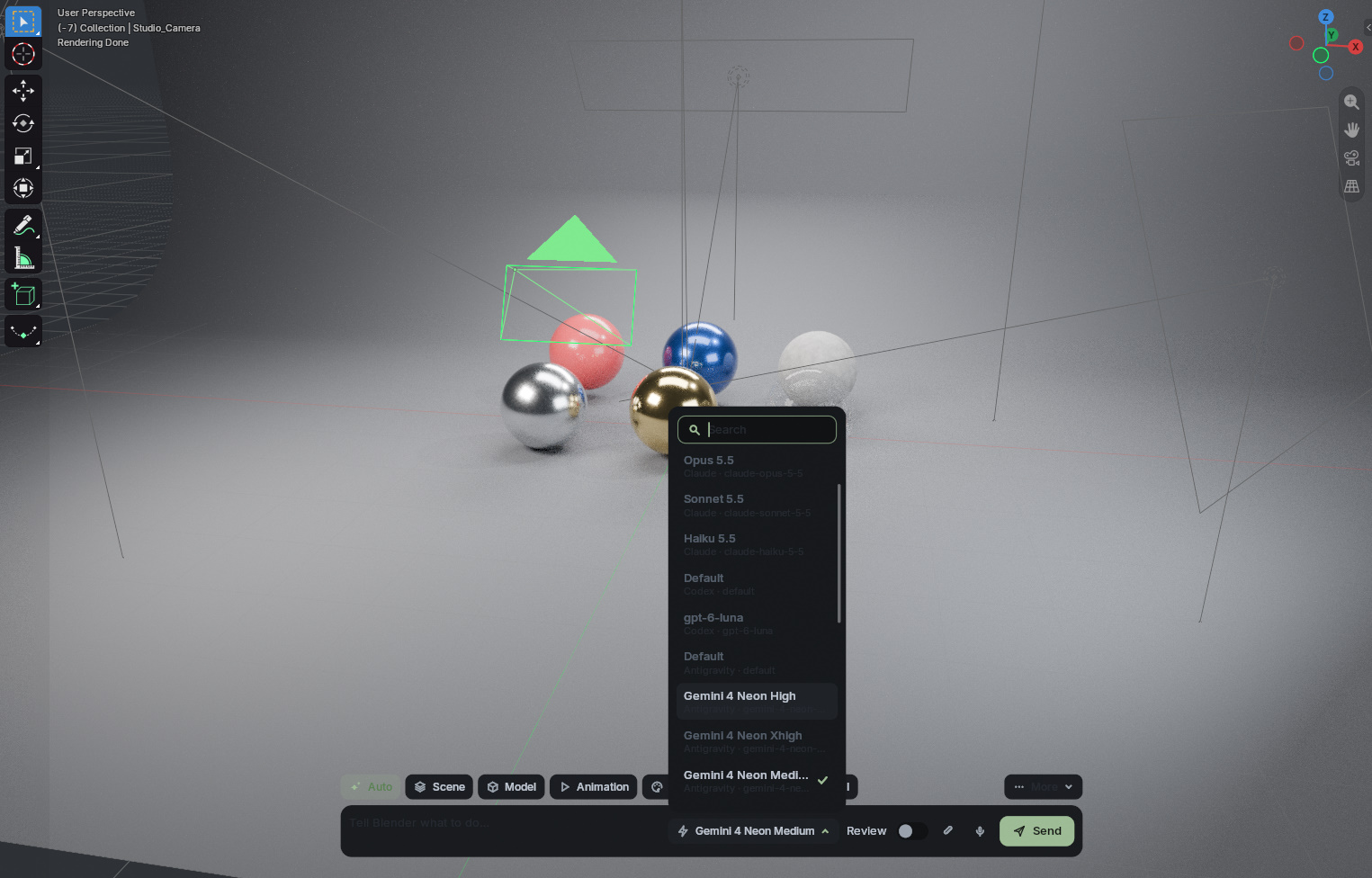
You get a score and a verdict (great, good, weak or not recommended), so you know which model to rely on.
| ✓ |
Quick edits can go to a fast model and big builds to a strong one, automatically |
| ✓ |
Images always go to a model that can see them |
| ✓ |
About 45 ready-made agent tools and 30 tested building blocks, so the AI uses code that already works |
|
|
|
Animation
Say “make him walk.”
BlipBar reads any rig: Rigify, Mixamo, Auto-Rig Pro, or bones you named yourself like Bone.003. It finds each bone by name and position, knows which way every joint bends, and checks that knees never bend backwards and loops close cleanly. The AI designs the motion; BlipBar makes sure it's right.
|
|
Your models, your rules
Use the AI
you already have.
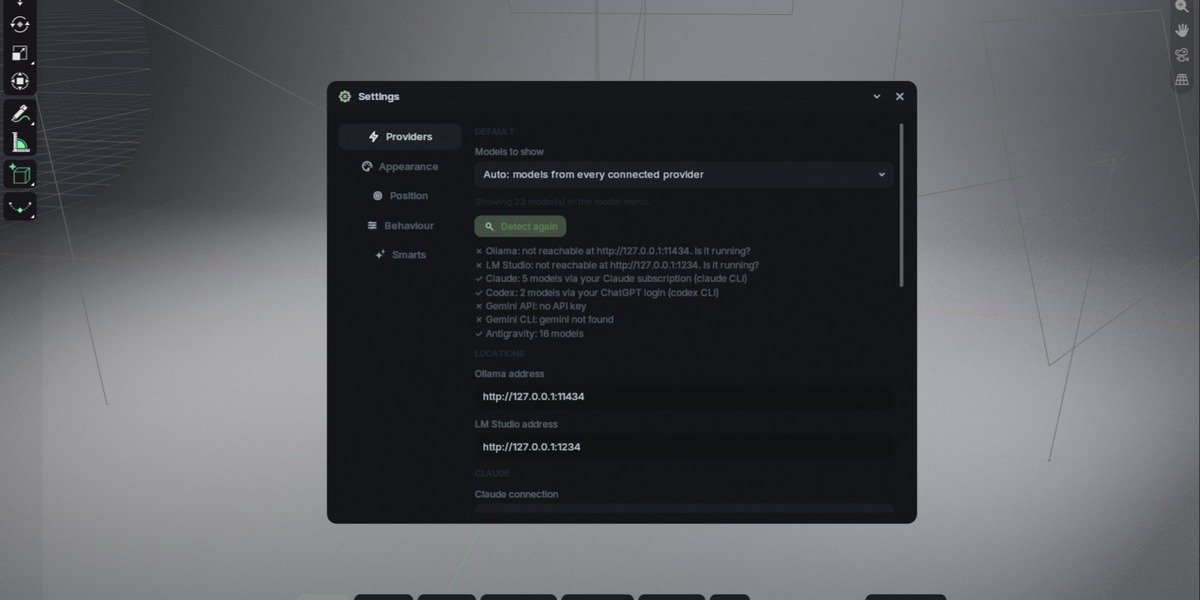
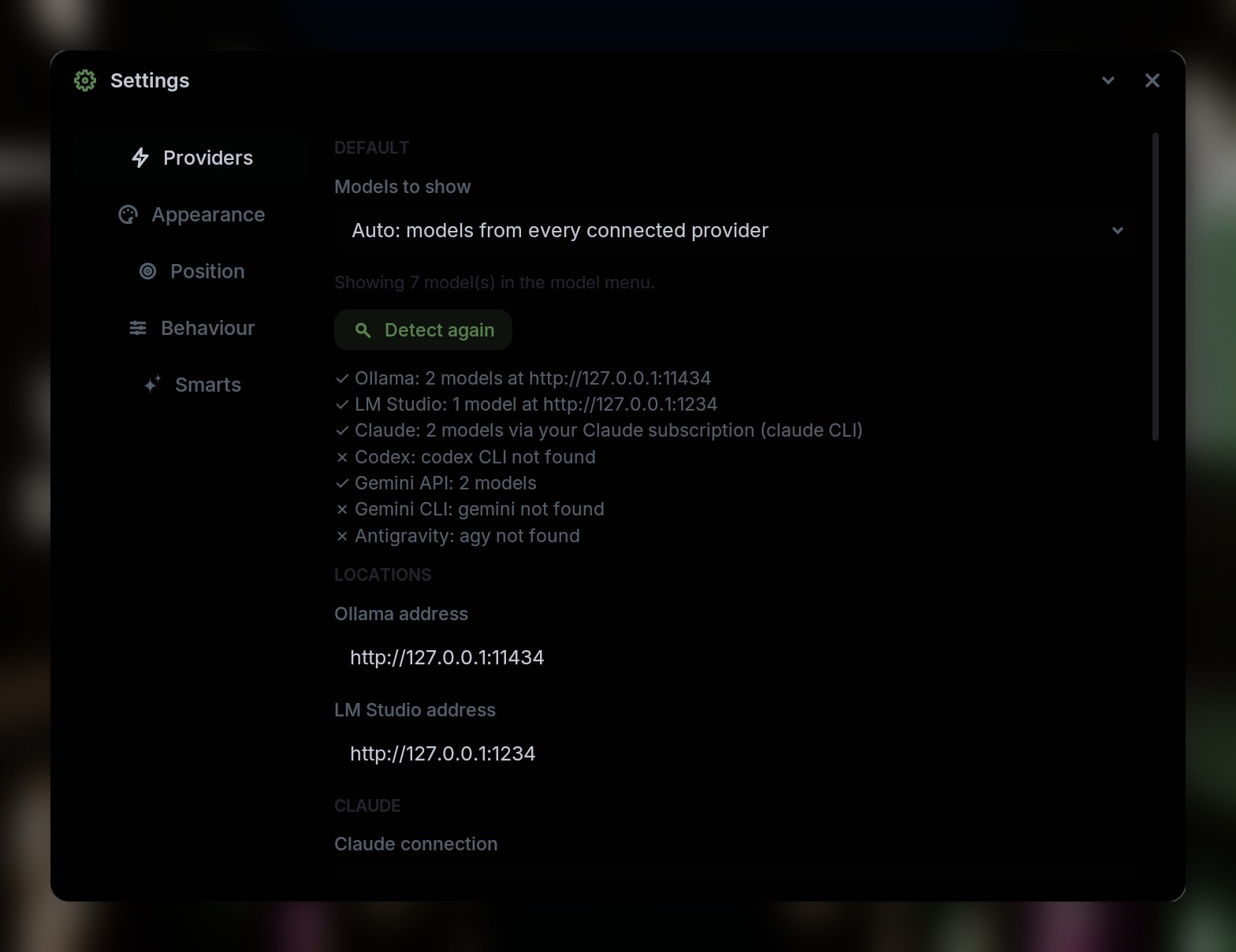
Run models locally with Ollama or LM Studio, connect your own API key, or use the Claude Code, Codex or Gemini command-line tools if you already have them installed and signed in. Usage and limits are set by each provider.
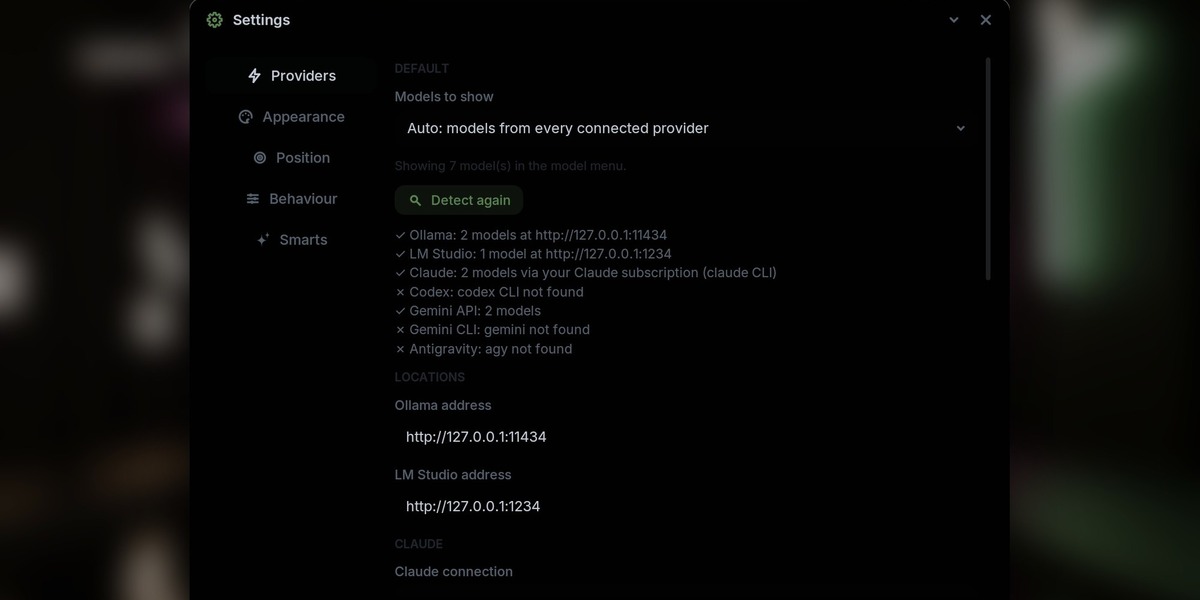
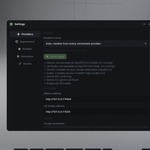
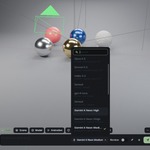
BlipBar finds what's running and lists every model. Show all of them, or just one provider. Ollama and LM Studio run on your own hardware: free, private, offline.
New here? The setup wizard finds Ollama, downloads a model sized for your computer, or tests your API key in a few clicks.
|
|
|
Supported providers
Six ways to connect.
Ollama
Free · offline
Local · localhost:11434
Ollama running with a model pulled
LM Studio
Free · offline
Local · localhost:1234
A model loaded, server started
Claude
Your API key or own CLI
API key or Claude Code CLI
Anthropic API key, or Claude Code installed and signed in
Codex
Your API key or own CLI
API key or codex CLI
OpenAI API key, or Codex CLI installed and signed in
Gemini
Your API key or own CLI
API key or gemini CLI
Google AI Studio key, or Gemini CLI installed and signed in
Antigravity
Your own CLI
agy CLI
Antigravity installed and signed in
|
|
Make it yours
Your colours,
your corner.
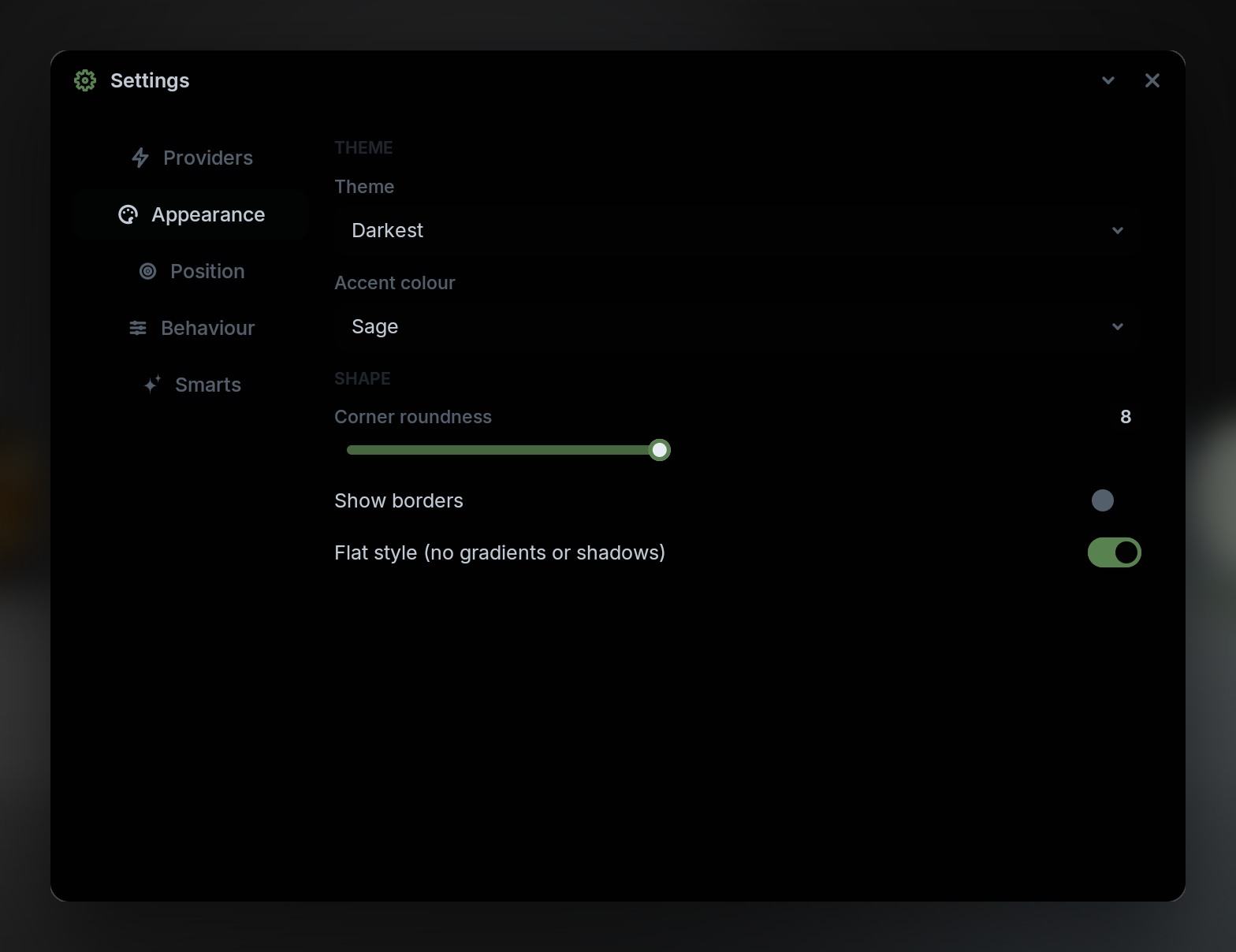
Pick your theme, accent colour, corner roundness and position. Every change applies instantly and is remembered across Blender restarts.
Smart features each have their own switch: result checks, code checks, quick questions, fix memory, agent tools, model routing.
|
|
Bar or sidebar
Chat the way
you like.
Keep the slim bar at the bottom of the viewport, or switch to a sidebar docked to the left or right edge, with your whole conversation and a bigger text box.
Attach anything
Show it.
Don't describe it.
Tap the paperclip and add up to 8 files: a reference photo, a floor plan, a brief, a spreadsheet of sizes.
| ✓ |
Images: PNG, JPG, WebP and more, sent to vision models |
| ✓ |
Documents: PDF, Word, Excel, TXT, Markdown, CSV, JSON, OBJ, SVG, code |
| ✓ |
Documents work with every connection, local, API key or CLI |
|
|
|
Also inside
Everything else in the box.
Recipes
One-click jobs: archviz house, product turntable, 3-point lighting, biped rig, UV unwrap, cleanup.
History & favourites
Every prompt is saved. Reuse any entry in one click. Star the ones you love.
Voice input
Click the mic, speak, click again. Transcribed locally or with your chosen service.
Request undo
One button undoes every step of the last AI request at once, not just one Ctrl+Z.
Scene diff
After every request, see exactly which objects were added, removed or moved.
3 variations
Turn it on and build requests run as three versions in parallel, so you can pick.
|
|
|
Get started
Up in four steps.
About two minutes if you already have a model.
1 |
Install the add-on
In Blender: Edit › Preferences › Get Extensions › menu › Install from Disk. Pick blipbar.zip and enable it.
|
2 |
Connect a model
The setup wizard opens on first run: start Ollama or LM Studio, download a recommended model, paste an API key, or use a CLI you're signed in to.
|
3 |
Pick what you see
Settings › Providers shows what's connected and why. Choose to show every model or one provider.
|
4 |
Type a request
Press Ctrl+Space in the 3D viewport, type what you want, press Enter.
|
Start with one object or one colour change to see how your model behaves before asking for a whole scene.
|
|
|
Privacy & your accounts
Your keys stay yours.
BlipBar connects Blender to the AI you choose. That's all it does.
✓ |
We don't keep your API keys
Keys you paste stay on your computer, in BlipBar's settings file inside Blender's config folder. They are sent only to the provider they belong to (Anthropic, OpenAI or Google), never to us or anyone else.
|
✓ |
We never handle your logins
BlipBar has no sign-in screen. For Claude Code, Codex, Gemini and Antigravity it uses the official tool you already installed and signed in to yourself. It never reads, copies or stores your login.
|
✓ |
We collect nothing
No BlipBar account, no analytics, no telemetry. Your prompts, scenes and files never reach us.
|
✓ |
Local stays local
With Ollama or LM Studio, everything runs and stays on your own machine.
|
✓ |
Your account, your terms
Usage through an API key or a CLI is billed and limited by that provider under your own account and its terms. BlipBar doesn't resell or pay for AI usage.
|
|
|
LEGAL
BlipBar is an independent product. It is not affiliated with, endorsed by or sponsored by the Blender Foundation, Anthropic, OpenAI, Google, Ollama or LM Studio. Blender, Claude, ChatGPT, Codex, Gemini, Ollama and LM Studio are trademarks of their respective owners and are used here only to describe compatibility.
BlipBar does not include any AI models. Models you download or connect (such as Gemma, Llama or Qwen) and online AI services you use come with their own licences and terms. You are responsible for following them.
|
|
|
Open Blender.
Say what you want.
Works with Ollama, LM Studio, Claude, Codex and Gemini.
Blender 4.2 and up. Windows, macOS, Linux.
|
|
|
BlipBar · AI Command Bar for Blender
Keep a saved copy of important .blend files before running AI on them.
|
|
 EdenWeby 3D