 alberrvfx

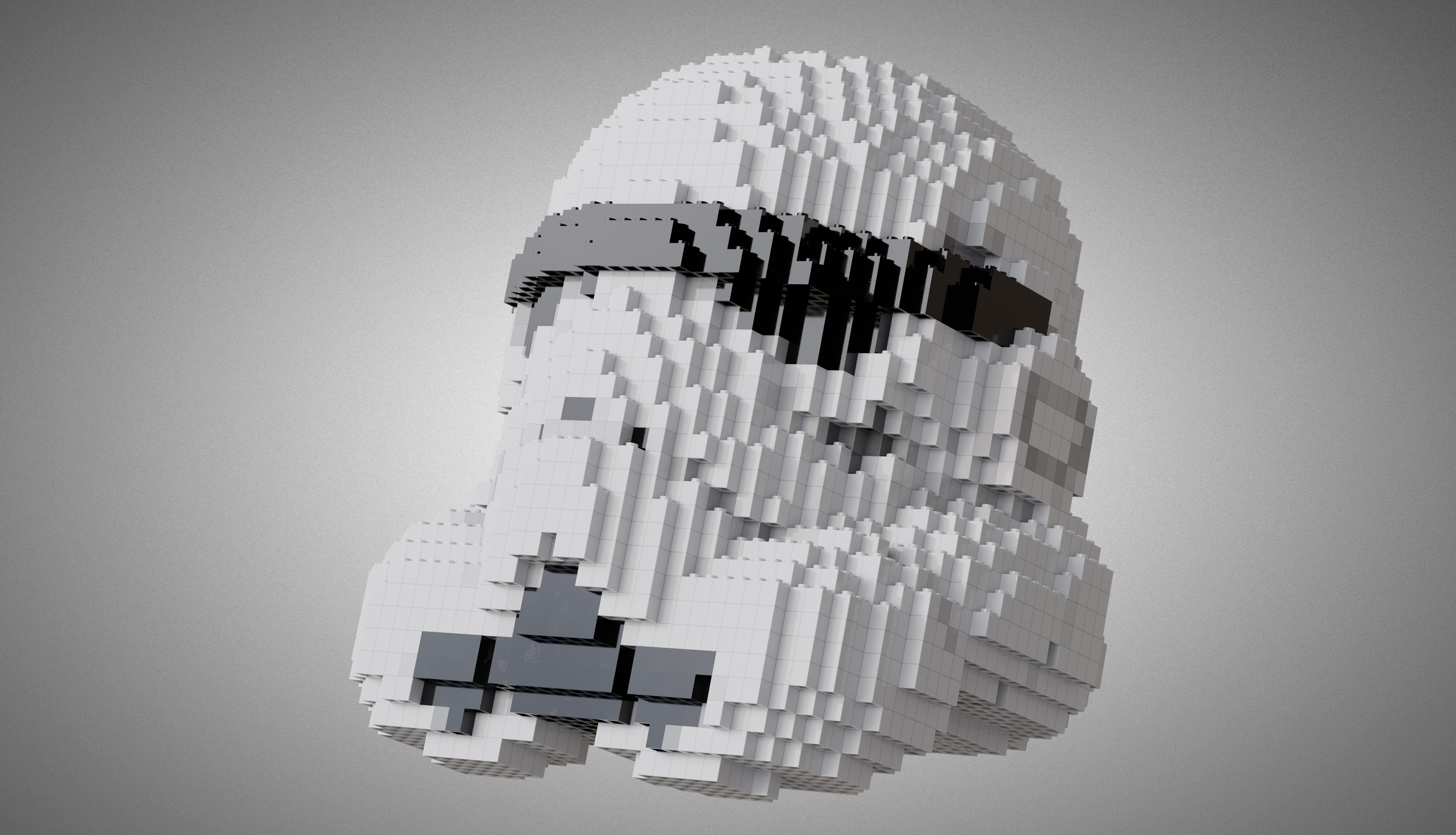
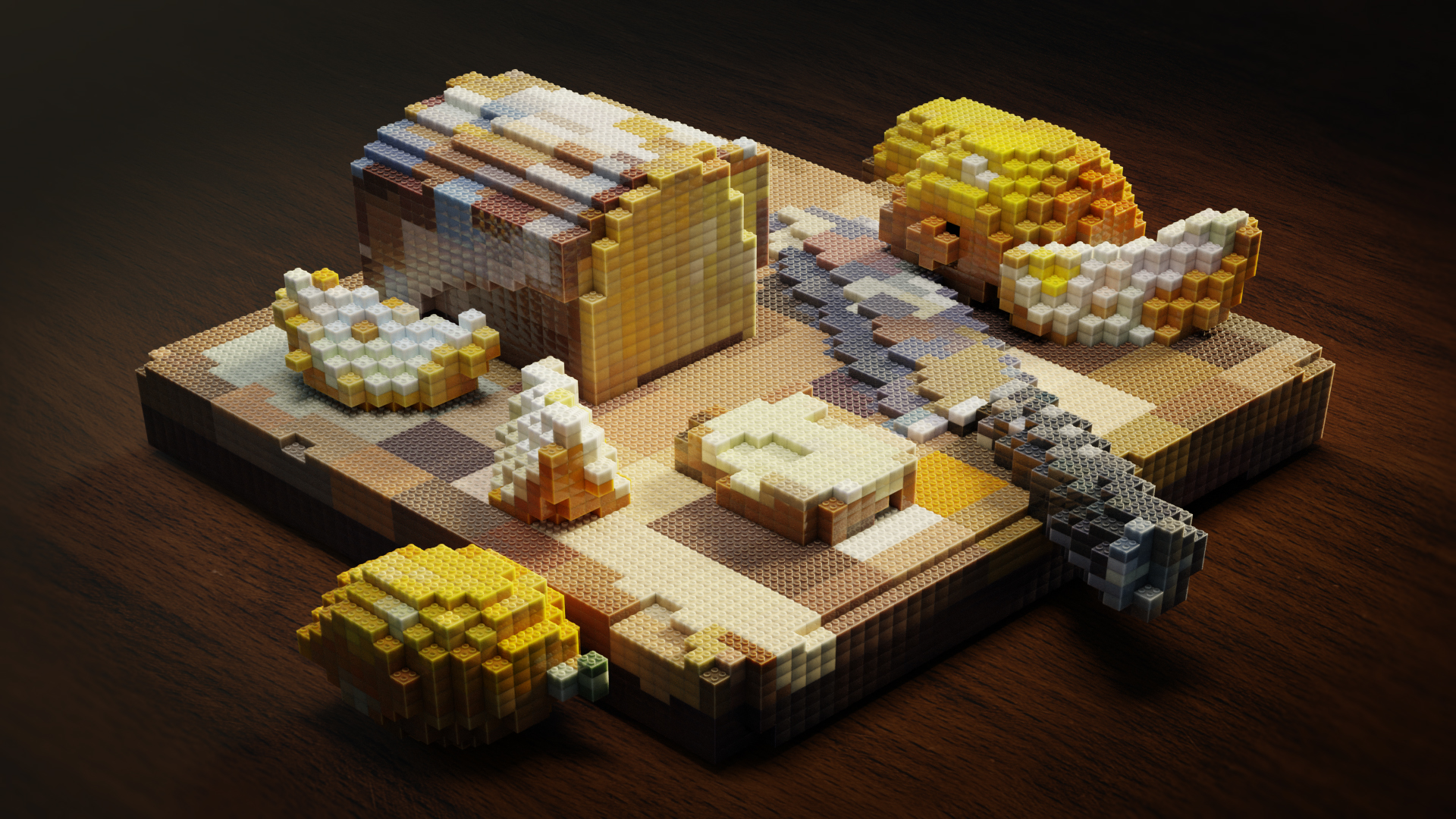
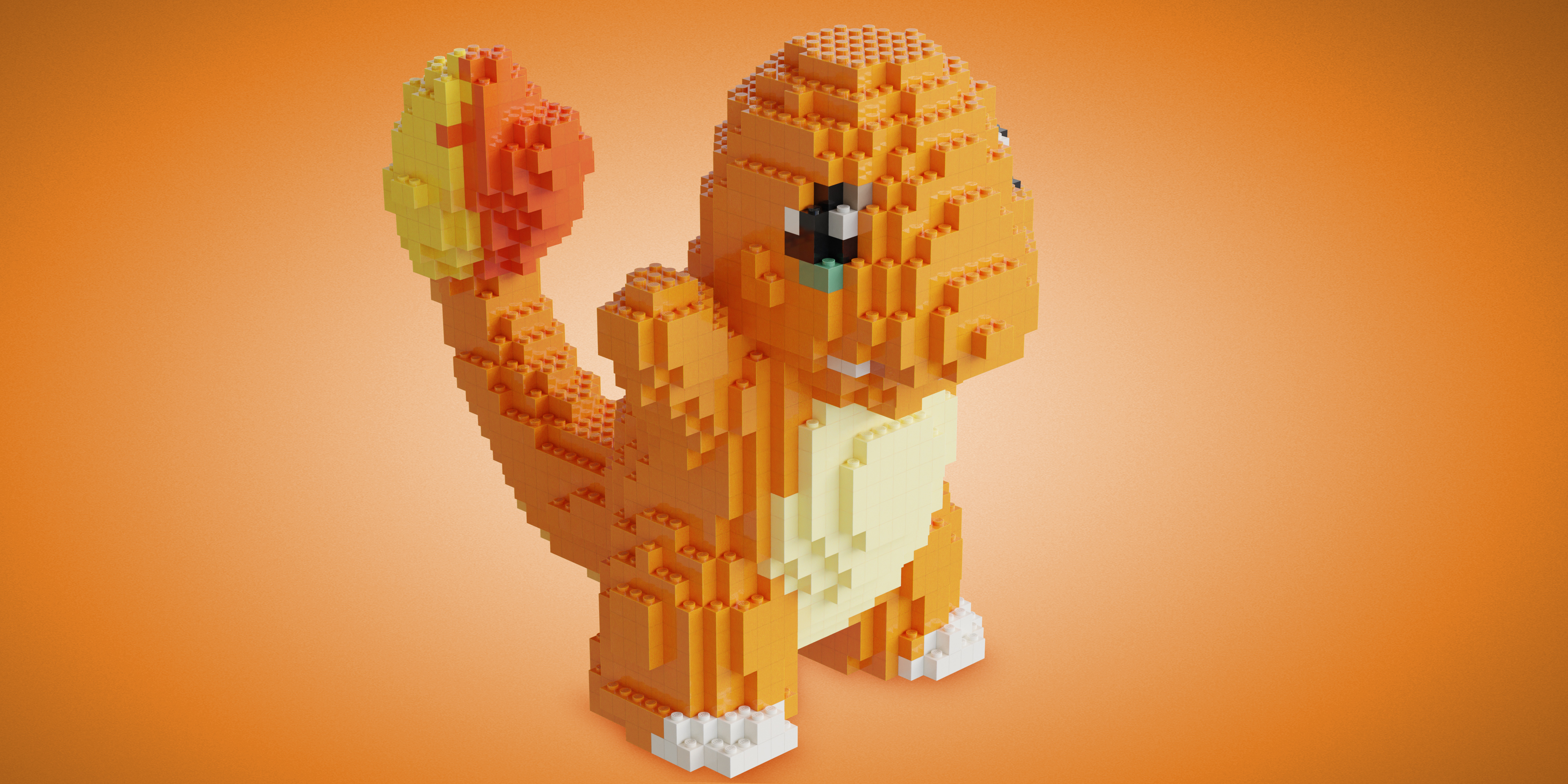
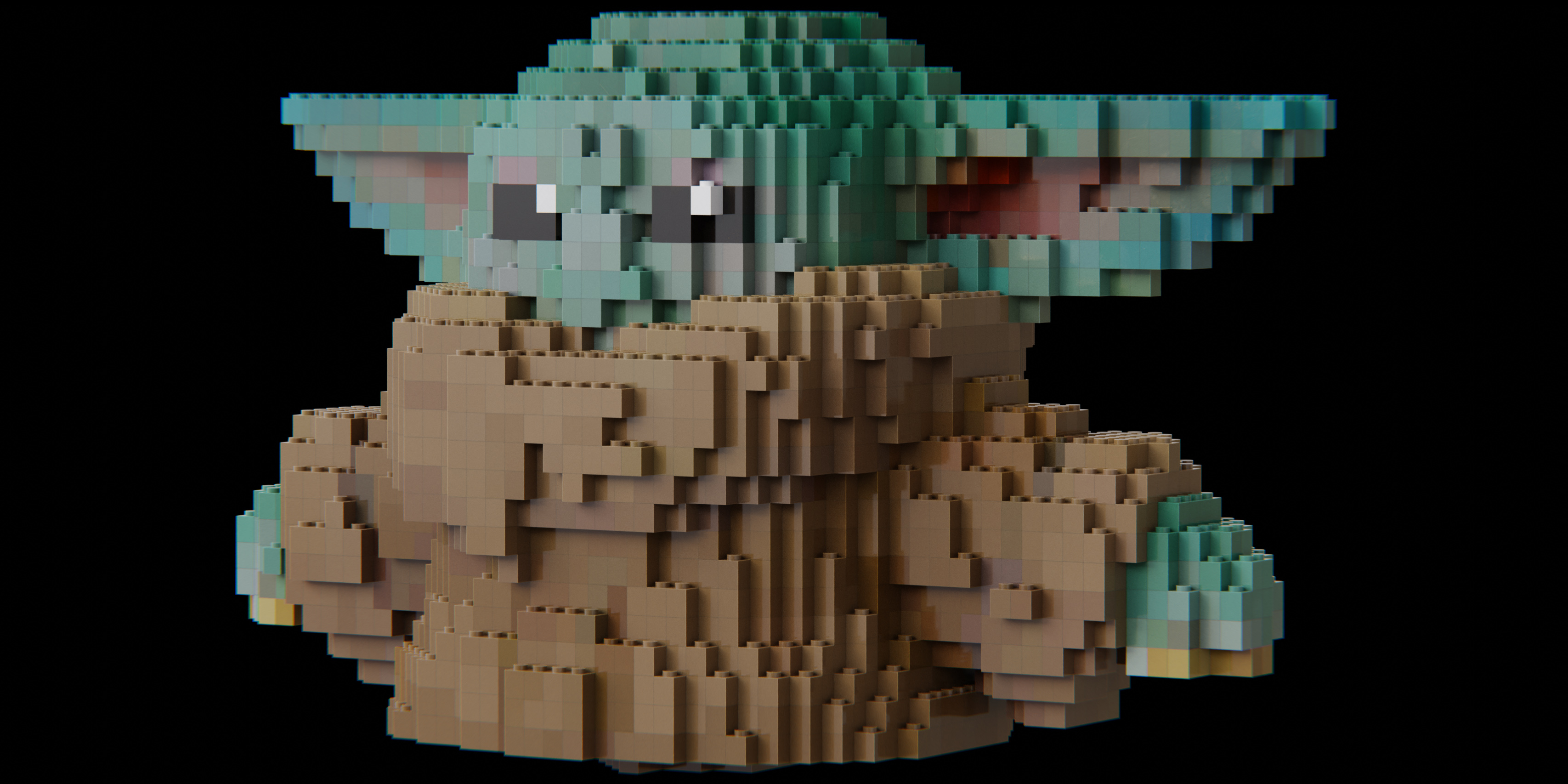

Turn any 3D Model into Blocks
Last update 17.07.24 - Blocker 2.0
Author: Alberrvfx
Addon Developer: Al-Dezel
Blender v4.0 - v4.5
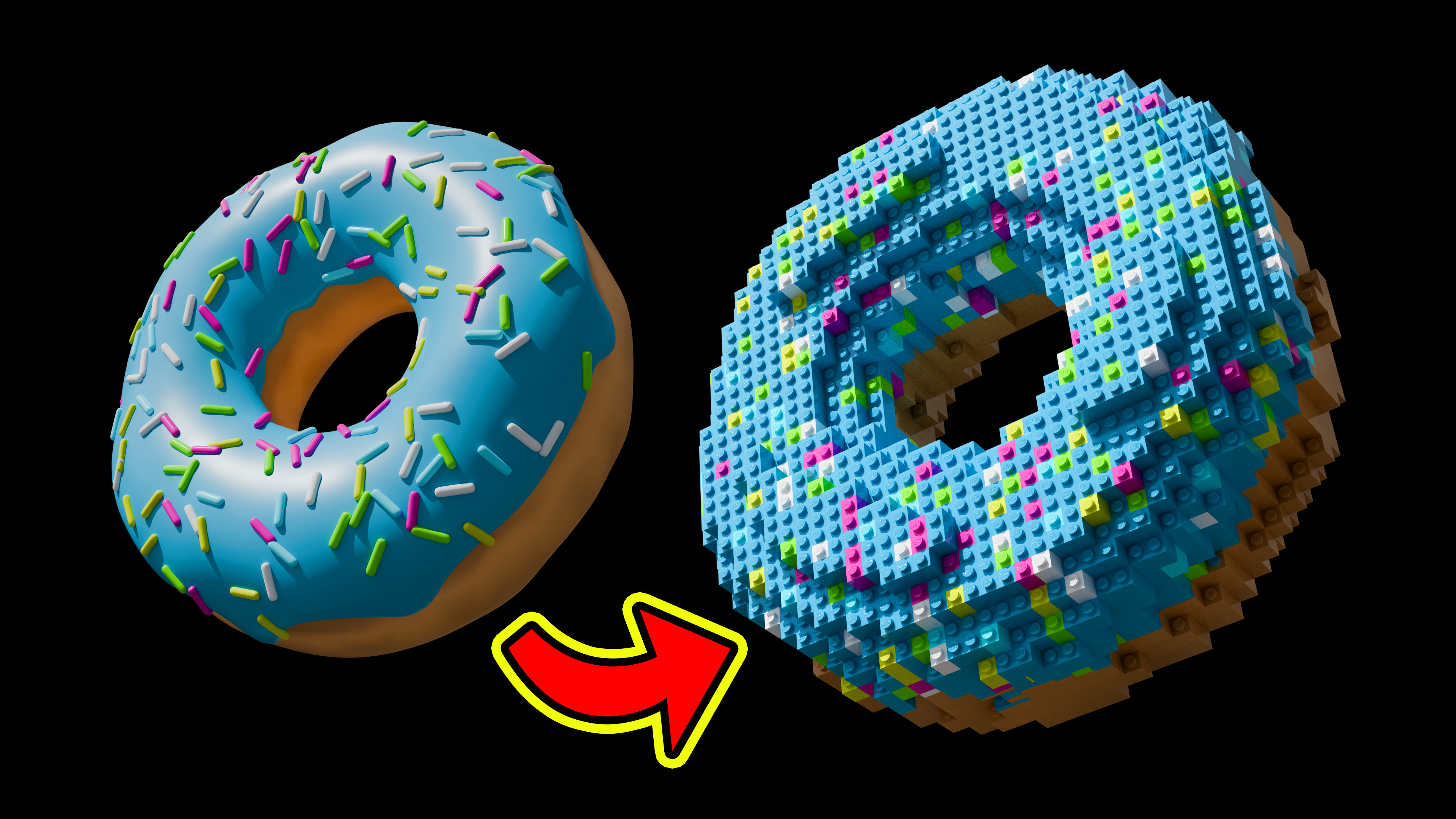
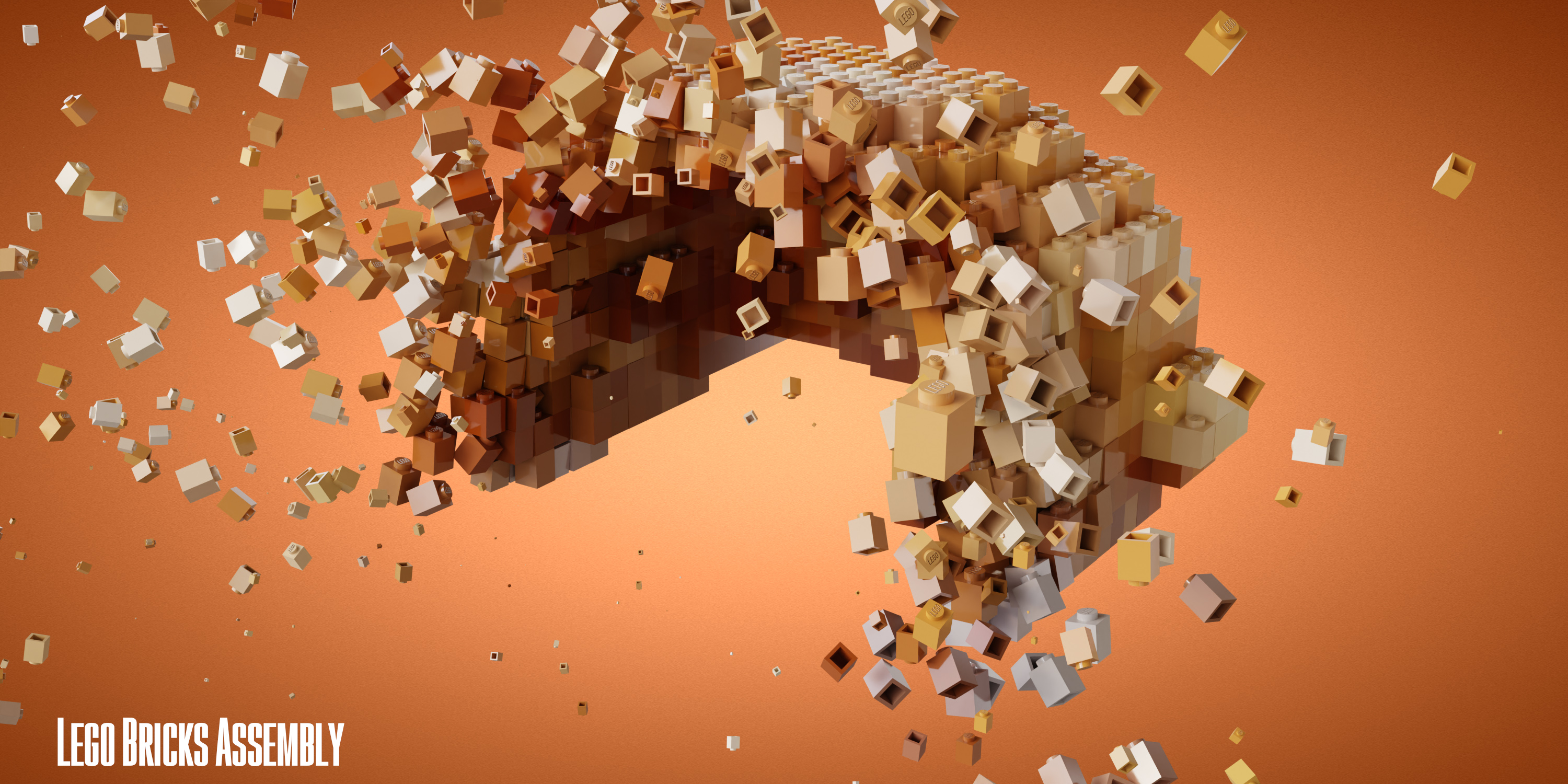
Animated with Blocks Assembly animation preset
BRICKS
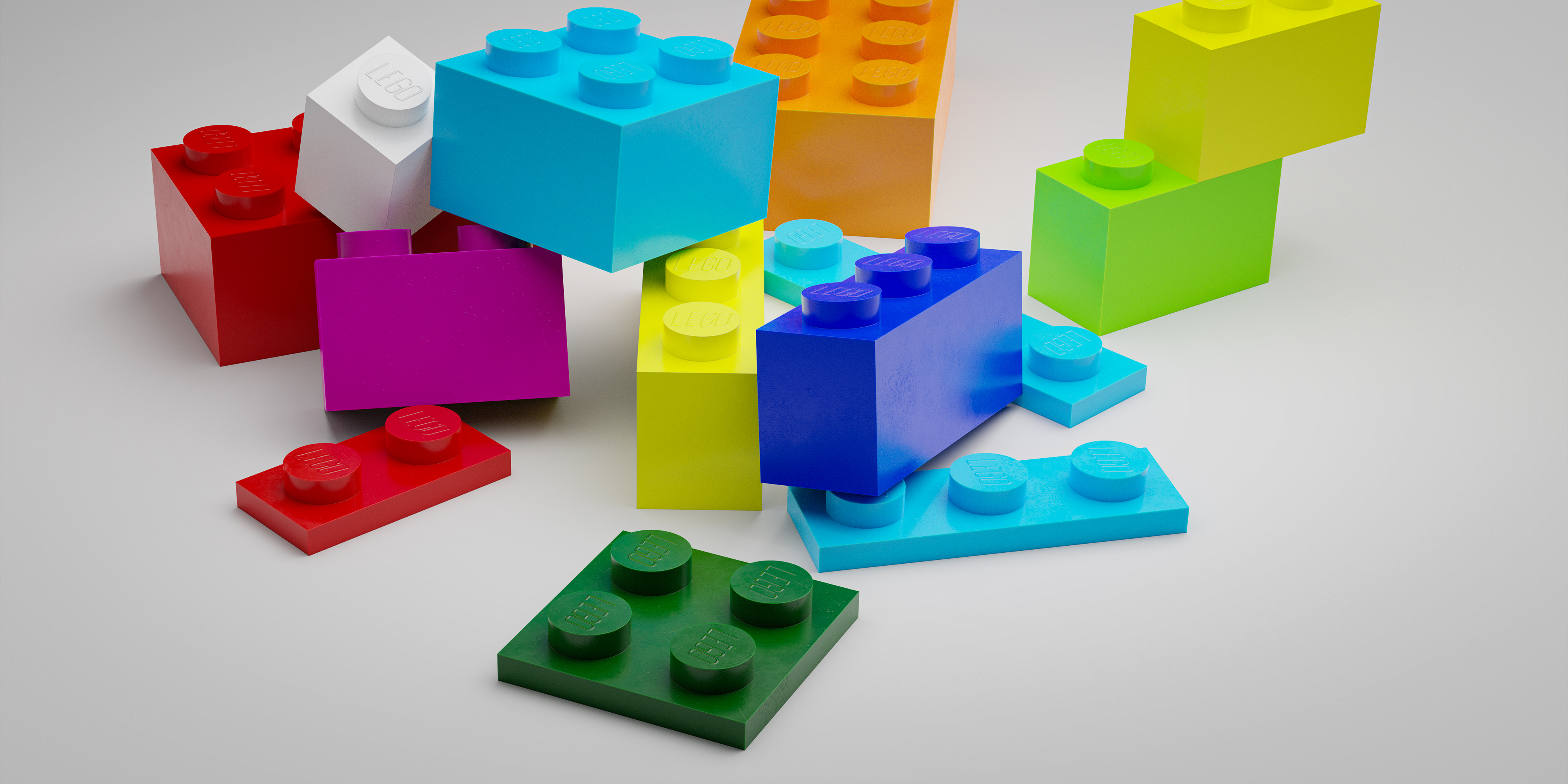
This addon comes along with 24 different usable blocks. If desired, to change them just specify the dimensions (X,Y,Z) of the replacing brick. Do not panic! maths are far away from being necessary to use Blocker. By typing 1, 2, 3 or 4, the bricks will change their dimensions instantly.
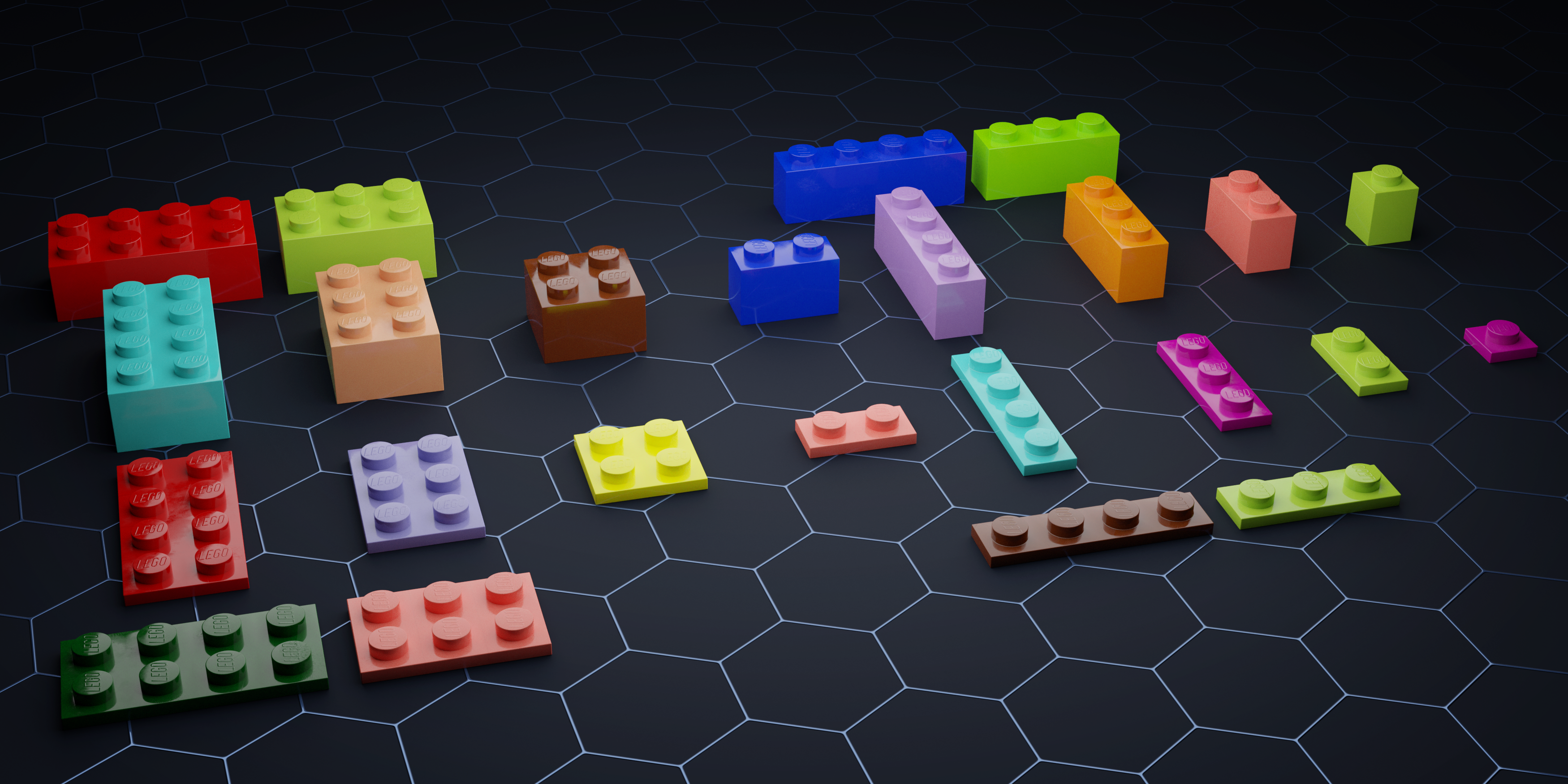
All the 24 Legolizer Bricks to use
MATERIAL
Shading is a very important aspect when it comes to 3D art. No matter how good your model looks on 3D Viewport. Unless accompanied by the appropriate material, it will lose a lot of potential. That is the reason why Blocker, apart from a good-looking geometry, also cares about shading and includes its own material.

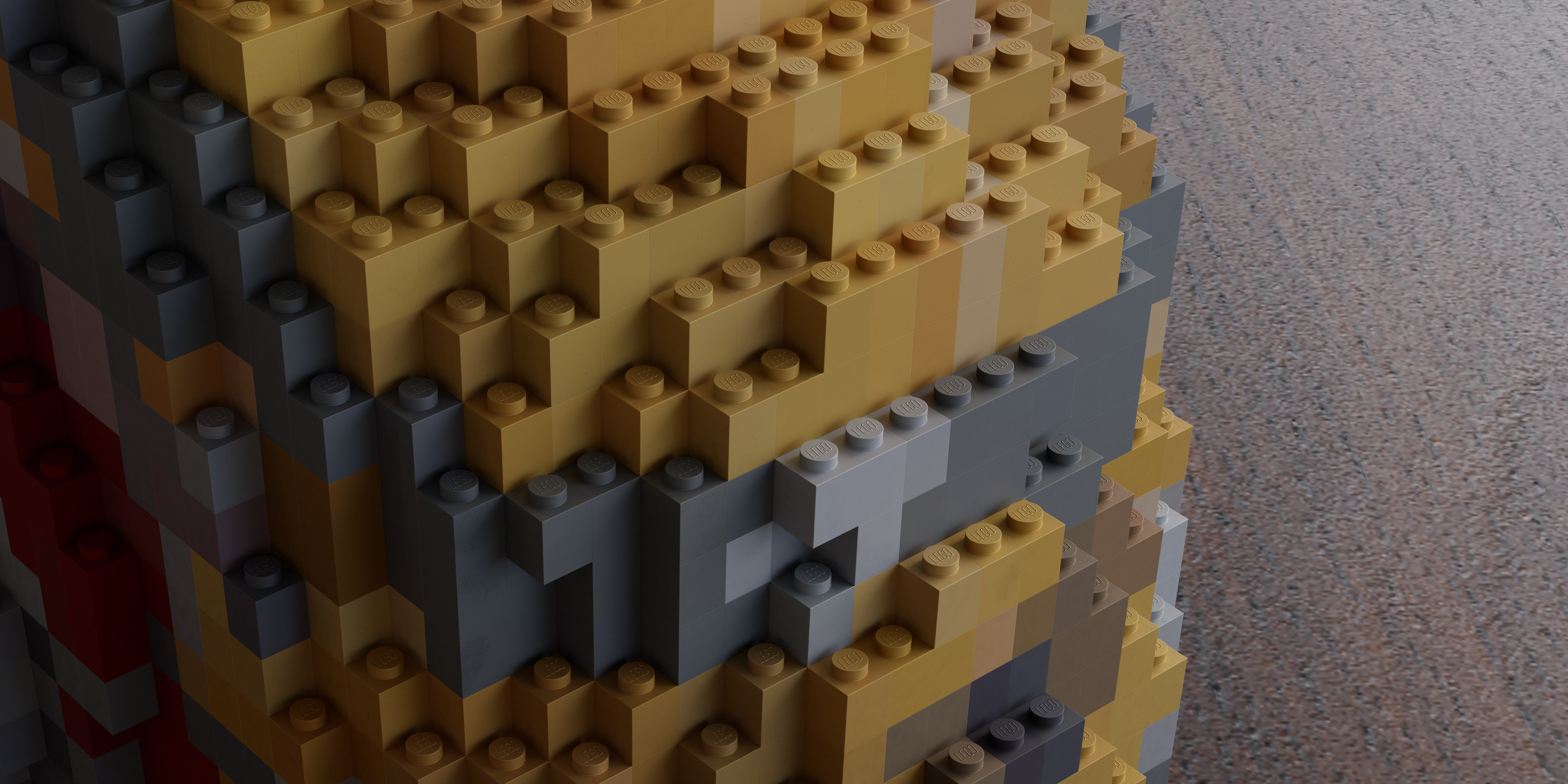
It includes the Procedural PBR Plastic Material, a customizable material that will make your Blocker 2.0 renders standout. As its name suggest (PBR, Physically Based Render), this material aims especially for realism. You will take a leap in quality using the Procedural PBR Plastic Shader rather than Blender´s default Principled BSDF with a low roughness. A picture is worth a thousand words so have yourself a look at the difference.
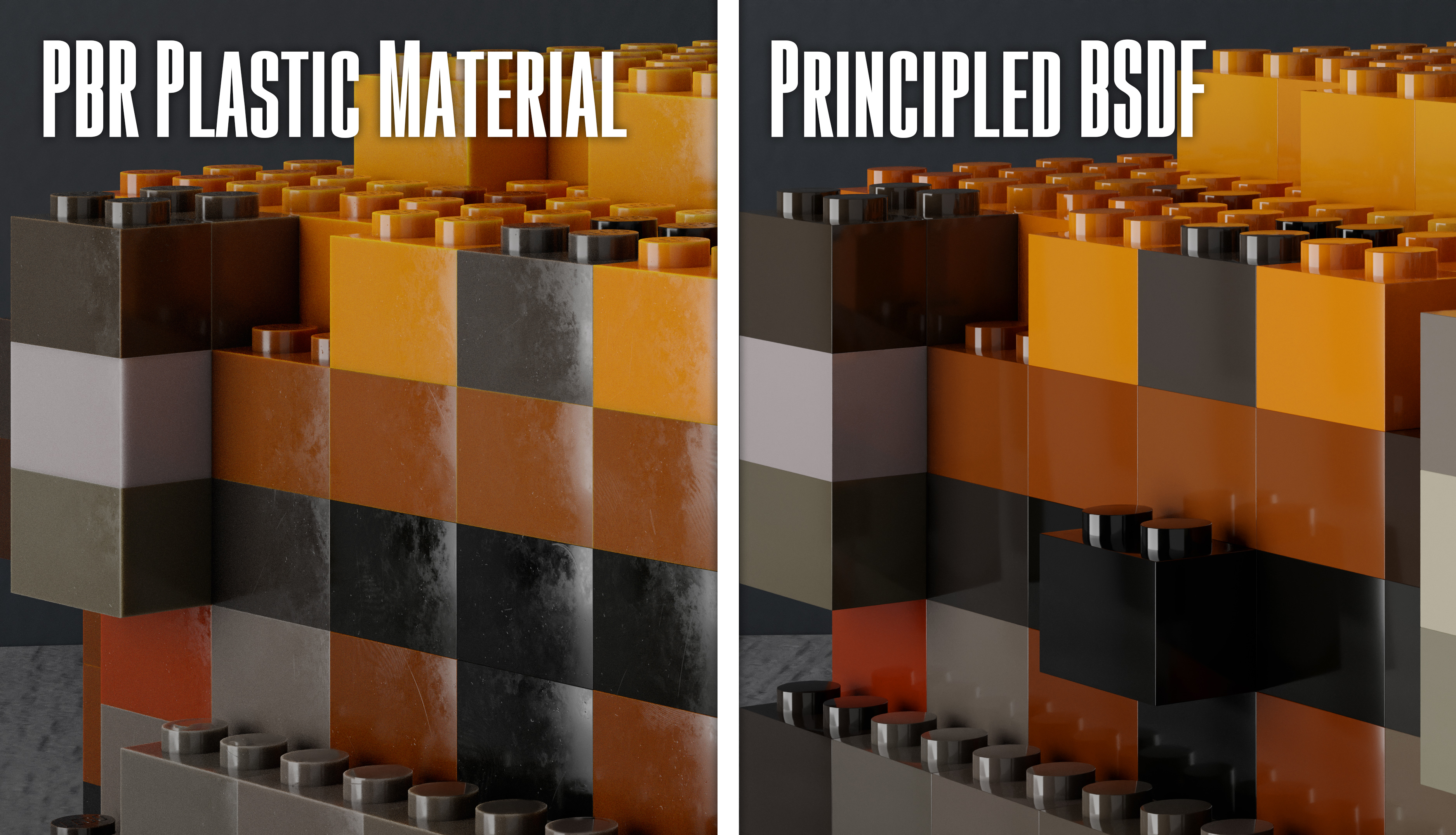
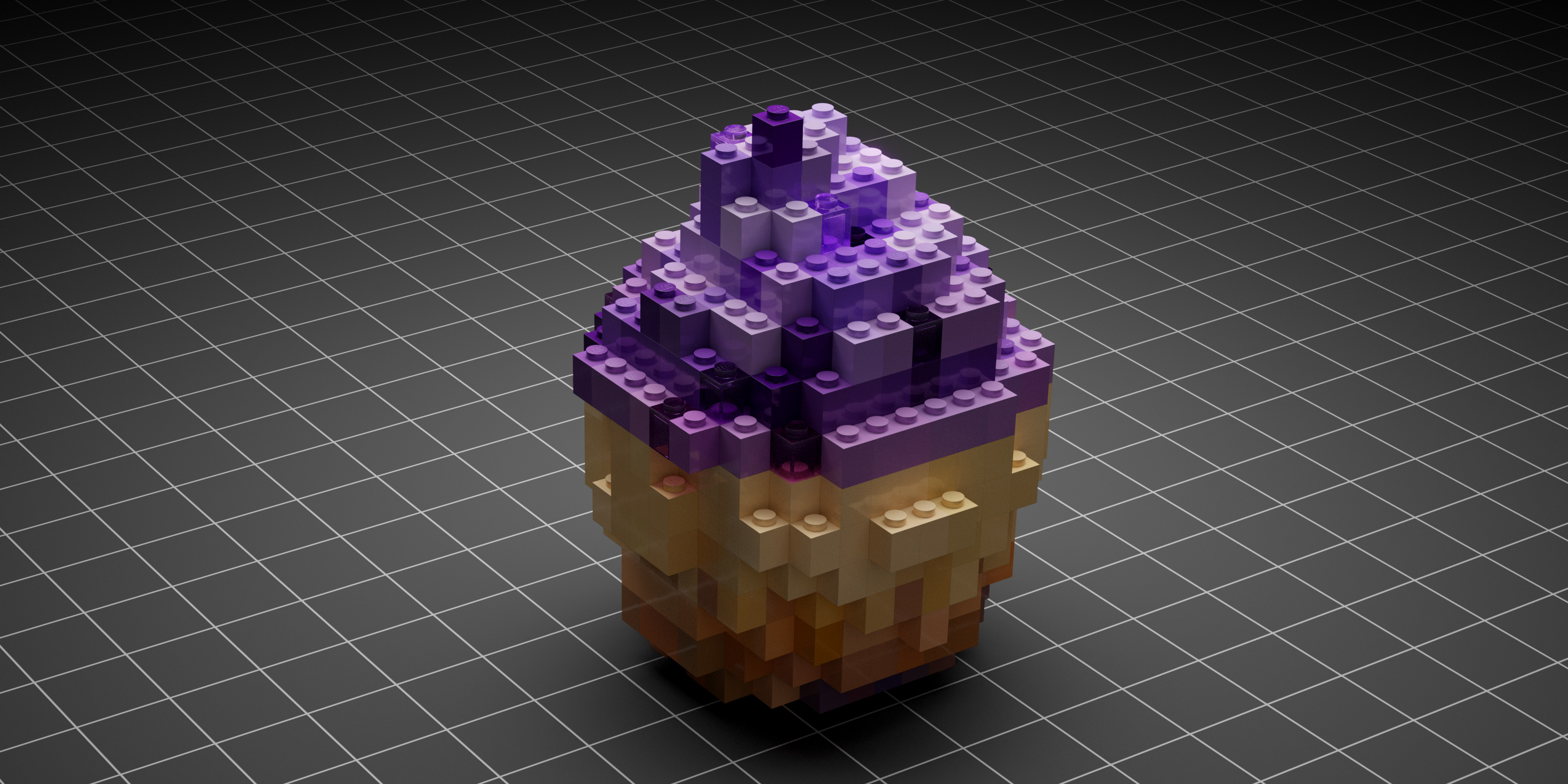
In addition, you will be able to add metallic and transparent bricks to your models. Use the Random mask per brick, included with the shader, to combine standard, metallic and transparent bricks.
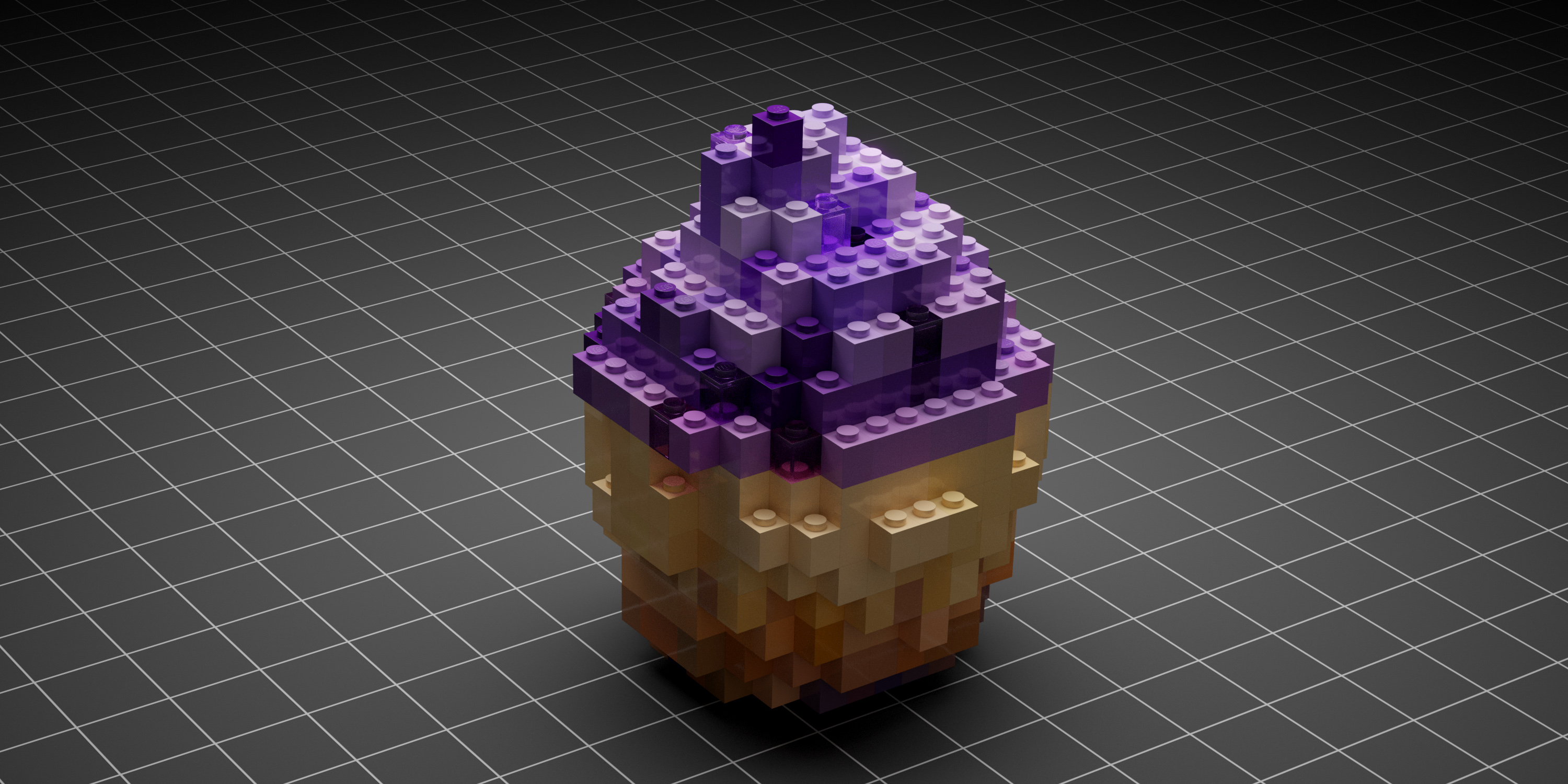
Original model by Anastasiaremezova https://skfb.ly/6YxYO
Observe how on the top of the cupcake there is a mix between the standard bricks and some transparent ones. The amount of each type of bricks is up to you, as always.
The material comes up with an option to enable procedural Photorealistic features (Dents, Scratches, Fingerprints) in order to achieve even more realism in your renders.
The Procedural PBR Plastic Material can be also obtained separately here.
ANIMATION PRESETS
What about animation? If you want to take your Lego brick renders a step further with some cool animations, you can. Currently, Blocker 2.0 includes three animation presets:
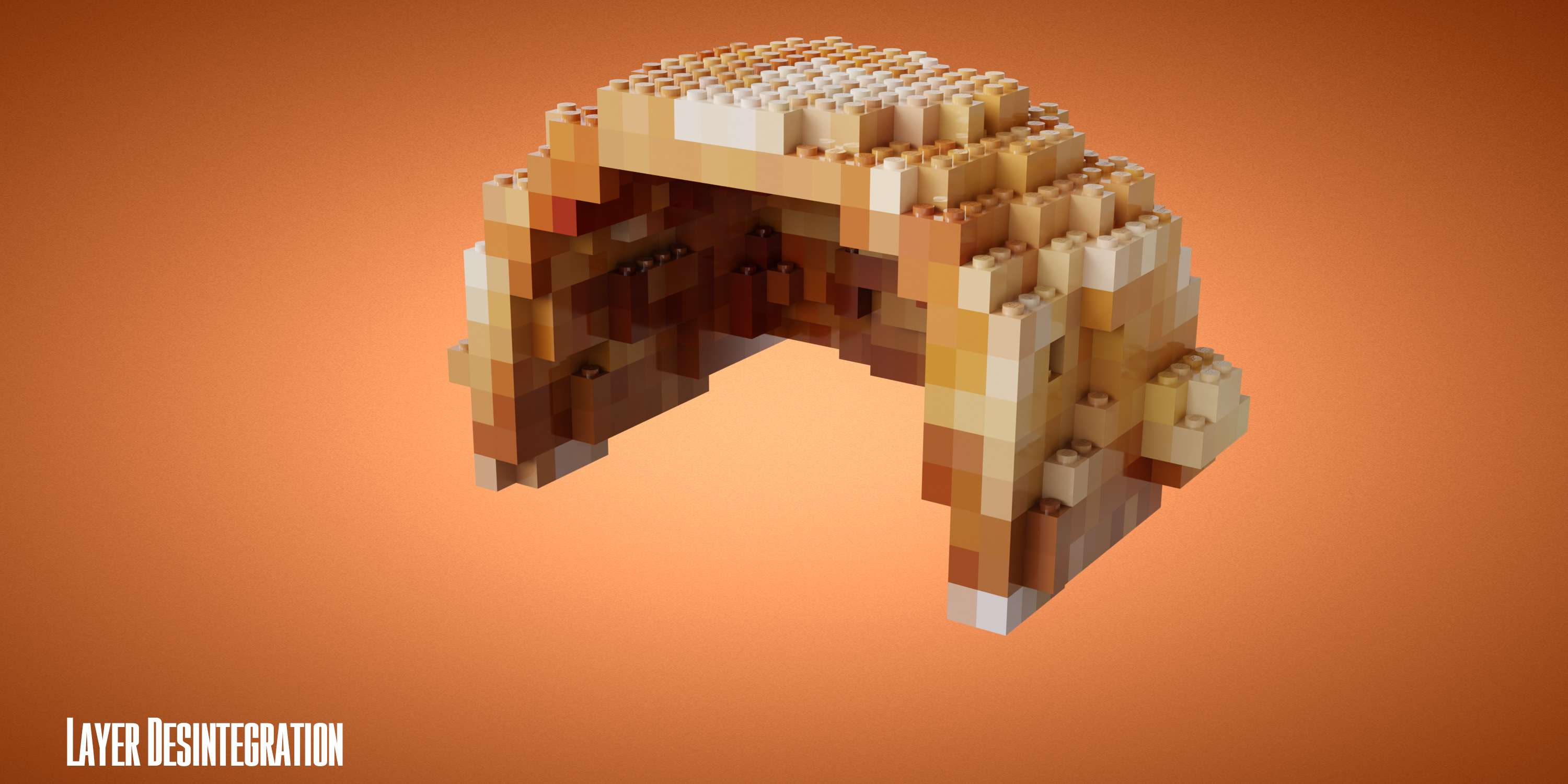
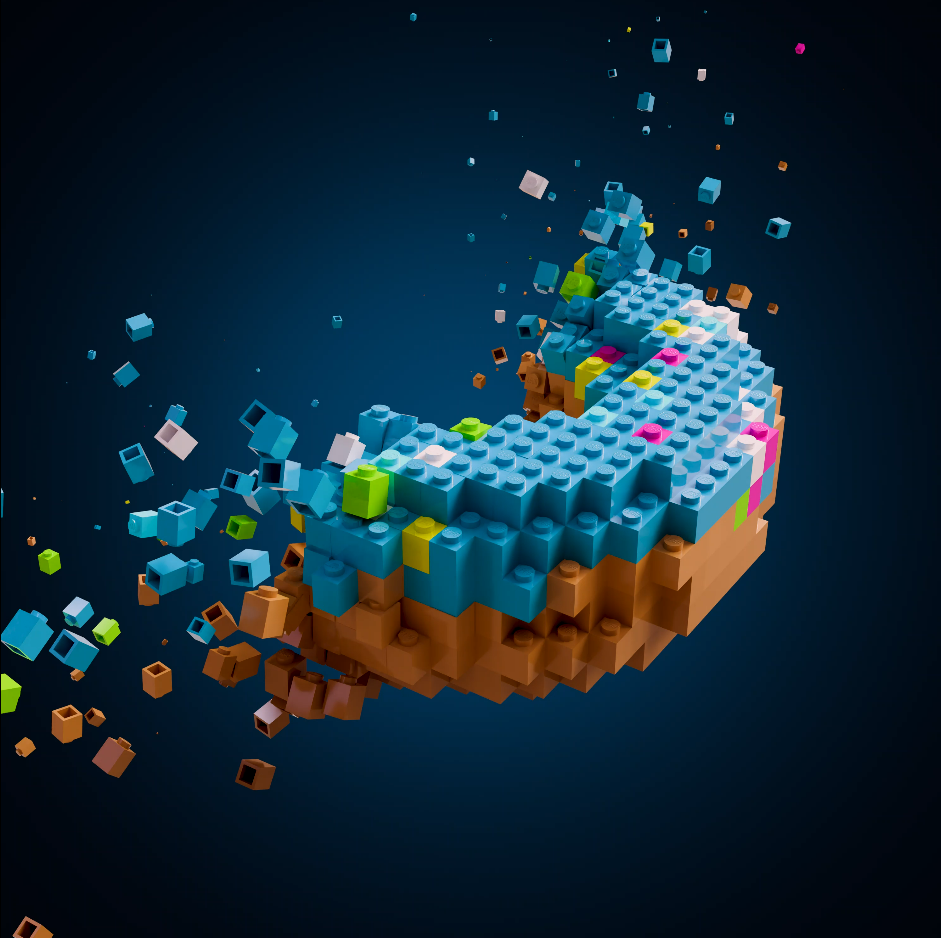
- Layer Desintegration
Animated in Eevee.
- Blocks Assembly

Animated in Eevee.
- Landscape Animation (for Blocker Landscape Generator)
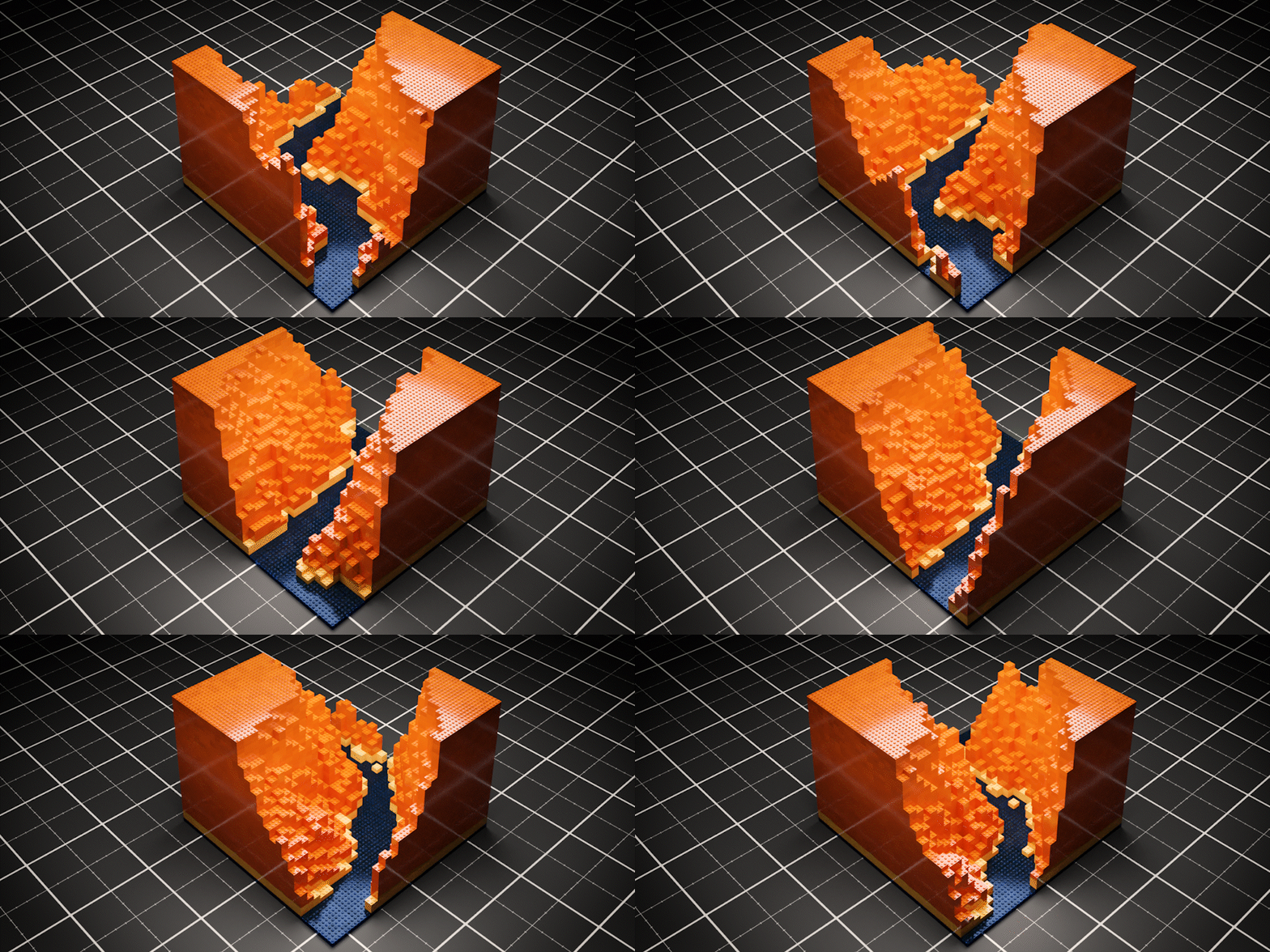
Animated in Cycles
Adjust the final look of the animation by customizing speed, direction, randomness... try to variate them to achieve completely different animations.
BLOCKER LANDSCAPE GENERATOR
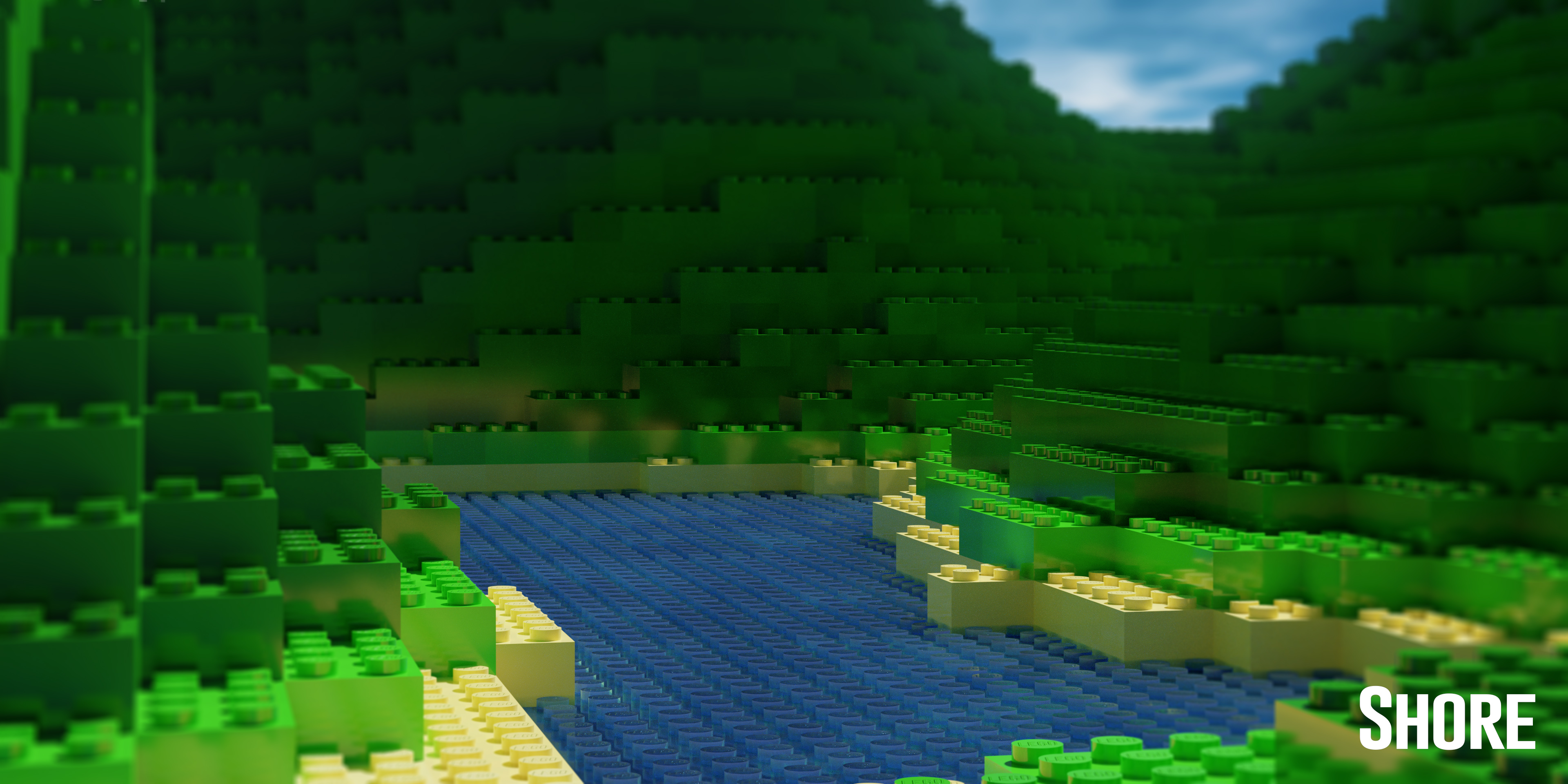
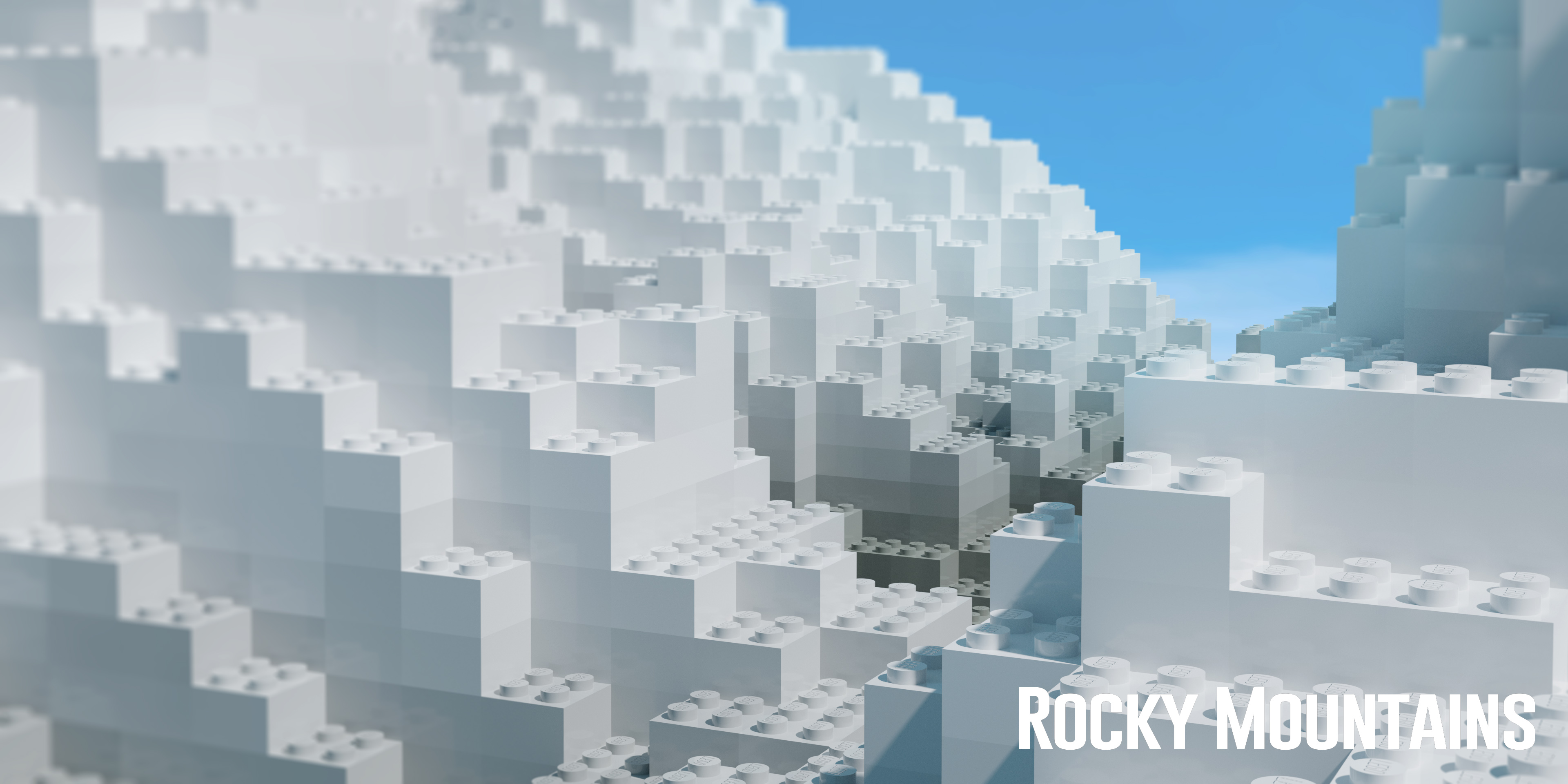
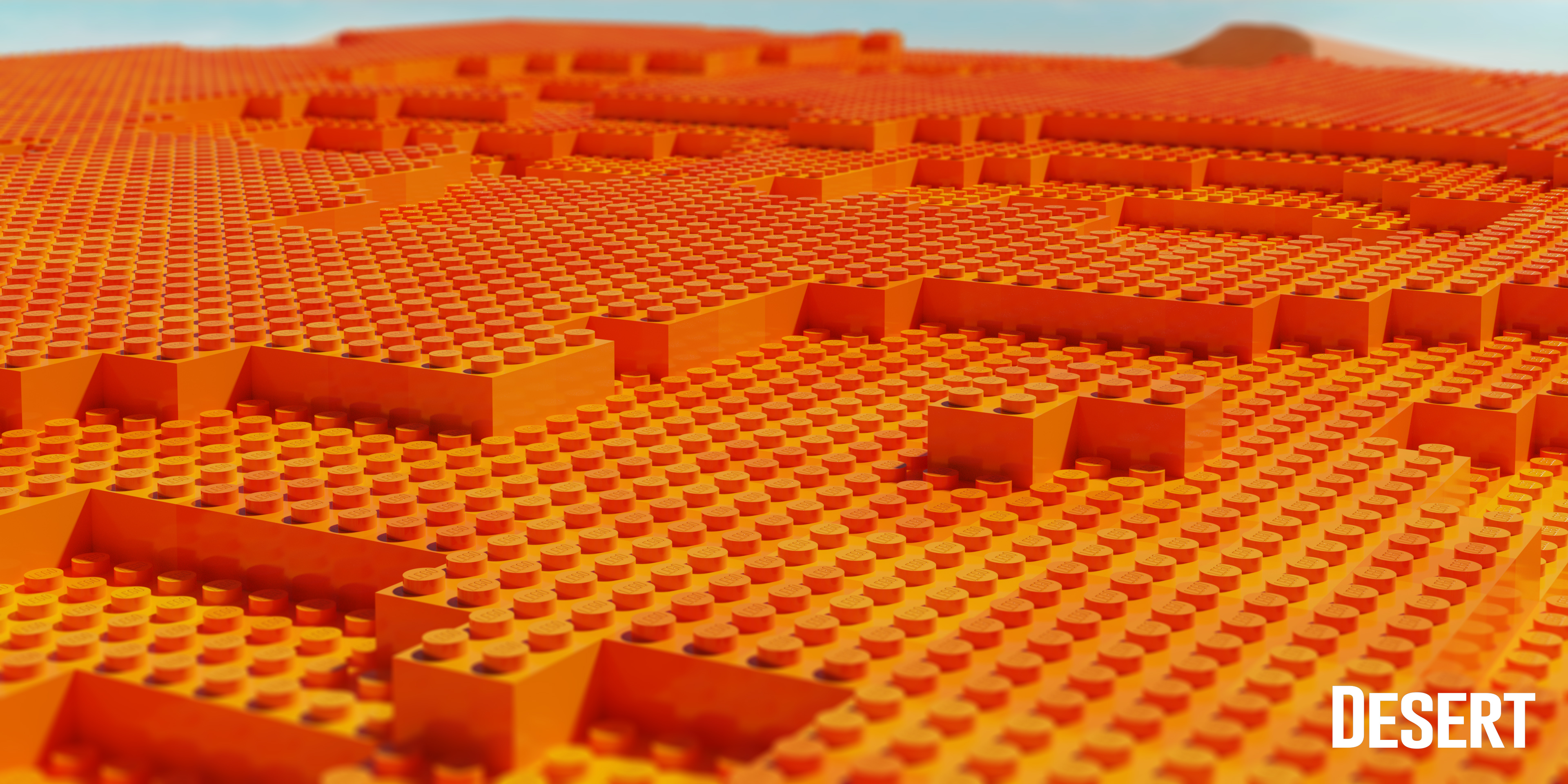
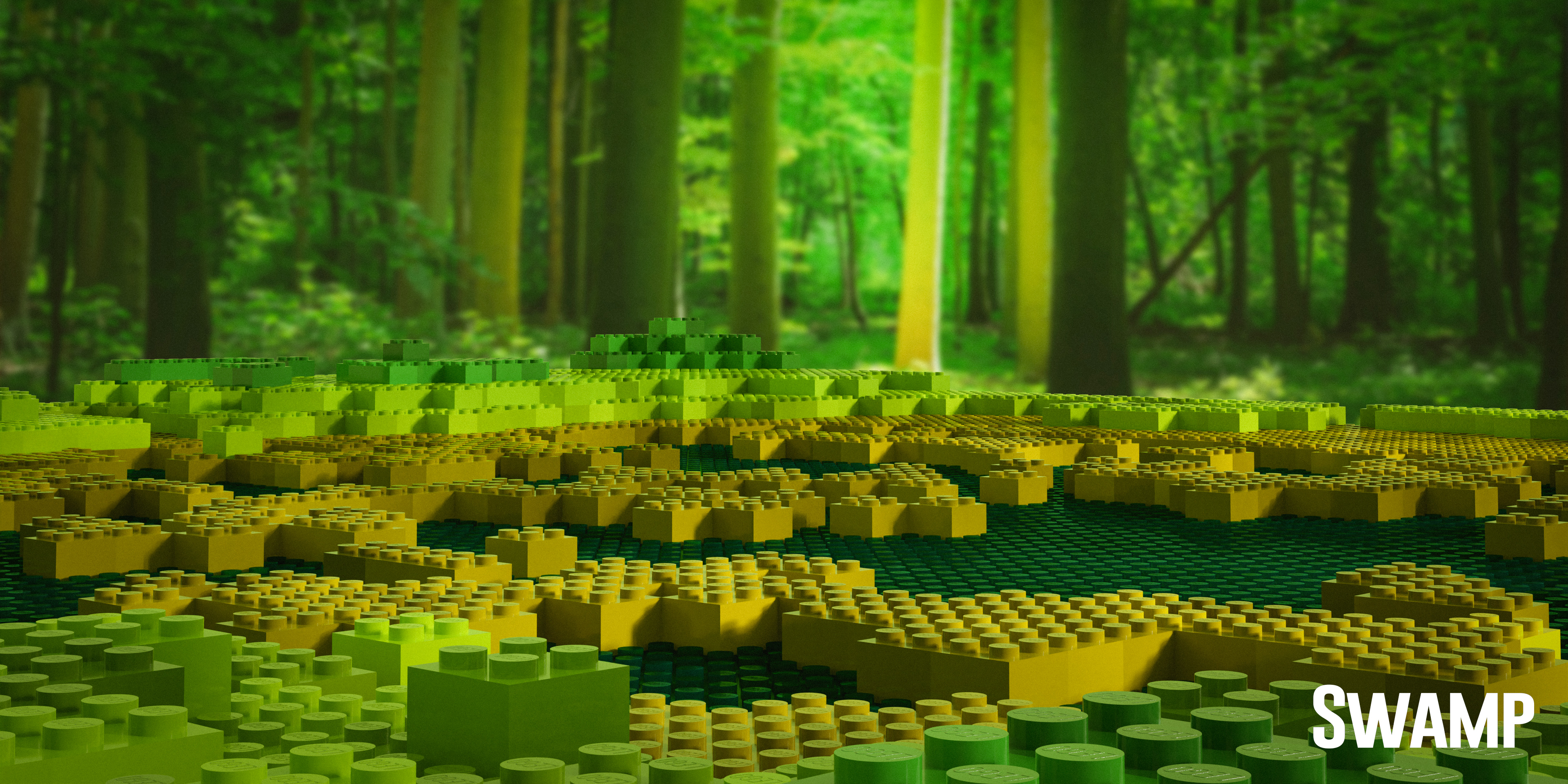
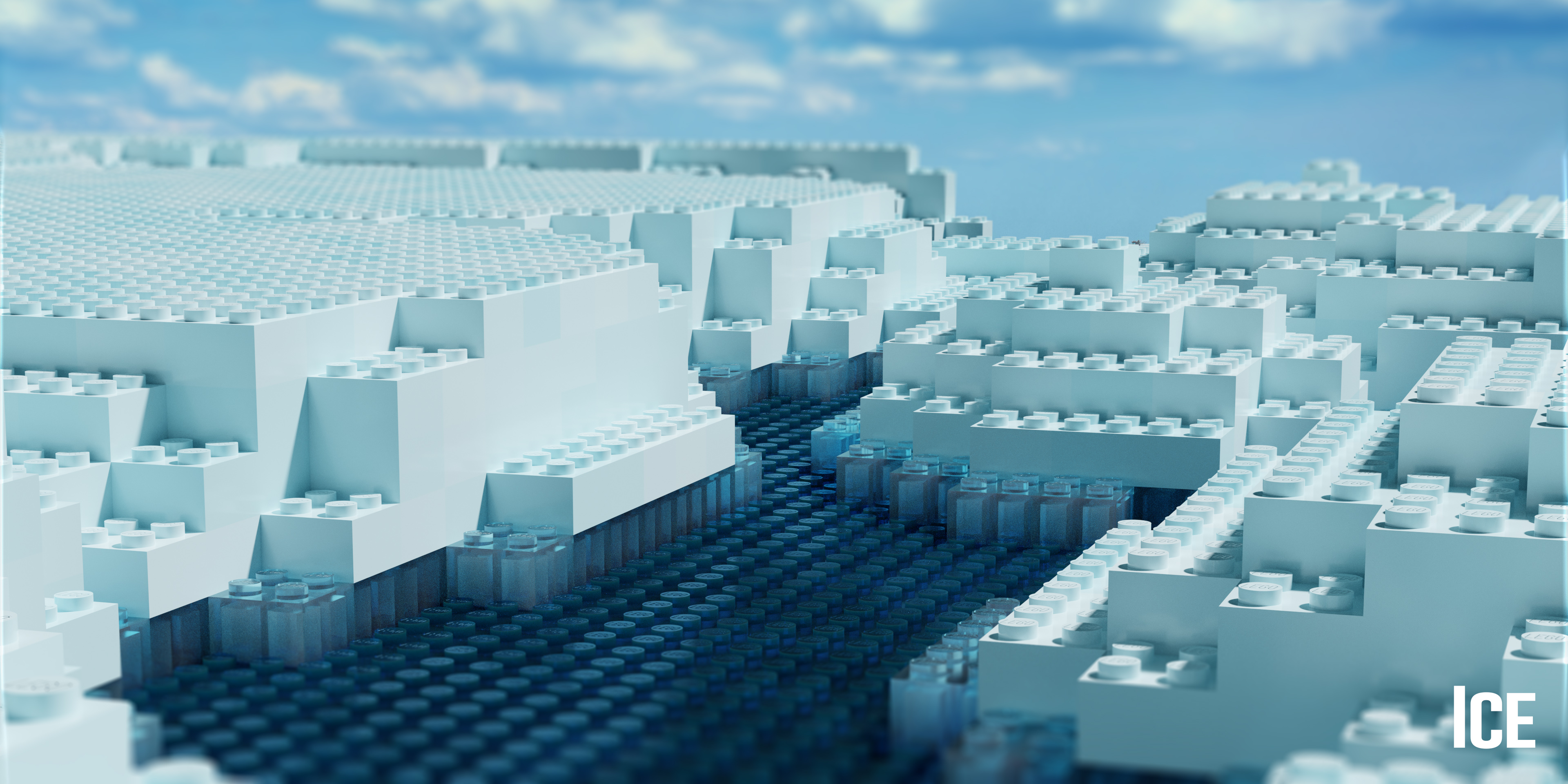
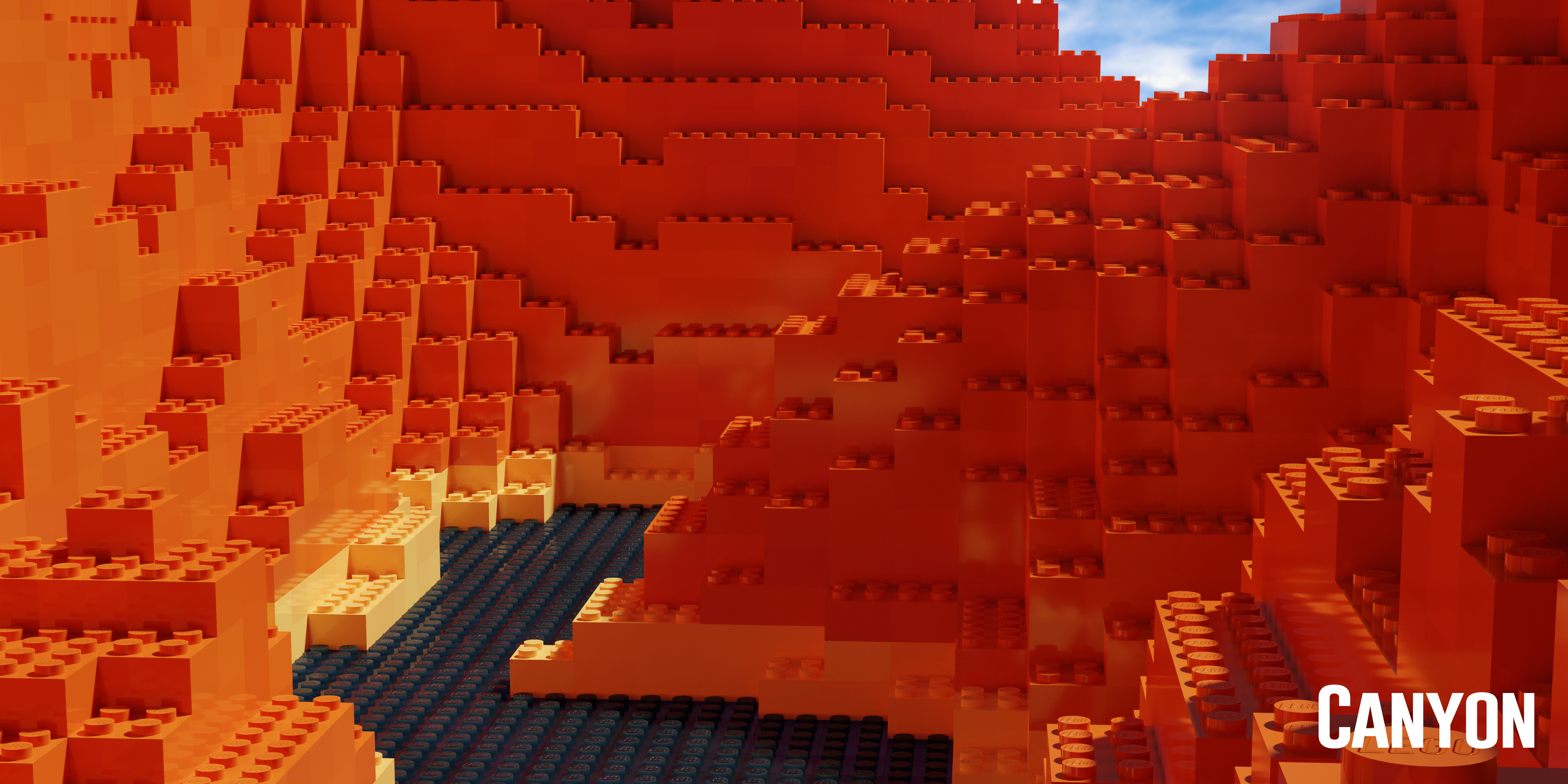
Legolizer addon includes a Blocker Landscape Generator which can be useful for creating nature scenaries without losing the block´s vibe.
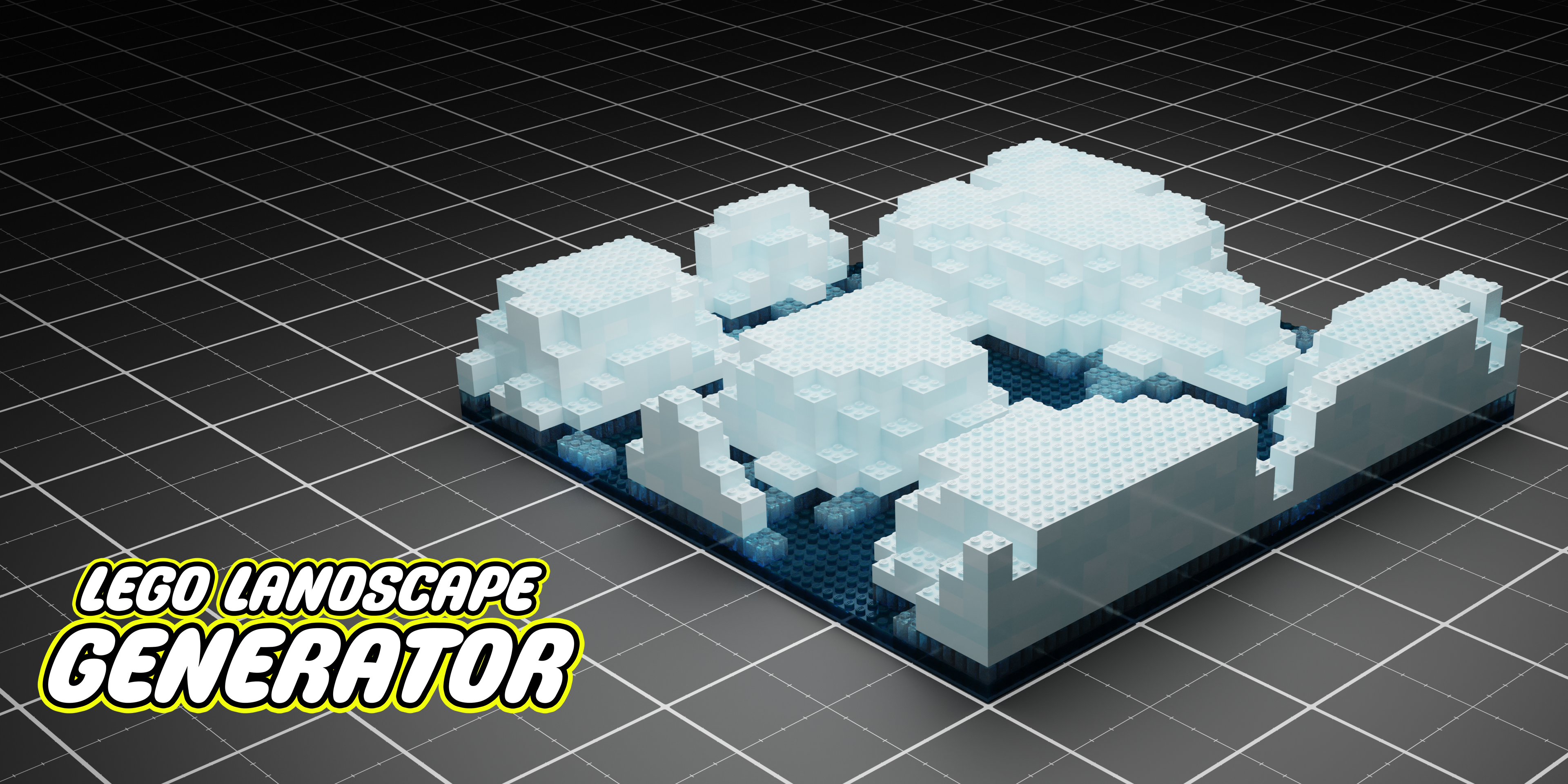
Blocker Landscape Generator is loaded out with six landscape presets inspired in realife biomes (Shore, Rocky Mountains, Desert, Swamp, Ice, Canyon). Each and every preset does come along with its own material adapted to the characteristics of the landscape (Height, Base level...). Therefore, try to compliment both, geometry and material, for a better result.
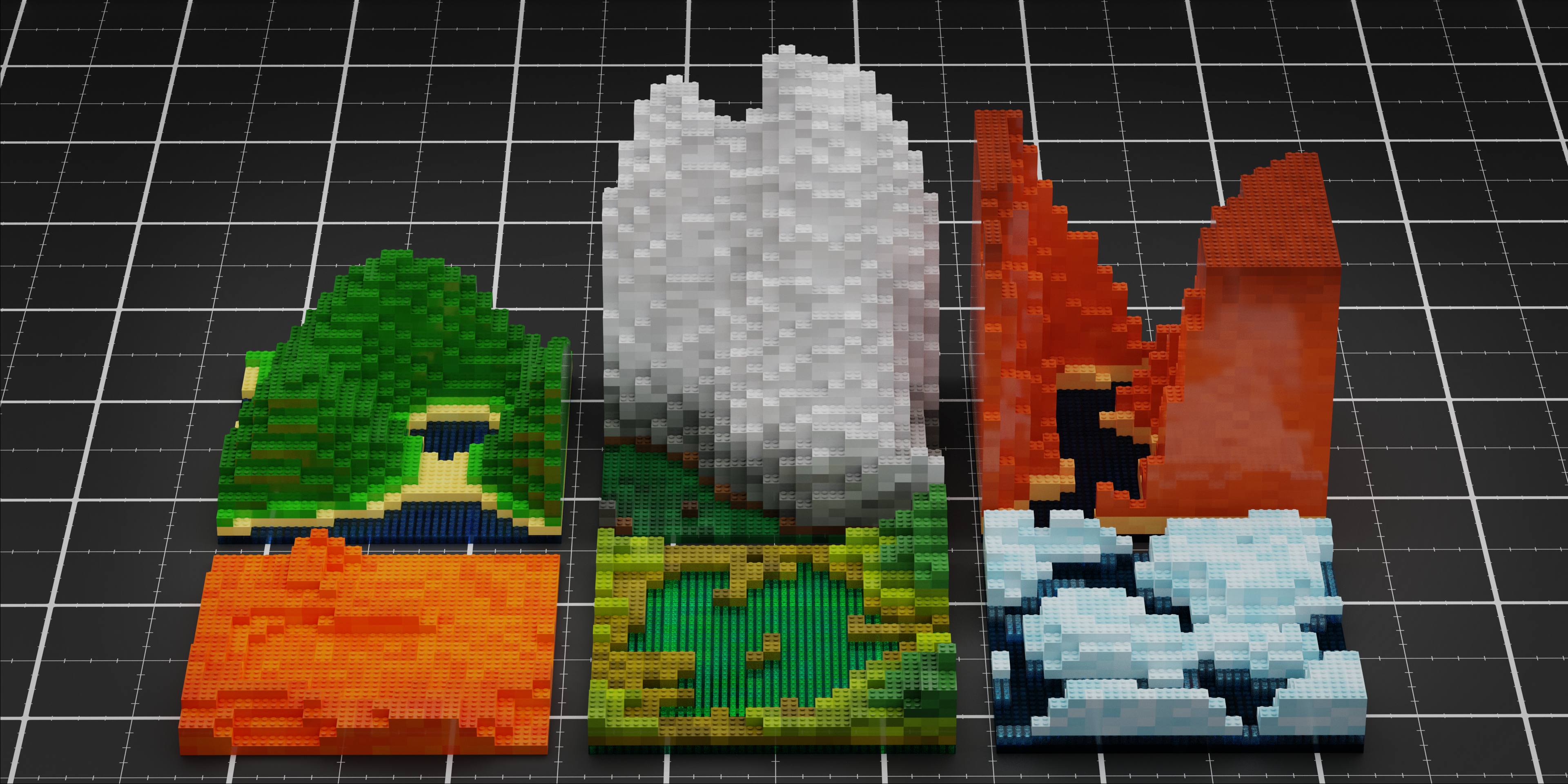
You can easily change the landscape preset in the "Preset Toggle" button.
As always, you will have the ability to adjust some parameters to create different looking block terrains (Scale, Depression, Base level, micro-relief...). In spite of not being part of Blocker 2.0 animation presets, each and every parameter of Blocker Landscape Generator can be animated. By variating the value of the parameter throughout the timeline, you can also create really cool animations.
Animated with Block Landscape Generator
All the Animation Presets are also compatible and available with Block Landscape Generator
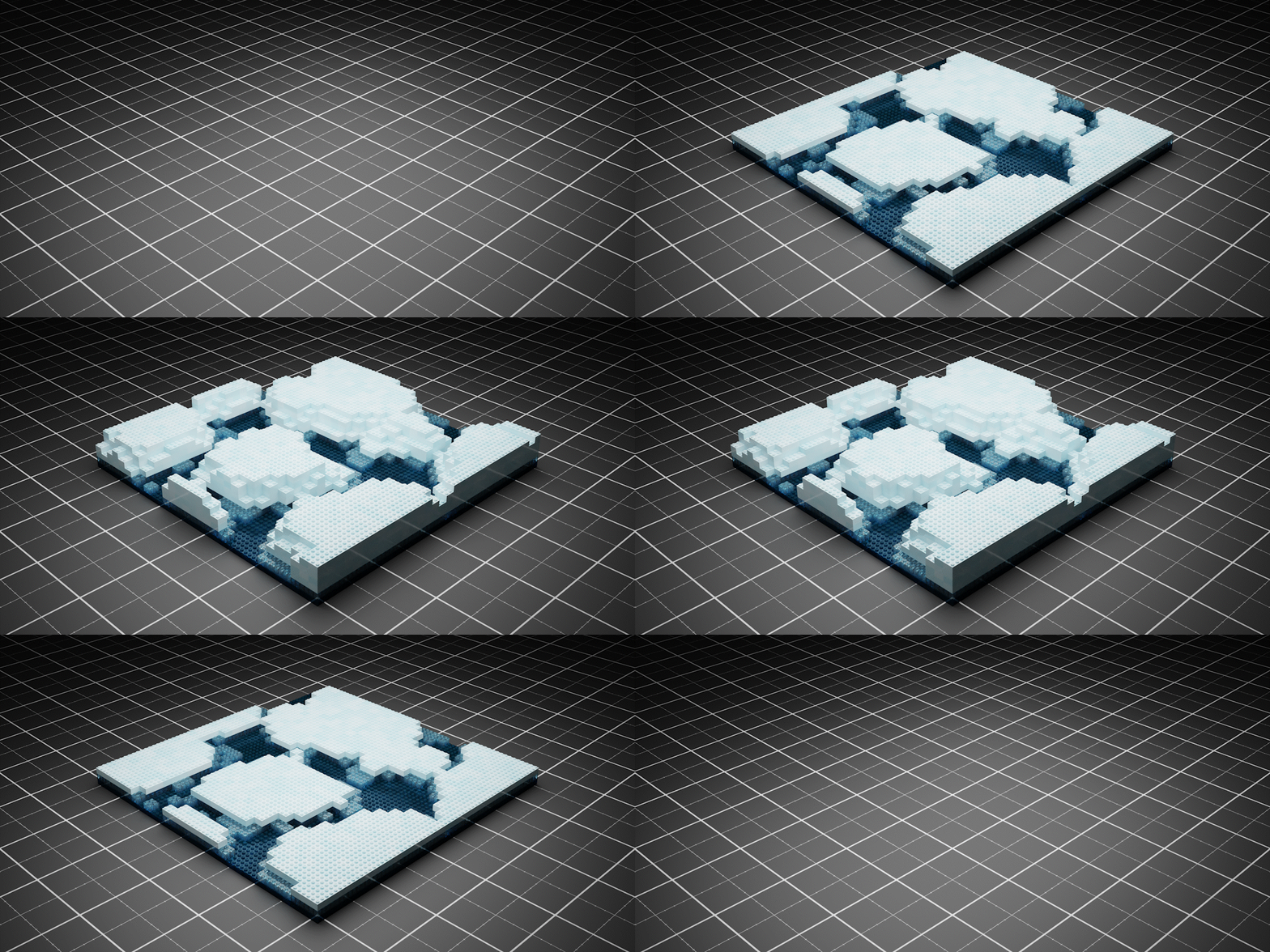
Rendered with Blocker 2.0 Layer Desintegration animation preset (Cycles)
BLOCKER 2.0 UTILITIES
As a Blender addon, Blocker 2.0 utilities can be infinite, creativity is the one and only limit you would find. However, here is a list of cool stuff you can create with Blocker 2.0:
- Turn your 3D models into Blocks style. No matter how complex geometry is, it will always fit perfectly with Blocker 2.0.
- Create amazing block animations to take your renders into a whole different world.
- Design landscapes with Blocker Landscape Generator to set up an appropriate scenary for your legolized models.
- Take advantage of the Procedural PBR Plastic Material included in Blocker 2.0. Apply it to different models, not only bricked-up ones, and enjoy the plastic material.
USED MODELS
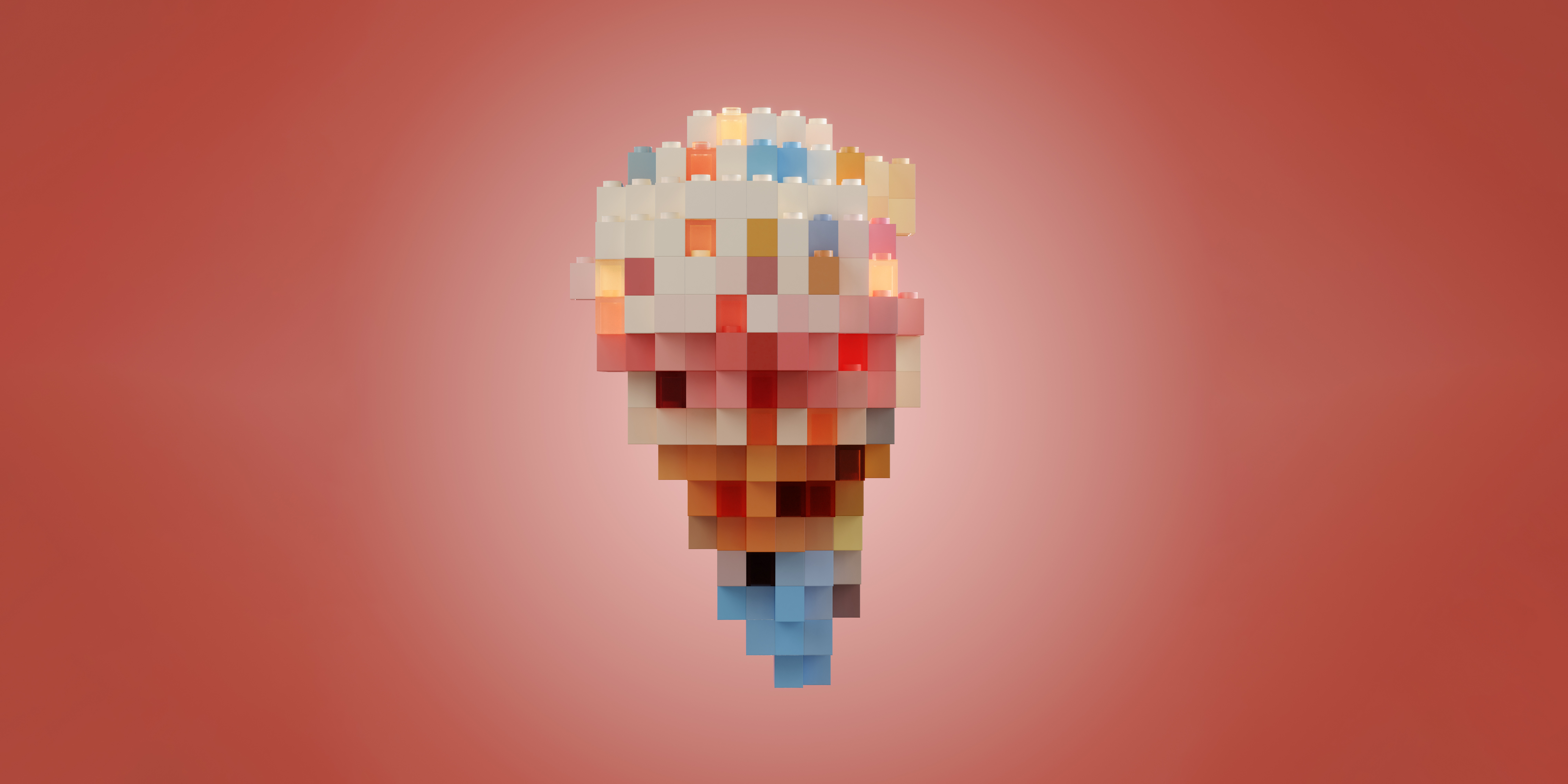
- Ice Cream: Original model by Adipriatna https://skfb.ly/6RtuO
- Trophy: Original model by Incg5764 https://skfb.ly/ozFJT
- Cupcake: Original model by anastasiaremezova https://skfb.ly/6YxYO
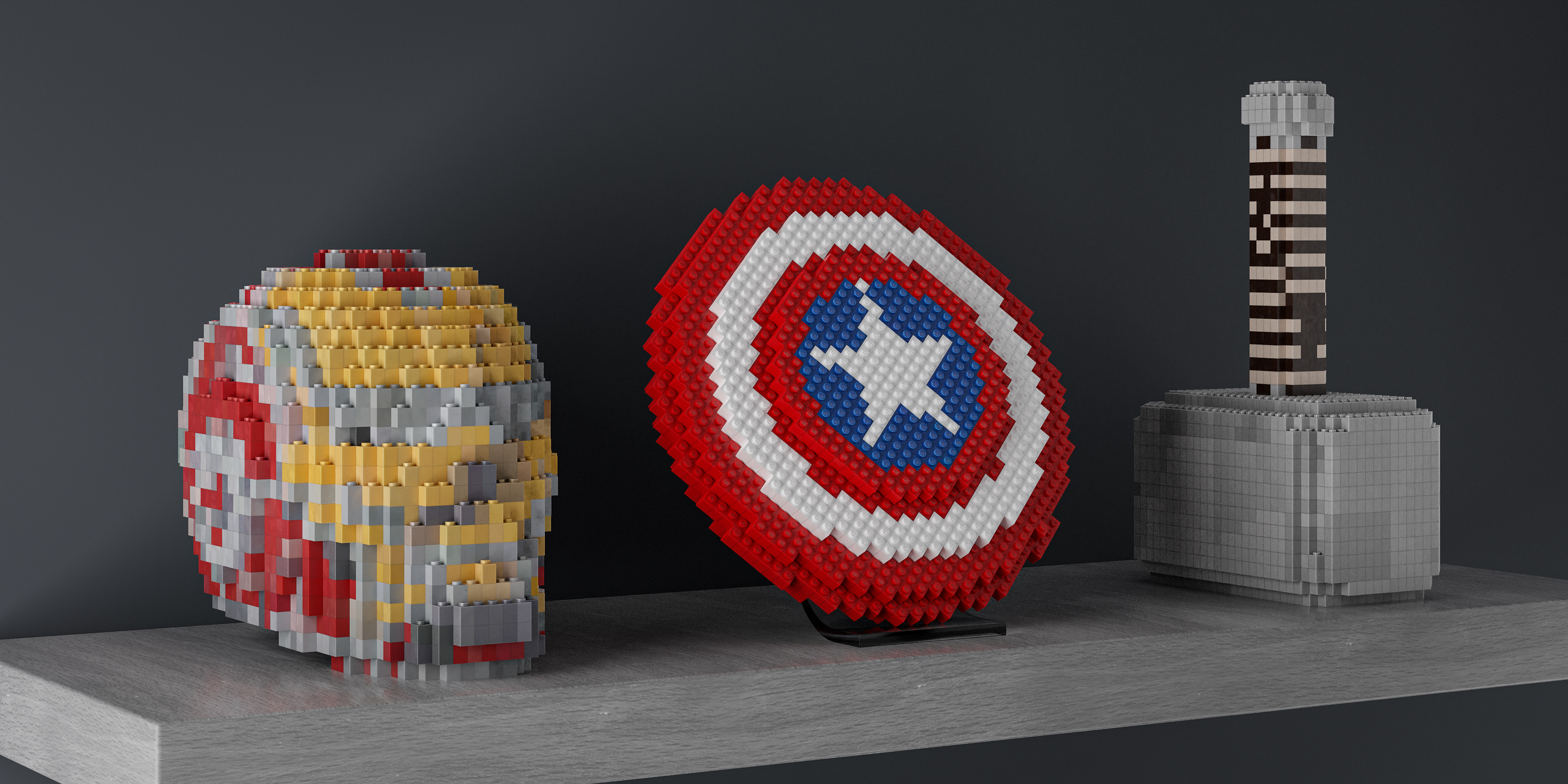
- Skull: Original model by dorodo https://skfb.ly/K9pU
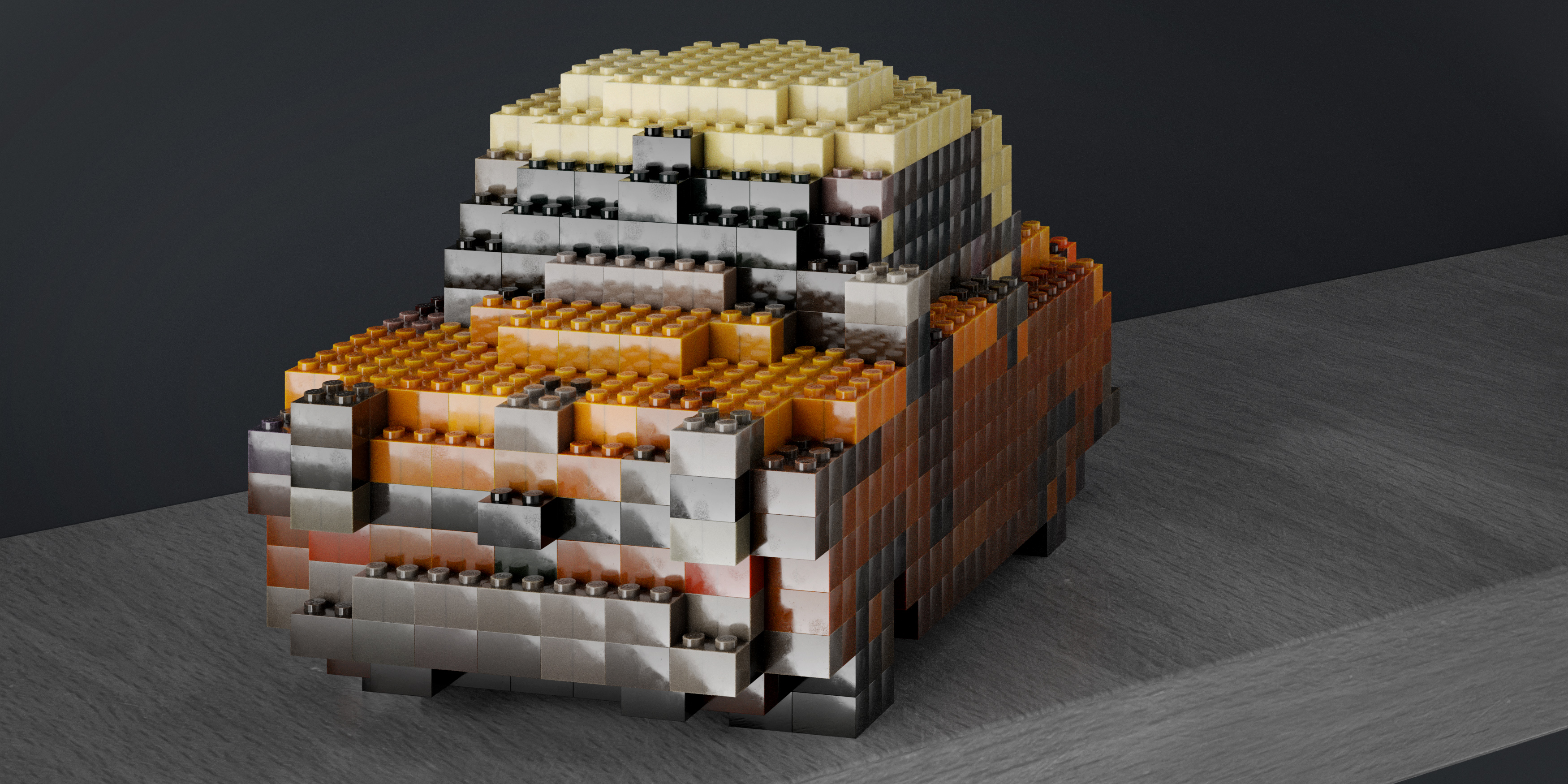
- Car (Taxi): Original model by Slava Z. https://skfb.ly/APwo
- Bread & Fruit Table: Original model by Omar Faruq Tawsif https://skfb.ly/oBuAM
- Thor Hammer: Original model by alberrvfx https://blendermarket.com/products/mjolnir-3d-model-
- Stormtrooper: Original model by shaunwho https://skfb.ly/6TM9s
- Baby Yoda: Original model by Neut2000 https://skfb.ly/o6yCq
- Recon Helmet: Original model by McCarthy3D https://skfb.ly/6z6Vo
DO NOT FORGET TO SHARE AND RATE THE PRODUCT IF YOU ENJOYED IT
Visit my other products -> alberrvfx
MORE ABOUT ME