BlockoutKit
 Onyx Forge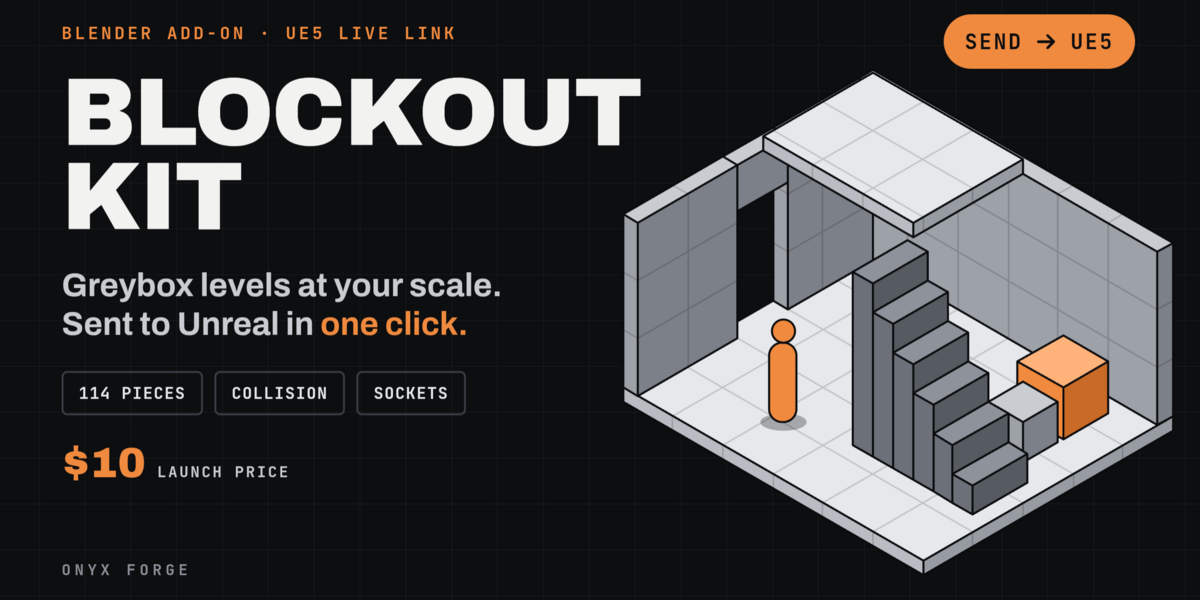
# Before you buy
## What you need
- **Blender 4.2 to 5.2** (both the extension and legacy zips are included).
- **Unreal Engine 5** for the live link, with the free *Python Editor Script Plugin* turned on.
The link is optional: the pieces work in Blender on their own, and you can export them like any model.
## What you get
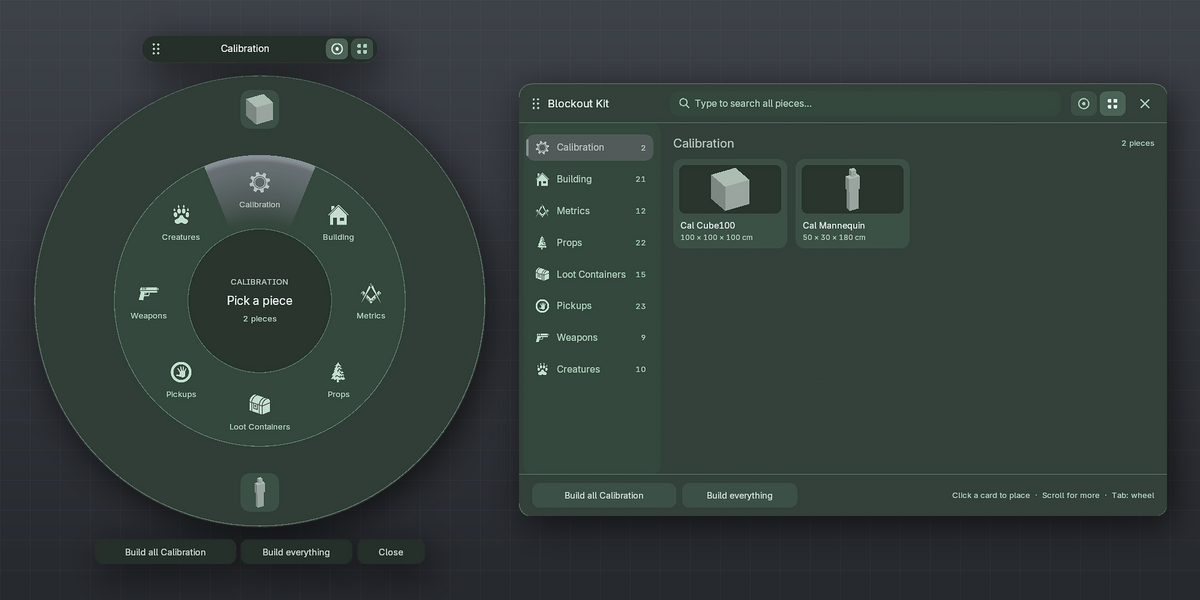
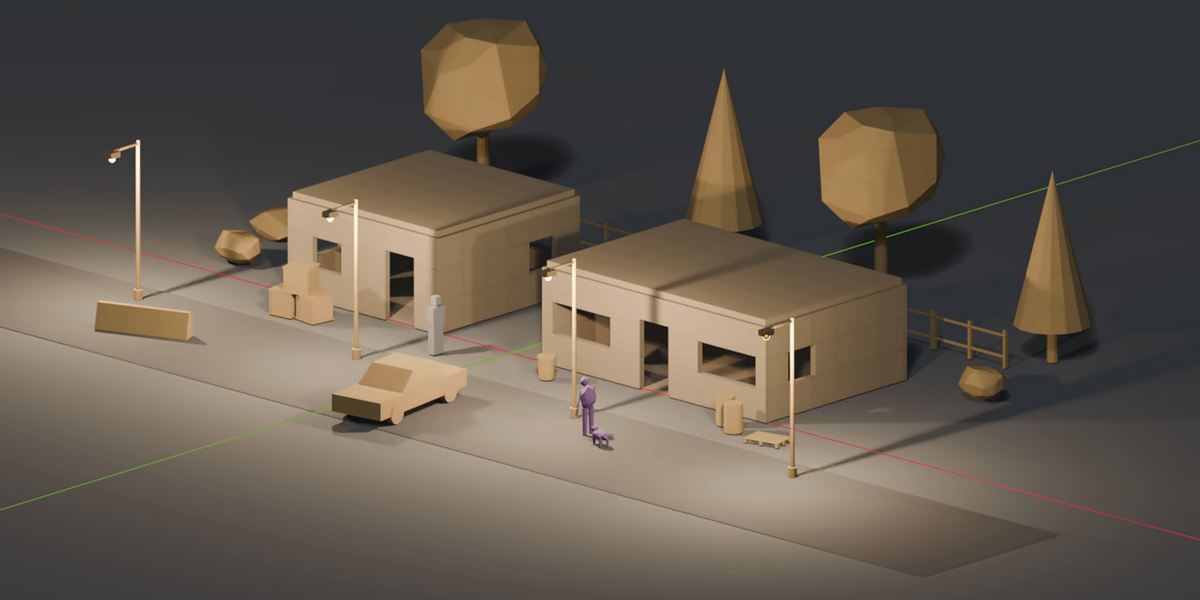
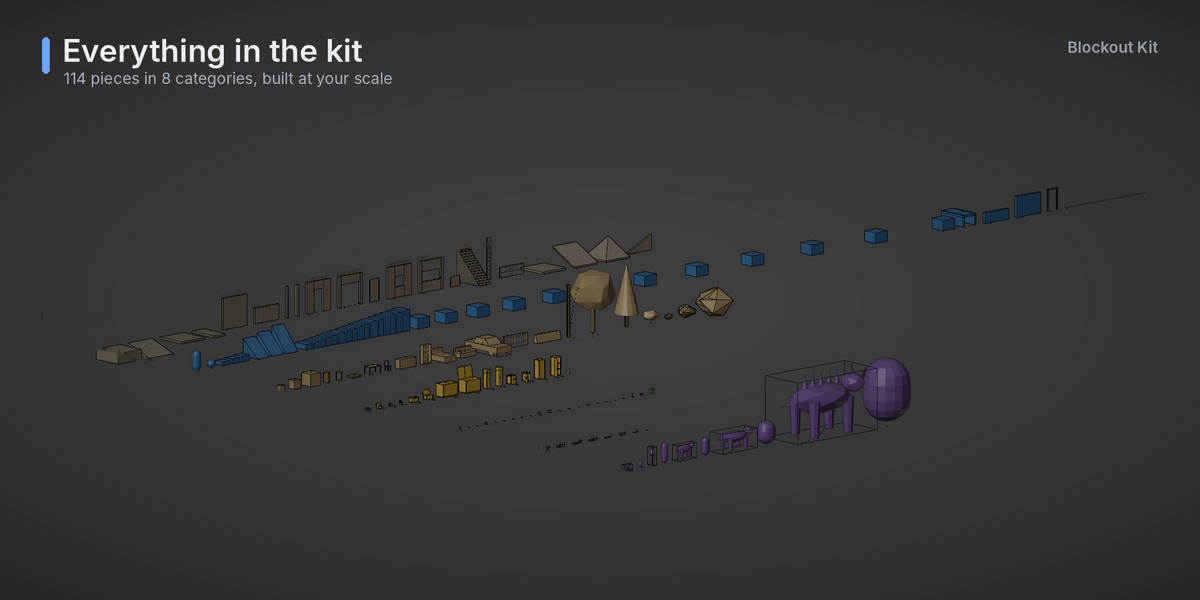
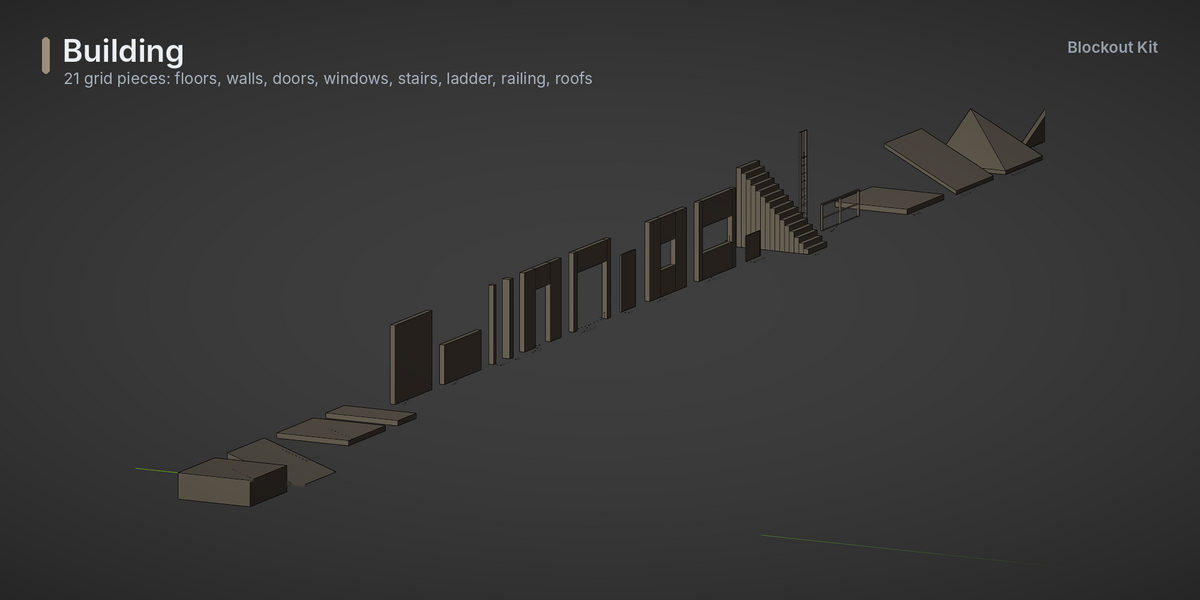
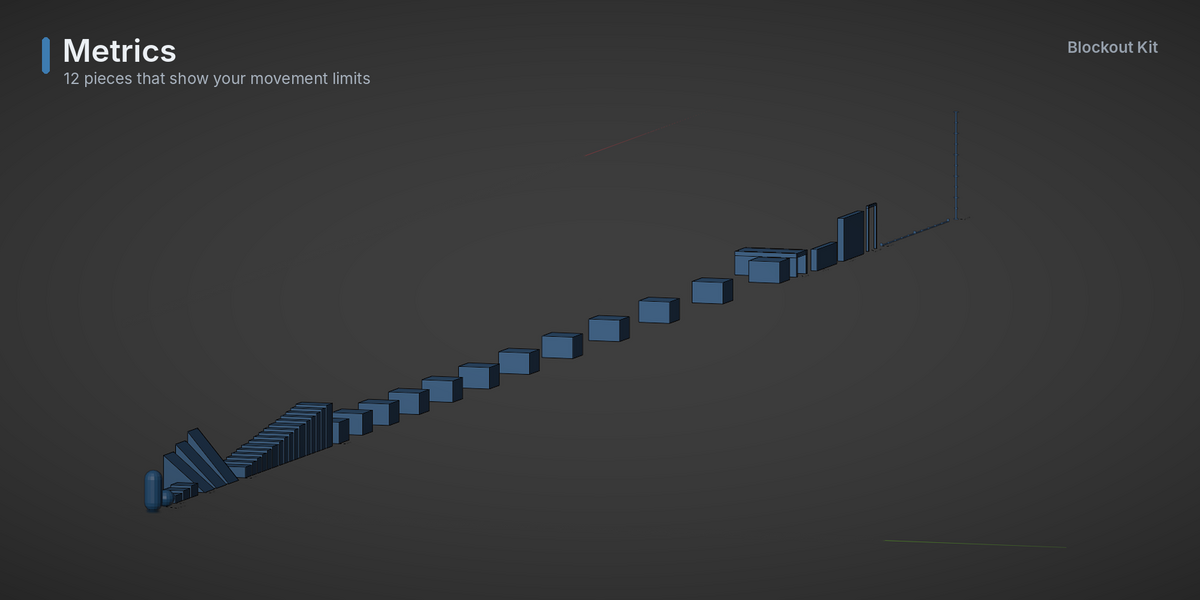
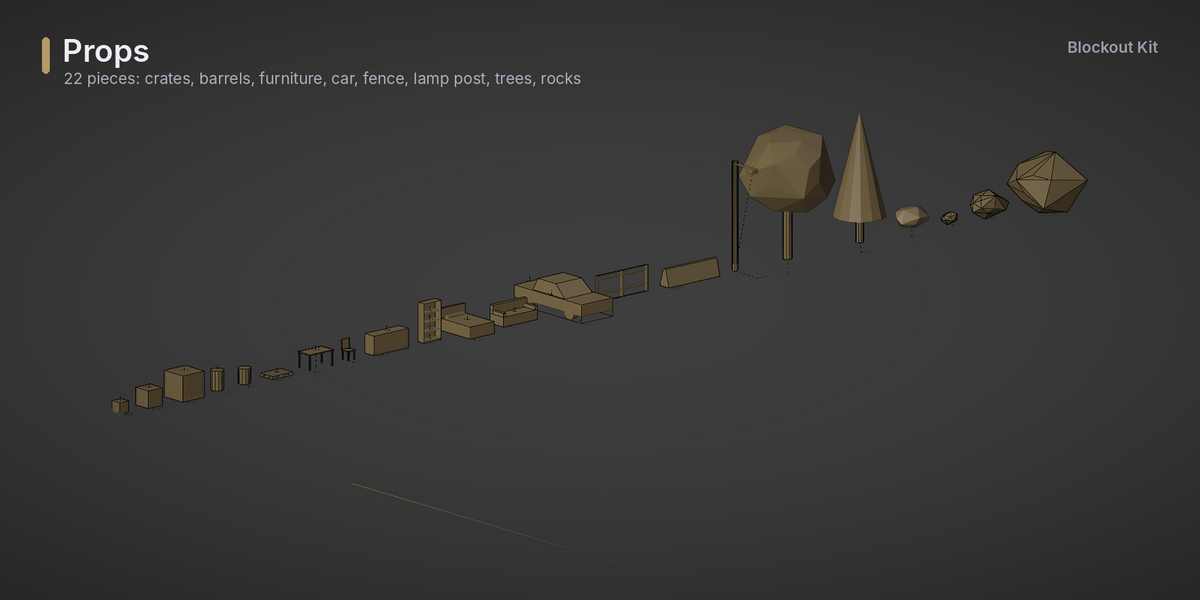
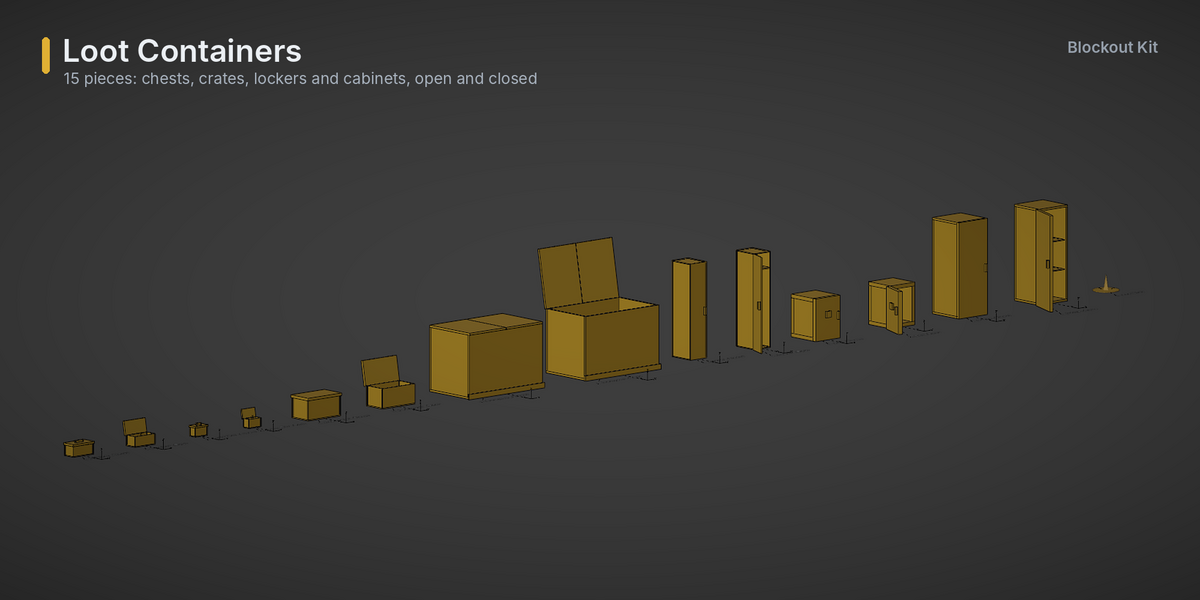
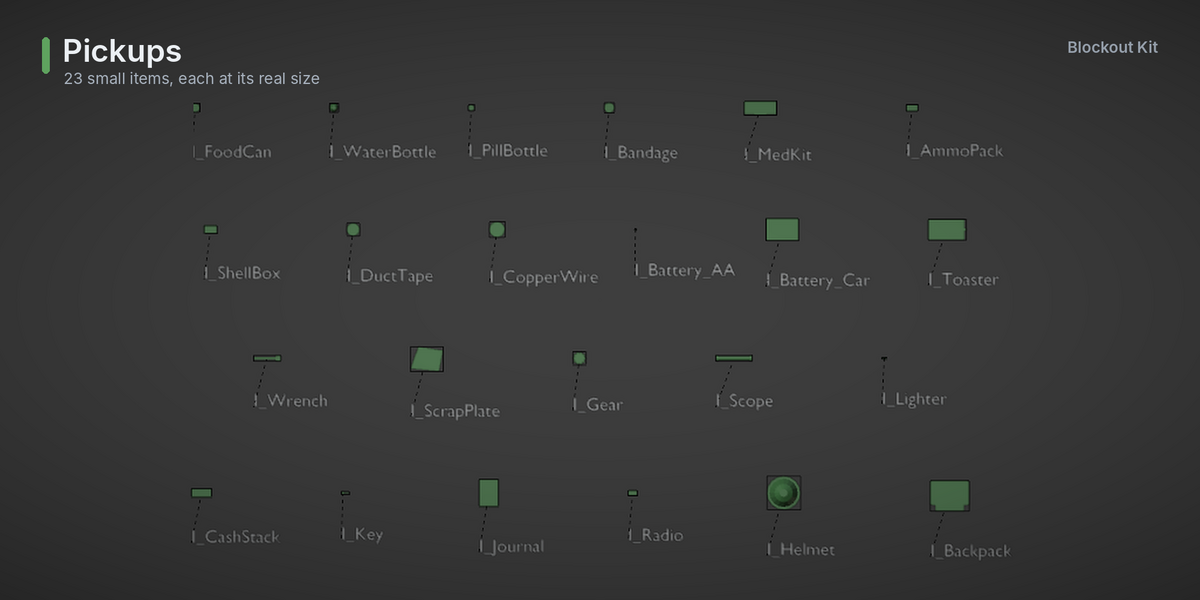
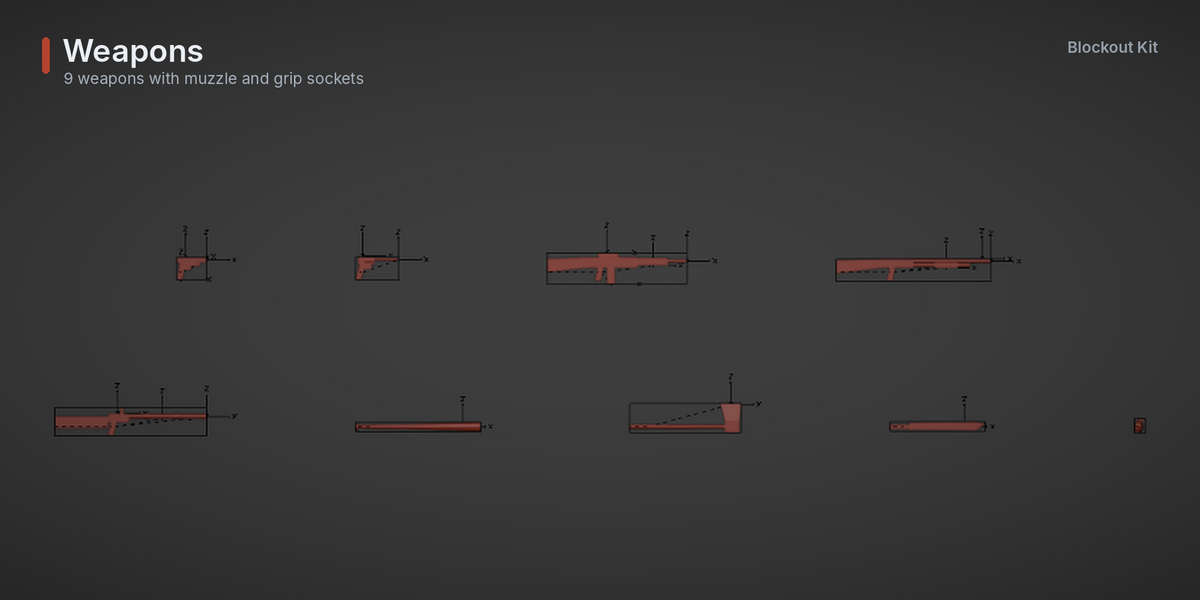
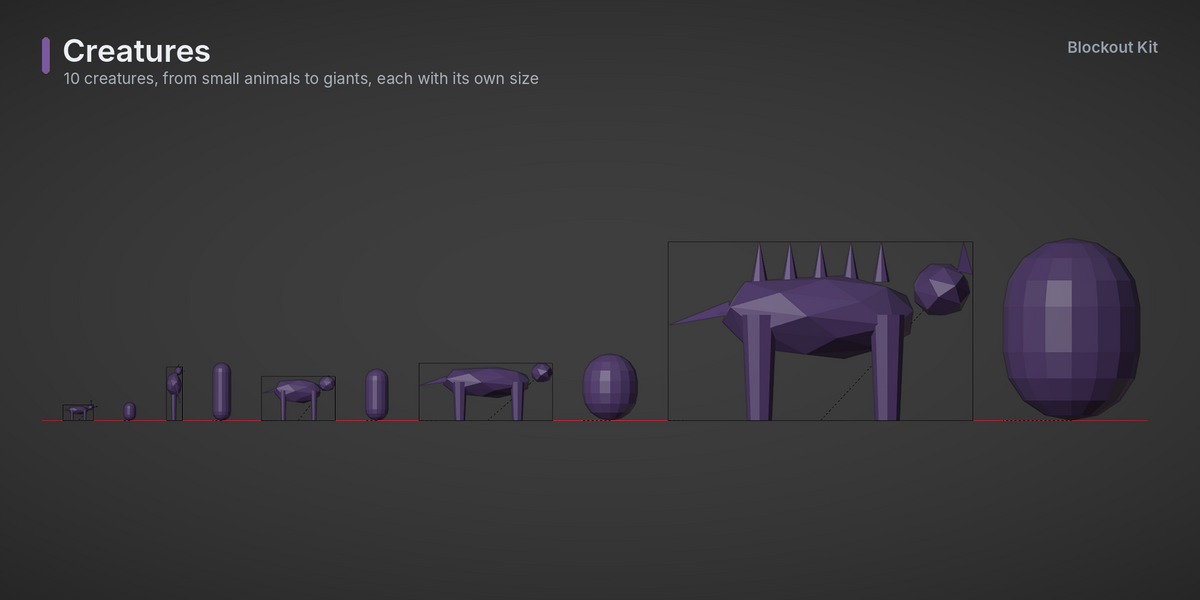
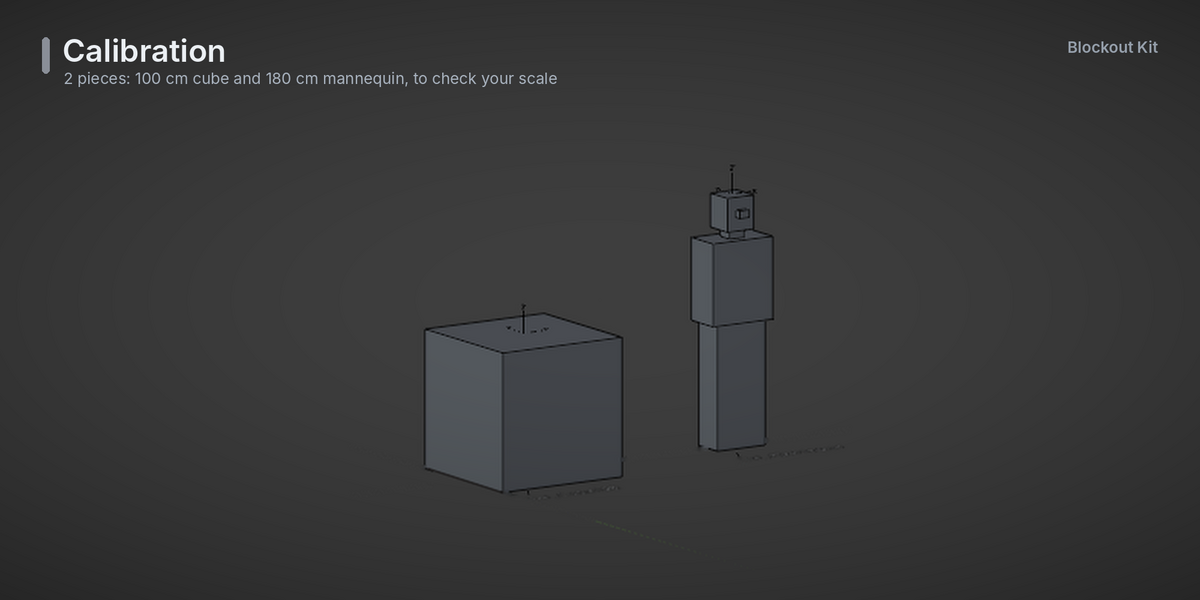
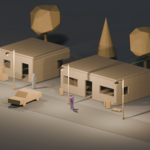
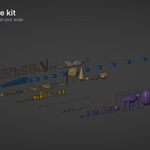
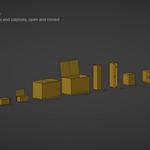
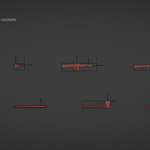
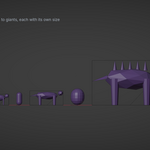
- **Full:** 114 pieces in 8 categories (Calibration, Building, Metrics, Props, Loot Containers, Pickups, Weapons, Creatures).
- **Building Pack:** Calibration + all Building pieces.
- **Props Pack:** Calibration + all Props.
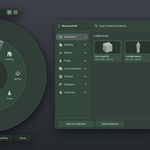
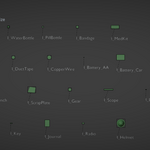
- Every version includes the Blockout Wheel and Browser (Shift Q), size settings, style presets, themes and the Unreal link.
- Free updates for the version you bought. Upgrade from a pack to Full and pay only the difference.
## How it works, in short
1. Install the zip in Blender (Edit → Preferences → Add-ons → Install from Disk).
2. Set your sizes: character height, tile size, doors, windows…
3. Press **Shift Q**, pick a piece, click to place it.
4. Press **Send**: it appears in Unreal with collision, sockets and a 1 m checker material.
## Good to know
- Every piece follows fixed rules for origins, sockets and collision, so it snaps together and works in Blueprints.
- Unreal setup takes a minute: copy 2 small files into your project's `Content/Python` folder.
- A full user guide (install, Unreal setup, every category's rules, troubleshooting) comes inside the add-on.
## License
The add-on is GPL-3.0-or-later. Everything you build with it is yours, including commercial games, with no credit required.
Have questions about this product?
Login to message
| Blender Extension Compatible | Yes |
| Published | 1 day ago |
| Blender Version | 4.2 - 5.2 |
| Extension Type | Add-on |
| Render Engine Used | Cycles, Eevee |
| License | GPL |
Discover more products like this
greybox modular graybox building blockout Unreal Engine props whitebox Level Design prototyping ue5 game development