Blood Decal Pack 01
 StillMount Studios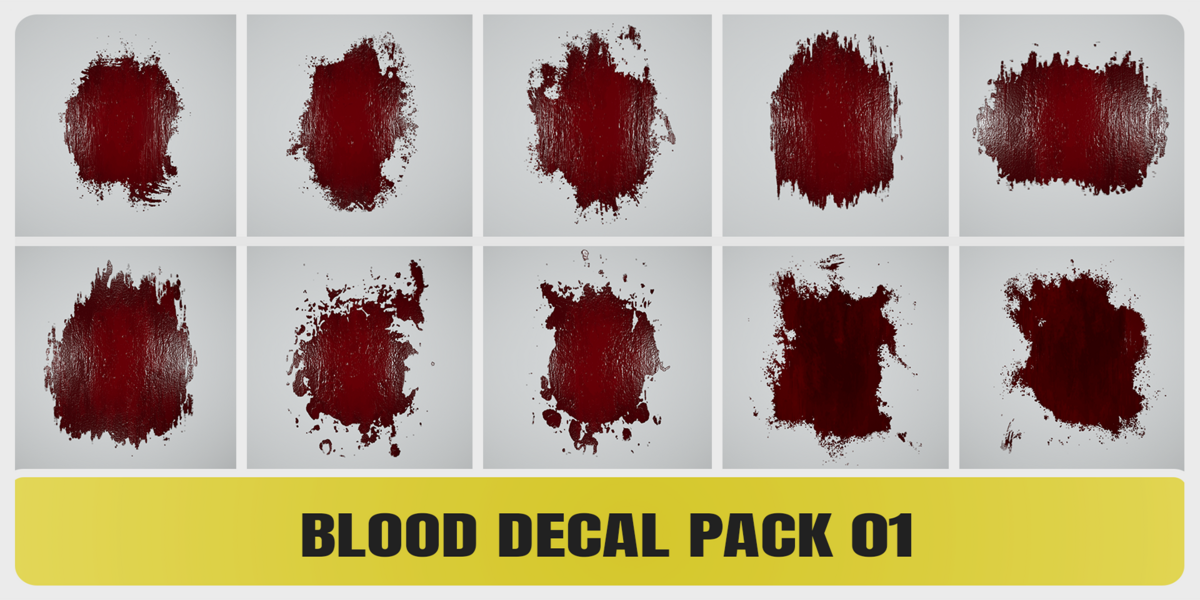


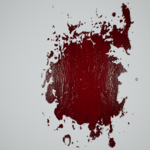
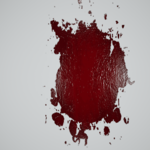
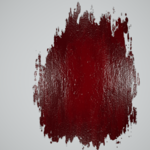
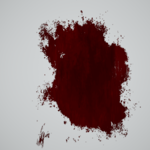
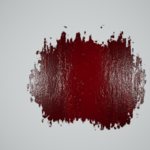
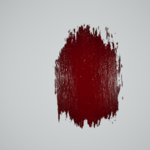
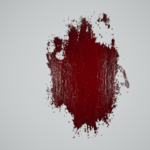
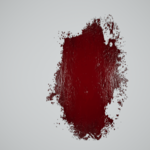
Blood Decal Pack 01
Blender Asset Library Installation & Usage Guide
Compatibility
Compatible with Blender 3.6 to 5.2
Installation
- Extract the downloaded ZIP file to a permanent location on your computer.
- Open Blender.
- Add the extracted Blood_Decal_Pack_01 folder as an Asset Library.
Blender 3.6 - 4.5
Edit → Preferences → File Paths → Asset Libraries
Blender 5.2
Edit → Preferences → Asset Libraries
- Click the + button to add a new Asset Library.
- Navigate to the extracted Blood_Decal_Pack_01 folder and add it as an Asset Library.
- The Blood Decal Pack will now be available from the Blender Asset Browser.
Usage
- Open the Asset Browser.
- Select the Blood Decal Pack 01 library.
- Choose the desired blood decal.
- Drag and drop the decal directly into your scene.
Each decal is provided as a ready-to-use plane with its PBR material and textures already configured.
Drag & Drop Troubleshooting
If drag and drop does not work with your current Asset Browser settings, set the Import Method to Append.
Important
Do not move or rename the Blood_Decal_Pack_01 folder after adding it as an Asset Library.
If the folder is moved, simply update its path in Blender's Asset Library preferences.
Included
✓ 10 Blood Decal Assets
✓ Blender Asset Library
✓ 4096 × 4096 PBR Textures
✓ Base Color with Alpha
✓ DirectX Normal
✓ ORM (Ambient Occlusion, Roughness, Metallic)
✓ Compatible with Blender 3.6 to 5.2
✓ Decals created in Substance Designer
Created by StillMount Studios.
Have questions about this product?
Login to message
Includes an Asset Library
10 drag-and-drop assets for Blender’s Asset Browser.
Browse included assets| Dev Fund Contributor | |
| Published | about 2 months ago |
| Blender Version | 3.6 - 5.2 |
| Render Engine Used | Cycles, Eevee |
| Misc Data | Uvs-Unwrapped, Normal-Mapped, Textured |
| License | Royalty Free |
Discover more products like this
blood splatter blood decals blood stains realistic horror decals gore asset-browser PBR game ready blood 4k textures