Blueish Asset-a Free Node Library
 blueish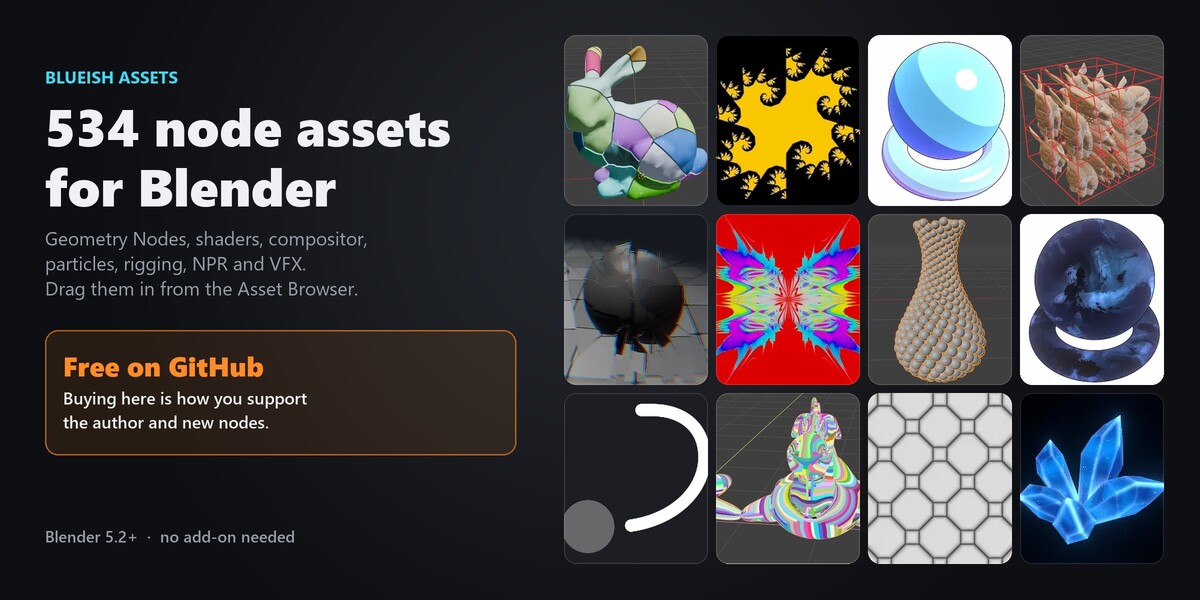
Install
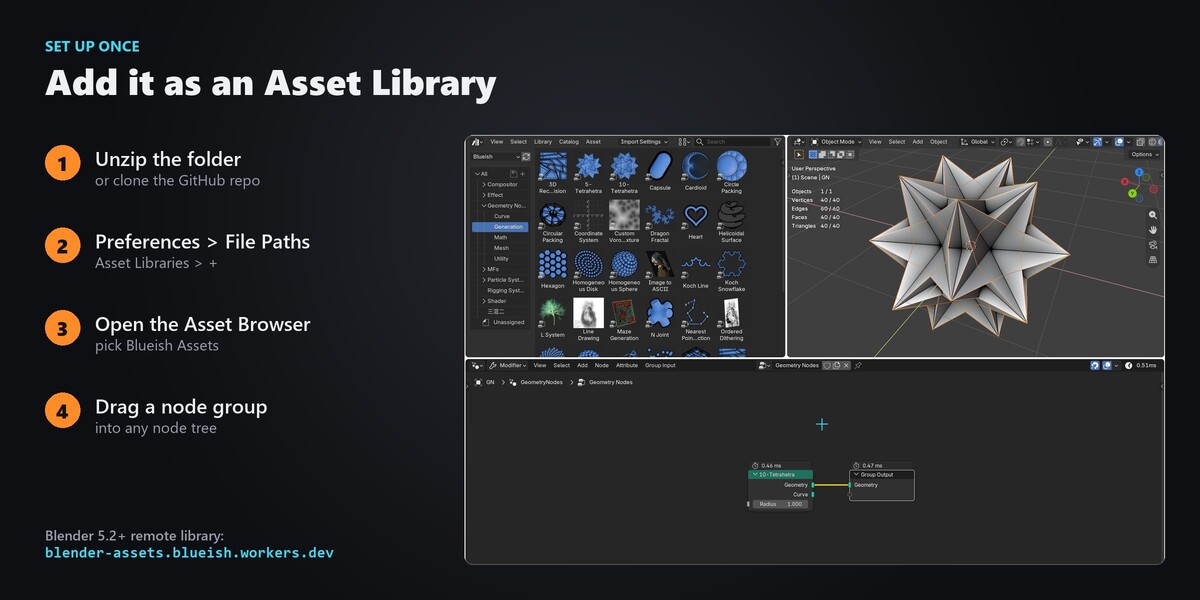
- Unzip the download. Keep the folder structure: the
assetsfolder holdsblender_assets.cats.txtand 11 .blend files. - Edit → Preferences → File Paths → Asset Libraries → + and choose that
assetsfolder. Name it "Blueish Assets". - Set Import Method to Append (Reuse Data) so dragging the same group twice doesn't make copies.
Remote library (Blender 5.2+): Asset Libraries → + → Add Remote Asset Library → https://blender-assets.blueish.workers.dev. Nothing to download up front; each asset downloads the first time you use it.
Use a node group
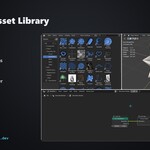
- Open an Asset Browser (or the asset shelf in a node editor) and pick the Blueish Assets library.
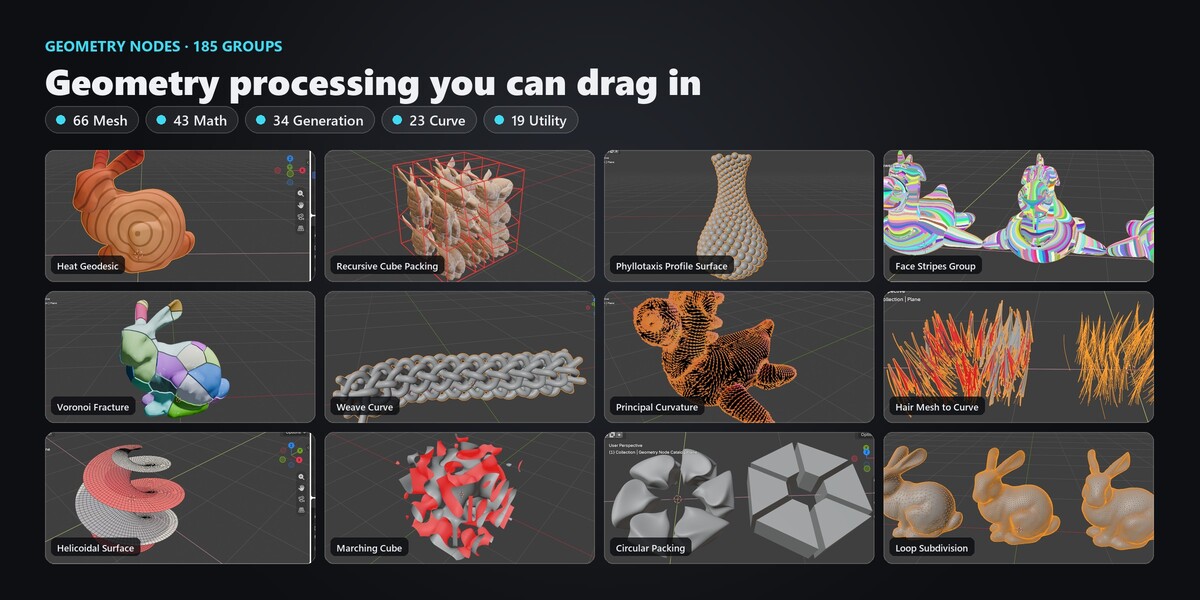
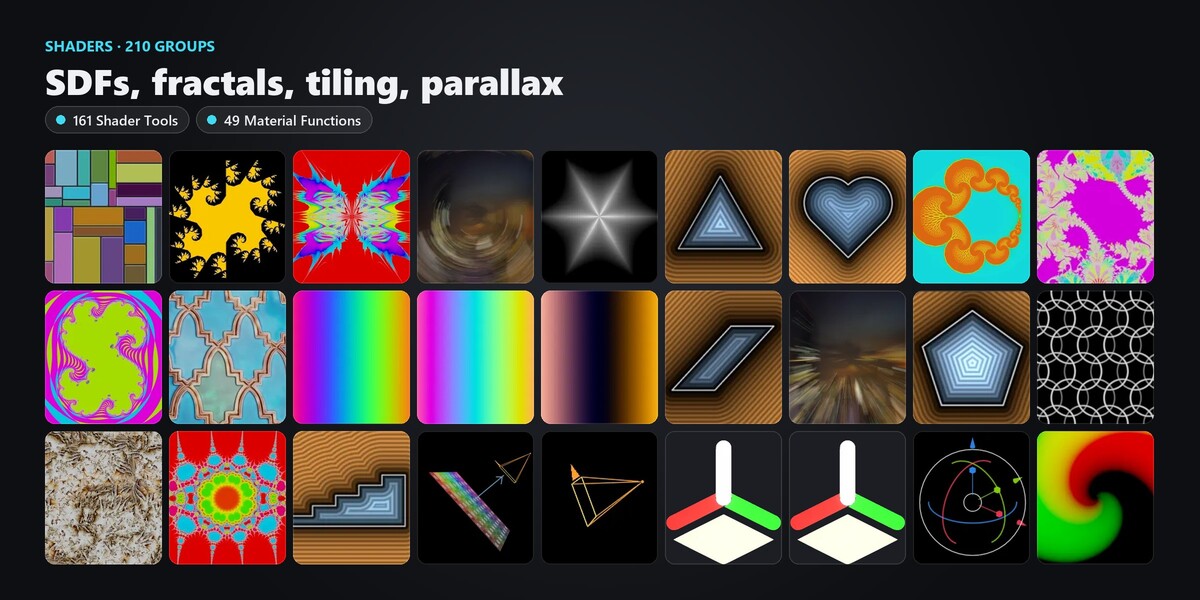
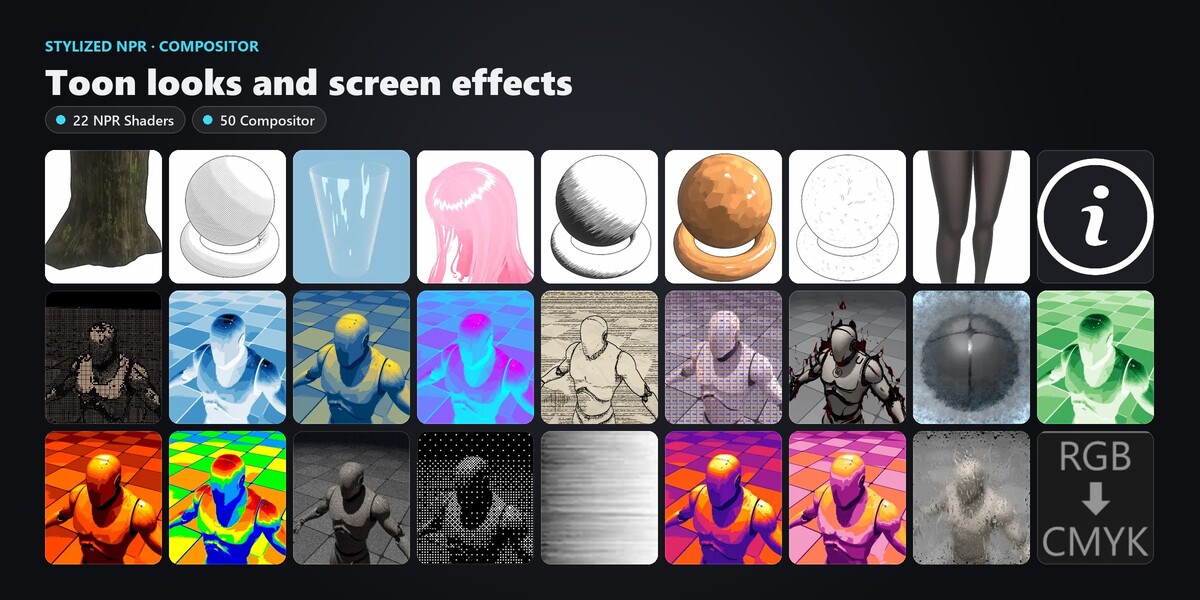
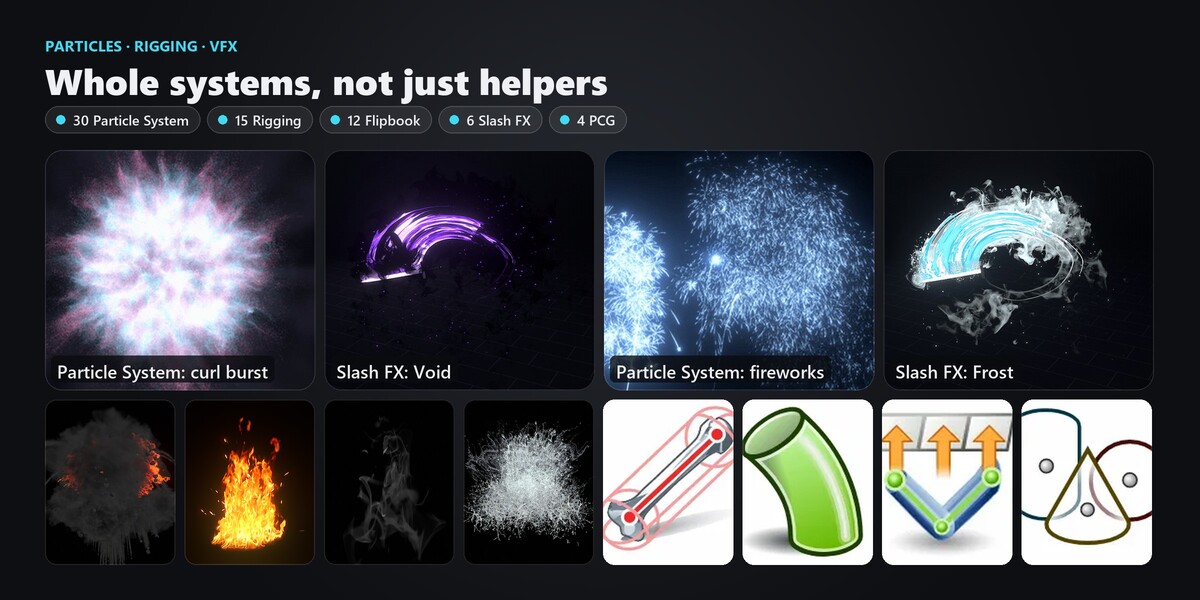
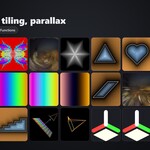
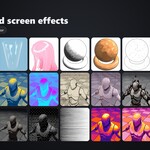
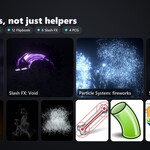
- Choose a catalog on the left: Geometry Node (Mesh, Math, Generation, Curve, Utility), Material (Shader Tools), MFs (Material Functions), Compositor, Particle System, Rigging System, Effect (Flipbook, Slash) and the NPR materials.
- Drag the group into a Geometry Nodes, Shader or Compositor tree.
- Flipbook and Slash entries are objects: drag them into the 3D viewport.
Where to find the docs for a node
Every node has a page at blueish0930.github.io/Assets with its inputs, outputs, a short description and, for many, an example screenshot. Use the search box at the top.
Requirements
- Blender 5.3 or newer for most files (they were saved in 5.3). Self Pruning and Spline Grammar open in 5.2.
- Cycles or EEVEE. Some solvers (geodesics, linear solvers, packing) are heavy on big meshes: start with a low-poly test.
Troubleshooting
-
A catalog is empty or thumbnails are missing: make sure the library points at the folder that contains
blender_assets.cats.txt, then click Refresh in the Asset Browser. -
A compositor effect looks pink or empty: keep the folder structure.
Compositor/Texholds the textures some effects read. - Anything else: message me here on Superhive, or on X (@blueish0930).
Have questions about this product?
Login to message
| Published | 2 months ago |
| Blender Version | 5.2 |
| Render Engine Used | Cycles, Eevee |
| License | Royalty Free |
Discover more products like this
rigging compositor NPR SDF asset library geometry nodes VFX Shader 3d free advanced geometry nodes procedural particle system