 Budo3D


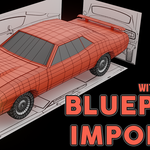
📦 Blueprint Importer + Cropper Tool (Tested for Blender 5.1.2)
🔧 Description
This release includes two powerful tools designed to speed up and refine your blueprint-based modeling workflow:
📘 Blueprint Importer (Blender Addon)
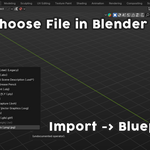
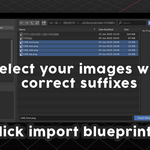
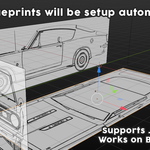
A streamlined addon that automatically sets up blueprint reference images in Blender using naming conventions like _front, _side, _top, etc.
Features:
-
Auto-detects and places reference images based on filename suffixes.
-
Aligns images accurately in the 3D View using Empties.
-
Handles orientation and positioning for all major views (front, side, top, rear, etc.).
-
Includes intelligent defaults to reduce manual setup.
-
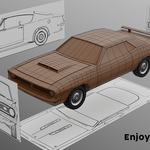
Perfect for vehicle, architecture, and mechanical modeling.
✂️ Cropper Tool (Standalone App)
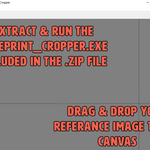
An external, lightweight image cropping tool made specifically to prepare blueprints before importing into Blender.
Features:
-
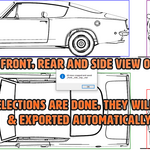
Allows interactive cropping of image borders.
-
Displays precision mouse-guided guidelines for clean cuts.
-
Automatically resizes the window to the image size.
-
Clean and intuitive interface with mouse wheel scrolling.
-
Great for removing whitespace, trimming borders, or isolating views.
Note: The Cropper is a standalone .exe file and should be run outside of Blender.
🧰 Workflow Example
-
Use the Cropper Tool to crop your blueprint images and export them.
-
Use the Blueprint Importer Addon in Blender to automatically set up your modeling scene.
UPDATE:
- Added manual mode for cropper tool.
UPDATE v1.0.5:
- Fixed a bug when a partial image set is being imported.
Use the Cropper Tool to crop your blueprint images and export them.
Use the Blueprint Importer Addon in Blender to automatically set up your modeling scene.
UPDATE:
- Added manual mode for cropper tool.
UPDATE v1.0.5:
- Fixed a bug when a partial image set is being imported.
