Bolt Generator With Uvs
 Henrik Uhrmann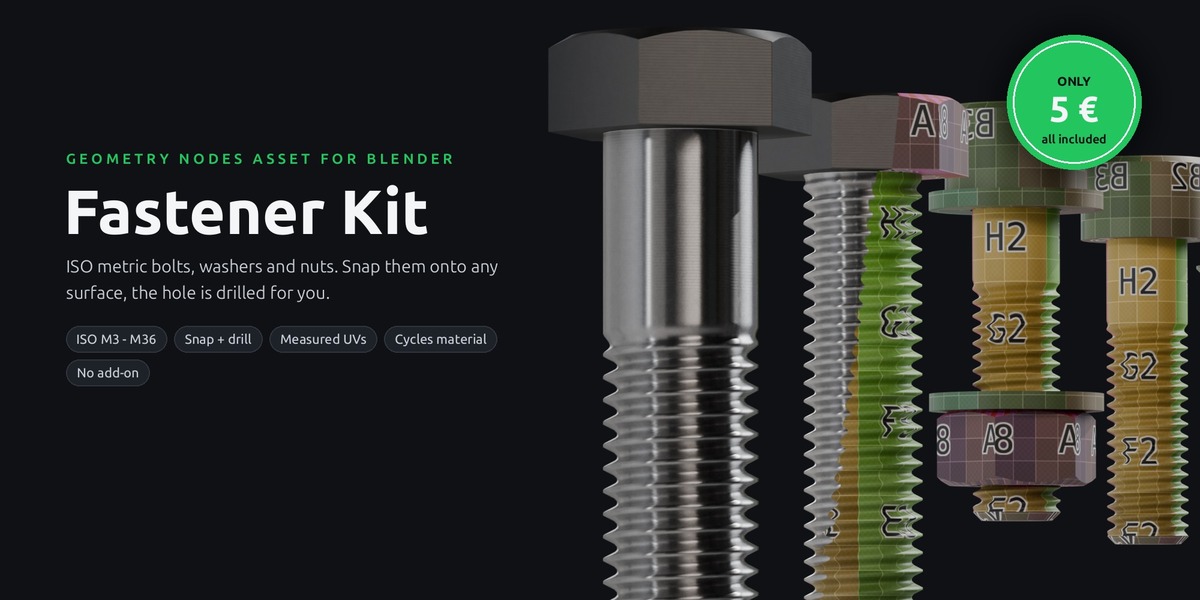
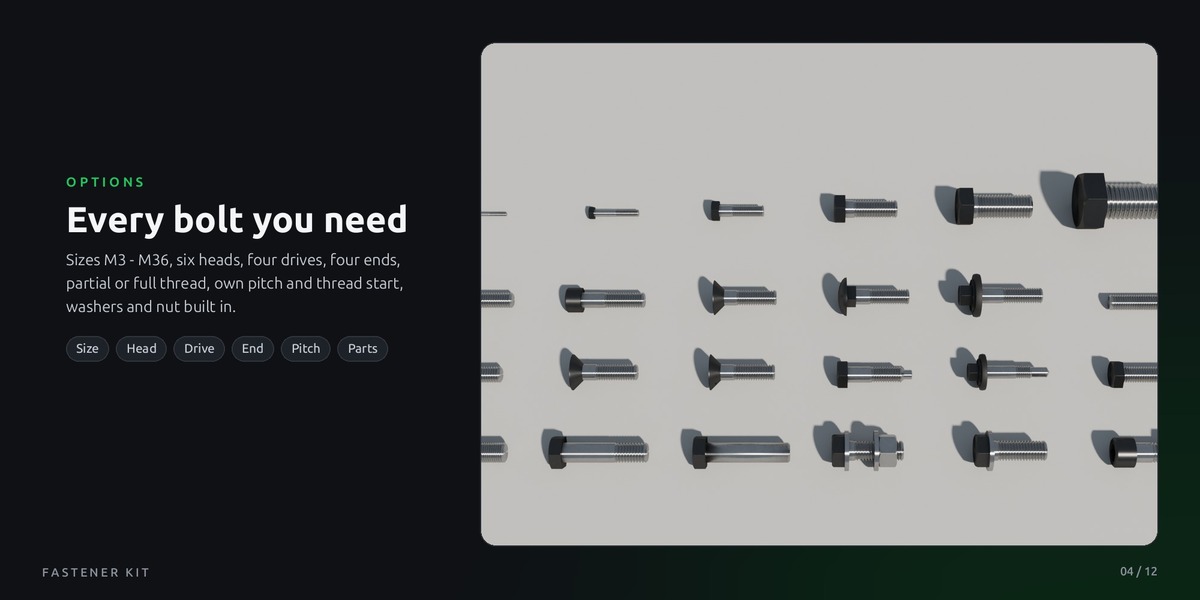
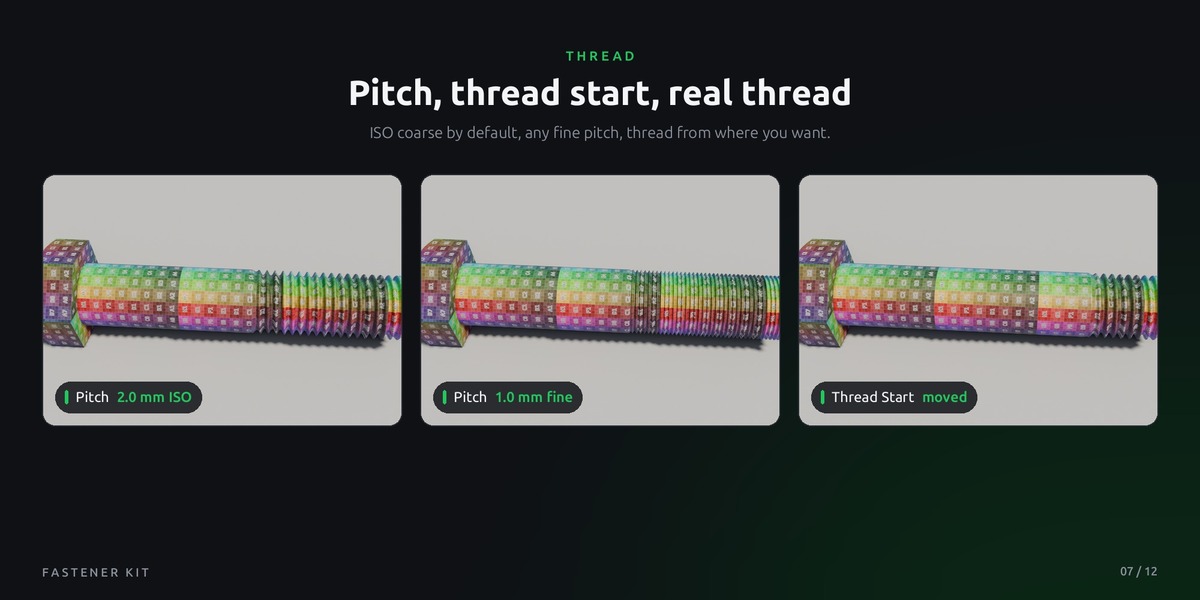




Can I use my own materials and textures?
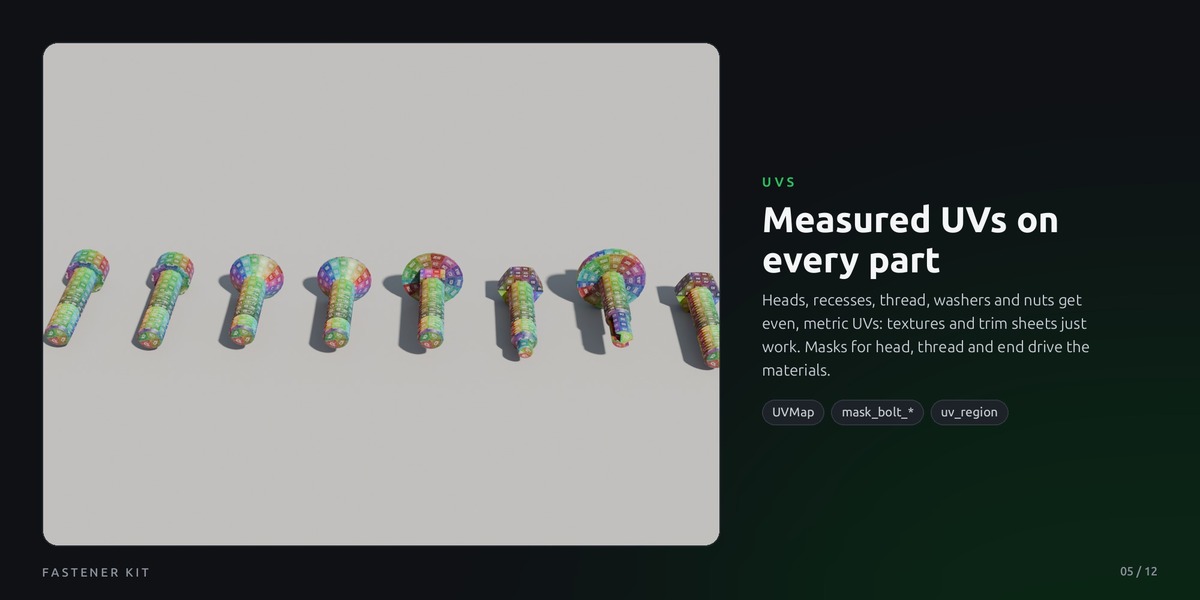
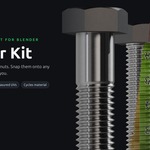
Yes. Drop any material into the Material socket. All parts have clean, measured UVs, and the masks for head, thread, end, washer and nut let you give each area its own look in the shader. Leave the socket empty and you get the included Steel Bolt material, made for Cycles.
How do I put bolts onto my model and get the holes?
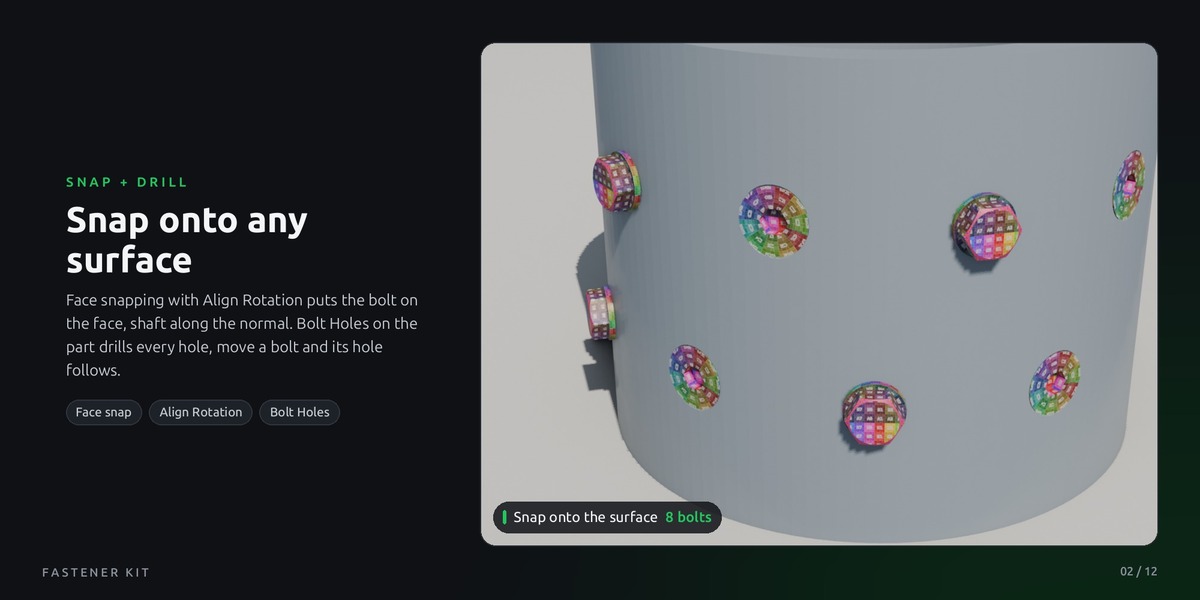
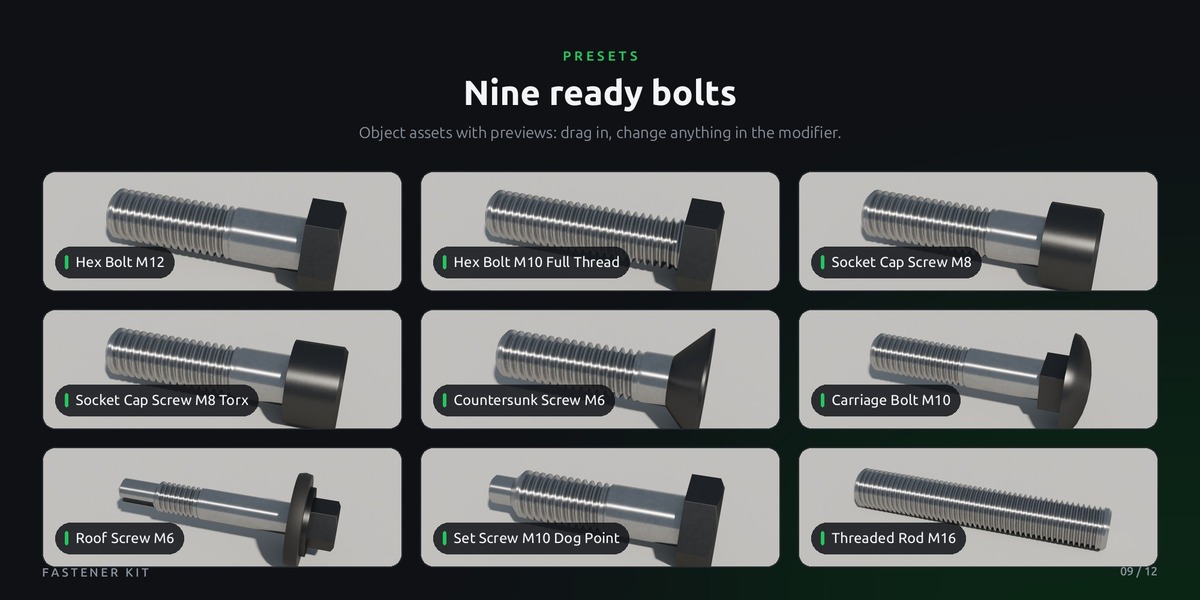
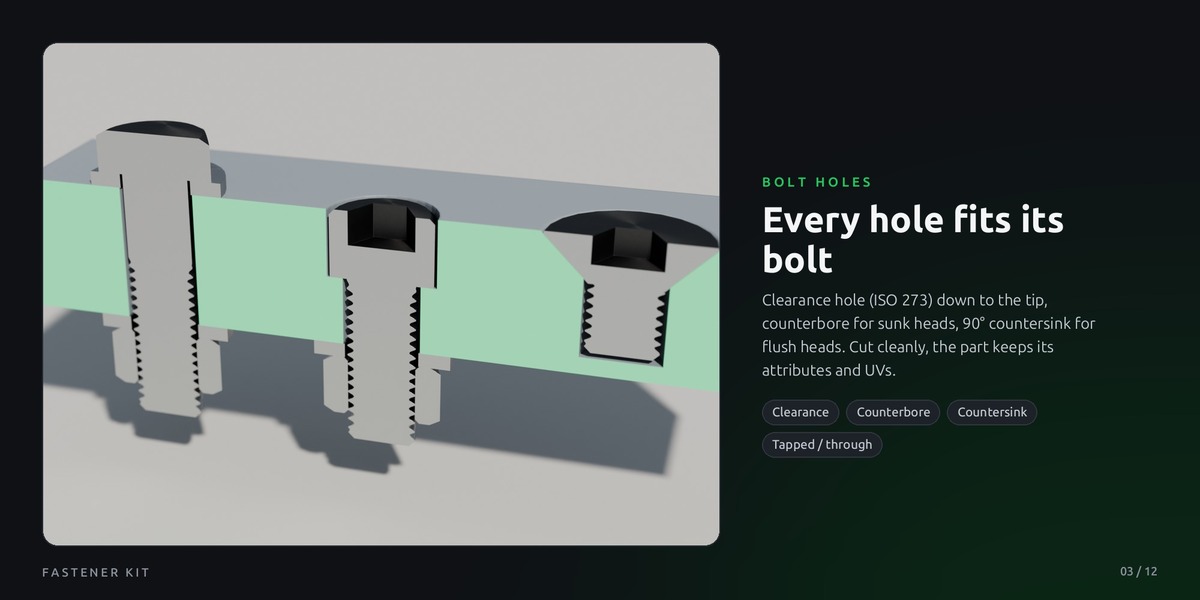
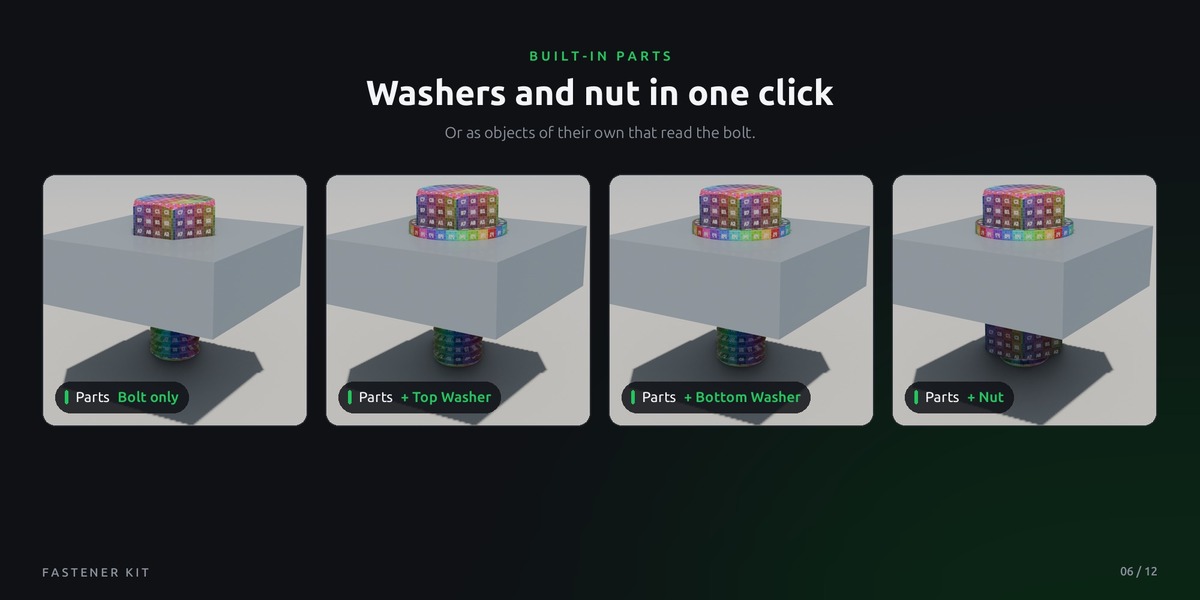
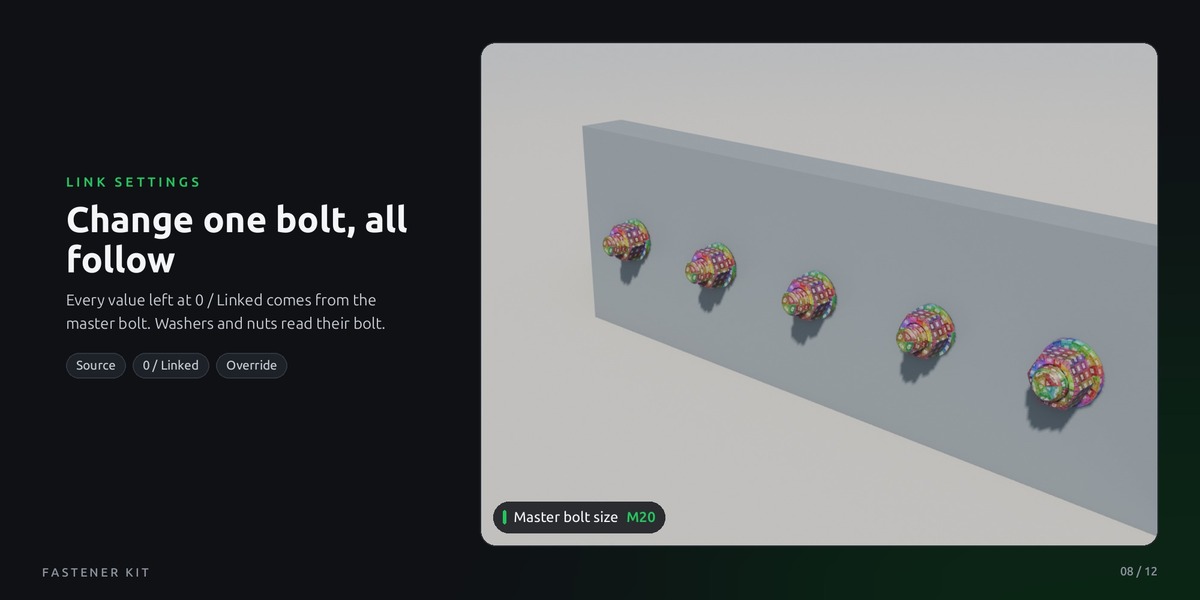
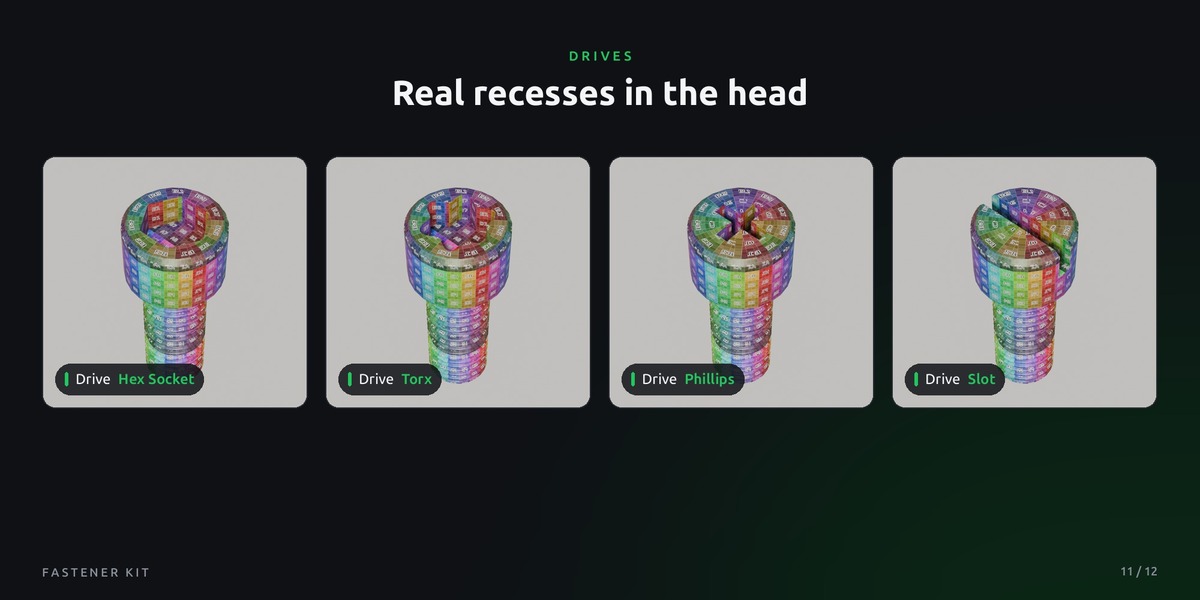
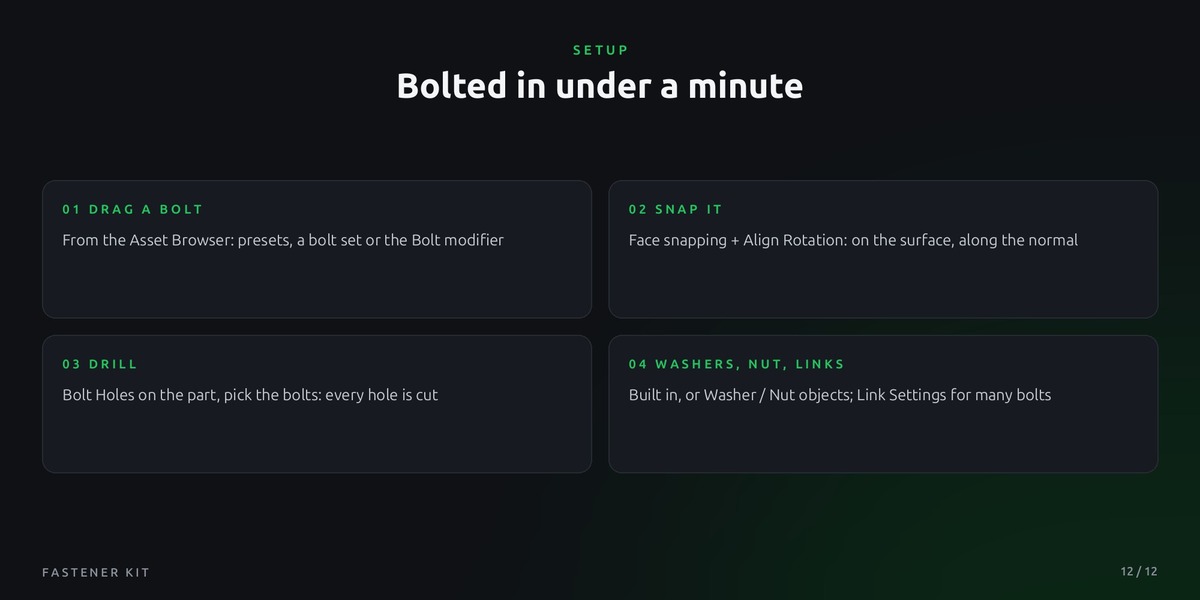
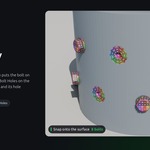
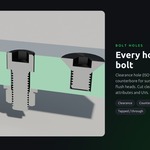
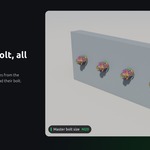
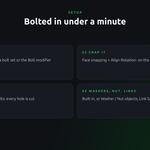
Set snapping to Face, Snap With: Active and Align Rotation to Target, then move the bolt onto the surface. It lands on the face, aligned to the normal, even on curved parts. Then add the Bolt Holes modifier to your part and pick the bolt or a collection of bolts. Every hole is cut to fit (clearance hole, countersink or counterbore) and follows the bolt when you move it. The part has to be a closed mesh.
Do I need an add-on or a specific Blender version?
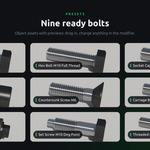
No add-on. It's pure Geometry Nodes and runs in Blender 5.2 or newer. Open the .blend file, or add the folder as an asset library, then drag the bolts from the Asset Browser.
$5
Have questions about this product?
Login to message
| Published | about 8 hours ago |
| Blender Version | 5.2 |
| Render Engine Used | Cycles, Eevee |
| License | Royalty Free |
Discover more products like this
procedual Bolts Screws Heads construction nuts Generator industrial bolt fastener