BoneSculpt Pro
 Vikas Thakur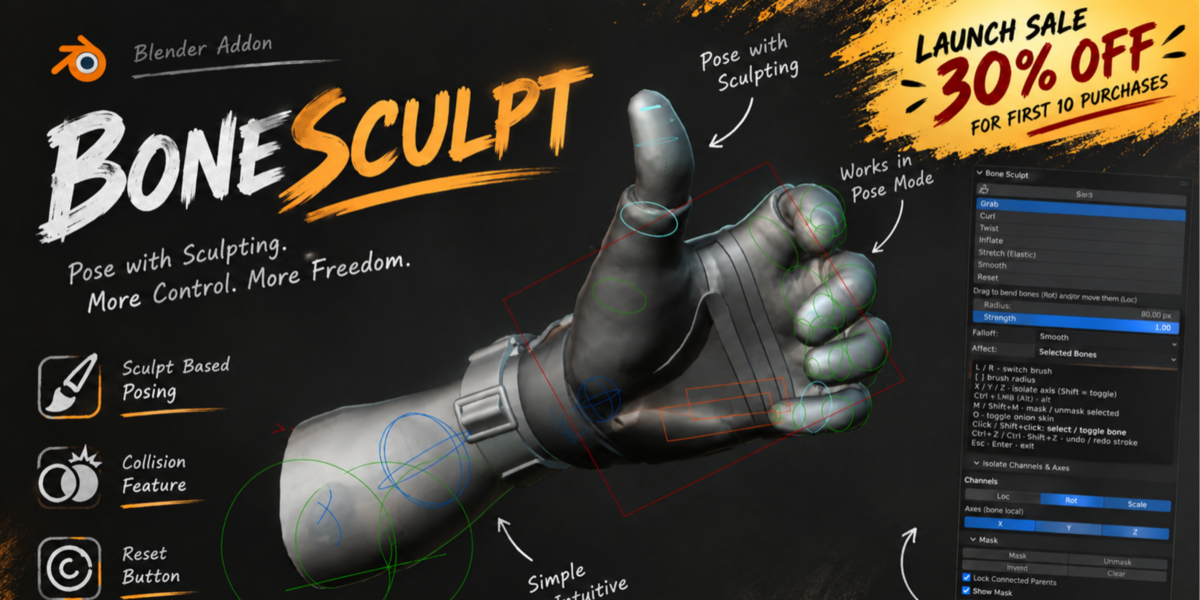
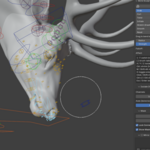
Bone Sculpt


Pose your rig by sculpting directly on the bones.
Use it for anything from full-body posing and fingers to facial controls, props, creatures, secondary motion and detailed animation adjustments.
Quick Start
1. Select your Armature
2. Enter Pose Mode
3. Open N → Bone Sculpt
4. Click Start Sculpting

5. Pick a brush and drag over the bones
Brushes
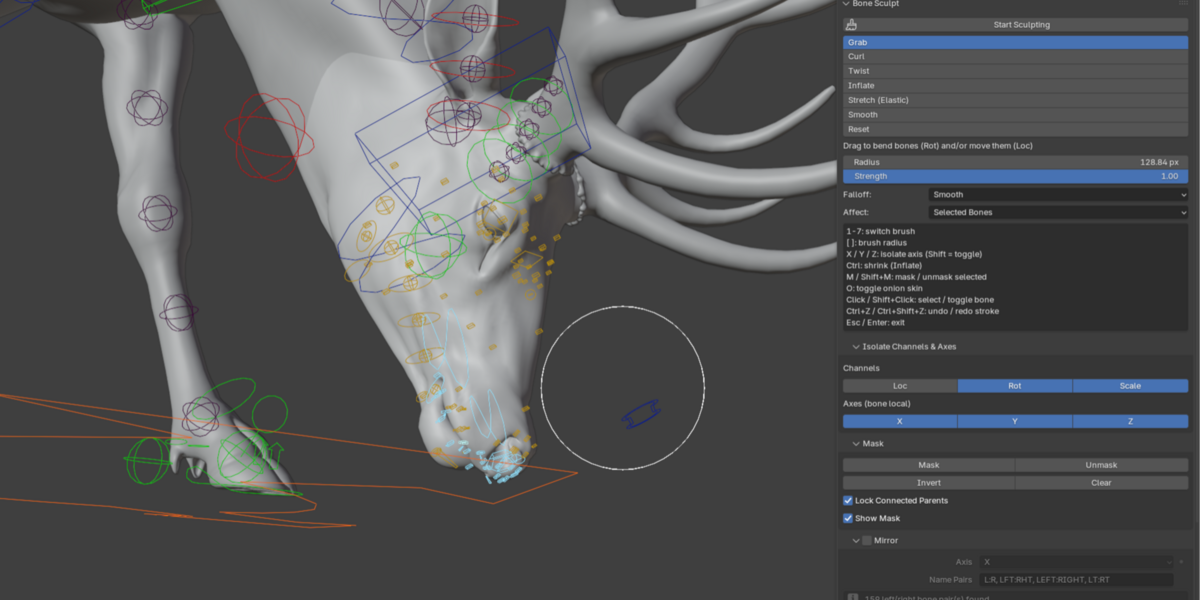
Grab — Move and bend bones
Curl — Curl bones and chains
Twist — Twist bones
Inflate — Increase or decrease scale
Stretch — Stretch and squash
Smooth — Smooth out a pose
Reset — Return toward the rest pose
Main Features

Mask — Protect bones from being affected
Mirror — Sculpt both sides at once


Collision — Keep bones away from mesh surfaces
Onion Skin — See nearby animation poses
Channel & Axis Control — Control Location, Rotation, Scale and individual XYZ axes
Shortcuts
1–7 — Change brush[ ] — Brush sizeX / Y / Z — AxisM — MaskShift + M — UnmaskO — Onion SkinClick — Select boneShift + Click — Toggle selectionCtrl + Z — UndoCtrl + Shift + Z — Redo
Tip: Enable Blender's Auto Keying to key your sculpting changes while animating.
Have questions about this product?
Login to message
| Published | about 5 hours ago |
| Blender Version | 4.5 - 5.2 |
| Extension Type | N/A |
| Render Engine Used | Cycles |
| License | GPL |
Discover more products like this
Cascadeur autorigpro animate-faster animation blender animation AutoPoser