 VertexModeler Inc.
VERTEXMODELER / BOOK GENERATOR FOR BLENDER
BookForm.
Your scene. Your library.
Create book collections with varied covers, believable bindings and flexible arrangements.
THE COLLECTION ROOM
A shelf of possibilities.
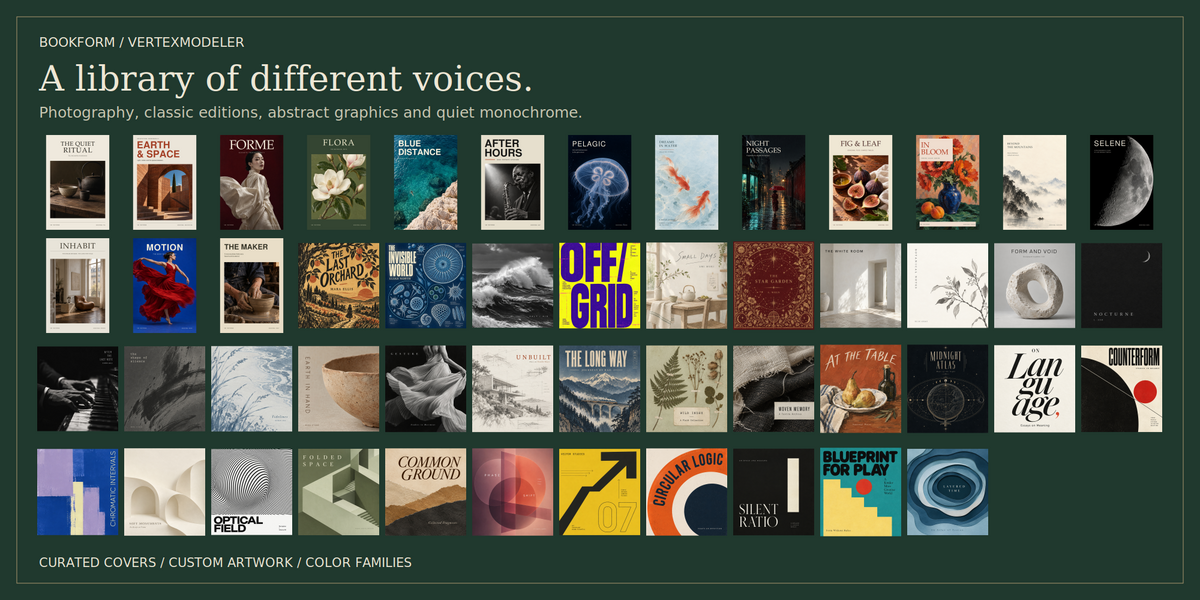
Explore different cover styles and bring them together in rows, stacks and reading corners.
BOOKFORM / THE COLLECTION ROOM
01 / COVERS & COLOR
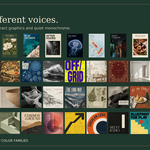
Many voices.
One collection.
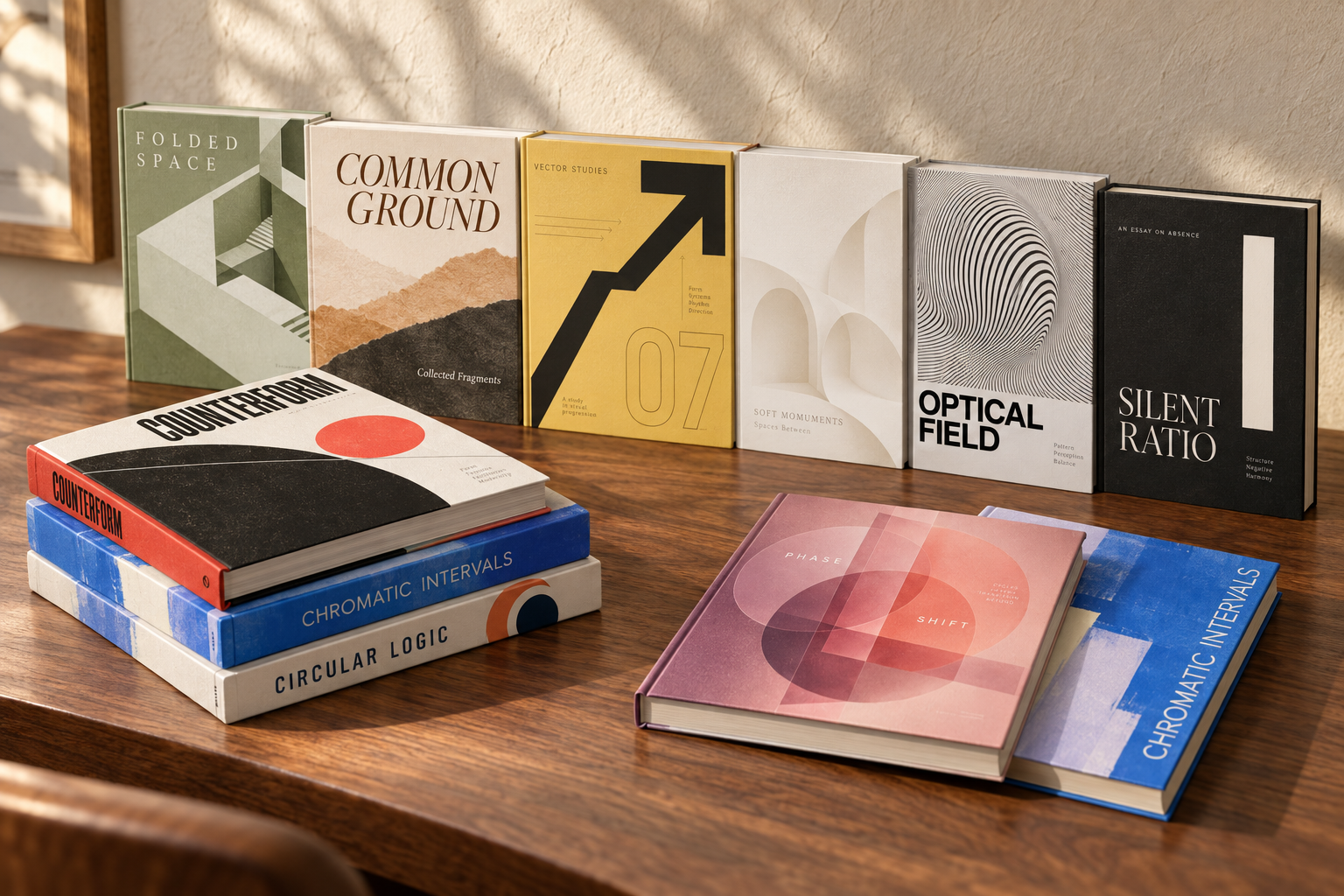
From quiet monochrome to expressive graphics. Filter built-in editions by style and combine color families for a coherent scene.

02 / YOUR ARTWORK
Your cover. Its own proportions.
Bring a single image or a folder of artwork. Book width follows the front image’s aspect ratio, keeping the design undistorted.
Front: your image sets the proportions.
Spine: add separately designed artwork.
Back: finish with a matching image.
03 / BINDING & SURFACE
Structure you can see.
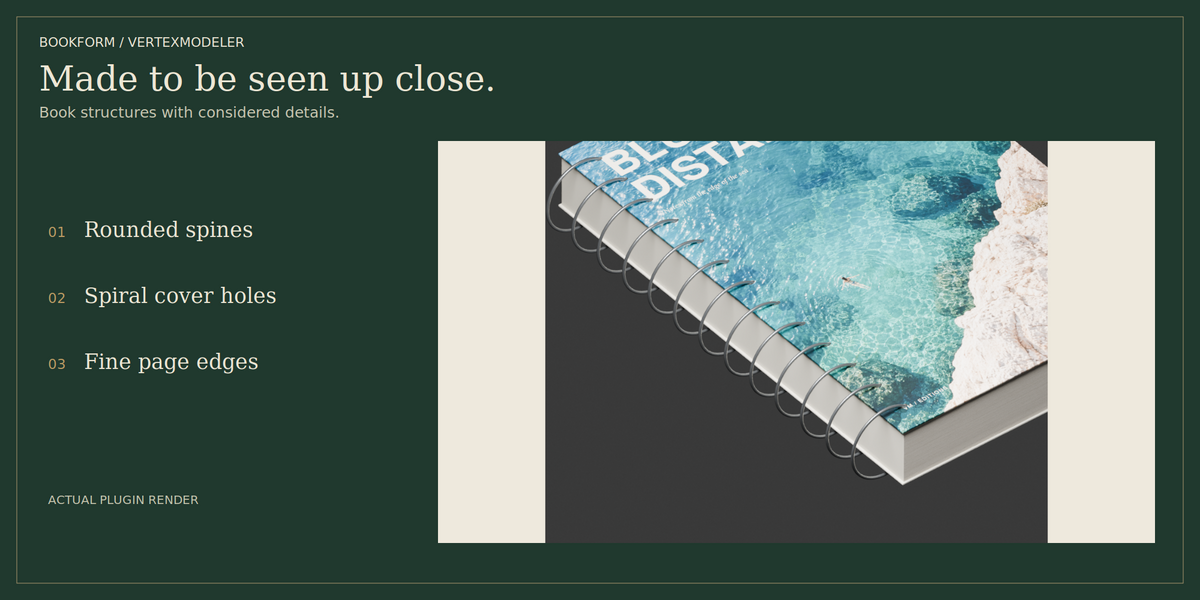
Choose hardcover, paperback, rounded spine, leather, spiral or open-book structures. Fine grain and restrained wear give each edition a tactile finish.

THE BINDING ROOM / SPINES, RINGS & PAGE EDGES
Spiral bindings include cover holes. Leather editions feature subtly beveled metal bands. Fine page-edge shading gives the paper block a layered appearance.
Page lines are shading detail; the block is not made from individually modeled sheets.
04 / GENERATE & ARRANGE
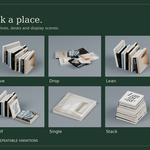
Give every book a place.
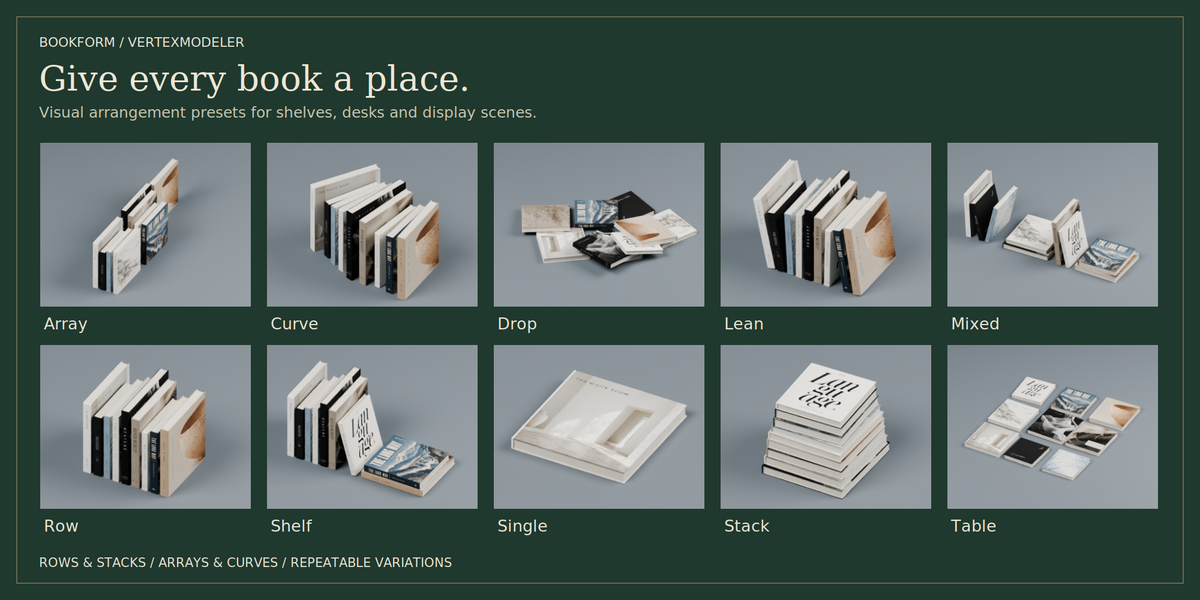
Build rows, stacks, arrays and shelf compositions. Generate a collection, shuffle its seed and refine the arrangement. A repeatable seed makes variations easy to revisit.

ARRANGEMENT STUDY
One collection, several arrangements.
Keep the palette coherent while varying heights, orientation and spacing.
ROWS & STACKS / A COORDINATED COLLECTION
05 / DRAW & GENERATE
A collection with direction.
Draw a horizontal path or use a Poly or Bezier curve. Choose upright or flat books, then update the result as the path changes. When the path fills, the books that fit are kept.
06 / OPEN-BOOK POSES
Leave the story open.
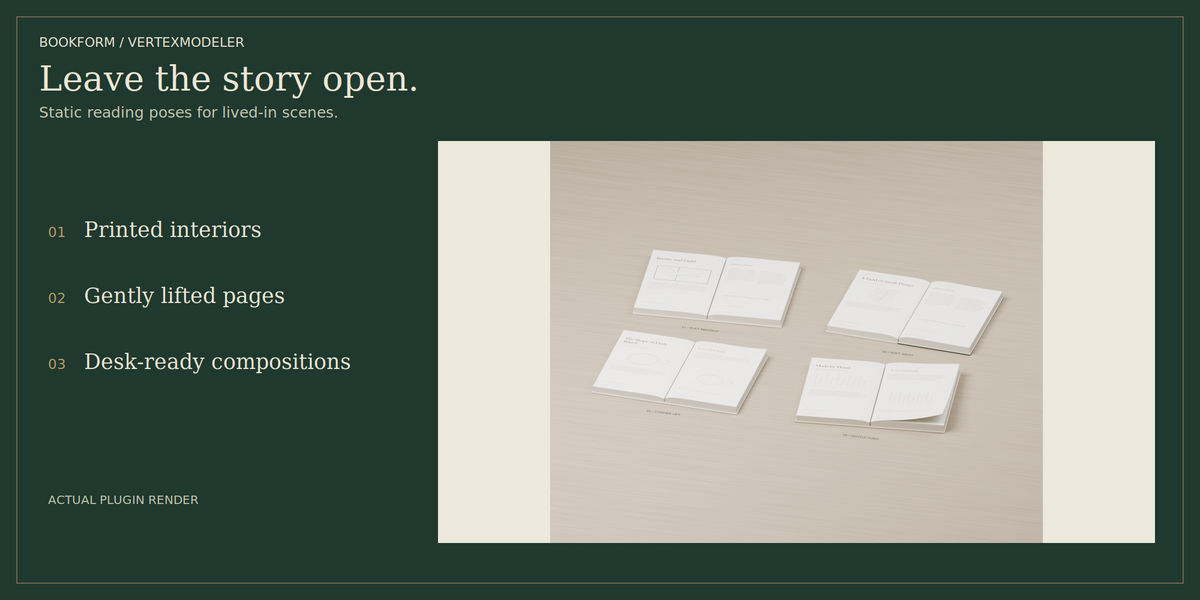
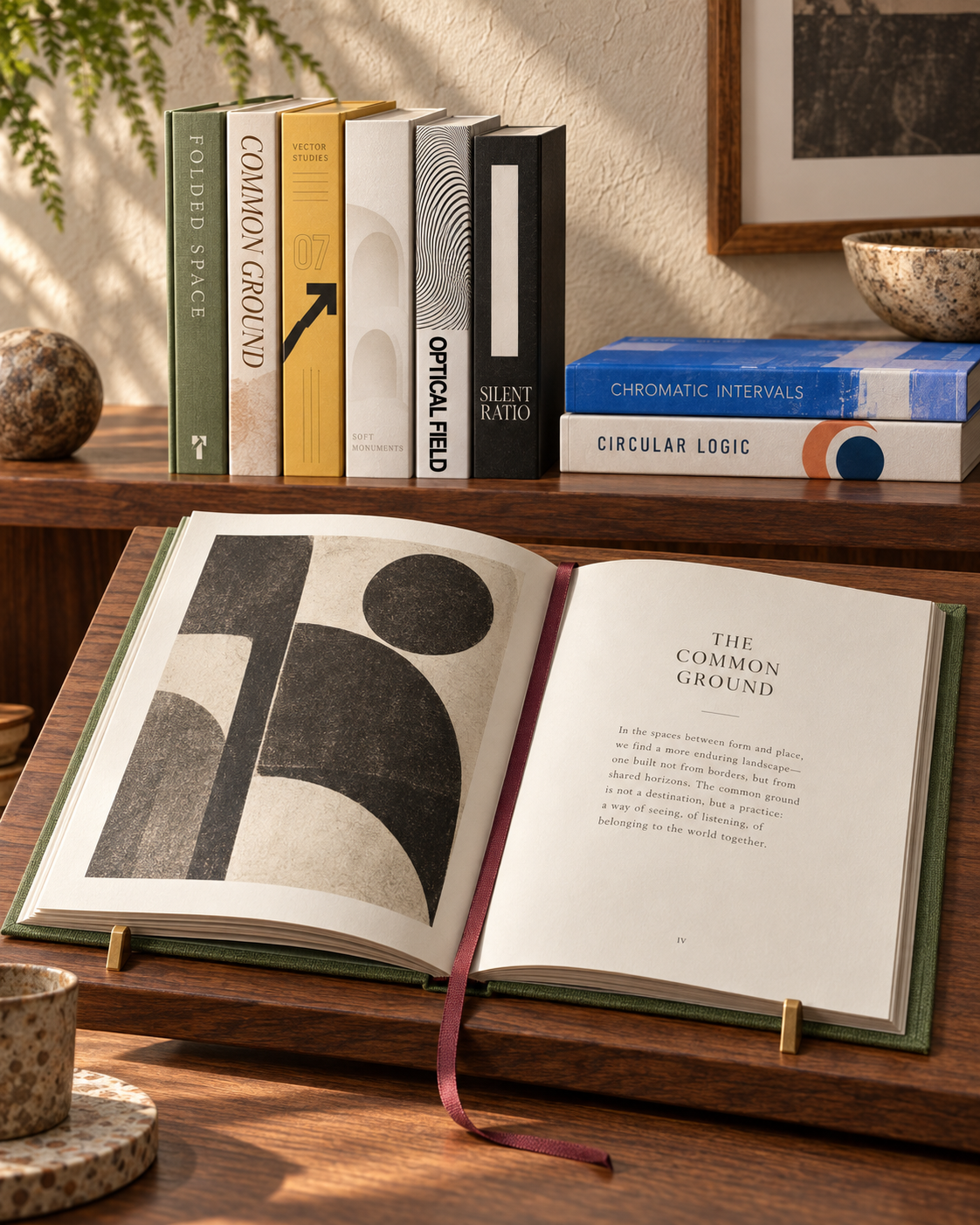
Original English editorial interiors, gentle arches and lifted leaves add detail to desks and reading corners. These are static posed meshes, not page-turning animations.
THE READING ROOM
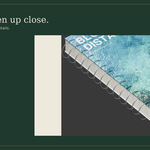
From cover to interior.
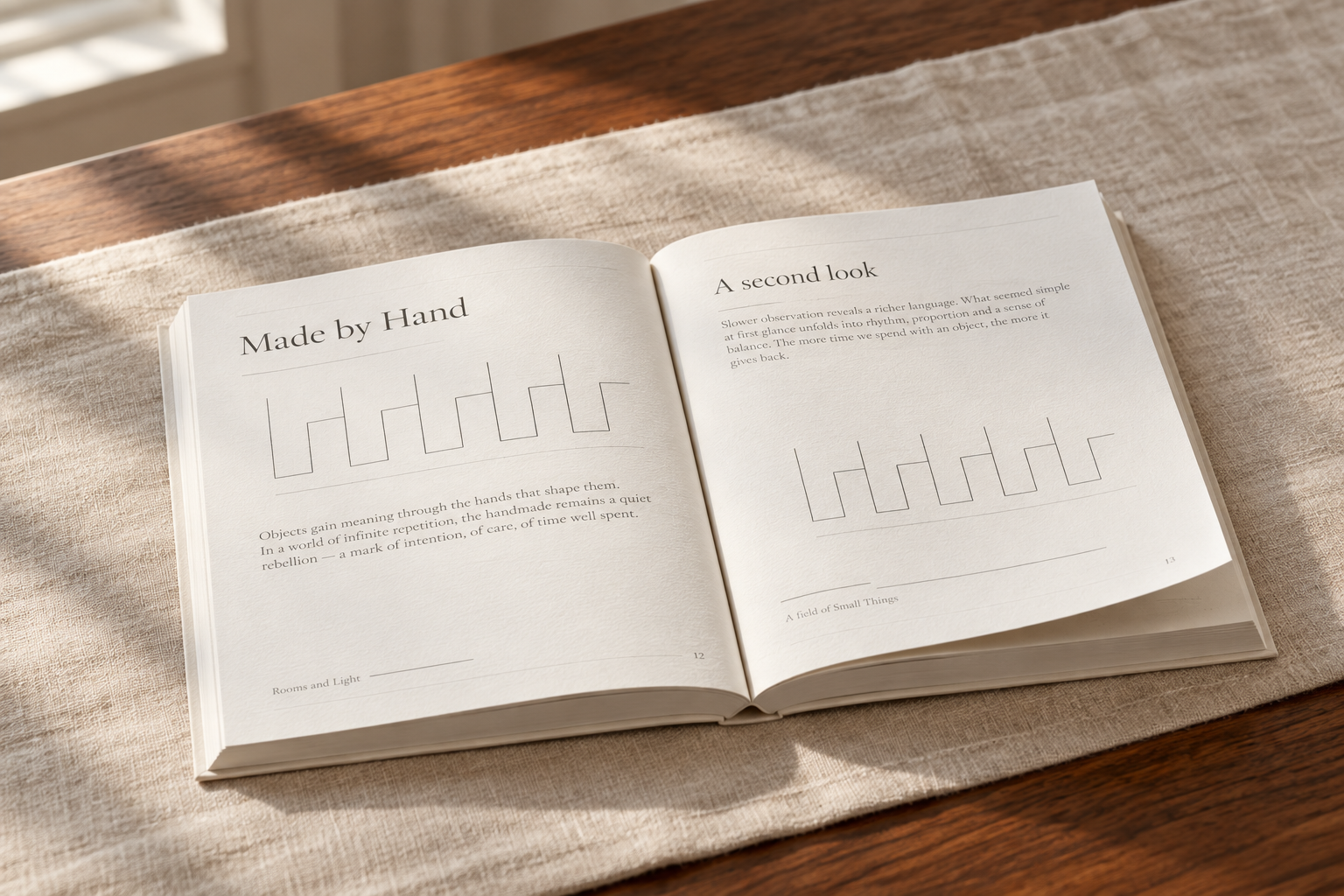
OPEN EDITIONS / PRINTED SPREADS & PAPER DETAIL
A ribbon bookmark adds a quiet accent to supported book structures. Coordinate the scene around small details.
07 / A SIMPLE WORKFLOW
Choose. Generate. Refine.
Visual thumbnails, color swatches and saved group settings keep the workflow close at hand.
Update rebuilds the generated books. Duplicate a group before manual mesh editing.
Build your next library.
Custom artwork · Diverse editions · Flexible arrangements
Blender 5.2 LTS. Showcase still images are AI-enhanced from plugin renders and artwork; lighting and small details may differ from direct output.
