 ZEG
ZEG






Installation
In Blender open Edit, Preferences, Get Extensions, then use Install from Disk and pick the book_generator zip. The add-on is listed as Book Generator.
Usage
- In Object Mode press Shift+A and choose Mesh, Book, then pick a design. You can also use the Book tab in the 3D viewport sidebar (N): choose a kind of book, then a design, or press Random.
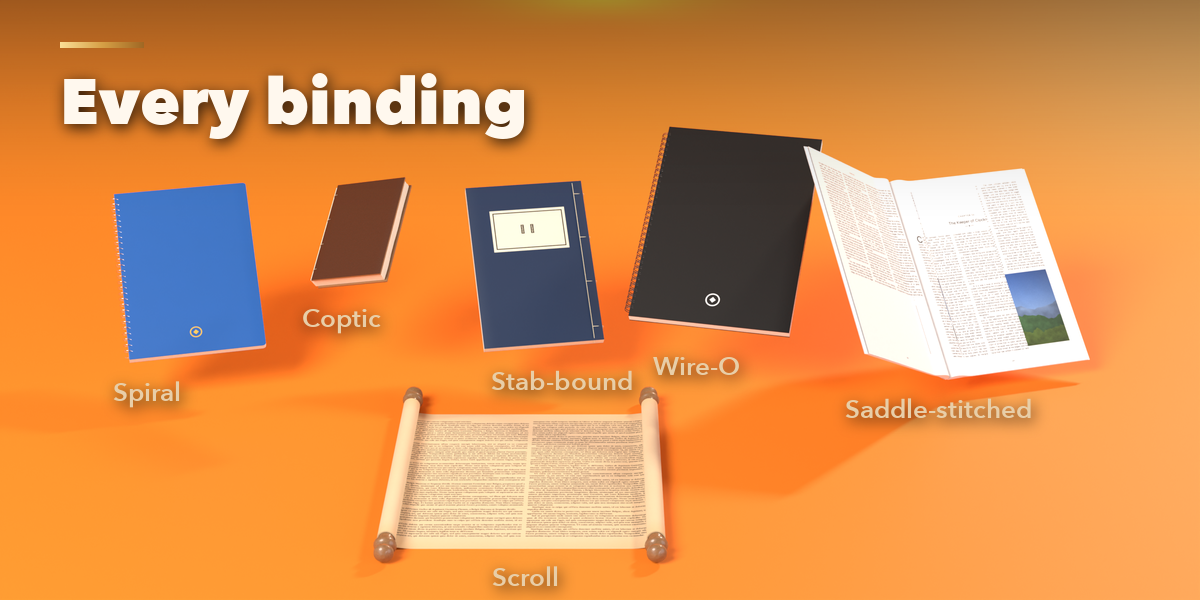
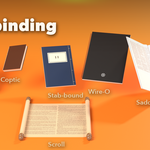
- With a book selected, the sidebar shows icon tabs: Size, Binding, Cover, Pages, Pose, Animate, Condition and Quality. Every setting rebuilds the book live.
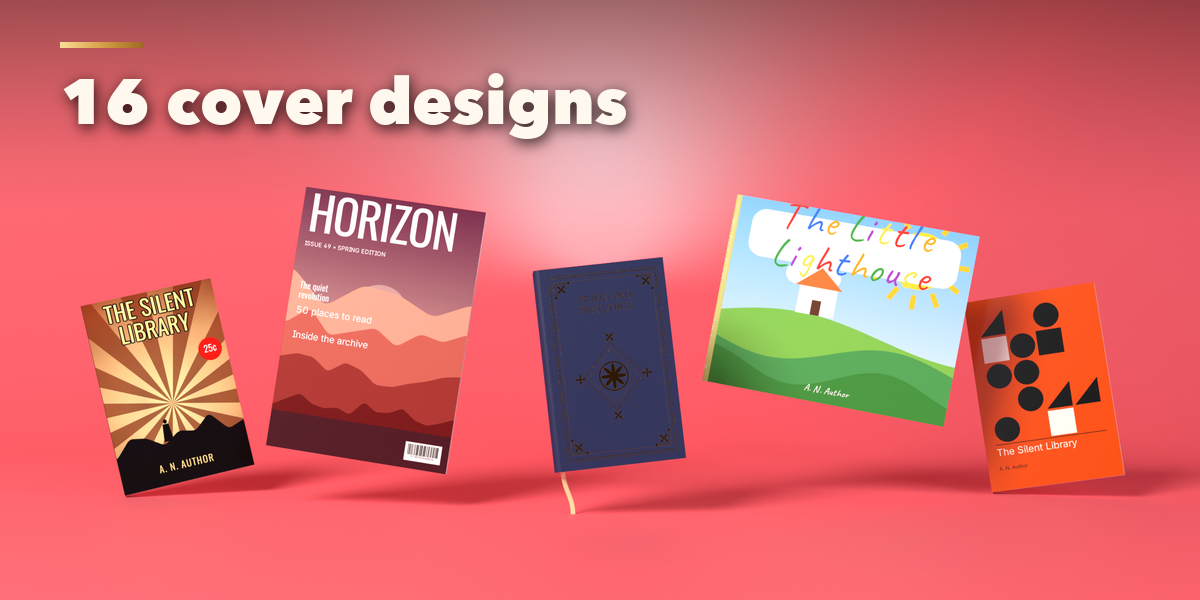
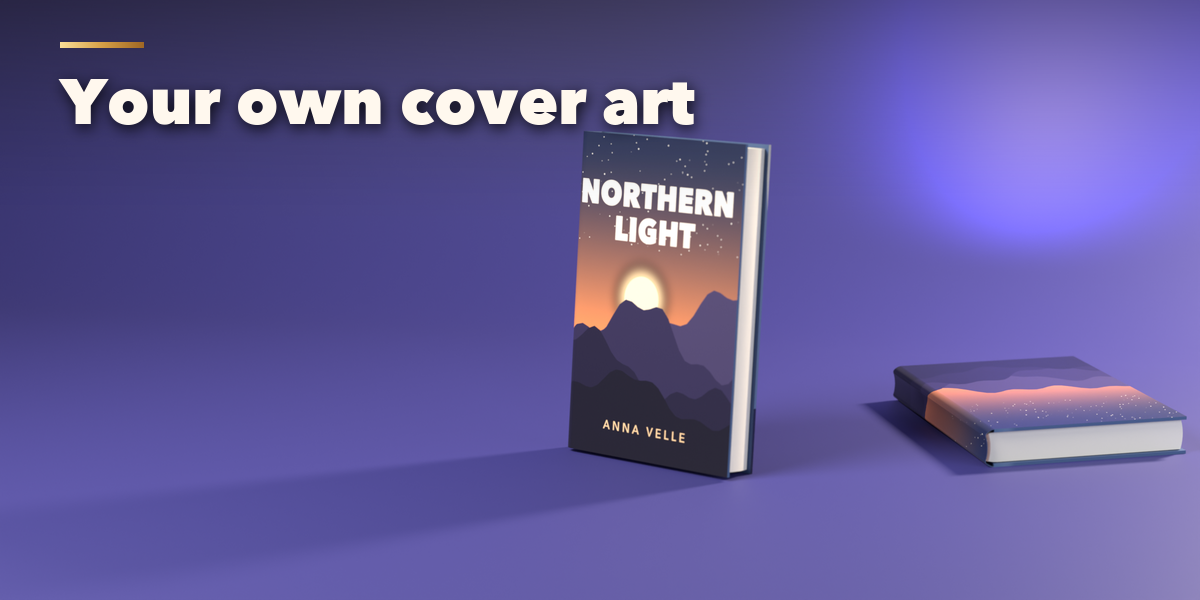
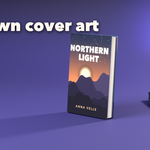
- Cover: pick the design, material, colors, stamping and titles. Under Your Picture choose Front, Whole Cover or Logo and load an image.
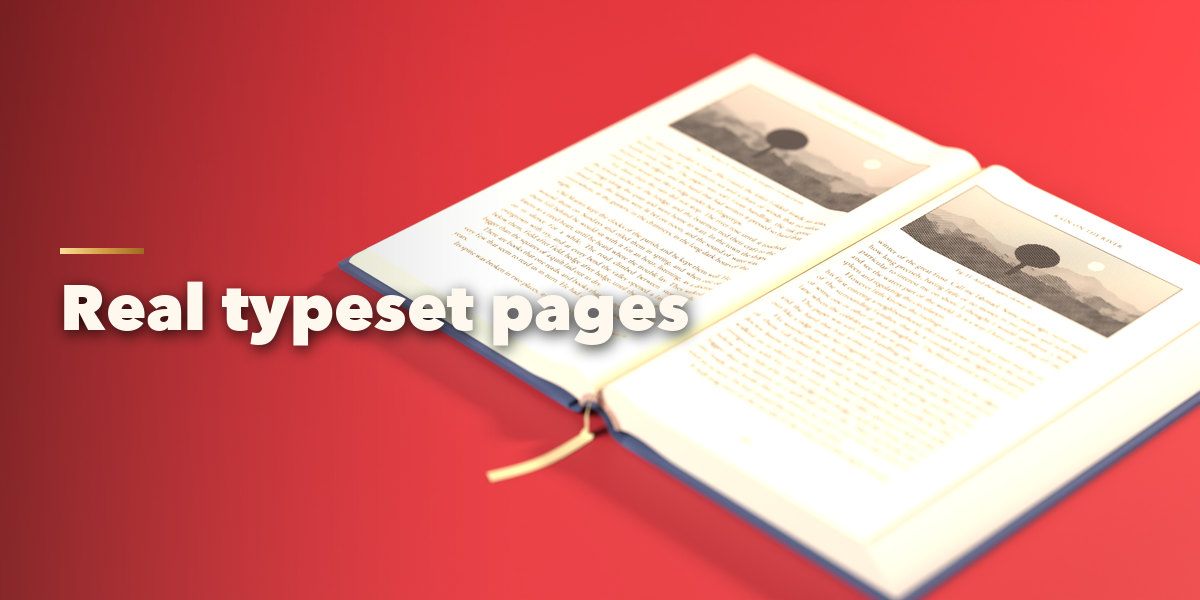
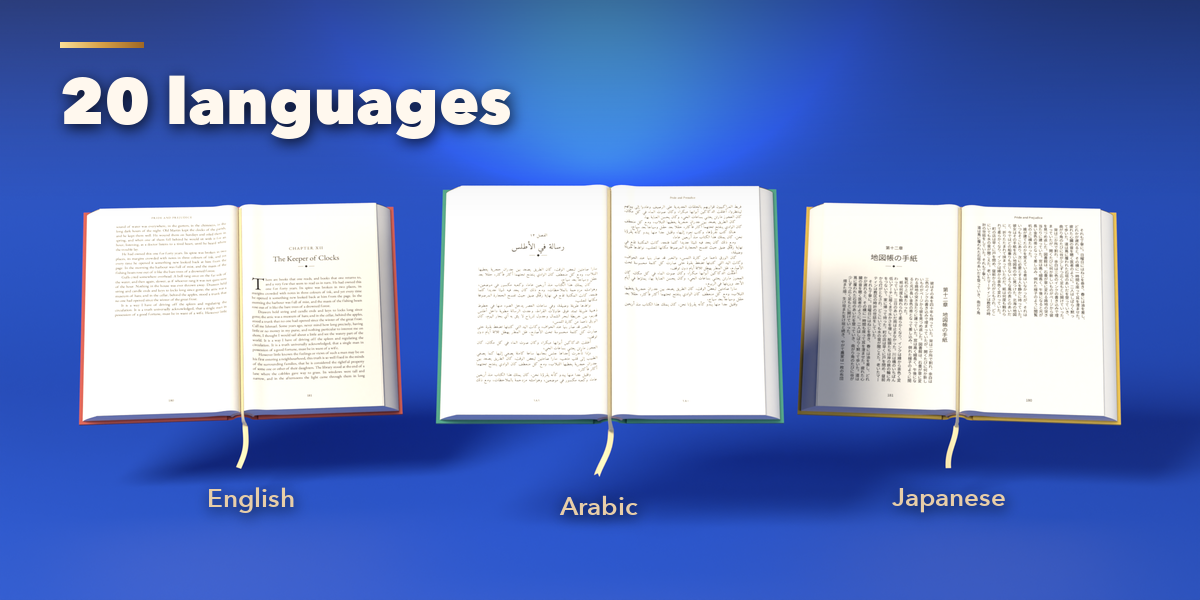
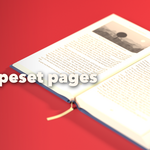
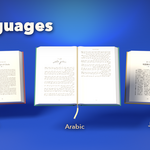
- Pages: pick the content (text, illustrated, pictures, comic, lined, grid and more), the language, font, margins and columns.
- Pose: choose closed, on a shelf, open, held or standing, and set the open angle, where it opens and how many pages are turning.
- Animate: press Animate Book to keyframe opening and turning pages. The pose settings can also be keyframed by hand.
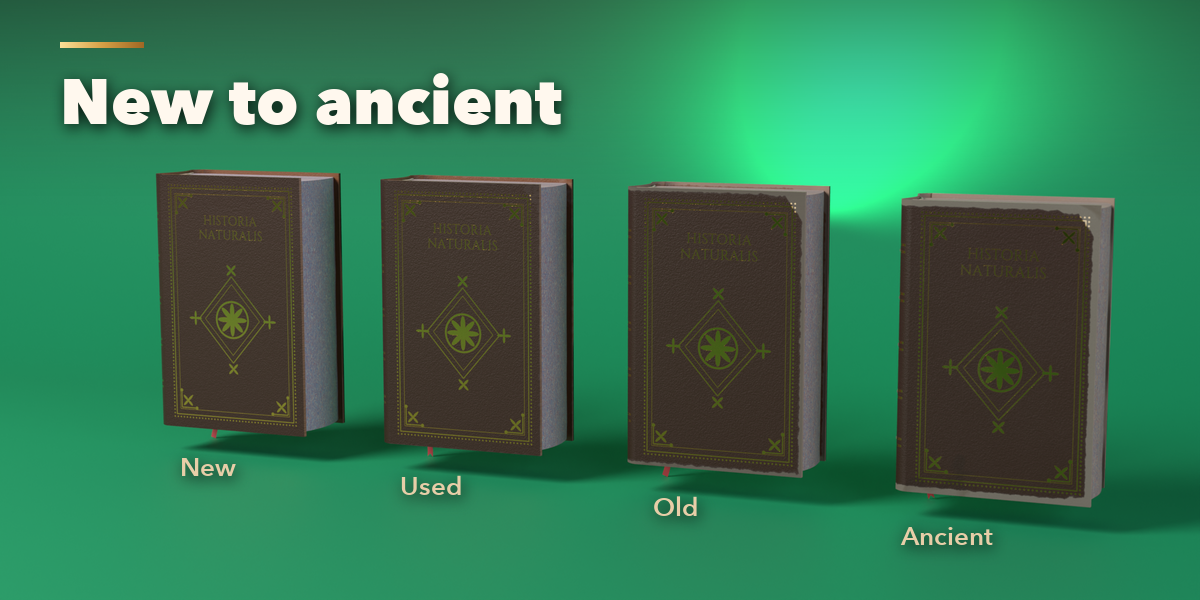
- Condition: move Age and Wear from new to ancient, or fine-tune dust, stains, foxing and dog ears.
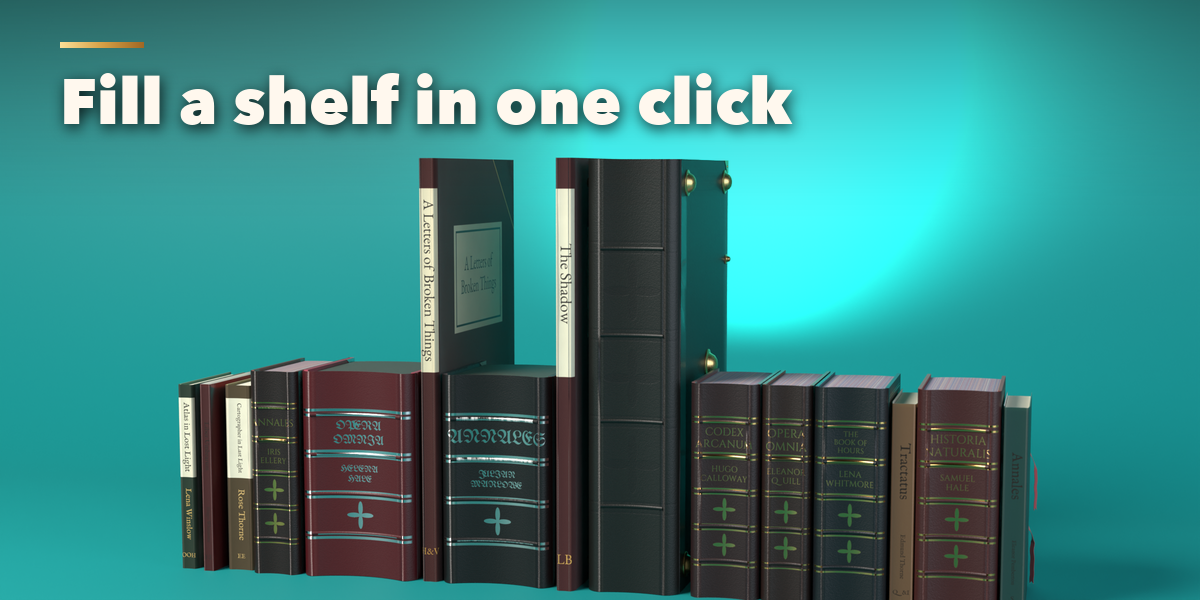
- Fill Shelf adds a row or stack of varied books at the 3D cursor. Convert to Mesh turns a book into a plain mesh for export.
Switch the viewport to Material Preview or Rendered to see the materials and typeset pages.
Have questions about this product?
Login to message
