 Techqon core


Bool Manager — Boolean Operations Simplified in Blender
Fast, clean, and intuitive boolean workflow for Blender.
Bool Manager is the ultimate tool for creating boolean operations in Blender in a fast, visual, and hassle-free way. Perfect for artists who want to streamline and organize their modeling workflow.
Why was Bool Manager created?
Bool Manager was born from a real need: to make boolean operations in Blender more intuitive, visual, and manageable — especially when working with multiple objects.
- Blender’s default boolean modifier is powerful, but it becomes messy and slow in complex scenes.
- There’s no native way to group, view, and manage multiple booleans efficiently.
- Switching modes, hiding objects, and keeping control can be frustrating.
Bool Manager solves all of this.
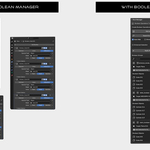
- With a user-friendly interface, visual tools, and all controls in one panel, you can work faster, cleaner, and with full control.
- No more modifier stack chaos or time-consuming manual setup.
Bool Manager is the solution for 3D artists who value clarity, speed, and control in their boolean workflow.
What Makes Bool Manager Unique?
- Visual and Organized Interface: Manage booleans with clear icons and intuitive controls.
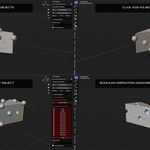
- Fast Selection Mode: Add cutters quickly via direct viewport selection.
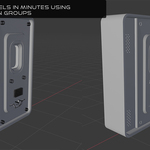
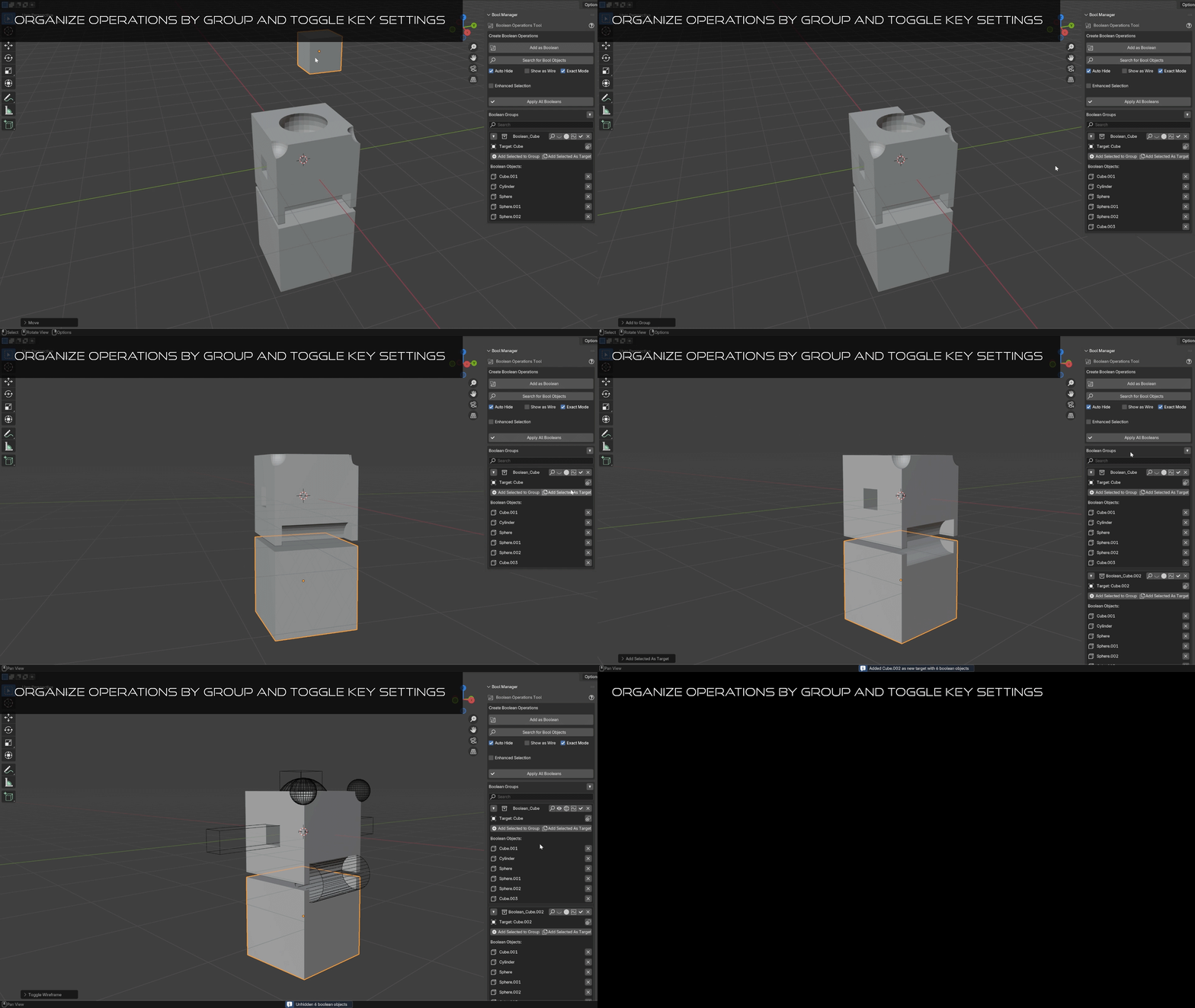
- Boolean Group Management: Organize multiple operations with flexible group structures.
- Parent Groups: Create and manage nested boolean groups with collapsible containers for better organization.
- Modifier Display Controls: Choose if booleans appear in the viewport, edit mode, or final render.
- Calculation Modes: Use Exact or Fast mode depending on your needs.

Key Features
- Add as Boolean: Apply cutters by selecting targets directly in the viewport.
- Search for Bool Objects: Locate cutters inside your boolean groups easily.
- Auto Hide / Show as Wire / Exact Mode: Control global visibility and calculation behavior.
- Enhanced Selection Mode: Optional advanced selection logic for complex scenes.
- Add Selected to Group: Easily update or expand your boolean groups.
- Parent Groups: Nest groups under named parent containers and collapse or expand as needed.
- Modifier Display Panel: Control if booleans show in viewport, edit mode, or render independently.
How to Use Bool Manager
- Select one or more objects to act as boolean cutters.
- Click Add as Boolean.
- Choose a target object in the 3D viewport.
- Done! The selected objects will be applied as booleans.
Global Settings
- Auto Hide: Automatically hide boolean cutters after application.
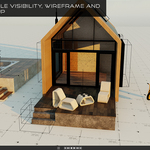
- Show as Wire: Display boolean cutters as wireframes for clarity.
- Exact Mode: Use for high-precision boolean results.
- Modifier Display: Control which display modes apply the boolean (Viewport, Edit, Render).
Usage Tips
- Boolean objects are deselected automatically during target selection.
- You can rename, reorder, and nest groups using Parent Groups.
- Use Exact Mode for detailed shapes and Fast Mode for previews.
- Keep your stack clean and controlled with Modifier Display settings.
- Use the Search bar to manage large scenes with many groups.
Ideal For
- Hard surface modeling
- Modular structure design
- Sci-fi asset creation
- Kitbashing and destructive detailing
- Organized boolean pipelines in complex projects
Why Use Bool Manager?
- Saves time
- Avoids manual errors
- Keeps your boolean workflow clean and visual
- Perfect for both beginners and advanced users
Discover More Tools by TQ Core
Want to improve your Blender workflow even more?
Explore all of our addons crafted for speed and simplicity.