Boolean Bevel (Offset Cut And Bevel)
 Medicraft


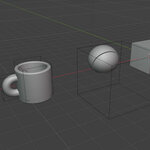
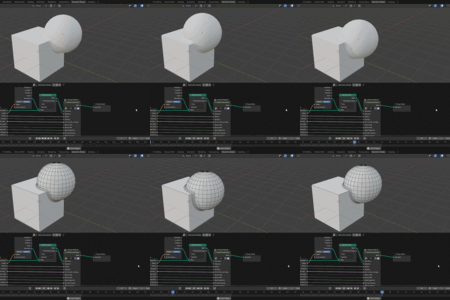
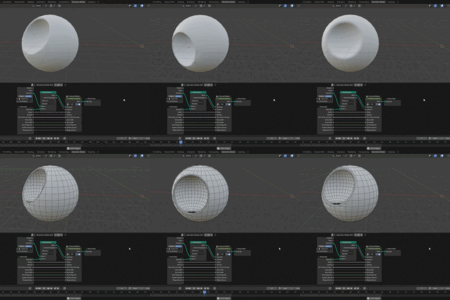
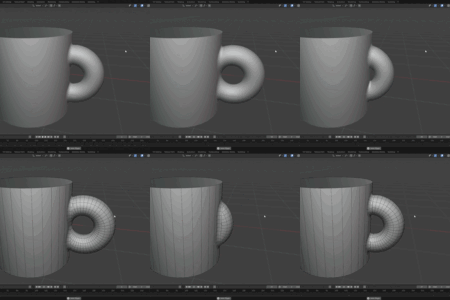
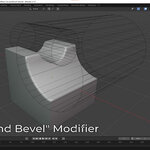
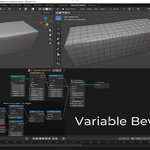

Usage Instructions
Method A: Using the Modifier (For Booleans)
Select your primary object and add a Geometry Nodes modifier.
Assign the Boolean and bevel node group to the modifier.
In the modifier properties, use the Object picker to select your cutter object.
Specify your preferred Boolean Operation (Difference, Union, Intersect).
Adjust the Cut Radius, Spacing, and Bevel Segments to define the cut.
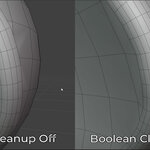
Enable Boolean cleanup if shading artifacts appear around the intersection.
Method B: Using the Node Group (For Custom Selections)
Inside your custom Geometry Nodes tree, append the offsetCut and bevel node group.
Connect your base geometry into the
Meshinput.Pass a boolean selection of a continuous edge loop into the
Selectioninput.Adjust the radius, spacing, and segment parameters directly, or pass a variable attribute into the
Radiussocket for dynamic control.
Modifier Specific Parameters
Object: The target object to perform the boolean operation against.
Operation: The type of boolean math to execute (Difference or Union).
Solver: The boolean solver method (Fast or Exact/Manifold).
Shared Parameters (Modifier & Node Group)
Cut Radius: The width of the initial offset cut extending outward from the intersecting edges. You can pass a field here for variable bevel width. In that case you'll either need to set bevel width to "Auto" or pass the same field (or a fraction of it) into the bevel width.
Epsilon: A tolerance threshold for vertex selection along the offset cut. Increase this value slightly if the node fails to pick up any vertices along the intersection.
Spacing: The spacing between the cut loop segments. Lower spacing gives a higher resolution cut.
Don't bevel, set weight: A toggle that skips the geometric beveling process and instead outputs a standard Bevel Weight attribute on the selected edges.
Bevel width: 'Auto' will match the full cut width. 'Manual' will allow you to specify a bevel width.
Bevel Segments: The resolution (number of segments) of the generated bevel.
Boolean cleanup: A toggle to automatically merge close vertices and repair topology artifacts created by the boolean or cut operations.
Merge distance: The distance threshold used by the Boolean cleanup operation to snap and merge the mesh vertices to the closest verts on the cut loop. You typically need a large value here.
-
Material: The material to be assigned to the newly generated bevel geometry (an attribute names "UVMap is generated for the bevel loop so you can use it in the shader).
Have questions about this product?
Login to message
| Sales | 10+ |
| Published | 4 months ago |
| Blender Version | 4.1 - 5.2 |
| License | Royalty Free |
