Boolean Bevel Addon
 Bukoros Design



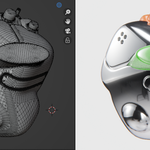
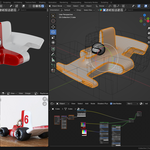


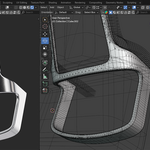

Check video tutorial by link:
https://youtu.be/IRIyX1xw7BA?si=JcZuGXYyfvv0fybh
INTRODUCTION
This is an addon-wrapper that automates the next process:
Assign a Geometry Nodes modifier that executes Boolean and Bevel on intersecting edges
Additional steps, like parenting Boolean Tool to Boolean Target and changing Tools Viewport Display mode to “Wire” and excluding from render
HOW TO USE
To apply Boolean Bevel, pick two or more objects (Active Object will be the Boolean target, all other objects - Boolean Tools), then pick Boolean mode (Difference, Union, Intersect)
Boolean Bevel is located in the “Edit” Panel
You can pre-set initial Radius and Segments, which can be later changed in modifiers.
It is recommended to start with Preview mode for safety reasons
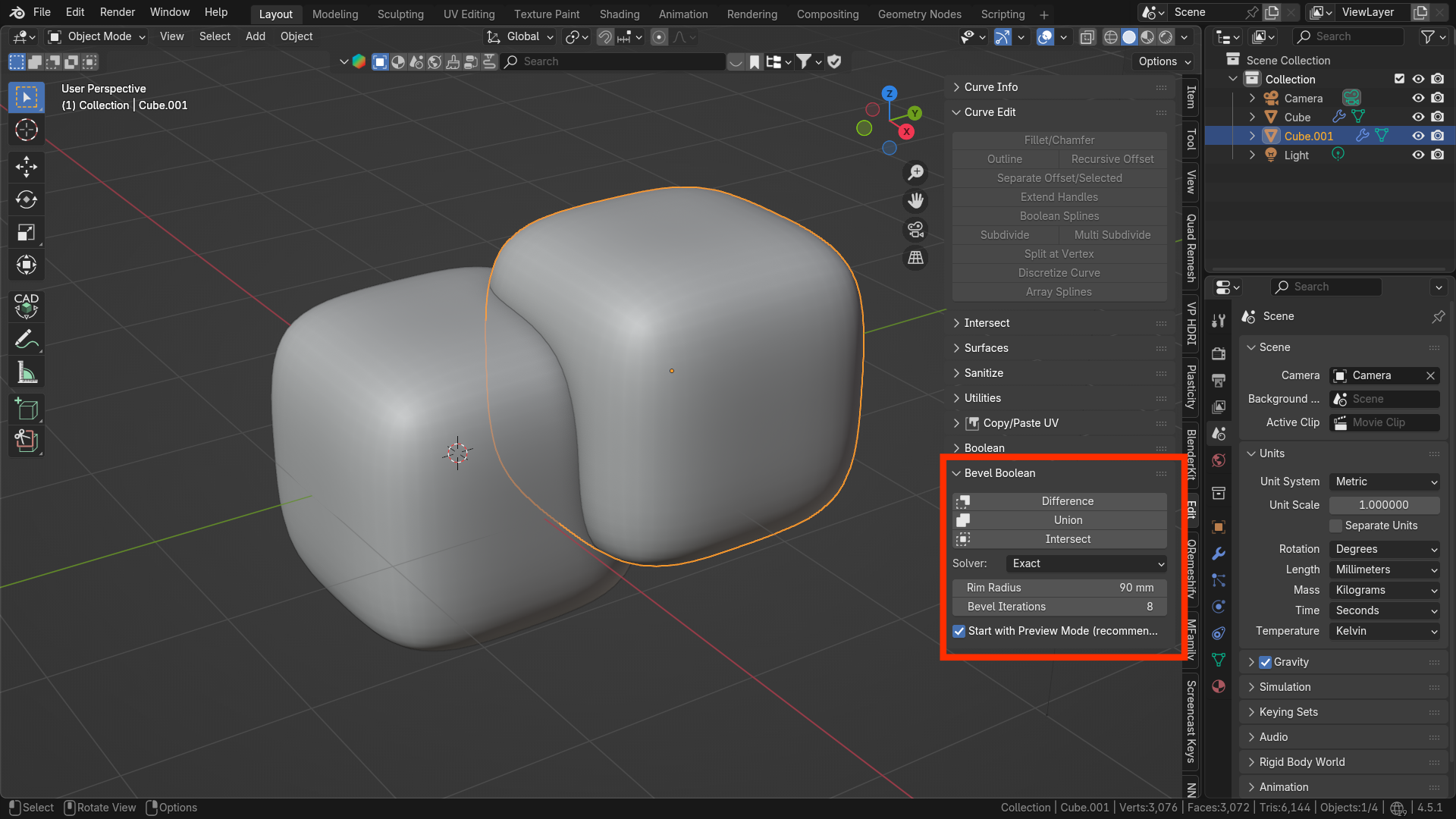
PREVIEW MODE
In Preview Mode, you can see the intermediate step of Boolean before the Bevel offset is created. It is recommended to use it to check if the Bevel Rim “Tube” has self-intersections, especially at corners with sharp angles; otherwise, Boolean operations may not work properly. If Bevel Rim "Tube" has intersections - see Debug Rim section 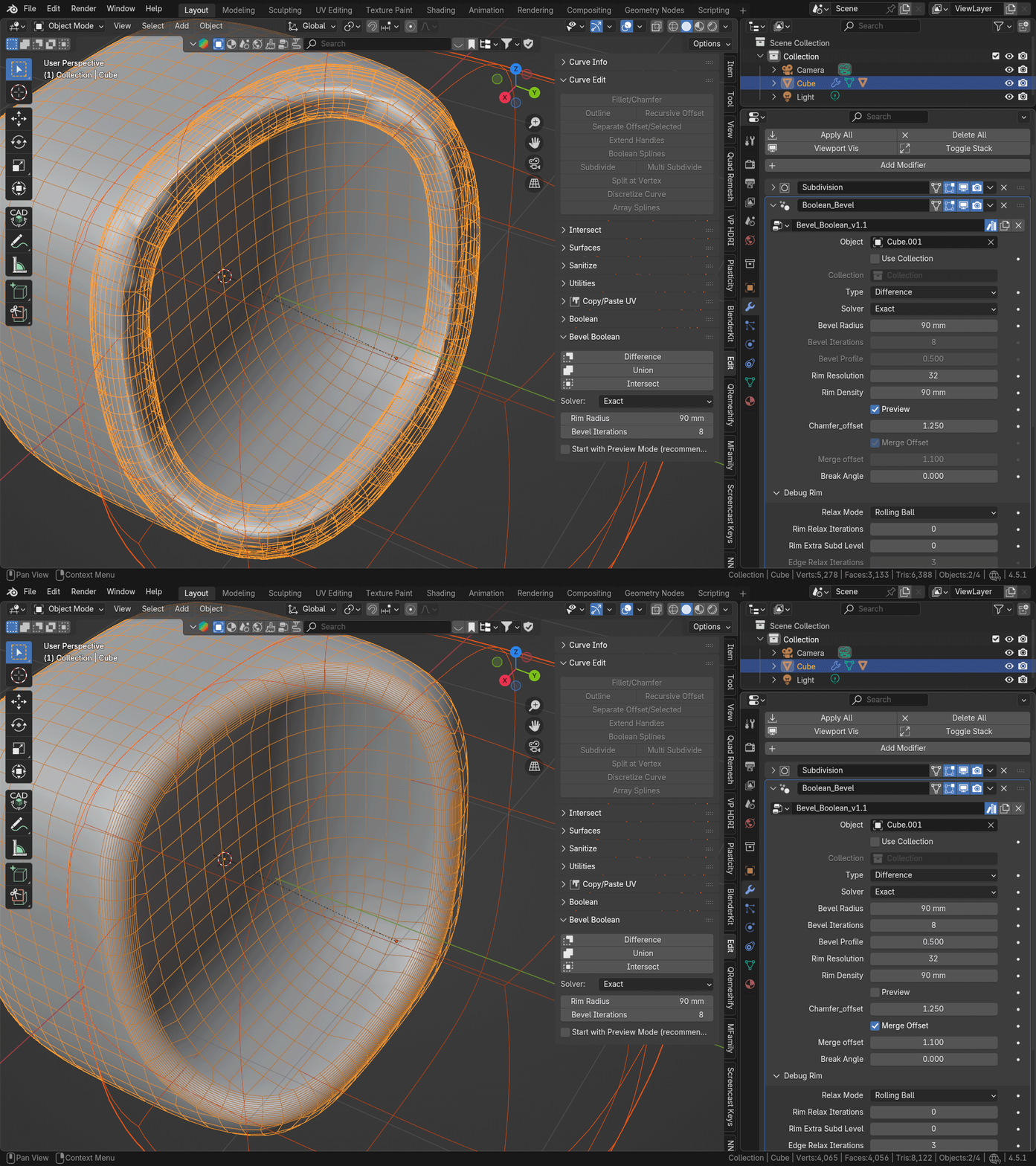
BEVEL RADIUS
Changes Bevel Radius on the intersecting edge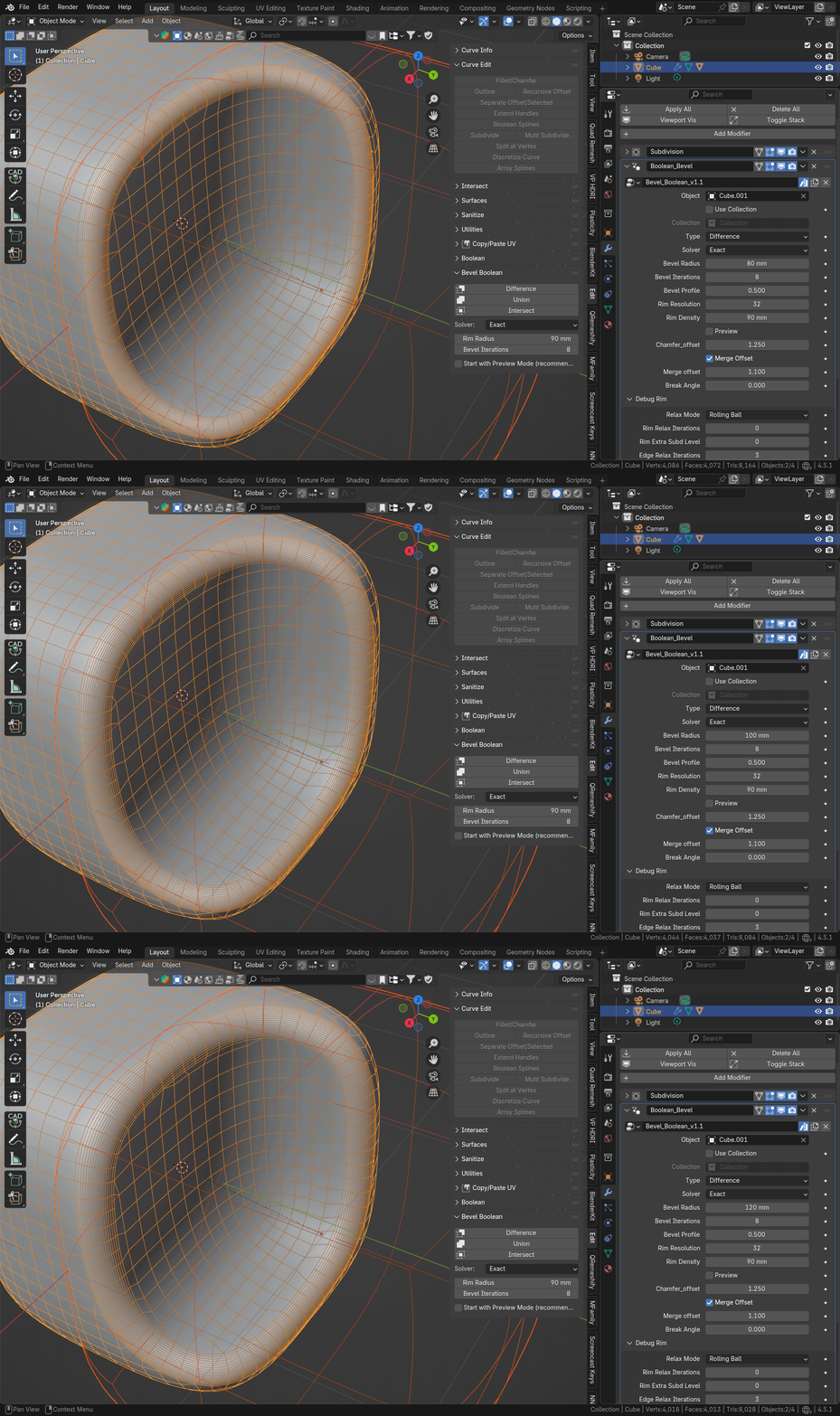
BEVEL PROFILE
Changes Bevel Proflie in a way similar to Bevel Modifier settings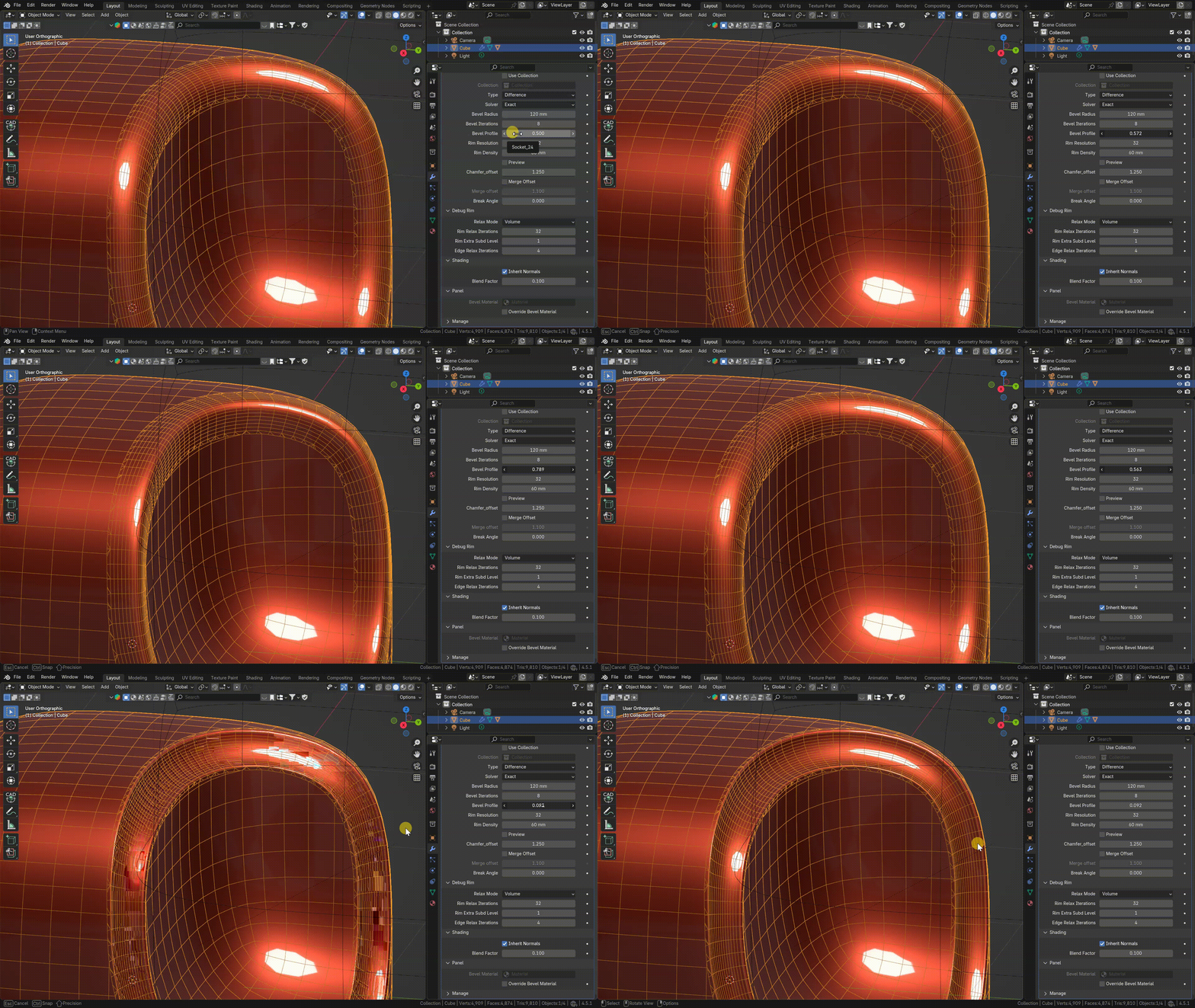
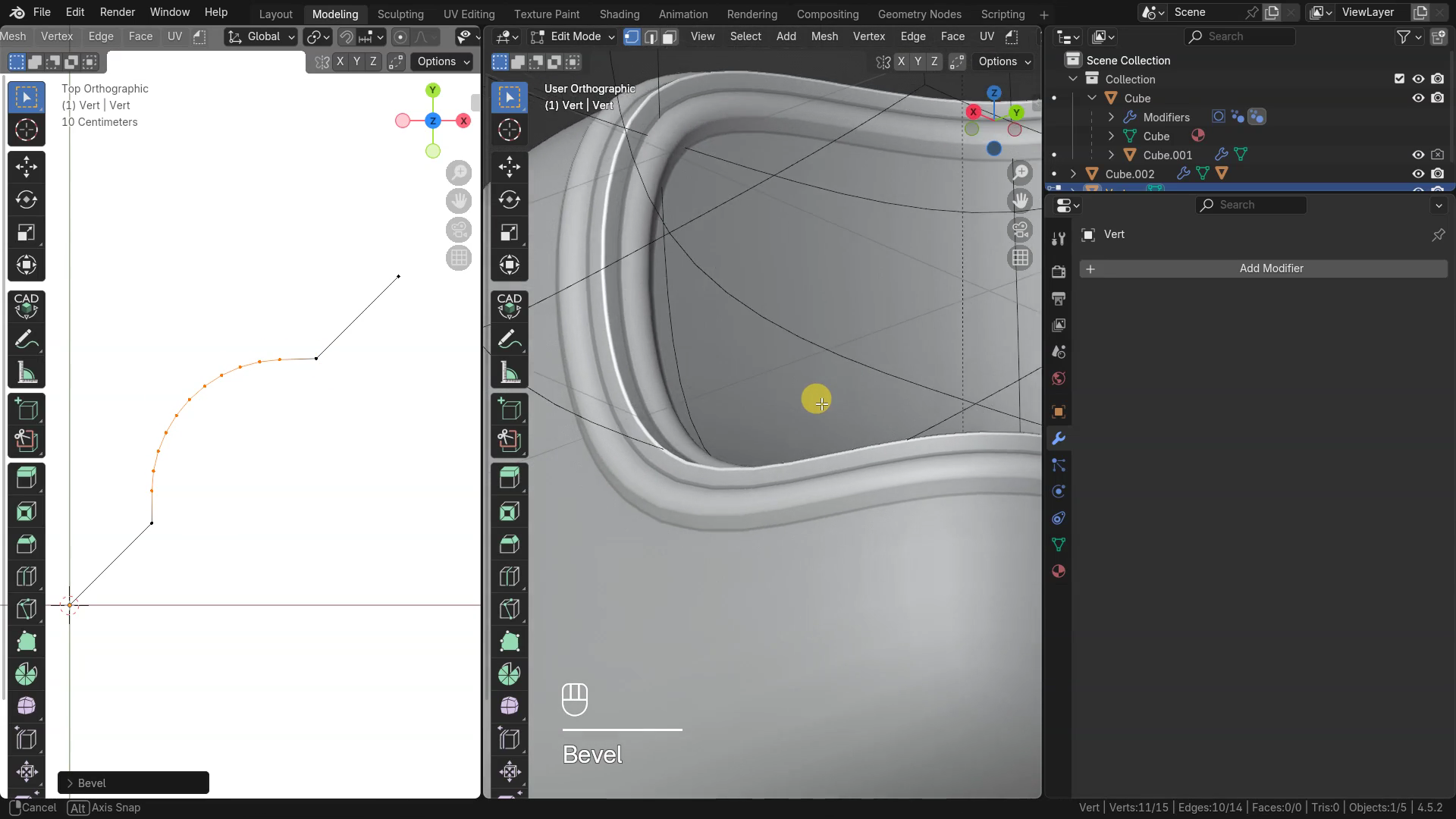
CUSTOM PROFILE
Pick Separate Object as a Profile for Bevel
Profile Object should be an edges-only mesh or curve object, with start in 0,0 in X,Y local space. straight line with start at 0,0 and end at 1,1 will make straight angle corner. 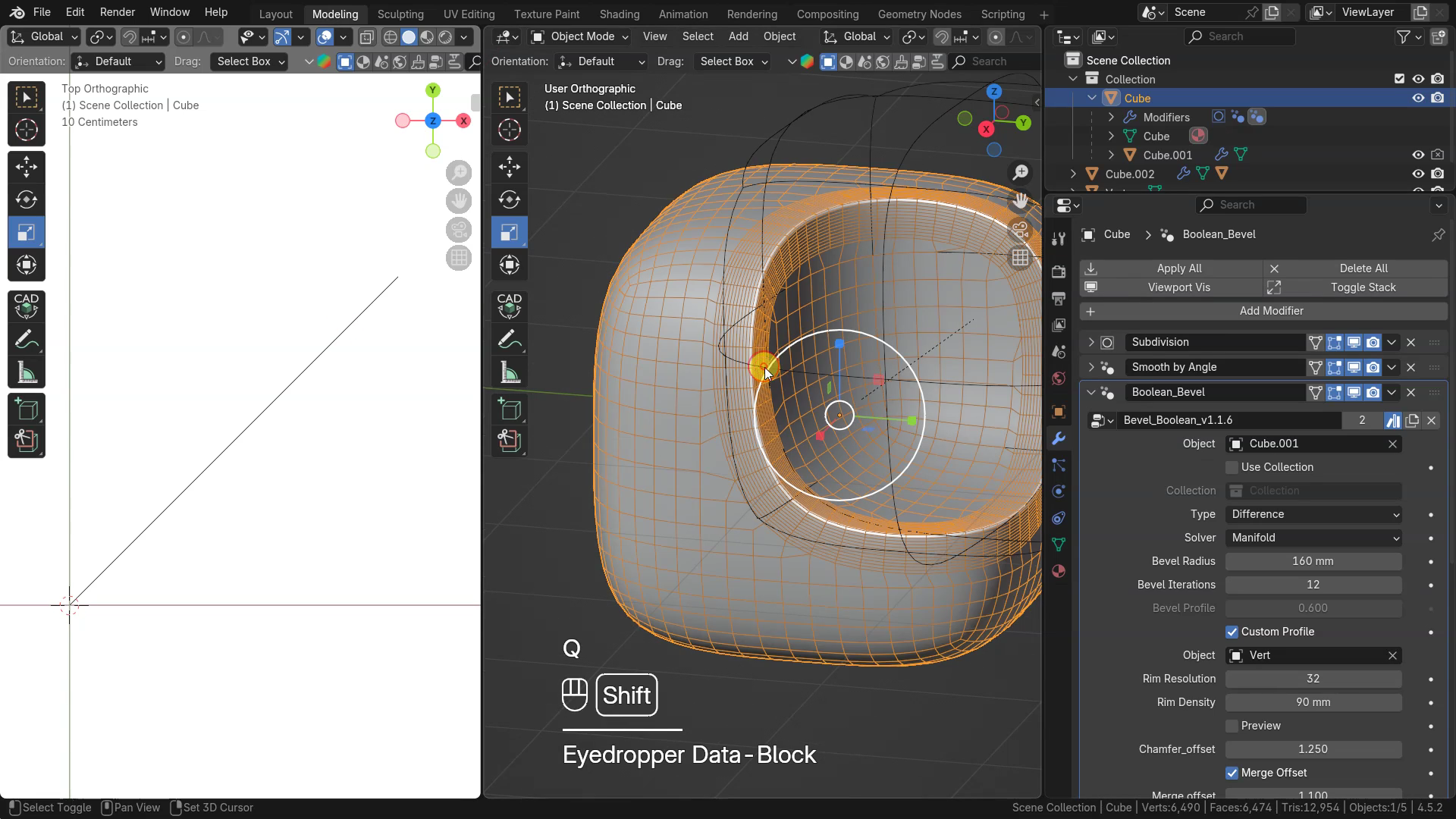
Edit Profile Object to get different Bevel shape
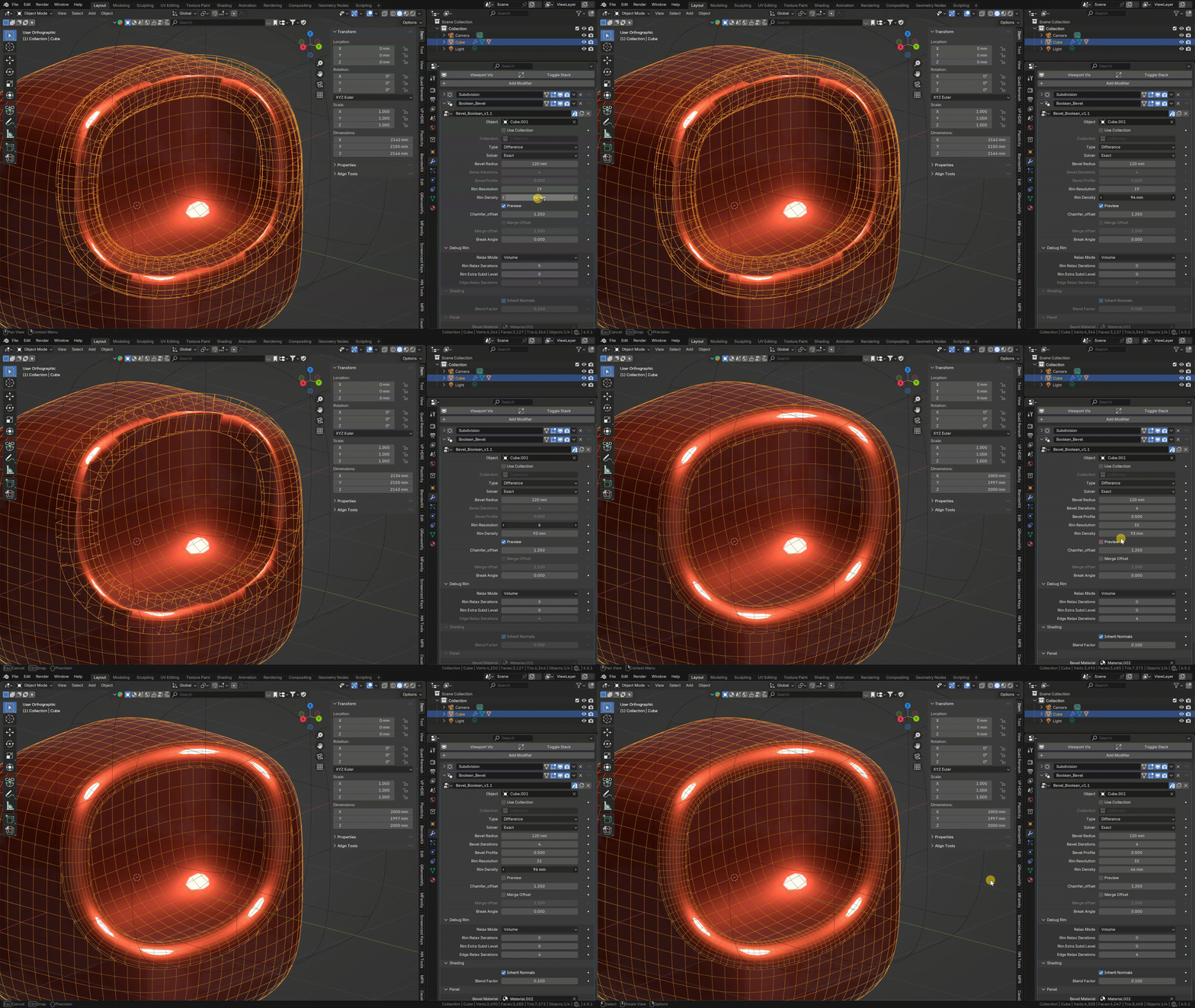
RIM RESOLUTION & RIM DENSITY
adjust Rim Resolution and Density
On start, Rim Density is set x1 from the Radius value
CHAMFER / MERGE OFFSET
Chamfer Offset - multiplier of radius value to offset geometry from intersecting edges
Merge Offset - multiplier of radius multiplied by chamfer offset to merge vertices nearby
BREAK ANGLE
Allows to detect angles by angle and keep them sharp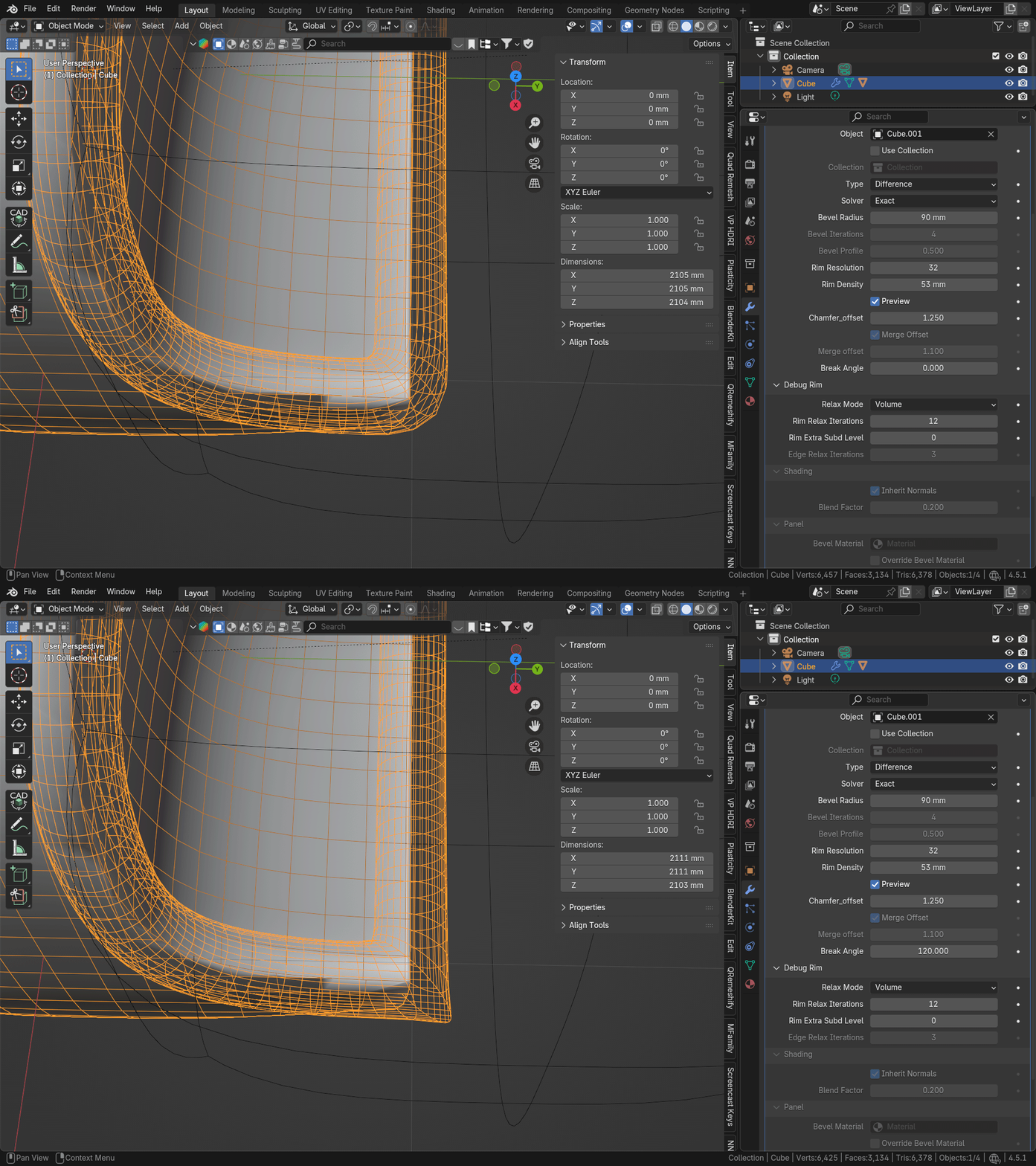
DEBUG RIM
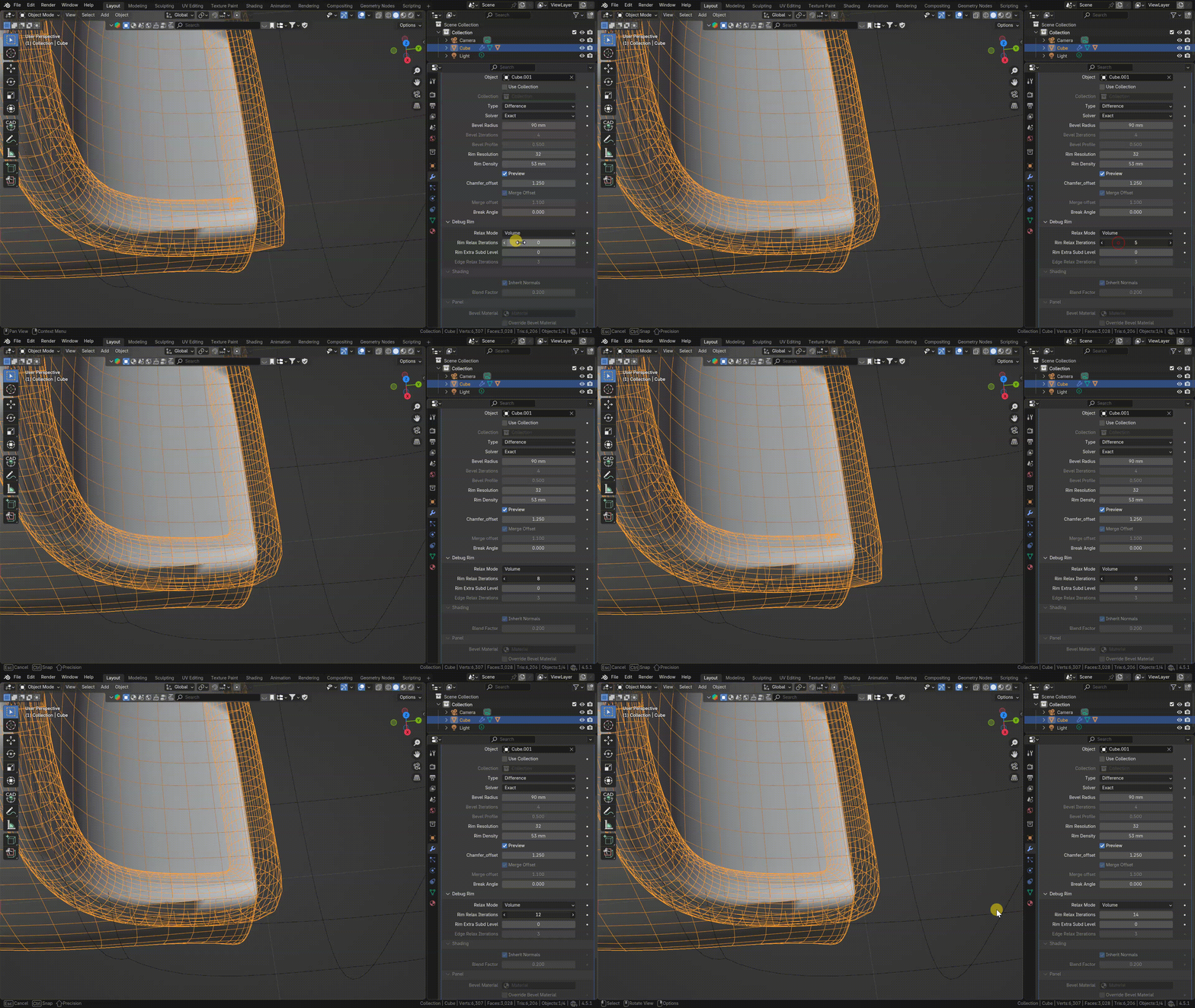
RIM RELAX
If Rim has self-intersections, try to set Rim Relax Iterations to 10 or 20 or even more until you get rid of self-intersections
RIM SUBD
If you got weird openings or intersections on the sharp corners, try to set Rim Extra Subd Level to 1 or 2
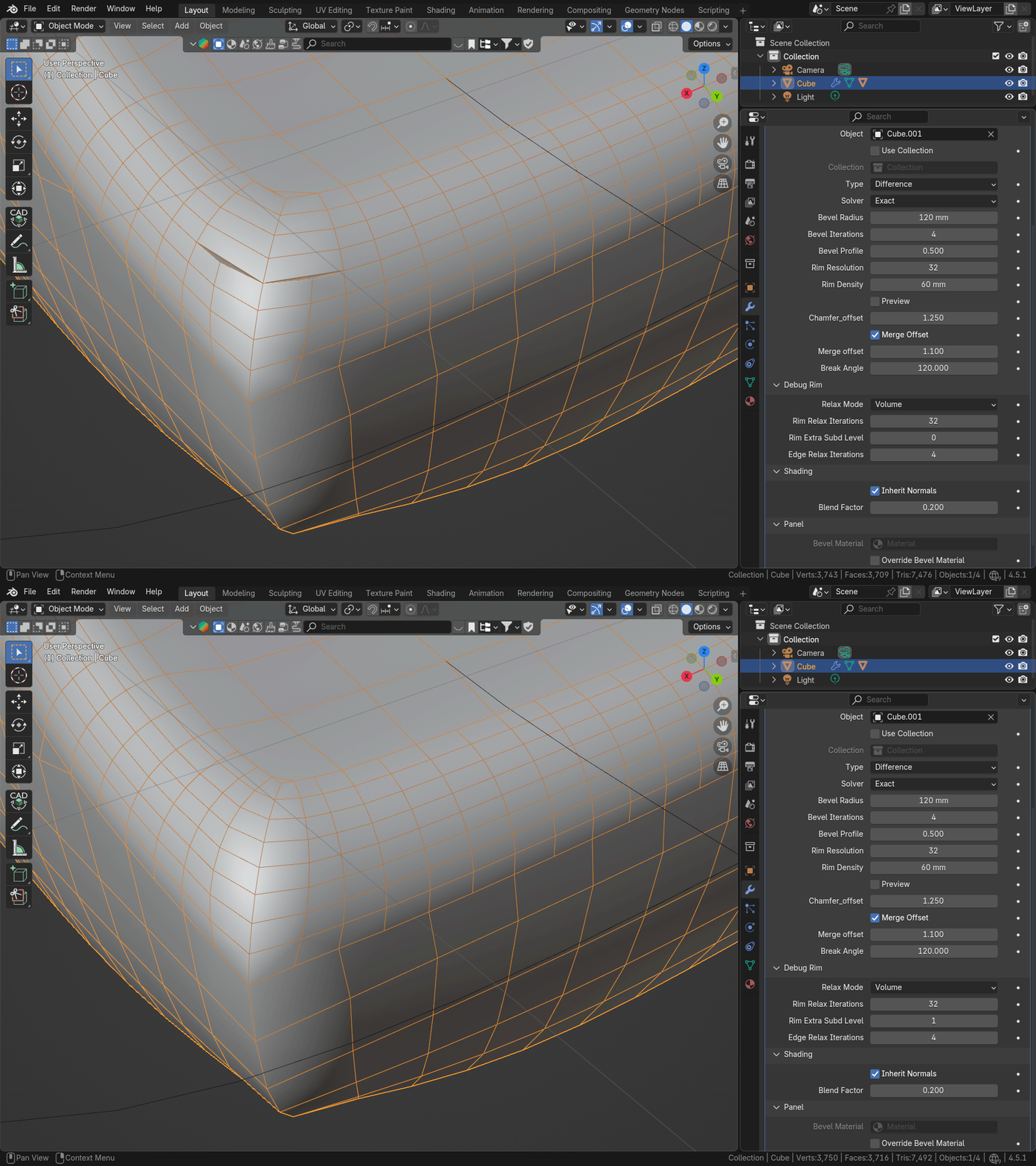
SHADING (Blender 4.5 only)
INHERIT NORMALS
Transfer Custom Normals from original objects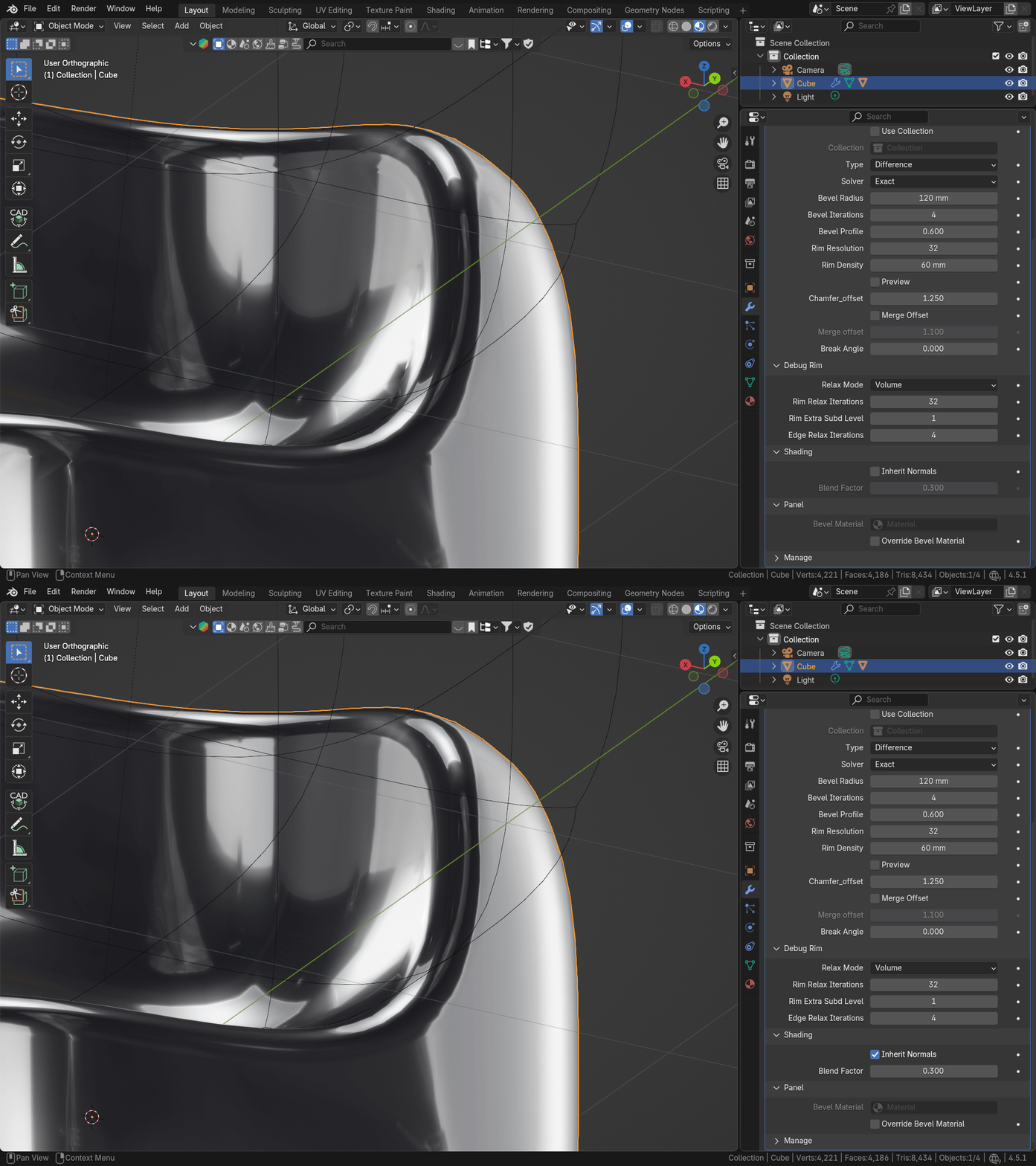
BLEND FACTOR
Adjust how strong initial geometry normals affect the bevel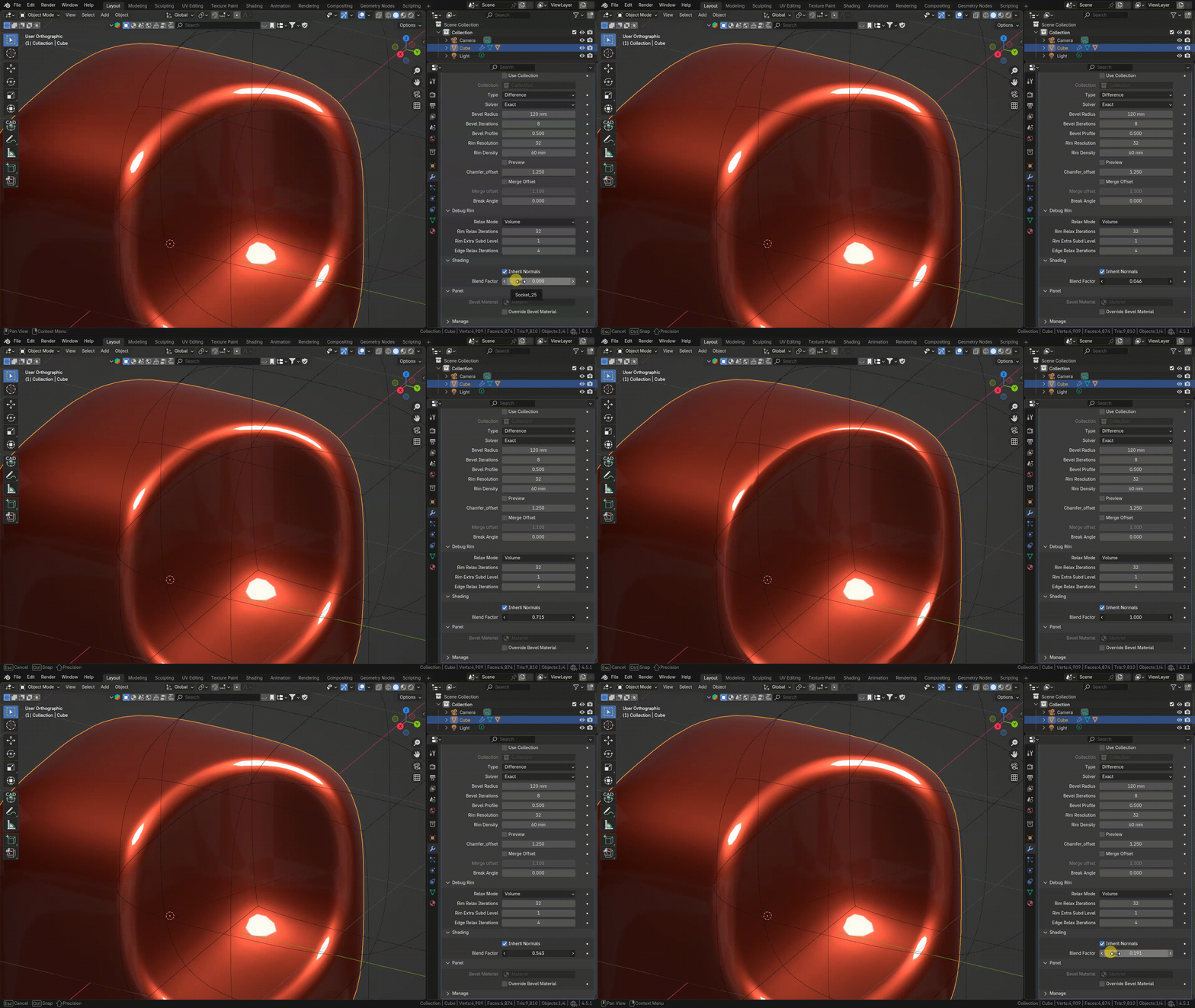
MATERIALS
OVERRIDE BEVEL MATERIAL
By Default Boolean Result inherits materials from Boolean Target and Boolean Tool. But it is possible to assign material for Bevel geometry Separately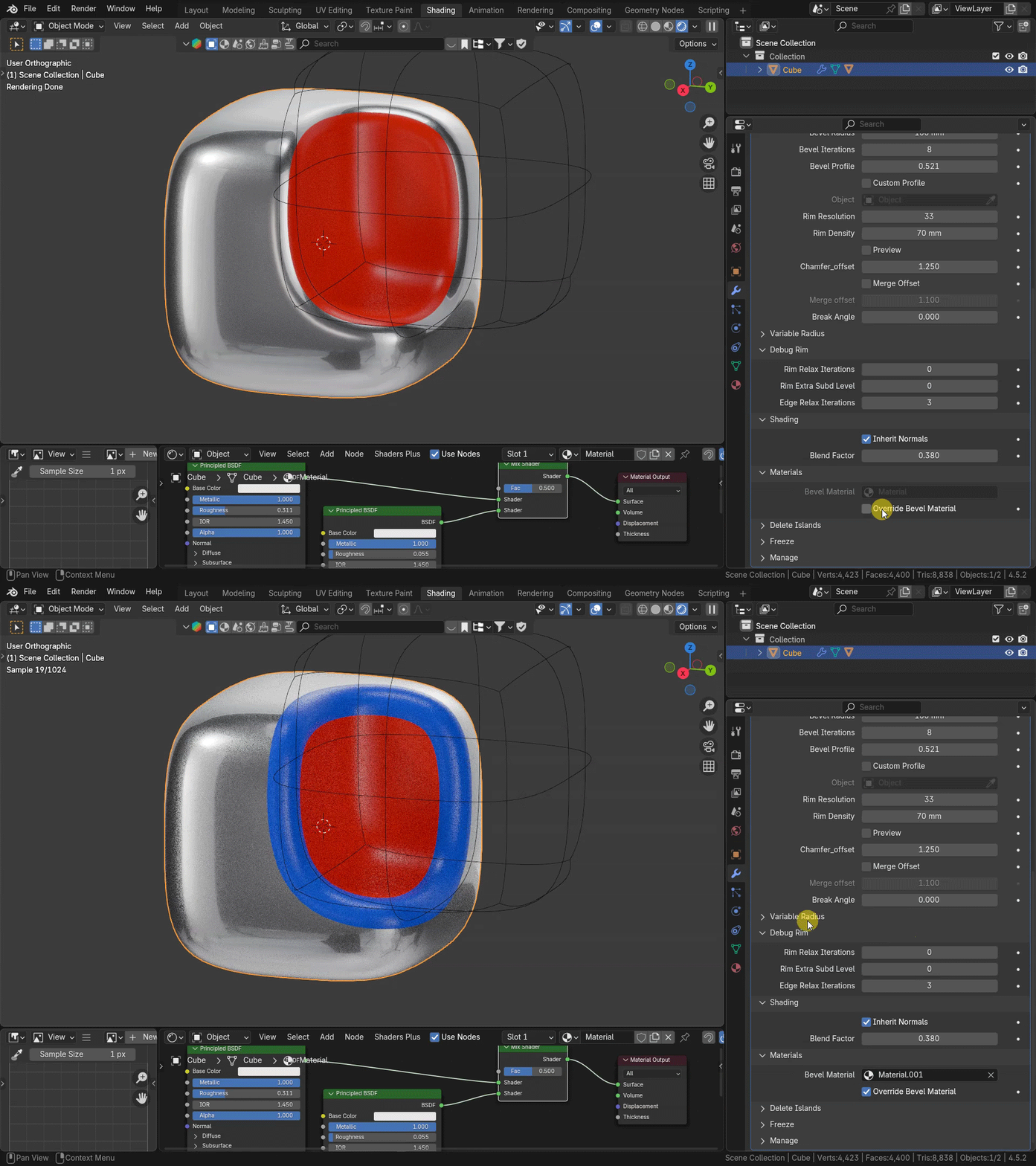
VARIABLE RADIUS
Variable Radius allows to control Bevel Width Scale with separate mesh object through Distance Proximity
Create a new object and pick it in Variable Radius menu (can be simple plane) and set distance and scale for Bevel Width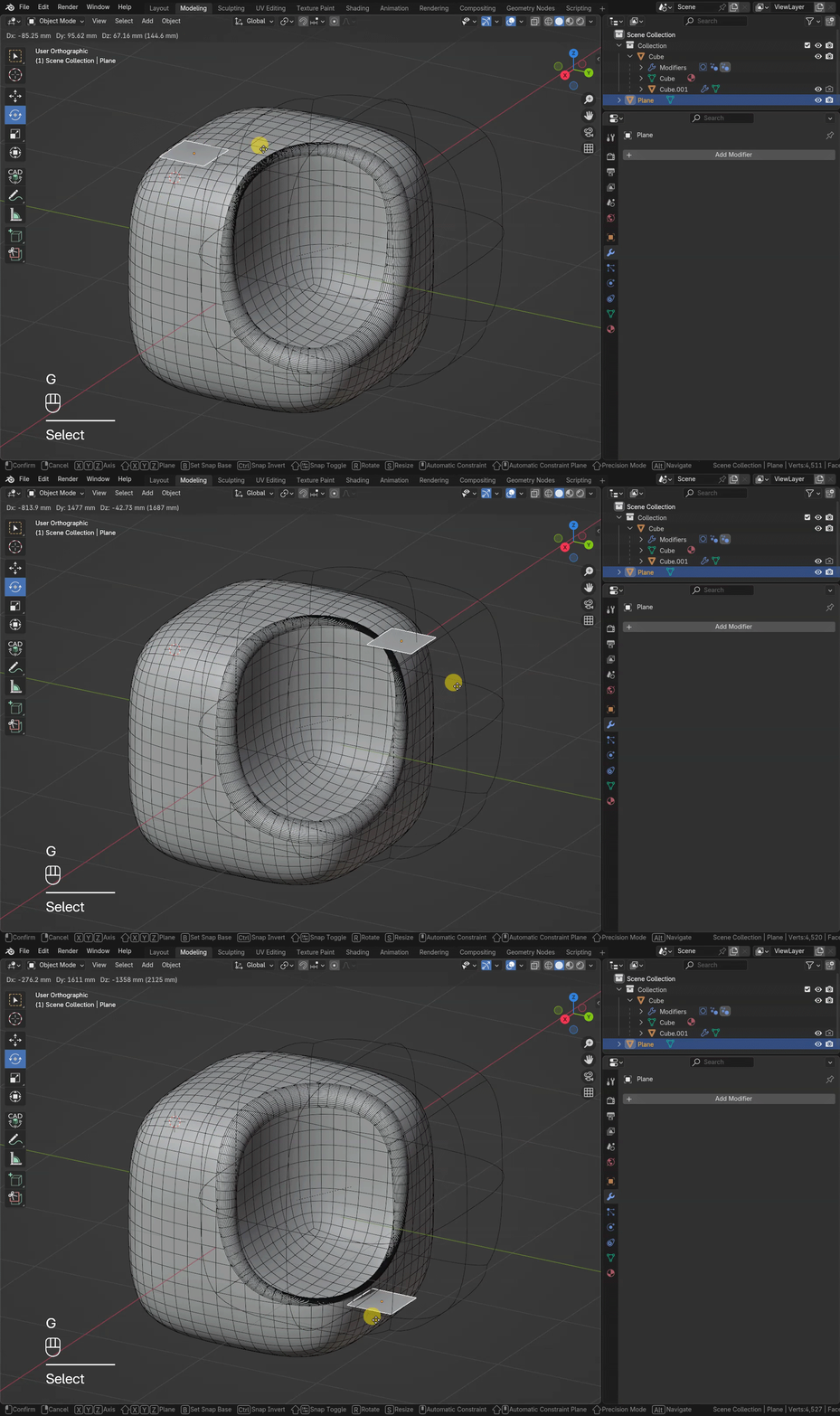
DELETE ISLAND
Delete Islands allows to pick and delete separate mesh parts after boolean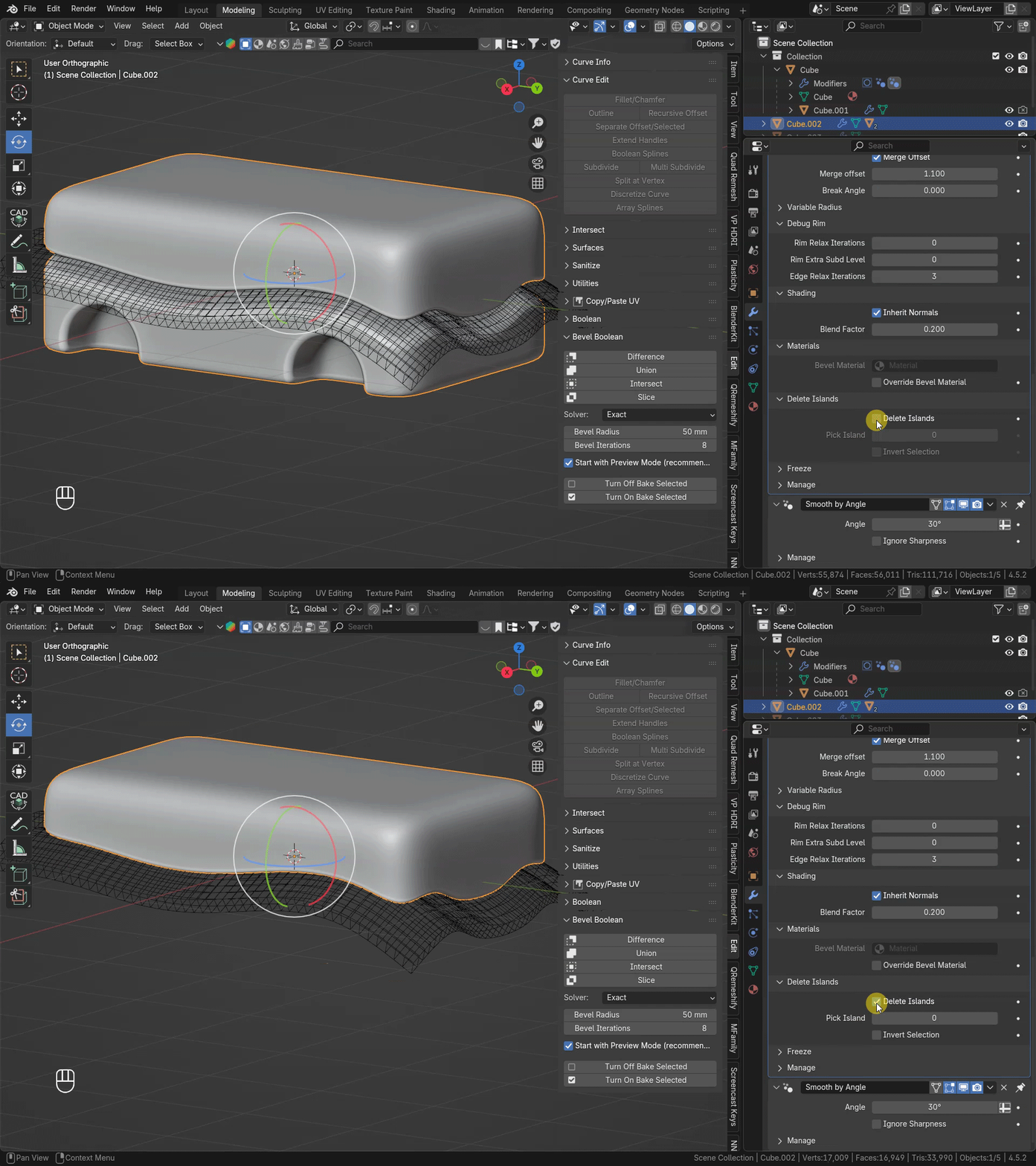
FREEZE
"Allow Bake" Toggle turns on Simulation inside modifier. When turned on, allows to Bake modifier result in Cache, through the Physics Tab in Object Properties
When Baked, Boolean is not recalculating in live-mode, and transforms (Rotation, Moving, Scale) of Objects are faster
To turn back Boolean Processing, delete Cache
To turn on "Allow Bake" On all modifiers in stack, on multiple selected Objects - use buttons on Addon Panel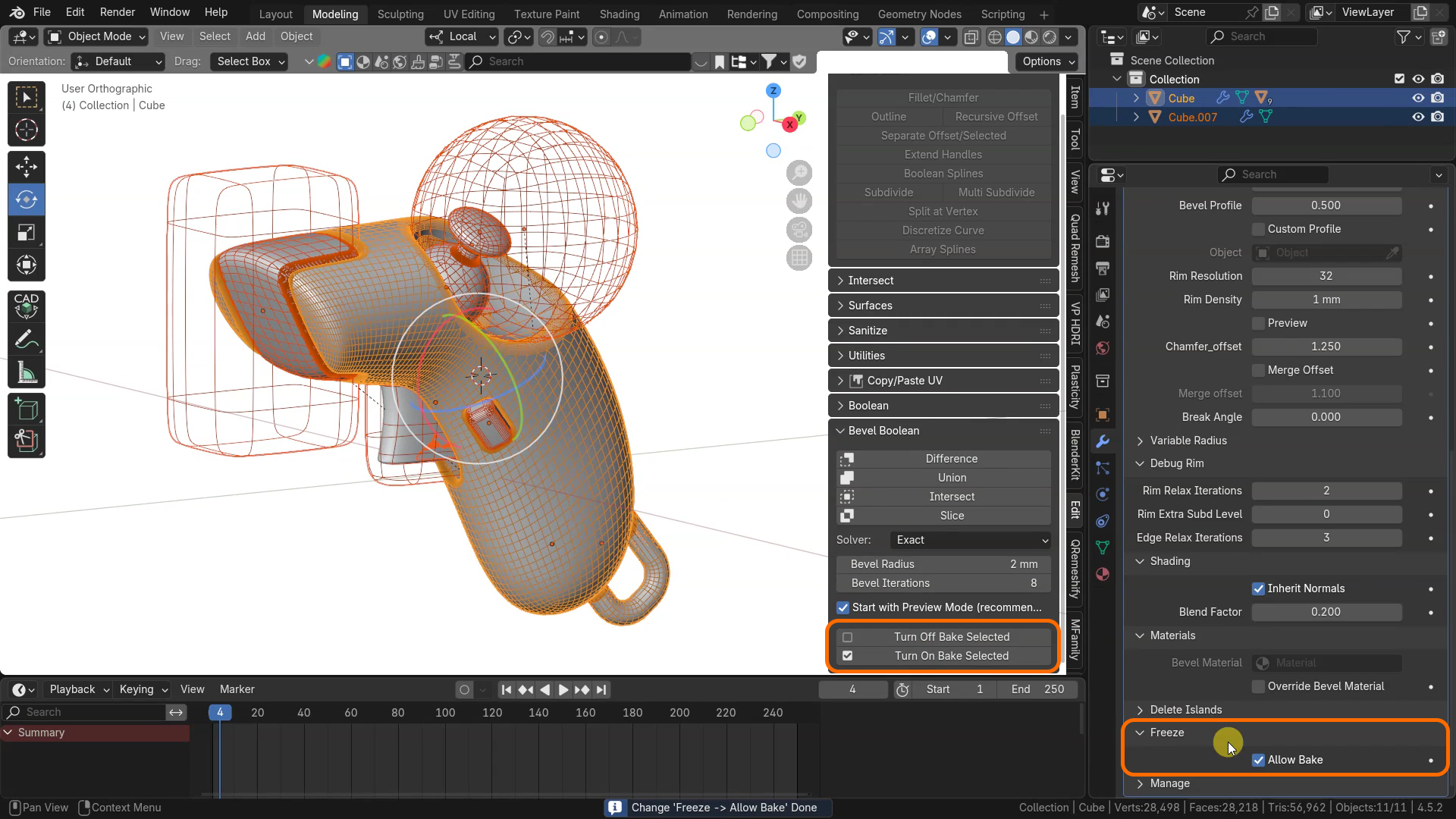
Discover more products like this
boolean modeling Advanced-boolean-tool booleans boolean geometry nodes non-destructive bevel boolean bevel modeling hardsurface