
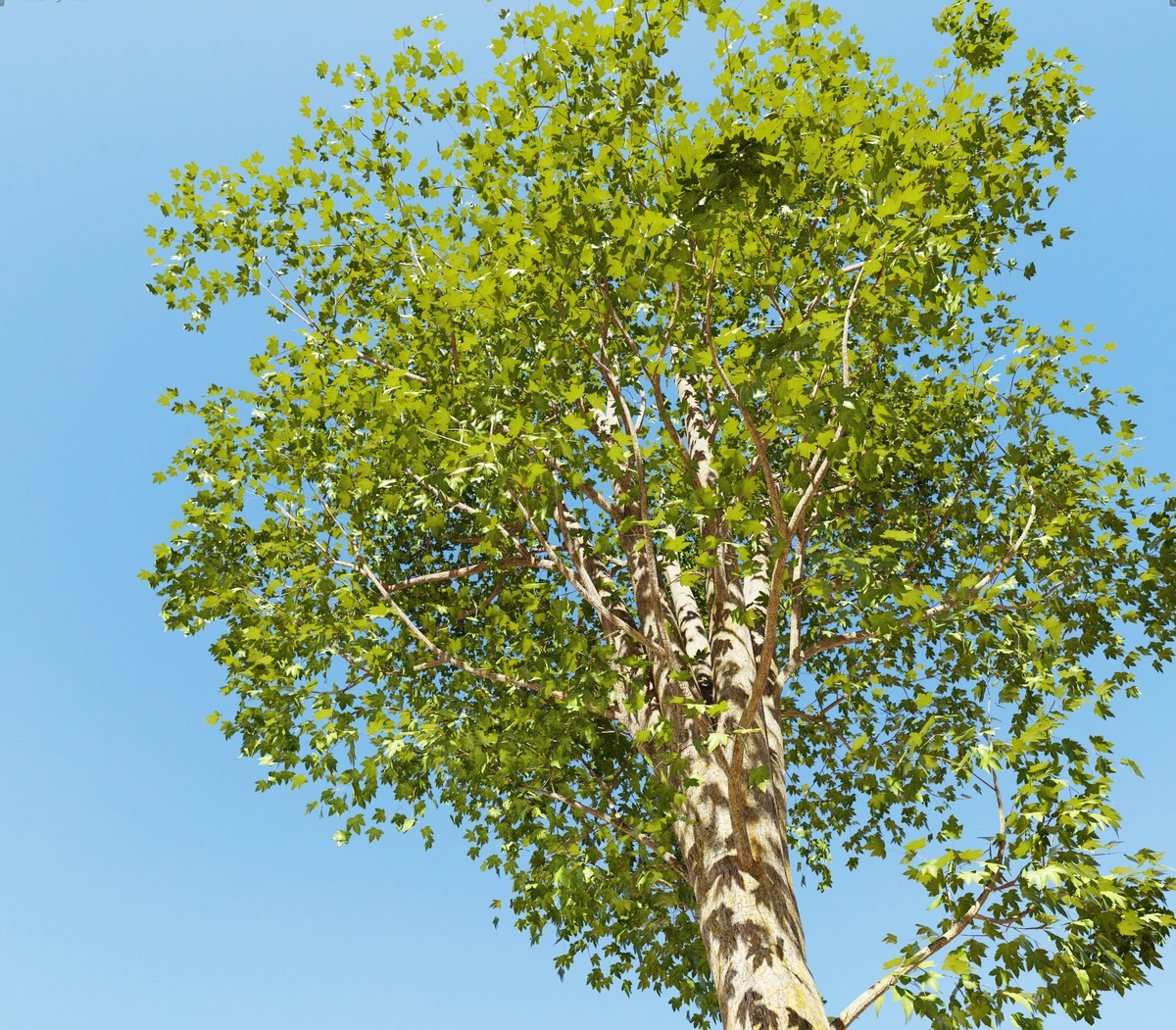
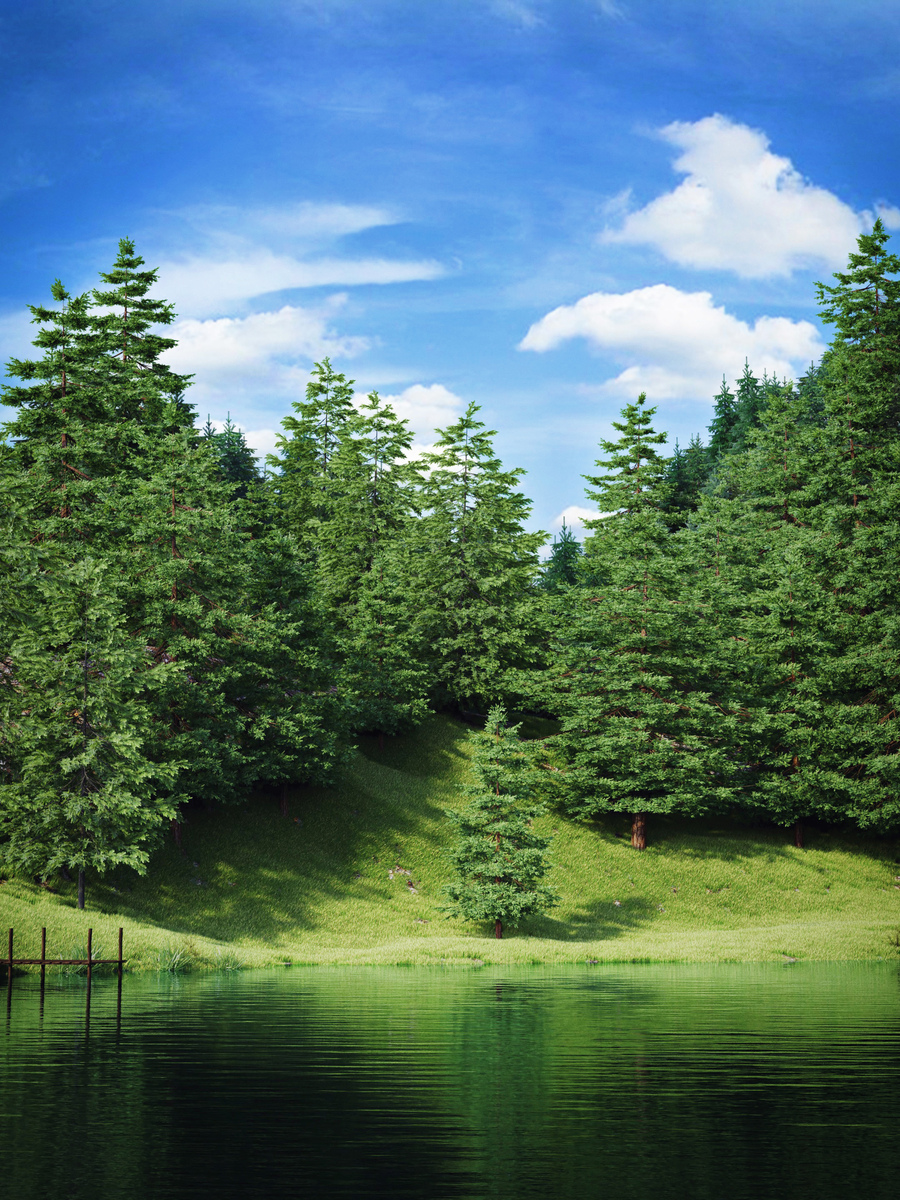
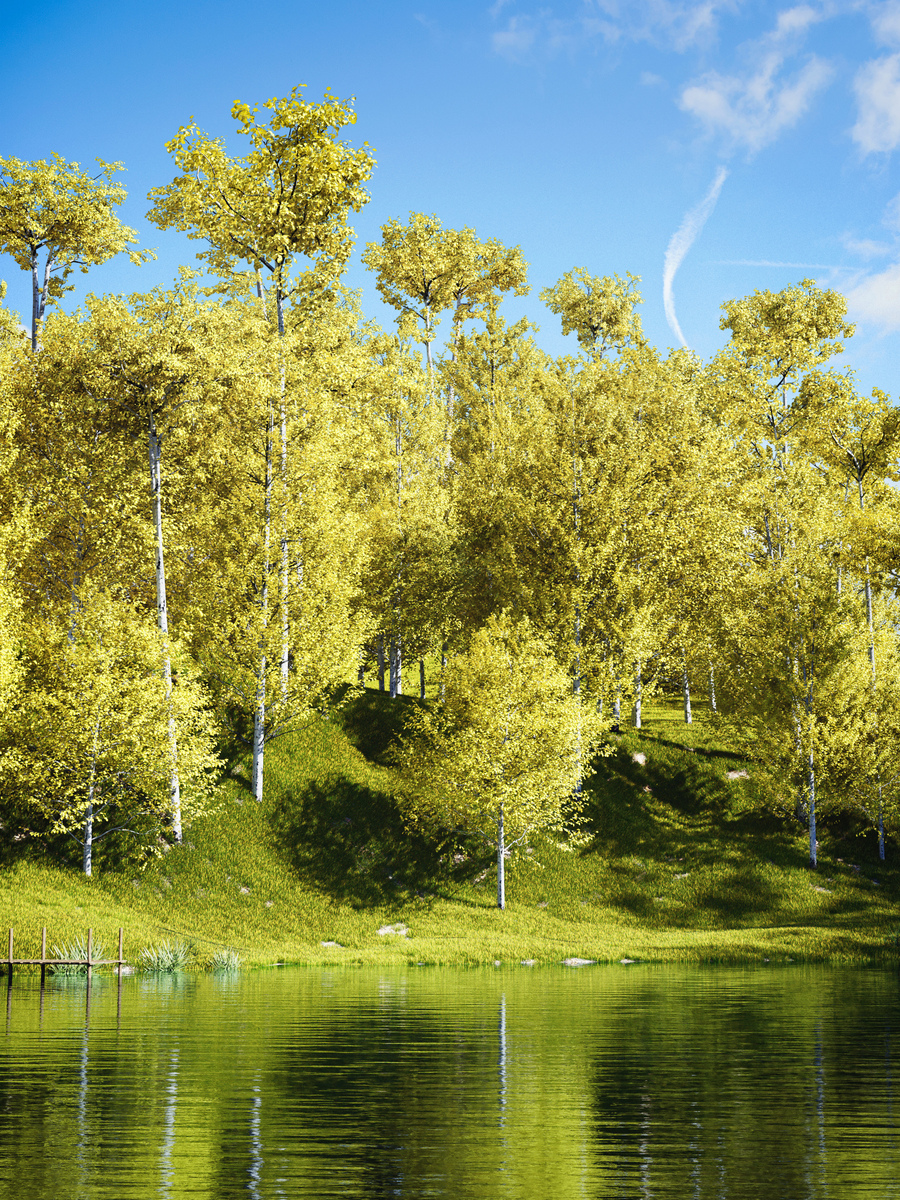
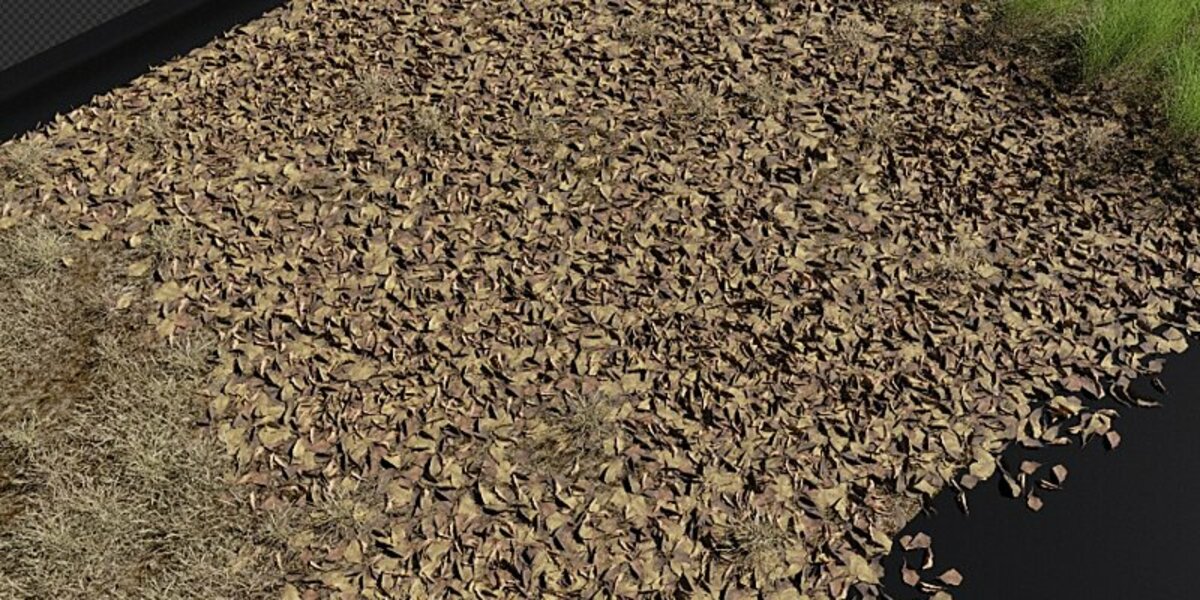




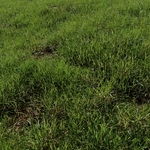
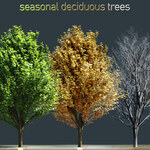
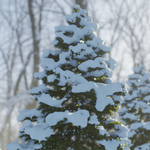

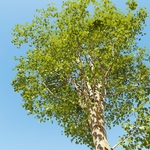
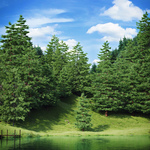
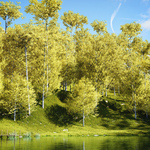
Tree and Grass Library Botaniq - Trees

polygoniq in Nature


Item Rating

This item has an average rating of 5 from 154 ratings by the community.

88%
4%
6%
2%
2%

Purchase this item to leave a review!

  • G. Nakai
    almost 6 years ago

    Pretty nice addon to have specially if you are on making some nature stuffs, it's a time saver. Although here is my reason why I put 4 stars.

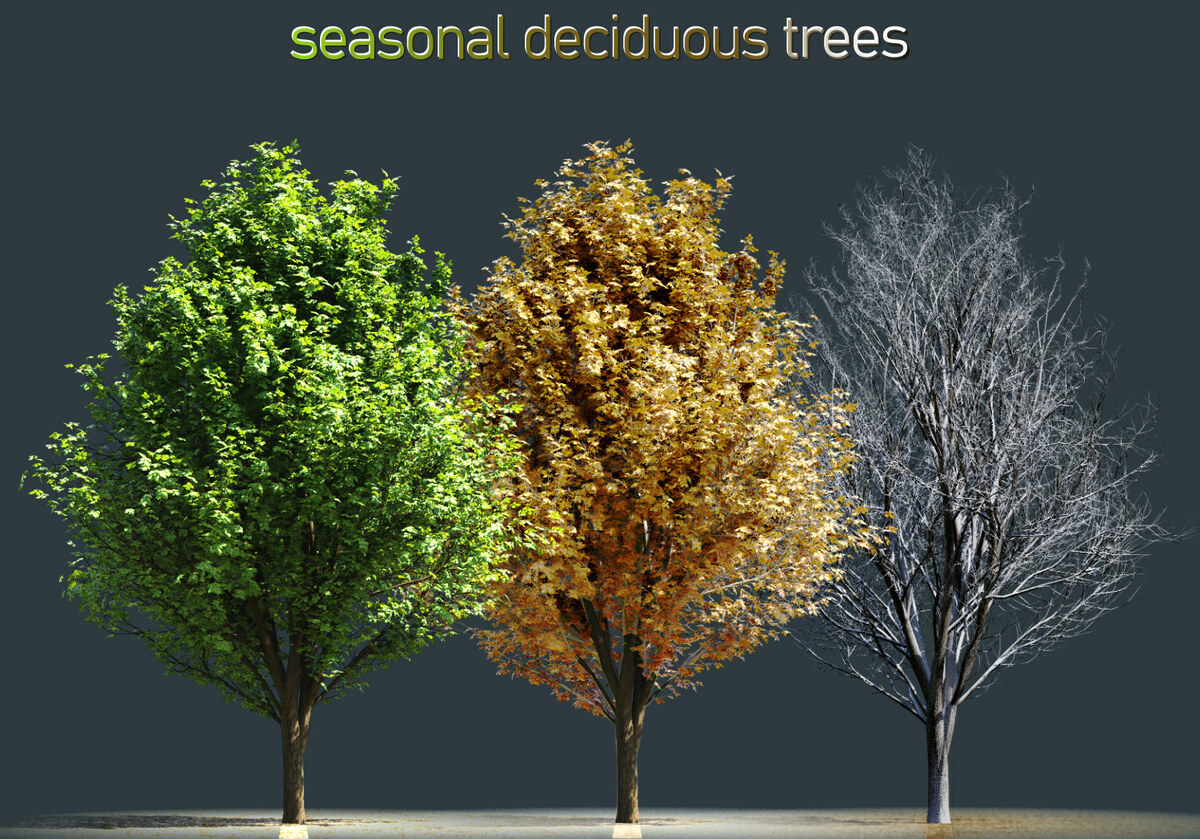
    My only concern is that it needs more tree in the collection it's still not enough, I would like to see something like Sakura tree model and maple tree as it is quite essentials for making Spring season scenery. Also there is no autumn tree option, Although this one can be change within material, it would be a life saver if there is a one stop button that can do it faster rather than going to the nodes to change it.

    Other than that I have no problem with the add-on, it's stable in my side.

    • polygoniq

      over 5 years ago

      Thanks for the feedback Nakai, we're a lil bit sad about the 4 stars tho but we'll make sure to add your assets anyway in a timely manner.

      The feature you request (changing seasons with a button) is in the plans already and should make it into botaniq soon.

  • Kegan
    6 months ago

    Bought the lite version, the assets are nice but I don't understand why you put preview images of assets that aren't included in the lite version. Makes it pretty annoying to have to double check against what's in the texture folder vs what's in the preview folder.

    • polygoniq

      5 months ago

      Hello, may I ask what version are you using? Afaik we do not include preview of images of assets that are not included in any of our recent releases (at least few years I'm sure)

  • Carl Adriant Dimabuyu
    10 months ago

    my only qualm with this addon since i bought it for more than a year now is when i scatter grass or trees using the particle system is they also rotate horizontally, i dont know whats up with that but i have to rotate the original object to 90degrees Y and mess with the phases. i dont think thats on purpose right?

    • polygoniq

      10 months ago

      Hello Carl, thank you for review, unfortunately the problem you are describing is known Blender particle system limitation, where the particle system internally uses Y axis as the vertical axis, there is nothing we can do about this apart from rotating the assets themselves, which is actually the correct way to handle this.
      We even have the append button for particle system that rotates the assets automatically, or when you scatter using engon the rotation is also handled for you. So unless you adding the assets manually to scatter this should not be an issue.

      https://docs.polygoniq.com/engon/1.8.0/panels/engon/scattering_assets/

      If you say you have been using botaniq for more than a year and this is your only qualm, we would appreciate if you would reconsider the 3* rating, for something that is not within our control and what we actively address.

      Johan

  • omar
    over 1 year ago

    Addon was great in the earlier versions. Since the later versions with engon or geoscatter it's a pain to get it working. Still missing half of my assets in the asset browser en engon is horrible compared to their old system. Installation guide is no help either. I wish they just revert back to the old style plugin for blender 4.4. Assets themself are decent altough not very high detail up close.

    • polygoniq

      11 months ago

      Hey Omar,

      Sorry about your experience with engon, however it truly is better in every way compared to the old solution. Which was - choose a category from the drop down - then choose a tree from a list like when you're choosing MatCaps - then click the spawn button. Now with engon you simply have the entire library shown together as one and you change categories with clicking without the need for dropdown and once you see the tree you want you just click on it and it spawns. It's truly better in every way.

      If there are specific parts of the installation guide you do not understand, please do let us know, we'll update it accordingly or help you navigate the installation.

      We are replying to questions in a timely manner. It helps to ask when you're having trouble :)

      All the best,
      Adam

  • Johannes Pakkala
    over 1 year ago

    Generally good addon. Some things I would change to make it less frustrating:
    - asset naming: for example when using geo-scatter, group name is "ferns" but the assets name is in Latina, so it takes multiple steps to locate the asset you want to tweak. So naming them in English would be more clear.
    - when importing biomes, assets spawn in the middle of the world. Not good, since usually the main scene is in the center of the world, so you need to manually move them out of sight.
    - brightness, hue etc. adjustments are very nice, but there should also be translucency and saturation adjustments, as well as separate adjustmens for bark, stems etc.
    - coniferous assets are poor quality
    - use of particle system in grass biomes. Out dated method, add more grass biomes for next update to use with geo-scatter.

    Some of the assets are very nice, but not all. So the quality is not consistent, and some of the solutions are outdated, such as using particle systems as mentioned.

    • polygoniq

      over 1 year ago

      Hello, thanks for the review:

      We do not have controll over how Geo-Scatter team names biomes, we only collaborate with them. Our naming conventions are very strict and follow latin, botanical naming (thus name botaniq).

      Same applies for importing biomes, in our system of scatter the assets are spawned 10 meters below the world origin exactly for this reason

      - I agree more options for adjustments could be added, but you can also adjust the material directly, there is unified nodegroup for all assets and there are exact options you are describing

      - there are 82 coniferous assets in the latest version, some of the the older models may be lower quality than the new ones, but I would not say they all are poor quality. Our asset philosophy was always to find compromise between quality and performance.

      - We are looking for a way to update our scatter system to geometry nodes, but afaik particle systems in blender are not legacy and are valid alternative.

      We are also actively updating the asset pack, we appreciete if you stop by our discord and drop a suggestion in our #suggestions channel

  • Onur Nidayi
    over 2 years ago

    The plugin is great but it is very frustrating to run with Geo Scatter. I actually bought the plugin as it was advertised to work to GeoScatter but I have been told users are finding that the programmers rewrote the code to work with their on Engon browser. Annoying having to deal with these issues when I just wanted to make life easier.

    • polygoniq

      about 2 years ago

      Hi, we tested the compatibility with GeoScatter and engon works with it with one minor UX issue - when you open geoscatter browser and then engon new window, geoscatter stays inside it, but all other use cases work and we are in process of fixing this one. We have improved the system over several versions, so make sure you have the newest update.

      Both us and geoscatter override preferences with our own UI, it’s not that we or GeoScatter are doing something more evil.

      Please get in touch with us through DM’s or discord and we can further help you resolve your issues and investigate what specific bugs you have.

  • Riccardo Nava
    over 2 years ago

    Bought the starter pack, the assets are ok but very too few

    • polygoniq

      5 months ago

      Hey R,
      And that's why it costs $2:)
      All the best,
      Adam

  • Baucan
    almost 3 years ago

    Amazing Addon with great library... But don't buy this if like me your workflow is with many computers, when you will take your Blend file and put inside an other computer all the textures will become black and then if you are trying to add more trees all the textures will also be black and it's will be impossible to add animation to the trees. Even you try to press 'Find missing Files' it's will not work. I send them a message to ask about it but they did not answer me...

    • polygoniq

      5 months ago

      Hey Baucan,
      Sorry to hear that. Please contact us through the Google Form on our website. It looks like the message didn't get through. Also we use our addons on many computers, but the files are always located on the same drive letter. The Find Missing Files button in Engon should help. If it doesn't please send us an email and we'll reply.
      All the best,
      Adam

  • Luis
    about 4 years ago

    This is a great addon!! I only have a question, it's possible animated tree with loops? and how can i do it?

  • michel moreaux
    about 2 years ago

    Wonderful and terrific assets (models + textures) very nice. I applaud. Very very good job.

    But ... unreliable for long term projects and also for creating your own reusable assets libraries based on their assets because they broke backward compatibility after some updates. I am left with many projects where I would have to manually tweak all their assets I used, simply because their different updates do NOT ensure backward compatibility. They renamed the name of the assets, textures and some geometry nodes groups .... and these that are left unlinked (= Blender complains that some Data Block are left "unlinked"). And although they provided a "button" form helping re-linking missed links, this still left some data block unlinked. Their support replied me that I have to "deal" with that "manually". Not nice for a end-user/client like me! So their updates totally broken many of my projects.

    The only partial solution left would be NOT to link to their library but this would make the process tremendously more complicated for avoiding to duplicate identical assets in a project.

    As of me, I can rely on add-ons that are nor reliable for long term. Since they already broke their library compatibility, how many times will it take for breaking it again?

    • polygoniq

      11 months ago

      Hey Michel,
      Yes sorry about this but for a long time now we haven't been changing this and as you mentioned - we are proactively working to making sure people can fix this with the button in the .blend maintenance panel.
      Linking assets is far superior to having them inside the .blend files themselves as those would inflate quite a bit with all the meshes having to be stored inside rather than linked.
      Trust me, we're working hard to avoid these issues but at the same time, sometimes you have to break something to be able to grow through :)
      All the best,
      Adam

  • 4% of botaniq

    $1.99
  • 42% of botaniq

    $39.99
  • 100% of botaniq

    $99.99
  • 100% of botaniq, for studios with 2-5 seats

    $199.99
  • 100% of botaniq, for studios with 6-10 seats

    $299.99
$1.99

Support Period Included

Includes 12 months of

Extend this product’s Support Period +12 months: 50% of product price

Have questions before purchasing?
Login to message

Details
Sales 31300+
Rating
154 ratings
Dev Fund Contributor
Published over 7 years ago
Blender Version 4.2 - 5.2
Render Engine Used Cycles, Eevee
License Royalty Free