 Dennis Hafemann


Bounding Box (Addon) v1.0 | Fixed, Dynamically, Shrinkwrapping - Easy to use
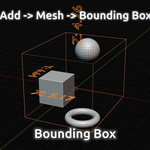
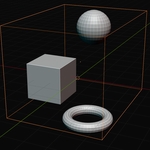
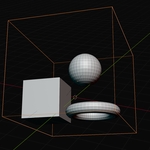
Create a bounding box wrapping your selected objects with this easy to use "Add Mesh"-operator. Simply surround your objects with a mesh-box, add an "atmosphere"-material quickly or add resize-dynamic to it with different modifiers.
I created this addon because of own needs ...
Did you ever think "I need a box around these objects to have an overall-surrounding atmosphere." ... and created a cube, resized it manually a while to fit the overall size of your objects ?
Did you ever think "What's the dimensions of my created asset ?". ... Your asset is made of multiple objects in multiple collections and you need to know the dimensions of it itself, not of the single objects. Blender only gives you the option via the Item-panel to get the dimensions of the primary selected object, not of all selected objects combined.
Bounding Box gives you the operator "Add -> Mesh -> Bounding Box" to add a bounding box around your selected objects and adjust directly some useful features, like visibility, displaying, fixed or dynamic resizing, etc.
Bounding Box saves a lot of time creating a box around your objects or calculating the size of multiple objects.
Where to find / Usage
- Select your objects to be wrapped with a bounding box.
- Use operator "3D Viewport (Object Mode) -> Add -> Mesh -> Bounding Box" to add a bounding box.
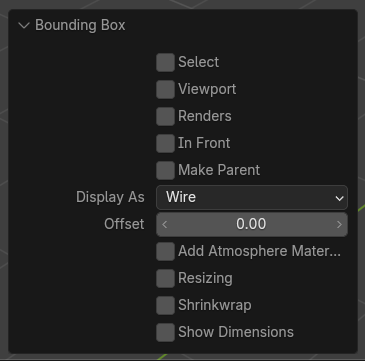
- Open the Redo-/Operator-Panel to adjust settings for your need, like ... selection, visibility, display-style, parenting, offset, atmosphere material, dynamic resizing, shrink wrapping, showing dimensions.
Features
|
|
The "Bounding Box" addon comes with some handy and useful features, and three geometry nodes modifiers for accurate adjustments. | |
|
|
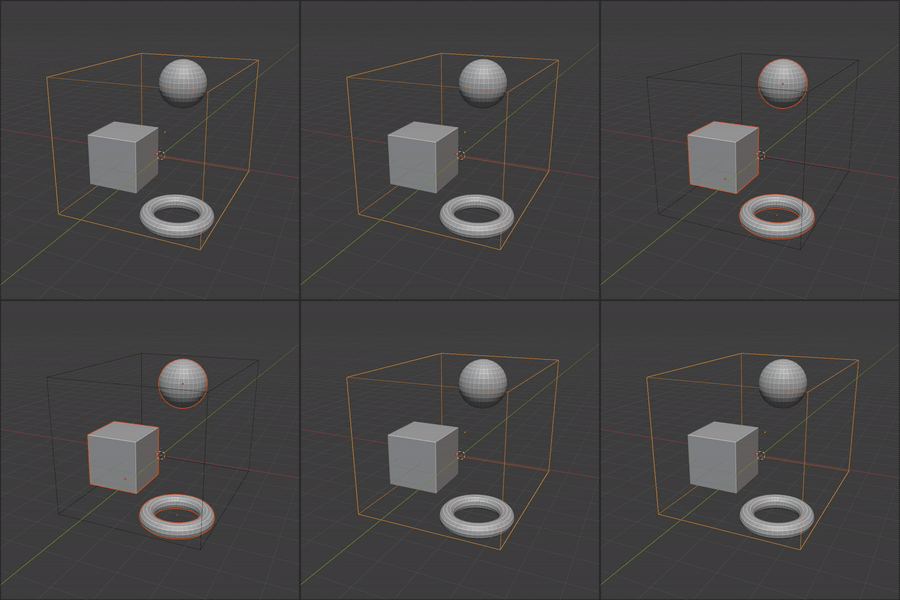
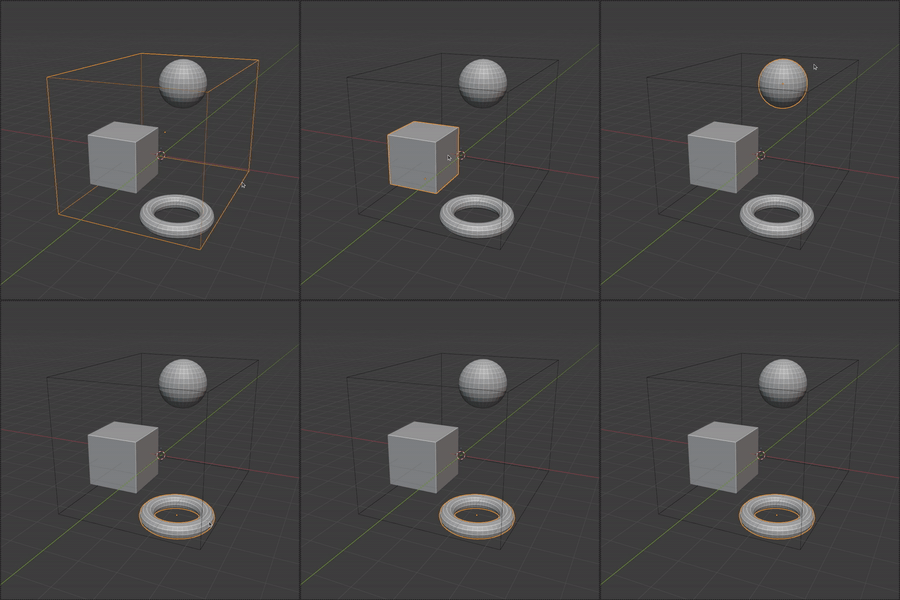
Select Let's you switch the selection between the newly created bounding box and the previous selected objects. |
|
|
|
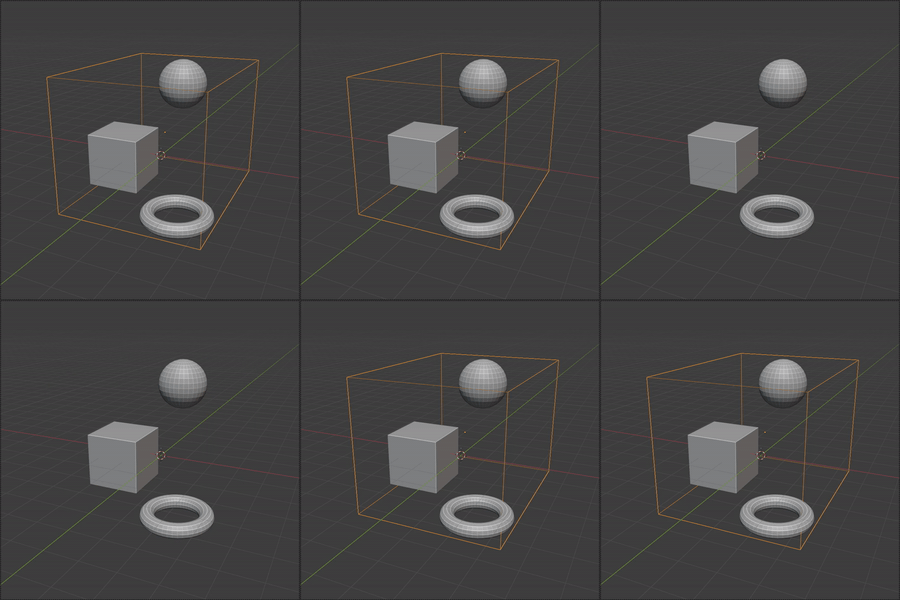
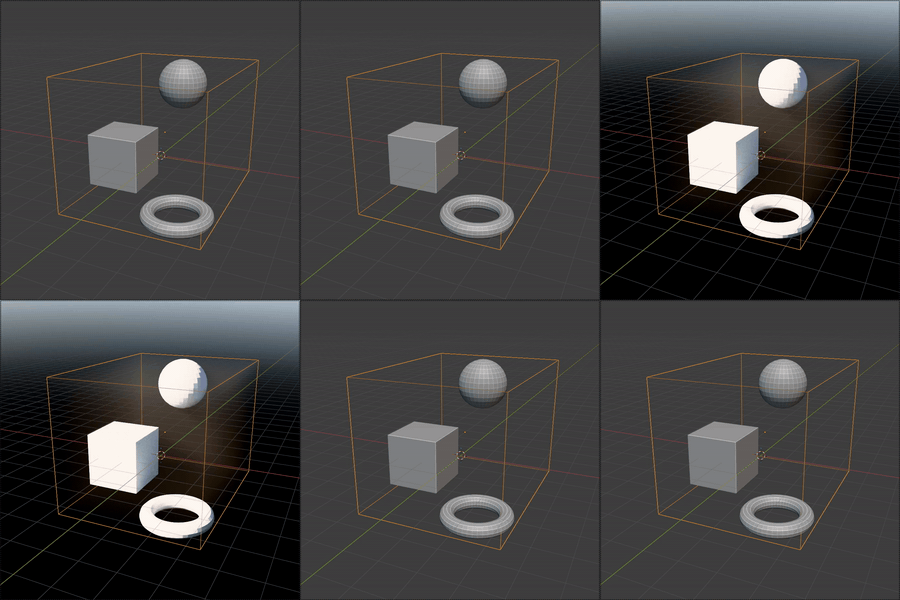
Viewport, Renders Let's you control directly where to show the bounding box. |
|
|
|
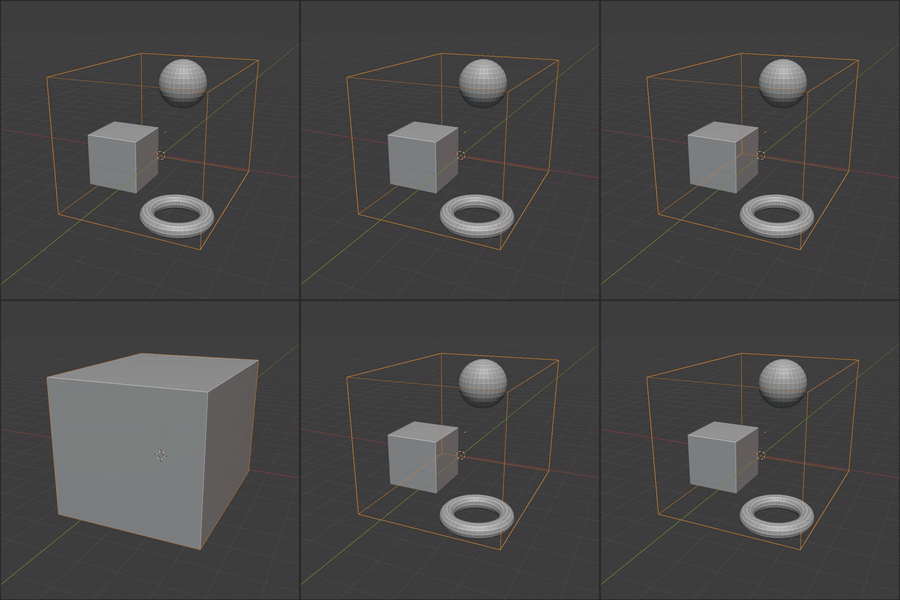
In Front, Display As Let's you set the display mode, like always in front, above the objects, and as wireframe or a solid mode. |
|
|
|
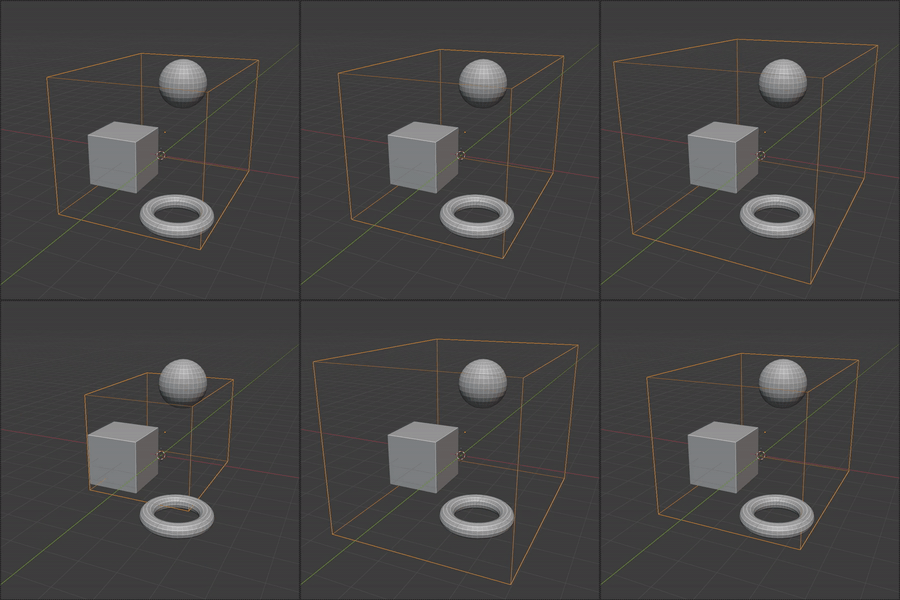
Offset Adjust the offset value for the bounding box, make it smaller or bigger. |
|
|
|
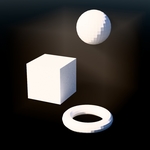
Add Atmosphere Material Let's you directly add a simple "atmosphere"-material, to save some time in the workflow. The material is a simple "Volume Scatter"-volume material. |
|
|
|
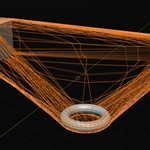
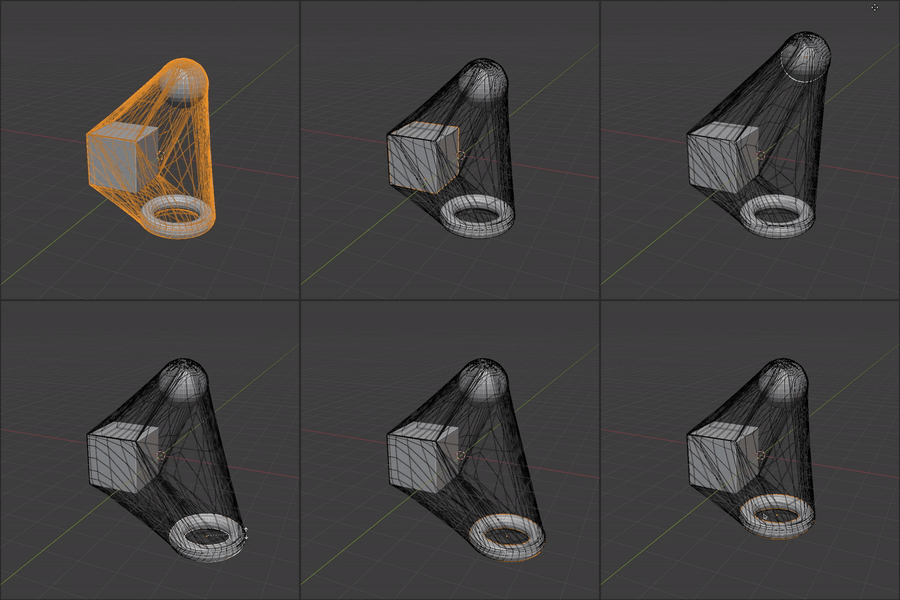
Resizing Adds a geometry nodes modifier, which keeps wrapped around the selected objects, still after moving them around. ... Links the selected objects into a newly created, hidden collection. Take a look at the added modifier. |
|
|
|
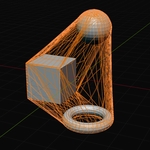
Shrinkwrapping Adds a geometry nodes modifiers, which keeps wrapped around the selected objects, but adds a dynamic wrapped feeling. ... Links the selected objects into a newly created, hidden collection. Take a look at the added modifier. The modifier for shrinkwrapping the box is available separately: |
|
|
|
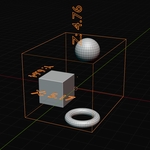
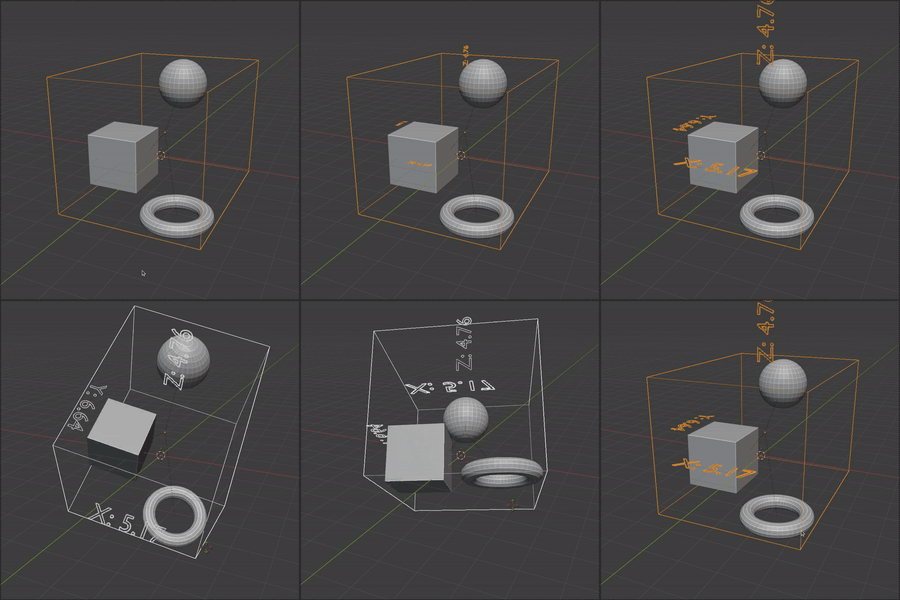
Show Dimensions Adds a simple geometry nodes modifier, which shows the dimensions of the bounding box, directly in the scene. |
Install / Usage
- Download .zip-file
- In newer versions of blender you can simply drag/drop the zip file into Blender. In older version you have to install the zip file manually via Settings -> Add ons.
- The three geometry nodes modifiers (Shrinkwrap Multiple Modifier, Resizing Bounding Box Modifier, Show Dimensions Modifier) are marked as assets. You can extract the .zip-file into you asset library path and use the asset browser in Blender to add to your scene what you need.
