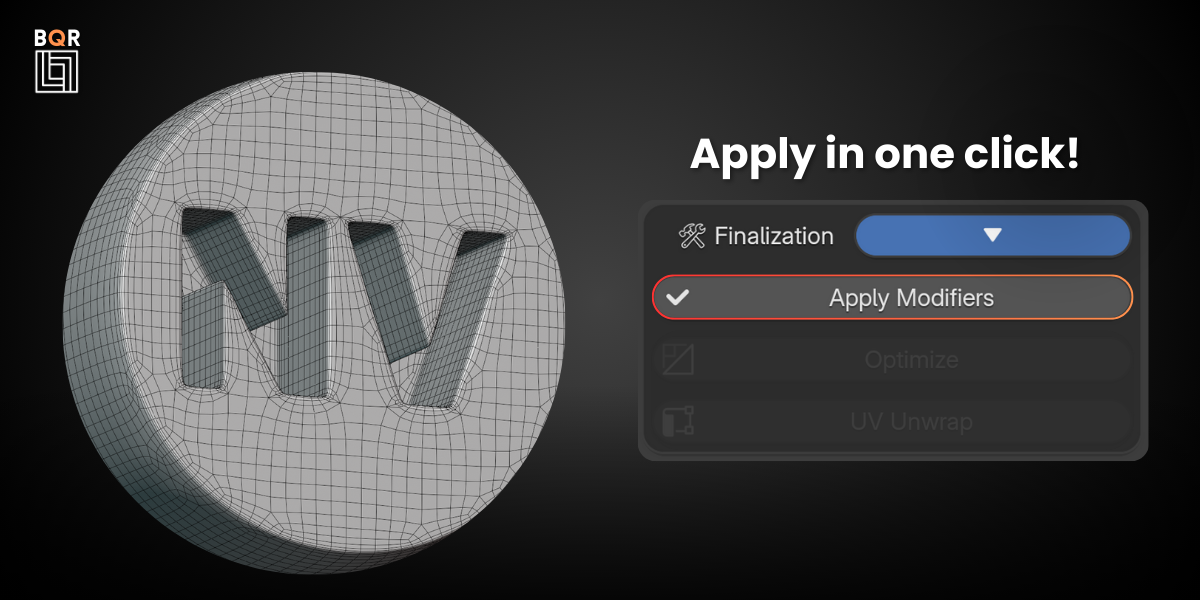
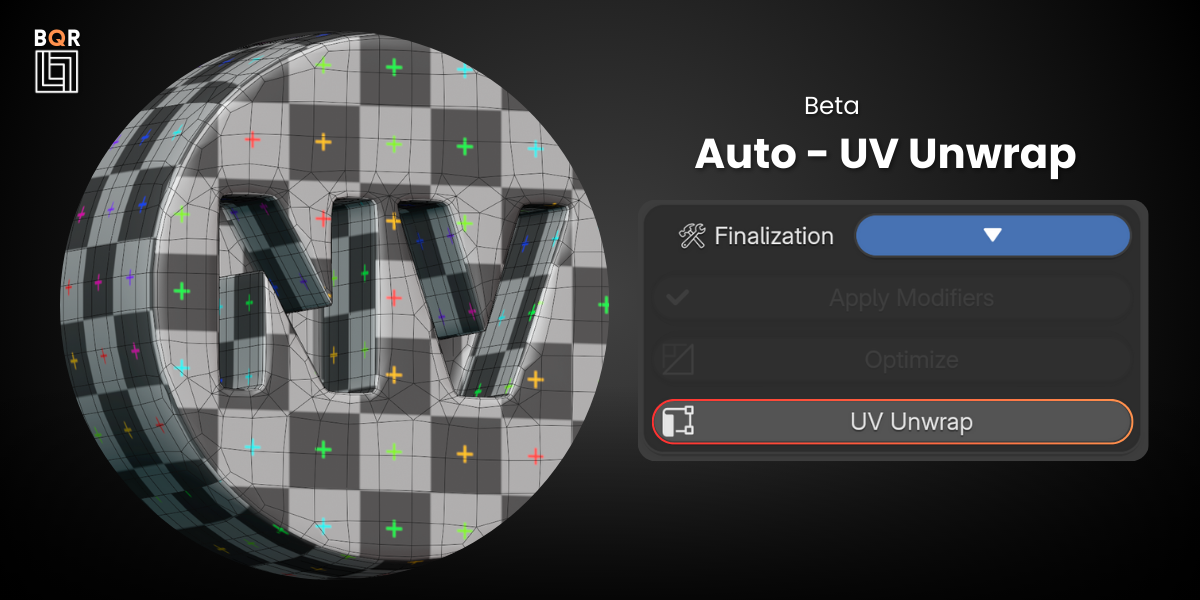
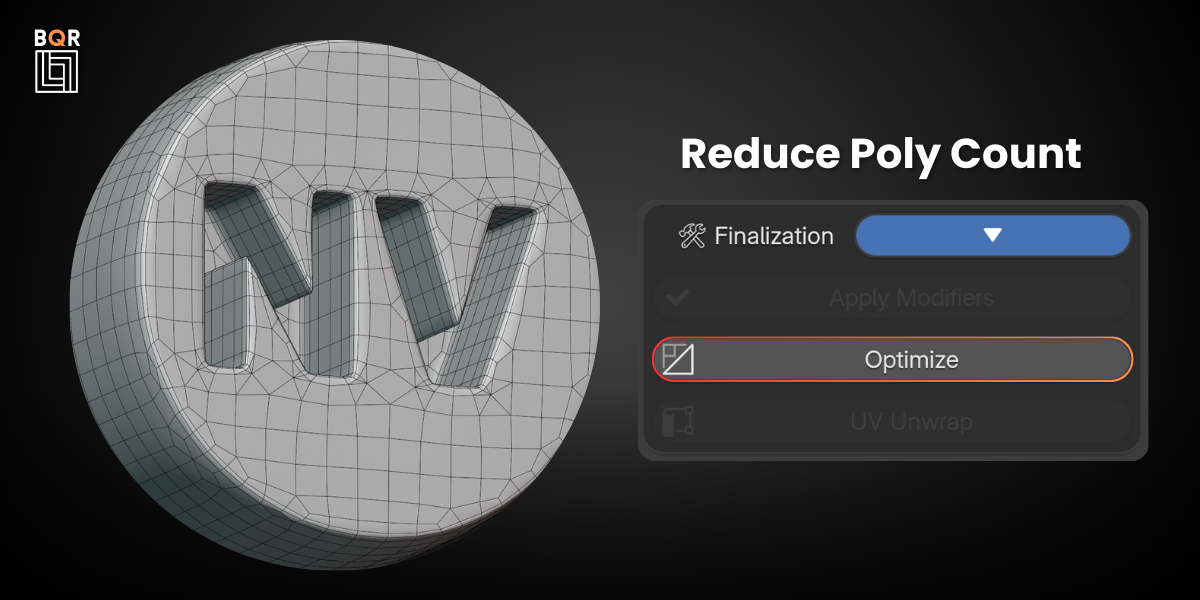
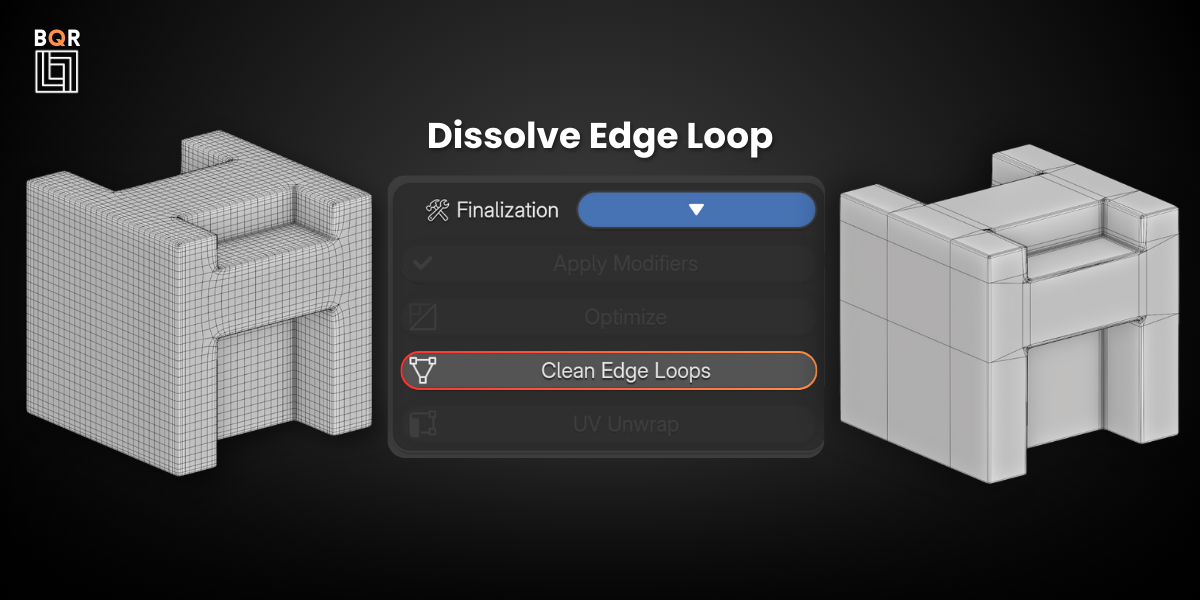
Bqr Boolean Quad Ready

Artemis3D in Modeling


Item Rating

This item has an average rating of 3 from 18 ratings by the community.

45%
17%
0%
6%
34%

Purchase this item to leave a review!

  • Keith Seymour
    11 months ago

    I really love this. Quick and simple. Please keep developing. It's perfect on smaller, simple shapes. But would also be great if you could find a way for it to cope with bigger and more complex things. I know iut's tough within the limitiations of the modifiers.But anyway, it's a fantastic tool bringin quick detail and realism into the models. Perfect for my workflow as a concept artist. Thanks!

    • Artemis3D

      4 months ago

      Hi Keith,

      Thank you for the kind words and for the support, I really appreciate it.

      I’m glad to hear BQR fits well into your concept art workflow, especially on smaller and simpler shapes that’s exactly one of the core use cases it was designed for.

      Regarding larger and more complex meshes, I’m definitely exploring ways to improve stability and flexibility within the limits of Blender’s modifier system. It’s a challenging area, but feedback like yours is very helpful for guiding future improvements.

      Thanks again for using BQR and for taking the time to share your thoughts.

  • Thomas
    over 1 year ago

    Super useful tool – helps a ton with remeshing Plasticity CAD files for what I need. Totally worth the money!

    • Artemis3D

      over 1 year ago

      Thank you so much for your kind words! I’m really glad BQR is helping you remesh your Plasticity CAD files efficiently. If you have any suggestions or need support with specific workflows, feel free to reach out anytime. Happy Blending!

  • Bsun
    over 1 year ago

    Amazing add-on. The first model I used with this amazing add-on was the text (Bsun). In my case, I remeshed it and adjusted parameter to 7 and the result was OMG as the quads was flawless - I didn't see any redundant disconnected edges on the mess. I did try with the hard surface models - adjusting and tweaking settings depending on how complex our geometry is will give you the "wow" result. Super glad to have this add-on installed. ❤️❤️❤️👍👍👍

    • Artemis3D

      over 1 year ago

      Thank you so much for your amazing feedback! 🙏
      It means a lot to hear that BQR gave you that "OMG" moment!
      You're absolutely right: adjusting the settings based on geometry complexity is the key to getting those clean, quad-based results.

      I'm really glad it's helping in your workflow, and more features are coming soon! ❤️
      Thanks again for your support!

  • Kirk
    over 1 year ago

    most fast and accurate remesh tool ever in blender. worker great with other modeling tool and no need to think about normal shape on the surface when deal with two object . i hope they can make it as a new customer Modifier. then we will have better operation boolean objects.

    • Artemis3D

      over 1 year ago

      Thank you so much for the kind words! 🙌
      It’s awesome to hear that BQR is helping speed up your workflow and making booleans smoother to handle. You're totally right, not having to worry about surface normals during complex operations is a game changer!

      And yes, turning it into a full custom modifier would be a dream, who knows, maybe in the future! 😉

      Thanks again for your support and feedback!

  • Georgian
    over 1 year ago

    It's not perfect, but it's perfect! That depends on how you model your mesh.

    • Artemis3D

      over 1 year ago

      Thanks so much! 🙏
      Love how you put it “not perfect, but perfect” really captures the spirit of BQR! 😄
      You're absolutely right: results depend a lot on how the mesh is modeled beforehand, and that's why we call it a workflow, not just a tool.

      Appreciate your support and insight!

  • Yellow Flyer
    over 1 year ago

    I didn't touch the settings and got a really nice result!

    • Artemis3D

      over 1 year ago

      That's fantastic to hear! 😄
      BQR was designed to give great results right out of the box, so it's awesome to know it worked smoothly for you without needing to tweak anything.
      Thanks for sharing your experience more improvements are coming soon! 💪

  • scott turner
    over 1 year ago

    yeah its just a colelction of modifiers but i didnt know that sharp was a mode of remesh. boom. lol. anyway its pretty convenient and cheap AF so all good IMO. thanks

    • Artemis3D

      over 1 year ago

      Awesome, thanks so much for the kind words Scott! 😄
      Yup, "Sharp" mode in the Remesh modifier is a bit of a hidden gem,once you know it, it changes everything!
      I'm glad you found BQR useful and convenient! More features and improvements are on the way, so stay tuned. 🙌
      Appreciate the support!

  • matthew eapinosa
    over 1 year ago

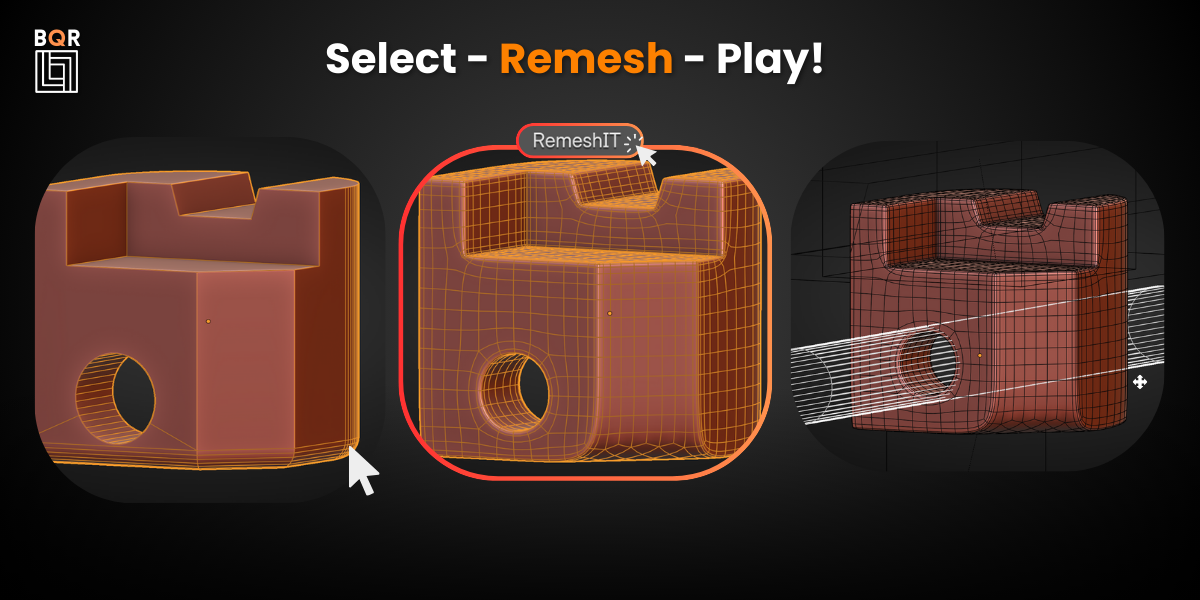
    This is perfect for the Plasticity to Blender workflow. You no longer need to fiddle with Plasticity export settings just import into Blender and hit RemeshIT.

    • Artemis3D

      over 1 year ago

      Hi matthew!
      I'm super happy to hear that you're enjoying my addon.
      If you have any ideas for improving it please contact me!

      Have a great day!

  • langtonlwolf
    11 months ago

    I used the version 1.6 plug-in, installed in blender4.4.3. When I used the Booleans function, why was the Booleans object not in wireframe mode, but in object mode, although the Booleans function succeeded.

    • Artemis3D

      4 months ago

      Hi,

      Thanks for the report.

      What you’re seeing is related to Blender’s viewport display settings, not the boolean operation itself.

      In BQR, after creating the boolean setup, the cutter objects are typically set to a standard viewport display mode (often Solid/Object display) so they don’t interfere visually while working on the main mesh. That’s why they may not appear in wireframe even though the boolean is working correctly.

      If you want them to appear as wireframe, you can manually change it:

      Select the boolean cutter object
      Go to Object Properties → Viewport Display → Display As
      Set it to Wire

      Alternatively, you can also enable Wireframe overlay in the viewport shading options if you just want a visual guide without changing object settings.

      Let me know if you meant something different or if you can send a screenshot I can help you pinpoint it more precisely.

  • Hinata_hugu
    over 1 year ago

    I think it's very good.
    However, I thought it was a little far from perfect.

    I suppose it can't be helped as it depends on the combination of modifiers, but I bought it hoping that it would be possible to remesh flat surfaces (cloth, etc.) in the same way. With modifiers, I think the flat mesh will become so that its existence disappears.
    If it's possible with a combination of numbers, I'd like to know.

    I also make a lot of clothes in Blender...

    I'm very curious to see if this possibility will be explored in the future.
    I'm rooting for you since I've already bought it.

    • Artemis3D

      over 1 year ago

      Hi, thank you so much for your thoughtful review and for your support. I really appreciate the 4 stars and the encouraging words.

      You're absolutely right that flat surfaces like cloth can sometimes lose their definition when processed through a modifier-based approach like BQR. The current setup is optimized primarily for boolean-heavy, hard surface models, where the goal is to restore structure and maintain form, rather than preserve perfectly flat planes.

      That said, your use case is very interesting. I hadn’t specifically tested BQR for clothing or cloth-like geometry, but now that you mentioned it, I’ll definitely explore ways to preserve flat surfaces better in a future update. It's possible that with the right parameter combination we can improve results on that front, and if you have any sample files, I’d be happy to test them and look for a better setup.

      It really means a lot that you're rooting for the project, and I’m fully committed to making it better with each release. Thanks again for the feedback,
      it's exactly the kind of input that helps BQR grow in the right direction!

      All the best,
      Artemis3D

  • 1 User

    $5
  • STUDIO 2-5 users

    $10
  • STUDIO 6-10 users

    $20
$5

Have questions about this product?
Login to message

Details
Sales 4800+
Rating
18 ratings
Dev Fund Contributor
Published over 1 year ago
Blender Version 4.4, 4.3
Extension Type N/A
License GPL