 KacaDev
Does it change my scene?
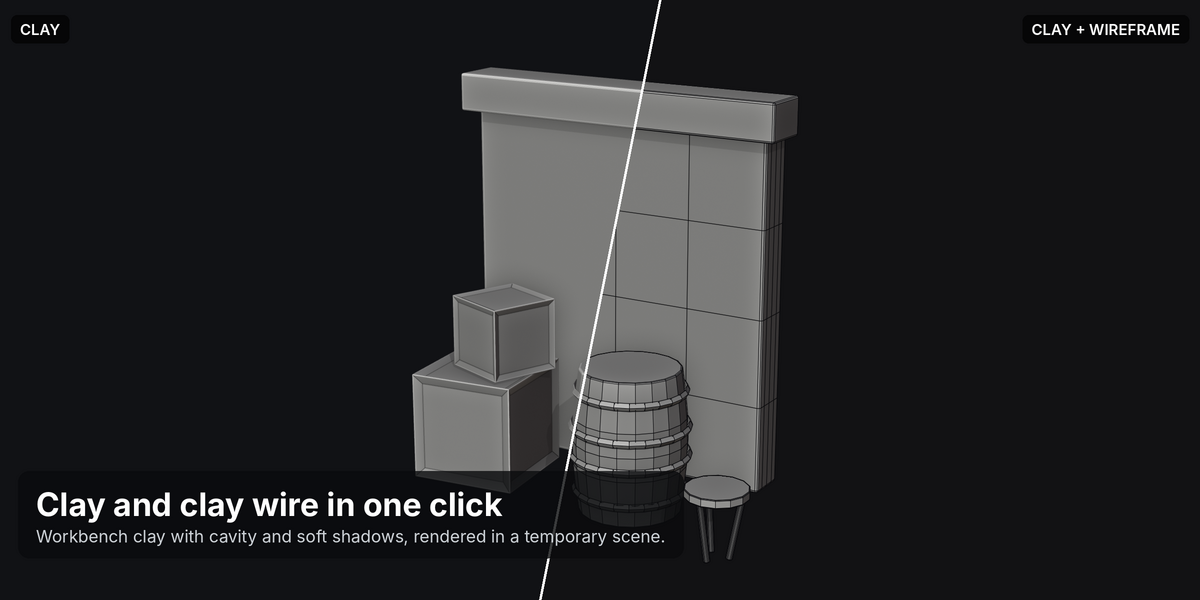
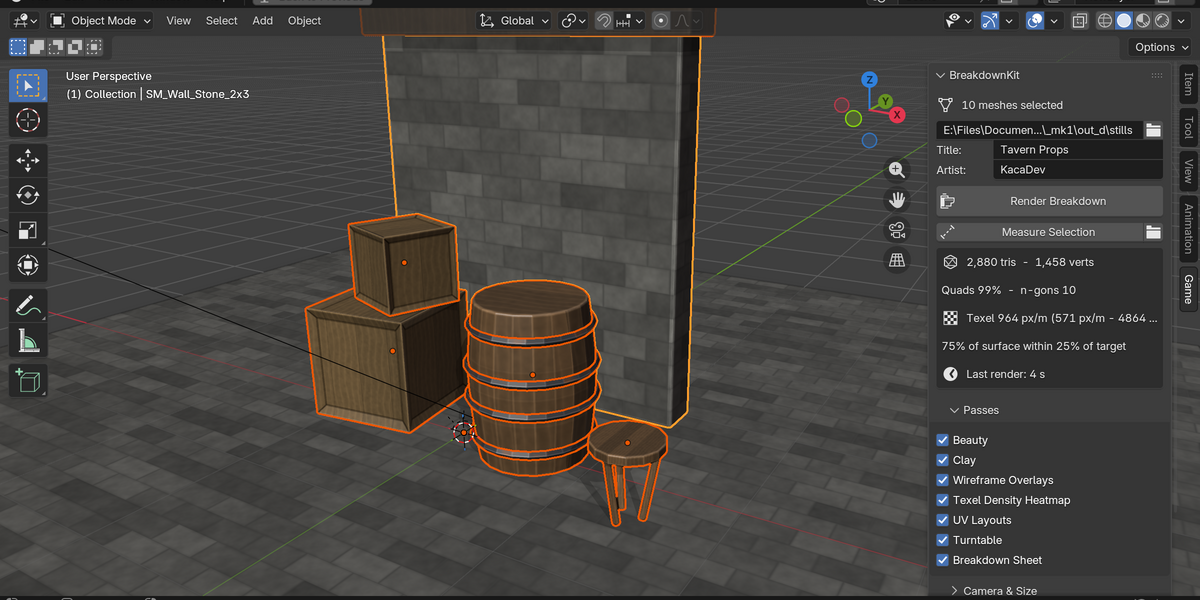
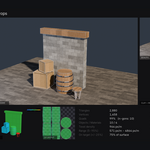
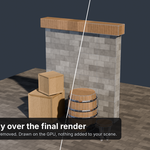
No. Clay and turntable renders use a temporary scene that's deleted afterwards. The beauty render restores your camera, resolution, output path and every other setting it touches. Nothing is added to your objects.
How is texel density calculated?
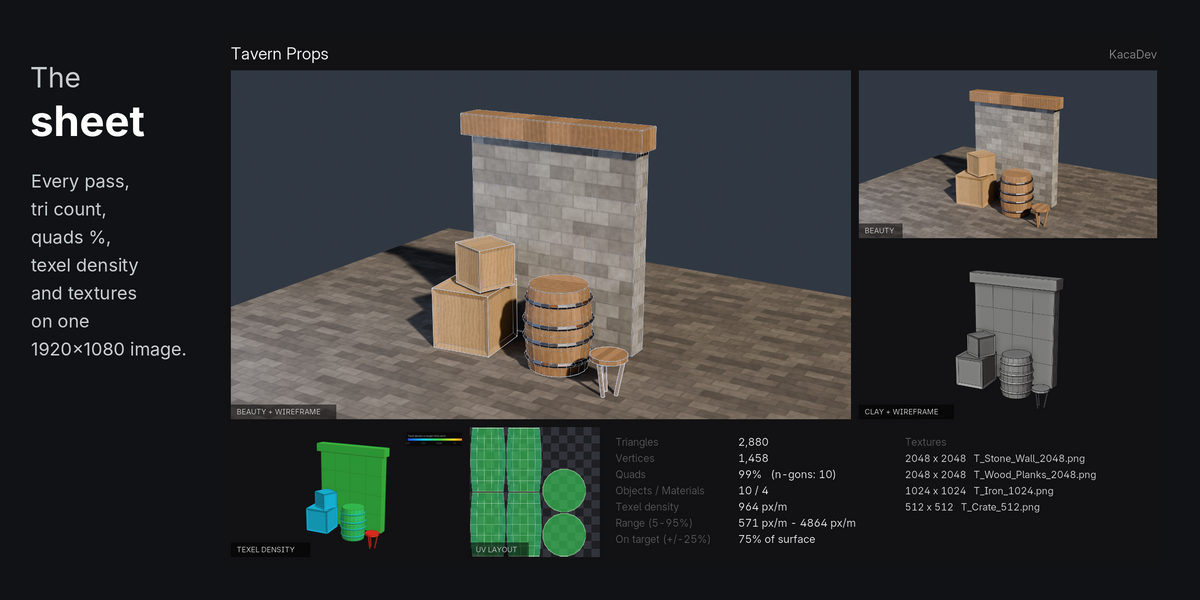
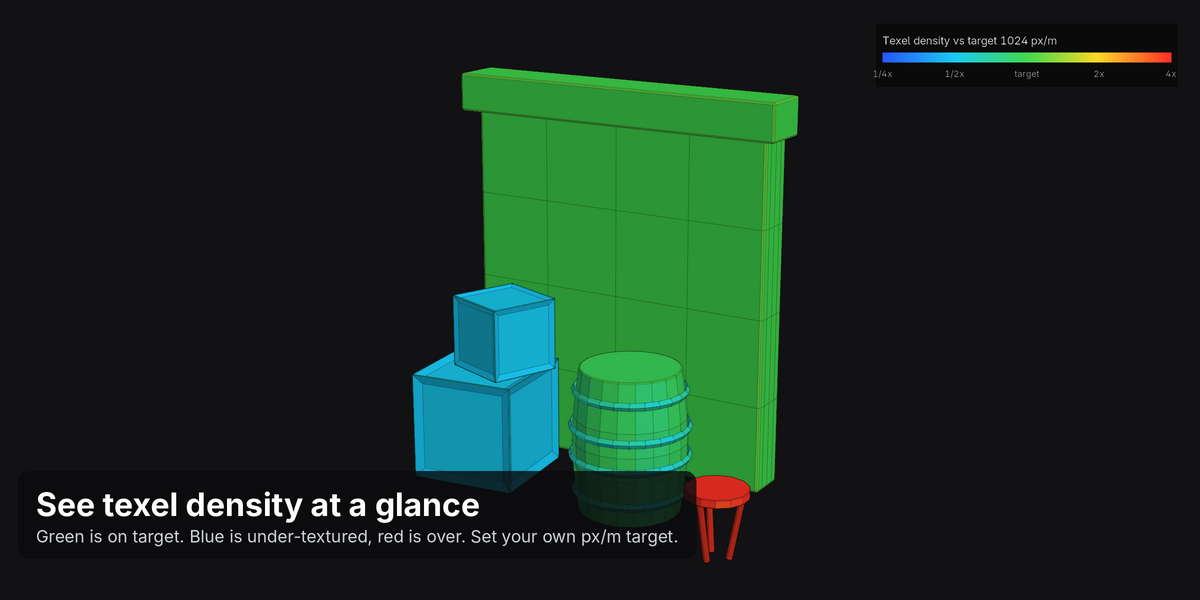
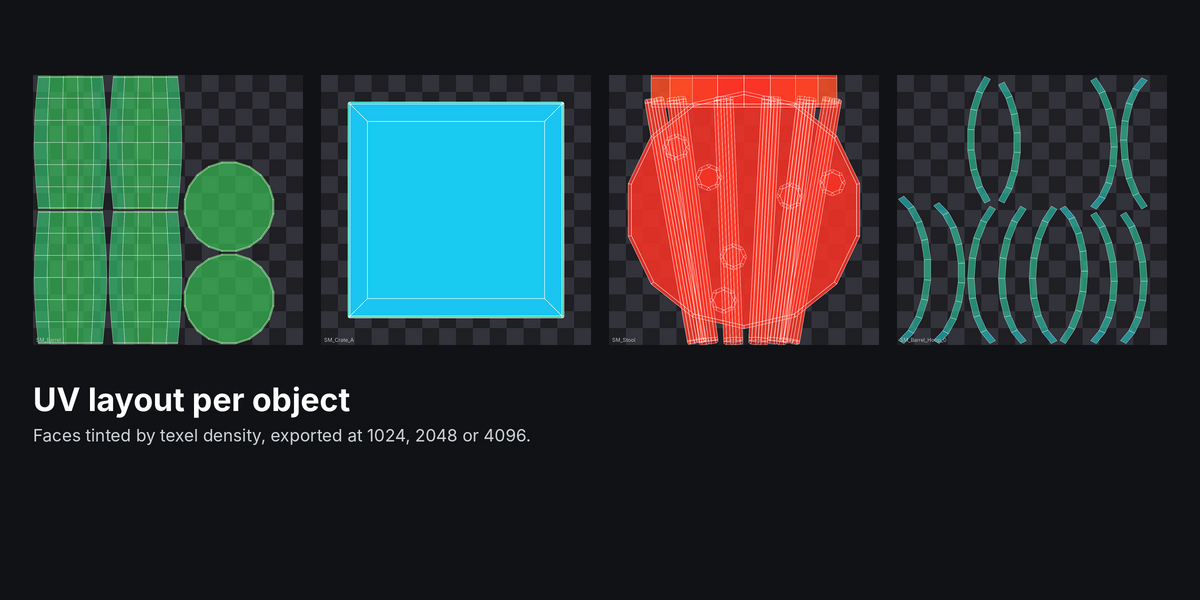
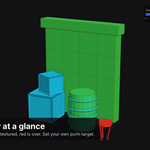
For each face: the square root of its UV area divided by its world area, multiplied by the texture resolution. The average is weighted by surface area. The texture size comes from the largest Image Texture in each material, unless you set an override.
My model uses a Subdivision Surface modifier. Which wireframe do I get?
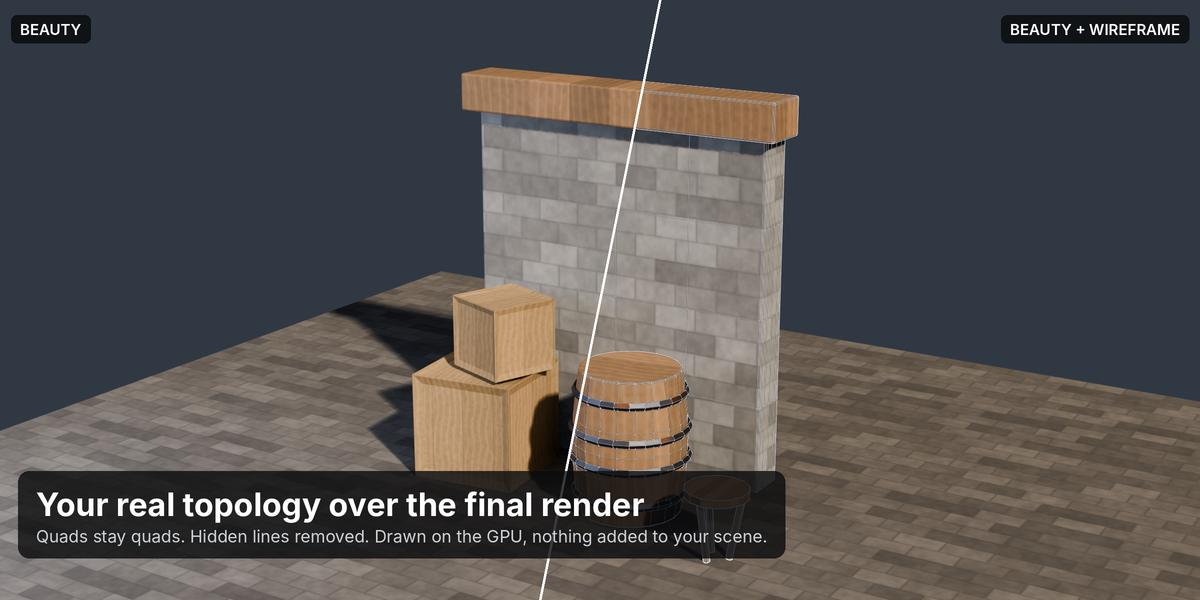
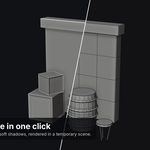
The final, evaluated mesh, which is what renders. For a game-res breakdown, apply or disable the subdivision first.
Can I use my own camera?
Yes. Set Camera to Scene Camera, or press Add Framing Camera to create a camera from the auto-framing settings, then adjust it.
How long does it take?
For a typical prop set with EEVEE, the stills take a few seconds. The turntable renders one clay frame per frame of video: 8 seconds at 24 fps is 192 frames, about half a minute at 1280×720.
Can I post the results commercially?
Yes. The images are yours.
Have questions about this product?
Login to message
| Blender Extension Compatible | Yes |
| Published | 3 days ago |
| Blender Version | 4.2 - 5.1 |
| Extension Type | Add-on |
| Render Engine Used | Cycles, Eevee |
| License | GPL |
Discover more products like this
clay-render UV layout game-art wireframe breakdown game assets turntable artstation texel density portfolio presentation Render