 TiNKLe



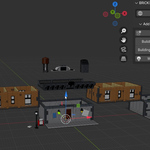
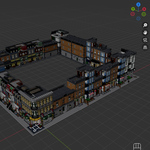
Bring the charm of brick-inspired architecture into your Blender projects.
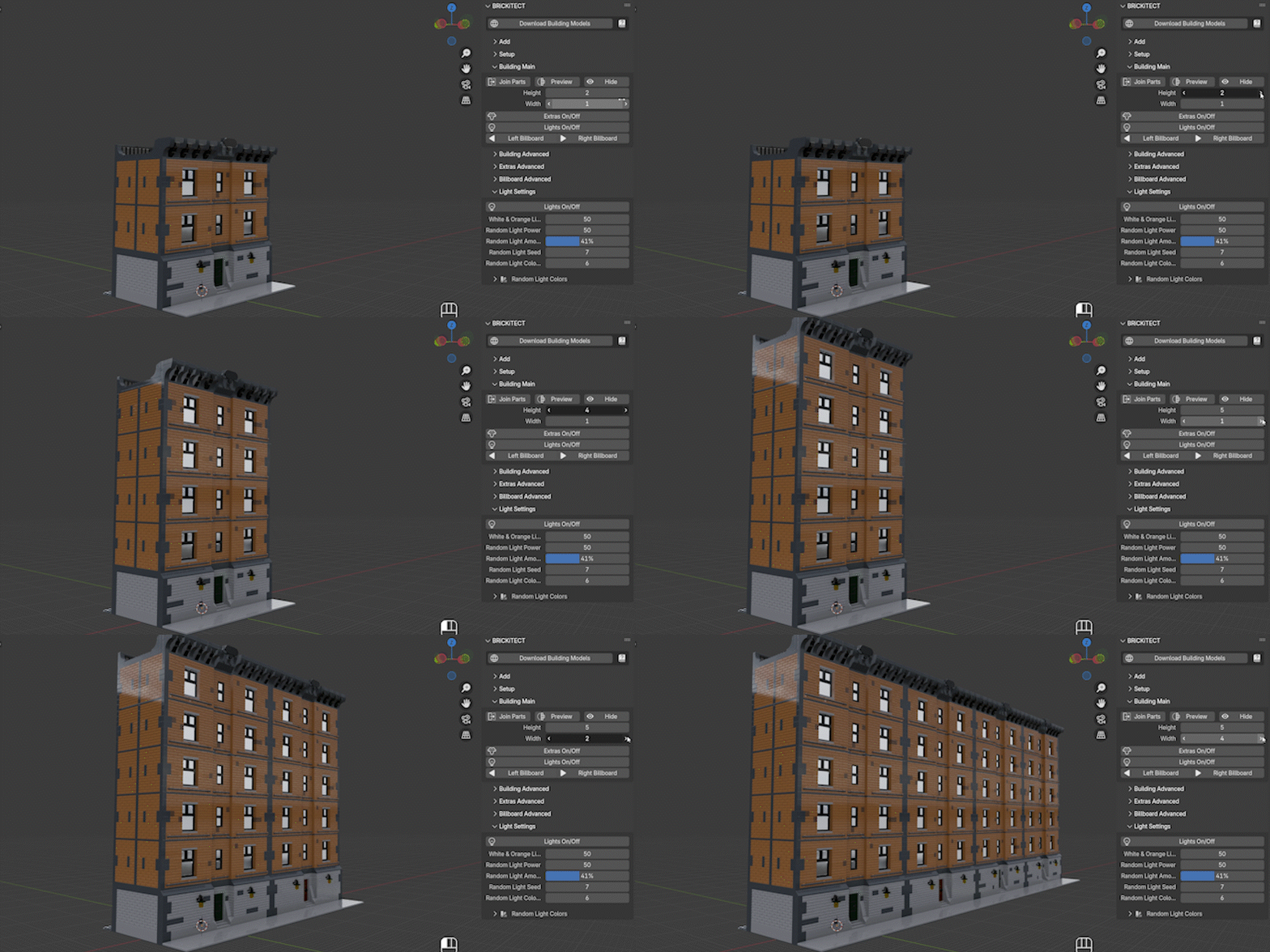
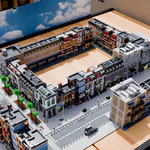
Whether you're building a single street corner or an entire city block, BRiCKiTECT gives you the control to customize and randomize every detail.
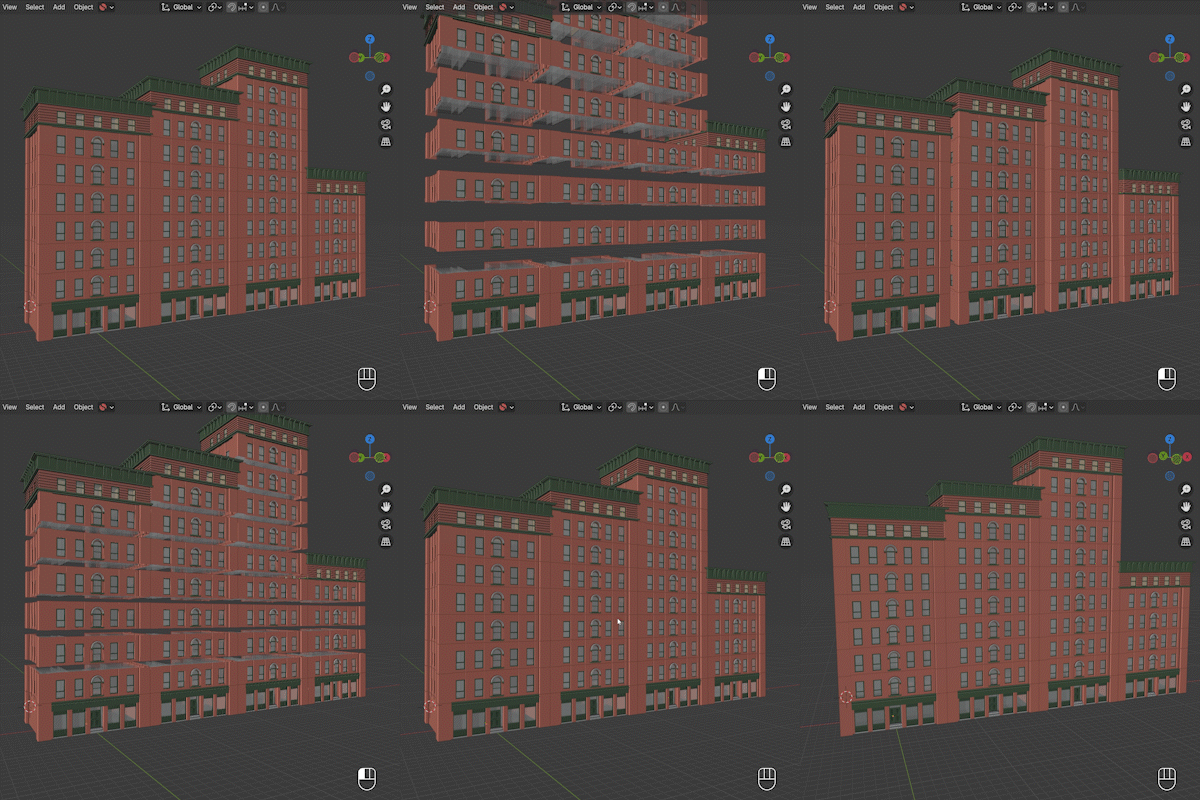
Even though this product was created with building block buildings in mind, the add-on works with any kind of building type and style, whether it's brick-built or not. As long as it can be divided into three basic sections: ground floor, middle floor, and roof.
✨ Key Features
-
Modular Building Systems
Generate regular buildings, corner buildings, full streets (wall of buildings, no roads), or entire city blocks with just a few clicks.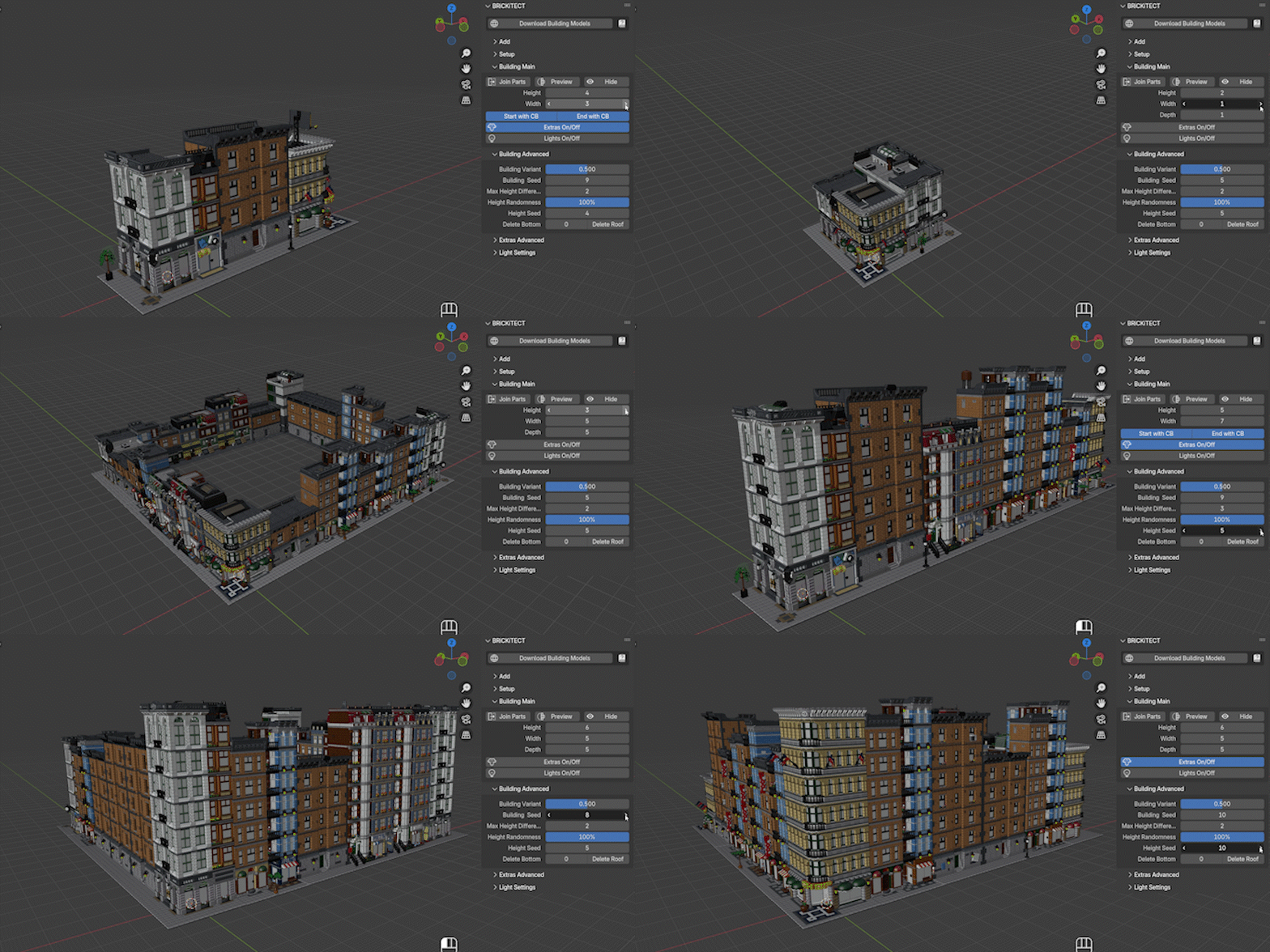
Asset-Based Workflow
Easily import and apply building assets. Use preexisting designs or create your own.Real-Time Customization
Change building height, width, and depth on the fly – all in real time via Geometry Nodes.Controlled Randomization
Use seed values to shuffle variants of buildings, extras, lighting, and more for quick, unique layouts.Performance-Friendly Options
Switch to low-poly previews, join geometry, or hide details to keep your scene fast and responsive while you work.Dynamic Lighting System
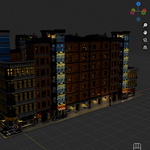
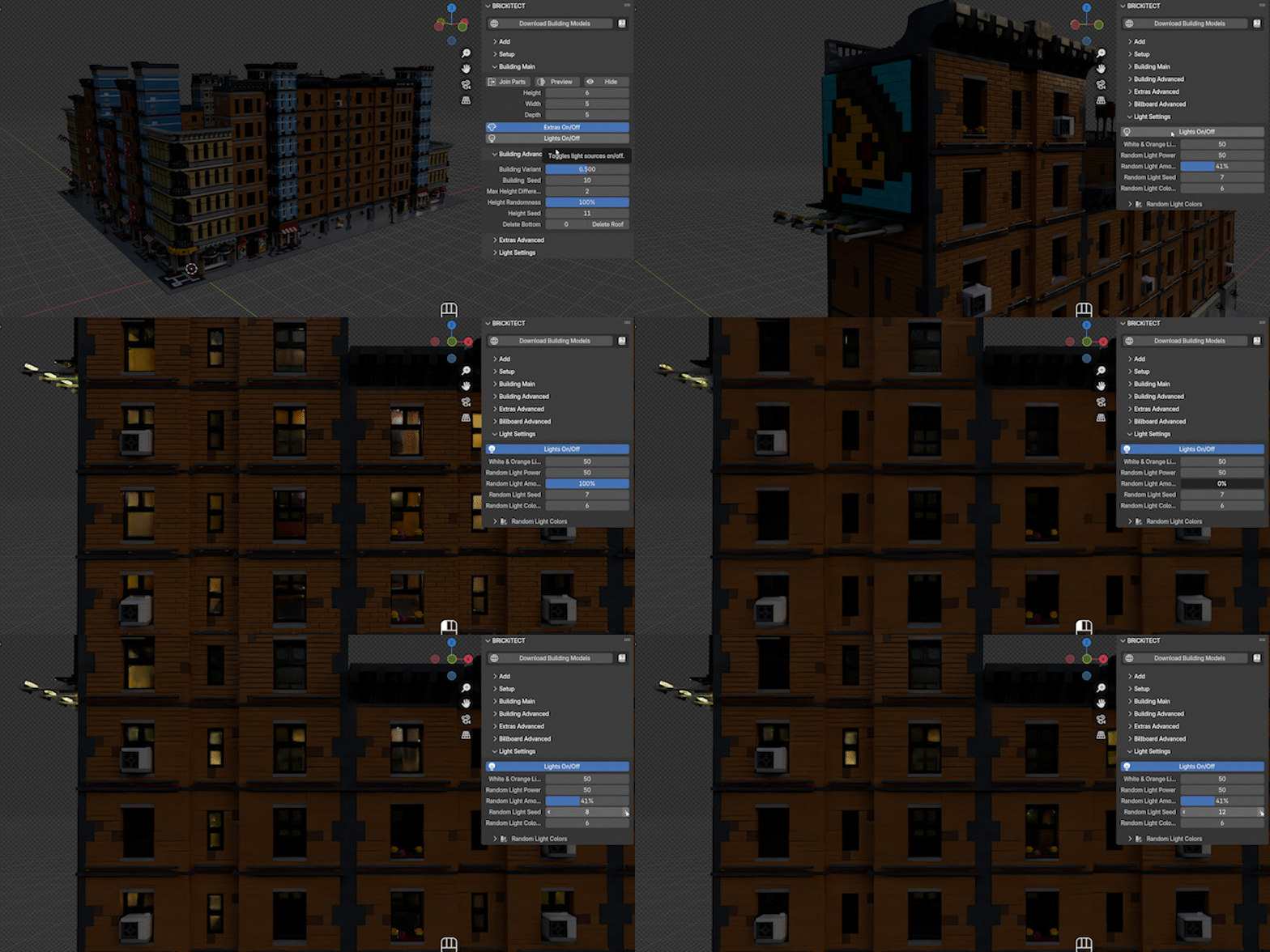
Instantly add stylized lighting (white, orange, or randomized) to your buildings with adjustable intensity, randomness, and color.
Extras System
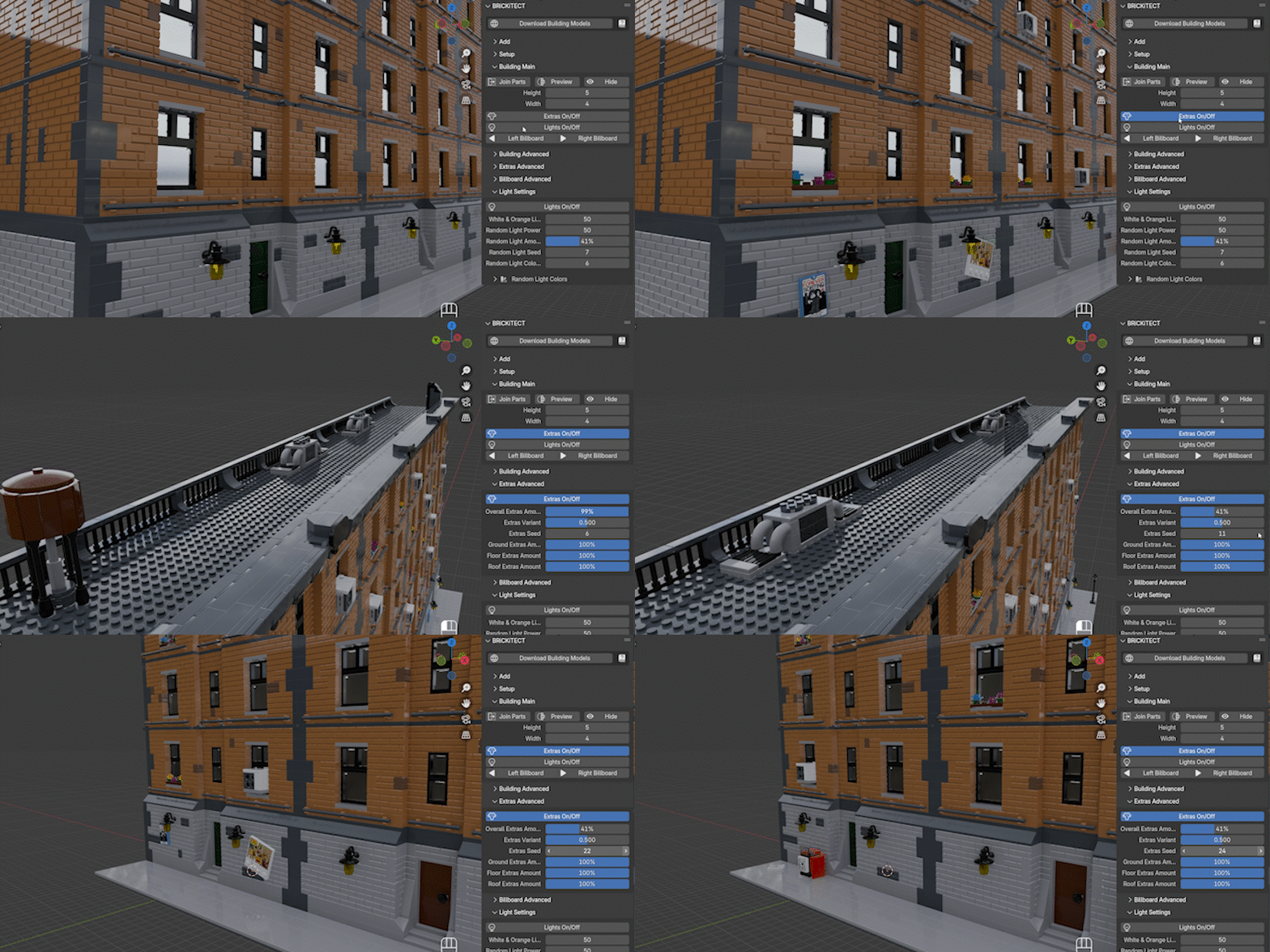
Add extra elements like rooftop details, facade decorations, and billboards – with full control over frequency and variation.
🧱 Types of Generators Included
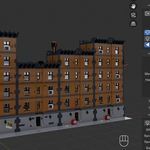
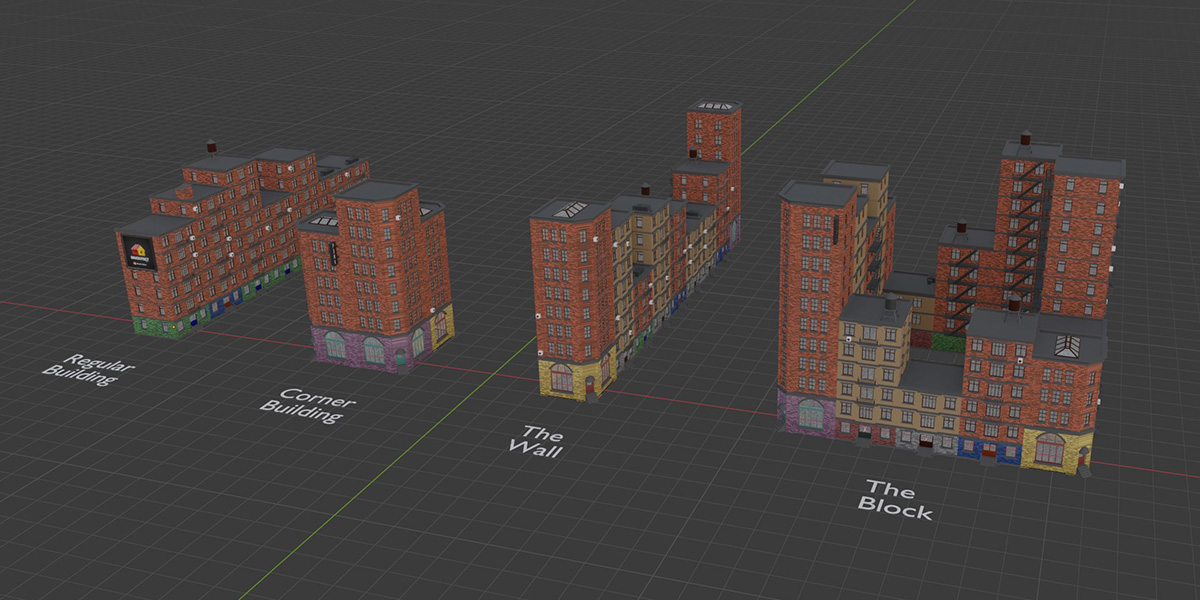
Building Generator – Standard modular buildings (expandable left/right)
Corner Building Generator – Corner layout for intersections
Wall Generator – Automatically generates a row of buildings (with optional corner buildings at ends)
Block Generator – Creates a full rectangular city block
🎛️ Fully Customizable Parameters
Width, Height, Depth – Adjust building proportions with exact scale control
Building Seeds – Shuffle variants for endless combinations
Height Randomness – Add organic variation between structures
Extras & Billboard Controls – Choose how, where, and how many extras or billboards to display
Light Settings – Full control over light power, color, frequency, and more

🧩 Seamless Integration
Compatible with Blender 4.0 to 5.0
Designed to work with assets from platforms like Mecabricks
Ideal for animation, architectural visualization, stylized environments, and brick-style storytelling
Can be easily integrated into the asset browser for fast access to your building library

📦 What's Included
BRiCKiTECT Add-on (Geometry Nodes based)
4 different building generators
Example project blend file
Link to preset building models on Mecabricks
Lighting and extras options
Full documentation
Free future updates
📣 Join the Community
Created by TinkleFilms
Follow for updates, tutorials & showcase your builds:
💡 Notes
BRiCKiTECT does not include LEGO® bricks or figures – it’s a procedural framework designed for modular building layouts.
If you want to add building models to the generator you will need to download them from Mecabricks and follow the setup process (about 2 - 5 minute per building model) inside of Blender (a video tutorial on how to do this is included in the documentation)
Best used with custom or community-made Mecabricks-compatible LEGO® assets. But will work with any kind of building model (even non brick-built) that can be divided into ground floor, middle floor and roof.
- LEGO, the LEGO logo, Minifigure, Brick and Knob configurations are trademarks of the LEGO Group. ©2026 The LEGO Group. This is an independent product not authorized or sponsored by the LEGO Group.