 ZEG
ZEG
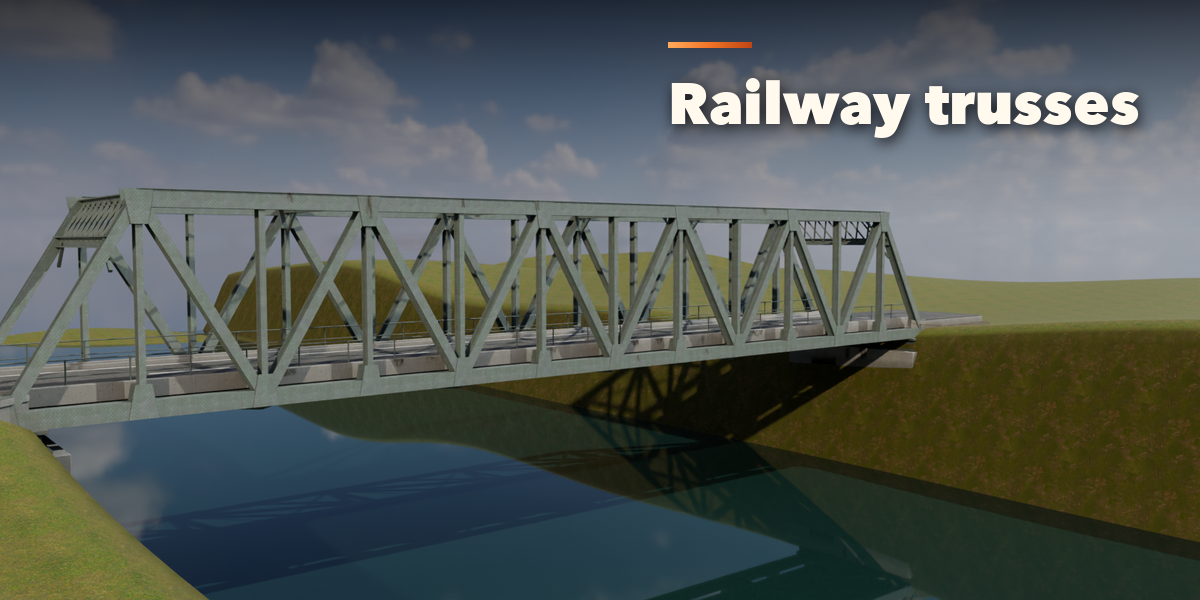
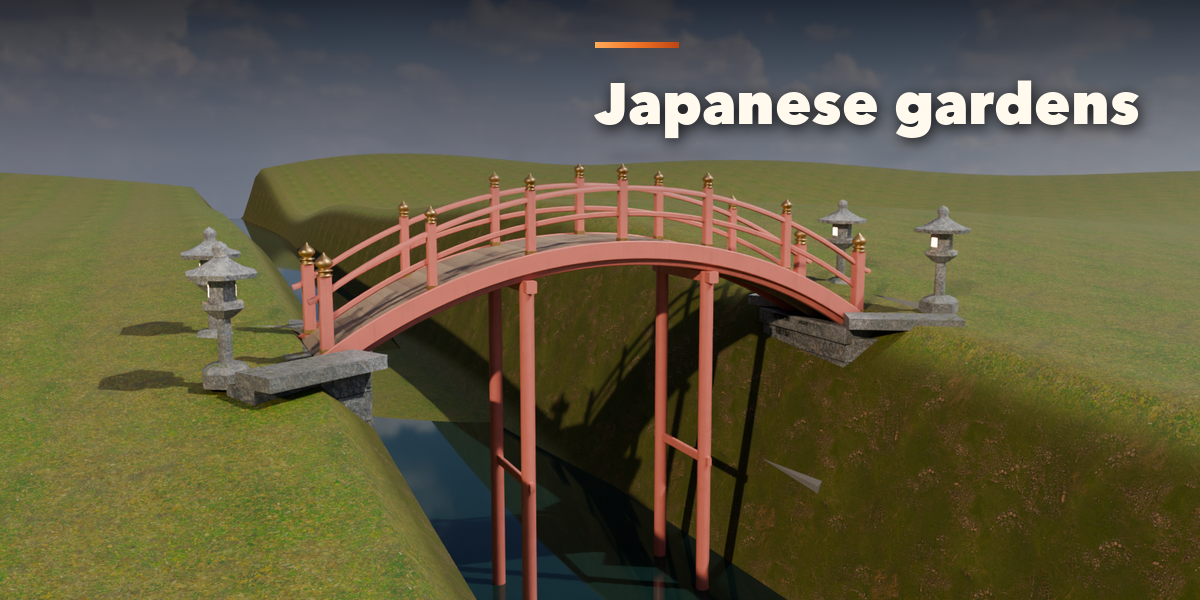
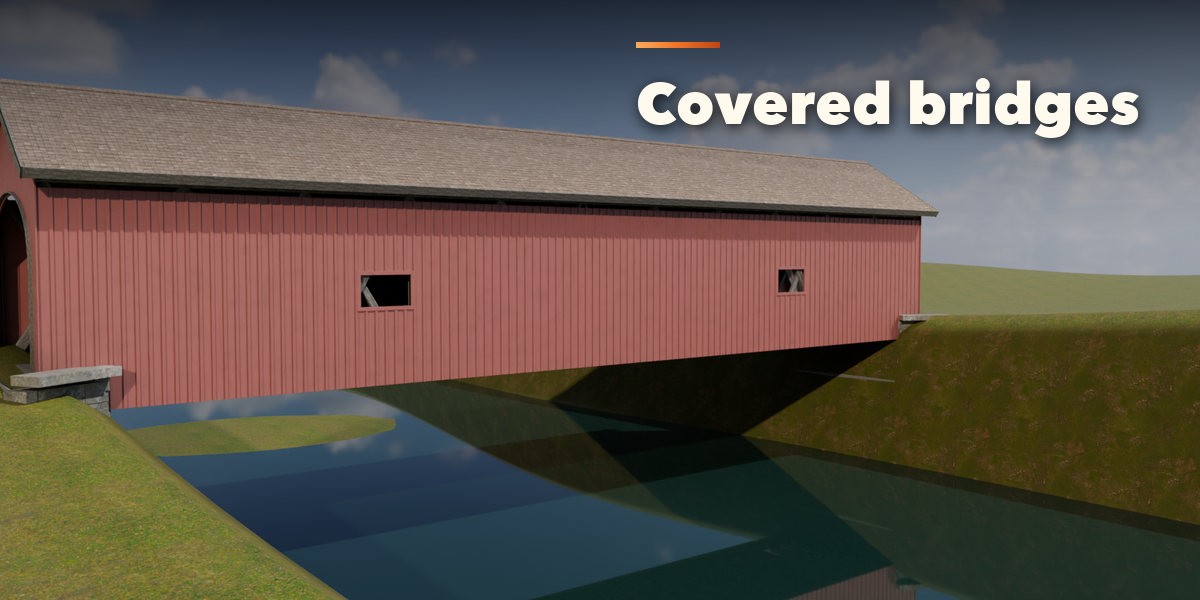
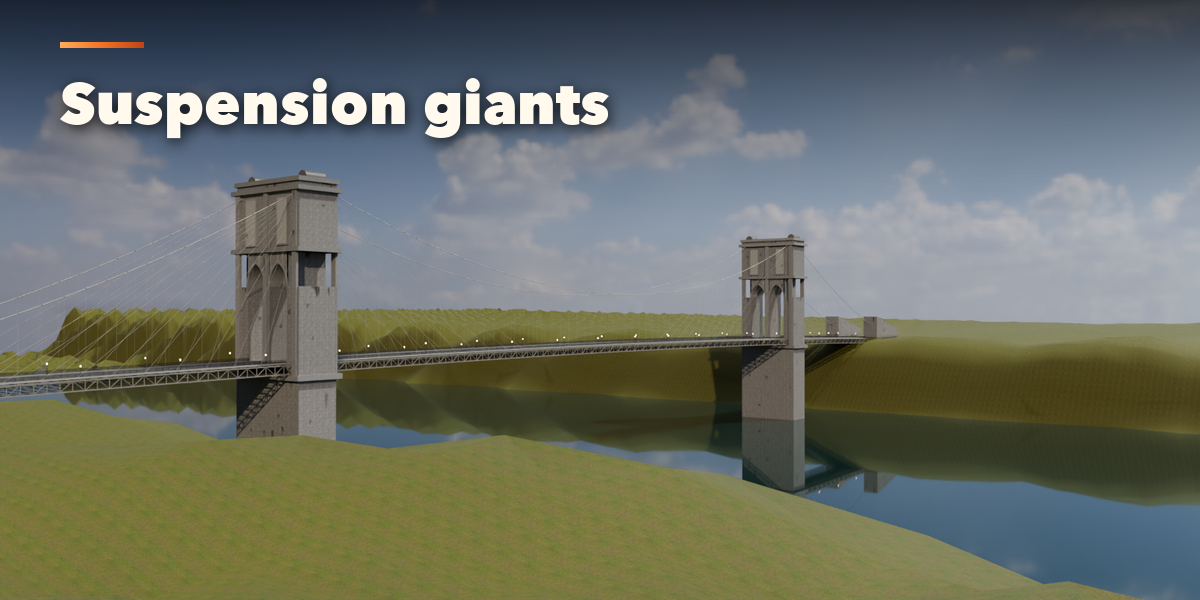

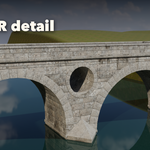
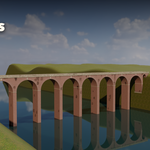
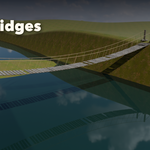
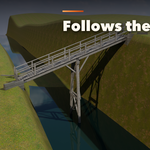
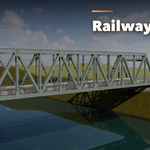

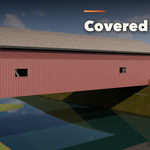
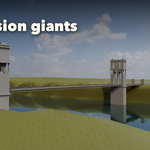
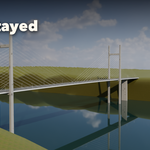

Installation
In Blender open Edit, Preferences, Get Extensions, then use Install from Disk and pick the bridge_generator zip.
Usage
- Open the Bridge tab in the 3D viewport sidebar (N).
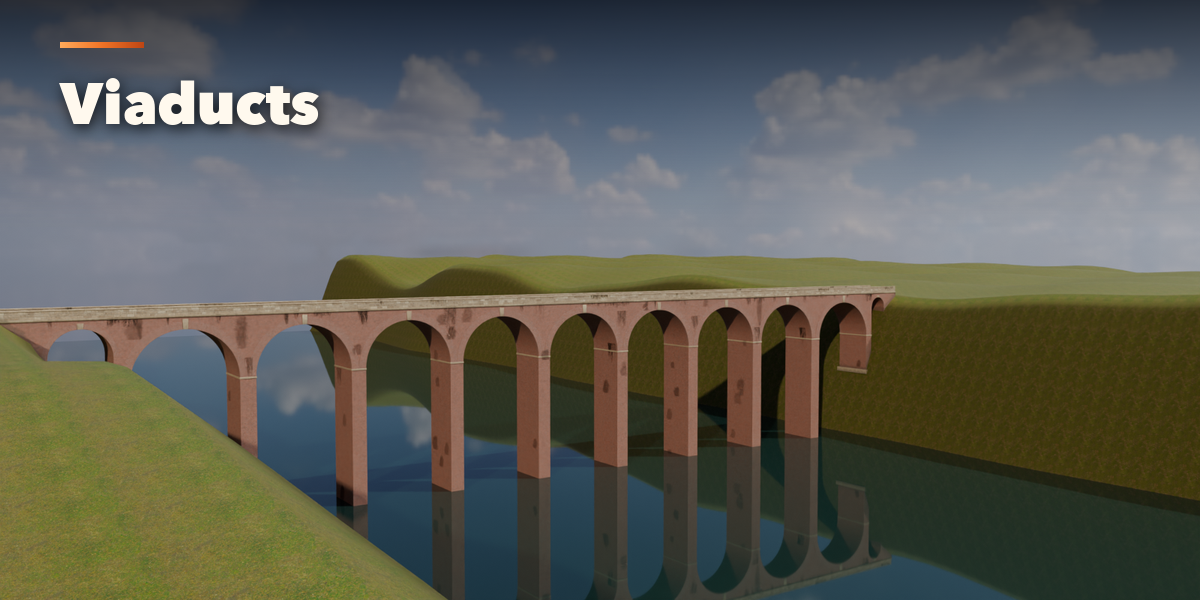
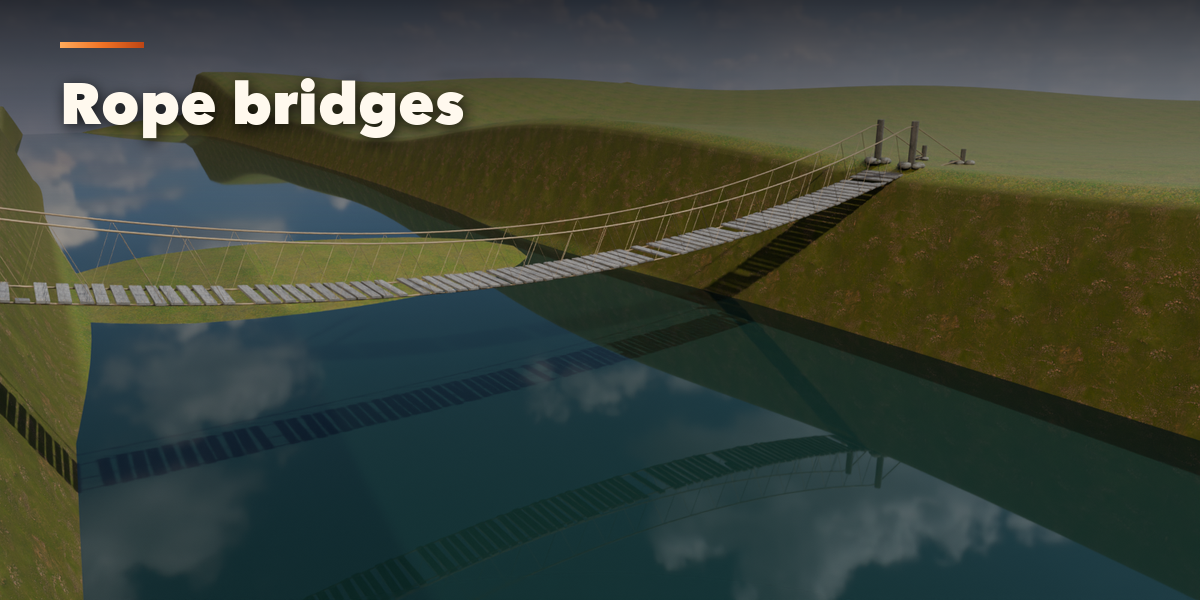
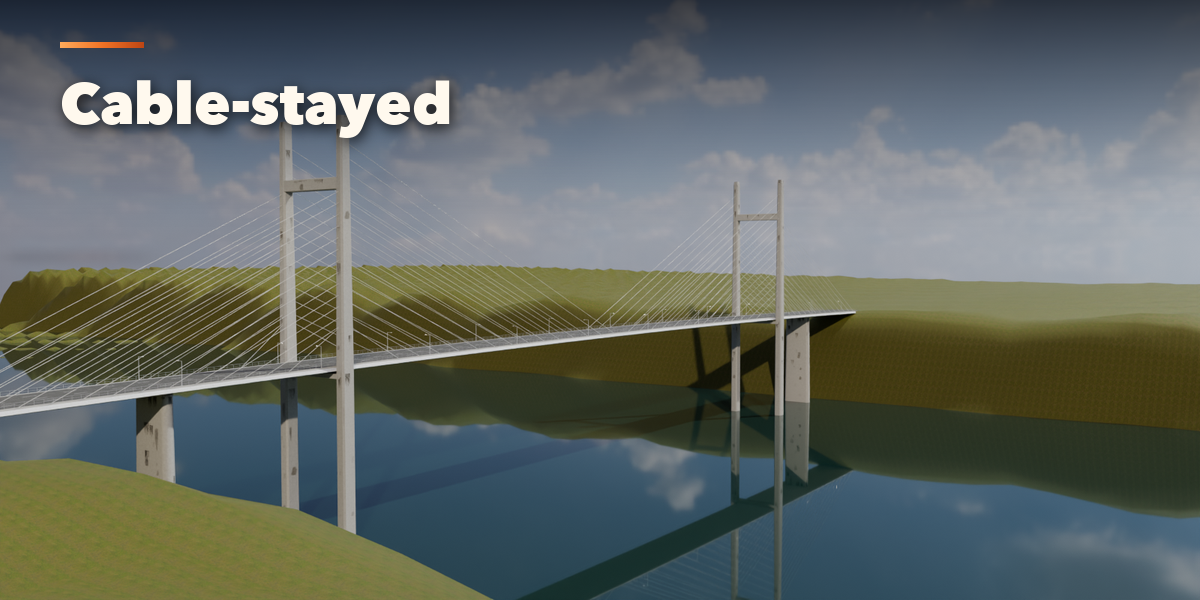
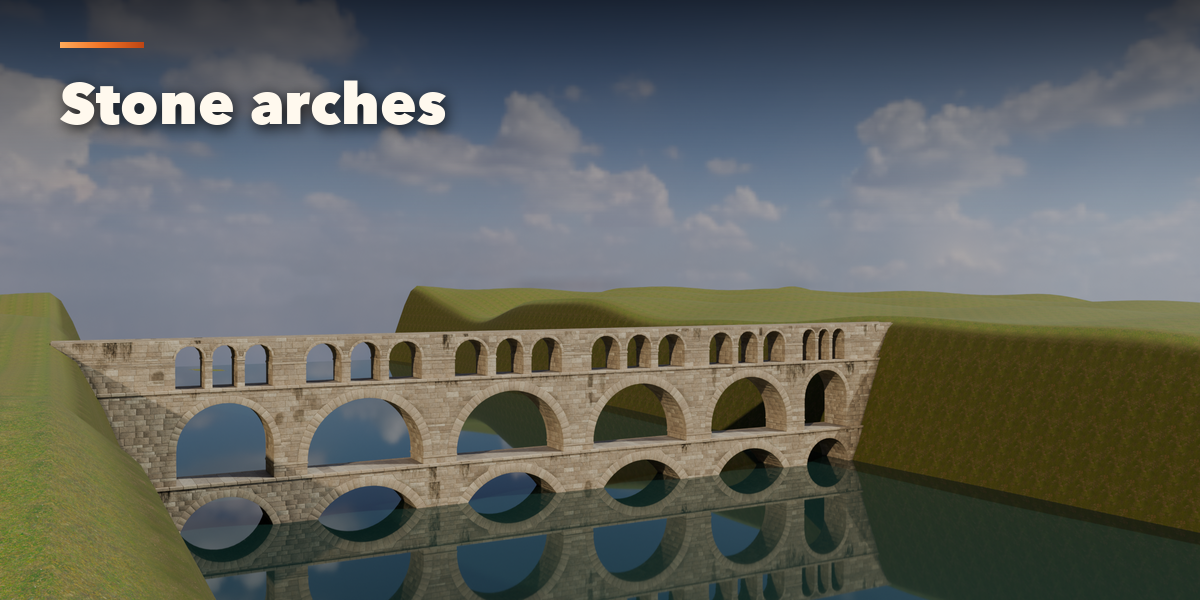
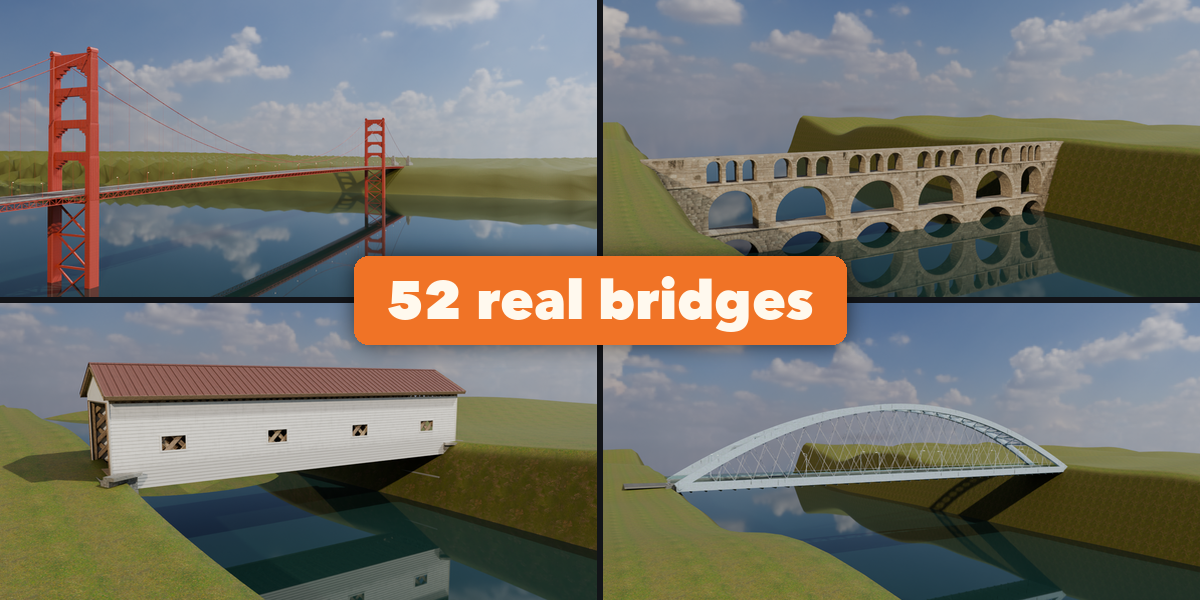
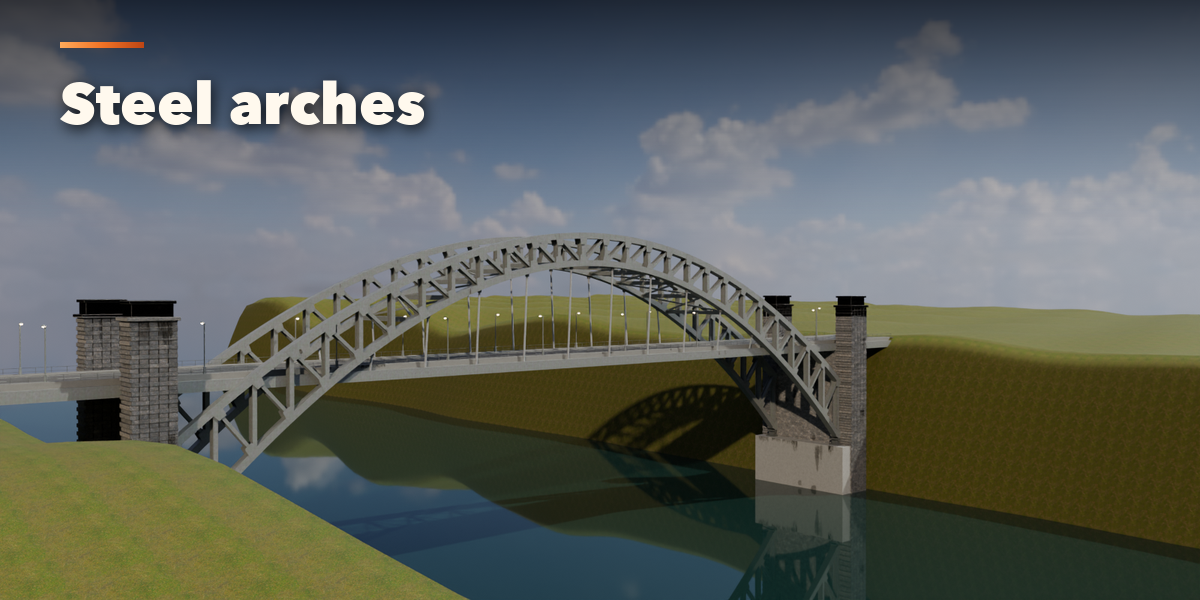
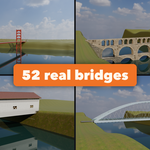
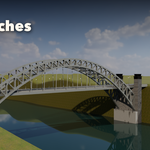
- Pick a bridge type and a design from the picture gallery.
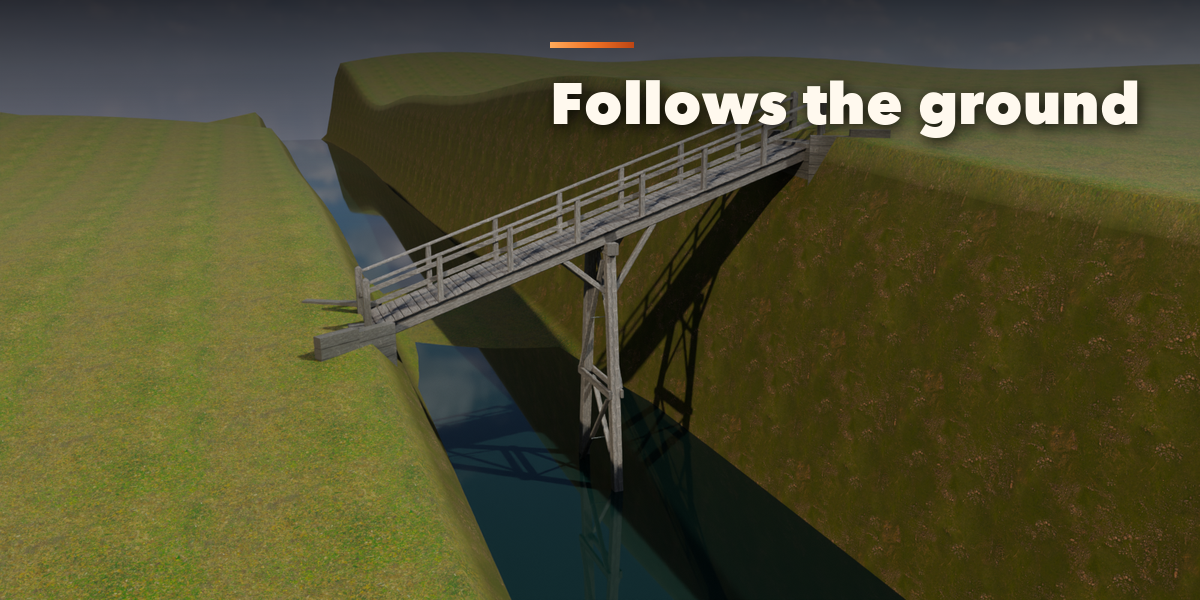
- Press Create Bridge, click the start point and then the end point in the viewport. The mesh under the first click becomes the terrain the supports follow. While placing, Q and E cycle designs and L levels the ends.
- Change any setting in the sub-panels (deck, supports, railings, lights, look and the type's own structure); the bridge rebuilds live.
- Use Repick Ends to move an existing bridge, Swap Ends to flip it and Randomize for a variation.
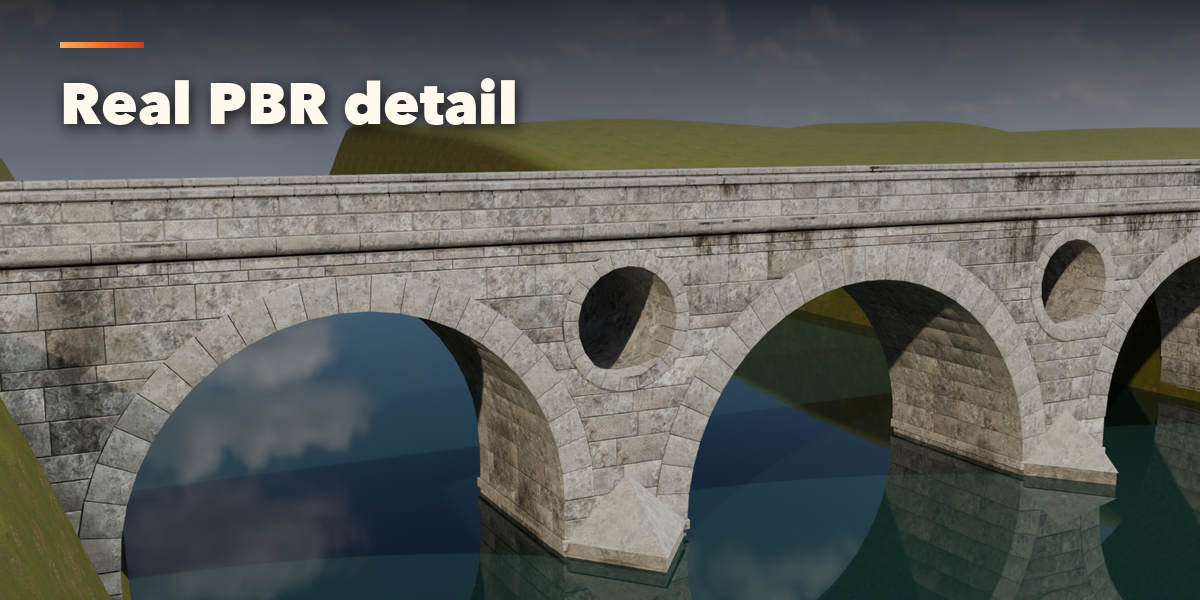
Set Detail to Low for game-ready meshes.
Have questions about this product?
Login to message
| Blender Extension Compatible | Yes |
| Published | about 13 hours ago |
| Blender Version | 4.2 - 5.2 |
| Extension Type | Add-on |
| Render Engine Used | Cycles, Eevee |
| License | GPL |

Discover more products like this
stone bridge PBR environment truss game ready bridge architecture rope-bridge suspension-bridge covered bridge bridge-generator procedural