Bring It Here!
 Craig Nelson


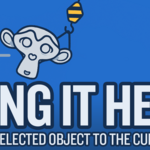
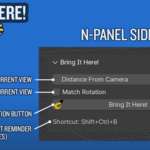
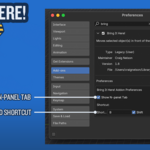
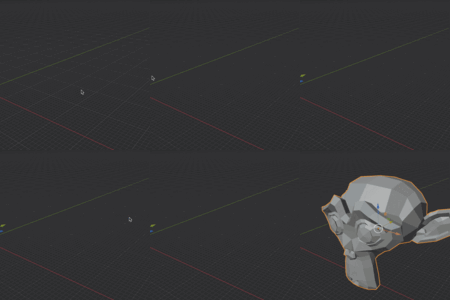
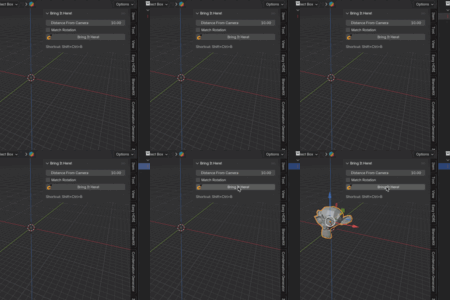
Select any 3D object in the Viewport or Outliner and use the 'Bring It Here!' action button in the n-Panel sidebar OR the keyboard shortcut Ctrl+Shift+B to bring the object right in front of the current view.