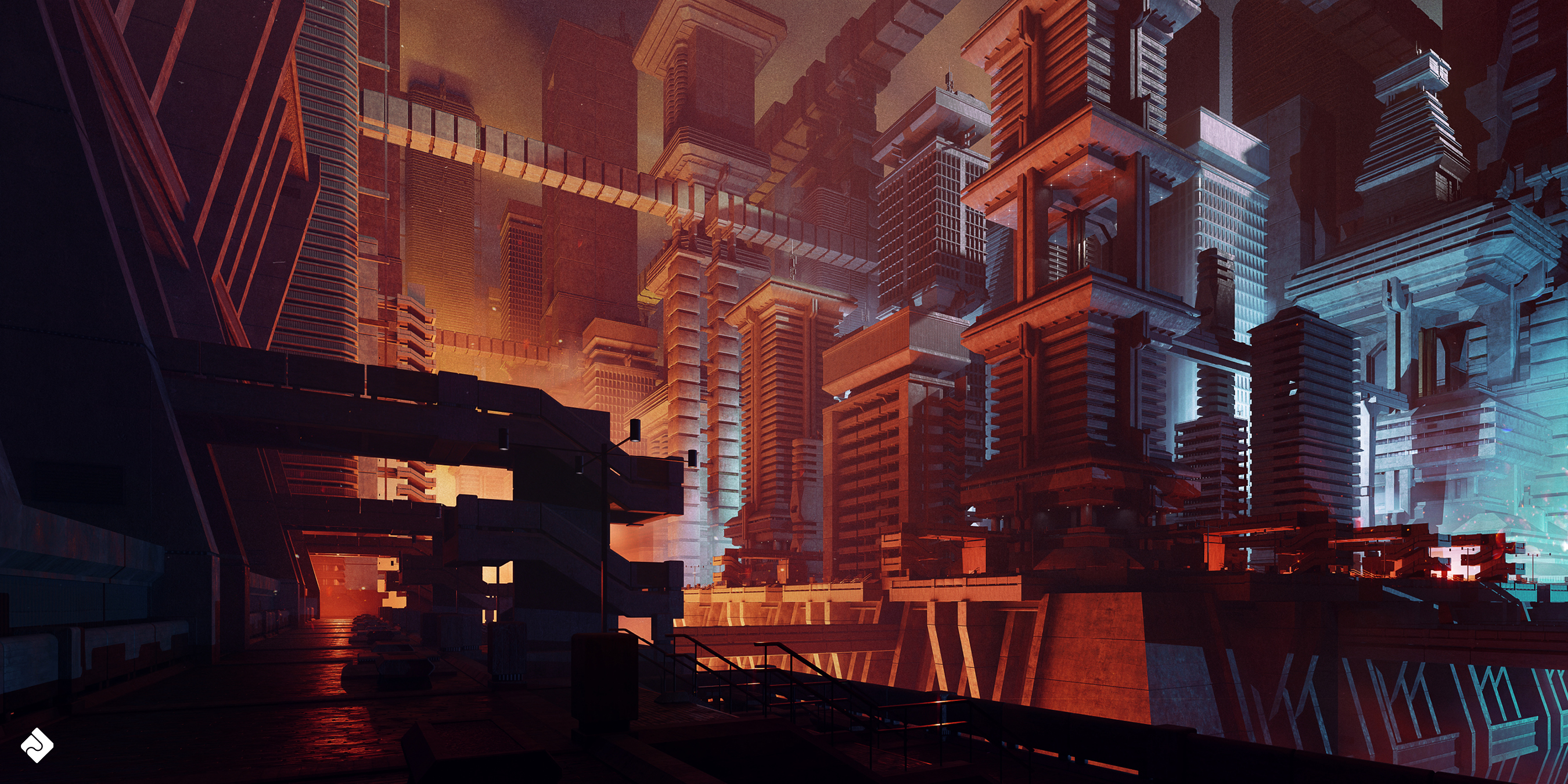
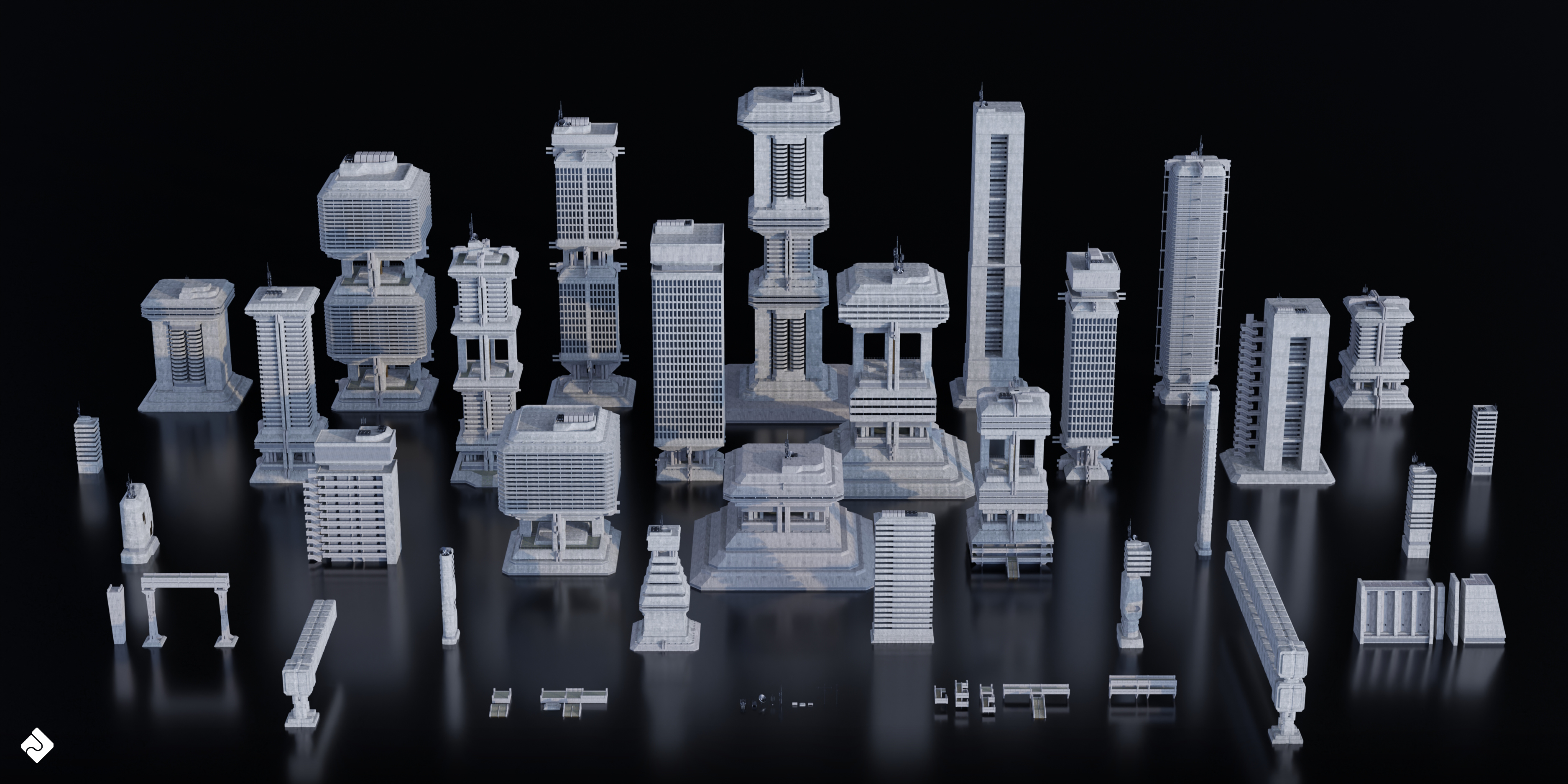
Brutalist Dystopia - Urban Buildings, Structures & Modular Environment Assets 3D Kitbash Pack
 Asset Smash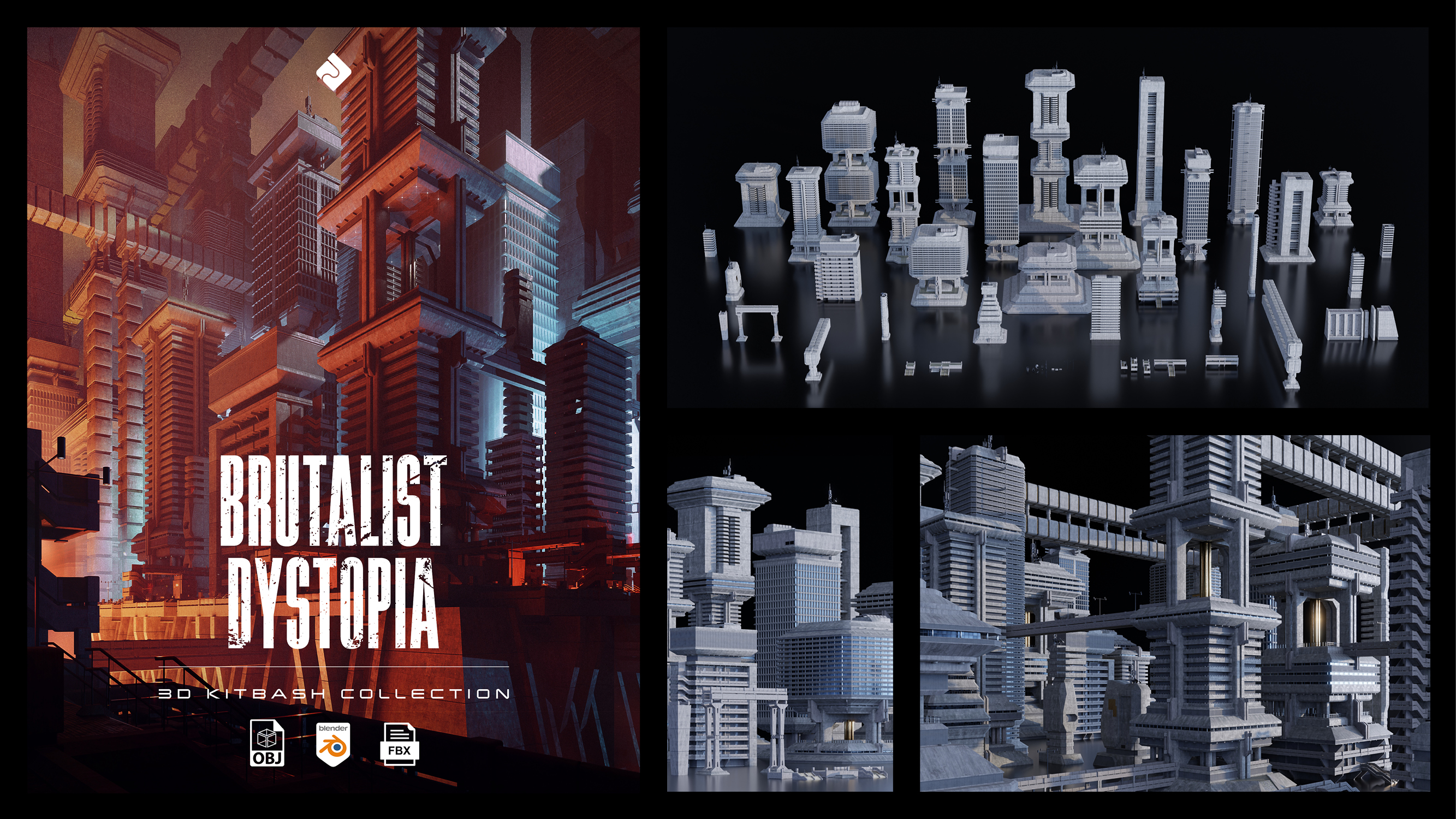
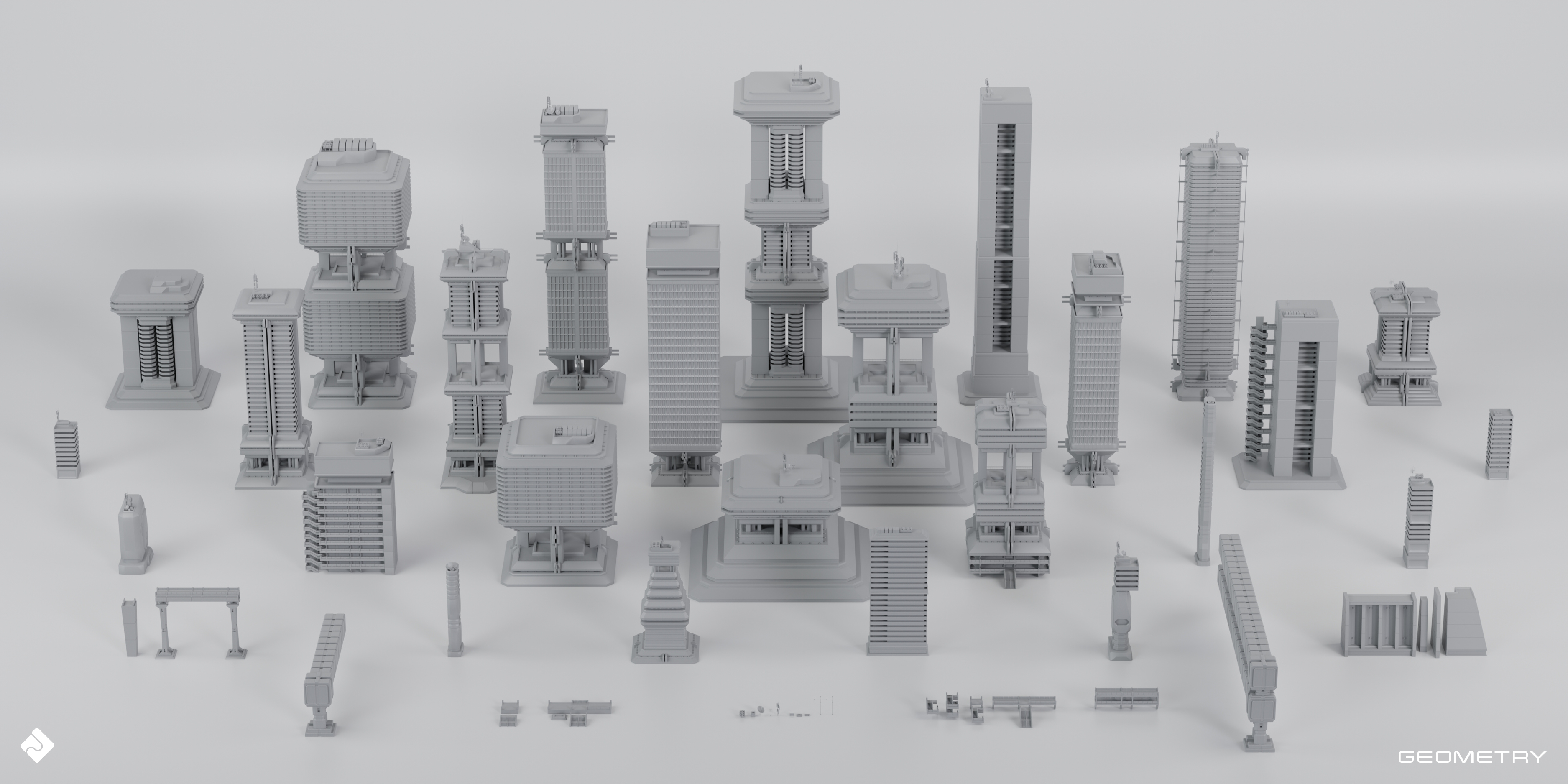
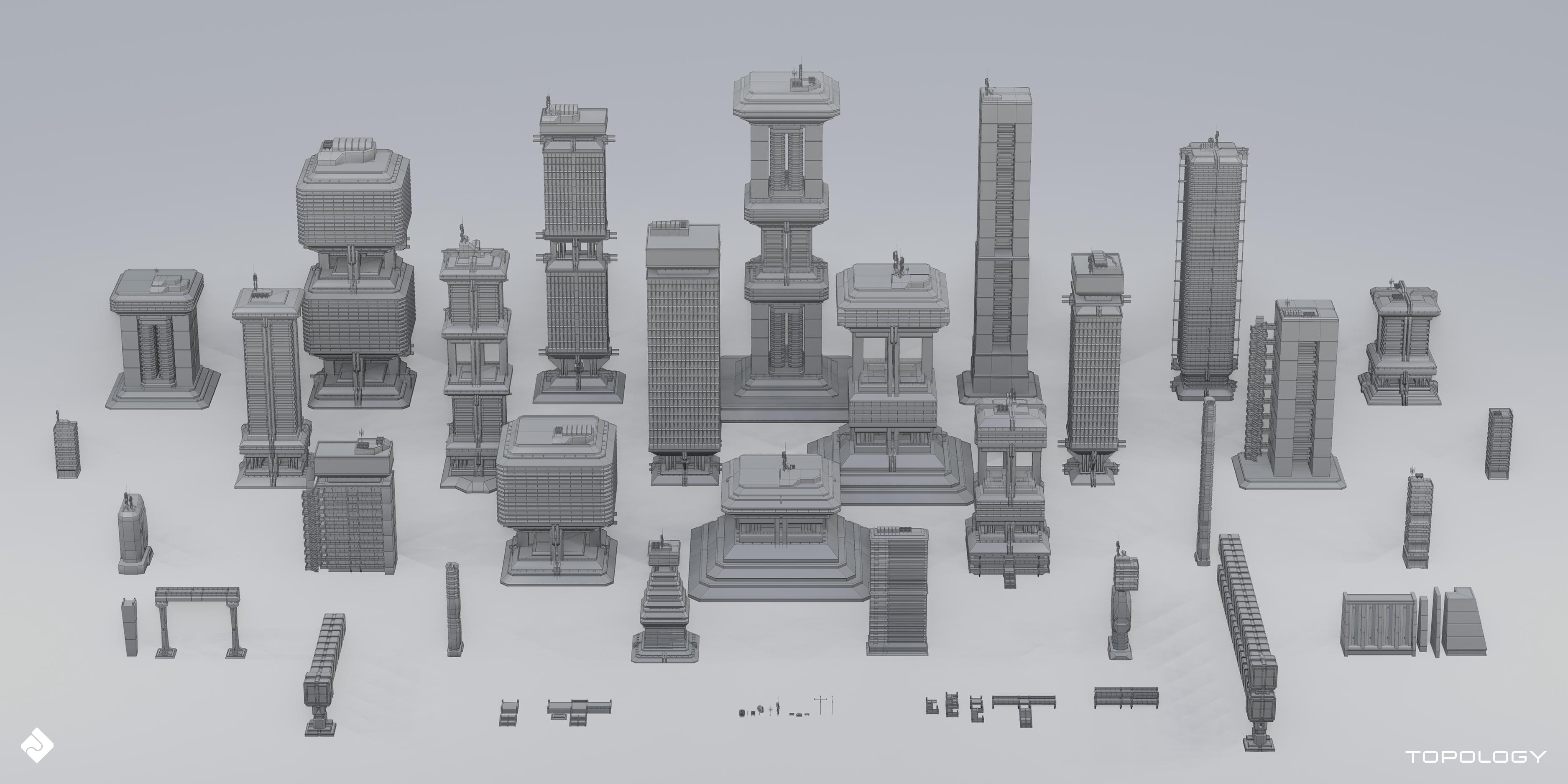
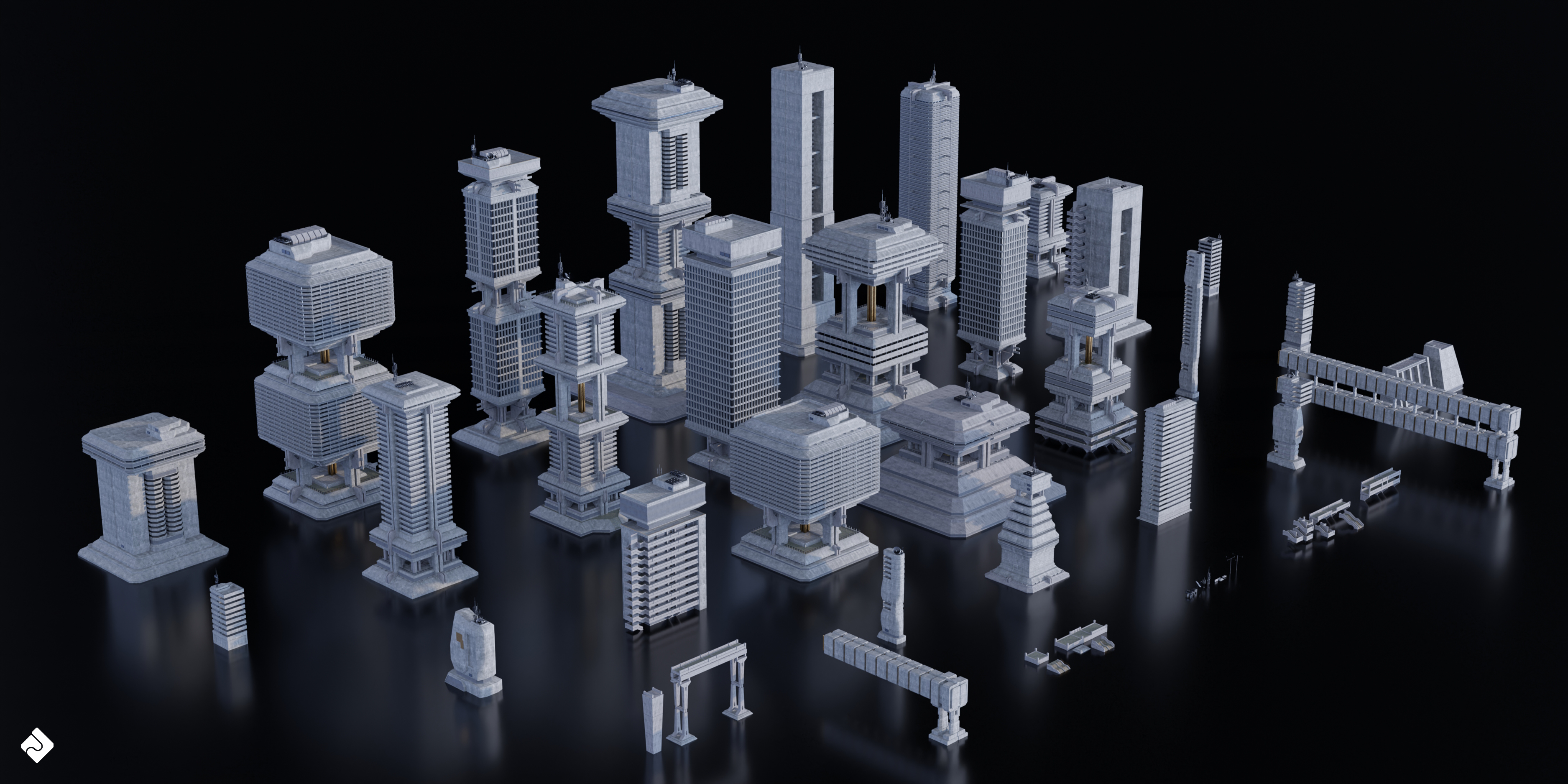
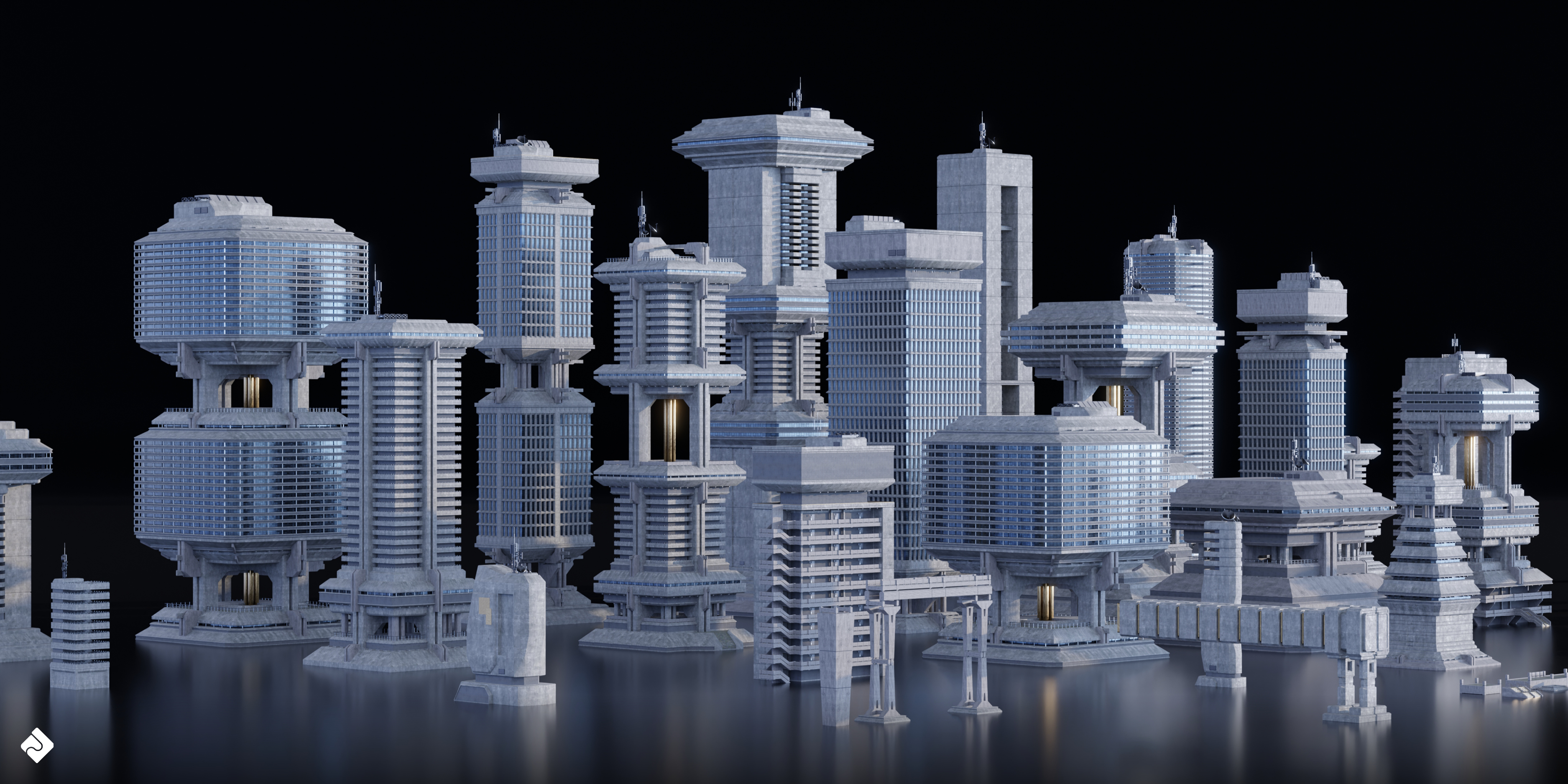
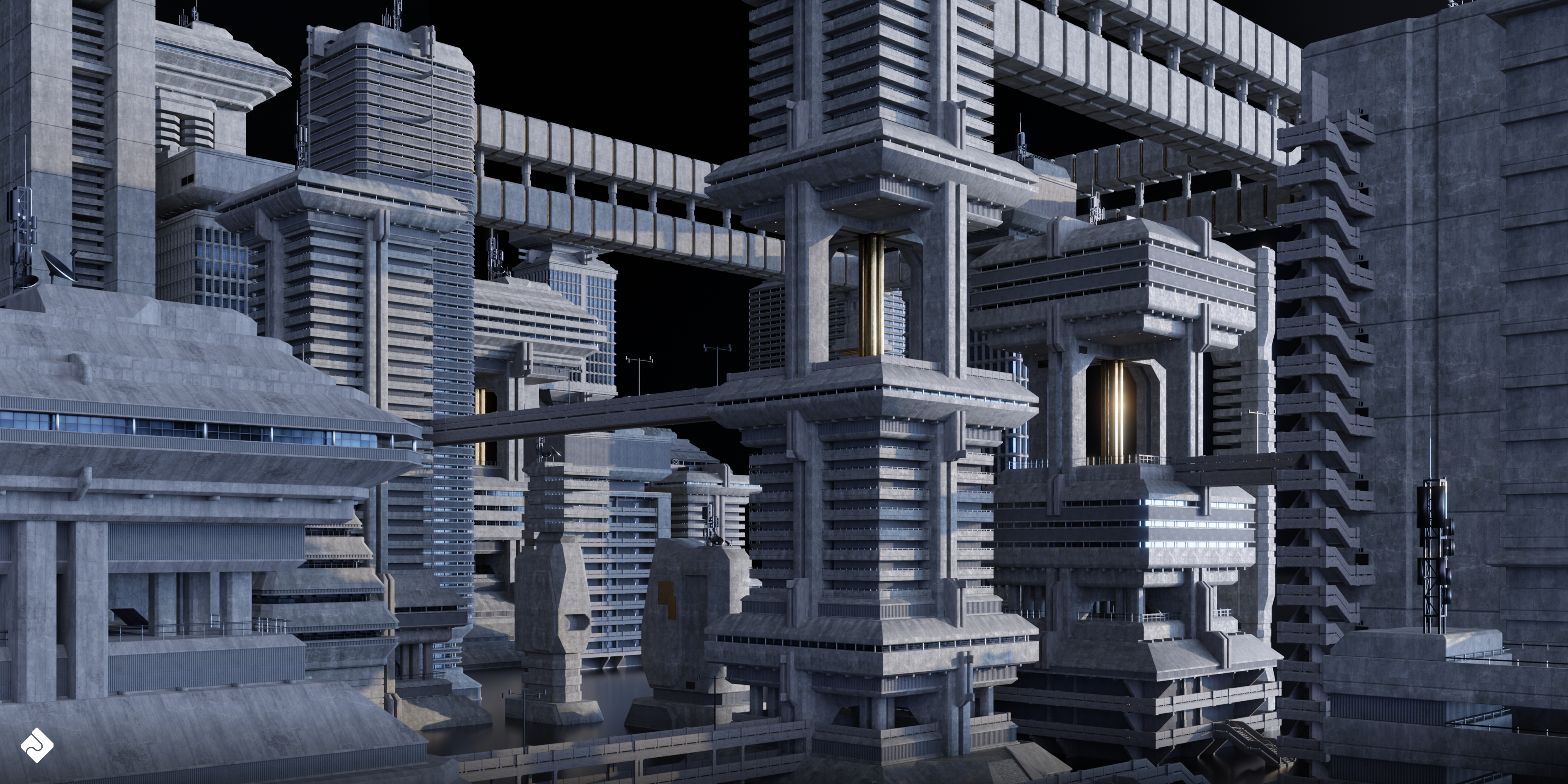
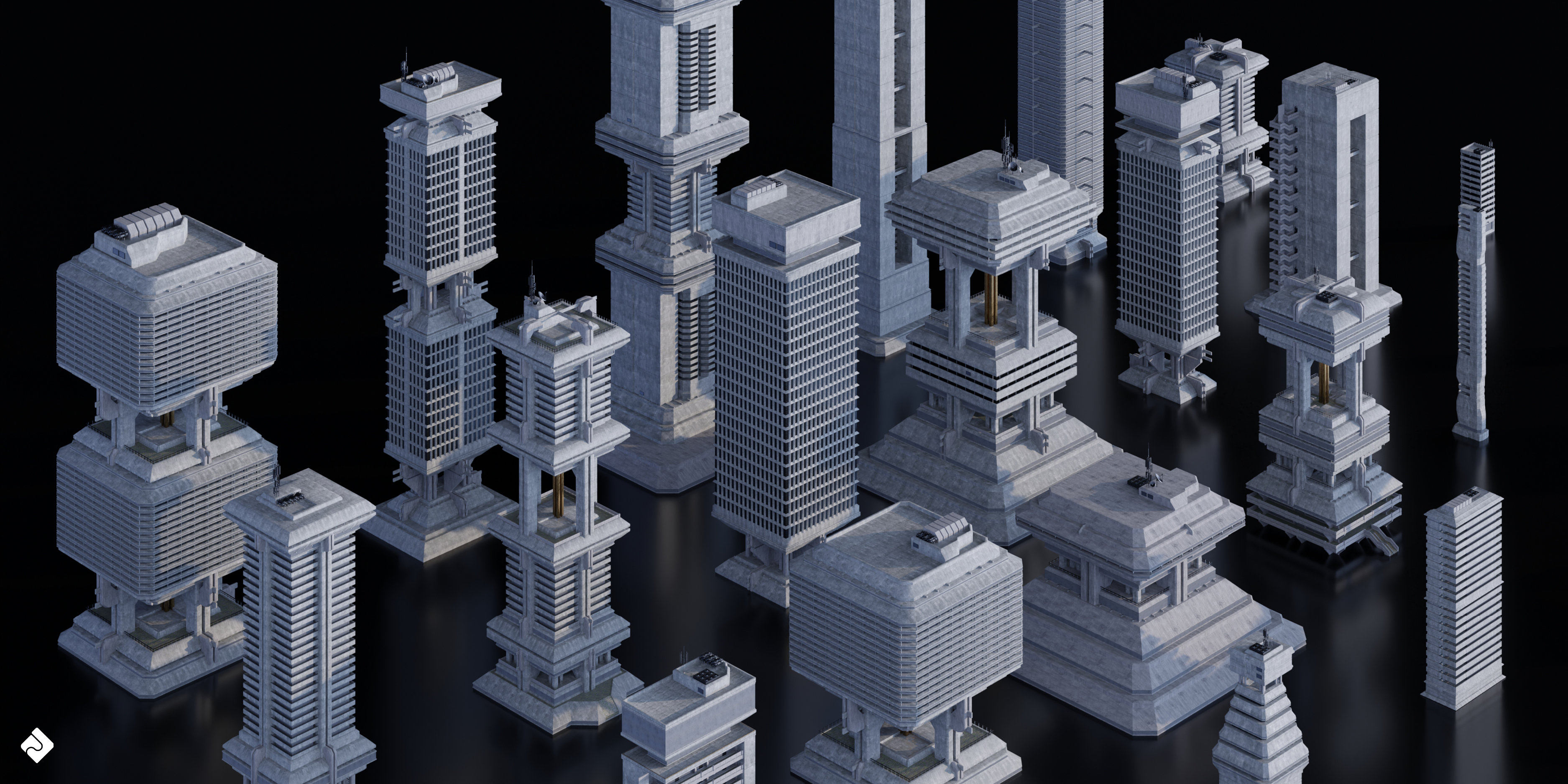
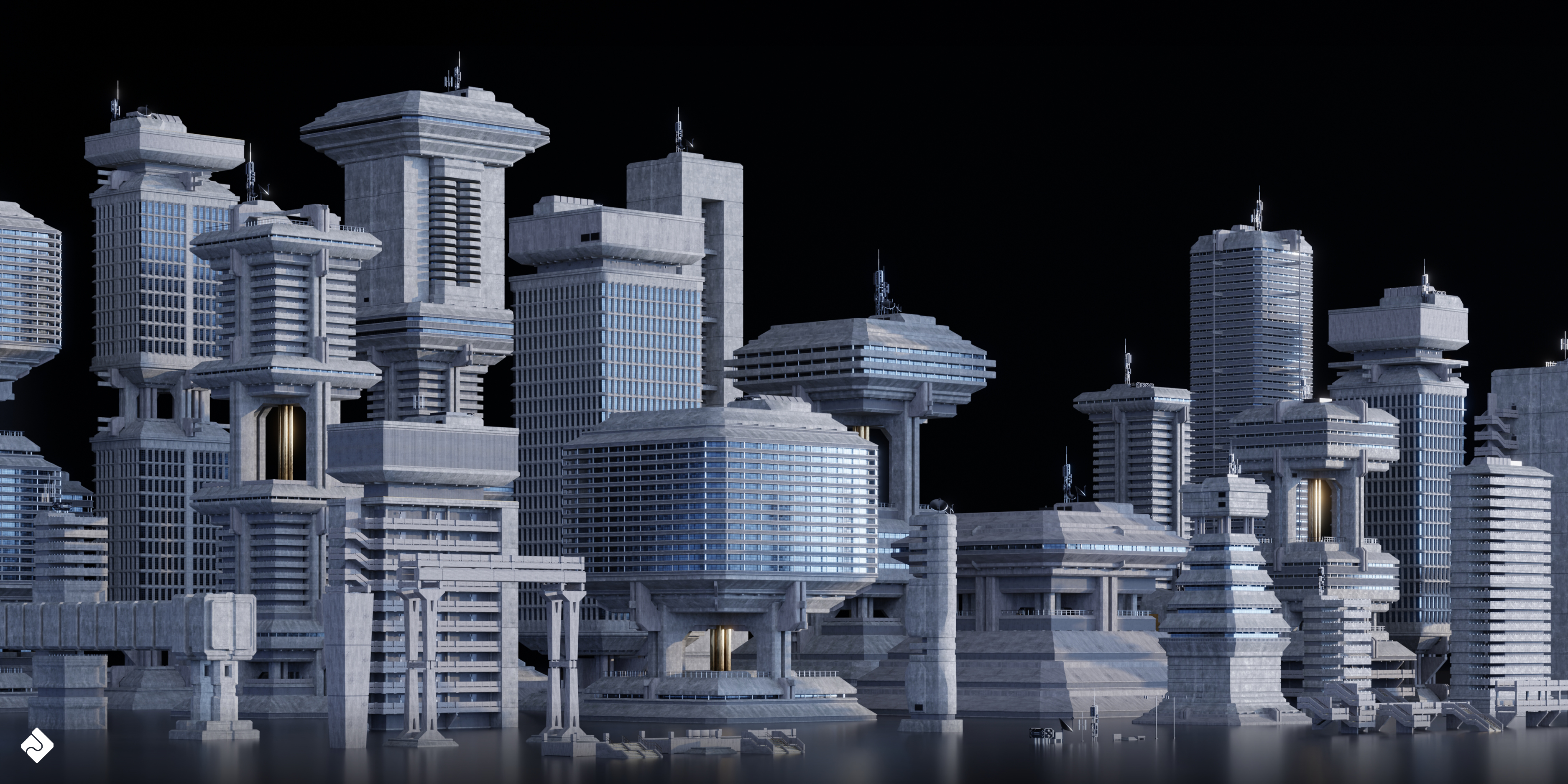
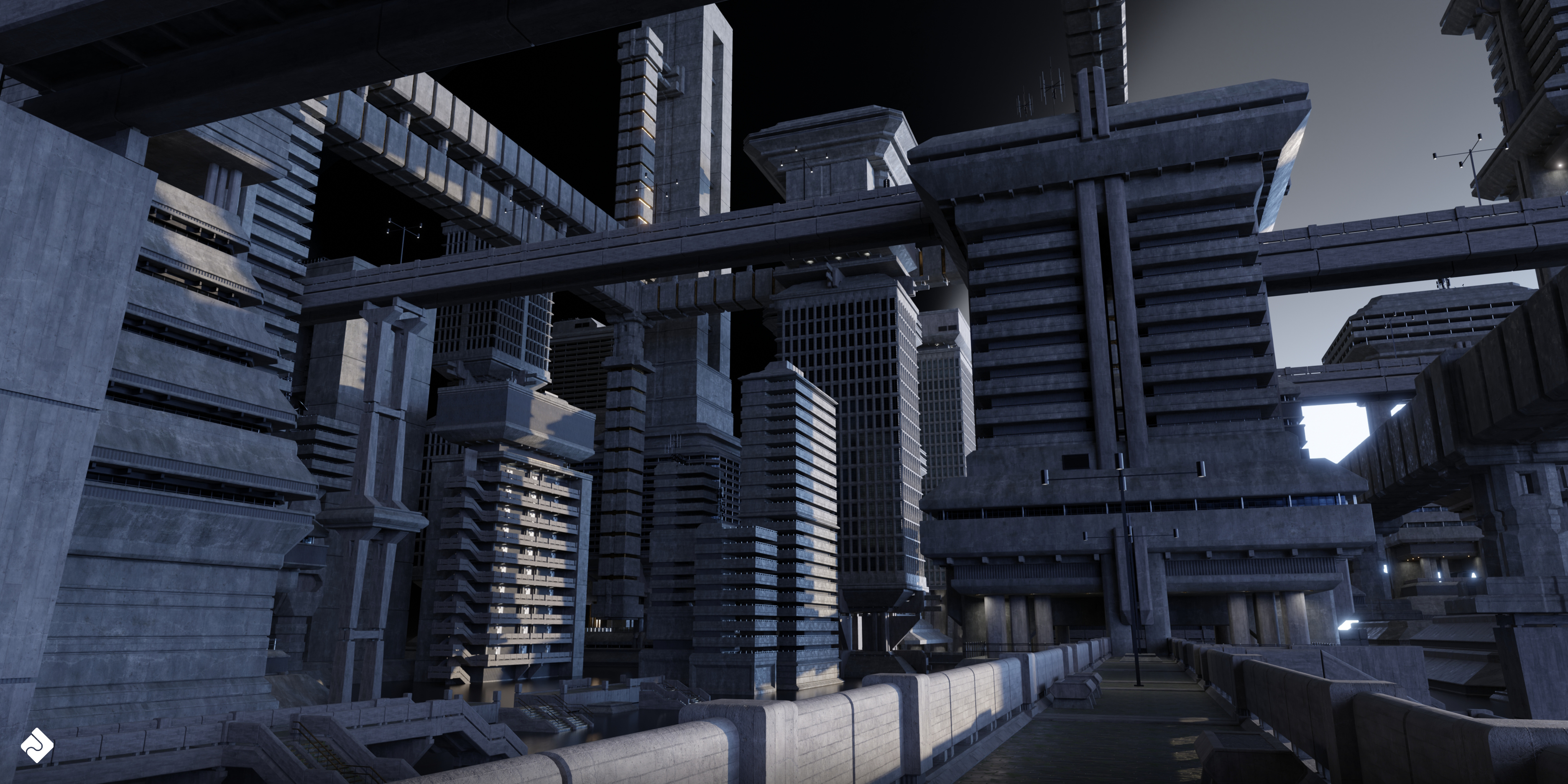
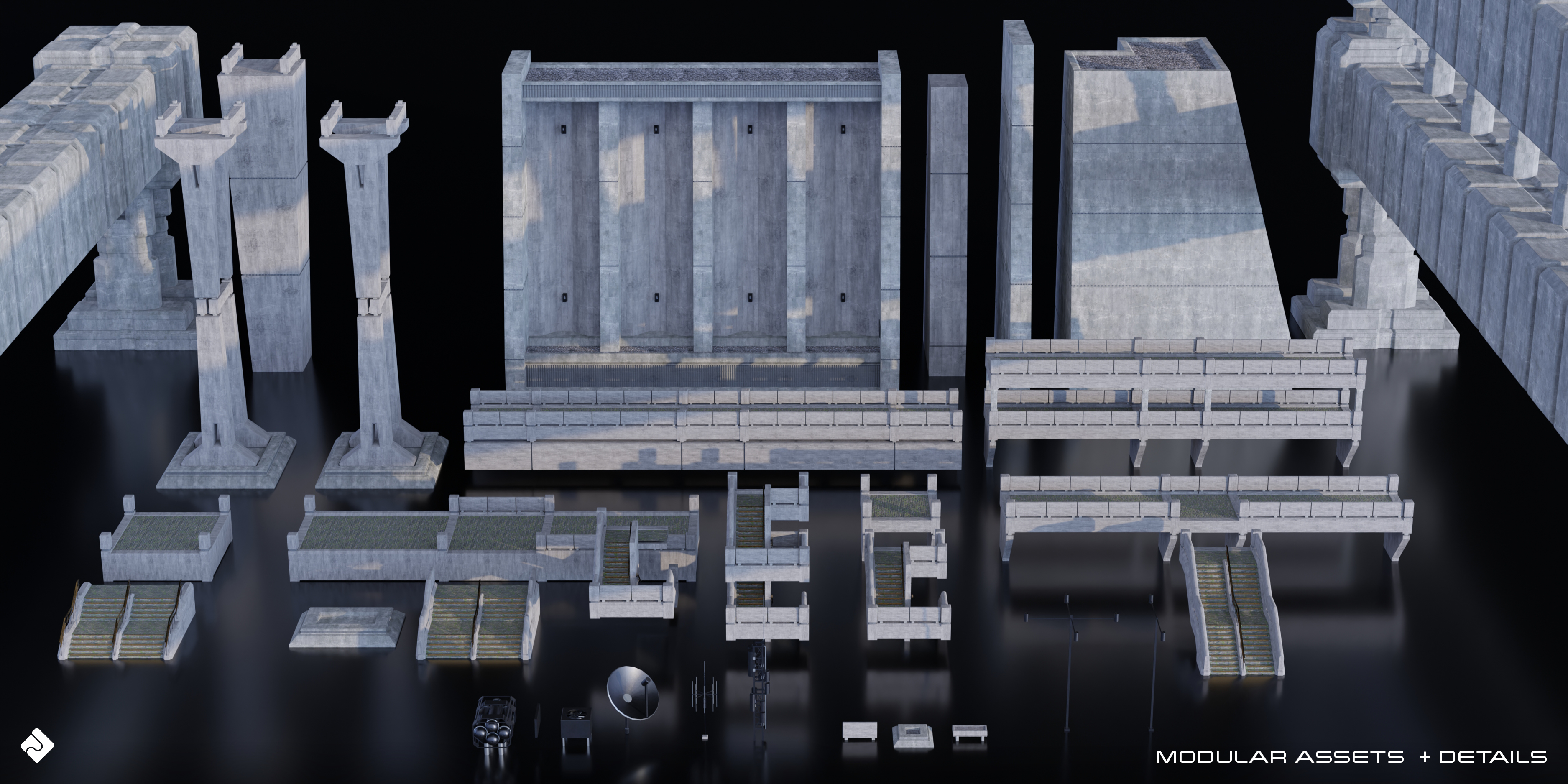
Using Asset Smash 3D Assets in Your Own Work:
- Download and extract the provided ZIP file containing the 3D assets and textures.
- Open Blender and create a new project or open an existing one.
- Go to File > Import and select the appropriate file format (.blend, .obj or .fbx) to import the 3D model.
- Locate and select the asset file from the extracted folder and click "Import."
- The asset will now be visible in your scene. You can move, scale, and rotate it to fit your requirements.
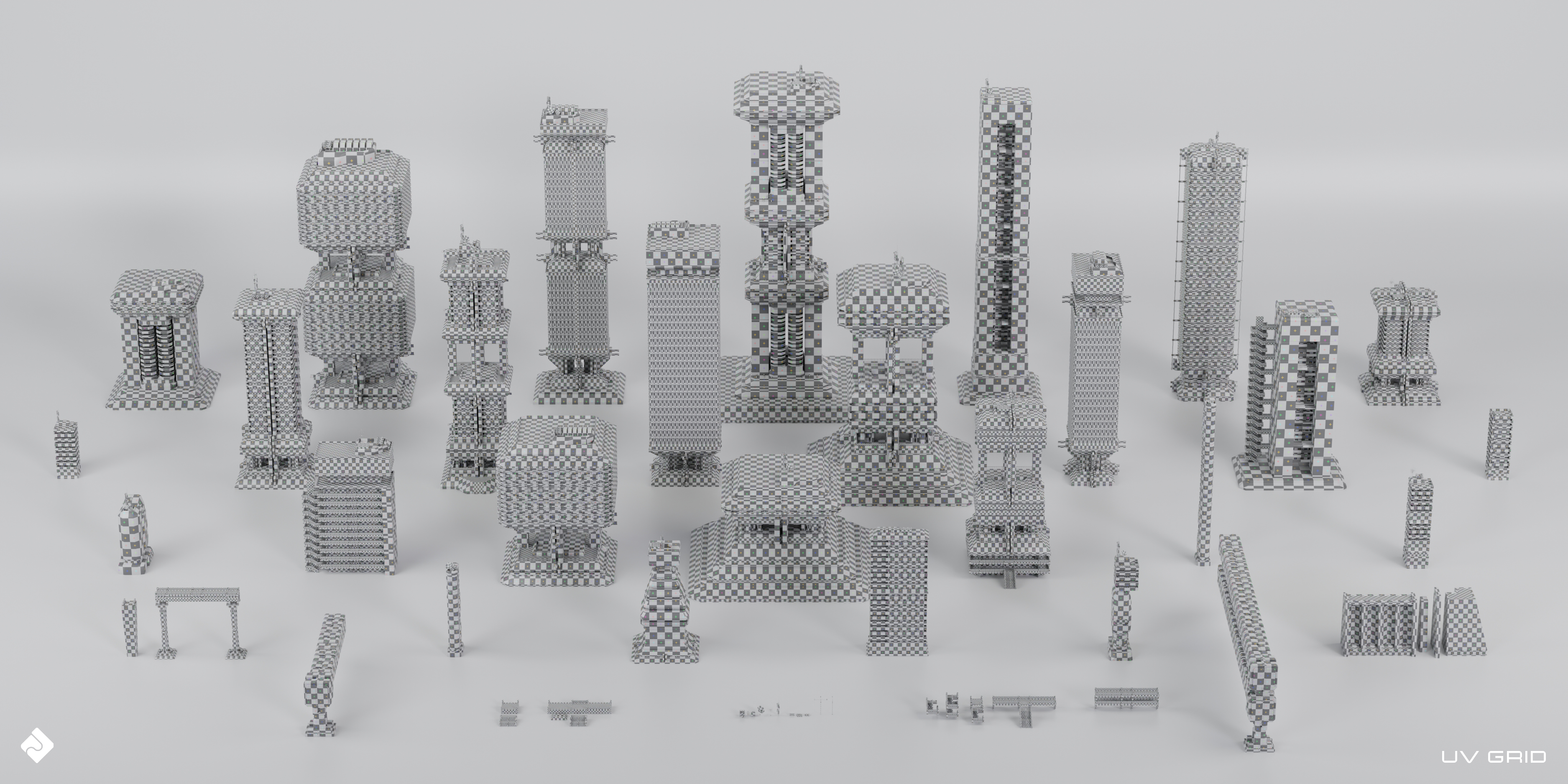
- If the textures are not automatically applied, either: Go to File > External Data > Find Missing Files OR Open the Shader Editor and create a new material for the asset. Connect the PBR textures (albedo, normal, roughness, height, and metallic) to the corresponding inputs in the Principled BSDF shader.
- Render your scene using your preferred render engine (Cycles or Eevee).
Have questions about this product?
Login to message
| Sales | 70+ |
| Dev Fund Contributor | |
| Published | about 3 years ago |
| Blender Version | 3.6, 3.5, 3.4, 3.3, 3.2, 3.1, 3.0, 2.93, 2.92, 2.91, 2.9, 2.83, 2.82, 2.81, 2.8 |
| Render Engine Used | Cycles |
| License | Royalty Free |
Discover more products like this
architecture conceptart AlienWorld blender building kitbash PBR futuristic cityscape Sci-FiScene Starfield military structures EpicSci-Fi Steampunk 3d models architecture brutalism 3d urban city building asset CapitolBuildings hardsurface exterior architectural realistic Star Citizen bridges sci-fi-industrial kitbash high detail warhammer Zeppelin future building asset assetkit bladerunner 2049 render ready Bases futuristic 3d models 3d textured building for blender new york brutalist-kit Neo-Brutalist towers cyberpunk FilmProduction 3d-textured-building-asset CentralCity space brutalist imperial future city FantasyWorld monuments