 za studio


BLENDER ADD-ON · BASE MESH CREATION
BSphere Tool
A fast, visual base-mesh workflow for characters, creatures and stylized forms. Build with armature-driven volumes, then mirror, refine and convert your result into a clean mesh.
You can access my Gumroad website : https://zekeriyaayan.gumroad.com/l/eheuq
BMeta + BSphere
Mirror + Symmetry X
Convert to Mesh
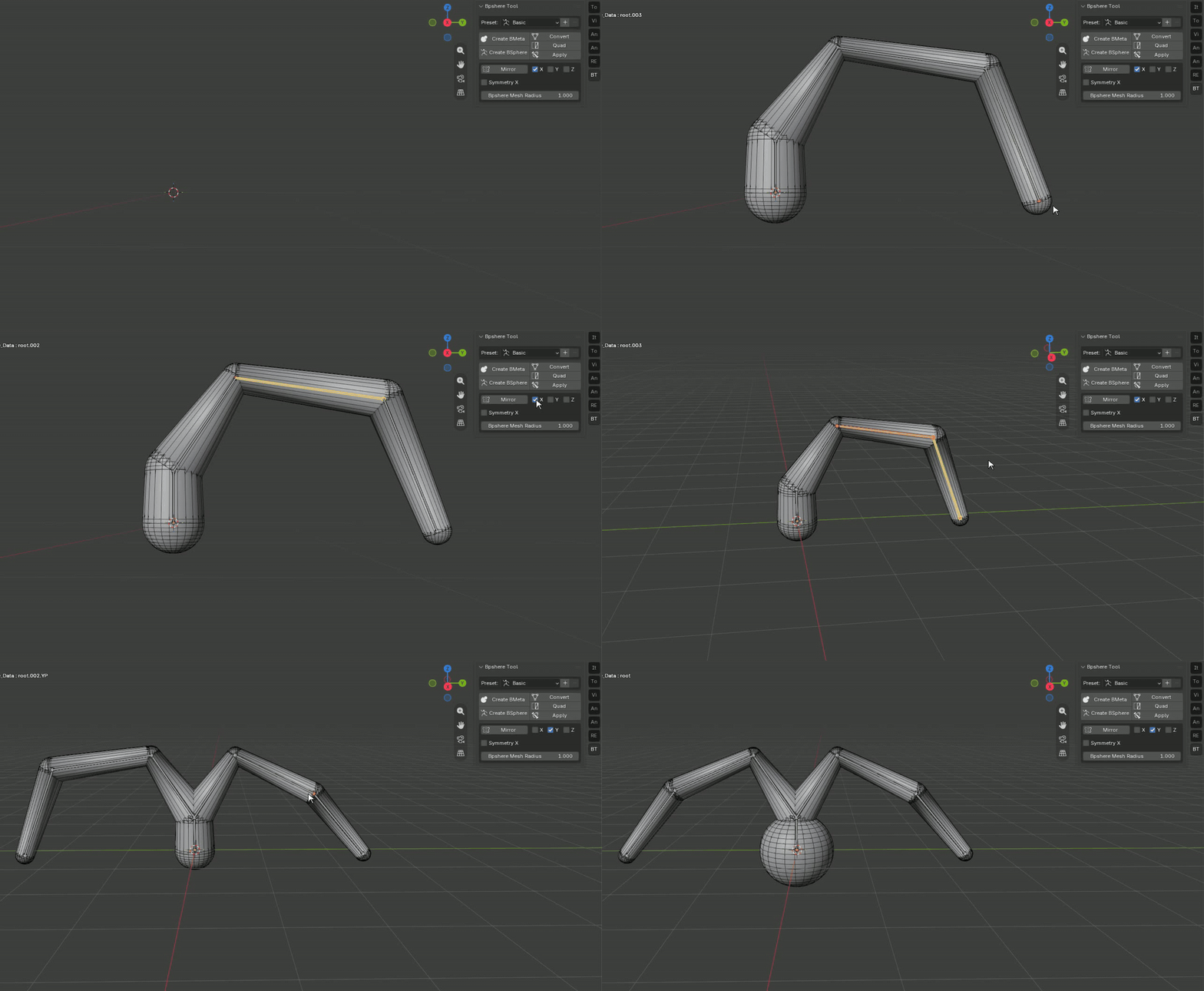
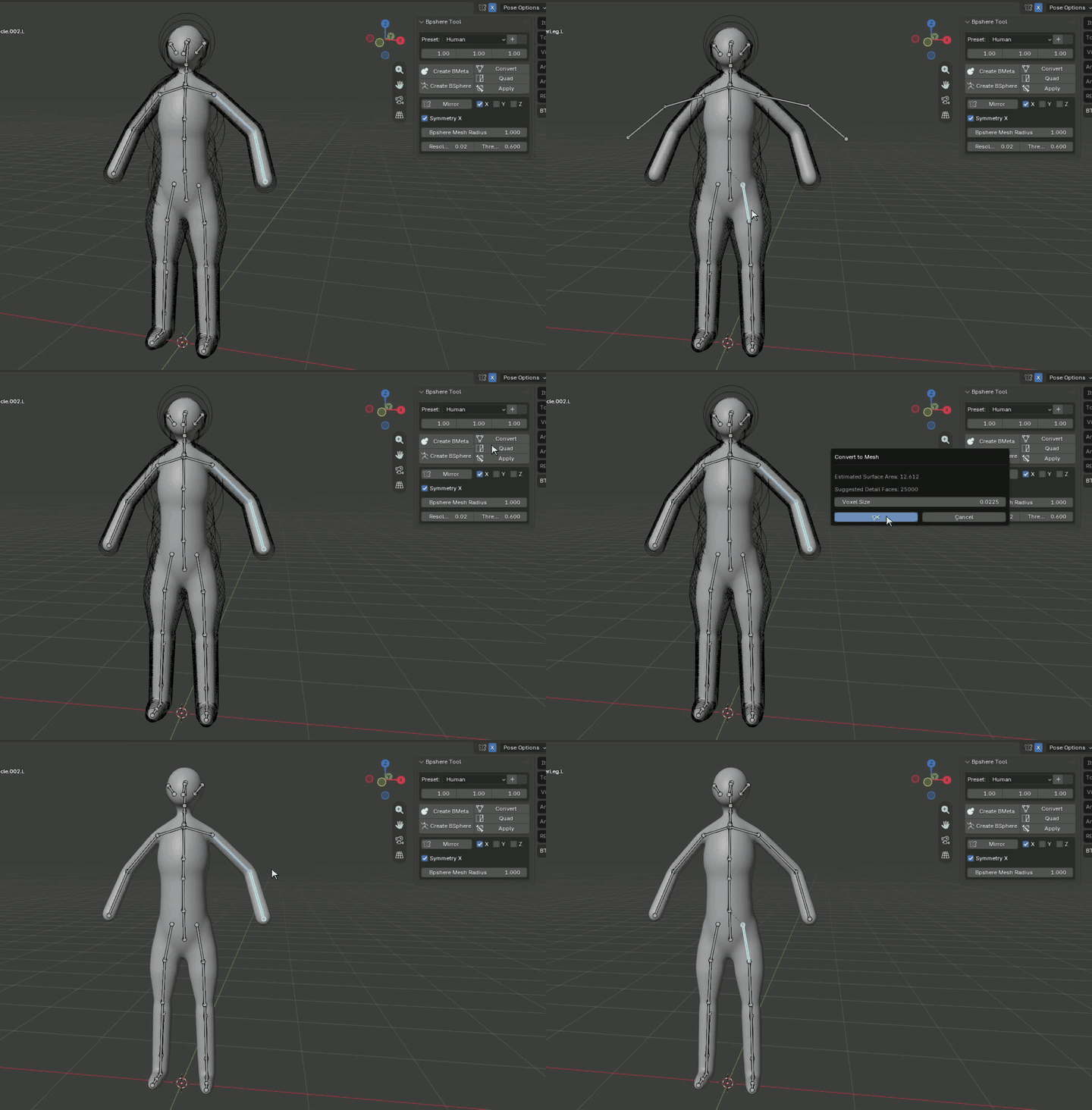
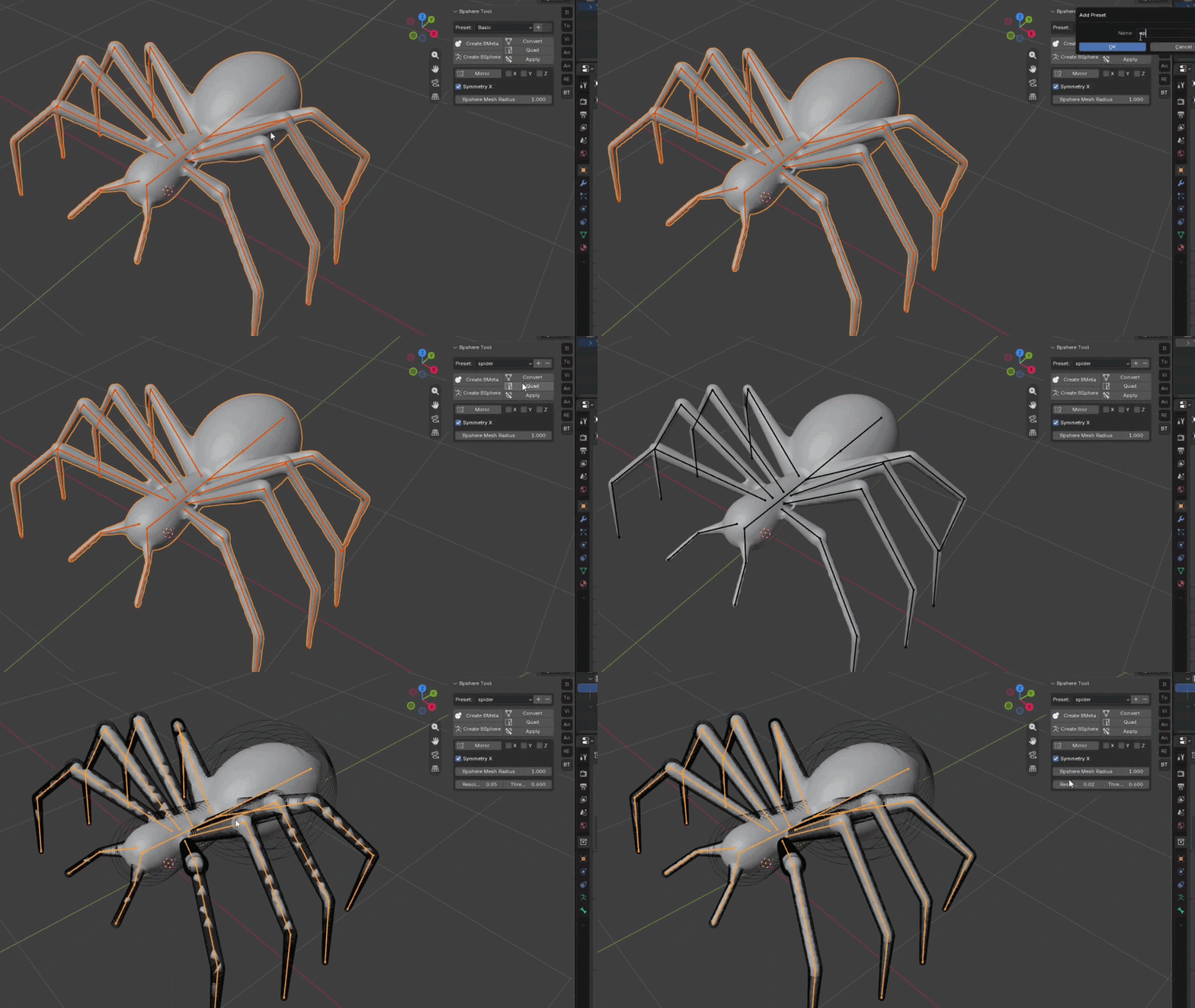
process : edit mode > E extrude (S scale if you want) > Convert (voxel) > quad (if you want) > apply
DESIGN THE SILHOUETTE FIRST
Build forms without manually placing primitives.
Start from a useful preset or a simple base. Extend the armature, adjust endpoint radii and focus on the overall shape. BSphere Tool keeps the early modeling stage fast, flexible and non-destructive.
Two Workflows. One Fast Start.
|
BSPHERE WORKFLOW
Direct volume control
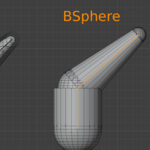
Create responsive sphere and cylinder-based forms driven by an armature. Perfect for controlled proportions, stylized forms and fast silhouette design.
|
BMETA WORKFLOW
Smooth organic blending
Use metaball-based blending for naturally fused, organic forms. Ideal for soft transitions, creatures and smooth blockout surfaces.
|
BSPHERE WORKFLOW
Shape the volume directly from the armature.
Build your form by extending bones and controlling the radius at each endpoint. Create broad torsos, thin limbs, tails, horns and any custom silhouette with immediate visual feedback.
FINE-TUNE THE FORM
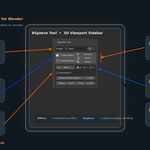
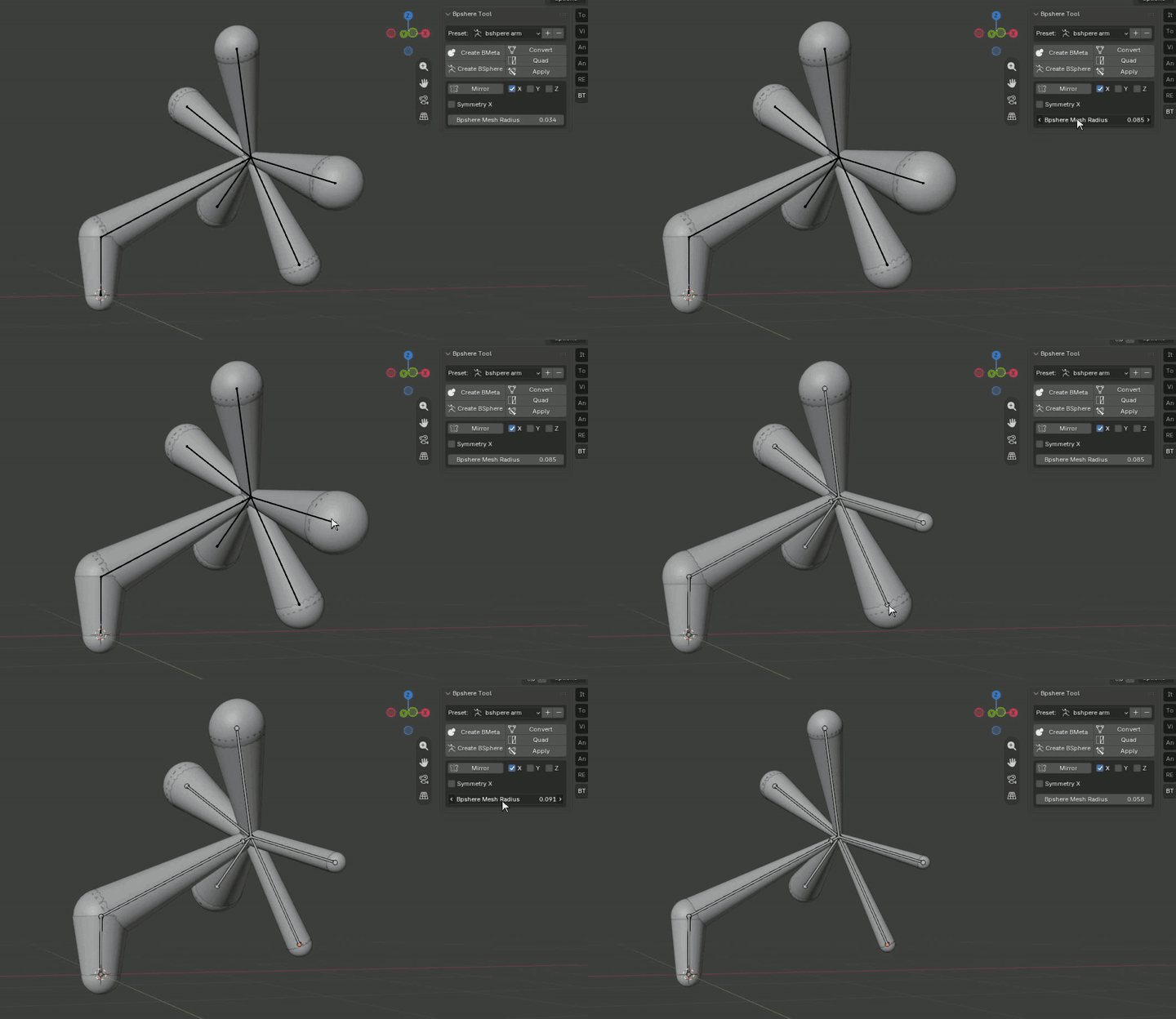
Control BSphere radius with precision.
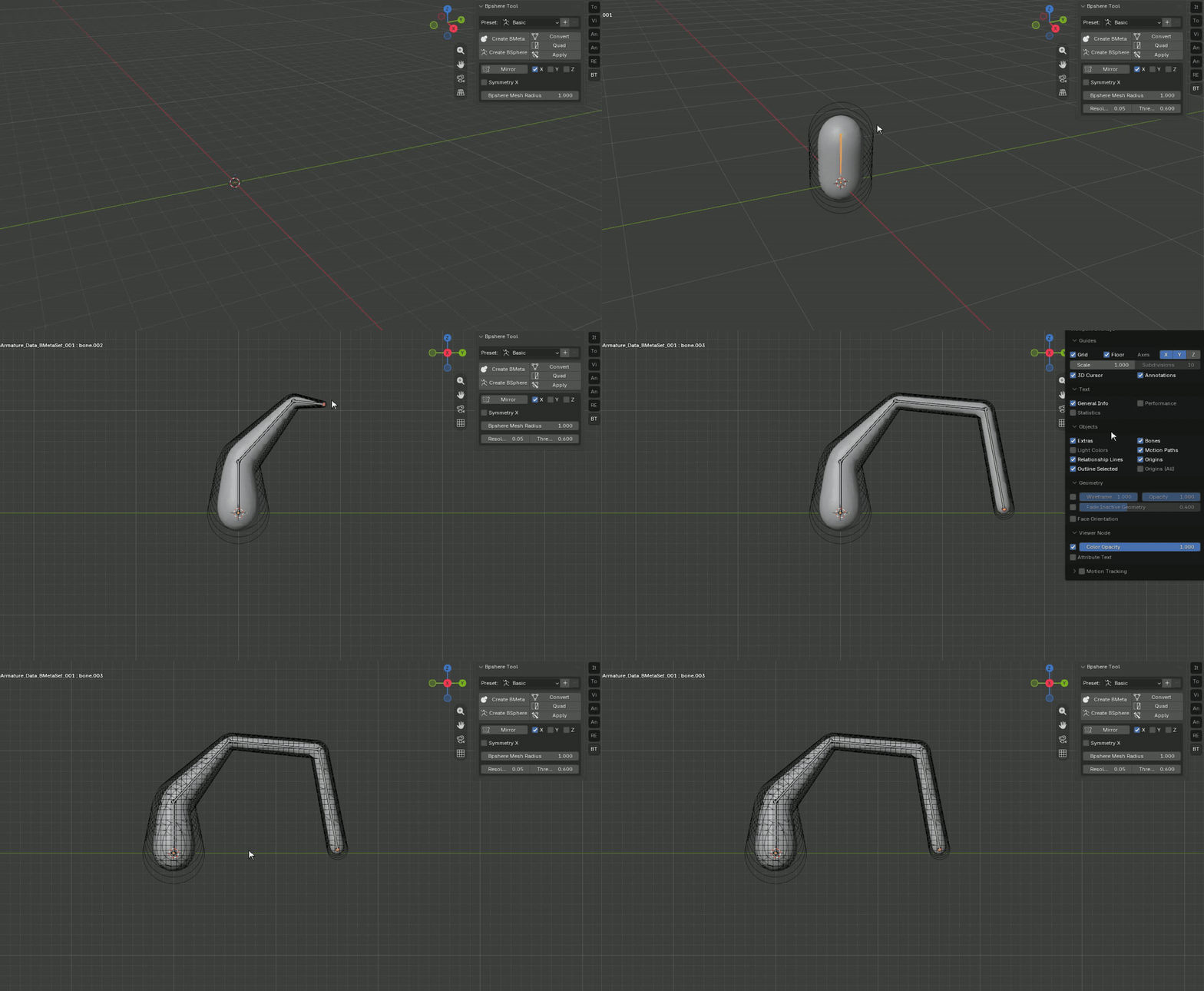
Adjust the radius of each part to create natural tapering. Move from broad volumes to narrow details without rebuilding your structure.
FROM LIVE VOLUME TO MESH
Convert your form when it is ready.
Convert joins the generated visual forms into a unified mesh and automatically binds it to the armature. Continue sculpting, posing or refining the result.
MIRROR WITH AXIS CONTROL
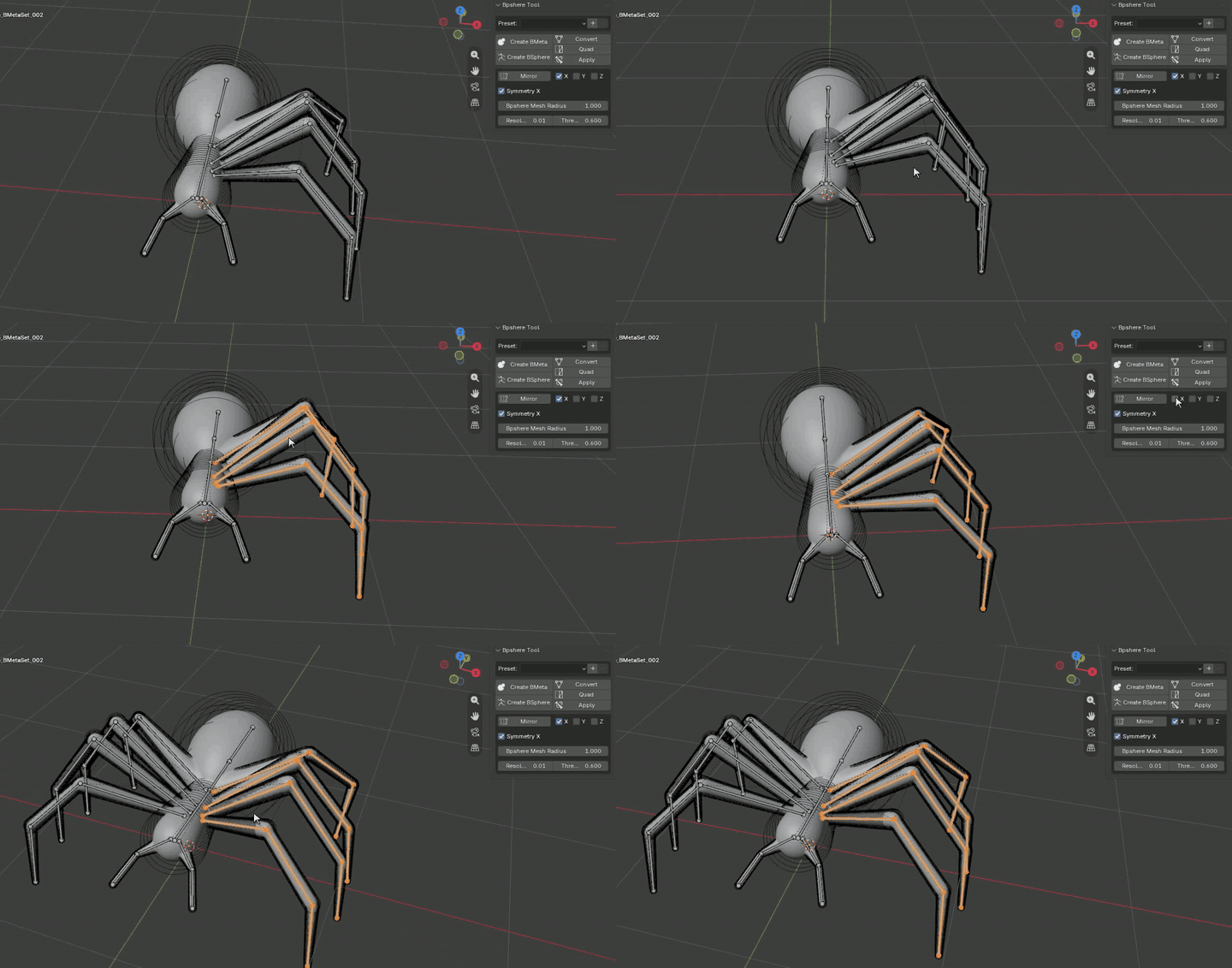
Build one side. Create the other instantly.
Use Mirror to duplicate the selected construction across the X, Y or Z axis. A fast way to complete balanced forms without repeating the same work.
READY-TO-USE PRESETS
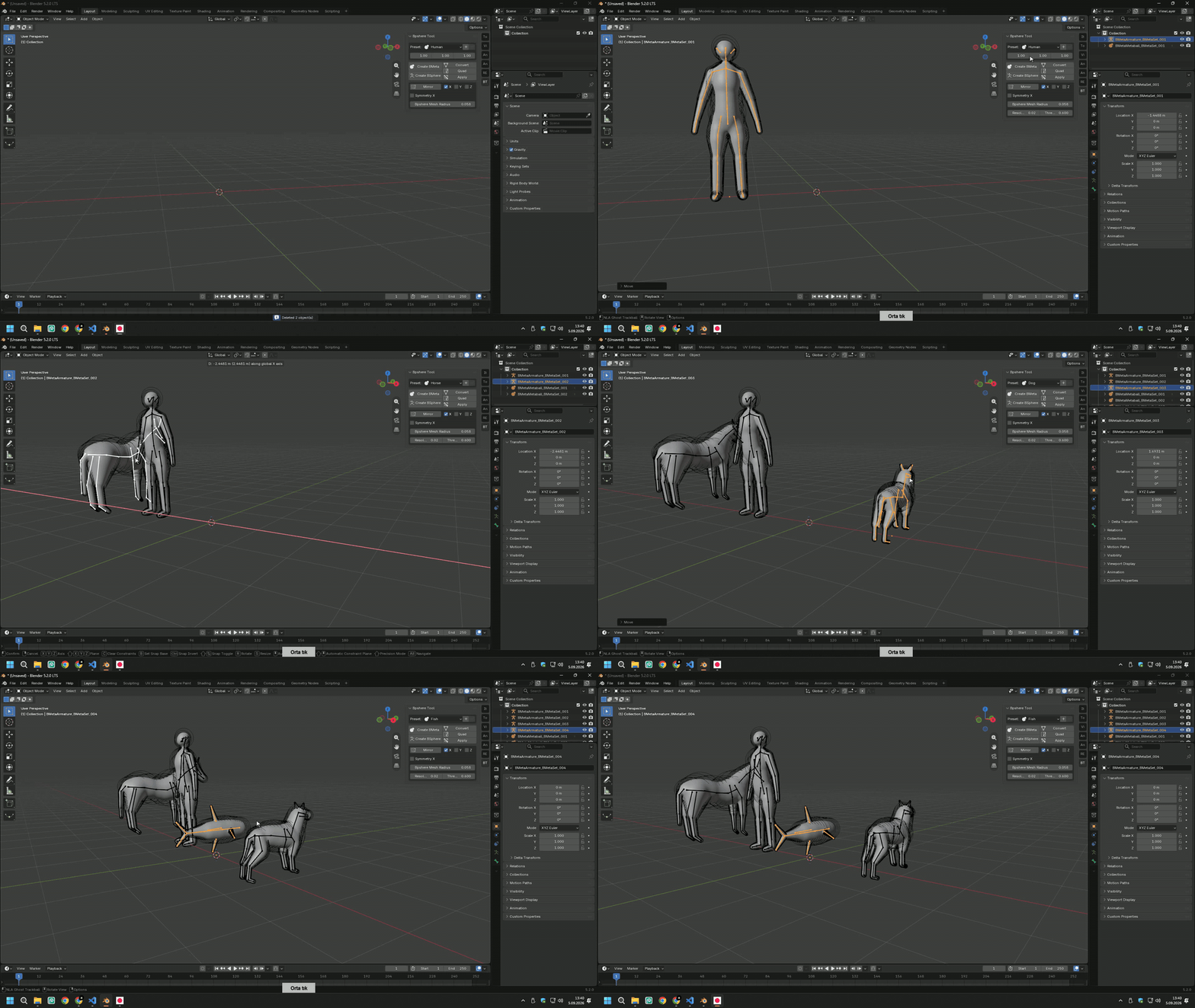
Start with a useful base structure.
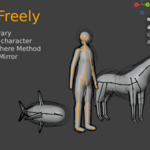
Choose Basic, Human, Horse, Dog or Fish. Save and reuse your own custom presets whenever you create a setup worth keeping. Workflow icons clearly identify BMeta and BSphere presets.
RETAIN THIN DETAILS
Adjust resolution for the form you need.
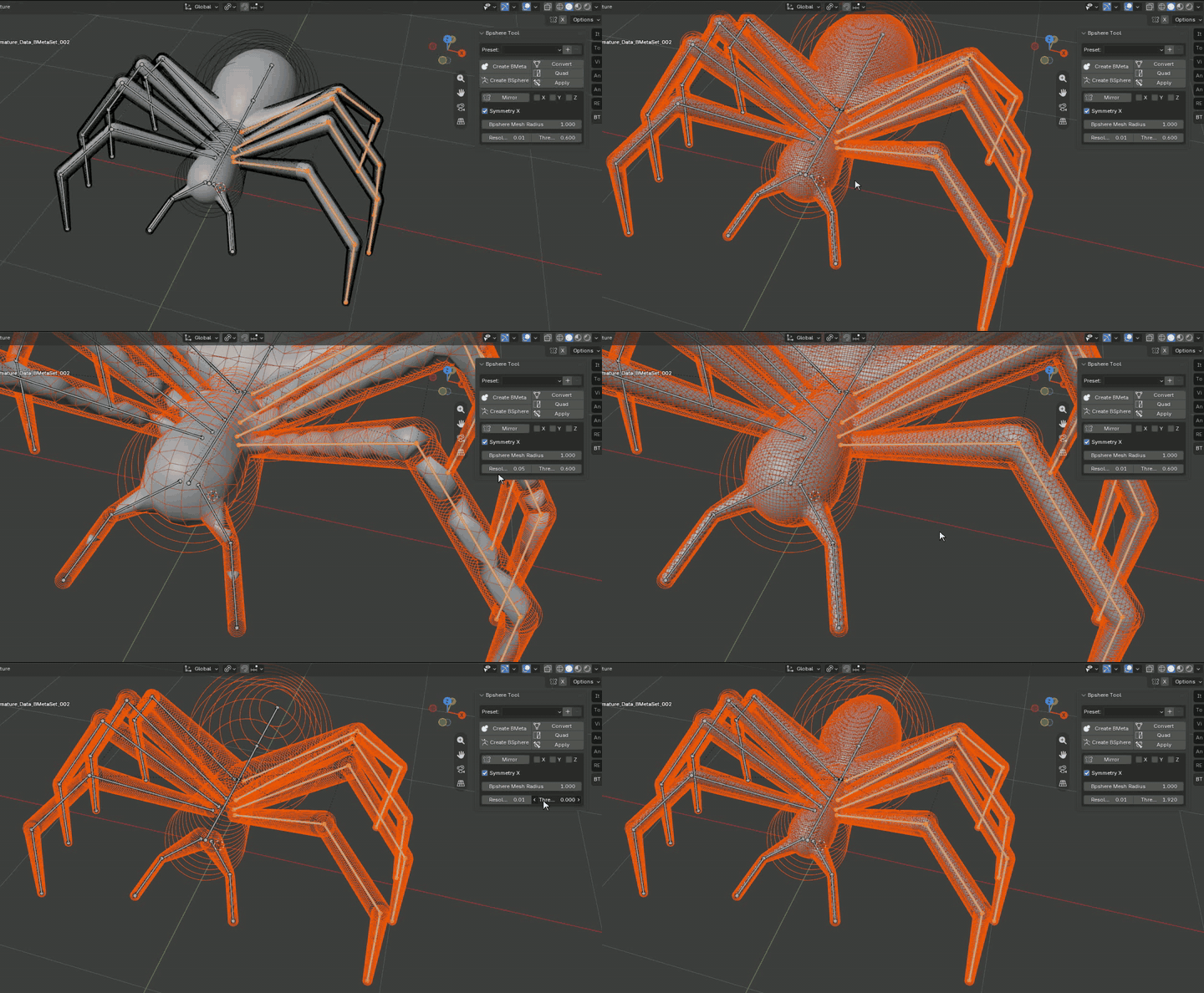
Fine-tune mesh and metaball resolution to retain thin elements and achieve the right balance between detail and performance.
LIVE SYMMETRY X
Edit once. Keep both sides matched.
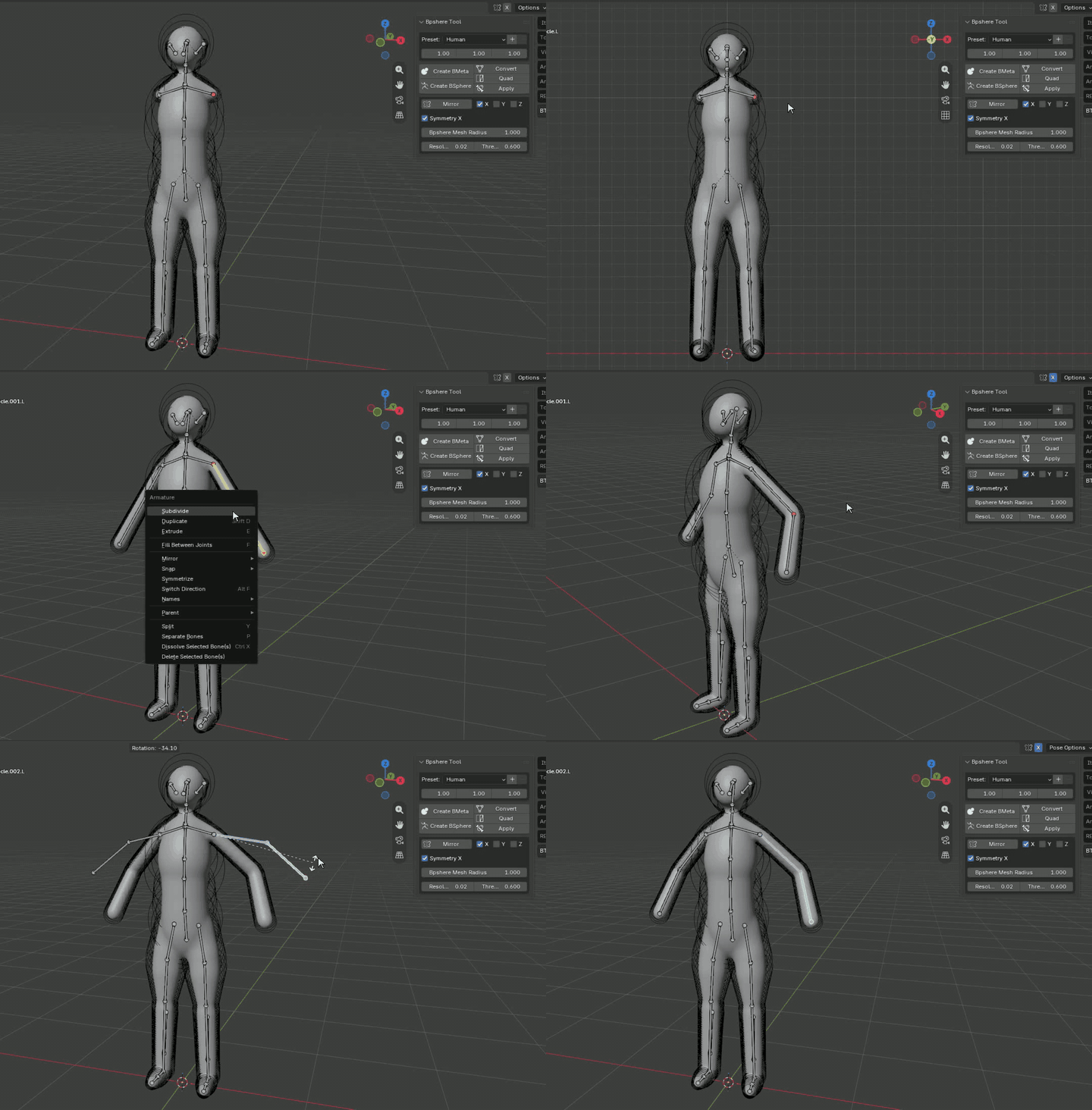
Enable Symmetry X to synchronize new edits across the X axis while you work. It is ideal for characters, creatures and any bilateral form.
FINALIZE YOUR MODEL
Create → Convert → Quad → Apply
| CREATE Live armature volume |
CONVERT Joined voxel mesh |
QUAD Optional topology pass |
APPLY Final standalone mesh |
SEE IT IN ACTION
Watch the workflow in motion.
Spend less time building primitives.
Spend more time designing forms.
Spend more time designing forms.
BSphere Tool · Created by ZA Studio