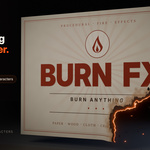
Burn FX
 Animation Store

Install
- Unzip the download. Keep
burn_fx-1.0.0.zipzipped: that file is the add-on. - In Blender, open Edit › Preferences › Get Extensions.
- Open the ⌄ menu at the top right and choose Install from Disk…, then select
burn_fx-1.0.0.zip. - Press N in the 3D Viewport and open the Burn FX tab.
To update, install the new zip the same way; it replaces the old version.
Quick start
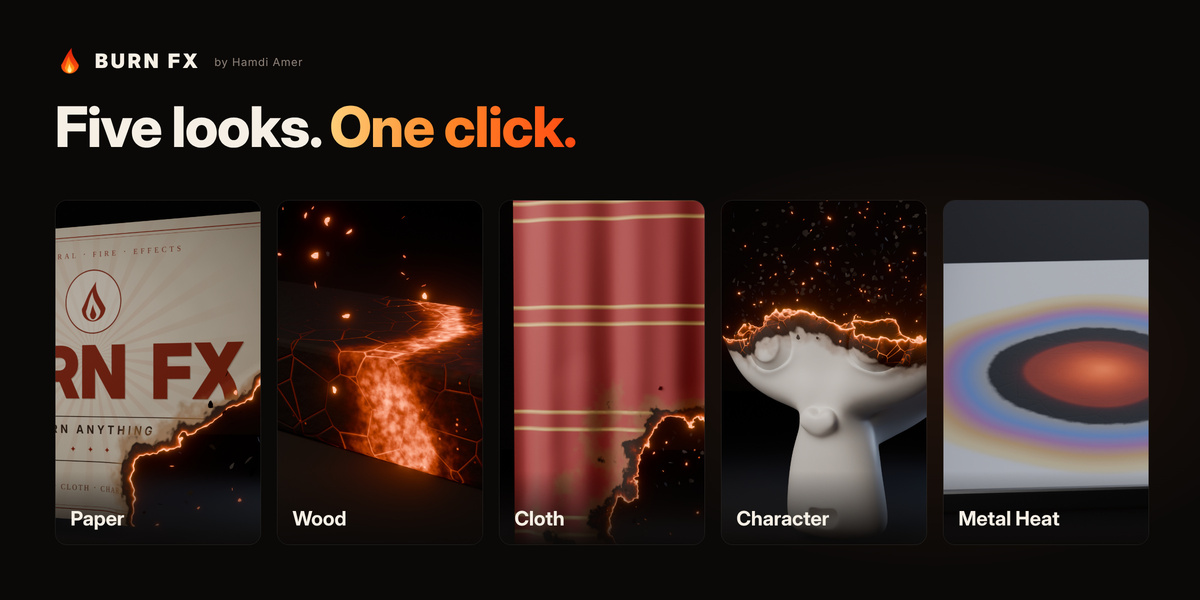
- Select a mesh, pick a look from the gallery and click Add Burn. The burn appears at 40% so you can see it straight away.
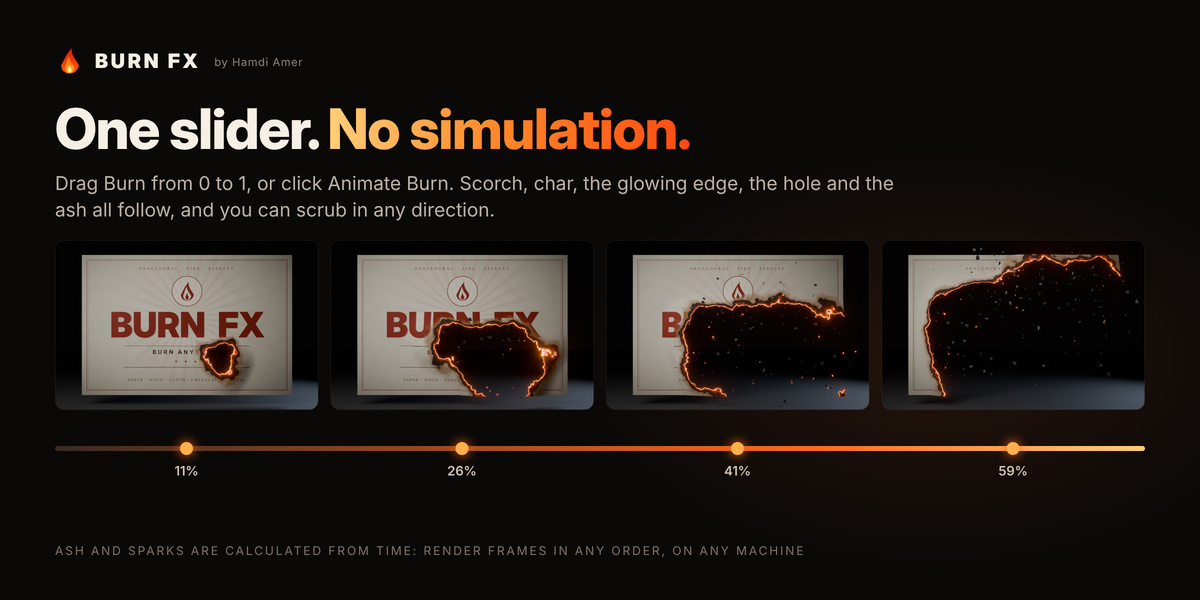
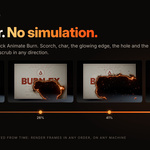
- Drag Burn from 0 to 1, or click Animate Burn and set a start frame and duration.
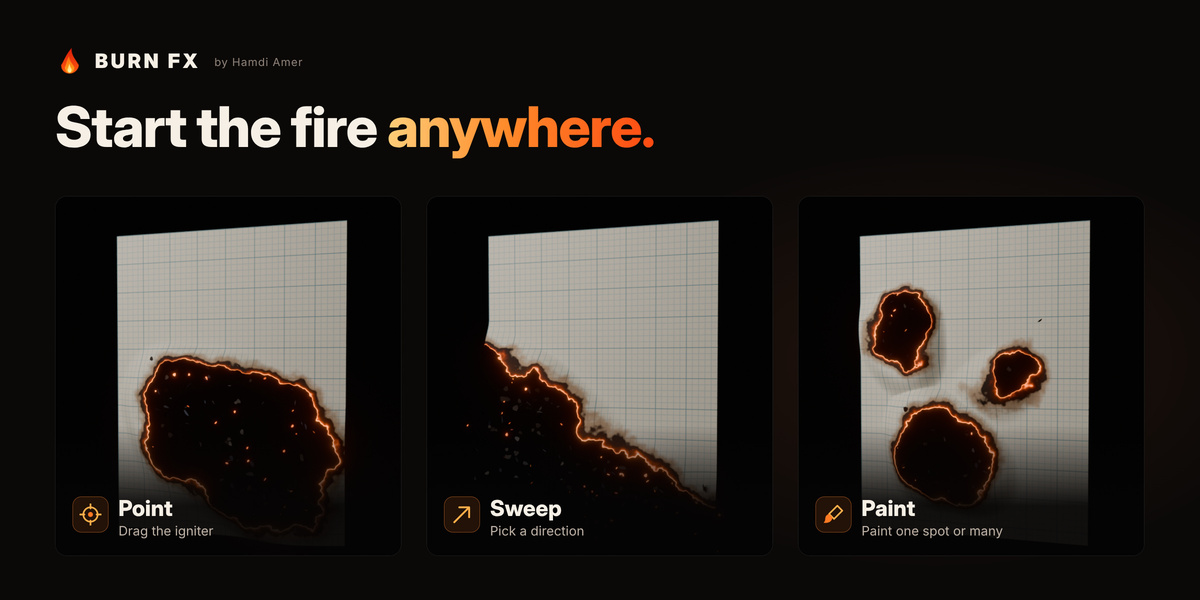
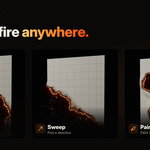
- Choose where the fire starts: Point (move the igniter), Sweep (arrow buttons) or Paint.
- Optional: turn on Fire Bloom. On heavy scenes, use Bake for Playback.
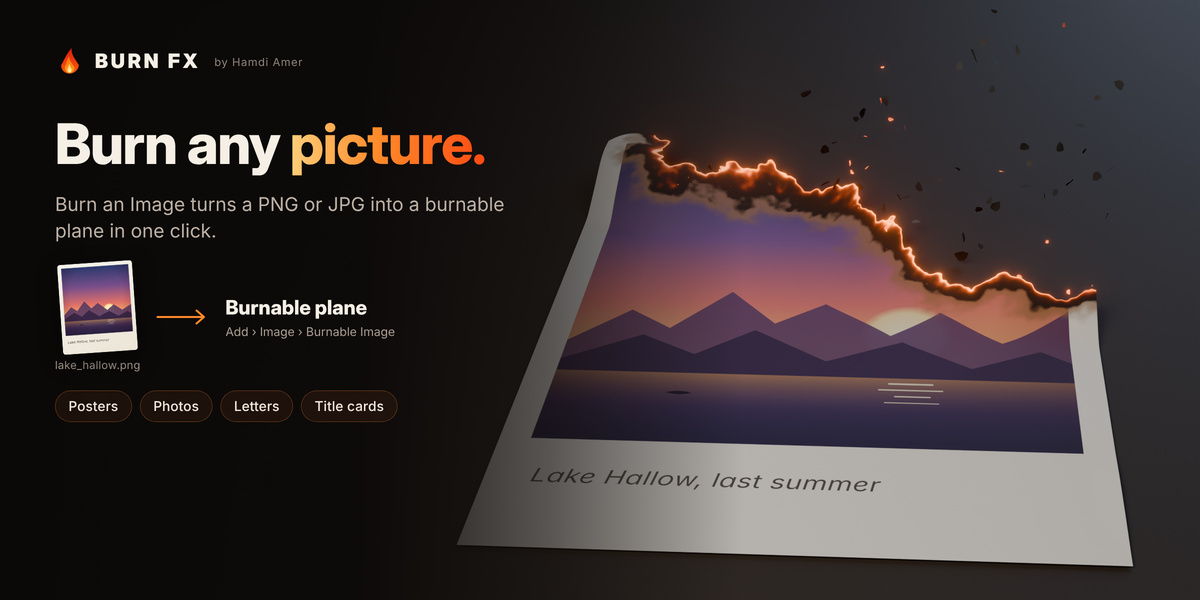
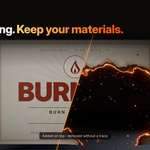
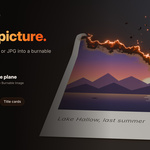
To burn a picture, click Burn an Image… (also in Add › Image › Burnable Image). You can also right-click any mesh and use Burn FX.
Panel reference
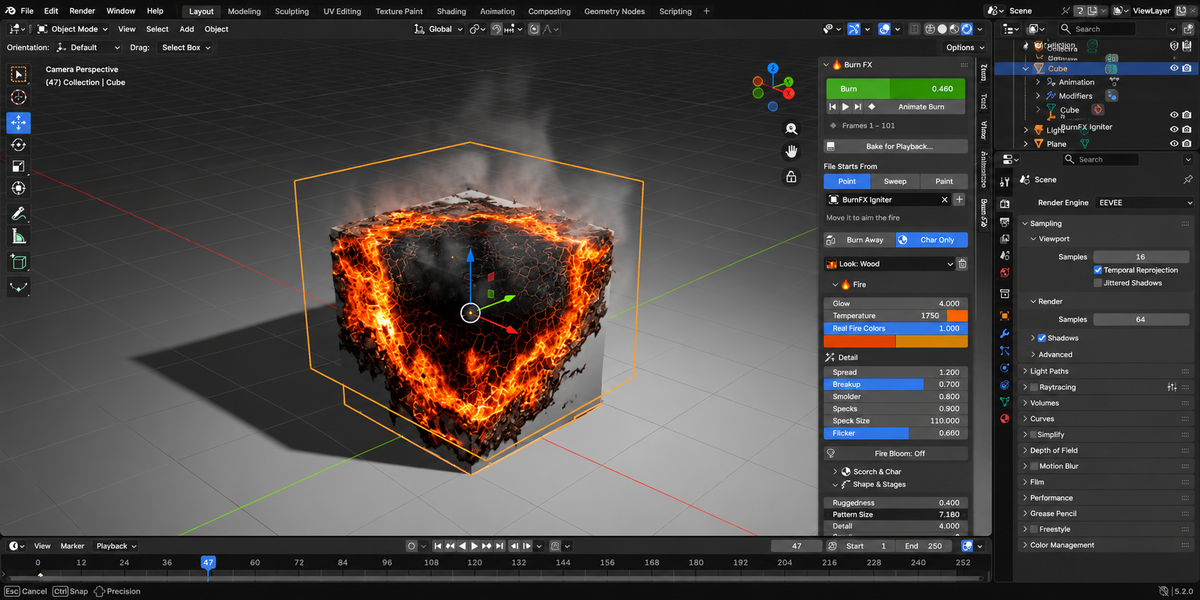
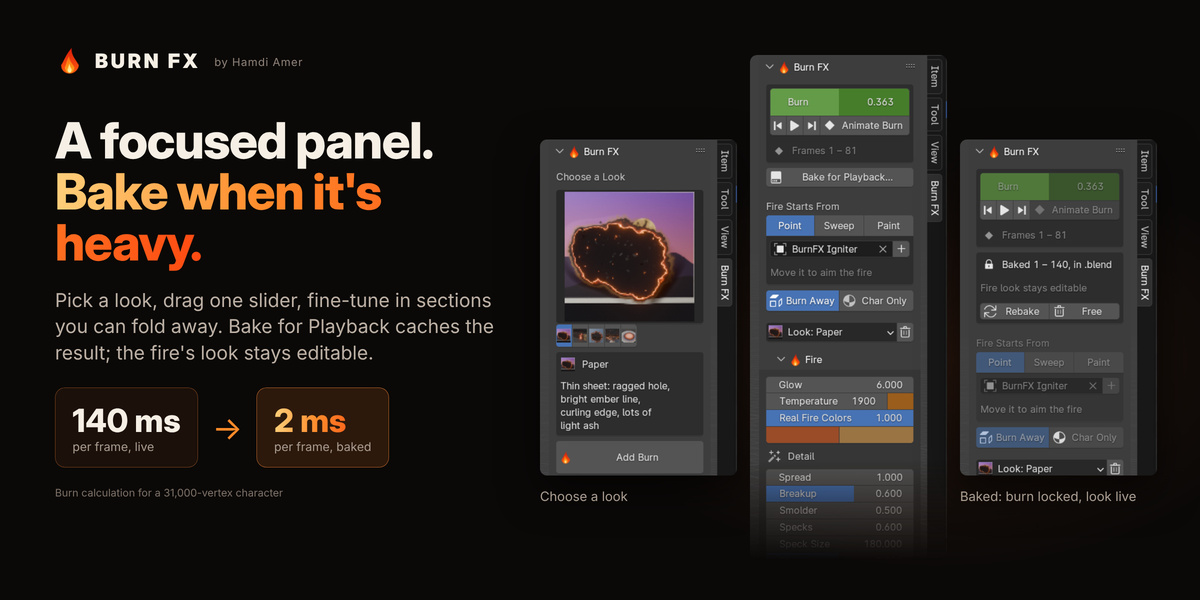
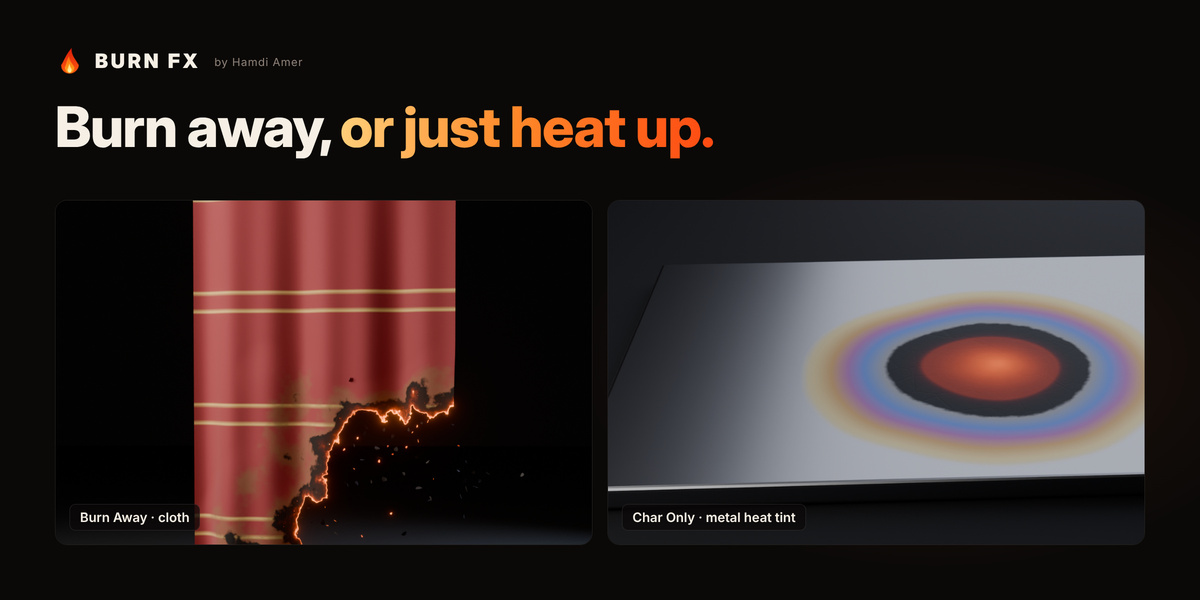
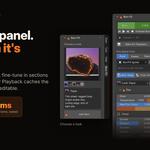
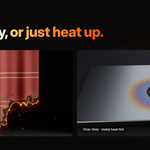
- Burn FX: Burn slider, playback, Animate Burn, Bake for Playback, where the fire starts, Burn Away or Char Only, current look, Remove.
- Fire: Glow, Temperature (with a colour swatch), Real Fire Colors, own Ember and Hot colours, Spread, Breakup, Smolder, Specks, Speck Size, Flicker, Fire Bloom.
- Scorch & Char: scorch colour and browning, char colour, roughness and relief, crack glow and size, how embers cool, char inside, metal heat tint.
- Shape & Stages: raggedness, pattern size, detail, seed; widths of the scorch, char and glow bands.
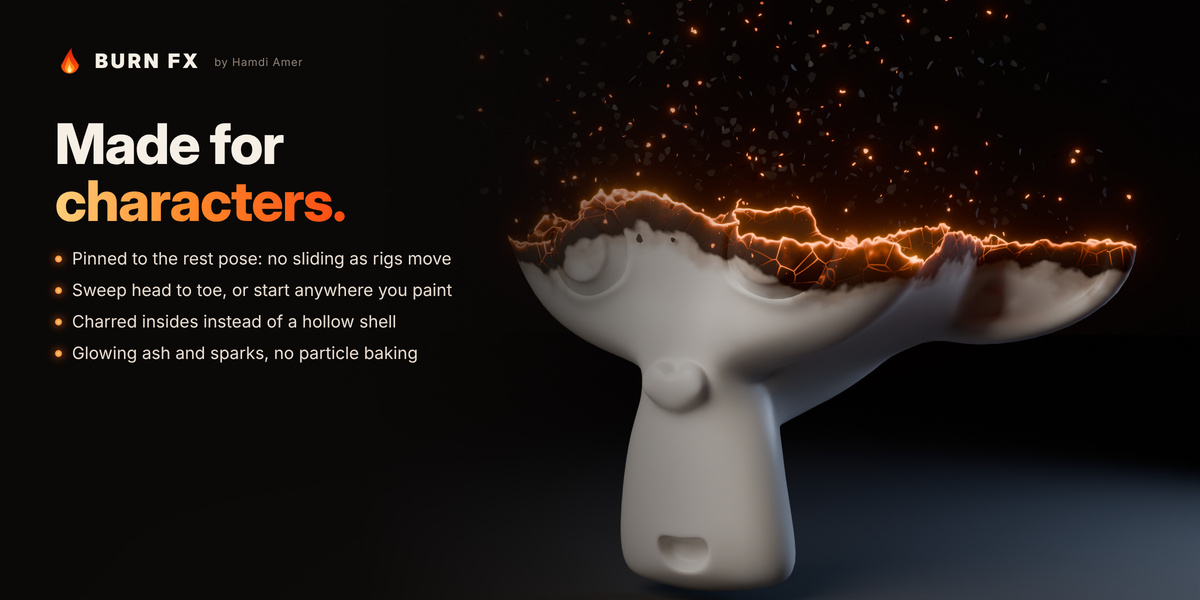
- Geometry: edge curl, subdivision, delete burned faces, pin to rest pose.
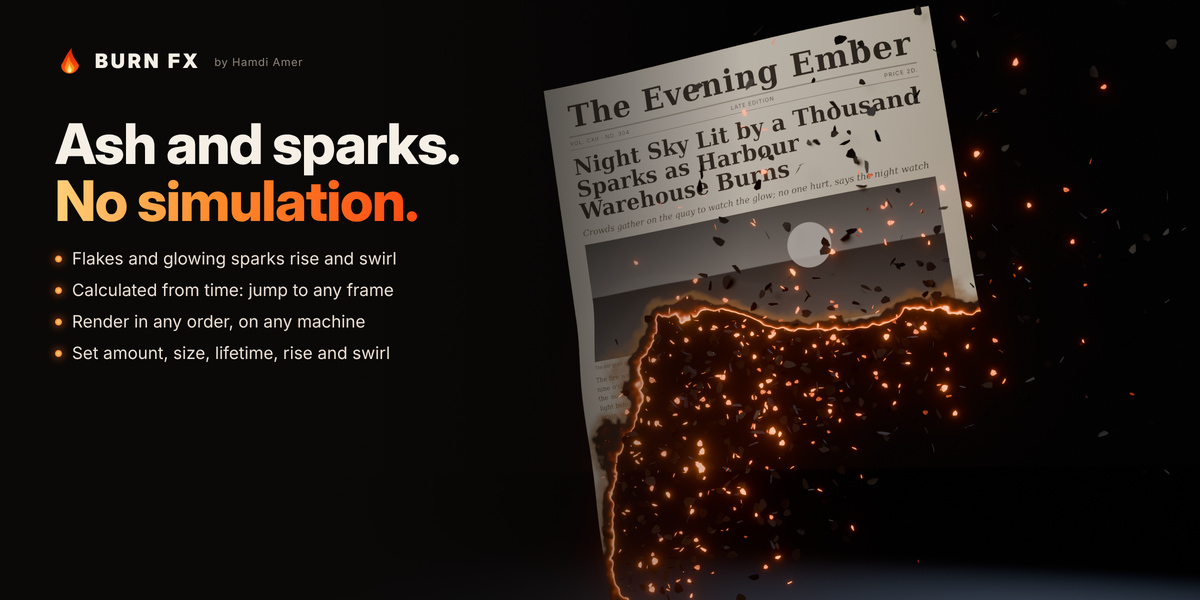
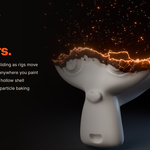
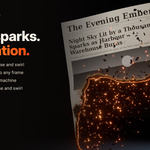
- Ash & Sparks: on/off; amount, size, lifetime; rise, swirl, share of glowing sparks; ash colour, glow and temperature; timing.
- Smoke: on/off (experimental); density, rise, resolution, colour.
Fire and Scorch & Char settings belong to the material; every other setting belongs to the object.
Bake for Playback
- Click Bake for Playback…. The suggested range runs from the first burn keyframe to the last, plus time for the ash to finish.
- Choose where to store it: inside the .blend (where your Blender version supports it) or a folder on disk next to the saved .blend.
- While baked, burn settings are greyed out; the fire's look stays editable. Click Rebake after changing the burn, or Free to go back to live editing.
Tips
- Animate the slider past 1. Animate Burn does this for you, so ash and smoke can finish their flight after everything has burned.
- Keep Char Inside at 0 for single-sided surfaces such as paper or leaves; otherwise their back side shows as charred.
- Raise Subdivide if a low-poly mesh burns away with a stepped silhouette. The panel shows the face count.
- Hand-keyed easing makes ash timing approximate; a linear animation (the default) is exact.
- Bloom in the viewport needs Viewport Shading › Compositor set to Always. It always shows in final renders.
 Included
Includes 12 months of
- Support from Animation Store
- Product updates
Extend this product’s Support Period +12 months: 50% of product price
Have questions before purchasing?
Login to message
| Blender Extension Compatible | Yes |
| Dev Fund Contributor | |
| Published | about 3 hours ago |
| Blender Version | 4.2 - 5.2 |
| Extension Type | Add-on |
| Render Engine Used | Cycles, Eevee |
| License | GPL |
Discover more products like this
char animation Ash Dissolve geometry nodes embers fire motion graphics procedural burning paper VFX burn