 Animation Store
Burn FX Add-on
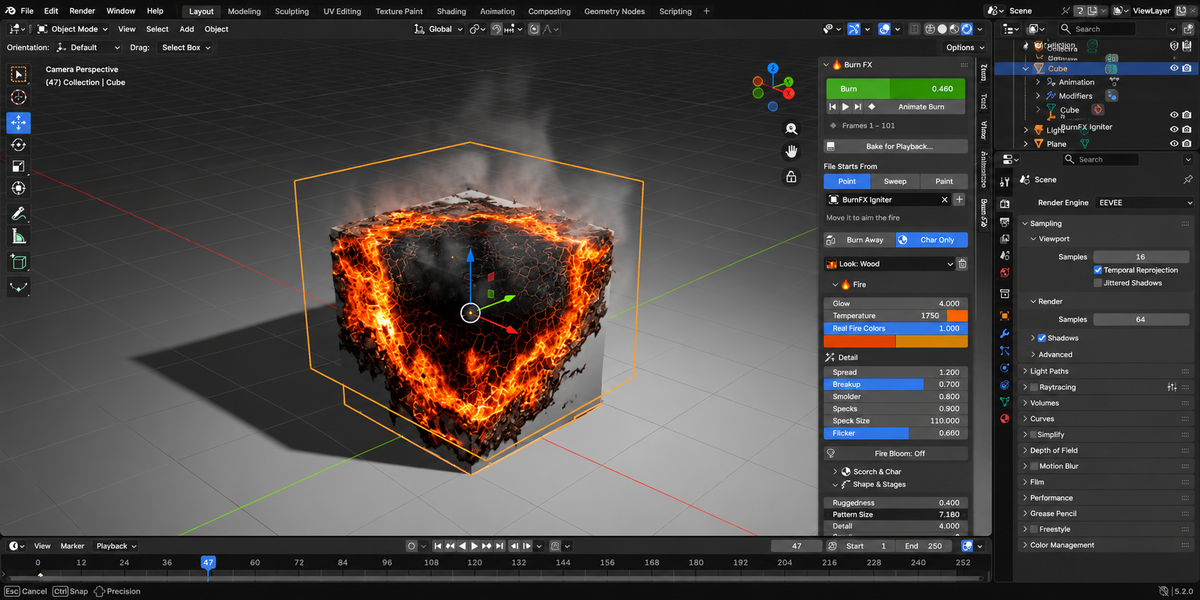
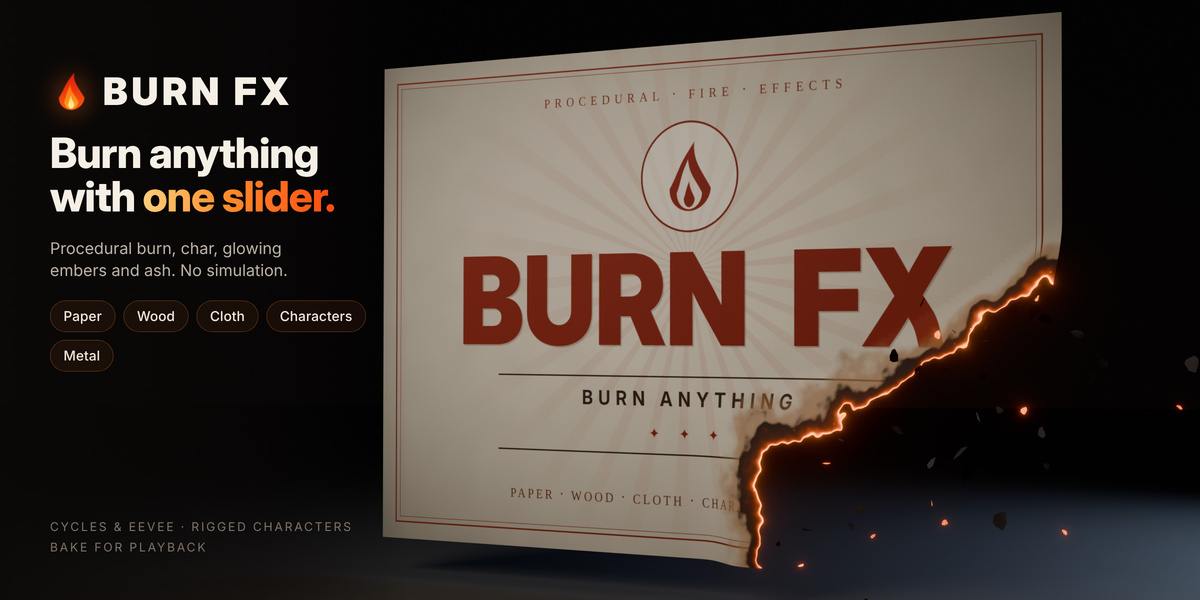
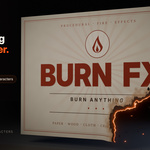
Burn anything with one slider. Burn FX turns any mesh into a burning one: paper curls and burns away, wood chars and smoulders, characters disintegrate into glowing ash, and metal heats until it glows. It is fully procedural and keeps your own materials. There is no fluid simulation, no particle baking and no node setup.
Built for motion designers, VFX artists and animators who want a convincing burn in minutes, not an afternoon of node work.
Features
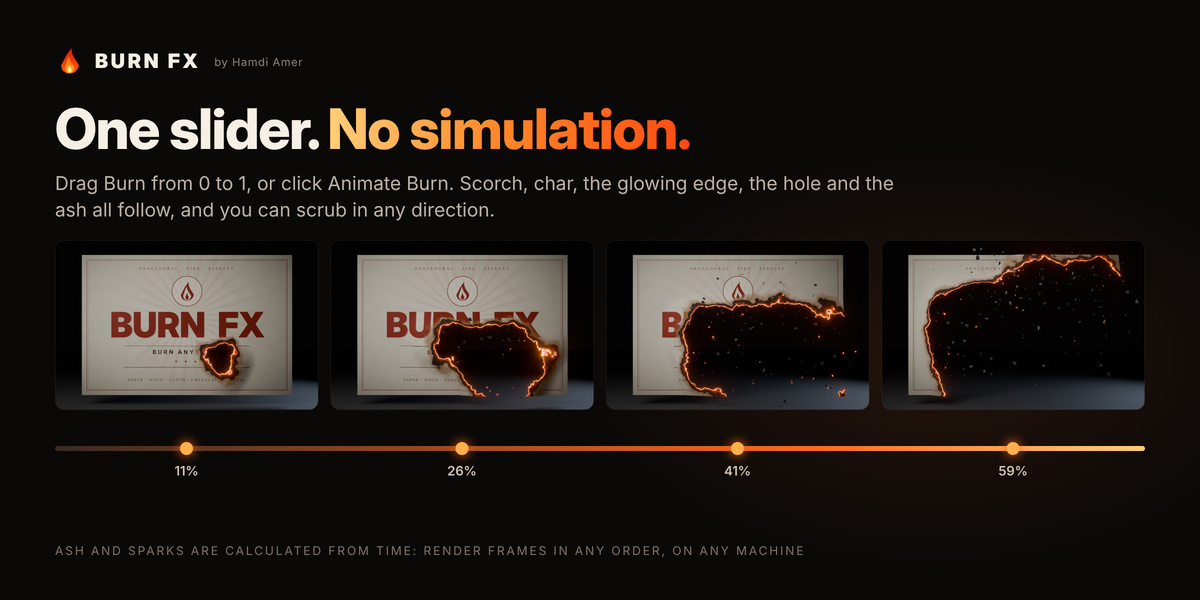
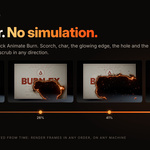
- One slider, the whole effect. Drag Burn from 0 to 1, or click Animate Burn. The scorch, char, glowing edge, hole and ash all follow it.
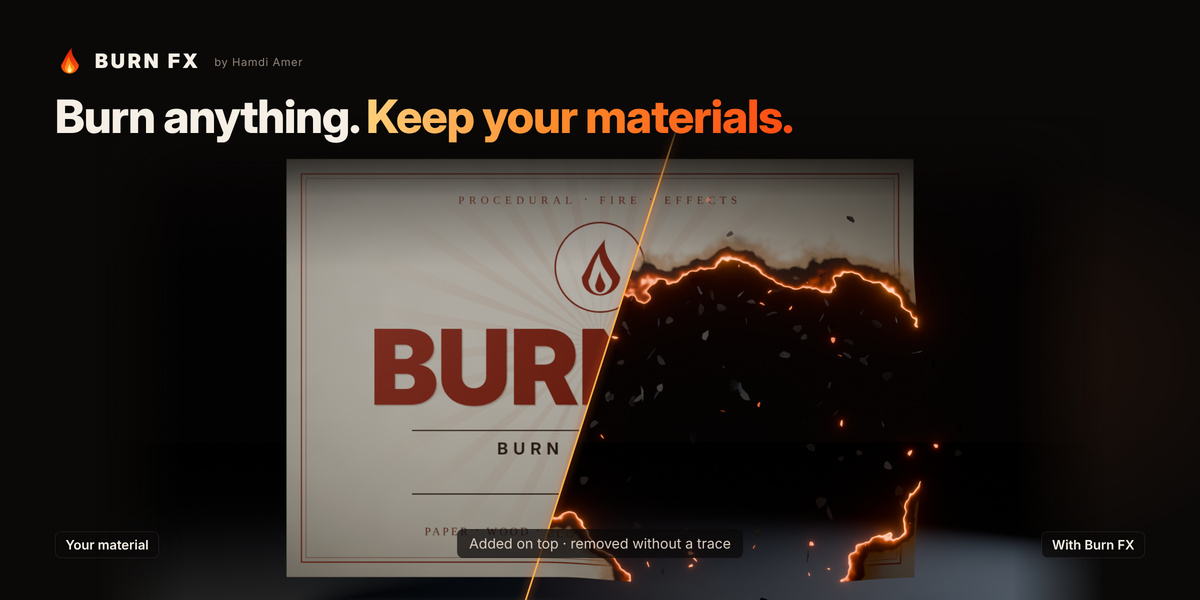
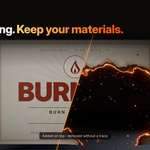
- Works on what you already have. Burn FX layers the burn over your existing materials and restores them exactly when you remove it. Objects that share a material but aren't burning keep looking normal.
- Fire that looks like fire. Colours come from real blackbody temperature, so the hottest edge glows orange-yellow and cooler embers fade to deep red. Uneven hot spots, granular embers, glowing cracks and flicker keep it alive.
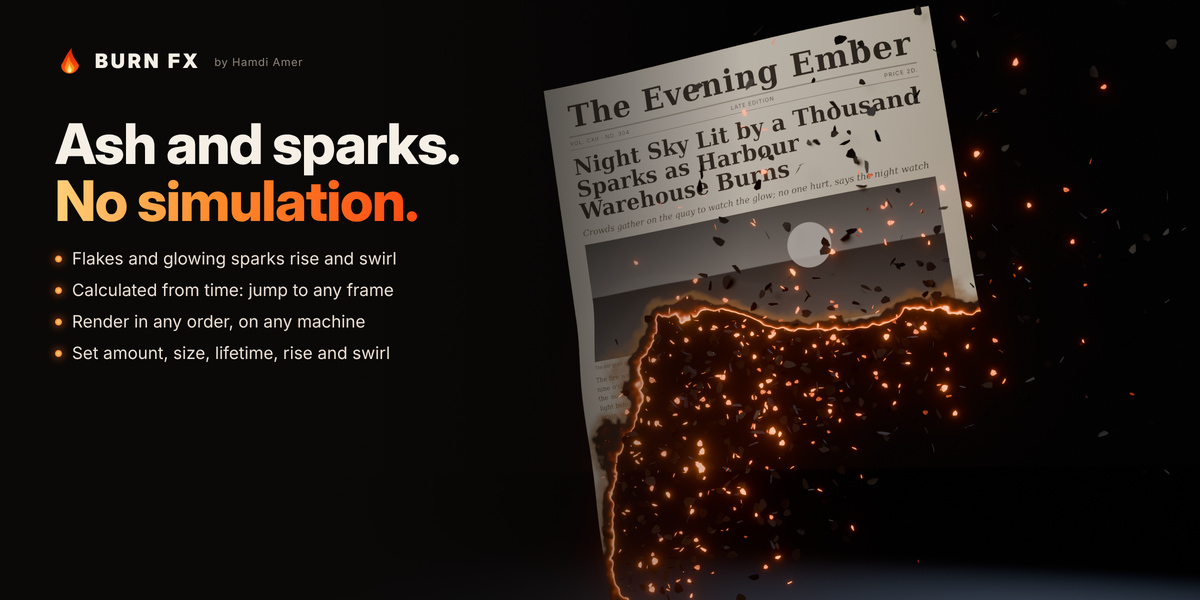
- Scrub freely, render anywhere. Ash and sparks are calculated directly from time, not simulated. Jump to any frame or render on a farm and get the same result every time.
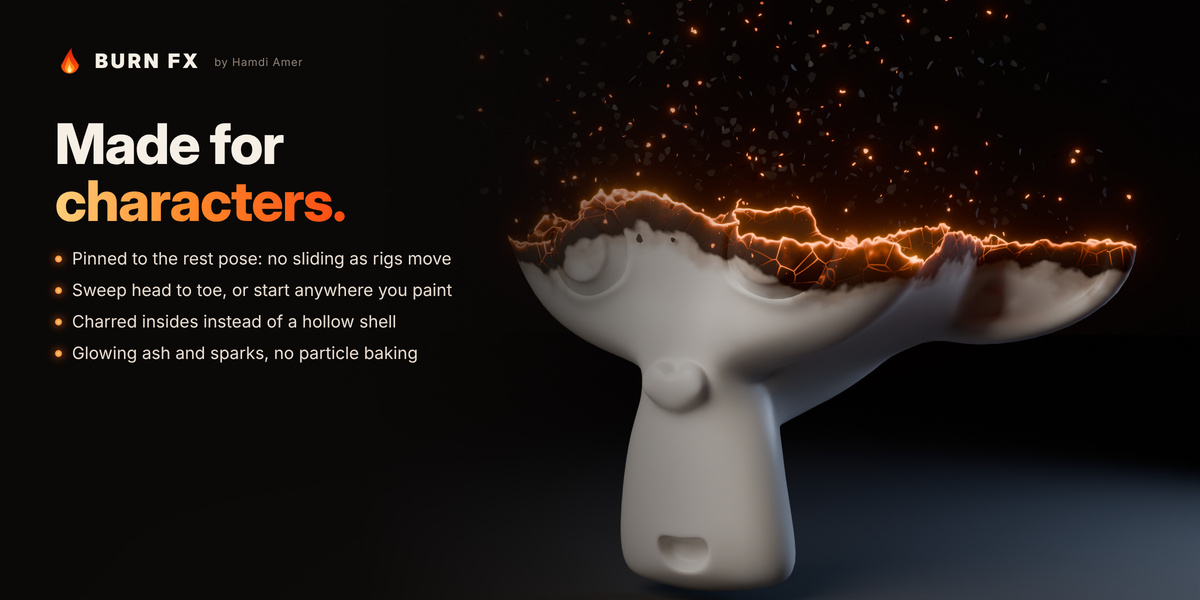
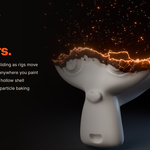
- Made for characters. The burn pattern is pinned to the rest pose, so it stays put while the rig moves. Closed meshes show charred insides instead of a hollow shell.
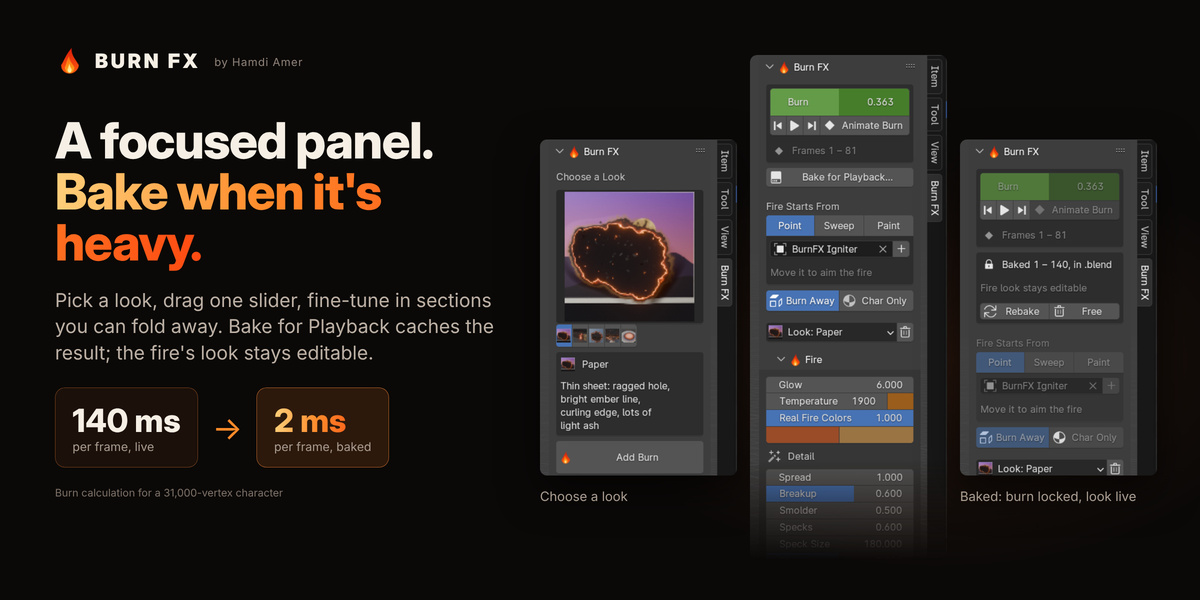
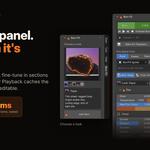
- Fast when you need it. Bake for Playback caches the result while the fire's look stays editable. On a 31,000-vertex character, frame calculation drops from about 140 ms to 1–2 ms.
Burning
- Burn slider drives everything; Animate Burn keys it over any frame range in one click.
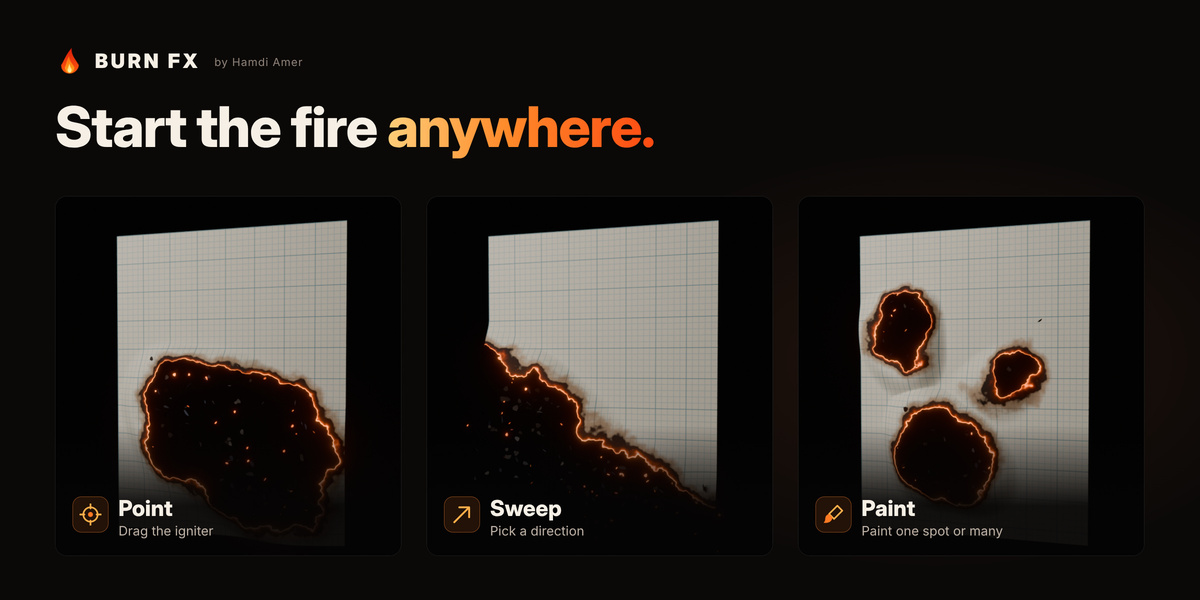
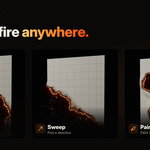
- Three ways to start the fire: Point (move an igniter), Sweep (a direction, with arrow buttons) or Paint (paint where it starts; it spreads outward from there).
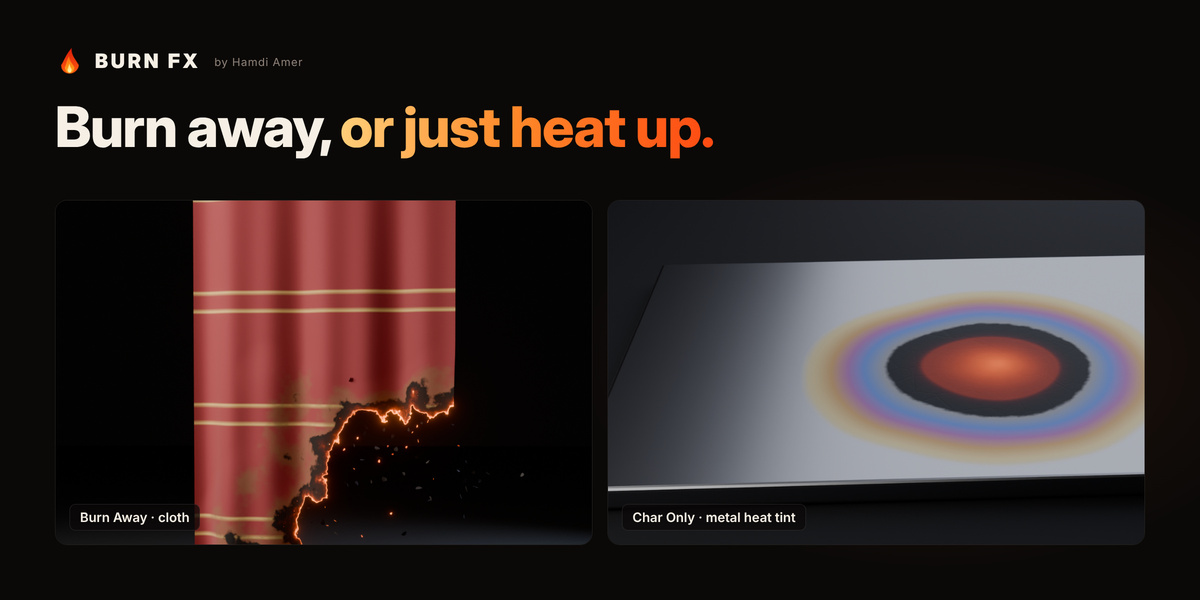
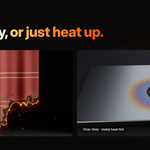
- Burn Away consumes the surface; Char Only chars it and lets the embers cool.
- Every spot goes through scorch → char → glowing ember → consumed, along a ragged edge you can shape.
- Edge curl for paper, automatic subdivision for low-poly meshes, and real deletion of burned faces for a clean silhouette.
- Rest-pose pinning for rigged and deforming meshes.
Fire material
- Blackbody colour from a temperature in Kelvin, with brightness falling off like real embers.
- A hot core line plus a granular glow band, uneven hot spots, smouldering patches, twinkling ember specks and two-speed flicker.
- Glowing cracks in charred wood and heat tint (straw, bronze, purple, blue) for metal.
- Fire Bloom adds a compositor glow in one click.
- The look stays editable at any time, even after baking.
Ash, sparks and smoke
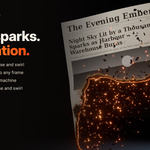
- Procedural ash flakes and glowing sparks that rise and swirl, with no simulation.
- Experimental smoke: procedural volume wisps rising from the burned area.
Workflow
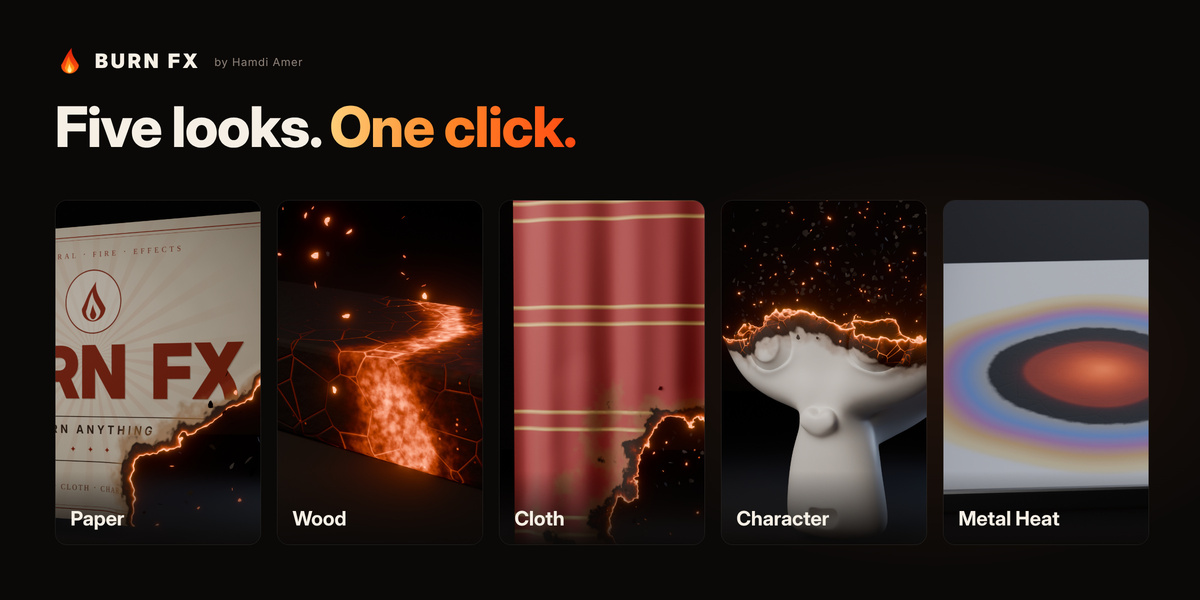
- Preset gallery with five looks and thumbnails.
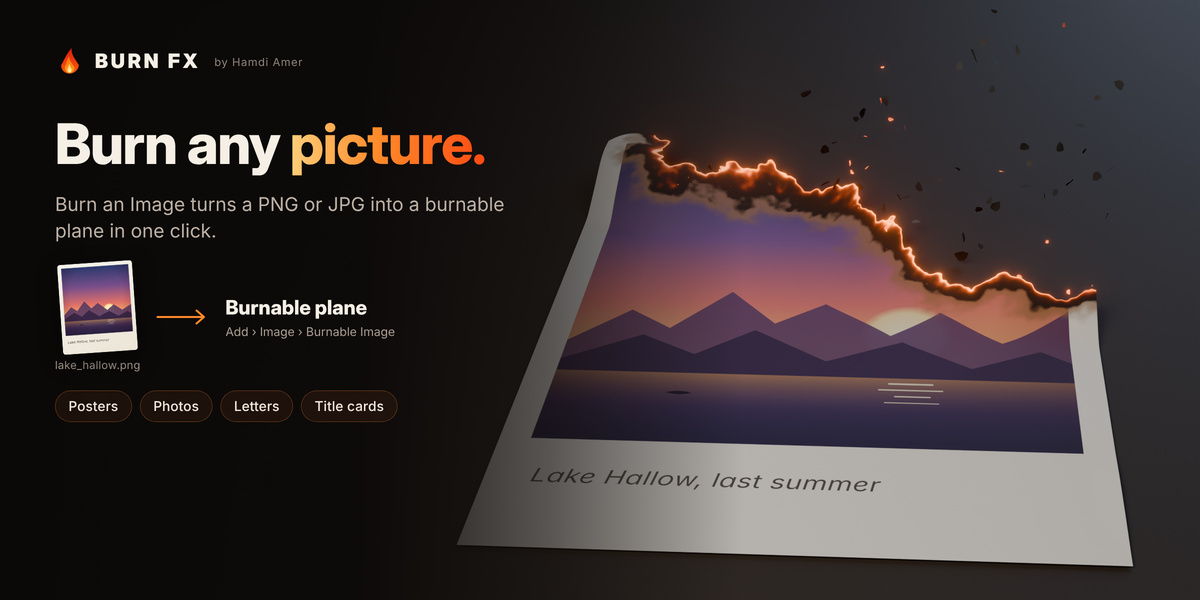
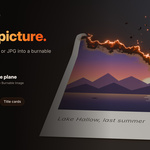
- Burn an Image turns any picture into a burnable plane.
- Bake for Playback caches the result inside the .blend or on disk.
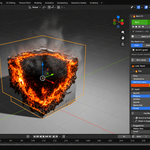
- A clean sidebar panel, a right-click menu, and both Cycles and EEVEE.
Five presets
Each preset sets the burn, the fire material and the ash together. All widths and sizes are relative to the object, so a preset looks the same on a postage stamp and on a billboard.
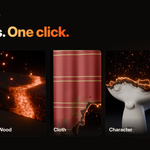
- Paper (posters, photos, letters, title cards): a ragged hole spreading from a point, a thin bright ember line, curling edges, light flakes of ash.
- Wood (planks, logs, furniture, signs): charring without burning away, glowing alligator cracks that cool behind the front, rising sparks.
- Cloth (flags, banners, curtains, clothing): a very irregular front, thin char, fine ash.
- Character (rigged characters, statues, products): disintegration from head to toe, glowing veins at the edge, charred insides, lots of glowing ash.
- Metal Heat (blades, plates, pipes, sci-fi panels): no burning, just heat-tint rings around a hot spot that glows dull red at the rim and orange at the centre.
