 ZEG
ZEG
Installation
In Blender open Edit, Preferences, Get Extensions, then use Install from Disk and pick the bus_generator zip.
Usage
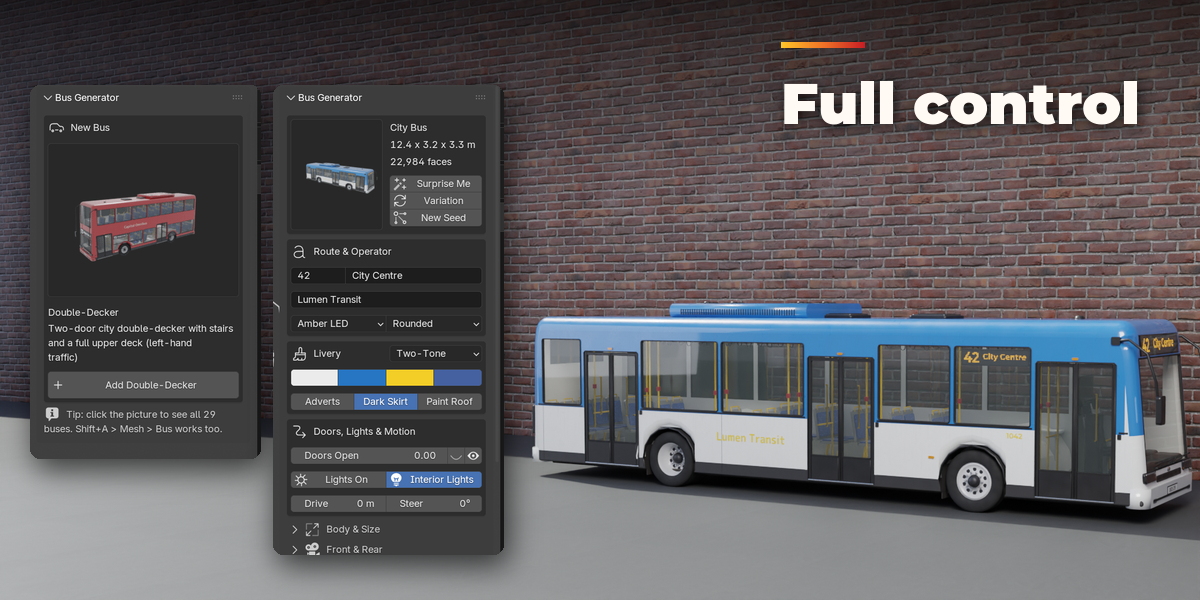
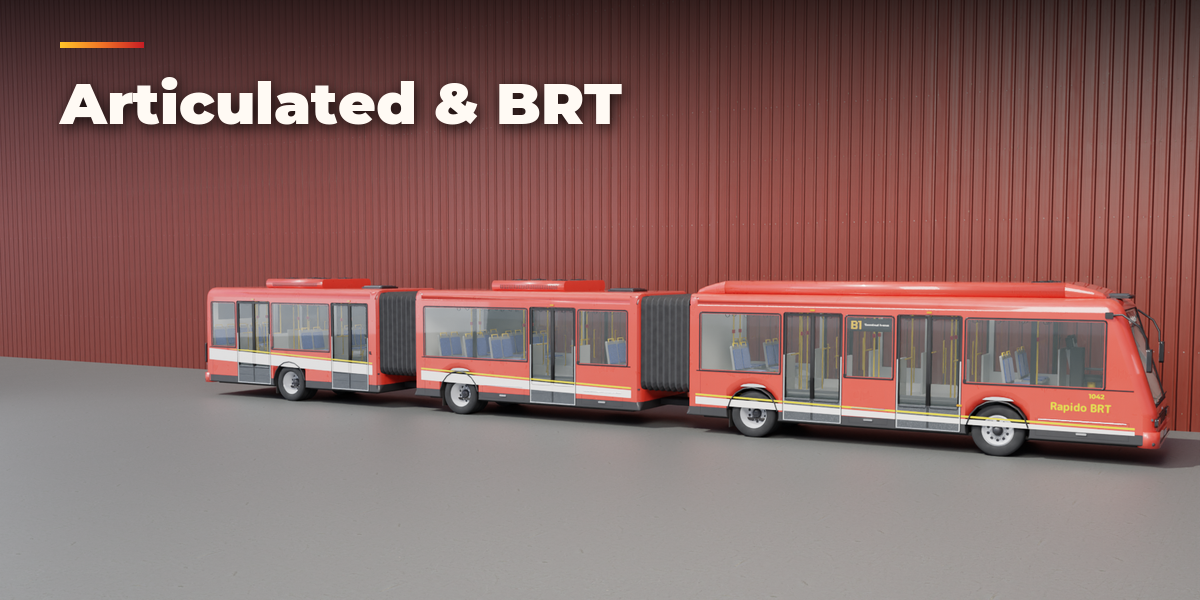
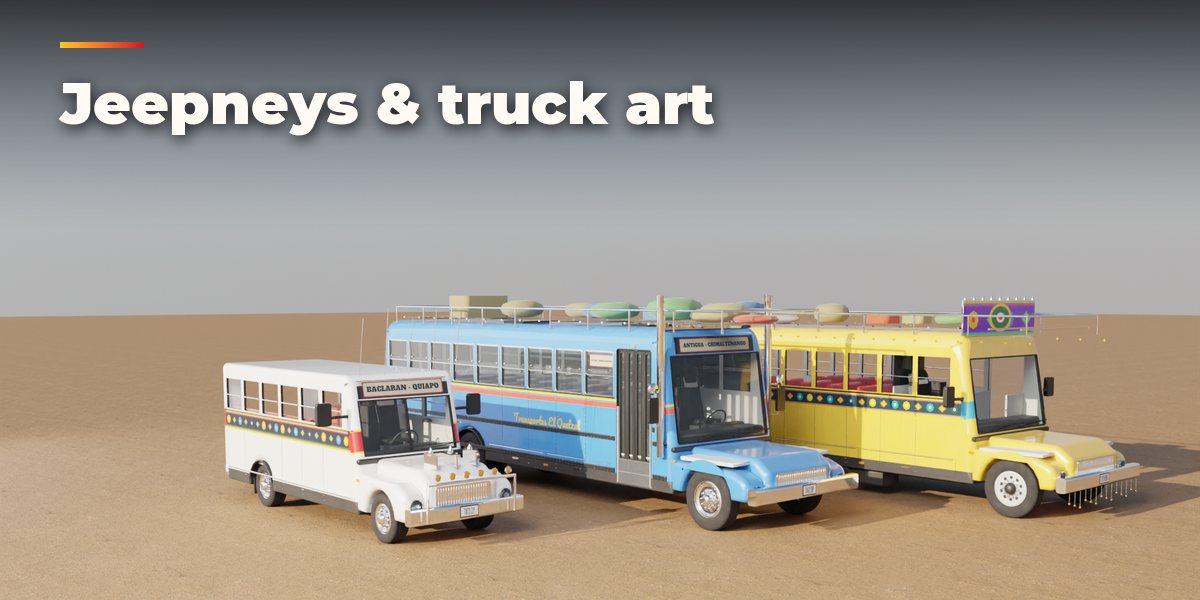
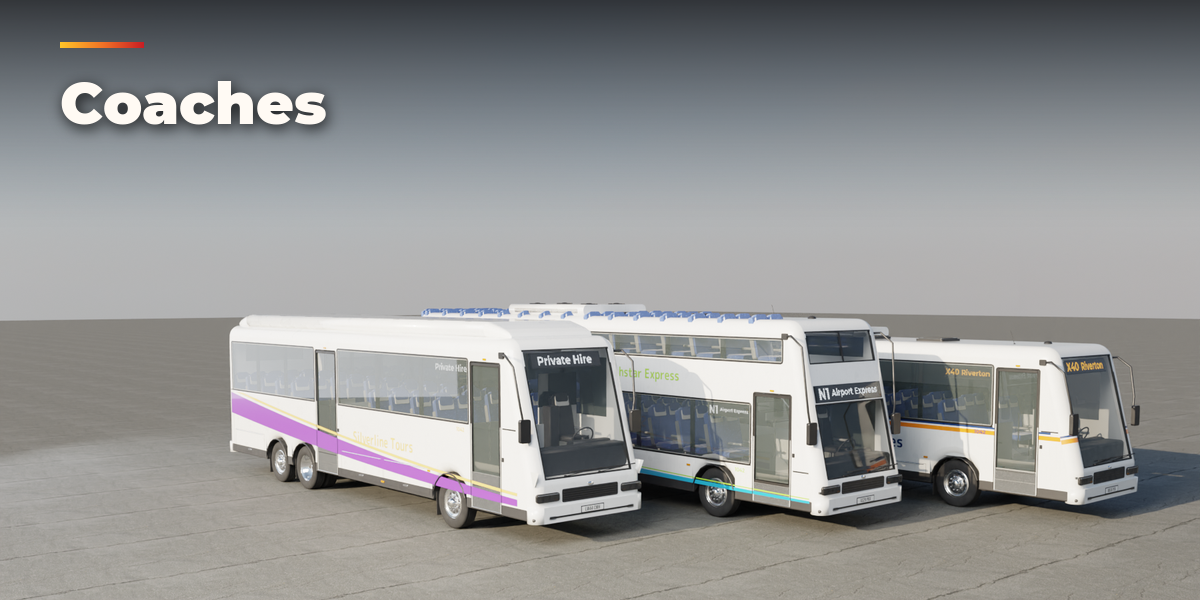
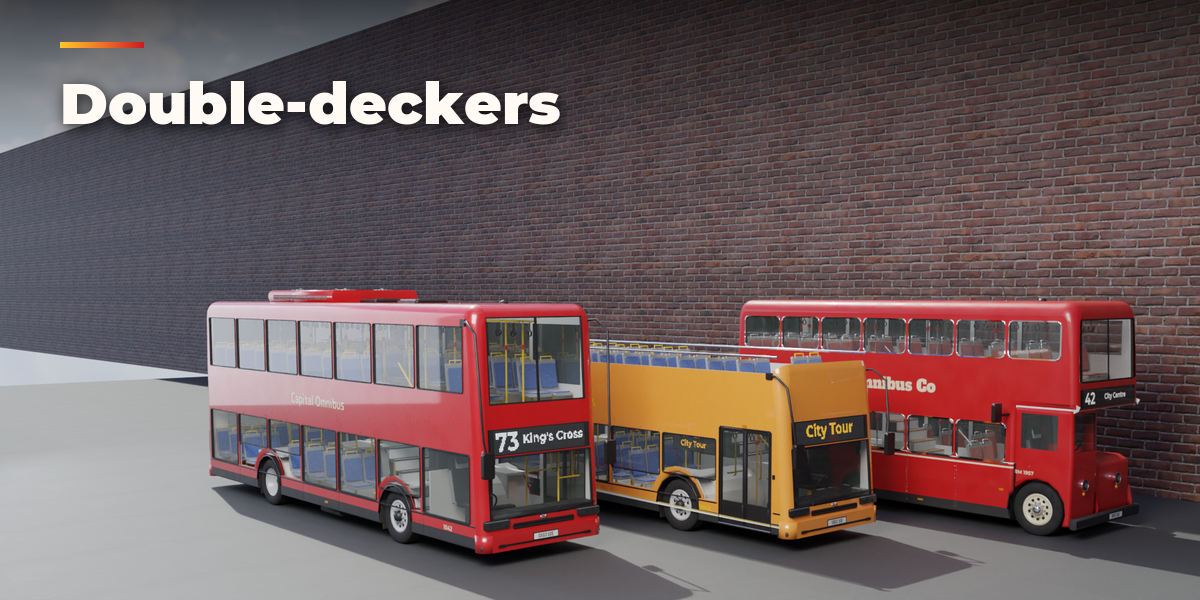
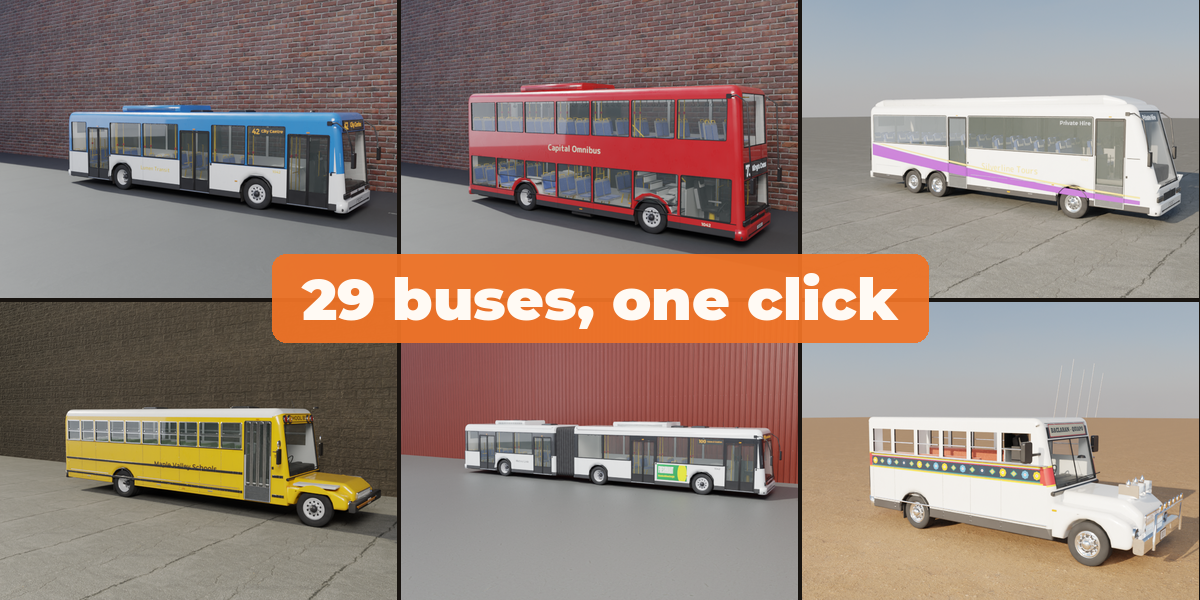
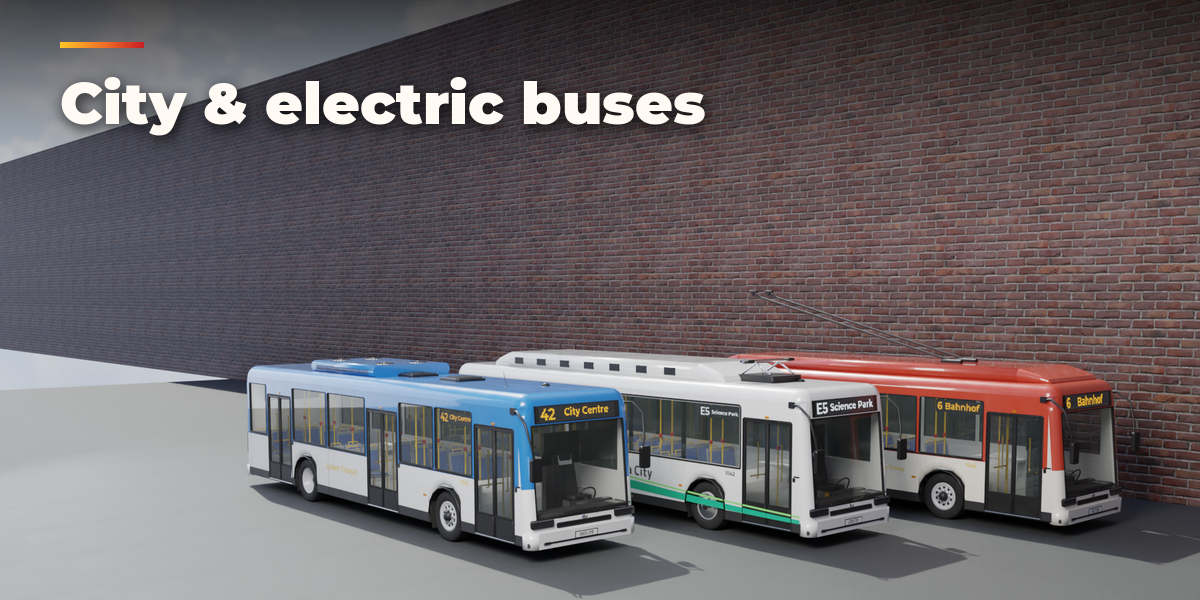
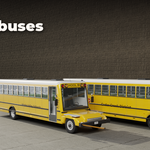
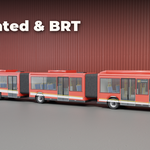
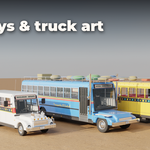
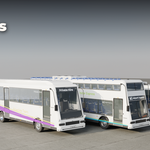
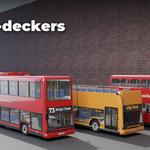
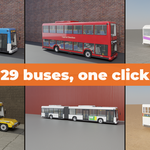
- Open the Bus tab in the 3D viewport sidebar (N). With nothing selected, click the picture to pick one of the 29 buses, then press Add. You can also use Shift+A, Mesh, Bus.
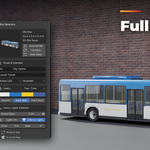
- The card at the top shows the bus. Click its picture to switch to another preset. Surprise Me makes a random bus, Variation changes the current one and New Seed reshuffles adverts, seats and luggage.
- Type the route number, destination and operator name in the Route & Operator box and pick the display type and lettering. The Livery box sets the paint scheme and its colors.
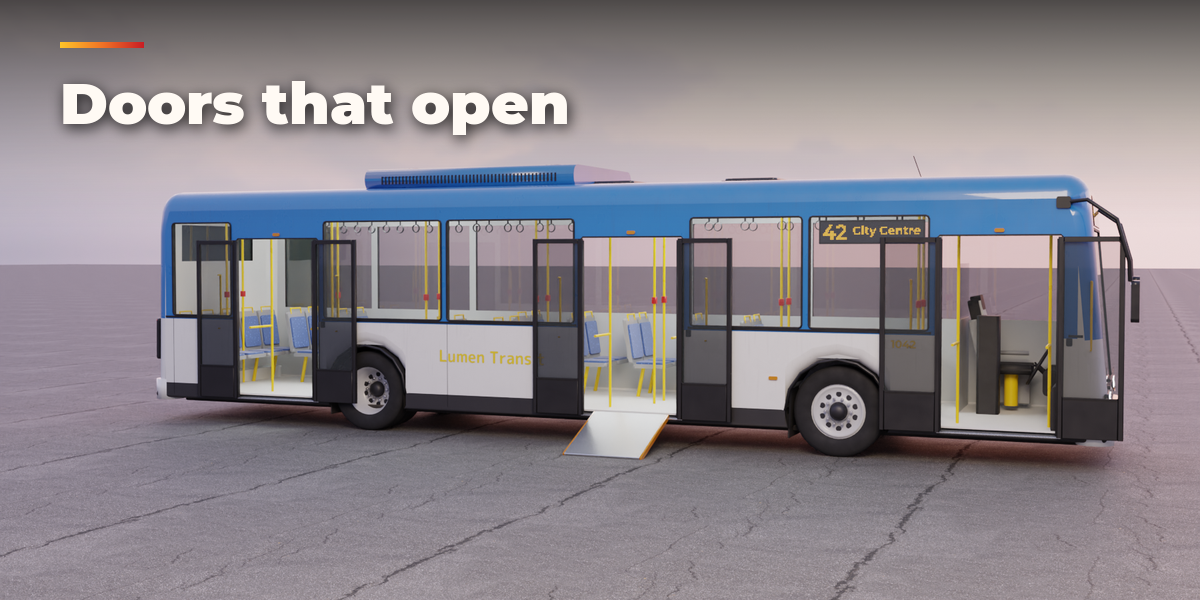
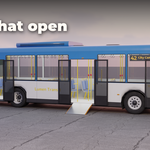
- Doors Open and Stop Arm are animatable sliders: Shift+click the open and close buttons to add a keyframe. Drive rolls the wheels and Steer turns the front wheels.
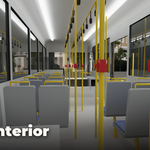
- The closed sections below hold the details: body and size, front and rear, windows and doors, roof, interior, details and decoration, wear and export.
- For game engines set Detail to Low and use Convert to Mesh; the meshes have UVs, the origin on the ground under the middle of the bus and plain Principled BSDF materials.
Have questions about this product?
Login to message
| Blender Extension Compatible | Yes |
| Published | about 24 hours ago |
| Blender Version | 4.2 - 5.2 |
| Extension Type | Add-on |
| Render Engine Used | Cycles, Eevee |
| License | GPL |

Discover more products like this
double decker trolleybus city jeepney school bus coach bus procedural Generator transport game ready vehicle