 ZEG
ZEG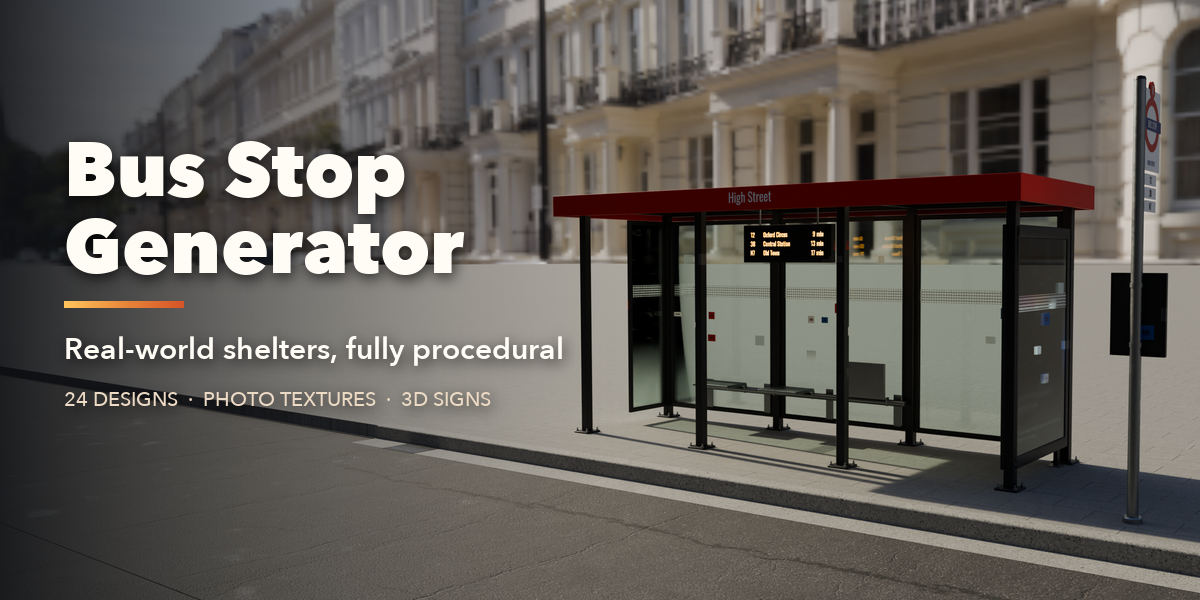
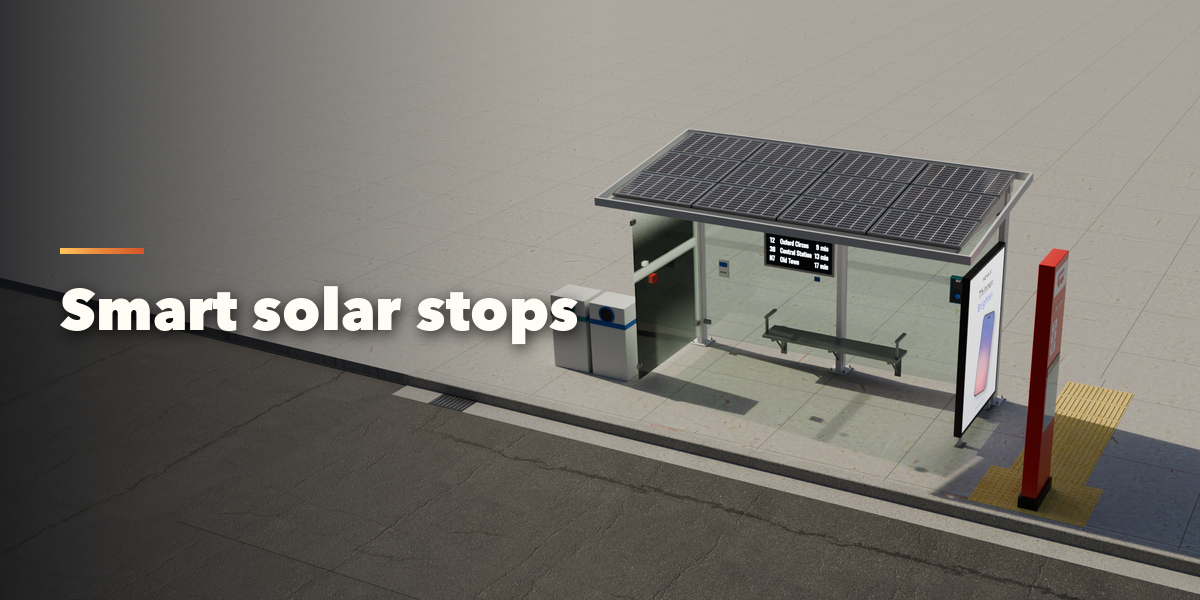
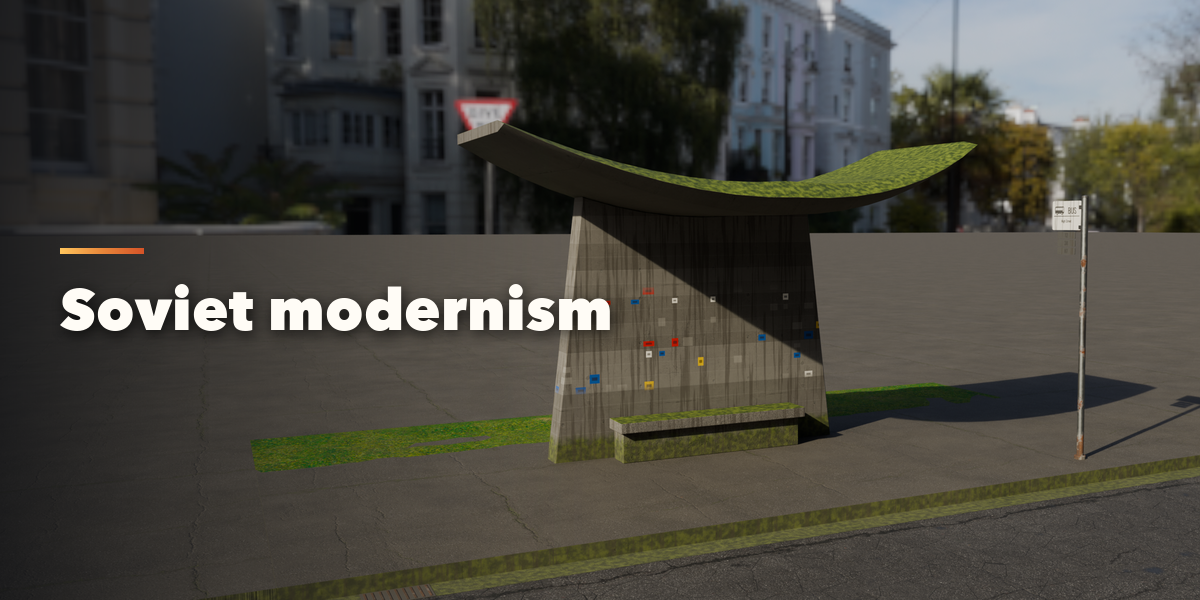
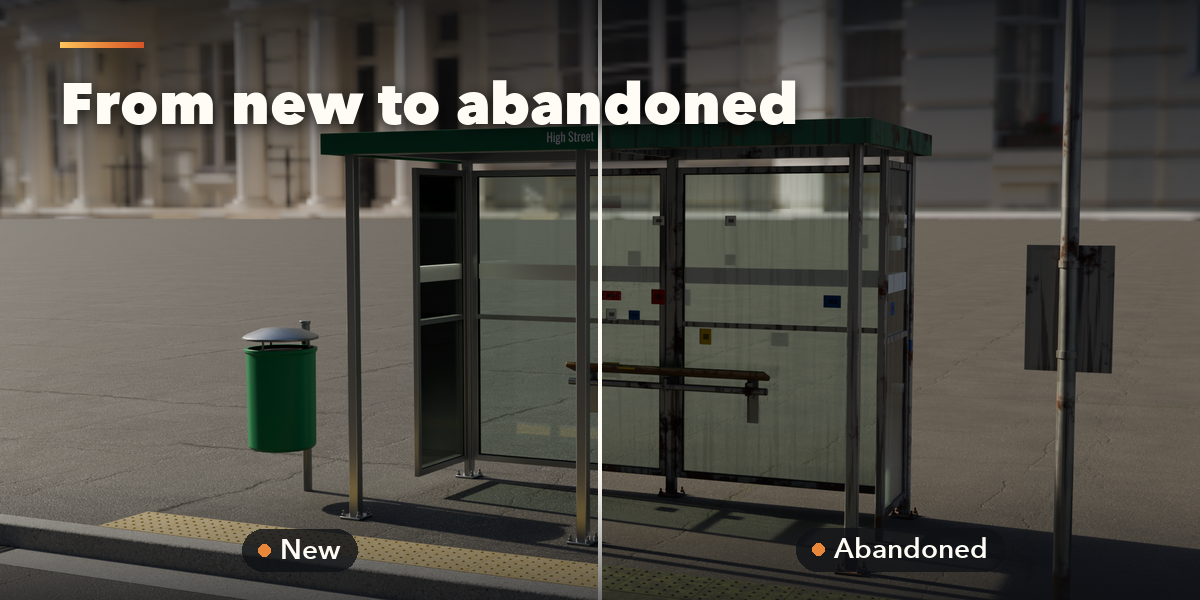
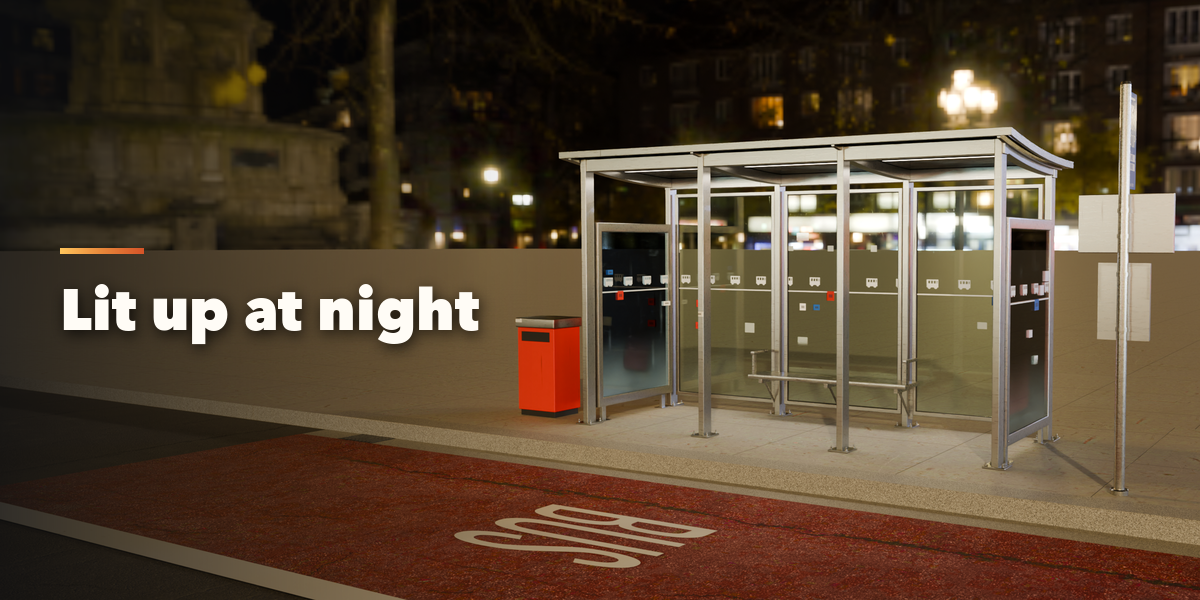
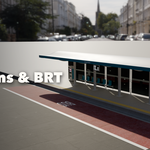
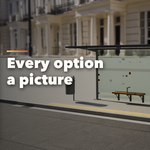
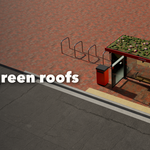
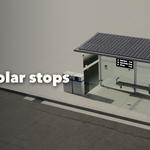
Installation
In Blender open Edit, Preferences, Get Extensions, then use Install from Disk and pick the zip.
Usage
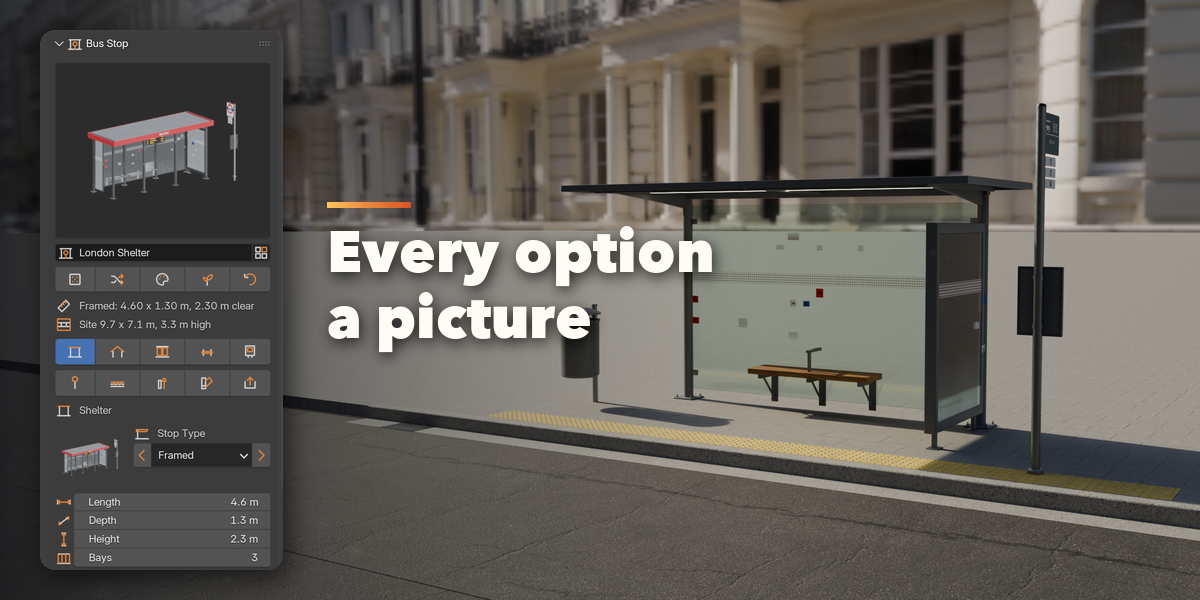
- Open the sidebar (N) in the 3D Viewport and choose the Bus Stop tab, or use Add, Mesh, Bus Stop.
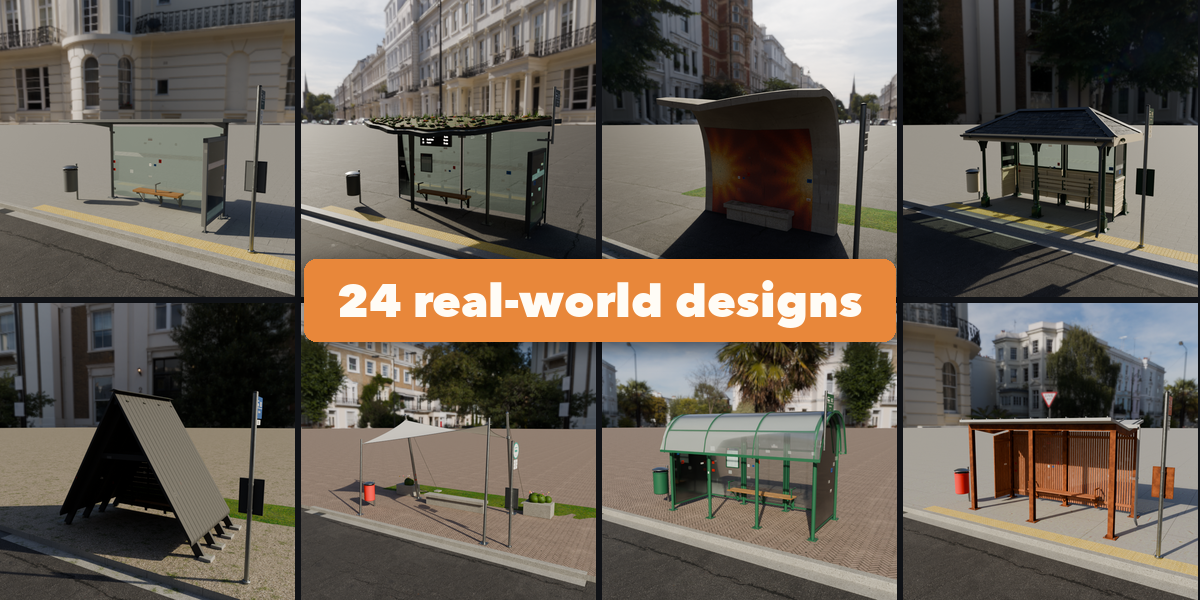
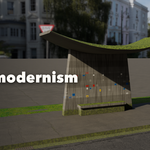
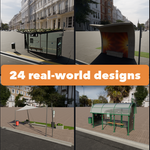
- Click a stop type picture, or Browse All Designs to pick one of the 24 real-world designs.
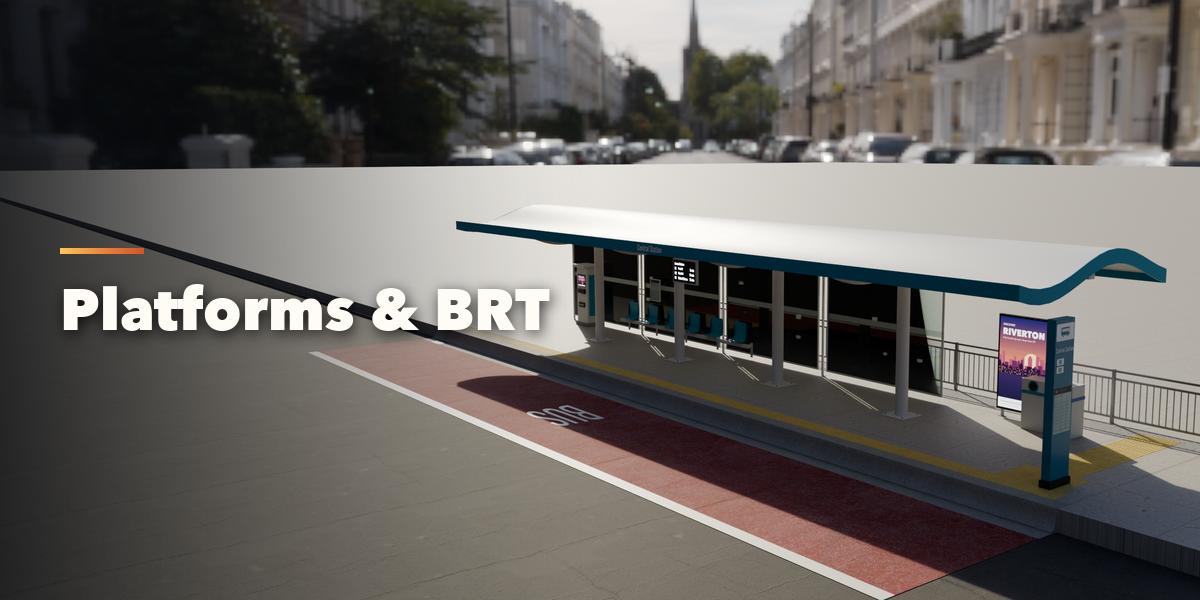
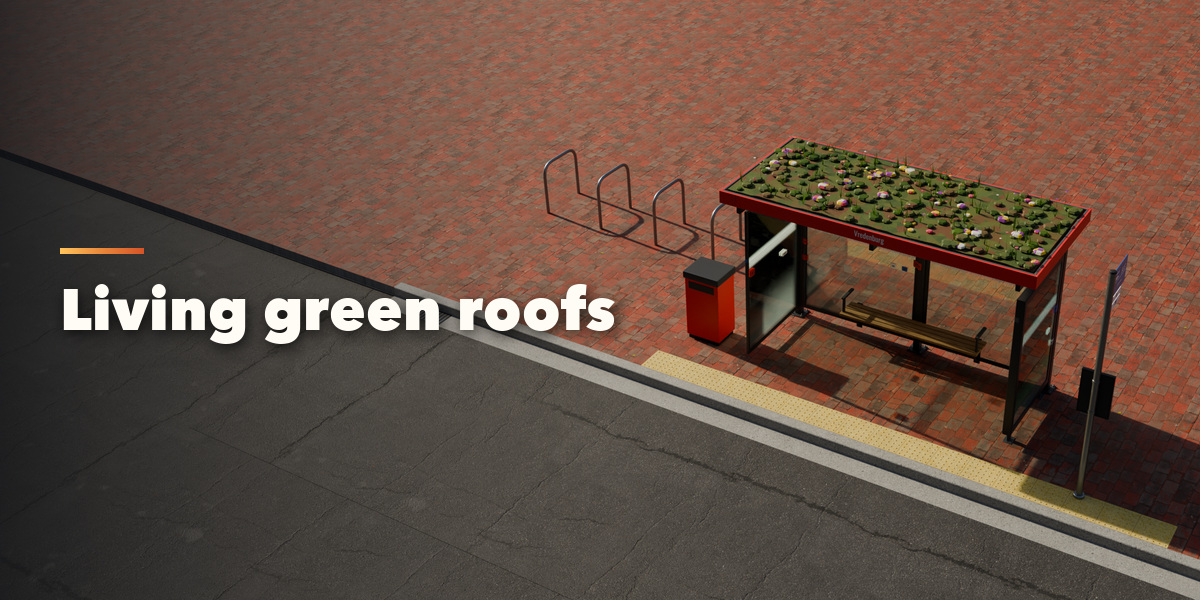
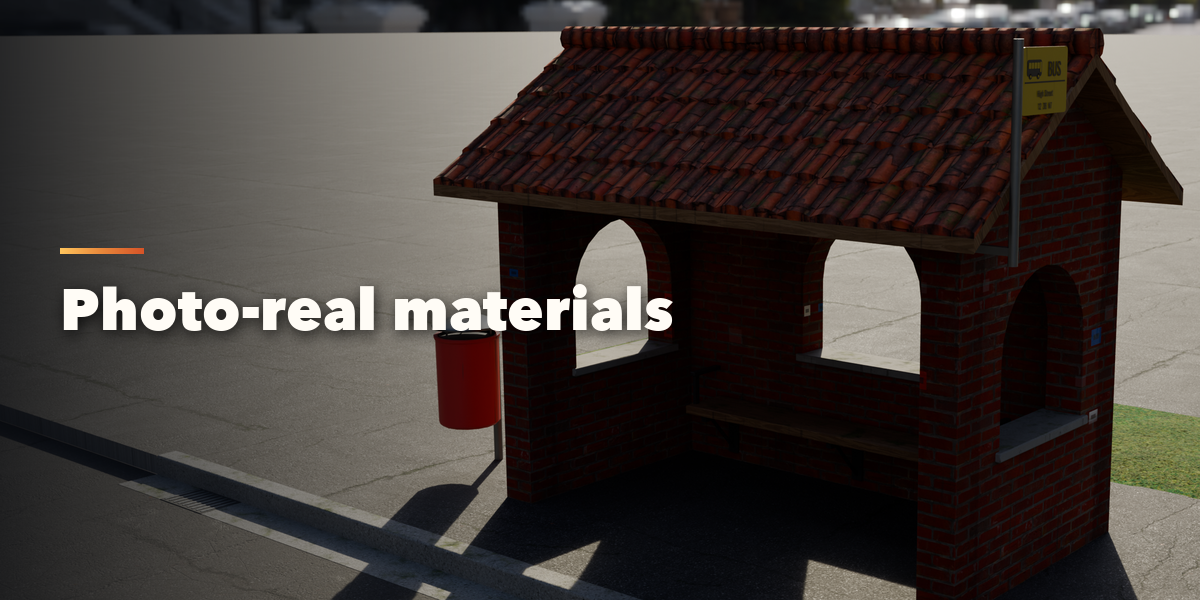
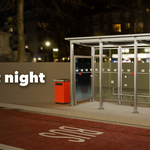
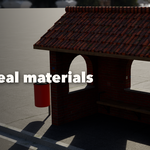
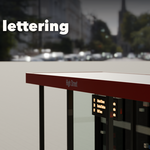
- Use the icon tabs to change the shelter, roof, walls, seating, ads, signs, footway, street furniture and materials. Every picture has arrows and a gallery of options.
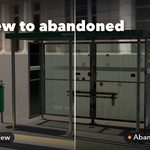
- Random and Wild Mix invent new stops; New Variation reseeds plants, tiles and wear.
- When you are done, Parts and Export, Apply as Mesh turns the stop into a plain mesh.
Have questions about this product?
Login to message
| Blender Extension Compatible | Yes |
| Published | 1 day ago |
| Blender Version | 4.2 - 5.2 |
| Extension Type | Add-on |
| Render Engine Used | Cycles, Eevee |
| License | GPL |

Discover more products like this
ArchViz environment urban shelter bus stop street furniture props game assets Generator architecture procedural city