Butterfly Swarm Conductor
 Valeriia Orlova
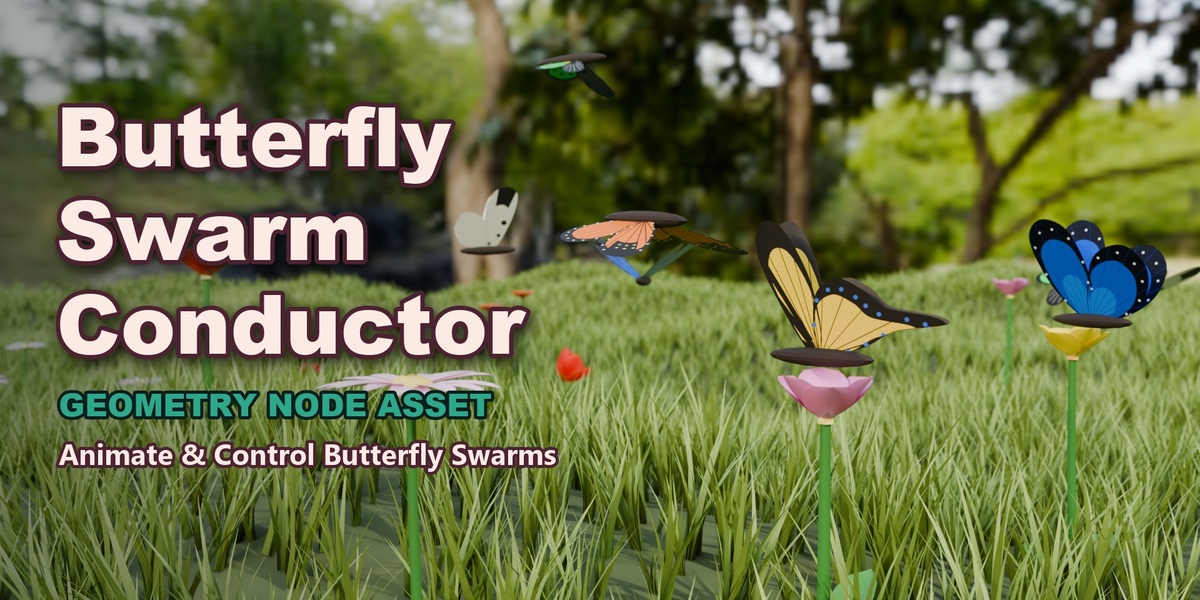
🦋 Butterfly Swarm Conductor
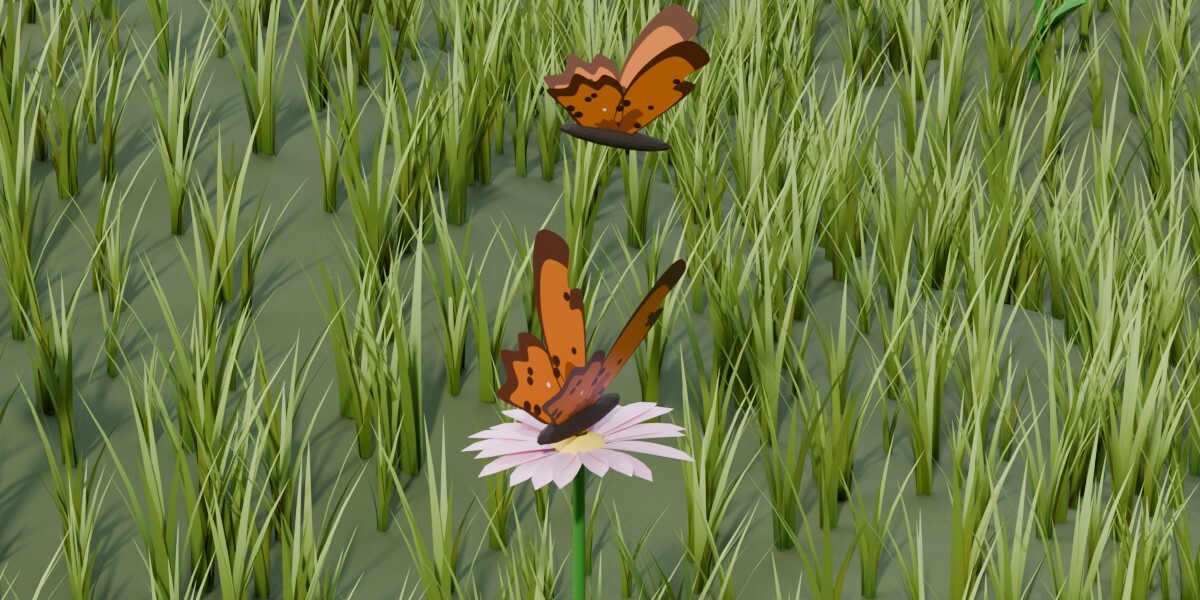
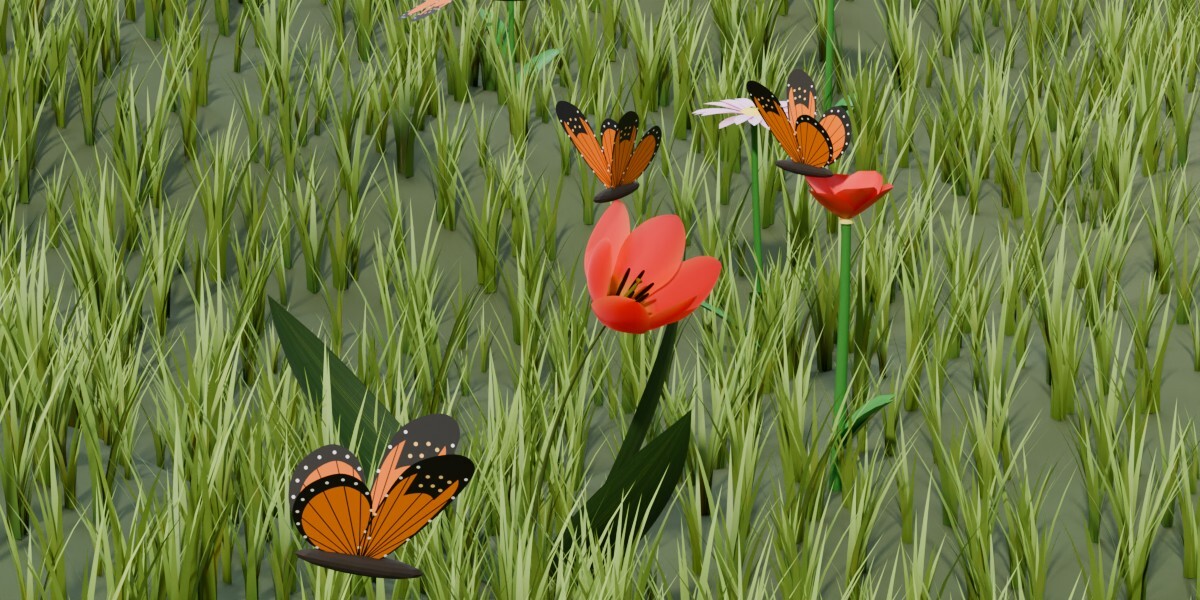
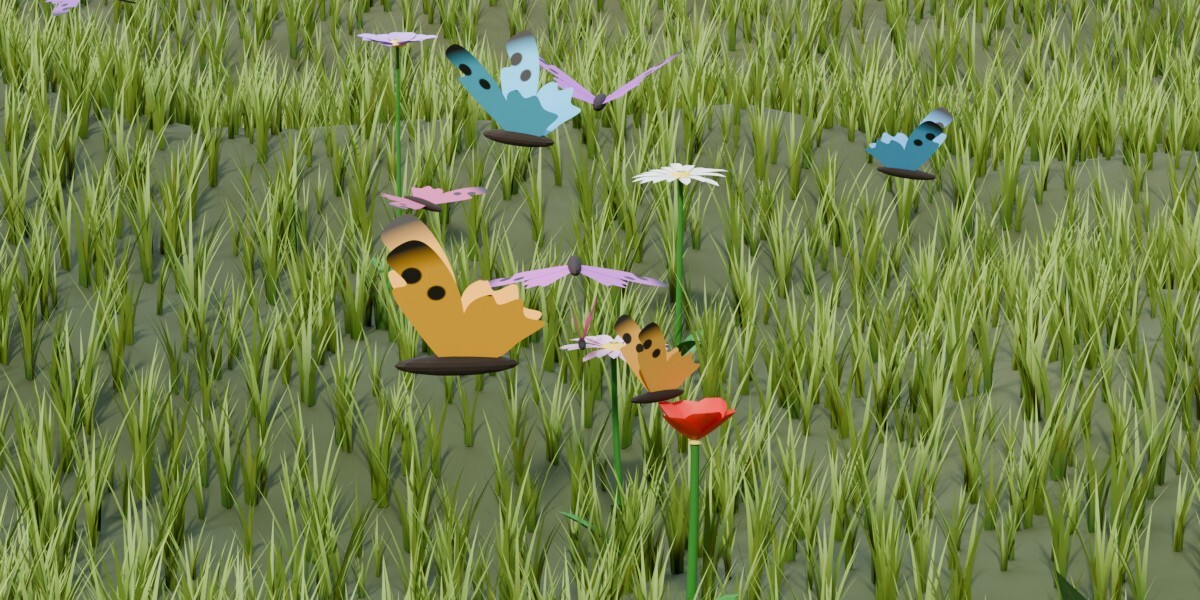
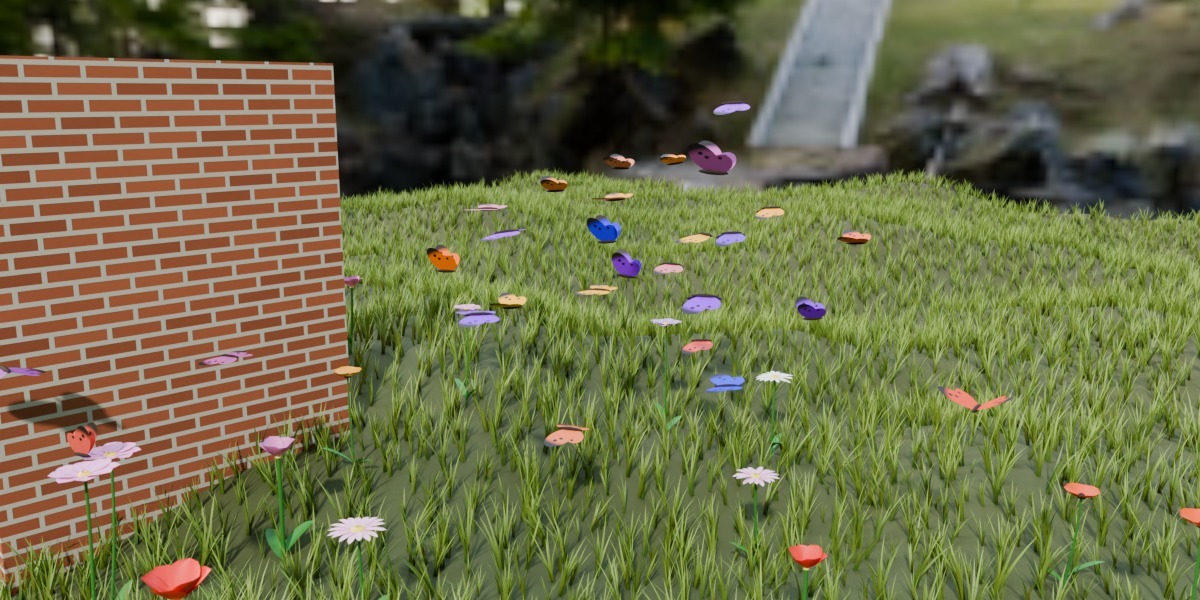
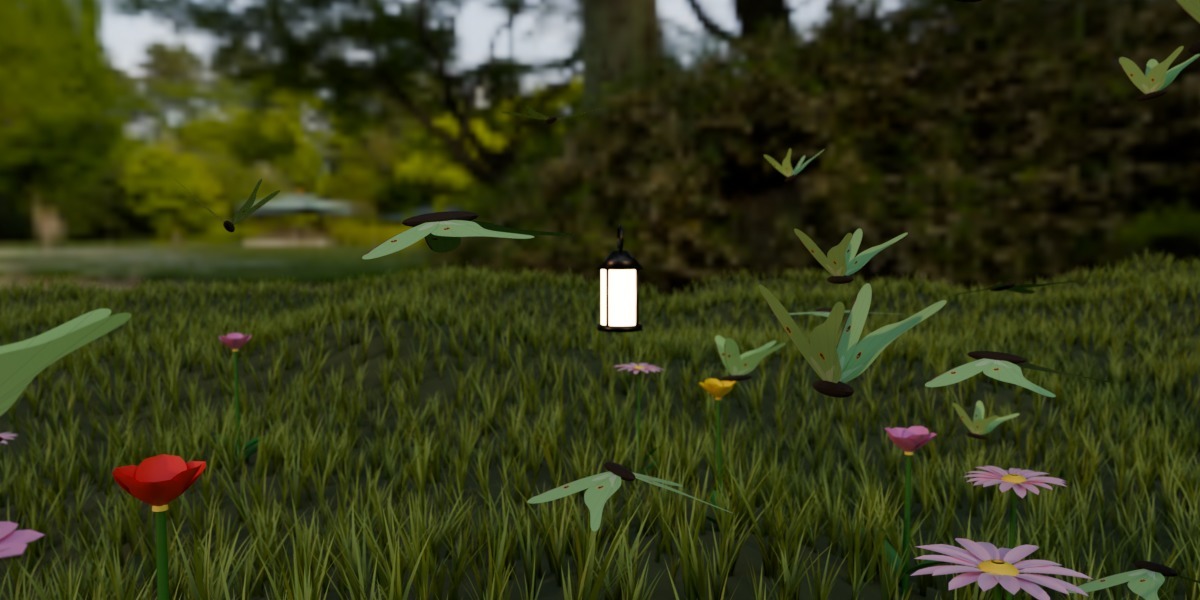
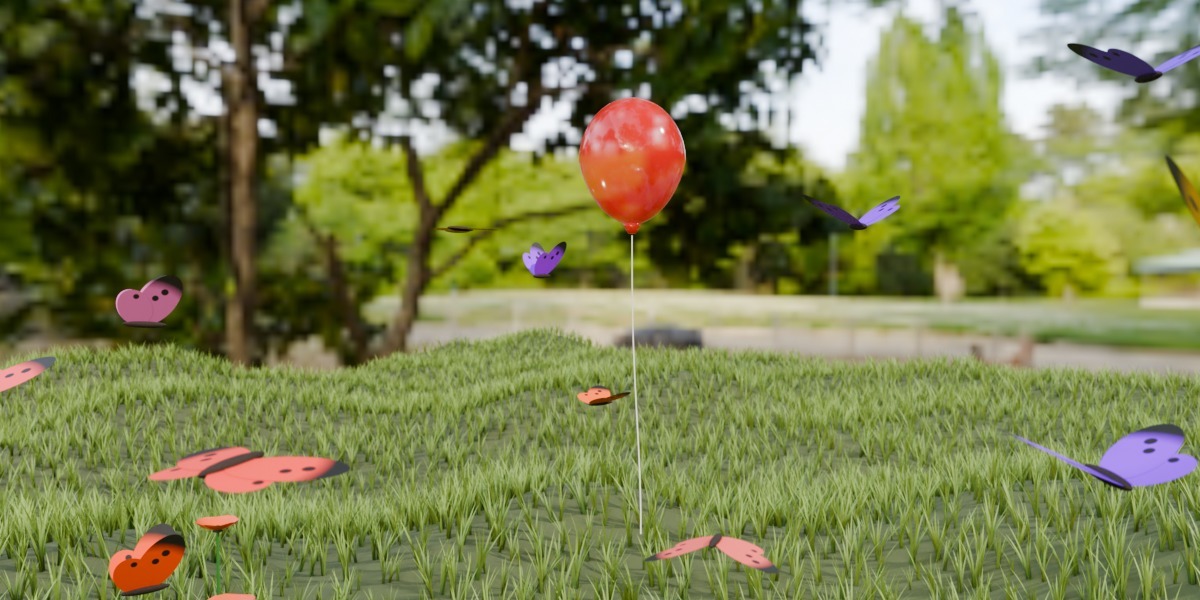
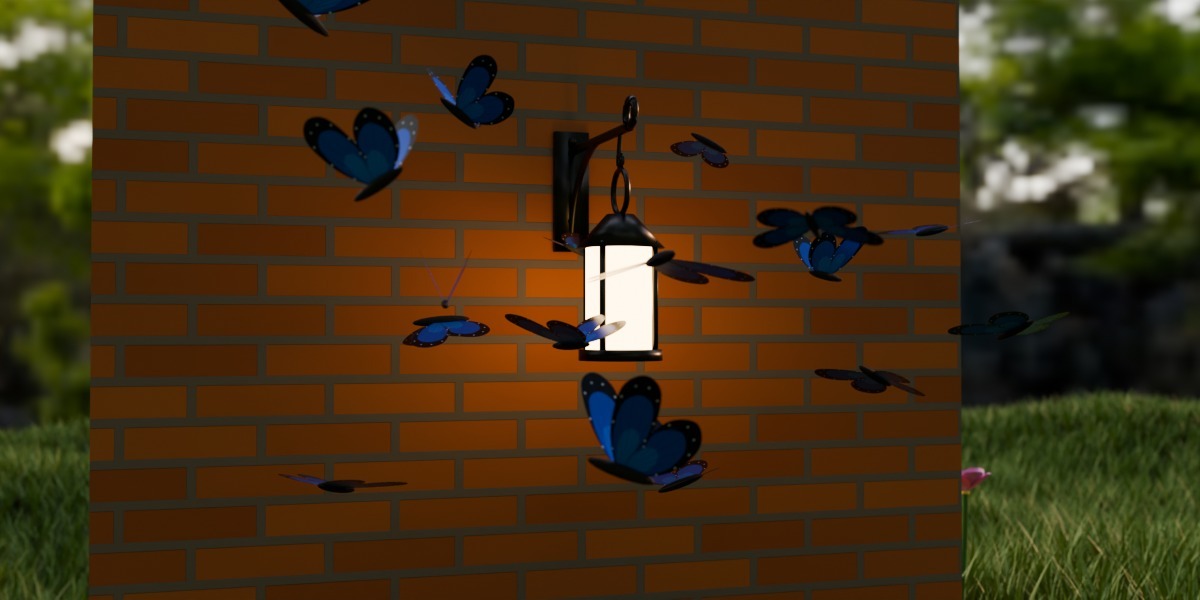
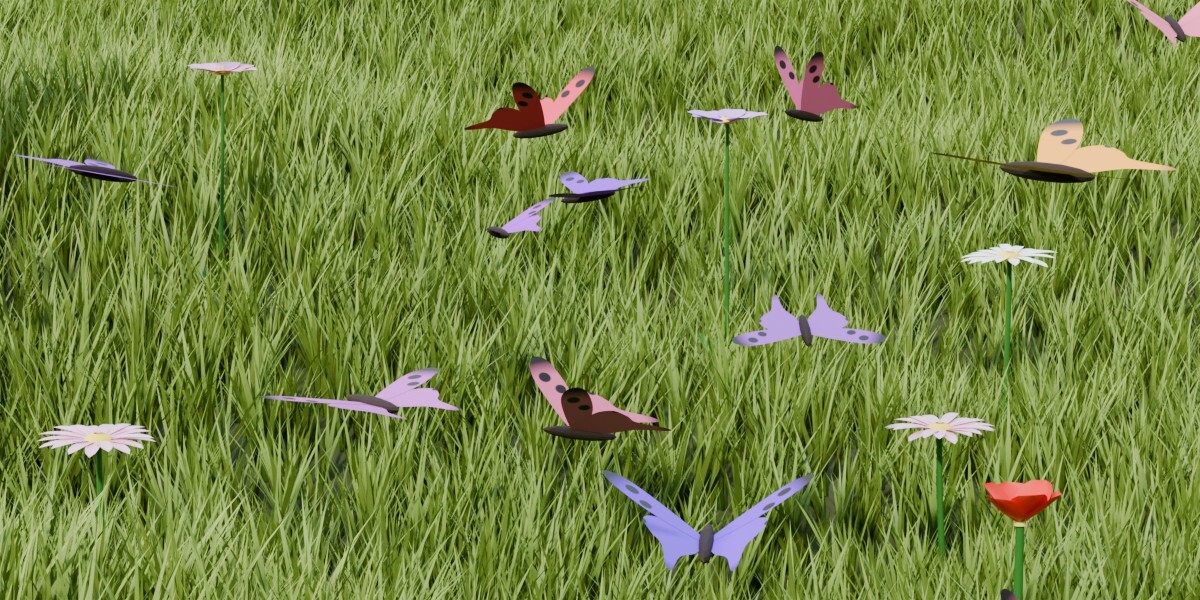
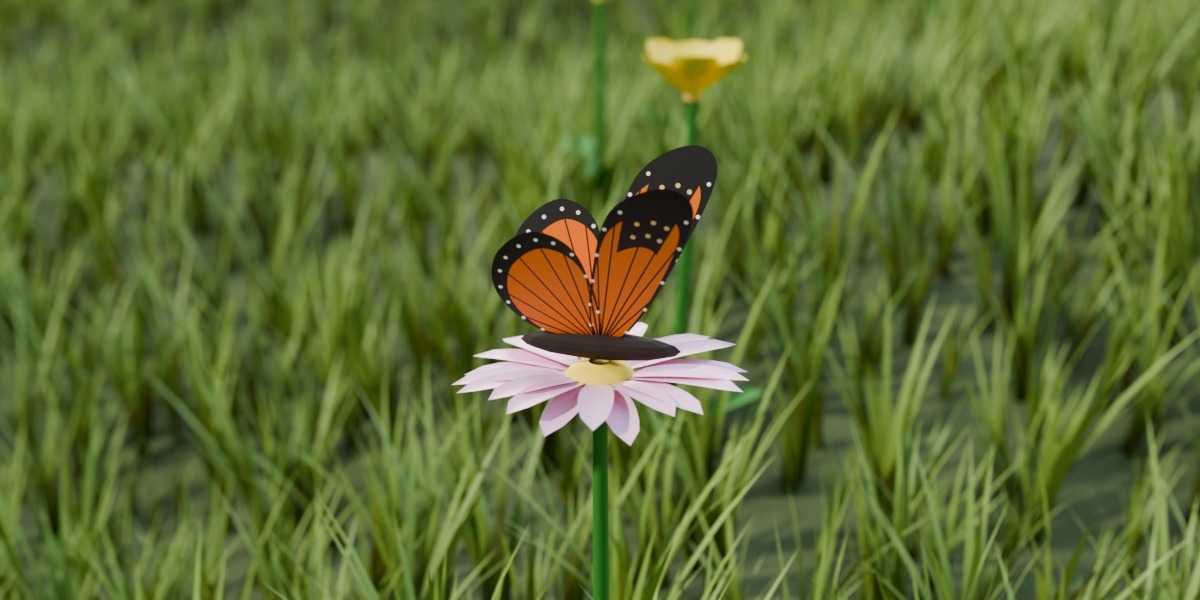
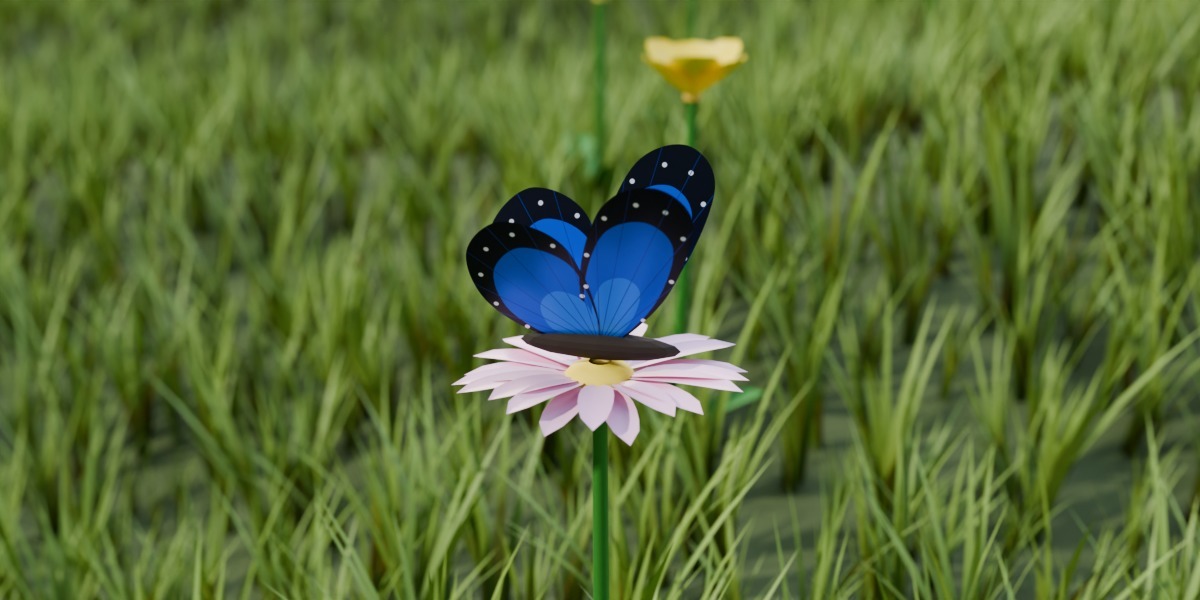
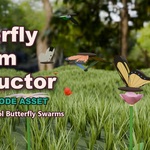
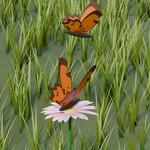
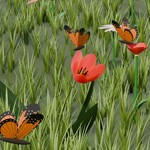
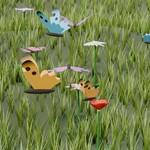
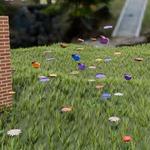
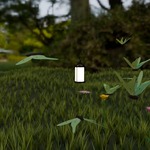
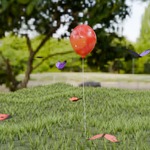
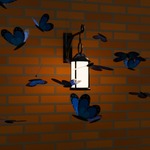
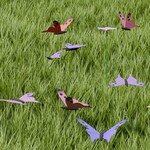
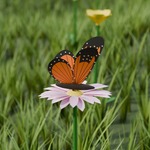
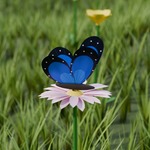
A procedural butterfly swarm made with Geometry Nodes. The butterflies fly, flap their wings, follow a target, land on flowers and fly around walls. You control it all with sliders in the modifier panel.
Requirements
- Blender 5.2 (file for 5.2) or Blender 4.5 (file for 4.5)
- No external add-ons required
- Works with Cycles and Eevee
Installation and usage (Asset Library)
1. Unzip the archive for your Blender version:
Butterfly_Swarm_Conductor_v1.1_Blender_5.2.zip or Butterfly_Swarm_Conductor_v1.1_Blender_4.5.zip
2. Put butterfly_swarm_conductor_v1.1_<version>.blend into a folder for your assets, for example Documents/Blender Assets/Butterflies.
Keep only one version of the file in this folder (5.2 or 4.5). If both are there, the Asset Browser shows the asset twice.
3. Register the folder in Edit → Preferences → File Paths → Asset Libraries → "+" and choose the folder.
4. Open any file, open the Asset Browser editor and select your library.
5. Drag "Butterfly Swarm Conductor" onto an object, for example a plane. The swarm appears above the object.
6. Press Play. The swarm is a simulation, so Blender calculates it frame by frame from the start frame.
Demo scene. Open butterfly_swarm_conductor_v1.1_demo_<version>.blend and press Play or Render. It has the swarm, an animated target (swarm_target), a ground with a wall, three flowers, a sun light and a camera.
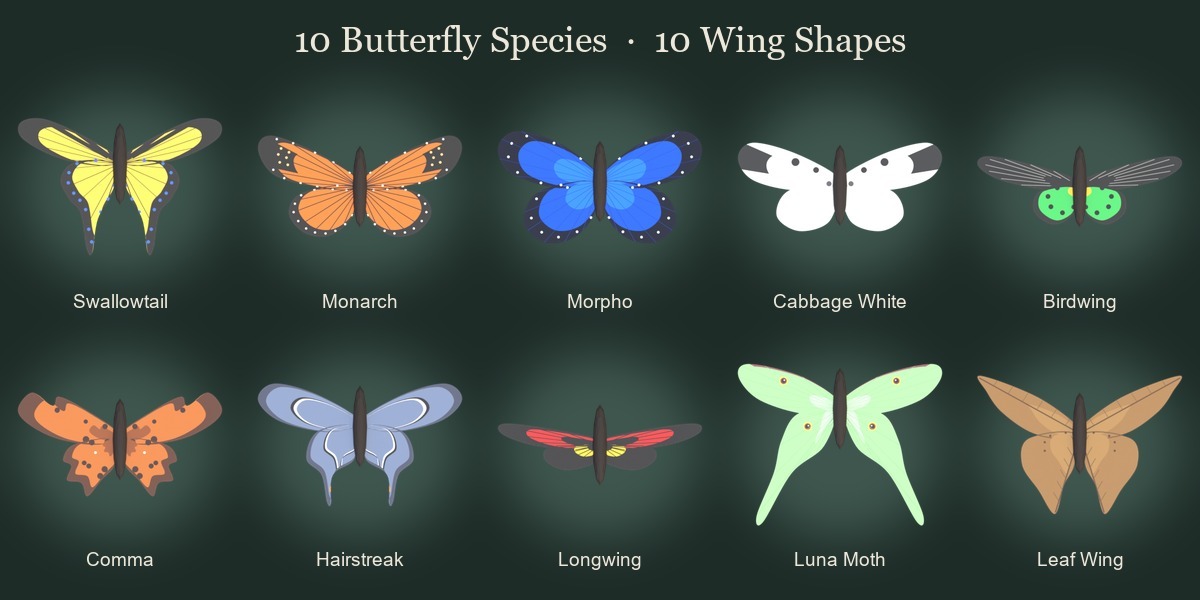
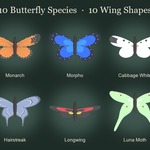
Wing library. The 10 species are collections inside the .blend file (wing_library). To use one, choose its collection in Wing Collection, set Wing Coloring to Custom Material and pick the species material in Wing Material (for example wing_03_morpho + Morpho Butterfly).
To bring the species into your own file, use File → Append → Collection (and Material) from the asset .blend.
Parameters
Swarm
- Count - Number of butterflies in the swarm.
- Seed - Random seed. Change it to get a different variation of the same swarm.
- Area Size - Size of the box the butterflies start in, in meters. The box is centered on the object and raised by Height.
- Bounds Object - Optional. When it's set, the start area comes from this object's bounding box, and Area Size and Height are ignored.
- Scale - Size of one butterfly. The wingspan is about equal to Scale, in meters. It also sets the personal space between butterflies (Scale × 1.5).
- Scale Random - Random variation of size between butterflies, as a fraction of Scale.
Flight
- Speed - How fast each butterfly moves along its random flight path.
- Range - How far a butterfly wanders from its own place in the swarm, in meters.
- Chaos - How erratic the flight path is. Higher values make butterflies change direction more often.
- Height - Height of the swarm's center above the object, in meters.
- Flap Frequency - Wing beats per second.
- Flap Frequency Random - Random variation of wing beat frequency between butterflies, as a fraction.
- Phase Random - At 0 all butterflies flap in sync. At 1 each one flaps at its own random phase.
- Flap Angle - How far the wings swing up and down in one beat.
Behavior
- Target Object - The swarm follows this object, so animate it to lead the swarm. If it's empty, the swarm circles over its own start area.
- Follow Strength - How strongly each butterfly is pulled back to its place in the swarm, per second. Lower values let butterflies lag behind and scatter more.
- Follow Spread - Size of the cloud of butterflies around the target, as a fraction of Area Size.
- Max Speed - Maximum flight speed, in meters per second.
- Agility - How quickly a butterfly changes speed and direction (inertia). Lower values give smoother, wider turns.
- Landing Spots - A collection of meshes where butterflies land. Flowers, the top of a wall, a stone, anything of any shape and size. A butterfly lands on the highest point of a mesh (the center of a daisy, the petal tip of a tulip) and never sinks into it. The origin can be anywhere. Only one butterfly sits on a spot at a time, and the flying ones fly around these meshes. If it's empty, butterflies never land.
- Land Chance - Chance per second that a flying butterfly decides to land on a free landing spot.
- Rest Time - How long a butterfly sits on a landing spot, in seconds.
- Rest Time Random - Random variation of rest time, as a fraction of Rest Time.
Environment
- Ground Object - Ground and obstacles as one mesh. Butterflies never go below the top surface under them, and they smoothly turn away from walls and anything else joined into this mesh. Don't join the landing spots into it. If it's empty, the ground is a flat floor at Z = 0 of this object.
- Min Height - Flying butterflies stay at least this high above the ground, in meters. Landing on landing spots still works.
Look
- Color Mode - How each butterfly's wing color is picked between Color A and Color B.
Random gives each butterfly a random color between Color A and Color B.
Gradient goes from Color A to Color B in the order of the butterflies.
- Color A - First wing color.
- Color B - Second wing color.
- Hue Random - Random hue shift for each butterfly.
- Body Material - Material of the body. If empty, the built-in butterfly_body material is used.
Wing
- Wing Collection - Optional custom wing, a collection with the mesh of the RIGHT wing. The wing root is the edge at the object origin. The wing extends from the origin along Y, with the leading edge towards +X. If the mesh has a UV map named UVMap, it's kept for textures. If empty, the built-in procedural wing is used.
- Wing Coloring - Which material the wings use.
Swarm Colors is the built-in wing material, Color A and Color B with a dark border and spots.
Custom Material is your own material from Wing Material.
- Wing Material - Your own wing material, used in Custom Material mode (if empty, the built-in one). For an image texture use the UVMap UV map. A custom wing keeps its own UVMap, otherwise the wing gets a top-view UV map (templates are in the textures folder). The swarm color is the wing_color attribute, type Instancer.
Export
- Realize for Export - Off gives instances, which are fast, light on memory and best for working in Blender. On gives one regular mesh. Use it before applying the modifier or exporting to FBX, glTF or OBJ. The swarm color stays in the wing_color attribute on the mesh, so a custom material has to read it as a Geometry attribute too.
Tips
- Always play the animation from the start frame. The swarm is a simulation, and if you jump to a frame in the middle it won't show the correct state until it's calculated.
- For final renders, bake the simulation (Bake in the modifier panel or in Physics → Simulation Nodes). After that you can scrub the timeline freely.
- Count, Seed and the swarm colors (Color Mode, Color A, Color B, Hue Random) are read at the start frame. Go back to the start frame after changing them.
- To lead the swarm along a path, animate an Empty and use it as Target Object.
- Anything can be a landing place. Put the meshes (flowers, the top of a wall, a stone) into a collection and choose it in Landing Spots. Keep them out of the Ground Object.
- Join the ground and walls into one mesh and use it as Ground Object, and the butterflies will fly around the walls.
- Scale is in meters. Something between 0.1 and 0.3 looks like real butterflies next to real-size flowers.
- For your own wings, model the right wing (root at the origin, wing along +Y), put it into a collection and choose it as Wing Collection. Paint the texture over a UV template from the textures folder.
- Turn on Realize for Export only when you need a mesh (for export or applying the modifier). Keep it off while you work.
License
Standard Royalty Free License
You may use this asset in personal, educational, or commercial projects.
Redistribution or resale of the original .blend file or any part of it is not allowed.
© 2026 Valeriia Orlova. All Rights Reserved.
Free updates for existing customers. Includes 12 months of support from Valeriia Orlova.
Author
Created by Valeriia Orlova
Contact: [email protected]
What's in the archive
Butterfly_Swarm_Conductor_v1.1_Blender_<version>.zip (<version> = 5.2 or 4.5; in file names 5_2 or 4_5)
Butterfly_Swarm_Conductor_v1.1_Blender_<version>/
├── butterfly_swarm_conductor_v1.1_<version>.blend - the asset: the "Butterfly Swarm Conductor" Geometry Nodes group, marked as an asset (put this file into your asset library)
├── butterfly_swarm_conductor_v1.1_demo_<version>.blend - demo scene: swarm, animated target, ground with a wall, three flowers, sun and camera; opens with the Asset Browser and the camera view
└── textures/
├── wing_species/ - 10 wing pictures of the species (wing_01_swallowtail.png … wing_10_leaf_wing.png), for reference or as a base for your own wings
└── wing_uv_templates/ - 11 UV layouts for painting your own wing textures: builtin.png (the built-in procedural wing) and one for each of the 10 species
Built into the .blend files (no separate files needed):
- The 10 wing pictures are packed into the .blend, so the species materials work right away. The PNG files in textures/ are only copies.
- Wing library: the collection wing_library with 10 collections wing_01_swallowtail … wing_10_leaf_wing, one wing mesh each (with a UVMap). Choose one in Wing Collection.
- 10 species materials (Swallowtail, Monarch, Morpho, Cabbage White, Birdwing, Comma, Hairstreak, Longwing, Luna Moth, Leaf Wing). Choose one in Wing Material with Wing Coloring = Custom Material.
- The built-in procedural wing and body are made by the node tree itself (helper groups Butterfly Wing Shape and Butterfly Flight Offset), no meshes needed.
- Built-in materials butterfly_wing (swarm colors with a dark border and spots, reads the wing_color attribute) and butterfly_body.
- No external files, add-ons or scripts are used.
 Included
Includes 12 months of
- Support from Valeriia Orlova
- Product updates
Extend this product’s Support Period +12 months: 50% of product price
Have questions before purchasing?
Login to message
| Published | about 1 hour ago |
| Blender Version | 4.5 - 5.2 |
| Render Engine Used | Cycles, Eevee |
| License | Royalty Free |
Discover more products like this
simulation-nodes Butterfly swarm procedural insects butterfly swarm conductor crowd flocking Geonodes animation geometry nodes butterflies