Are updates free? Is there support?
Free updates for existing customers. Includes 12 months of support.
Can I use it in commercial projects?
Yes. The asset comes with a Royalty Free license, so you may use it in personal, educational and commercial projects. Redistribution or resale of the original .blend file or any part of it is not allowed.
How many butterflies can I use?
Count goes up to 5,000. The simulation itself is light. In my test on a 24-thread CPU it took about 3 ms per frame for 300 butterflies, 6 ms for 1,000 and 9 ms for 5,000. Render time depends on your scene and hardware. Keep Realize for Export off while you work, because instances are much faster and use less memory.
Does it work in Cycles and Eevee?
Yes. Wings, body and wing textures render in both engines. I tested both demo scenes in Cycles and in Eevee.
Does it work in Blender 4.2 or older?
No. There are two files in the product, one for Blender 4.5 and one for Blender 5.2. Older versions aren't supported.
Do the butterflies fly through walls?
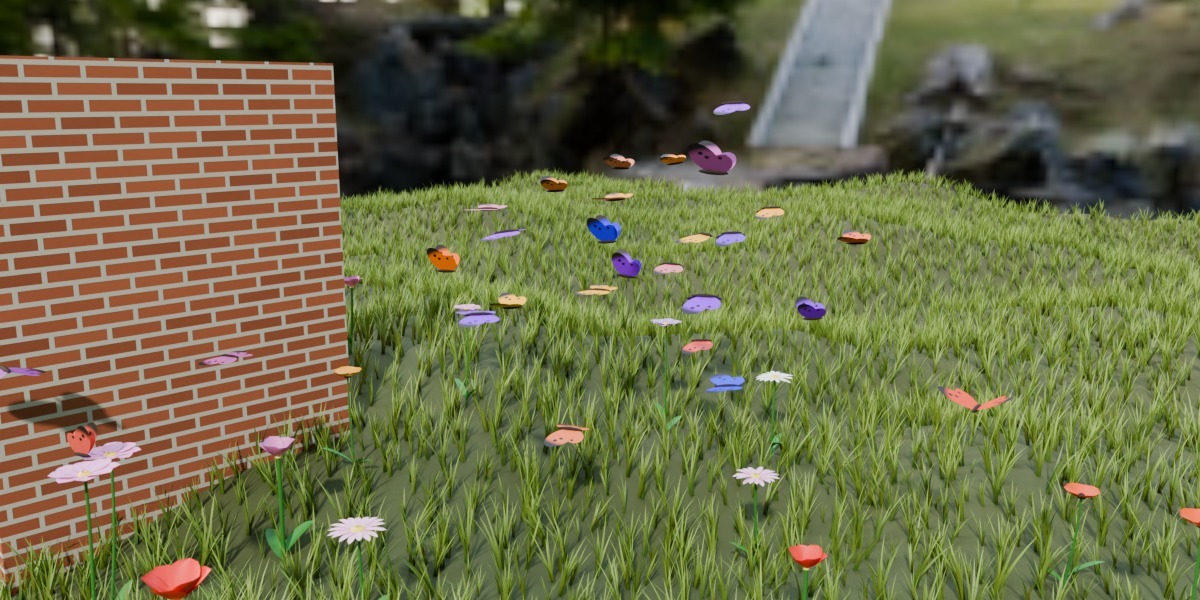
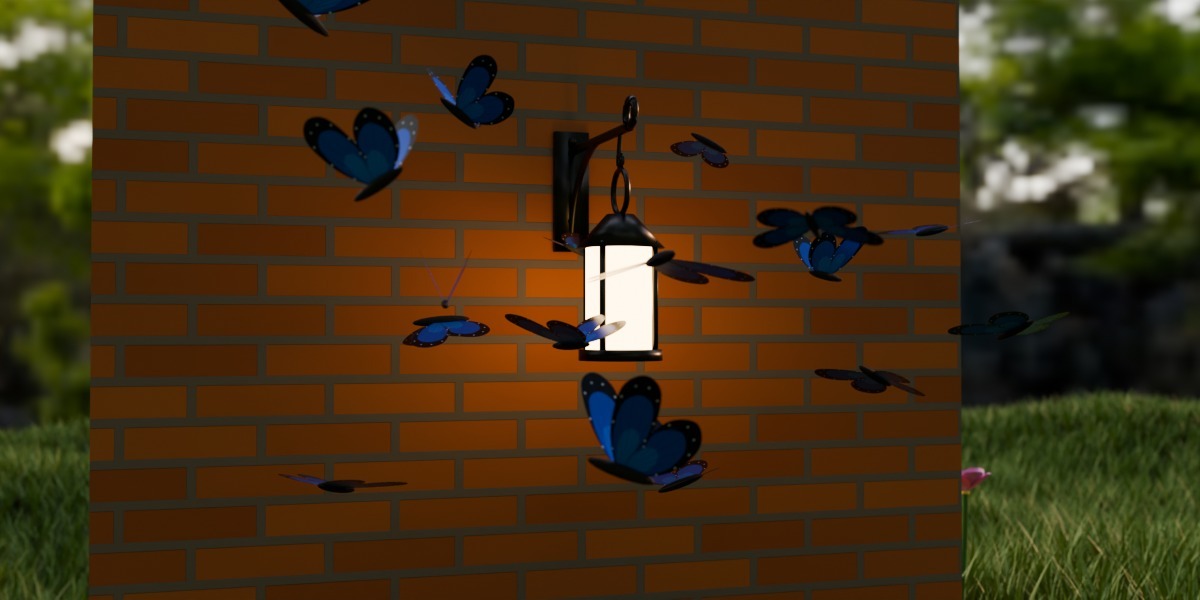
Not if the walls are part of the Ground Object. Join the ground and walls into one mesh and choose it in Ground Object. The butterflies will turn away from the walls and slide along them.
Why do butterflies fly above the ground and never touch it?
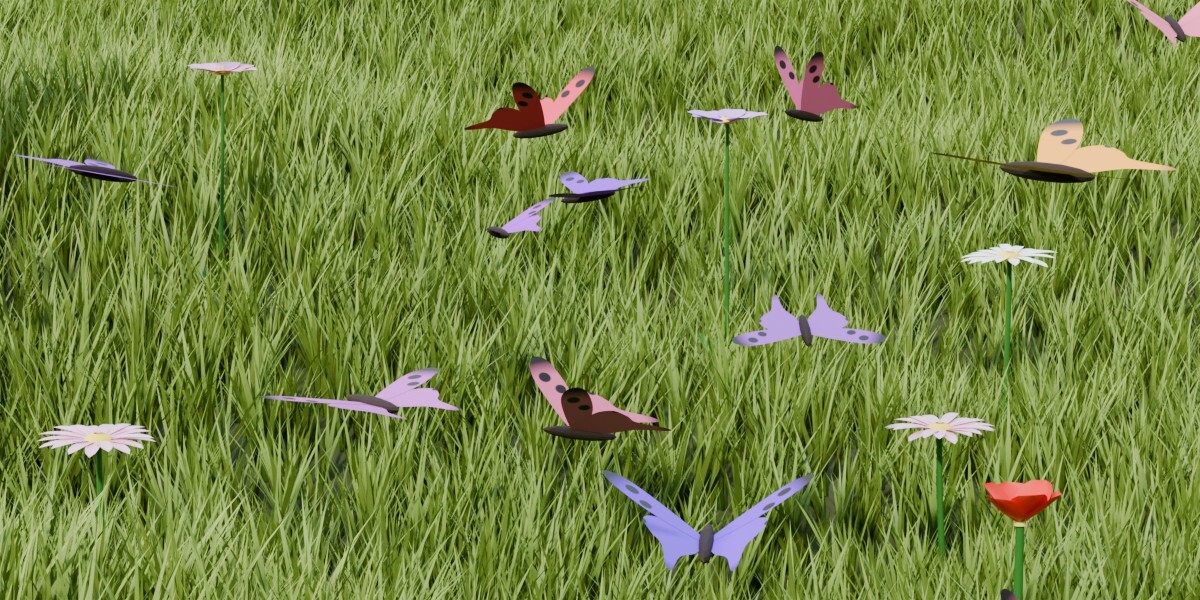
That's Min Height. It keeps flying butterflies at least this high above the ground (0.4 m by default). The ground is the Ground Object, and if that's empty, it's a flat floor at Z = 0 of the swarm object. Lower Min Height and they'll fly closer. Butterflies only sit down on meshes from the Landing Spots collection.
Can I export the swarm to a game engine or to FBX?
Game engines don't run Blender Geometry Nodes, so the swarm has to become a mesh first. Turn on Realize for Export, then apply the modifier or export to FBX, glTF or OBJ. For an animated mesh use Alembic (.abc) export. The number of butterflies stays the same during the animation, so that works fine. The swarm color is stored in the wing_color attribute.
Why do I need to play the animation from the start? Can I bake it?
The swarm is a simulation (Simulation Nodes), and every frame is calculated from the previous one. Play from the start frame to see the correct result. For rendering or for scrubbing the timeline, bake it with Bake in the modifier panel (or in Physics → Simulation Nodes). Count, Seed and the swarm colors (Color A, Color B, Color Mode, Hue Random) are read when the simulation starts, so after changing them go back to the start frame.
Can I use my own wings or my own butterfly model?
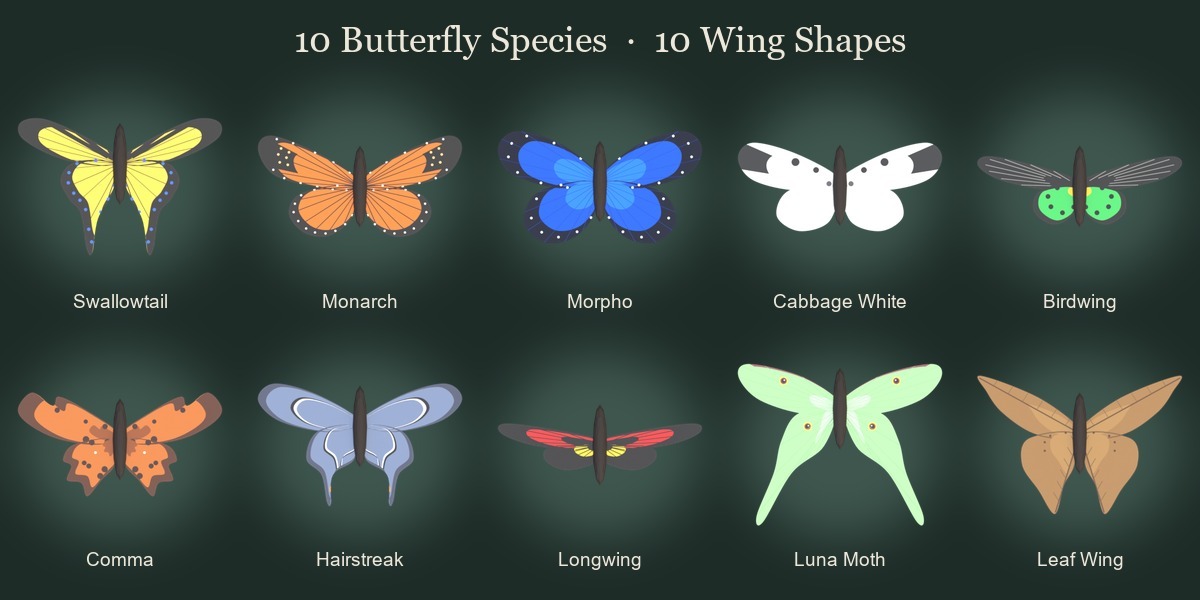
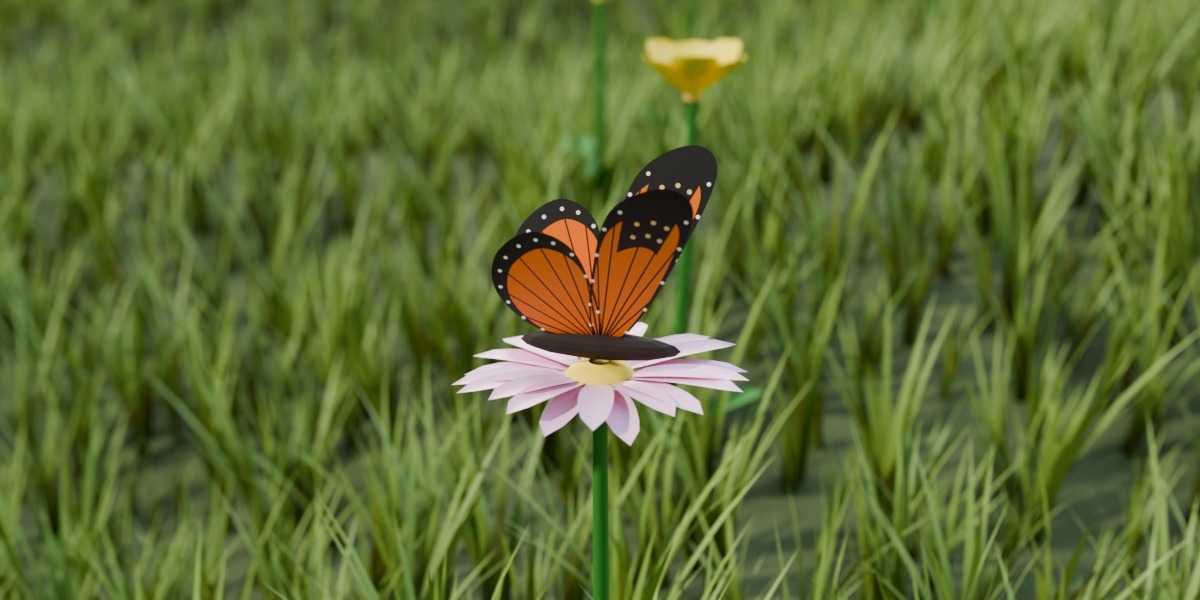
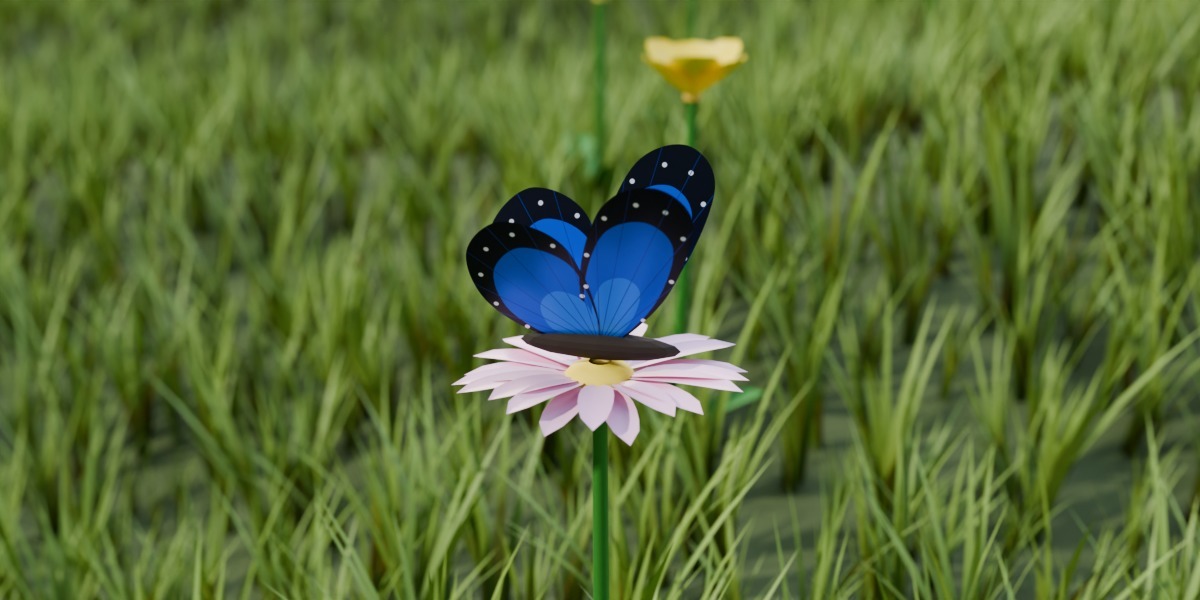
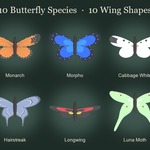
Your own wings, yes. Model the right wing with the root edge at the object origin, the wing along +Y and the leading edge towards +X. Put it into a collection and choose it in Wing Collection. If the mesh has a UV map named UVMap, it's kept, so you can paint your own texture. UV templates for all 10 species are in the textures folder. To use your own material, set Wing Coloring to Custom Material. The body is built in, but you can change its material with Body Material.
 Valeriia Orlova
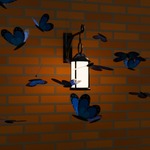
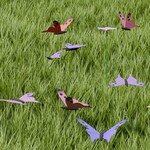
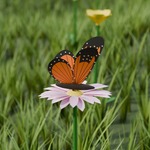
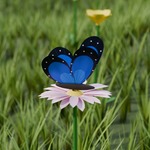
 Included