 Valeriia Orlova
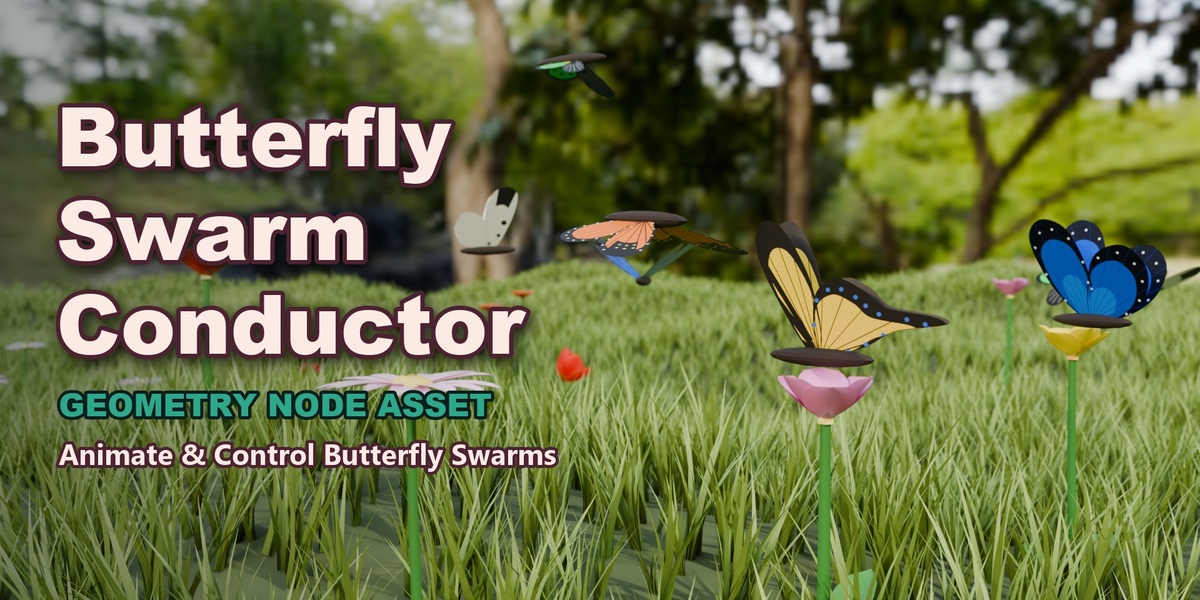
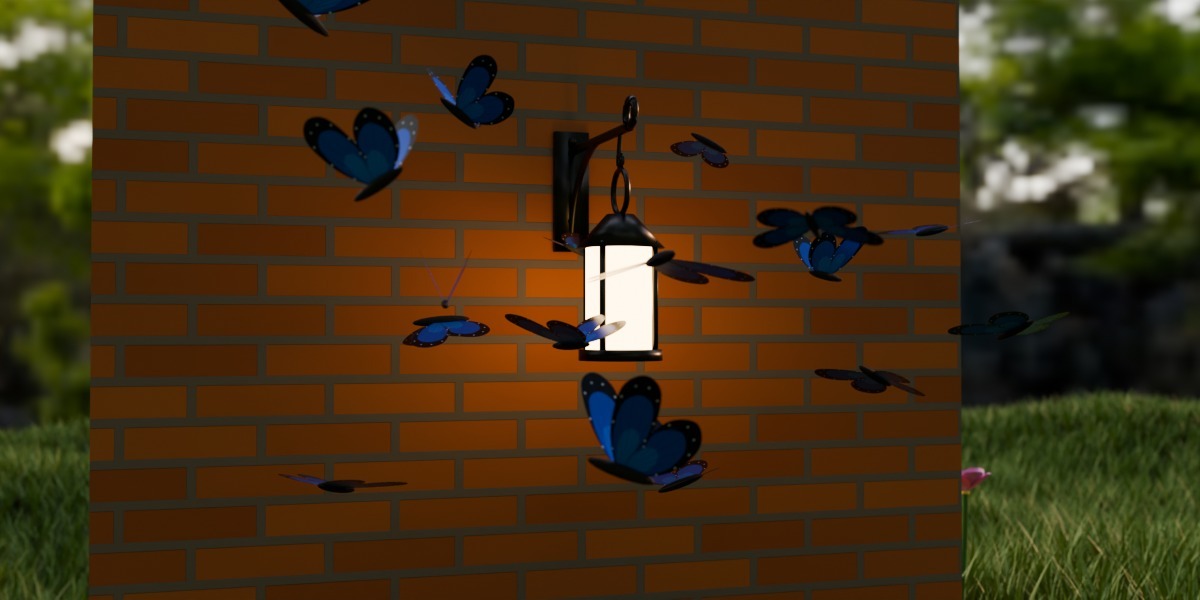
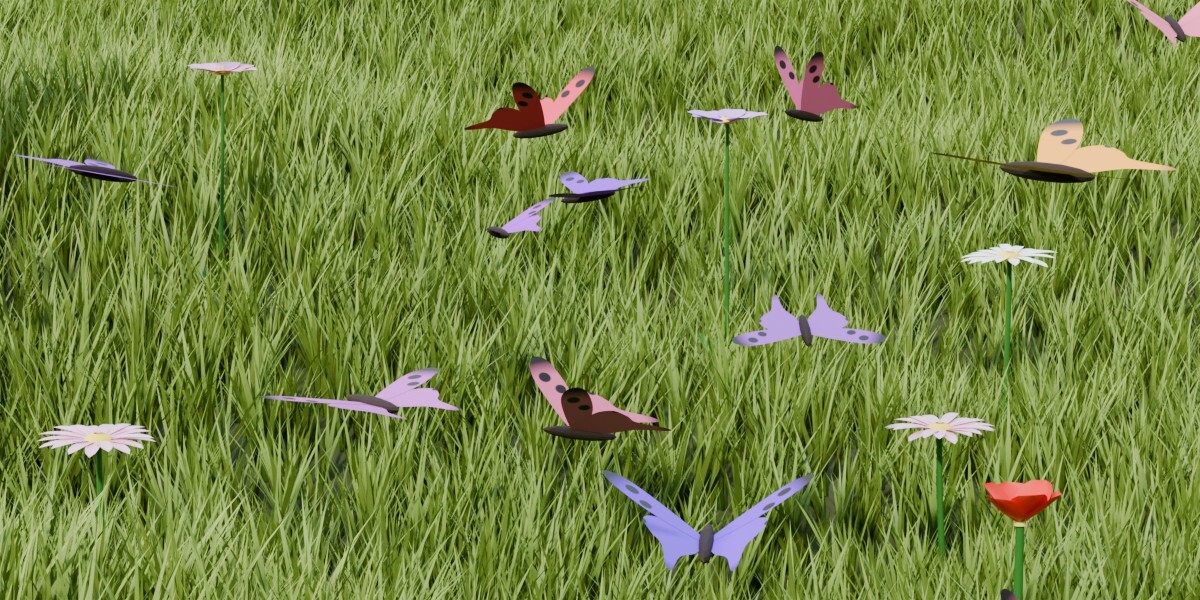
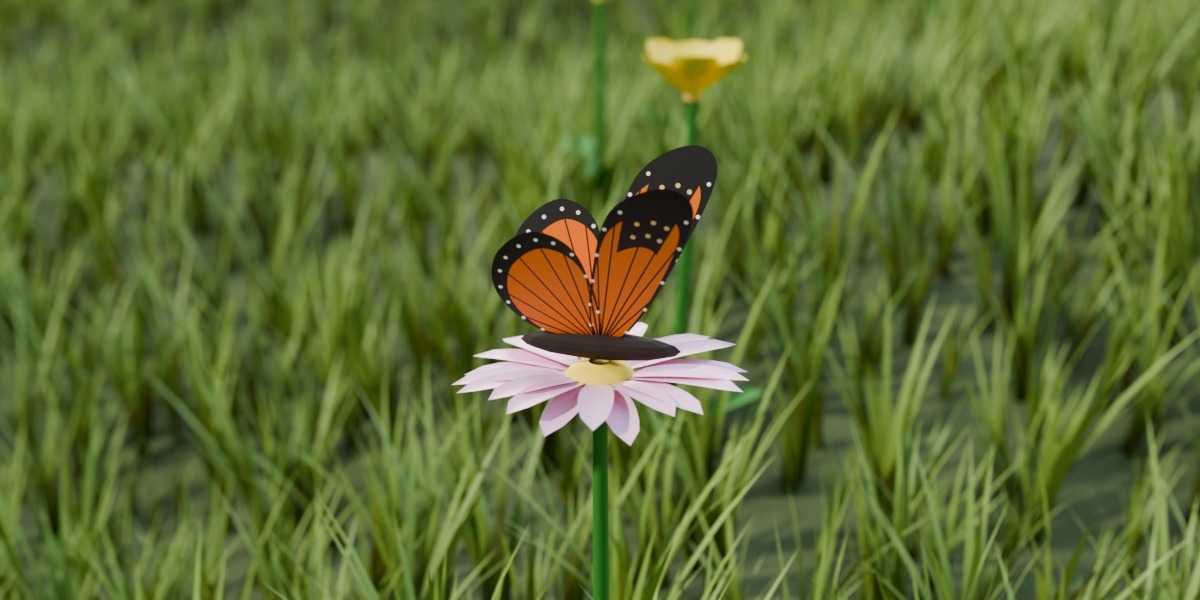
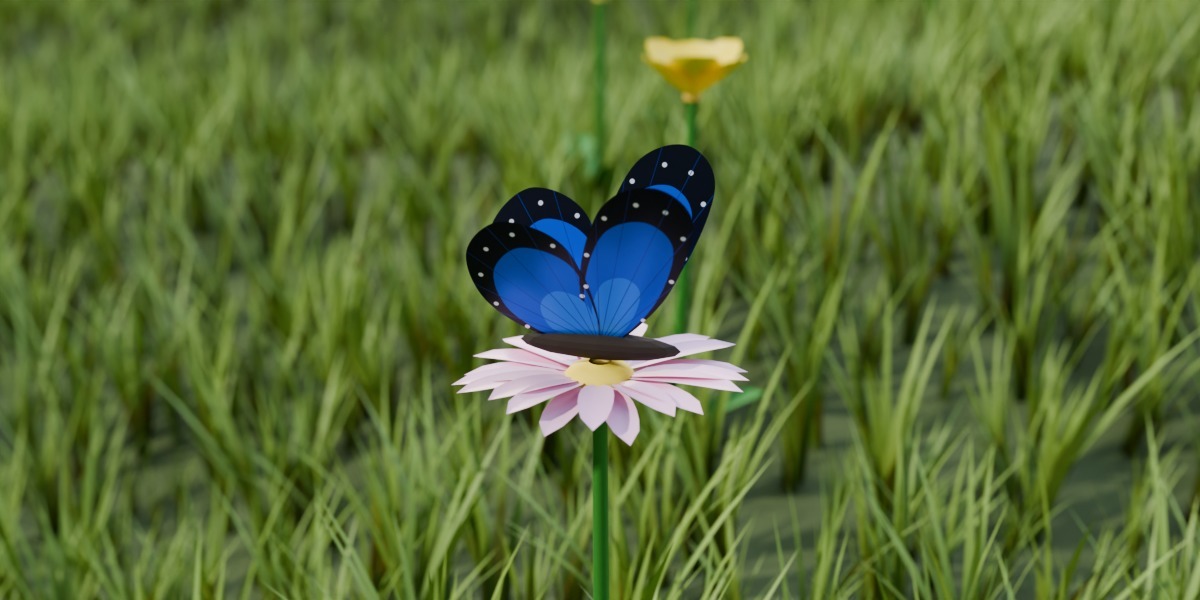
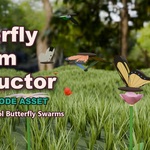
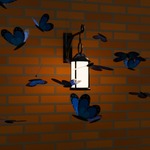
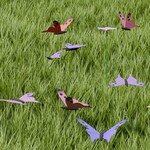
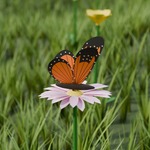

Butterfly Swarm Conductor. A swarm of animated butterflies for Blender, made with Geometry Nodes.
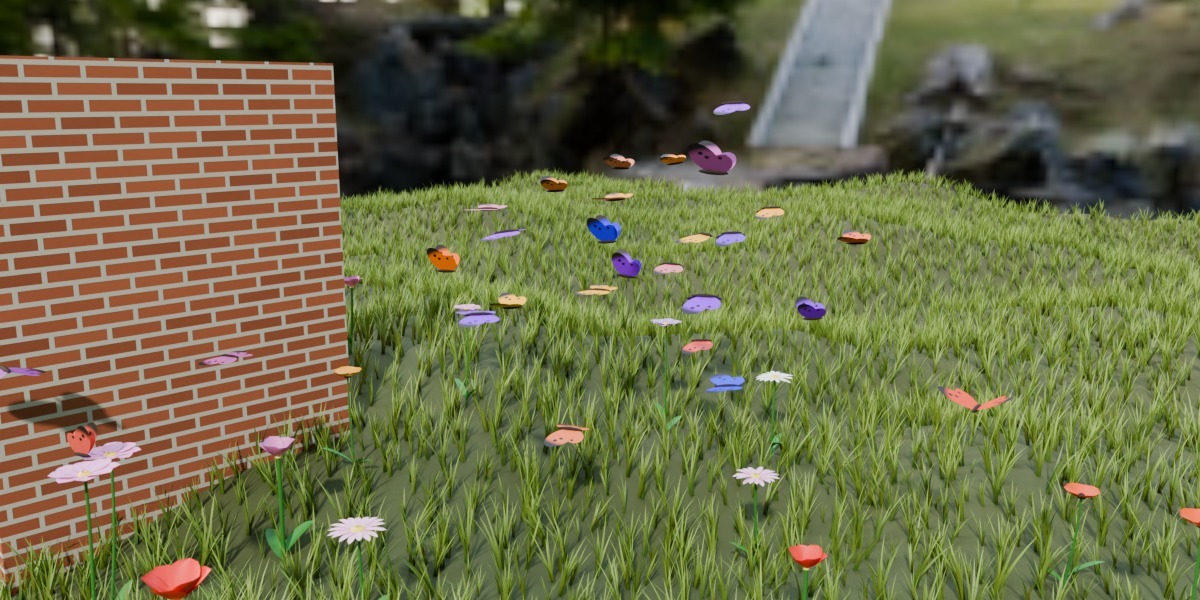
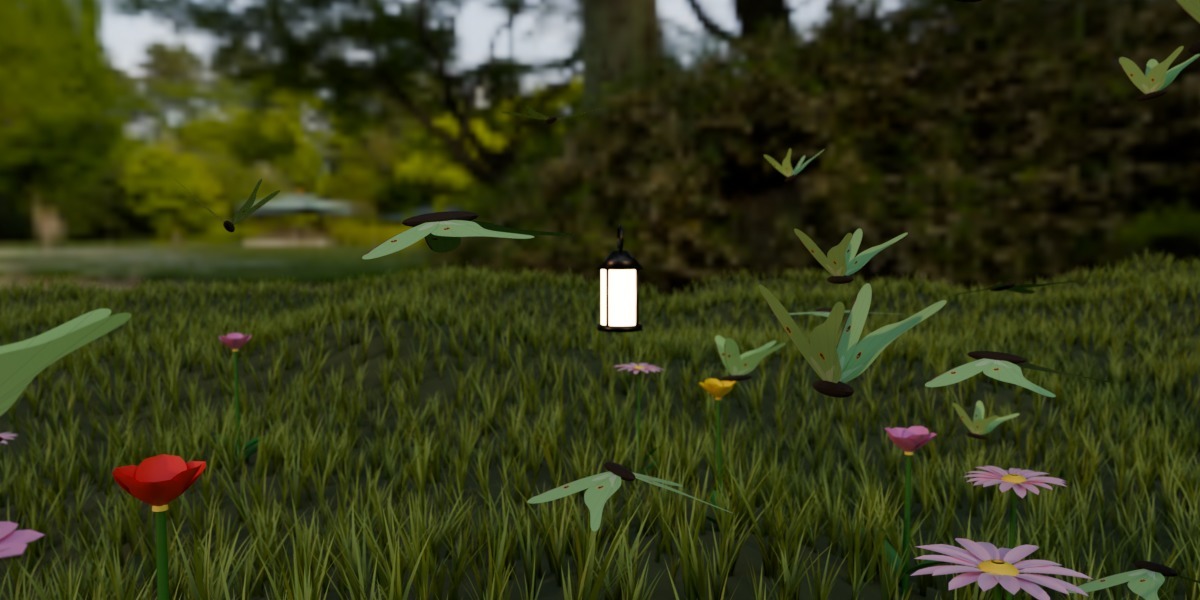
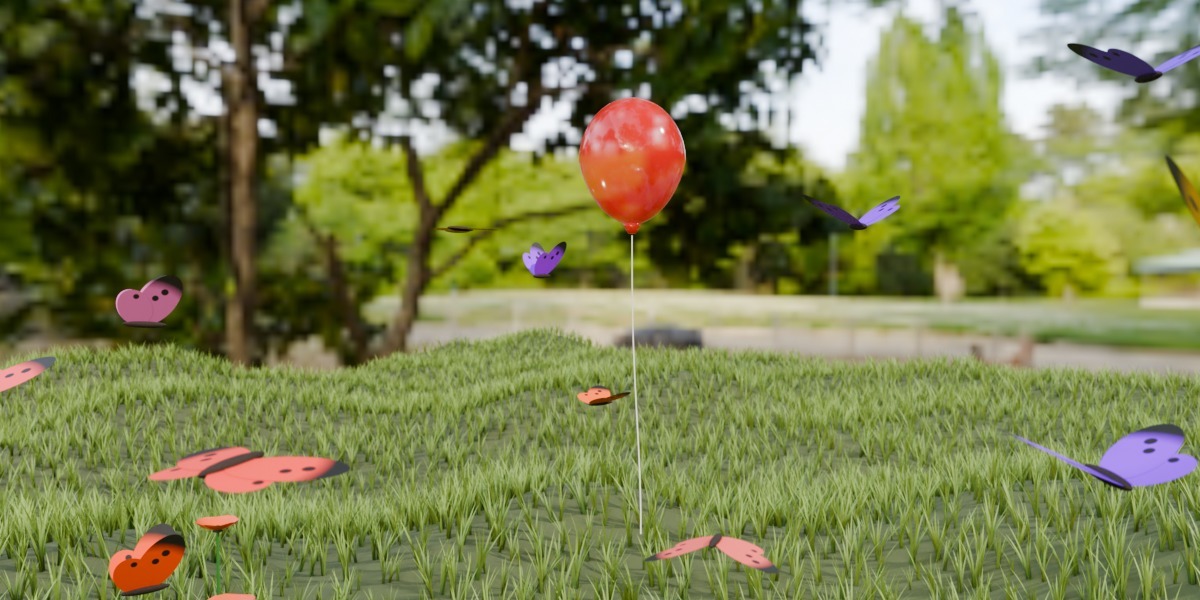
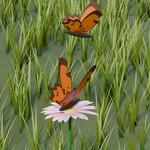
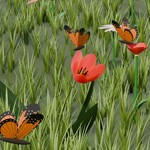
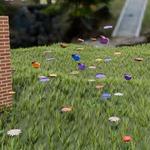
Drop it on any object and press Play. The butterflies take off, flap their wings, follow a target, land on flowers and fly around walls. Each one flies its own random path, so they never move as one rigid block.
It's a single Geometry Nodes asset with a simulation inside. There are no add-ons, scripts or particle systems, and no keyframes on the butterflies. You control everything with sliders in the modifier panel.
It renders in both Cycles and Eevee.
What's in the product:
- Butterfly Swarm Conductor, the Geometry Nodes asset. Made and tested in Blender 5.2.
- The same asset for Blender 4.5, made and tested in Blender 4.5.
- A demo scene for each version with the swarm, an animated target, ground with a wall, flowers, a light and a camera. Open it and press Play or Render.
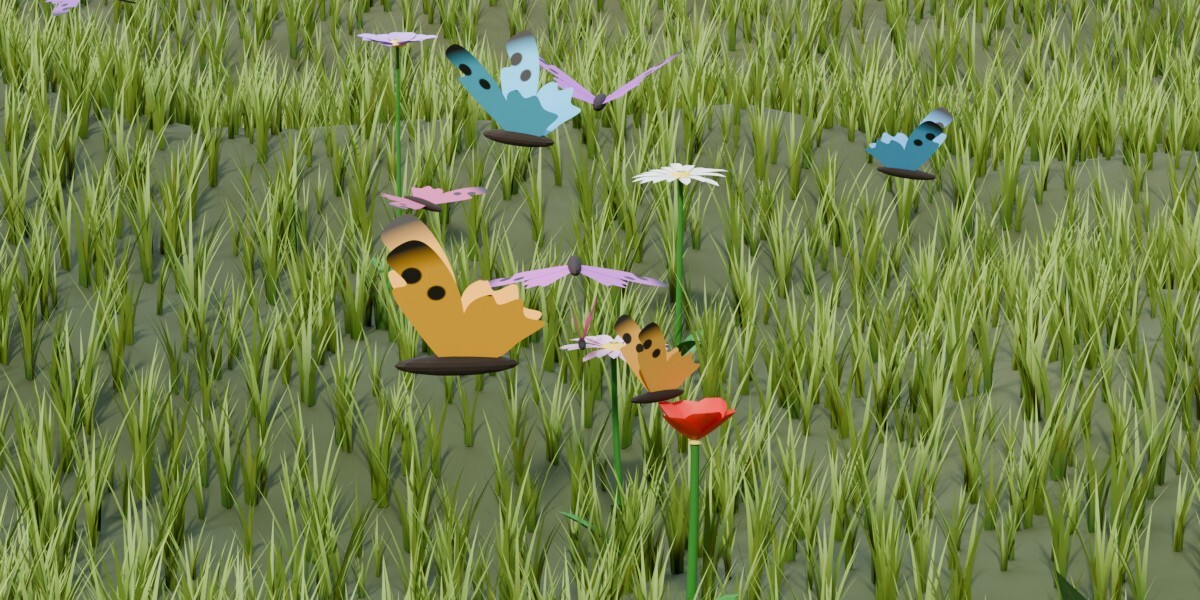
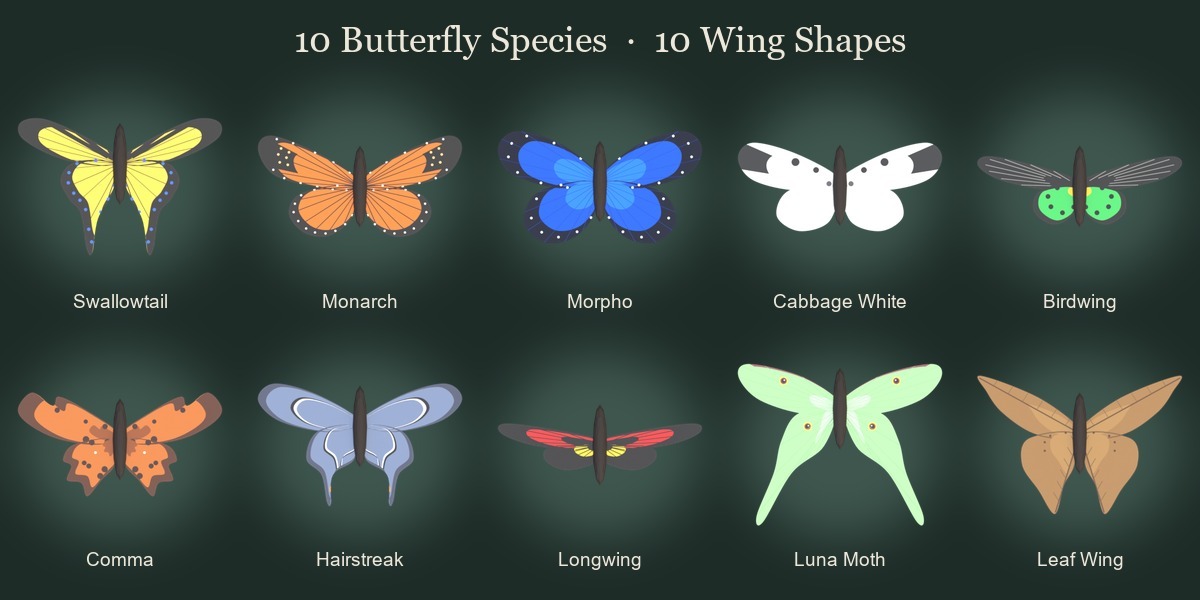
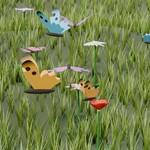
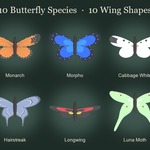
- A wing library of 10 butterfly species, each with its own wing shape and painted wing material (Swallowtail, Monarch, Morpho, Cabbage White, Birdwing, Comma, Hairstreak, Longwing, Luna Moth, Leaf Wing).
- Textures. The 10 wing images (they're also packed into the .blend files) and UV templates for painting your own wings.
What the butterflies can do:
- Follow a target. Set any object as Target Object and animate it. The swarm trails after it, a bit scattered, the way real butterflies drift.
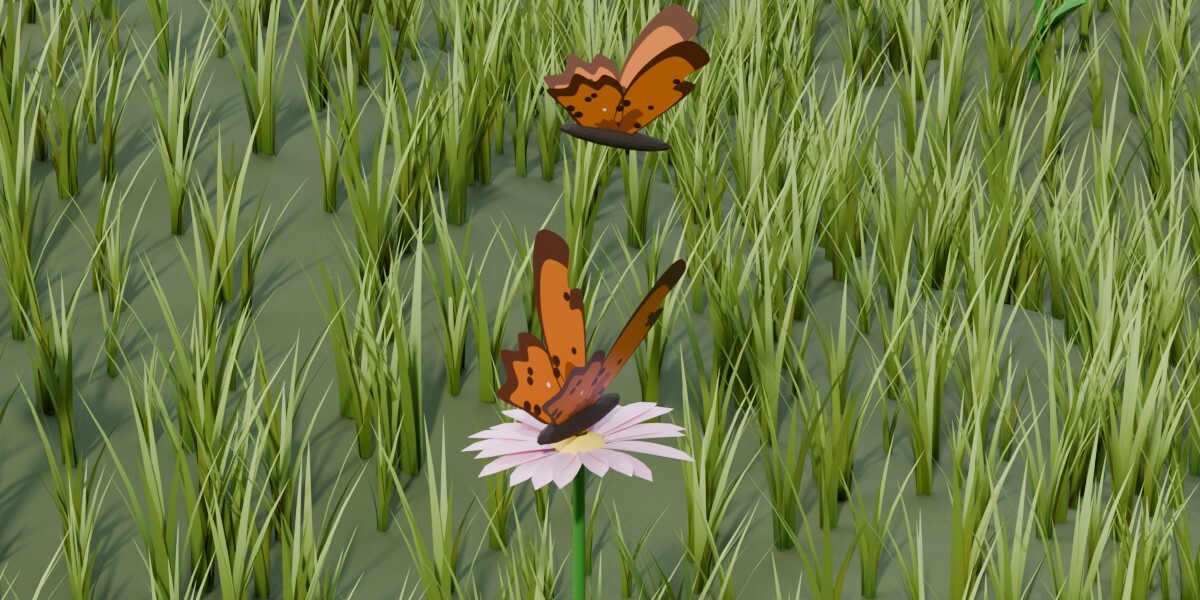
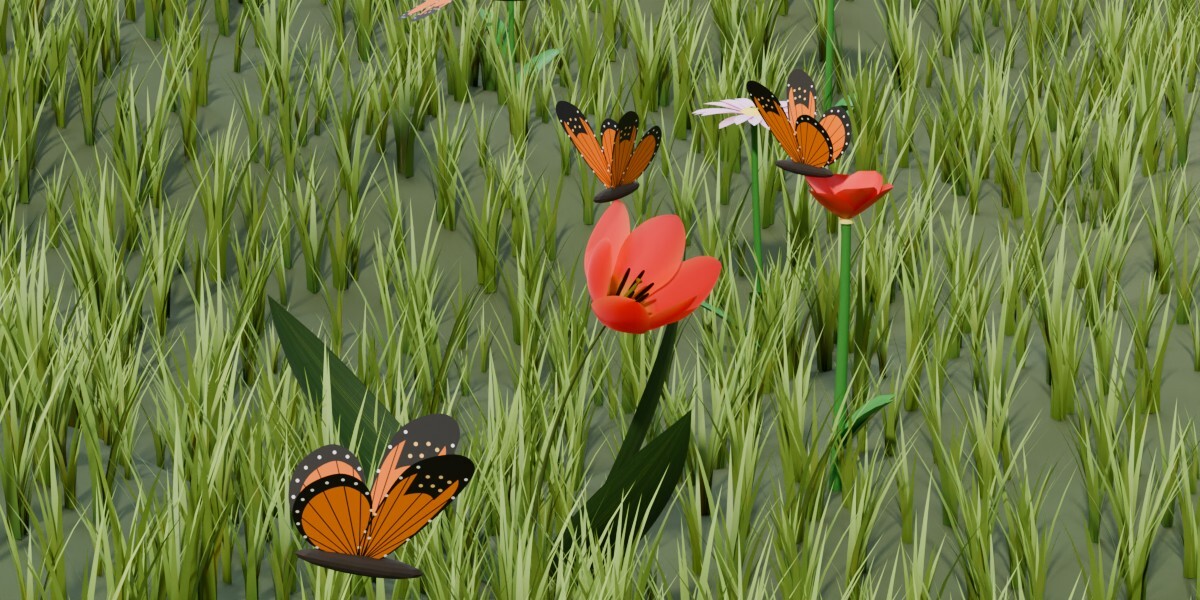
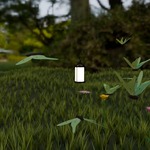
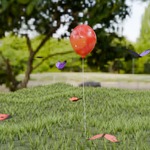
- Land anywhere. Put meshes into a collection and pick it in Landing Spots. Flowers work, so does the top of a wall or a stone. A butterfly lands on the highest point of the mesh, rests and takes off again.
- Fly around obstacles. Join the ground and walls into one mesh and use it as Ground Object. Butterflies turn away from the walls and slide along them instead of flying through.
- Keep off the ground. There's a minimum flight height over the ground surface.
- Wander. With no target the swarm circles over its start area.
- Export. Realize for Export turns the swarm into a regular mesh for FBX, glTF or OBJ.
Sliders in the modifier panel:
- Count, size, random size and seed of the swarm
- Speed, wander range, how chaotic the flight path is, and flight height
- Wing beat frequency, wing angle, and how in sync the wings flap
- Follow strength, spread around the target, maximum speed and agility
- Landing chance and rest time on landing spots
- Wing colors (Color A / Color B, random or gradient) and hue variation
You can also swap in your own wings. Put the mesh of a right wing into a collection, choose it as Wing Collection and give it your own material. The UV templates in the pack show the wing layout, so you know where to paint.
