 Carpediego




C4D → BLENDER
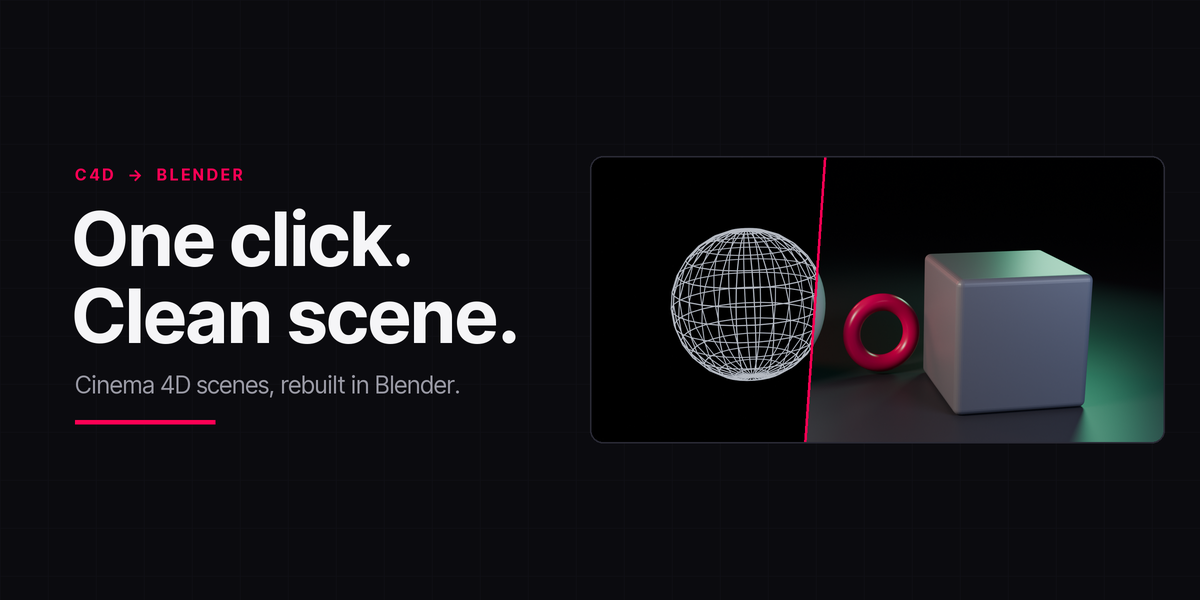
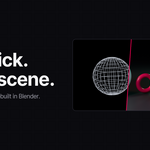
One click. Clean scene.
Cinema 4D scenes, rebuilt in Blender.
Free updates for life · Blender 4.2+ · Cinema 4D R23+ · Windows & macOS

Blender 4.2–5.3 · Cinema 4D R23+ · Windows & macOS · PSR animation
What it does
Scene or selection
Export all of it, or just what you picked.
Baked or Cage
The final shape, or a live subdivision cage.
Everything evaluated
Modifiers and deformers arrive applied, not as a stack to rebuild.
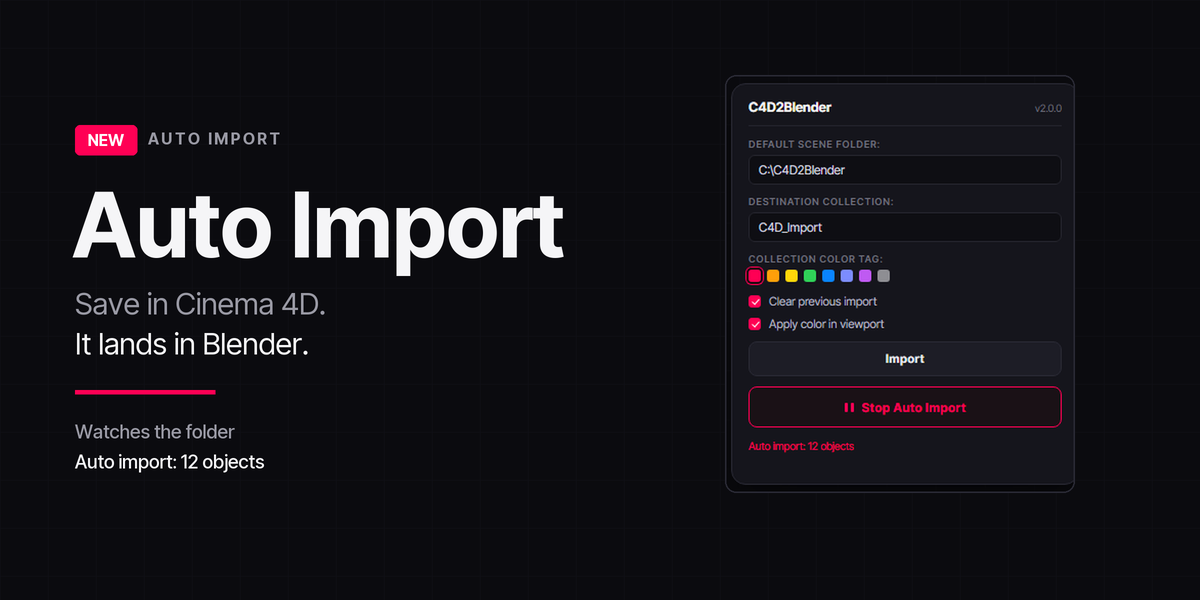
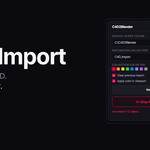
Auto ImportNEW
Save in Cinema 4D. It lands in Blender.
Built for real scenes
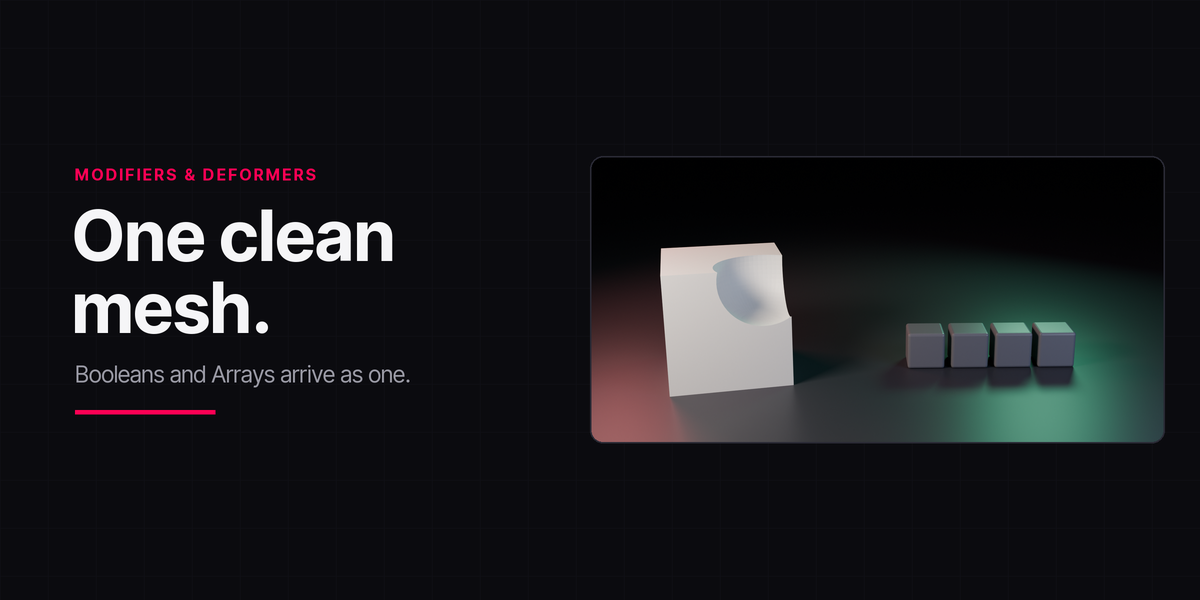
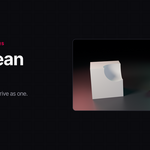
Modifiers and deformers, carried over
They arrive evaluated and clean: no empty groups, no loose parts.

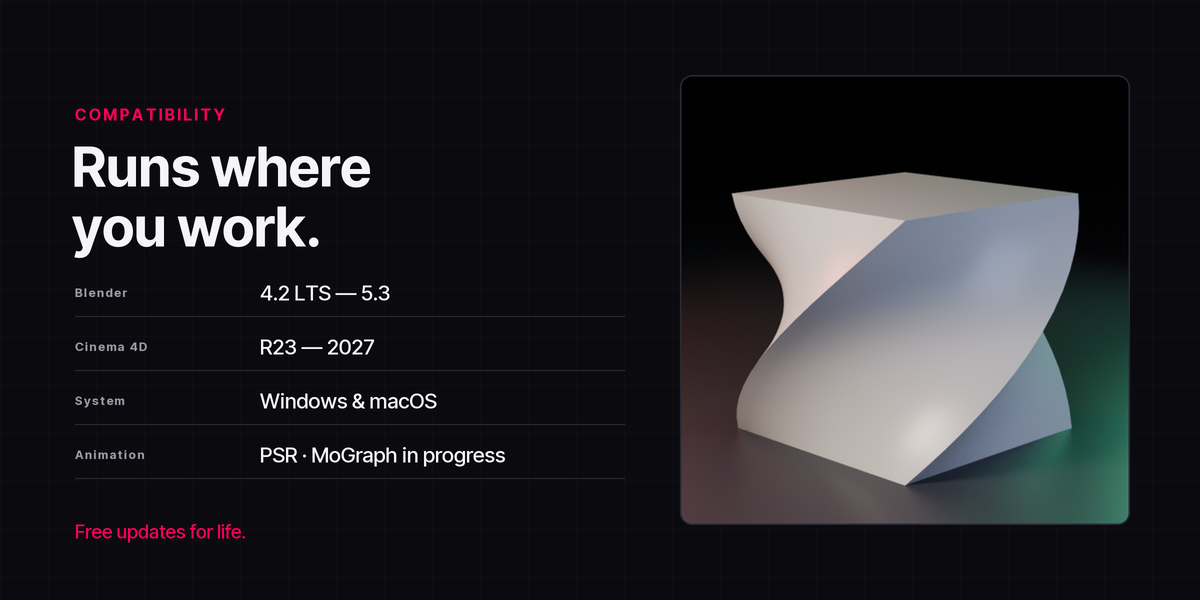
Deformers, applied
Twist and friends arrive as final geometry, not a broken envelope.

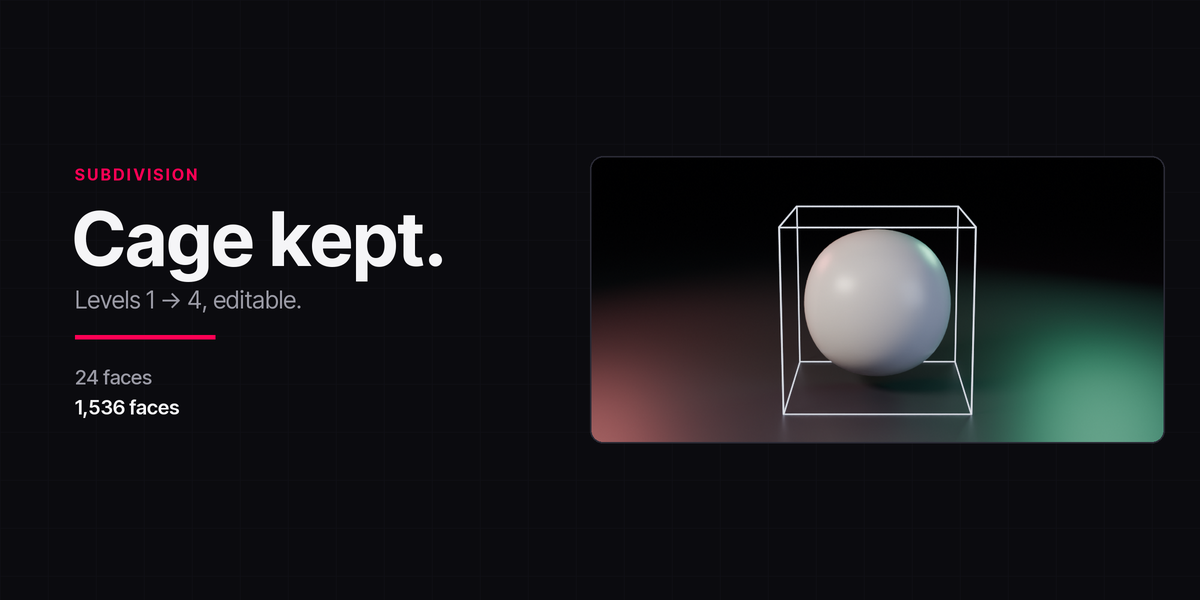
Subdivision that survives
Bake the final shape, or keep the cage and get a Subdivision Surface modifier.

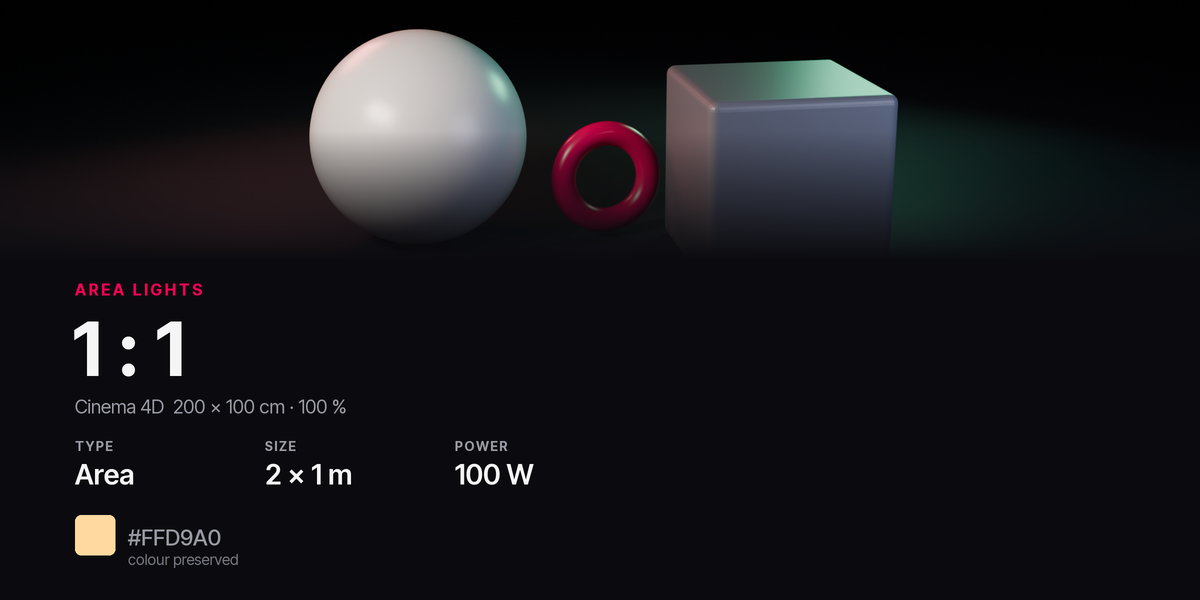
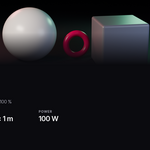
Area lights, 1:1
Power, size, color and type carried across. No re-lighting from scratch.

Re-import without losing work
Your materials, modifier stack and Geometry Nodes values stay.

Same shot, both sides
Re-importing keeps you inside the imported camera.

How it works
01
Export in Cinema 4D
Choose Scene or Selected, Baked or Cage. Press Export.
02
Auto Import in BlenderNEW
Point both sides at one folder. New exports arrive on their own.

What else it does
| Geometry Nodes survive Node groups and their input values come back after a re-import. | Your camera stays Re-import leaves you inside the shot, not in user view. |
| Duplicate materials, handled Merge or rename before export; Blender never sees two Mat. | Stable object IDs Re-imports match the right objects, cleanly. |
| Your collection Pick the destination, tag it with a color, keep the Outliner readable. | Viewport colors Base color to the viewport, with a refresh when materials change. |
| Undo anything A failed import restores the previous scene. Ctrl+Z works. | Folder picker Folders only, same default on Windows and macOS. |
| English & Spanish Follows Blender's language; the Cinema 4D side has its own switch. | Scene data travels along FPS, object IDs and generator info come with the scene. |
| Update check A quiet notice when a newer version exists. | PSR animation Position, scale and rotation are supported. MoGraph export is in progress. |
Compatibility
| Blender | 4.2 LTS or newer · tested on 5.3; 5.2 LTS and 5.1 supported |
| Cinema 4D | R23 or newer · tested on 2023 and 2024.1 · API reviewed through 2027 |
| System | Windows, macOS |
| Animation | PSR (position, scale, rotation) supported. Animated MoGraph scenes are in progress. |
| License | GPL-3.0-or-later |
| Includes | Blender extension + Cinema 4D plugin |
Get C4D2Blender 2.0.0
One folder. One click. Clean scenes.
$15 · Free updates for life · Last updated: November 2026