Joseph Hamilton
over 7 years ago
Hi Ralph...working on this bug right now. Will update this very soon! Thank you and apologies for the bug. Cheers from Los Angeles! -Brad
This item has an average rating of 3 from 12 ratings by the community.
Purchase this item to leave a review!
I mean. I'm confused on the hate. As a professional 3d artist the add-on makes smooth and organic camera movement super easy to create. Highly recommend.
Works great! Thank You. Made following my rig car super easy!
Very nice, Very useful. As someone who does a lot of buildings and environments, I consider this a must have.
Very easy to use! Got a fast answer to my question as well. Just make sure to use the right download depending on your version of Blender.
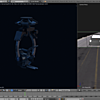
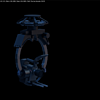
Like the other review, I sometimes can't move the camera after adding a cable. When I can't I just delete the camera and start over, and that usually works. Another issue is that there are a few parts on the camera rig, and you have to be sure to select only the top ring thing to move it. That's fine, but it requires zooming way in to grab it. Selecting from a distance would be great. Installation was fine. Just install like any add on. Targeting works beautifully. Overall, it feels a little fragile - if you click the wrong thing, you might break it, and have to delete the setup and start fresh.
Very nearly perfect!
The camera and tracking operations works perfectly... but after adding a cable and
a keyframe, I can no longer move the camera... That is to say, I:
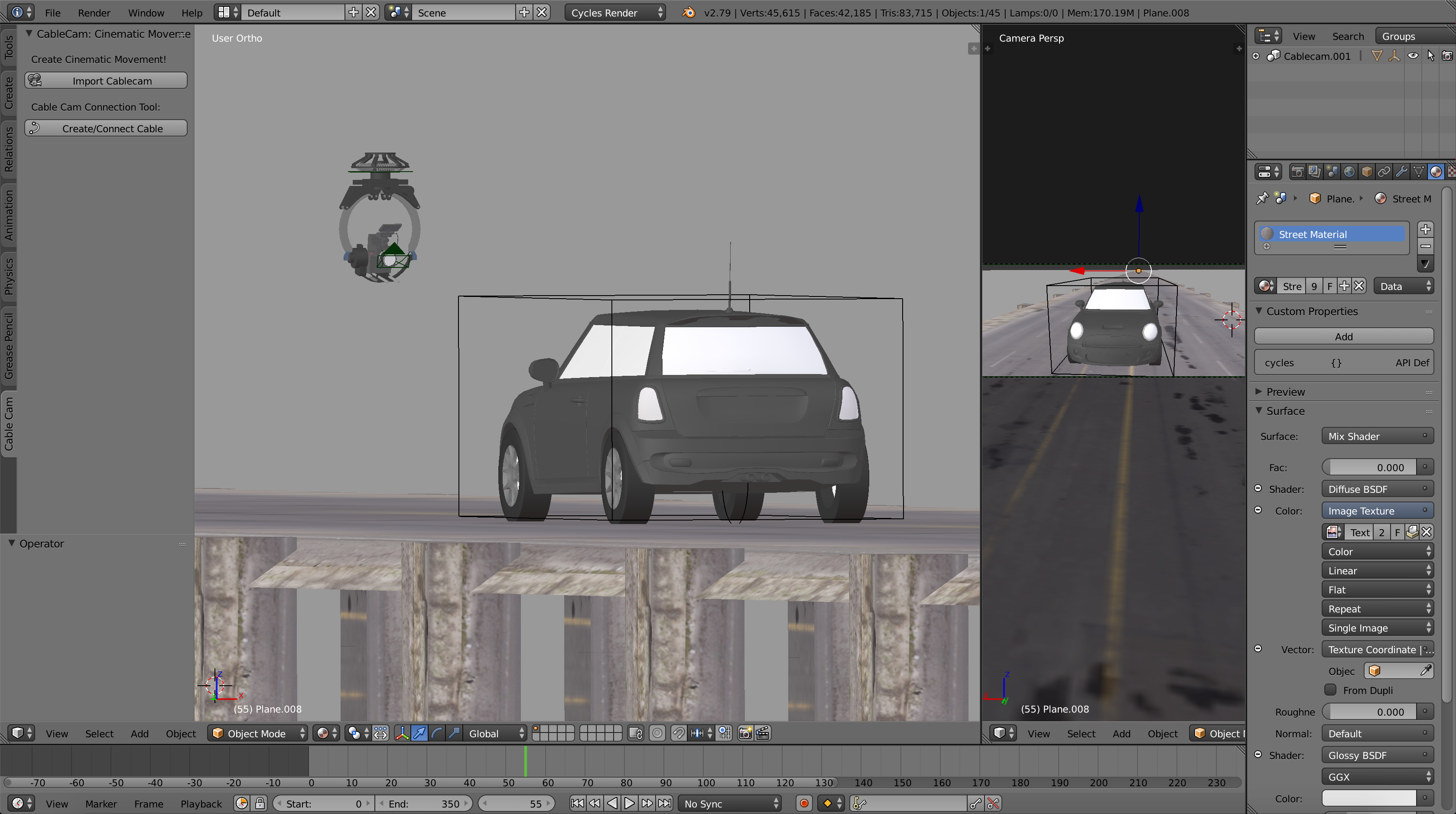
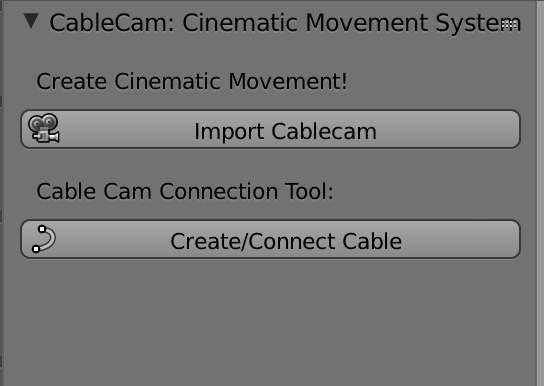
1. Add cablecam camera
2. Add cablecam cable
3. Edit/move cable points
4. Slide camera to test
5. Add start keyframe.
6. Advance to new frame number
7. Try to move camera, without success.
Windows 10, Blender 2.79.
Manually adding a nurbs path, then adding a follow path constraint and
animating evaluation time DOES work, however, and I am very happy...
Just wanted to report in case it was a bug rather than a goof at my end....
But the tracking is easy to set up, works well and is as smooth and easy to use as described. And if the cable problem is mine, I will revised this post...
best
rg
Joseph Hamilton
over 7 years ago
Hi Ralph...working on this bug right now. Will update this very soon! Thank you and apologies for the bug. Cheers from Los Angeles! -Brad
The installation video for 2.8x does not match the contents of the purchased files, making installation confusing and tie wasting, I hope the product is better than the installation since that feels like a bad omen.
Joseph Hamilton
about 6 years ago
Resolving this issue with a new demo video tomorrow. Thank you for the feedback.
bought and installed this addon, it is not showing on the side panel, nor anywhere on the blender interface. any solutions or have I wasted $15?? i'm using blender 3.2. thanks
Clunky. Stupid. You're better off setting this up yourself. Documentation isn't updated. Current documentation is in the video demo for some reason and after messing with this for over 2 hours I can't get a camera to move along the cable.
i installed the plugin but it doesn't work. This requires an upgrade, but how to do it is not clear.
Joseph Hamilton
over 5 years ago
Hi Andrey, I think you may be using the wrong version of Cablecam for your version of Blender. Make sure that you are using the install file with the title Cablecam2_8Install. That should solve your error. We have a new install video here: https://www.youtube.com/watch?v=h7G_UYhz_tk
Have questions about this product?
Login to message
| Sales | 700+ |
| Rating |
12 ratings
|
| Dev Fund Contributor | |
| Published | about 8 years ago |
| Blender Version | 3.6, 3.5, 3.4, 3.3, 3.2, 3.1, 3.0, 2.93, 2.92, 2.91, 2.9, 2.83, 2.82, 2.81, 2.8, 2.7x, 2.79, 2.77 |
| Render Engine Used | Cycles, Eevee |
| License | Editorial |
how to animate a camera in blender rigging sweeping camera movement spring22 summer22 camera rig bfcm22 cinematic camera rig summer23 cablecam camera animation addon loveblender blender camera rig animation tool filmmaking spring24 moving the camera cinematic movement system