Cactus Scene
 Team Blender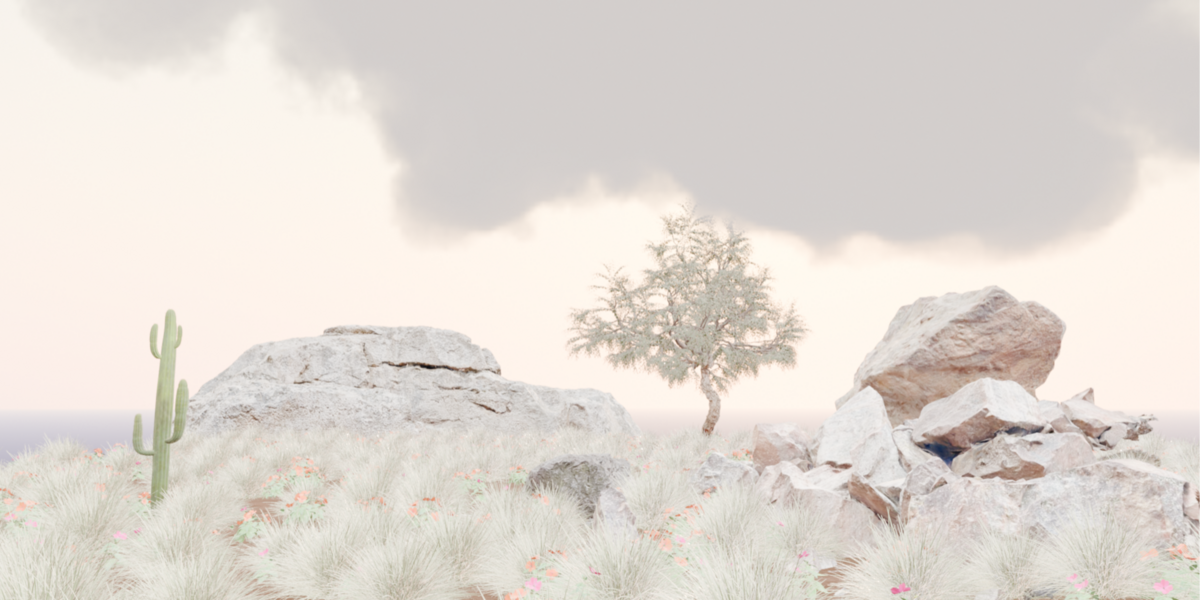
Overview
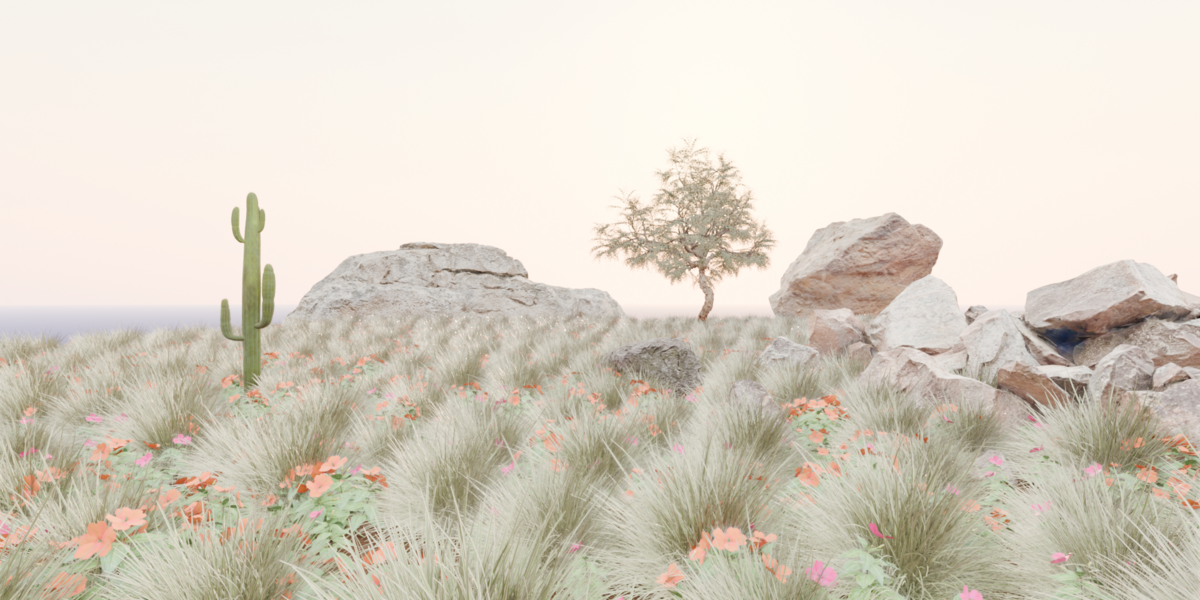
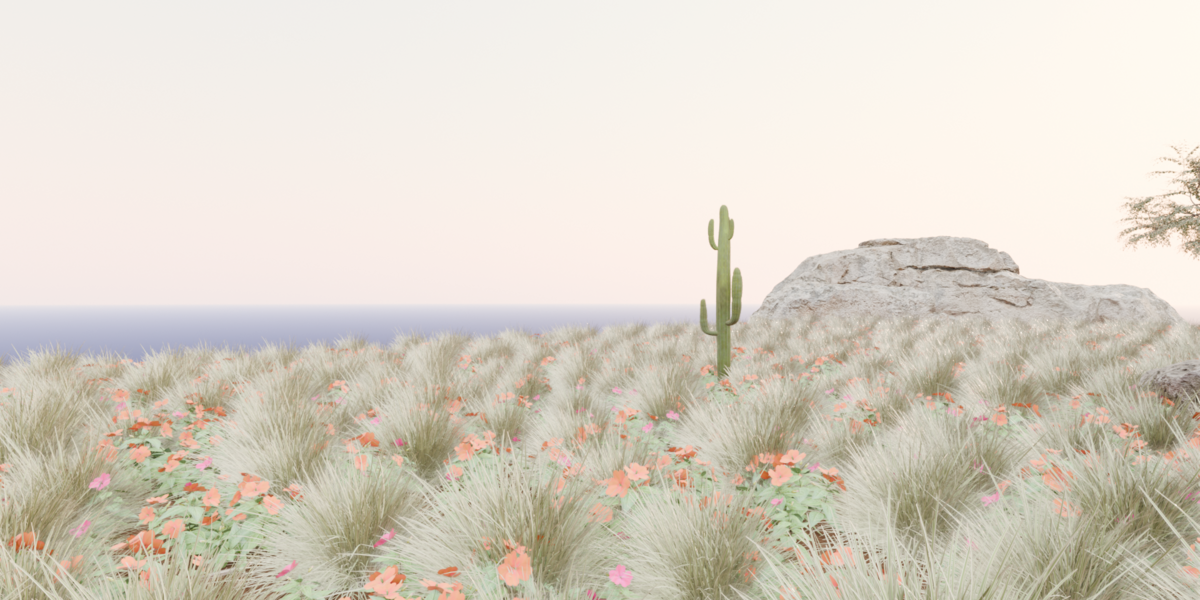
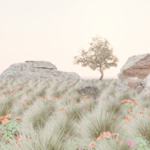
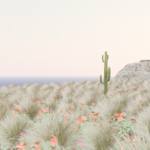
The Cactus Scene is a high‑quality, fully‑editable Blender environment designed for creators who need a clean, cinematic desert backdrop. The scene is optimized for product showcases, add‑on trailers, motion graphics, and concept art. Every element in the file is organized, labeled, and ready for customization.
Features
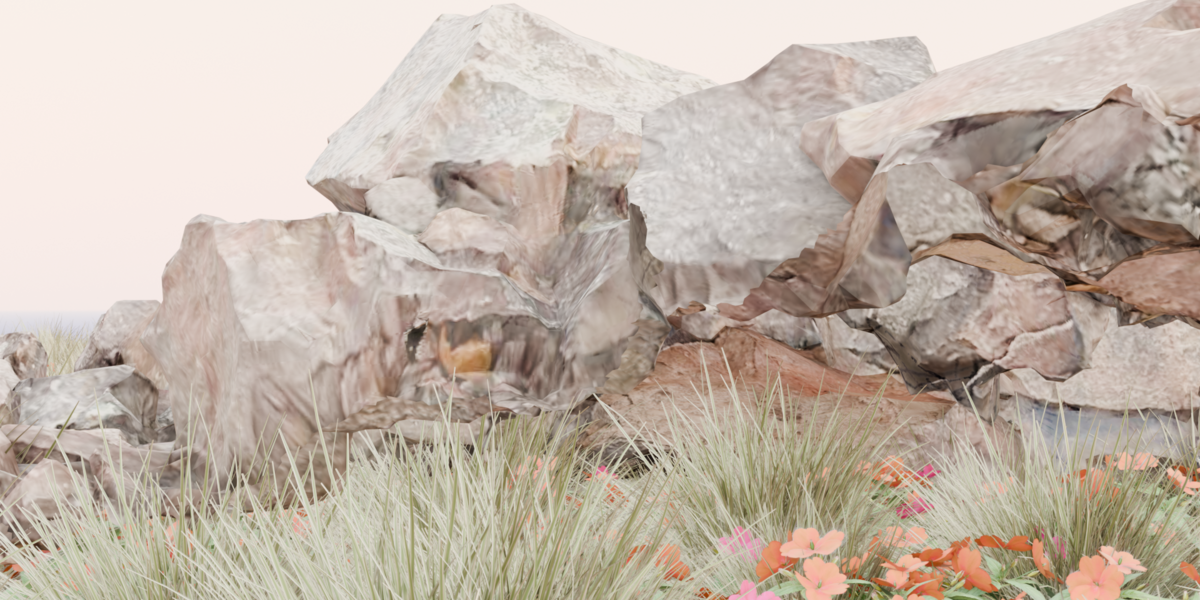
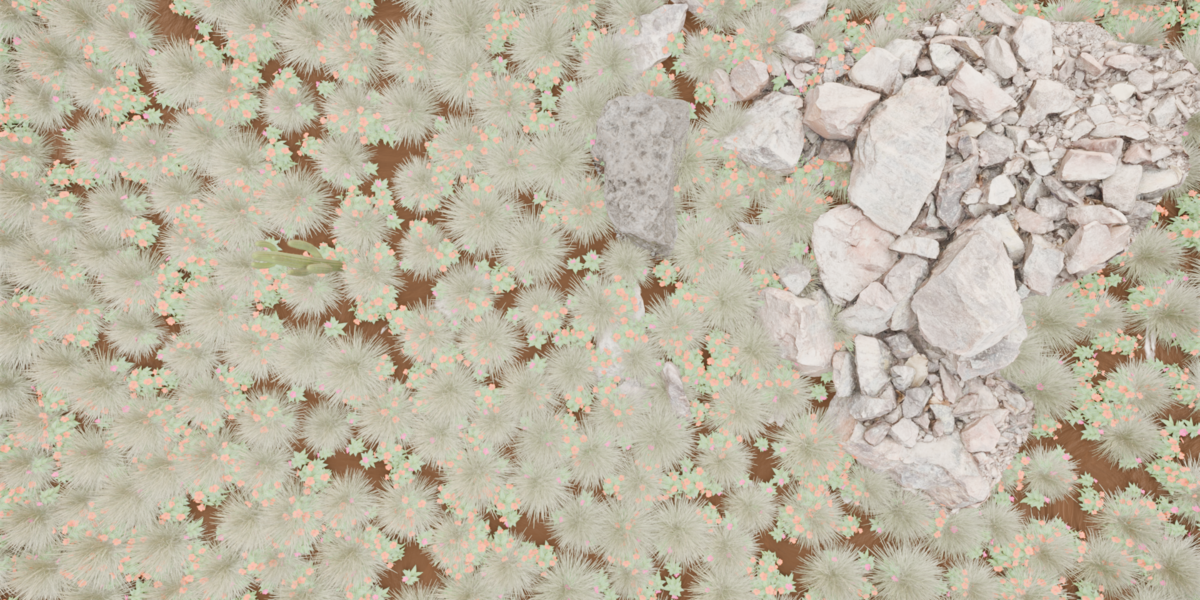
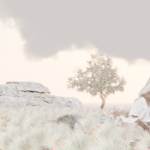
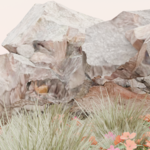
Fully procedural desert environment Includes rock formations, sand surface, vegetation, and a stylized cactus.
Clean lighting setup Soft, natural lighting designed to create a calm, premium look straight out of the box.
Optimized for animation & rendering Works with both Eevee and Cycles. No heavy simulation or unnecessary modifiers.
Non‑destructive workflow All major elements use modifiers and adjustable parameters so you can tweak the scene without breaking it.
Organized Outliner Every object is grouped and named clearly for fast navigation.
Included in the File
Complete desert environment
Cactus model
Rock formations
Lighting setup
Camera setup
Materials & textures
Render settings
How to Use
Open the
.blendfile in Blender 4.0+Select the camera to adjust framing or animate slow cinematic movements
Use the lighting controls to change mood or time of day
Add your UI, product, or character into the scene
Render in Cycles for highest quality or Eevee for fast previews
Recommended Use Cases
Add‑on showcase videos
Product trailers
UI reveal animations
Motion graphics
Backgrounds for thumbnails
Concept art and moodboards
Performance Notes
The scene is optimized for modern GPUs
Works smoothly on mid‑range hardware
No heavy simulations or volumetrics
Support
If you encounter issues or have questions, feel free to reach out through Blender Market messages. I’m happy to help you get the best results from the scene.
Have questions about this product?
Login to message
| Published | 4 days ago |
| Blender Version | 3.0 - 5.2 |
| Render Engine Used | Cycles, Eevee |
| Misc Data | Textured |
| License | GPL |