CAD Hidden Cleaner
 AS Formworks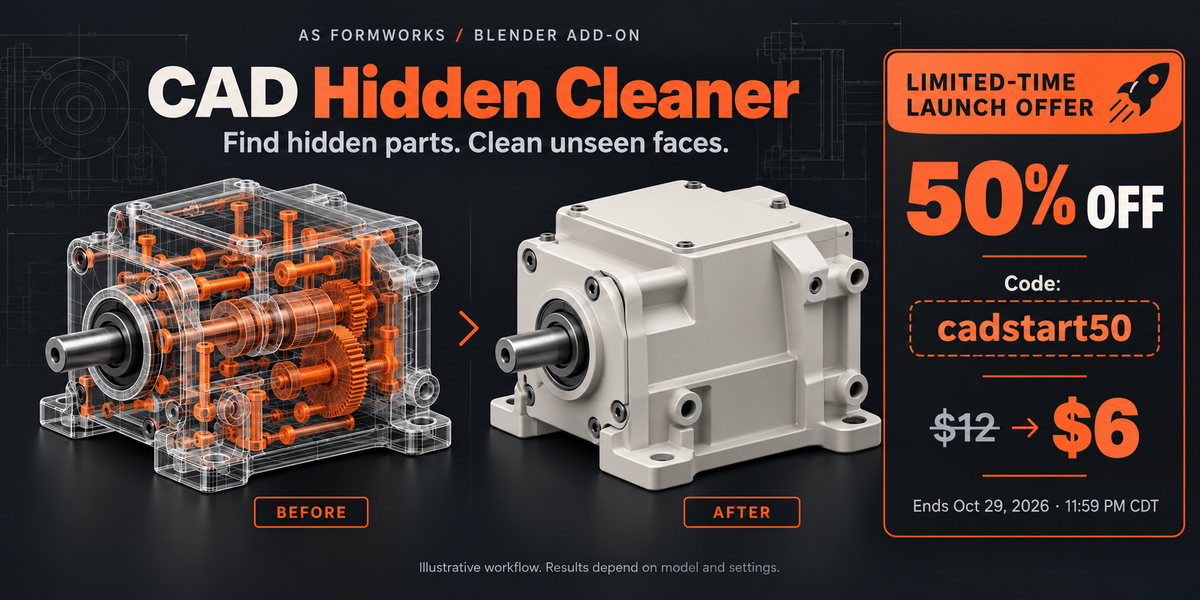




What do the before/after triangle counts mean?
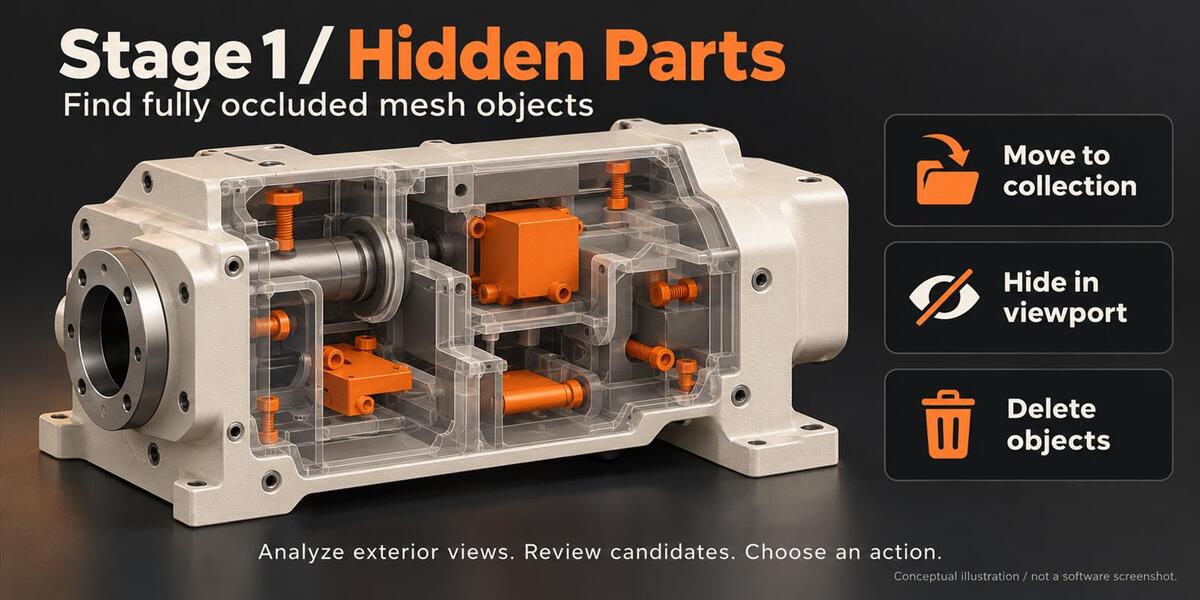
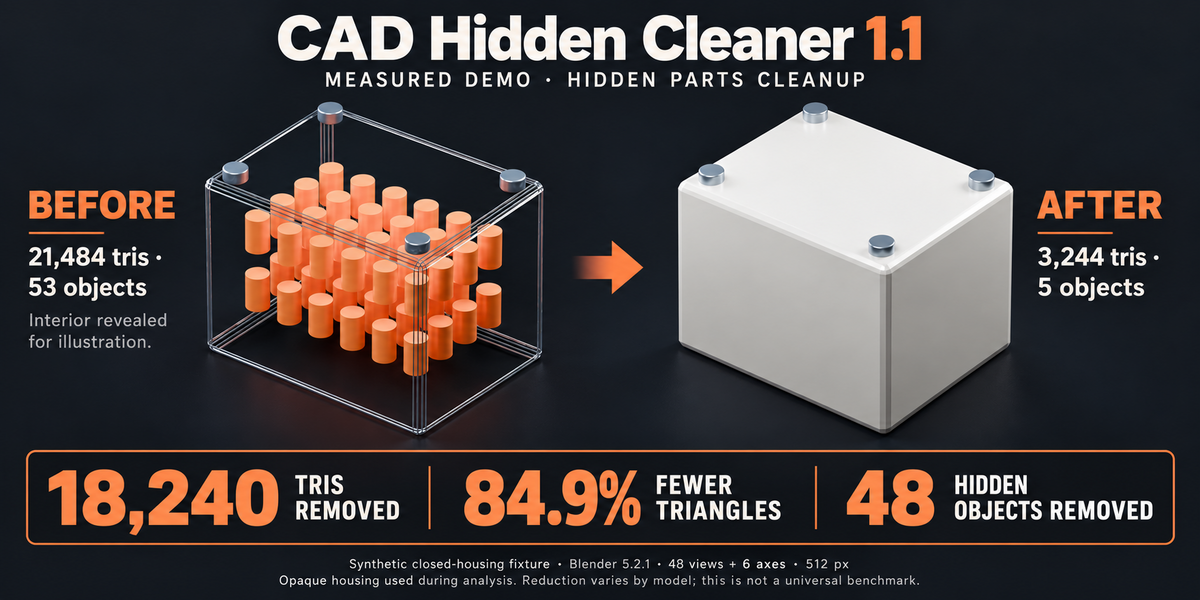
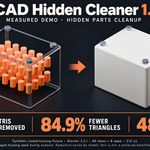
Measured synthetic demo in Blender 5.2.1: a closed housing with 48 internal pins and four exterior fasteners went from 21,484 to 3,244 triangles after Analyze Parts > Delete. That is 18,240 triangles removed (84.9%), with 53 mesh objects reduced to 5. Settings: 48 directions plus six axis views, 512-pixel resolution, Min Pixels 1 and Min Visibility 0. The before graphic reveals the interior for explanation; analysis used the full opaque housing. This is a controlled demonstration, not a representative CAD benchmark or a guaranteed reduction for other models. Triangle counts describe remaining scene geometry, not render speed, memory use or file-size savings.
Which Blender versions are supported?
Version 1.1 requires Blender 5.0 or later. Validation was performed on Windows with Blender 5.0.0 and 5.2.1 LTS. Other versions, operating systems and GPU drivers have not been independently validated. An interactive Blender window with offscreen GPU support is required; background mode is unsupported.
Can I review or reverse cleanup?
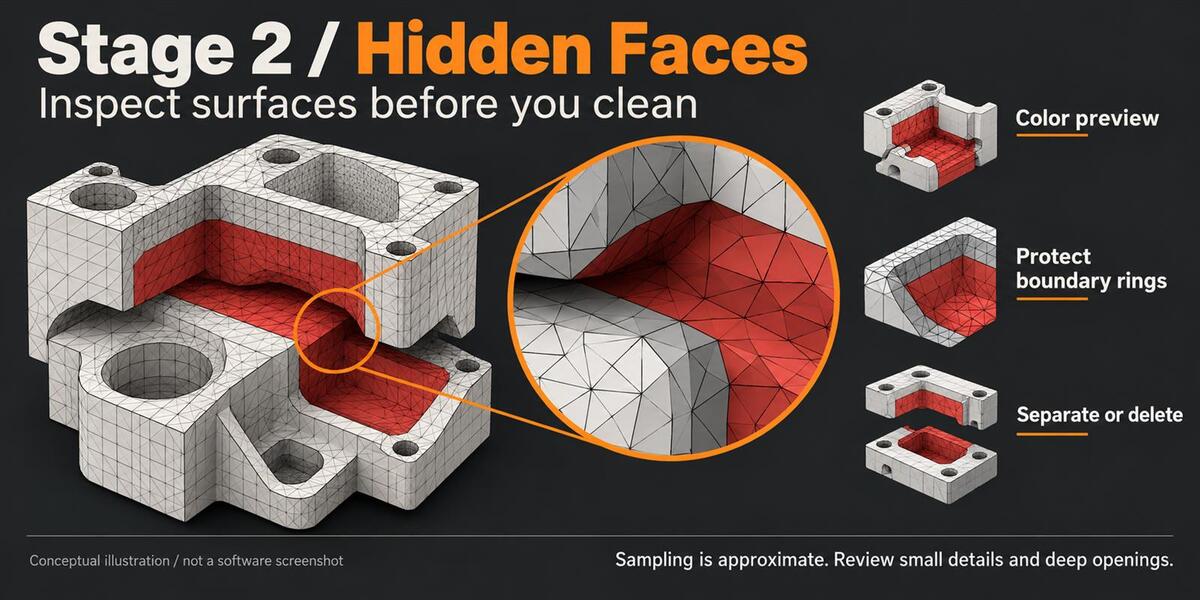
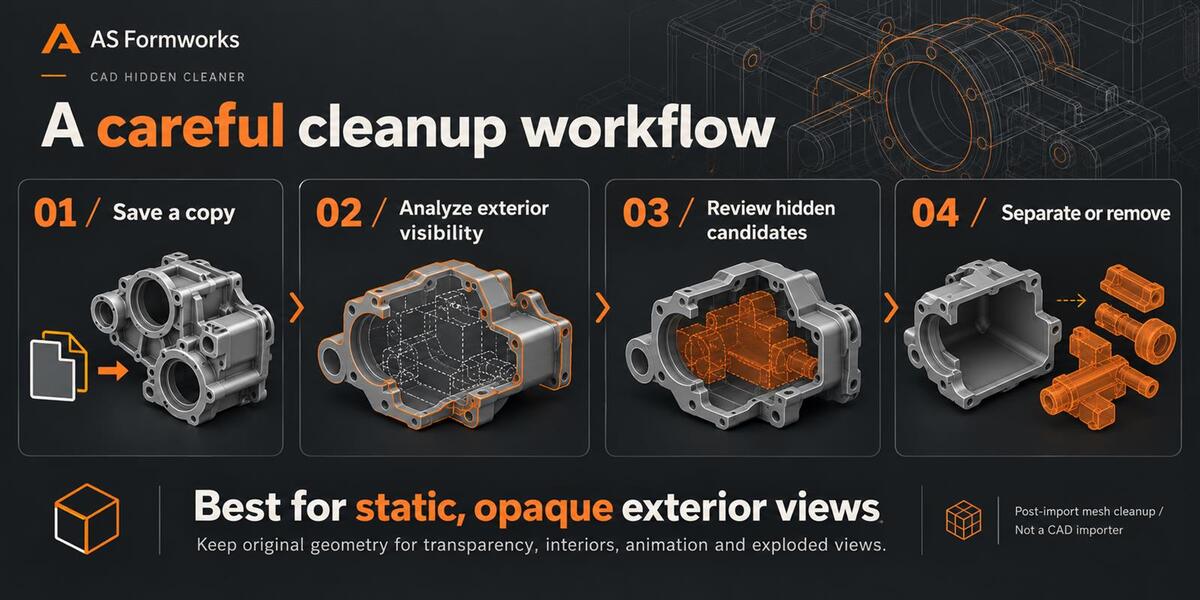
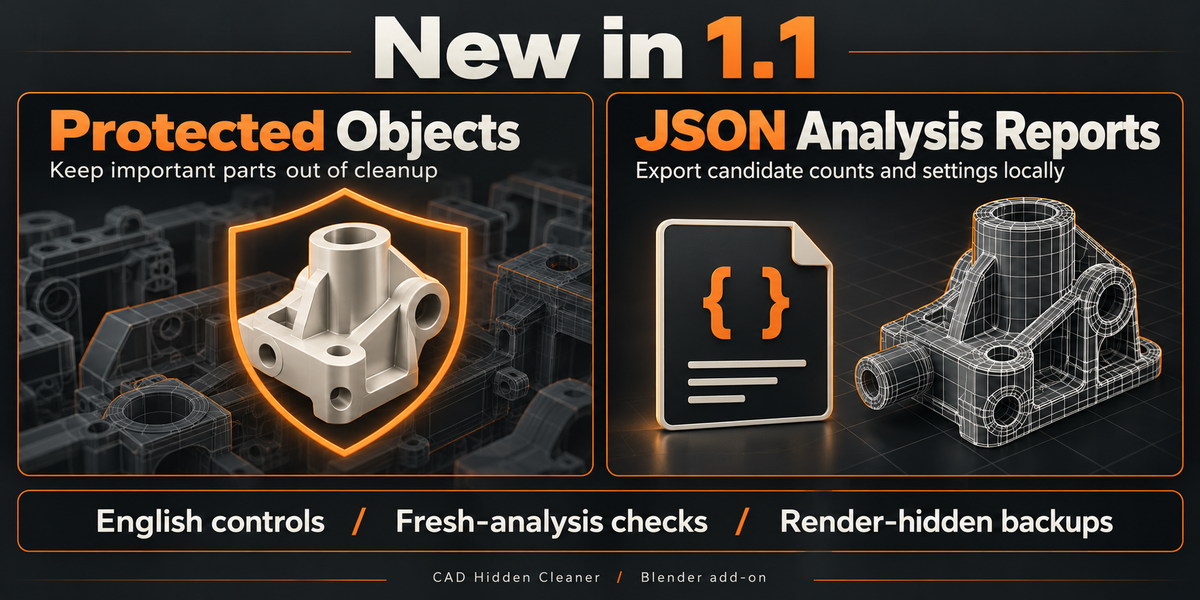
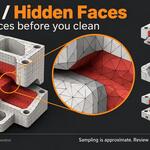
Yes. Candidates can be reviewed through selection, counts and red face preview. Prefer Move to Collection or Separate Faces and save a project copy first. In 1.1 the backup collections are hidden in both viewport and render. Hide affects the viewport only. Apply changes working geometry and can create holes; use Undo immediately or reopen your original to restore. Clear Analysis removes analysis data and does not restore removed geometry.
What do Protected Objects and JSON Reports do?
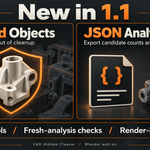
Protect excludes selected mesh objects from cleanup while leaving them as occluders. Unprotect includes them again after a new analysis. Export Analysis Report saves local JSON with settings and candidate counts before Apply. The report includes scene/object/mesh names, is not uploaded automatically and is not a performance benchmark.
How are linked or shared meshes handled?
Combine merges visibility evidence across visible shared-mesh users. Protected users exclude the shared mesh from face cleanup. Hidden or other-scene users cause a safety stop; use Single User for independent selected copies. Bake modifiers and shape keys on local single-scene duplicates first. Analyze again after changes; expired results are blocked.
Will it guarantee a smaller file or faster renders?
No universal reduction, FPS gain or speedup is promised. Results depend on hidden geometry, sampling, hardware and the rest of your pipeline. Backup geometry still occupies memory and file space. Use a separate export copy and check whether your exporter includes hidden objects.
Can I use the add-on in commercial projects?
Yes. The Python add-on is licensed under GPL-3.0-or-later; you may use, modify and redistribute it under those conditions. Using it does not change the ownership or license of your own models. The product does not include the CAD-like models shown in marketing illustrations.
When should I keep the internal geometry?
Keep originals for transparency, interiors, cutaways, exploded views, animation and moving parts. Exterior visibility sampling does not simulate material transparency, reflections or all possible future viewpoints. Review results before cleanup.
Does CAD Hidden Cleaner import STEP or CAD files?
No. This is a post-import mesh cleanup add-on. Import CAD using another importer or conversion tool, then analyze the resulting static Blender mesh objects. CAD Hidden Cleaner does not edit CAD solids or retopologize meshes.
Have questions about this product?
Login to message
| Blender Extension Compatible | Yes |
| Published | about 6 hours ago |
| Blender Version | 5.0 - 5.2 |
| Extension Type | Add-on |
| License | GPL |
Discover more products like this
blender mesh cleanup hidden geometry cad ArchViz modeling optimization 3d product visualization