 BENNODES
Install in Blender
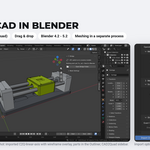
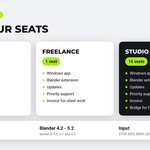
- Pick the zip for your Blender: blender4.2-5.0 for Blender 4.2 – 5.0, blender5.1-up for 5.1 and newer.
- Edit › Preferences › Get Extensions › ▾ › Install from Disk › choose the zip. Don't unzip it.
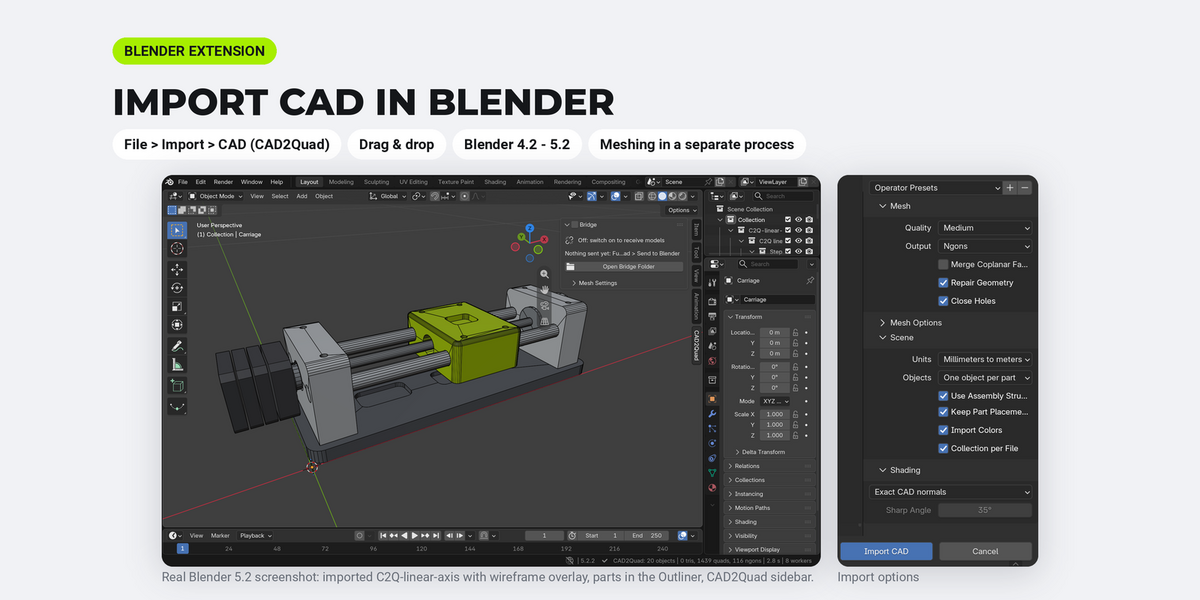
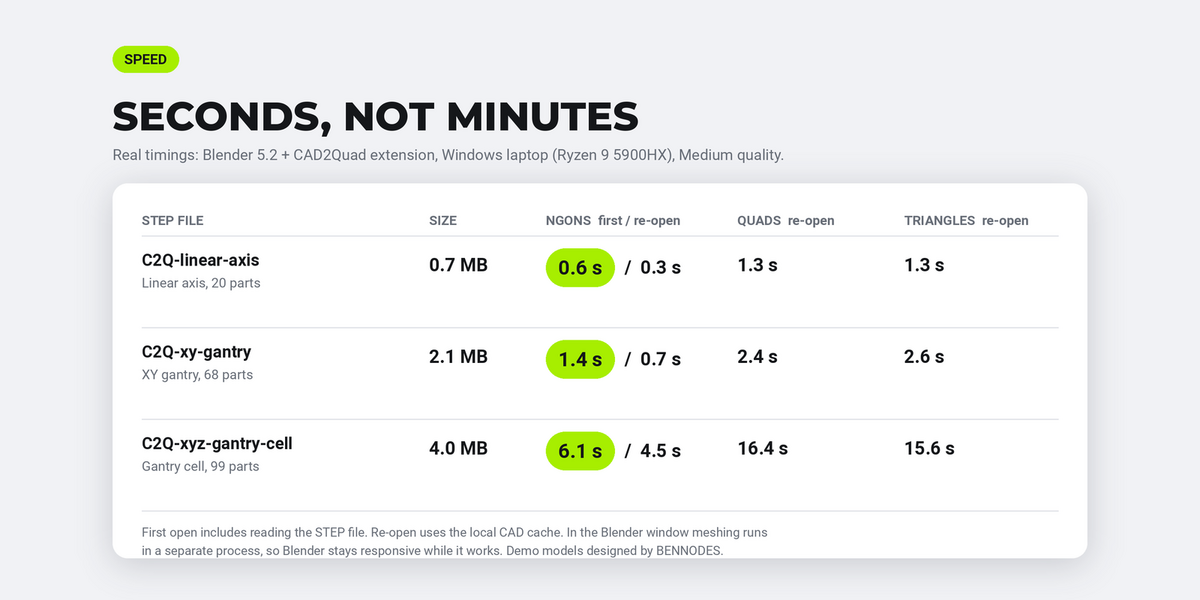
- Import: File › Import › CAD (CAD2Quad), or drag a .step / .stp / .iges file onto the viewport.
Clean mesh
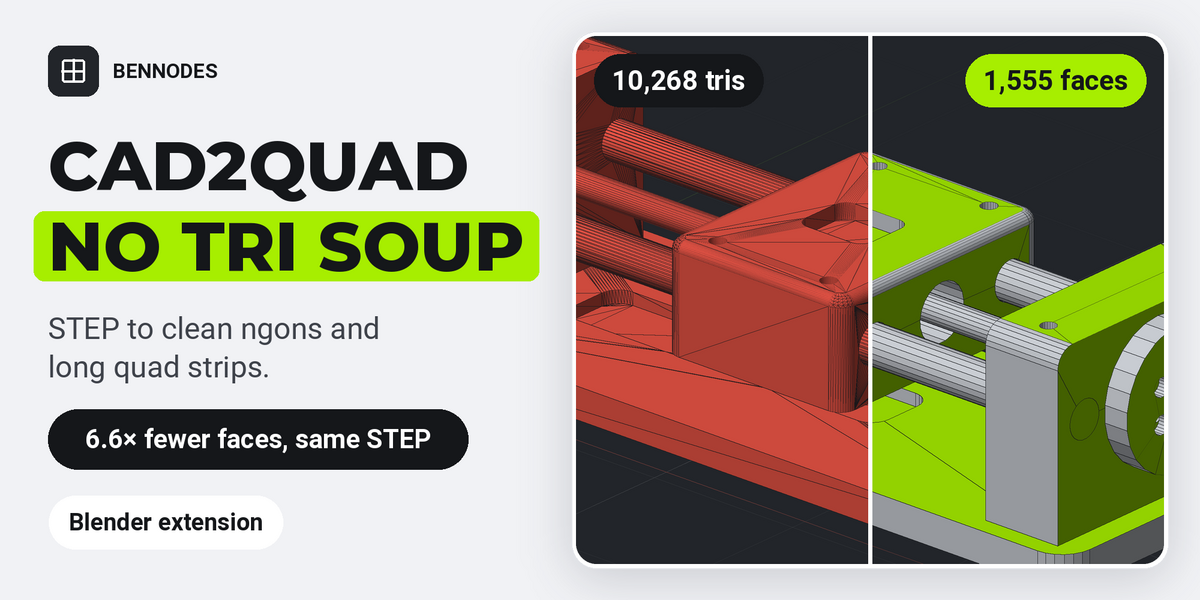
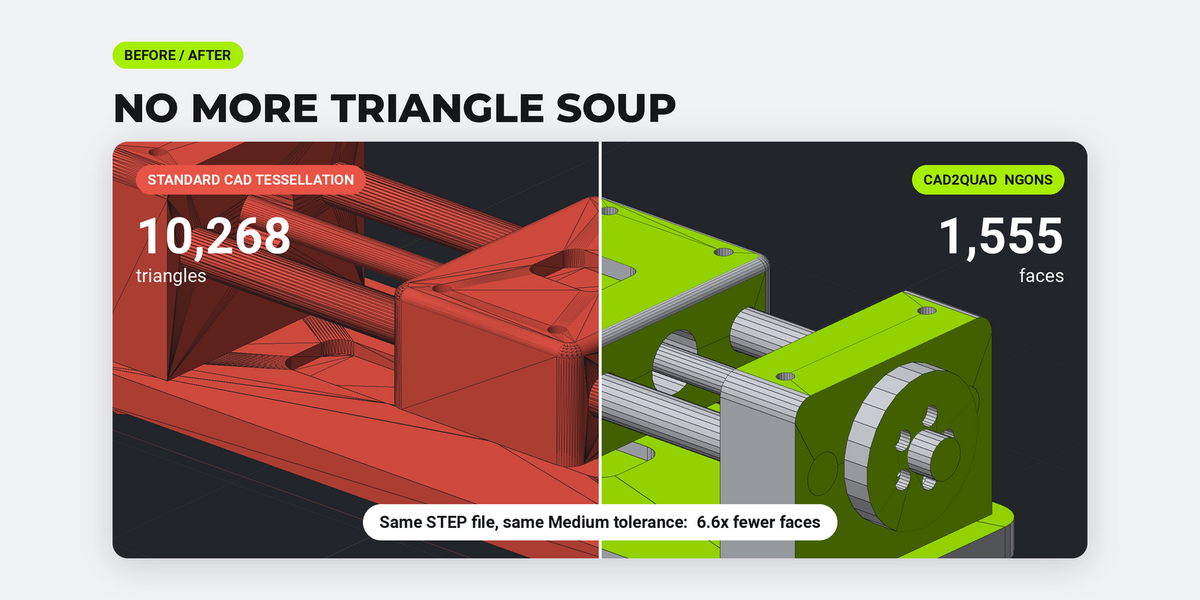
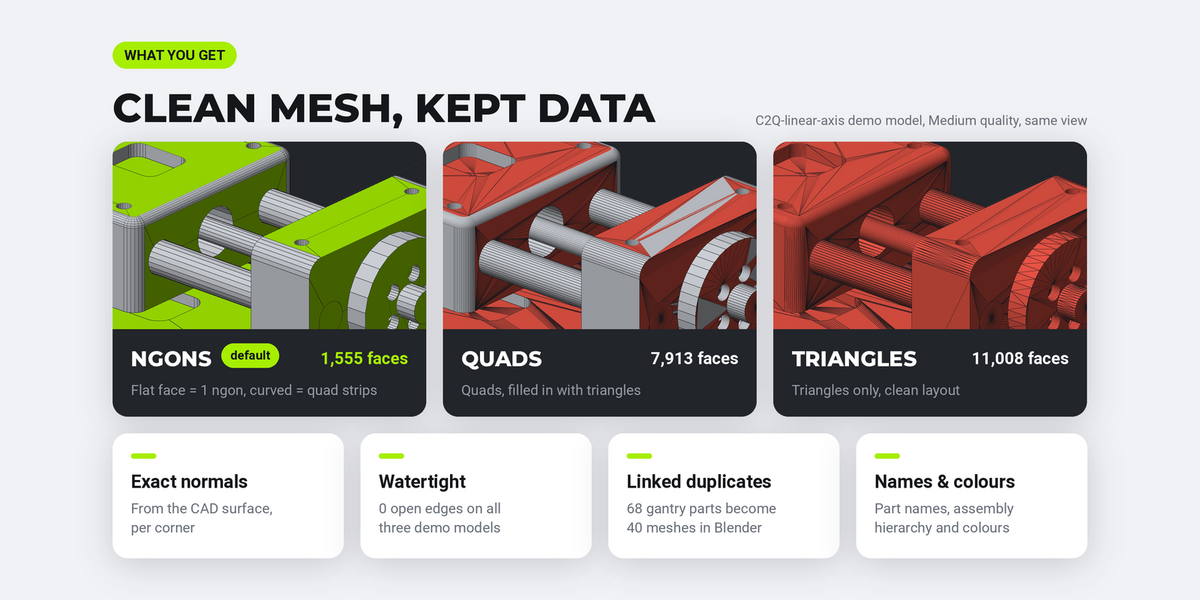
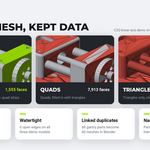
For meshes that are already in Blender (STL, OBJ, FBX from any CAD tool): open the sidebar (N) › CAD2Quad, select the meshes and click Clean selected. Flat areas become ngons, curved areas quad strips.
Options
- Angle: smaller = more segments on curved faces (Coarse 28.6°, Medium 17.2°, Fine 8.6°).
- Weld: shared vertices between faces (watertight).
- Merge coplanar faces (Ngons only): neighbouring flat faces in one plane become one ngon.
- Divide larger than / Avoid smaller than / Aspect ratio: limit edge lengths and long thin cells.
Bridge for Fusion (Studio)
The Bridge is a Fusion add-in (Python scripts, no installer). It is included in the Studio download, folder Fusion\CAD2Quad Bridge.
- Copy the folder CAD2Quad Bridge to %APPDATA%\Autodesk\Autodesk Fusion 360\API\AddIns\.
- Fusion › Utilities › Add-Ins › CAD2Quad Bridge › Run (tick Run on Startup).
- Blender › N-panel › CAD2Quad › Bridge › tick the checkbox.
- Fusion › Utilities › CAD2Quad › Send to Blender. Live Sync updates Blender on every save; Blender keeps materials, modifiers, scene and hidden parts.
- Blender › Send Positions to Fusion moves parts back in Fusion (parts held by joints are skipped and reported).
Platform
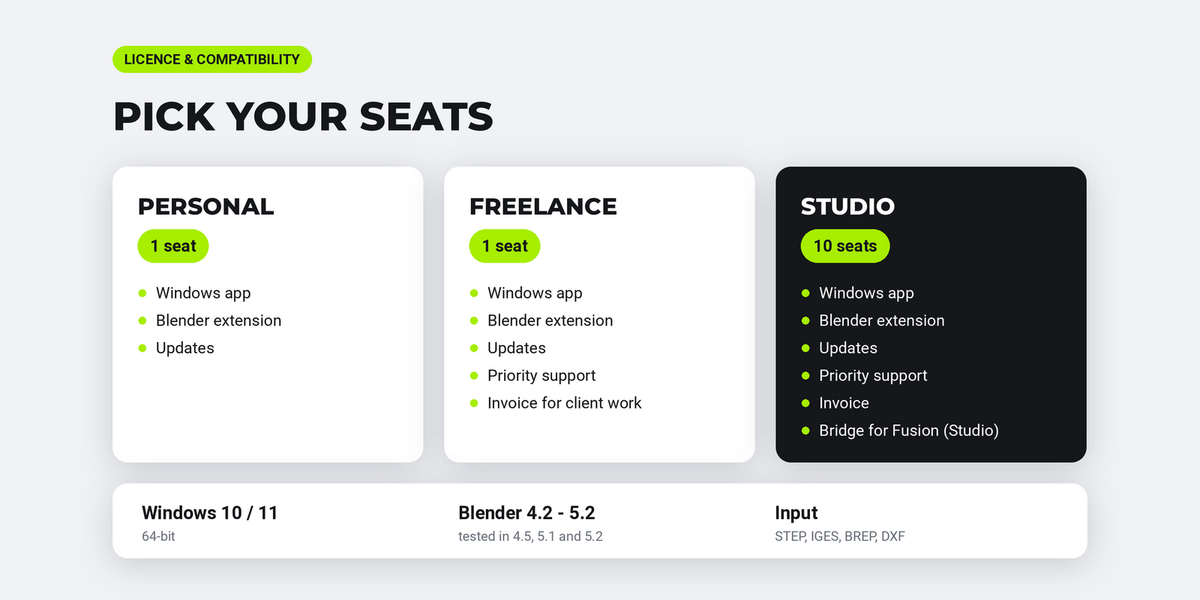
Windows 10/11 64-bit. macOS and Linux are not supported in this version.
What the add-on writes to disk
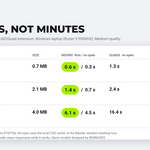
Everything runs locally; nothing is uploaded. Cache: with Cache CAD Files on, a fast binary copy of large CAD files is kept for re-imports (clear it with the trash button in the add-on preferences). Debug log: off by default. Only when you tick Write Debug Log in the add-on preferences, the add-on writes blender-addon.log and blender-crash.log to %LOCALAPPDATA%\CAD2Quad\logs.
Have questions about this product?
Login to message
| Published | 44 minutes ago |
| Blender Version | 4.2 - 5.2 |
| Extension Type | N/A |
| Render Engine Used | Cycles |
| License | GPL |
Discover more products like this
ngons stp retopology quads fusion step import iges Import-Export cad to mesh product-visualization