 BENNODES

Send us a message with the STEP file (or a small sample) and we'll look at it. Many issues come from damaged CAD exports; CAD2Quad repairs what it can.
No. Everything runs locally on your PC.
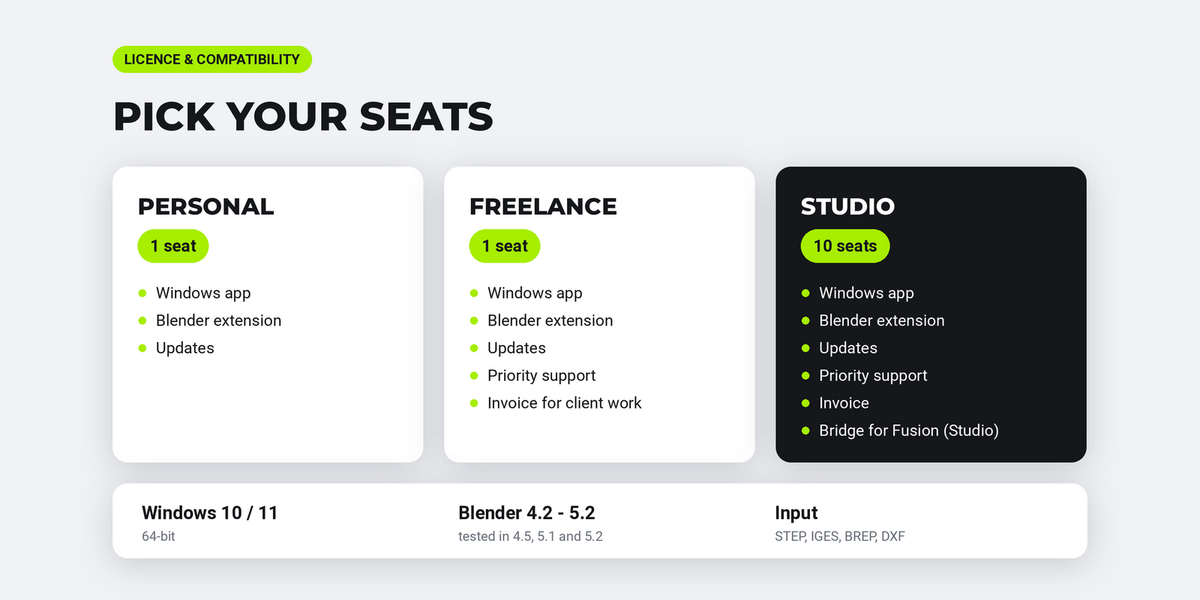
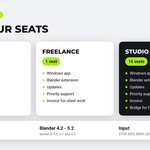
Every tier has the same add-on. Personal = 1 seat. Freelance = 1 seat, priority support and an invoice. Studio = up to 10 seats, the Bridge for Fusion, priority support and an invoice. The code is GPL, so seats are on an honour basis.
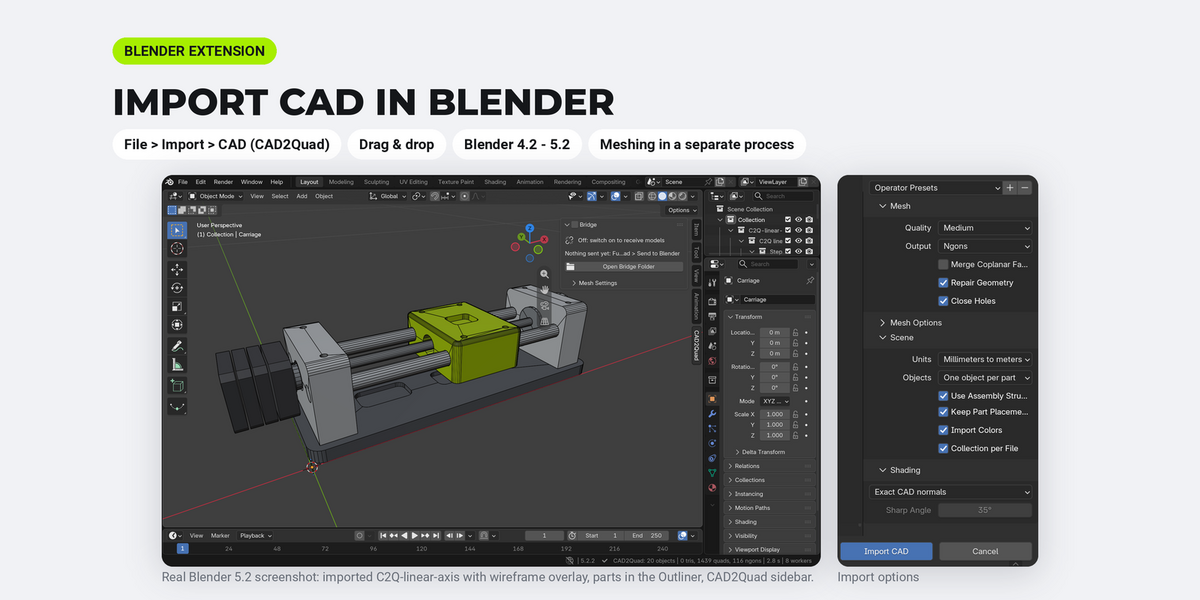
Blender 4.2 – 5.2. Tested in 4.5, 5.1 and 5.2. Use the zip that matches your Blender (4.2-5.0 or 5.1-up).
Not yet. CAD2Quad runs on Windows 10/11 64-bit.
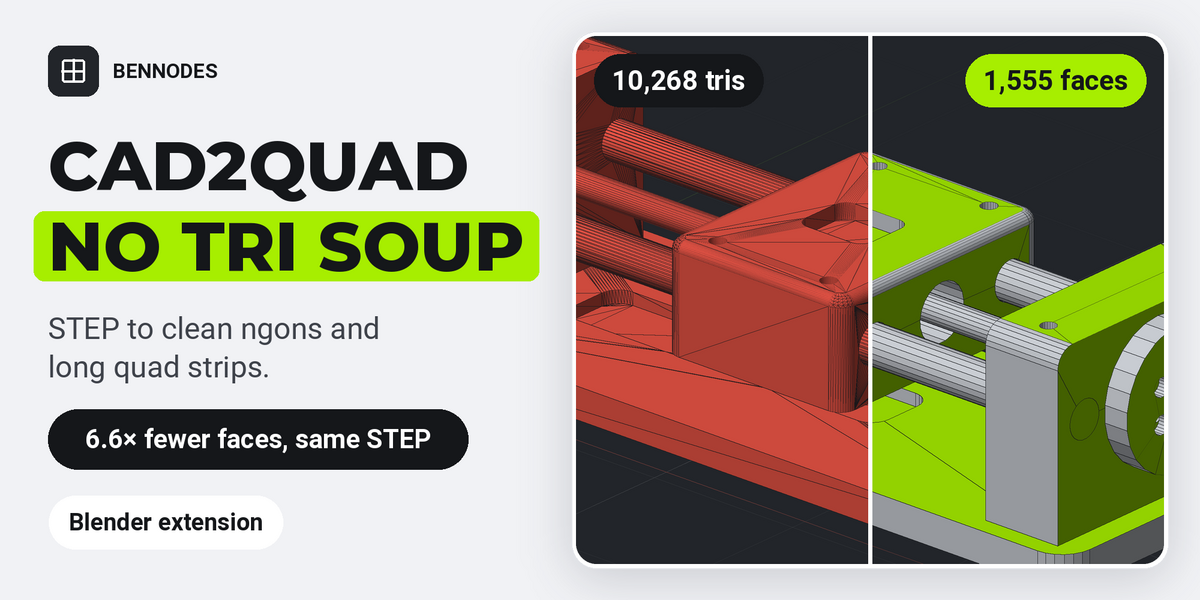
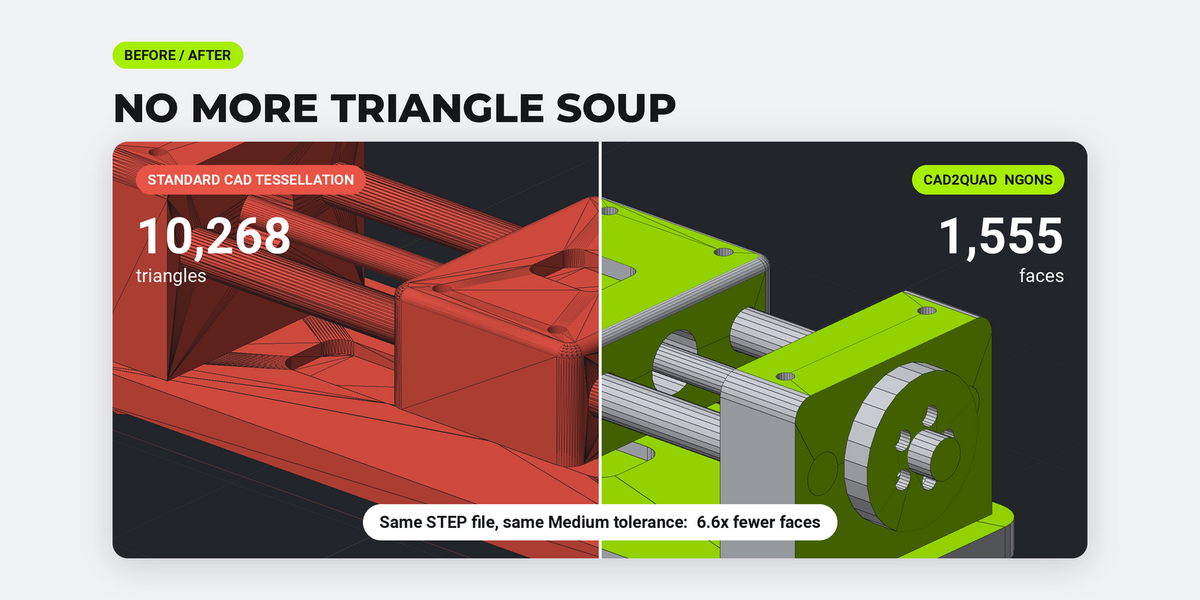
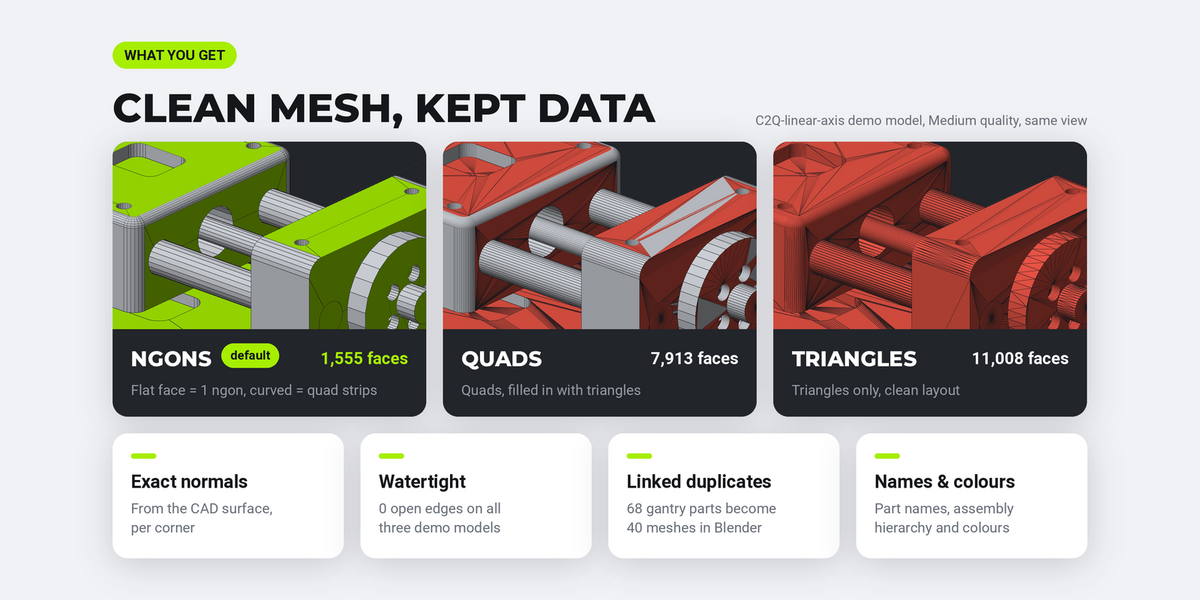
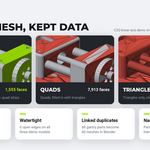
One ngon is the cleanest way to model a flat face: no slivers, easy to select and bevel. Choose Output type Quads if you need quads (plus a few triangles where a shape cannot be quads).
STEP, IGES and BREP give the best result because they contain the real surfaces. DXF works for 3D faces and meshes. Native SolidWorks, Fusion, Inventor or Rhino files: export STEP first (or use the Bridge for Fusion in the Studio tier).
Have questions about this product?
Login to message
| Published | 44 minutes ago |
| Blender Version | 4.2 - 5.2 |
| Extension Type | N/A |
| Render Engine Used | Cycles |
| License | GPL |
Discover more products like this
cad to mesh Import-Export retopology ngons quads fusion stp product-visualization iges step import