 Anvil Interactive Solutions

CADPREP PRO — BLENDER EXTENSION — CAD PIPELINE AT SCALE
A folder of CAD files walks in.
Clean, exported assets walk out.
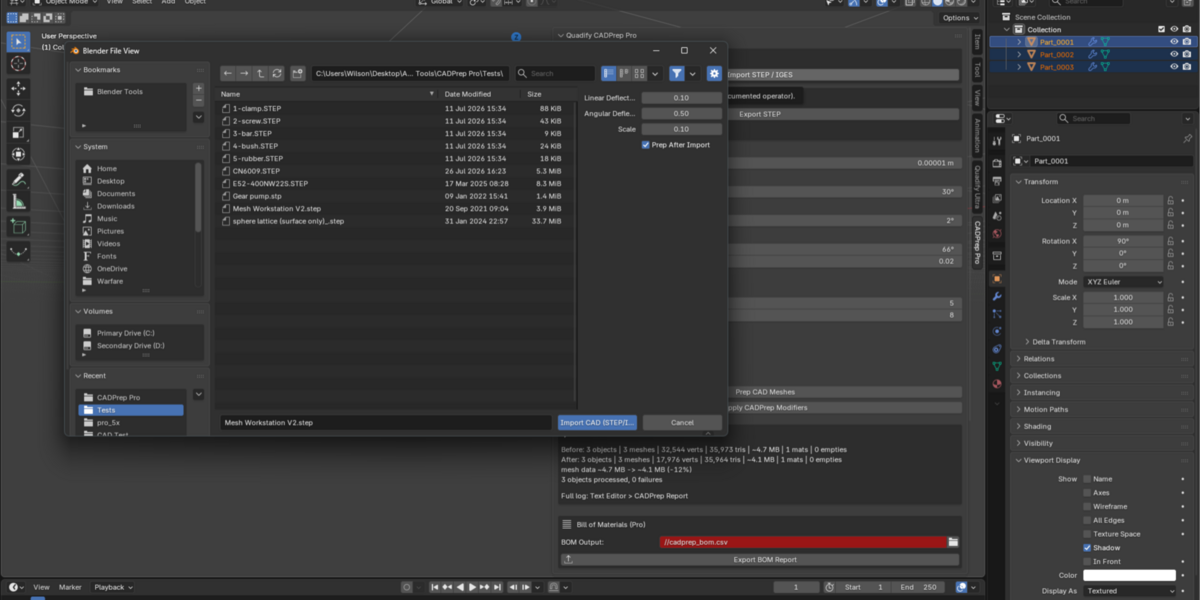
CADPrep Pro imports, cleans, and exports an entire folder of STEP and IGES files unattended — each one in its own isolated process, so a bad file never takes down the batch. Interrupted overnight? It resumes exactly where it stopped.
Built on the same bundled, zero-setup CAD engine as Quadify CADPrep, extended for studios and pipelines processing volume, not one file at a time.
See Documentation ✓ One-time purchase, no subscription
Unattended, and actually unattended
Most "batch" tools mean "loop over files and hope." CADPrep Pro treats every file as its own isolated Blender process — a corrupt file or a hang on part 140 of 200 cannot bring down the run, and can't crash your interactive session either.
| Crash-isolated, by design Each file runs in its own background Blender process. One failure is logged and skipped — the rest of the folder keeps going. | Resumes, doesn't restart Killed at file 140 of 200? Run it again — completed files are recognized and skipped automatically. A "Force Reprocess" switch is there when you genuinely want a clean run. |
What's inside
Four capabilities, each built to be used at real scale.
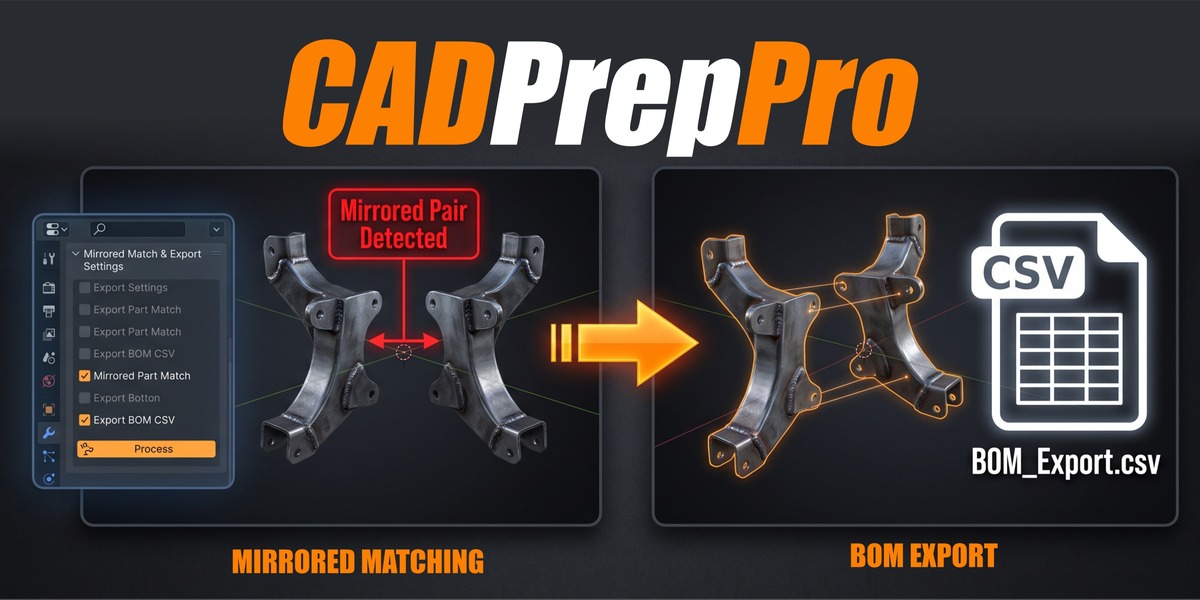
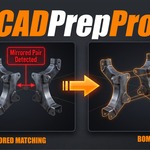
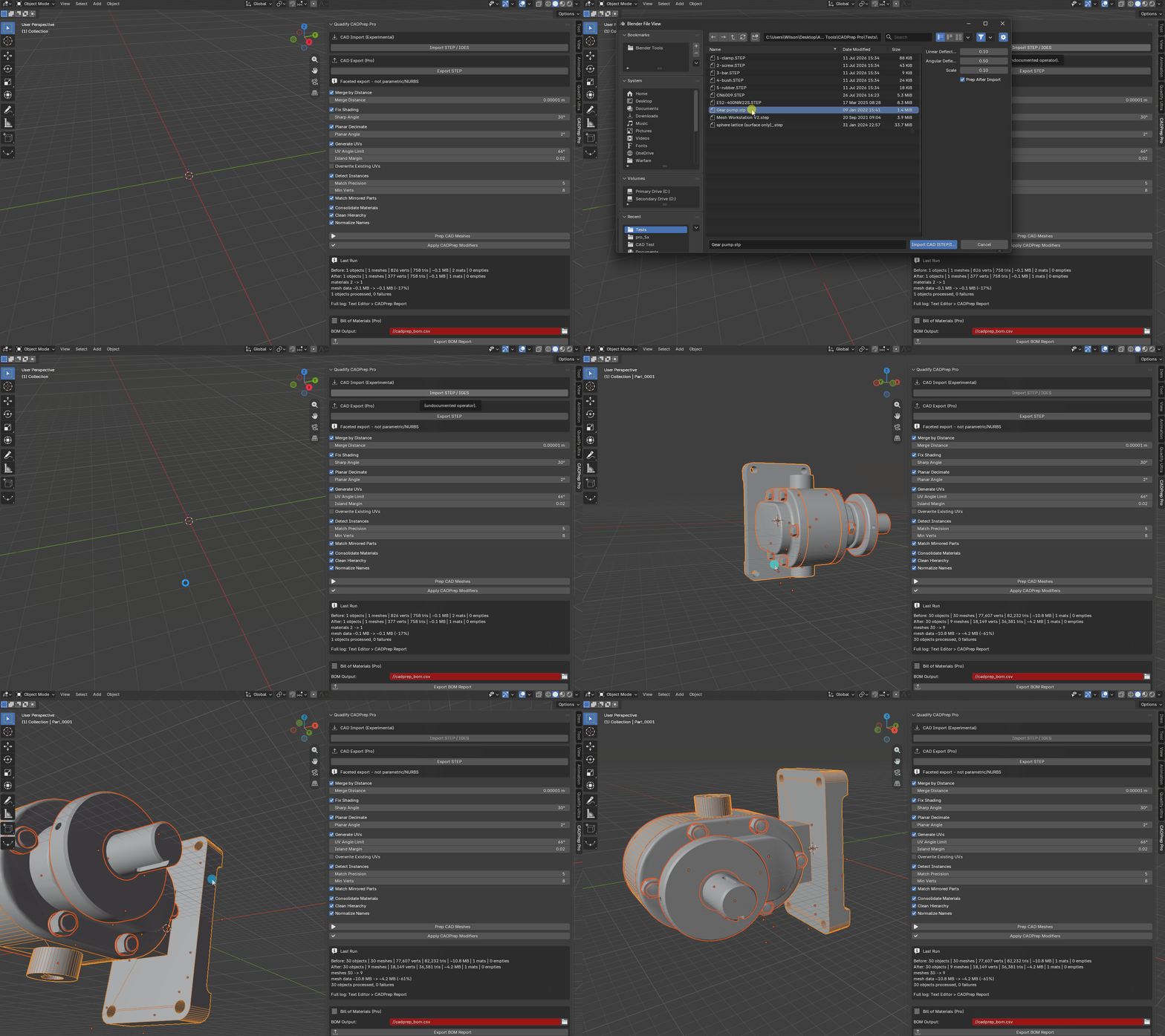
| Batch Folder Processing Point it at a folder — including subfolders — and every STEP/IGES/BREP file inside is imported, prepped, and exported to glTF, FBX, or .blend. A full report lists every file's outcome. | Mirrored-Instance Matching Finds mirrored duplicates — left/right brackets, mirrored hardware pairs — not just rotated ones, and links them the same numerically-verified, nothing-ever-moves way as every other match. |
| Bill of Materials Export A CSV of every unique part in the assembly and its quantity — a real procurement/audit artifact, generated automatically per file during a batch run or on demand for the open scene. | STEP Export Send a cleaned-up Blender mesh back out as a STEP-compatible solid, openable in any CAD tool. This is a faceted/tessellated export — your triangles, written as an exact BRep shell — not a return to smooth parametric surfaces. |
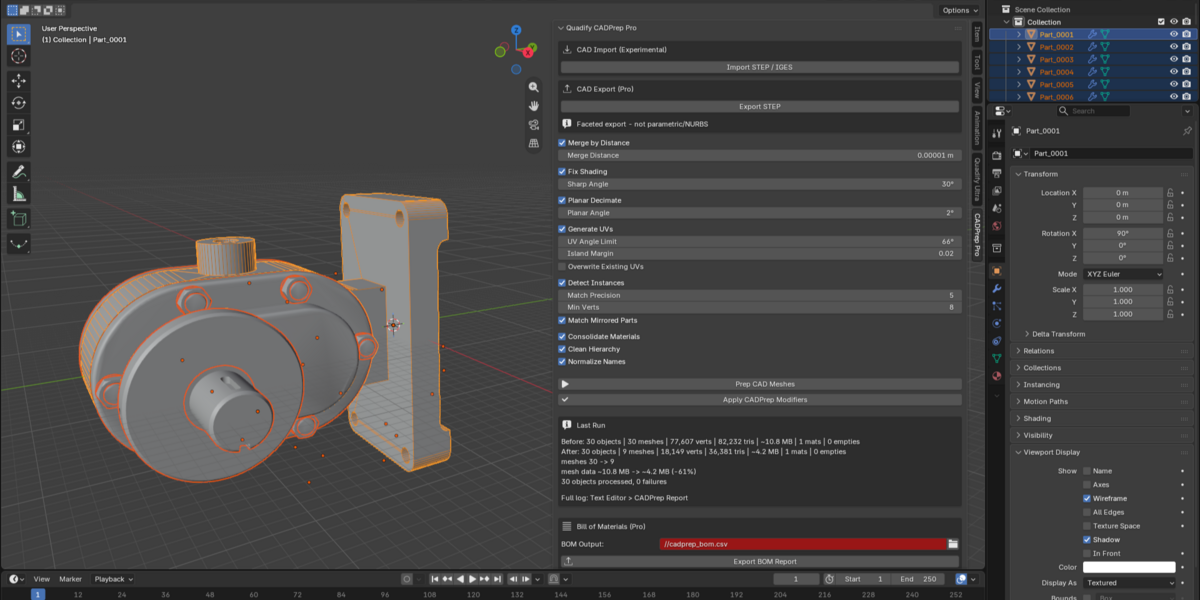
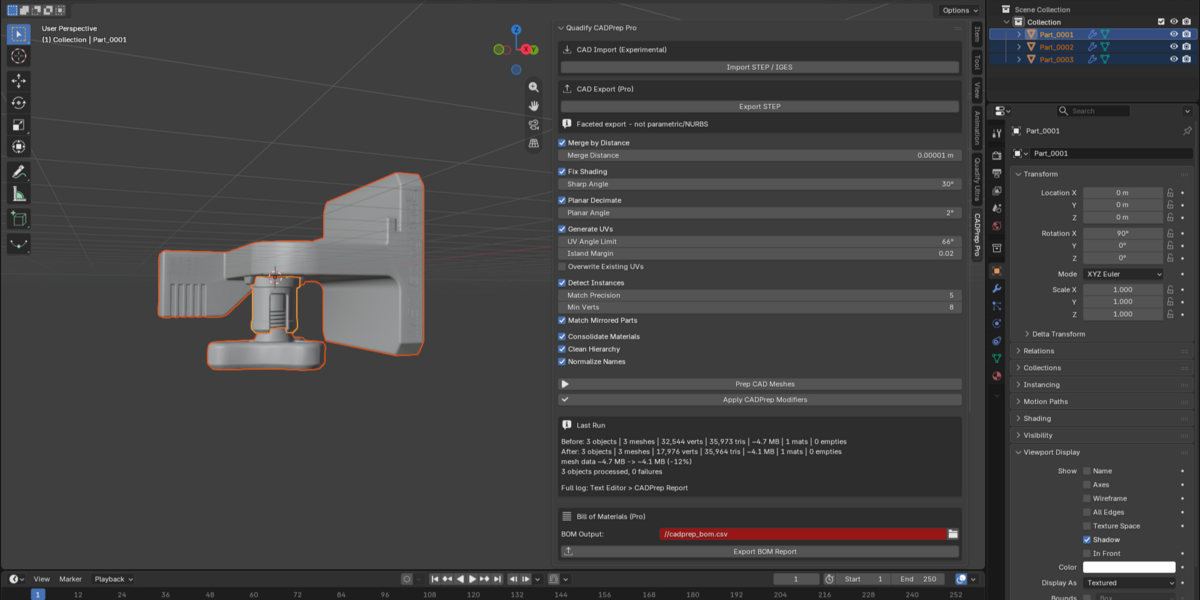
Plus everything in the base CADPrep pipeline: bundled zero-setup import, shading fix, merge-by-distance, planar decimate, UV generation, rotated-instance detection, material consolidation, hierarchy cleanup, name normalization — all running per-file, automatically, across the whole batch.
Example — Overnight Batch
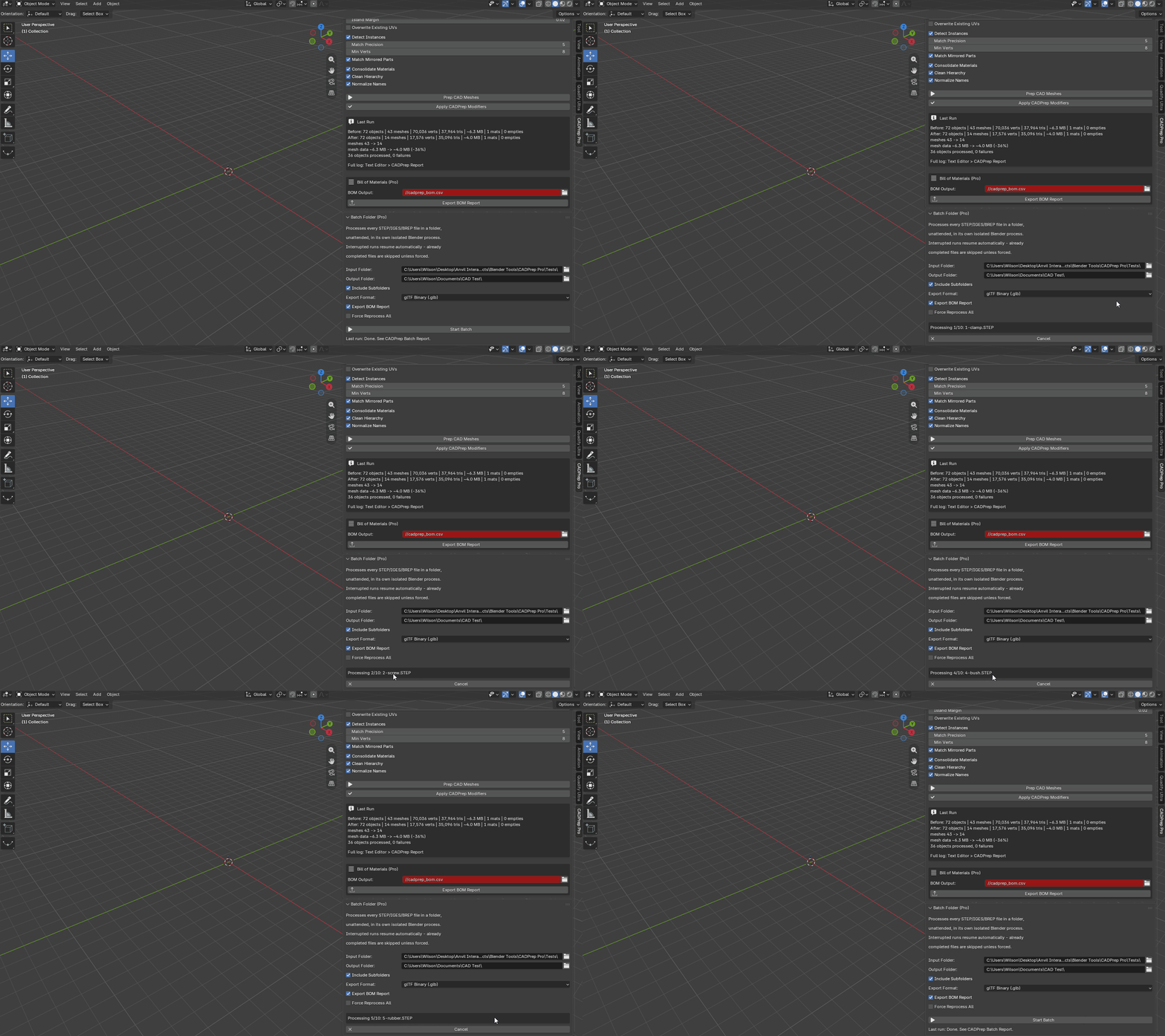
A supplier sends 200 STEP files. Point Batch Folder at the directory, walk away. In the morning: 197 exported to glTF, 3 flagged with the exact reason, a BOM sitting next to every export. Nothing to babysit, nothing to restart.
What it won't do
Stated up front, same as always.
| STEP export is faceted, not parametric The exported file is a valid, exact tessellated solid — every triangle preserved precisely — but it is not a return to smooth NURBS surfaces. If your downstream tool needs true parametric curves, this isn't that. |
| Batch export formats are glTF, FBX, and .blend For batch runs specifically. Individual STEP export is available separately in the same panel for CAD-to-CAD workflows. |
| Proprietary formats still need one export step SolidWorks, CATIA, Creo, and F3D remain closed formats no Blender addon can read directly. Export STEP from the native application first. |
Pricing
| CADPrep Pro — $100 A standalone product, not an upgrade tier. CADPrep Pro is sold independently — it does not require Quadify CADPrep, and includes the complete base pipeline plus batch processing, mirrored-instance matching, BOM export, and STEP export in one product. |
Platforms: Windows, Linux, macOS (Apple Silicon and Intel) — download the build for your OS. Blender 4.2+ and Blender 5.2+ builds both included. Fully local: no network access, no accounts, no telemetry.
FAQ
| Do I need Quadify CADPrep (the base product) first? No. CADPrep Pro is a complete, standalone extension with the full import-and-prep pipeline built in, plus everything described above. |
| What happens if a file in my batch fails? It's logged with the reason and skipped — the rest of the folder keeps processing. Nothing is silently swallowed, and nothing stops the run. |
| If a batch run is interrupted, do I have to start over? No. Rerun it — already-completed files are recognized and skipped. Use Force Reprocess if you specifically want everything redone. |
| Will mirrored-instance matching ever falsely merge two different parts? No. Every match — mirrored or rotated — is verified against real mesh geometry before linking. Parts that can't be confirmed are left alone and named in the report, never guessed at. |
| Which Blender versions are supported? Both builds are included in your purchase: one for Blender 4.2 through 4.55 LTS, one for Blender 5.2 and newer. Download the file matching your version and OS. |
| What if something goes wrong on my files? Send us the CADPrep Batch Report (or CADPrep Report for single-file runs) from the Text Editor. It records every decision per file, which usually identifies the problem immediately. Refunds are handled per Superhive's marketplace refund policy. |
Anvil Interactive Solutions — [email protected]
