 Adrian Kulawik
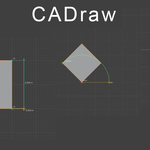
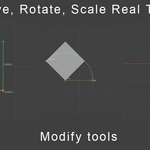
CADraw — Real-Time CAD Drafting Tools for Blender
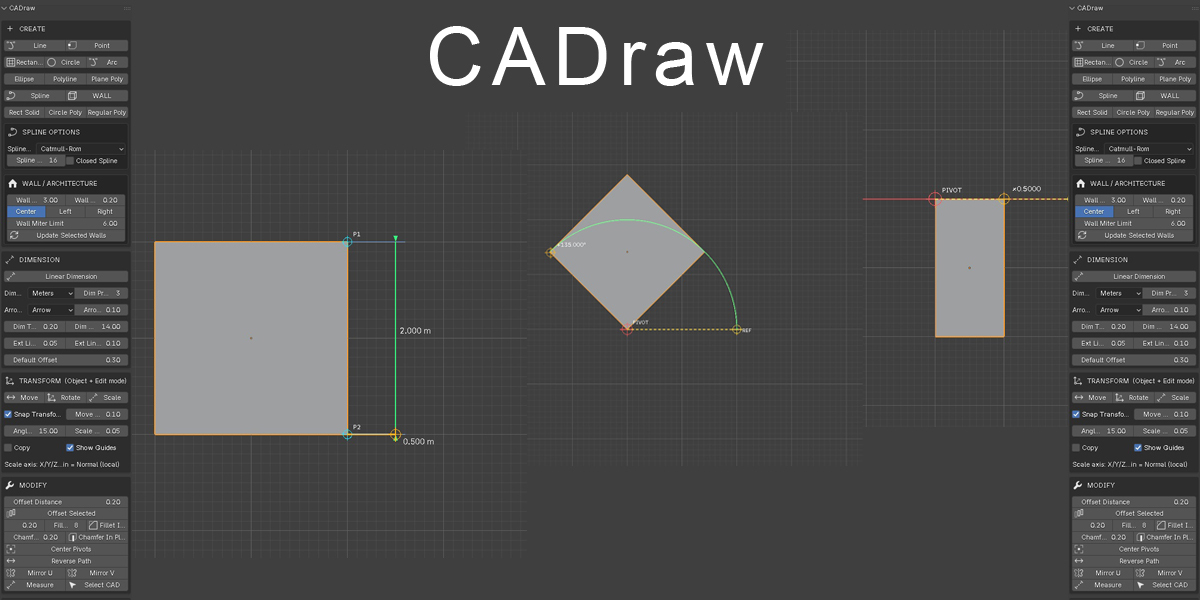
CADraw brings reliable, precision 2D/3D CAD-style drafting directly into Blender's viewport. Built for anyone who needs accurate technical drawing without leaving Blender — architects, product designers, hard-surface modelers, and anyone laying out floor plans, blueprints, or precise base geometry.
2D Drawing Tools
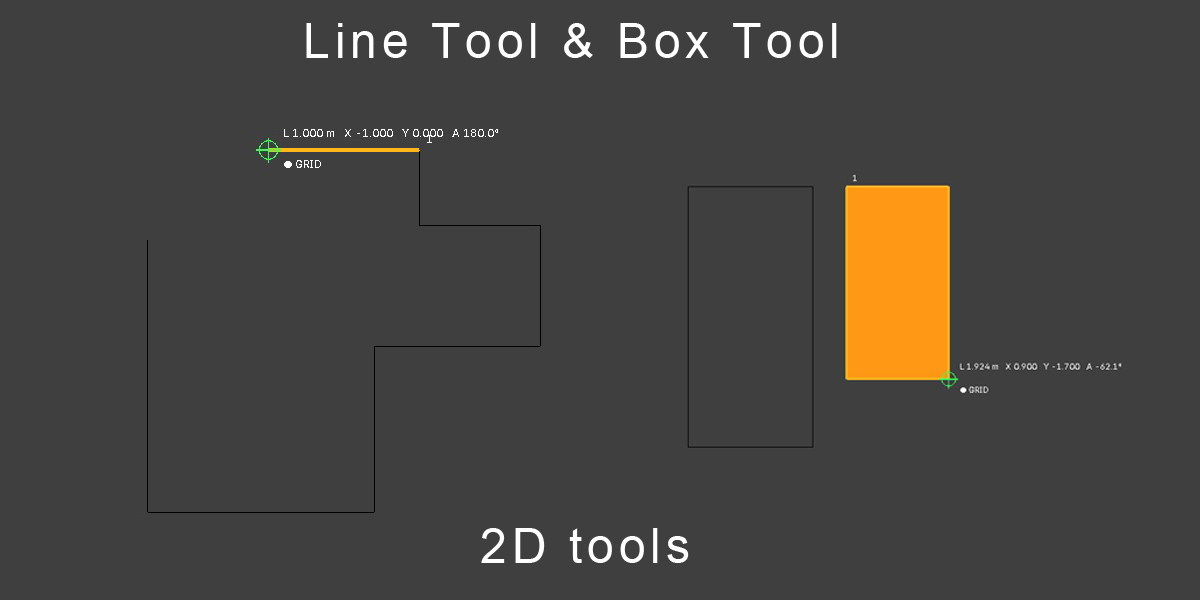
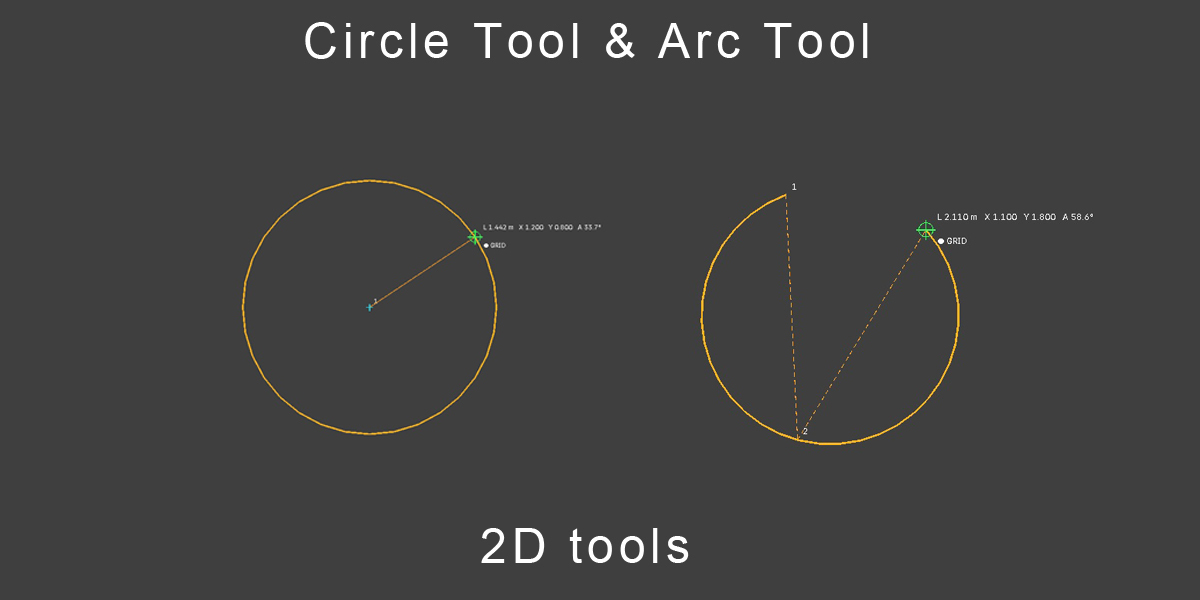
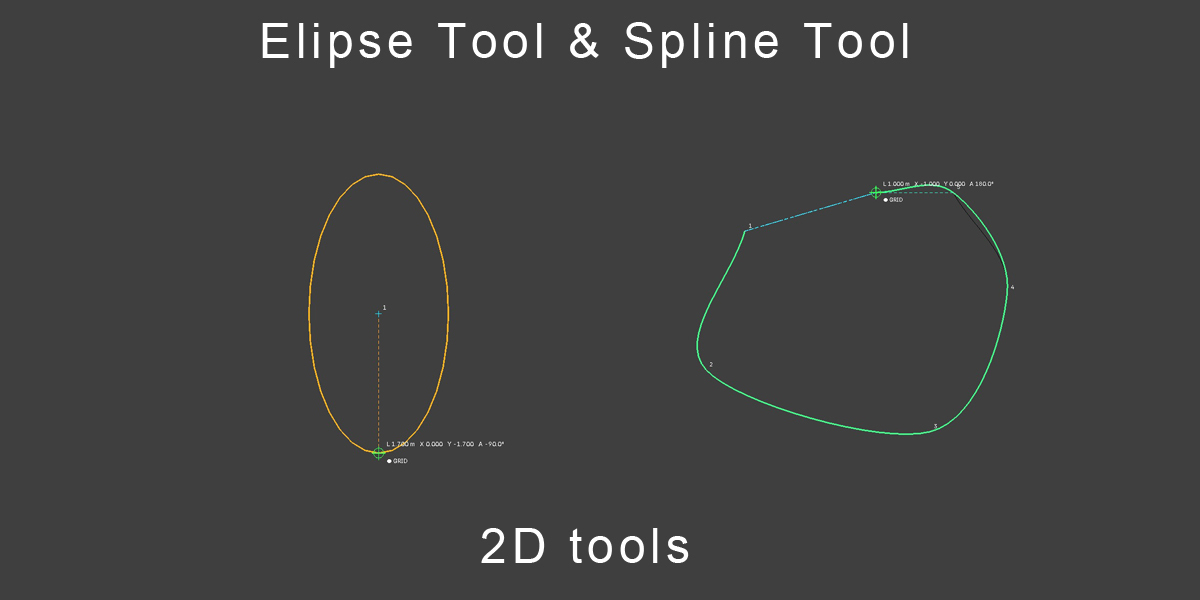
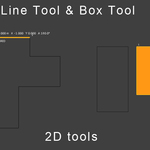
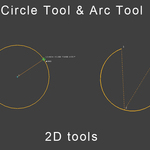
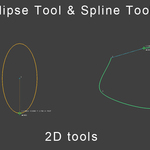
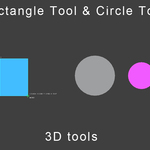
Point, Line, Rectangle, Circle, Ellipse, and Arc — draw clean 2D geometry with live numeric feedback as you work.
3D / Poly Drawing Tools
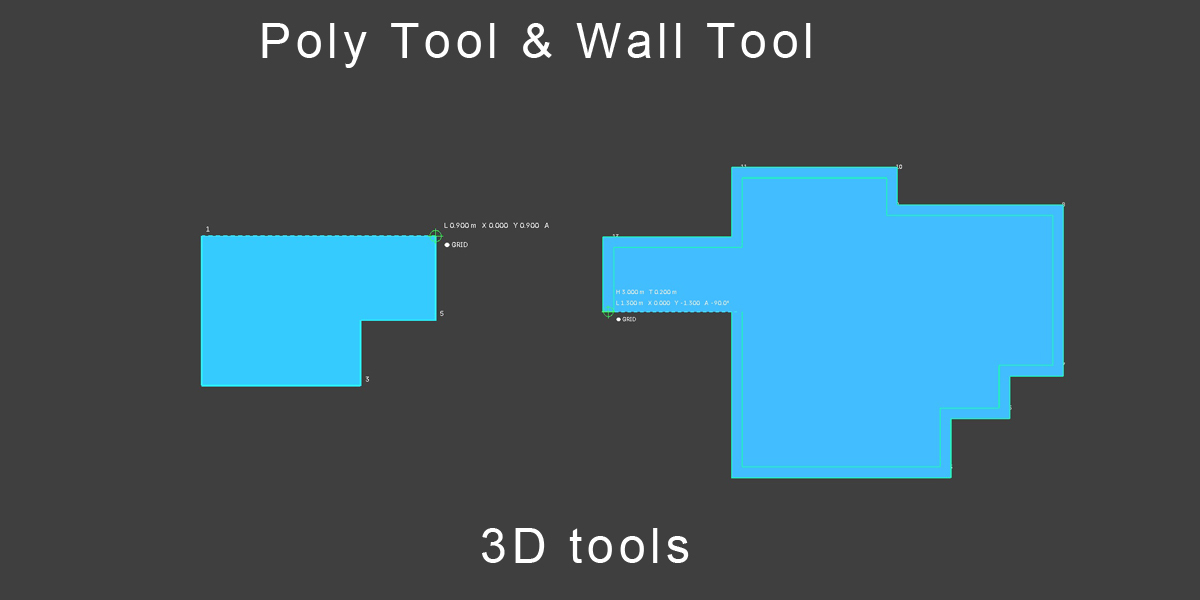
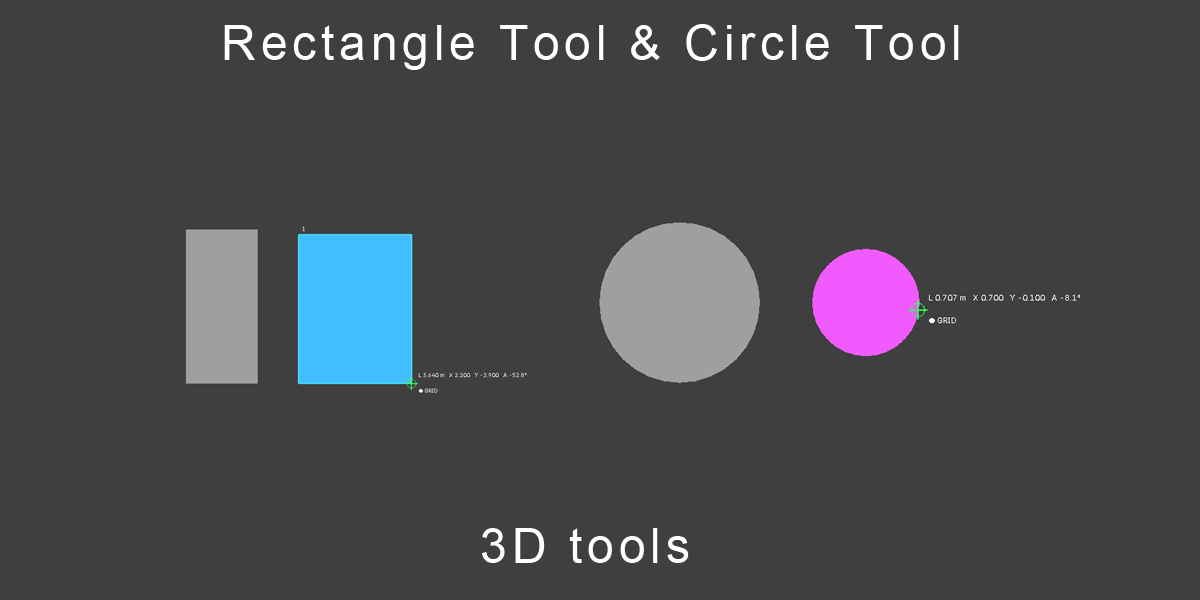
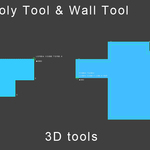
Rectangle Poly, Plane Poly, Line Poly, Circle Poly, and Regular Poly generate filled, ready-to-use polygon geometry directly in 3D space.
Precision Snapping
Grid, Endpoint, Midpoint, Intersection, and Center snapping keep every point exactly where it needs to be. Ortho and Polar tracking lock your lines to clean angles, and Auto-Close automatically completes Plane Poly and Line Poly chains.
Live Feedback
Dashed construction guides, numeric entry, and a live length/angle readout give you full control while drawing — just like a dedicated CAD application.
Reliable Normals
Filled polygons are generated with deterministic winding using a robust area-normal calculation. In View mode, the drafting normal automatically faces the active camera, so every face you create is visible even with backface culling enabled.
Fast Keyboard Workflow
D Point · L Line · R Rectangle · H Rectangle Poly · C Circle · E Ellipse · A Arc
G Grid · O Ortho · J Polar · Z Auto-Close · V Endpoint · M Midpoint · I Intersection · K Center
Enter Finish · Esc Cancel
Access everything from the View3D Sidebar under the CADraw tab.
Compatible with Blender 5.3+
Update V2:
New Wall System
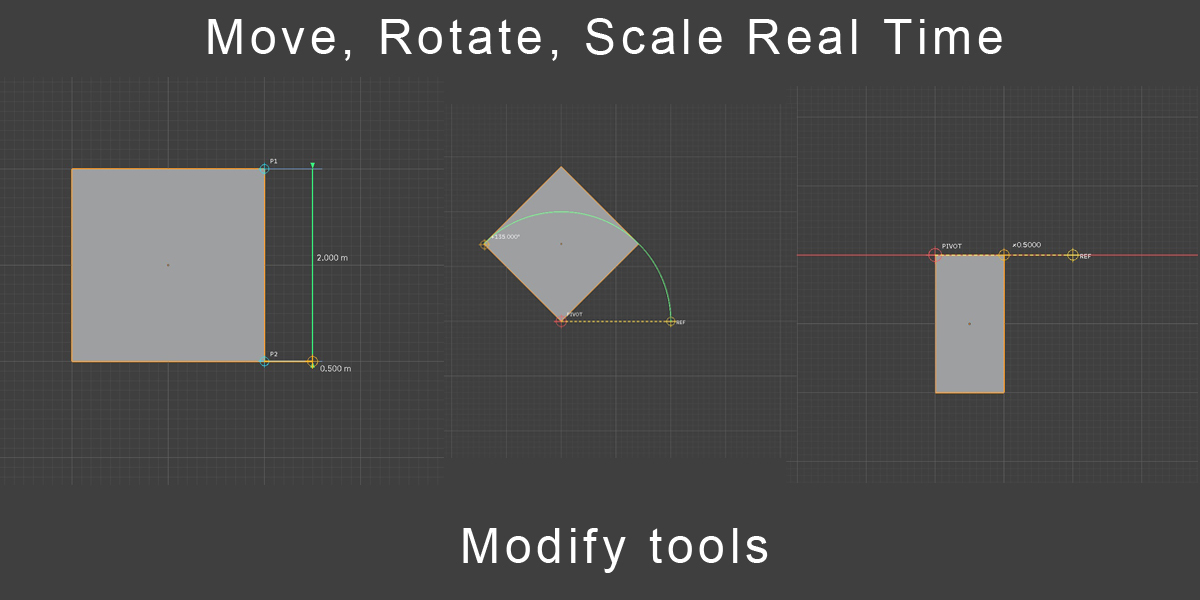
New Tools
New UI
Some Fixes