 ASHISH KUMAR MAURYA
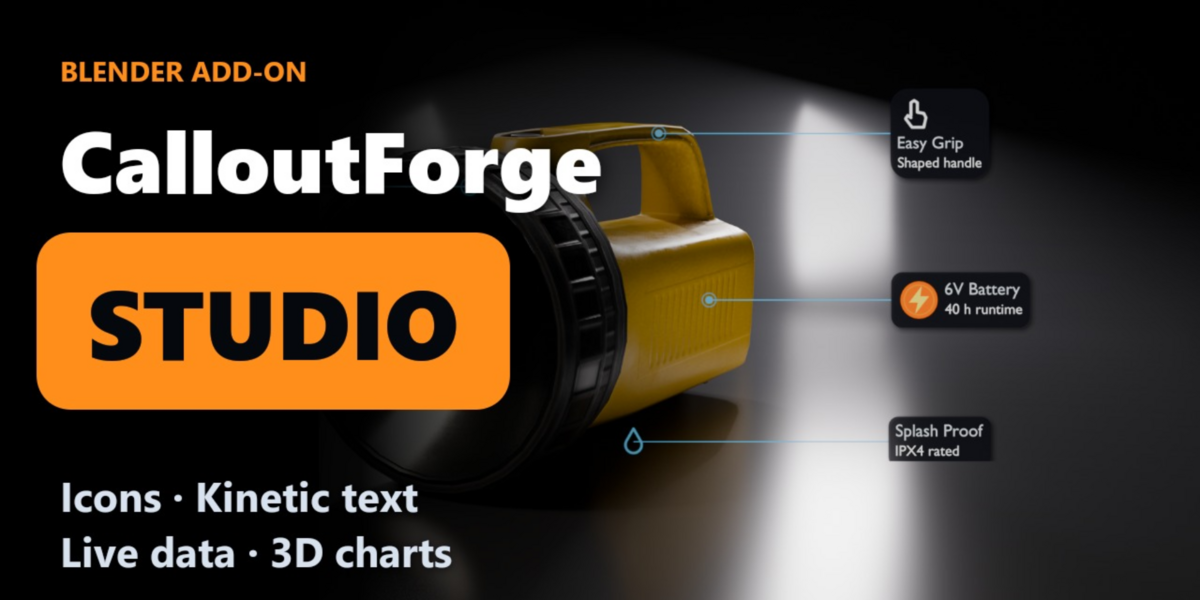
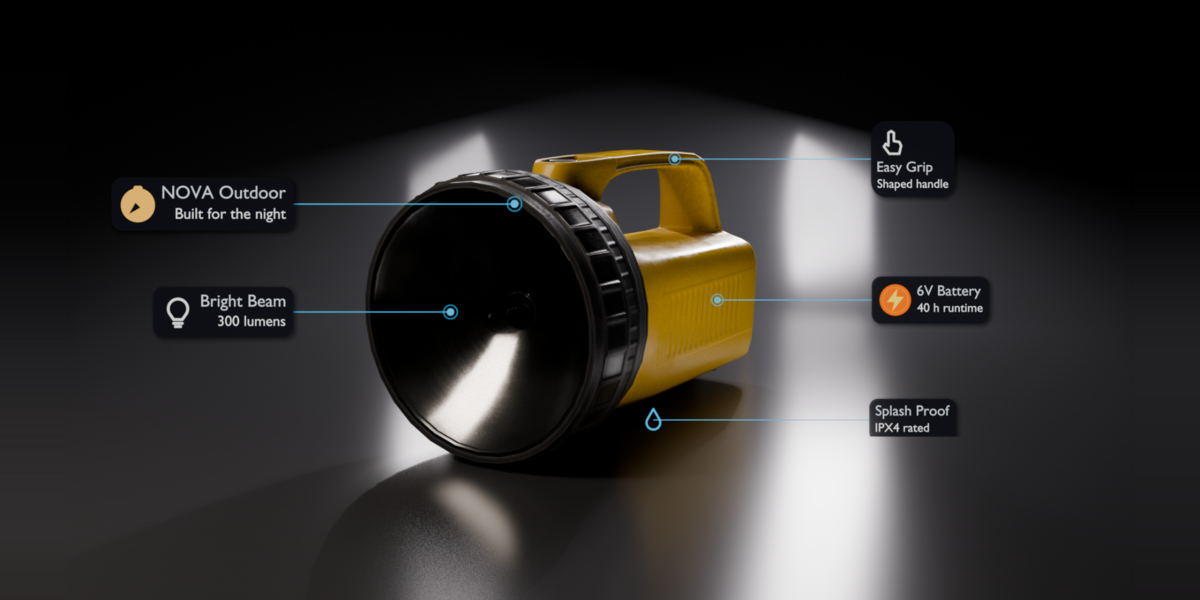
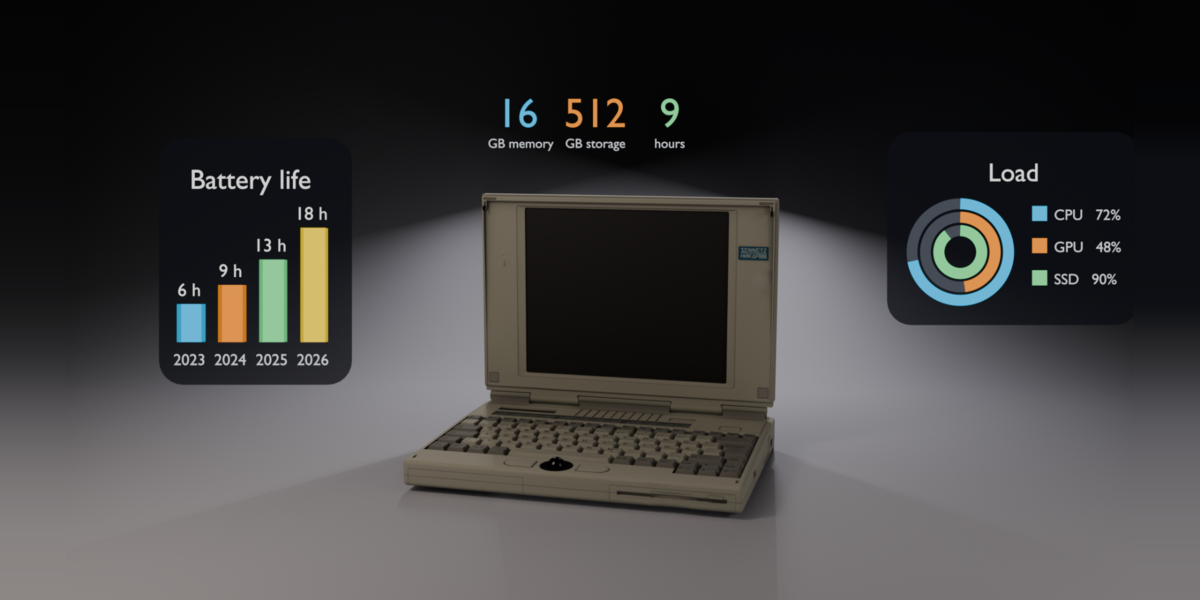
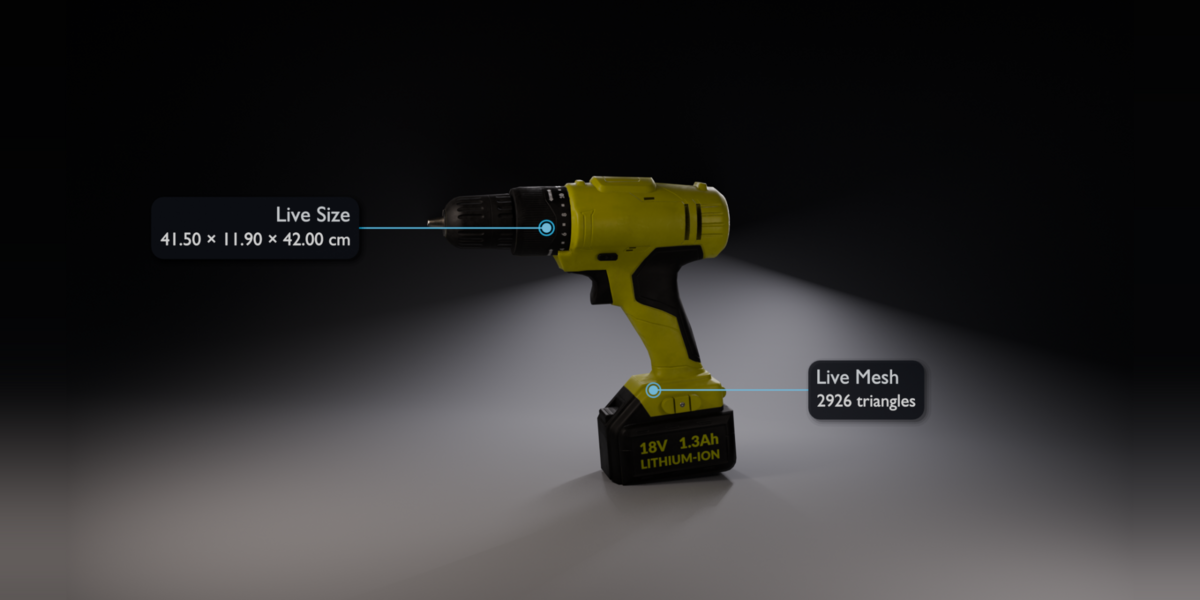
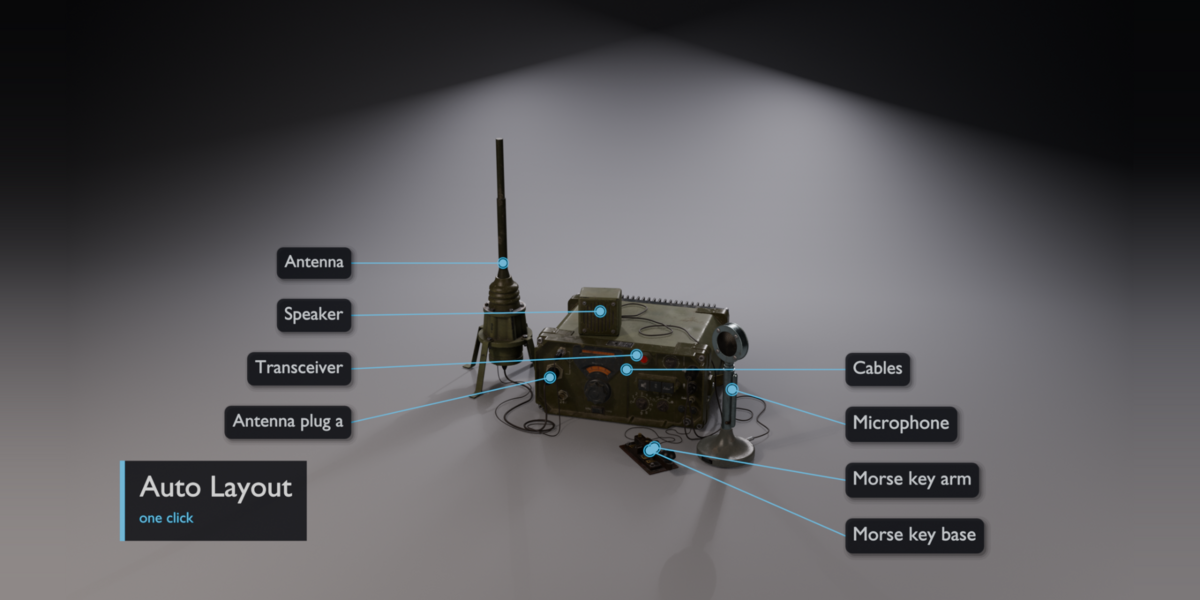
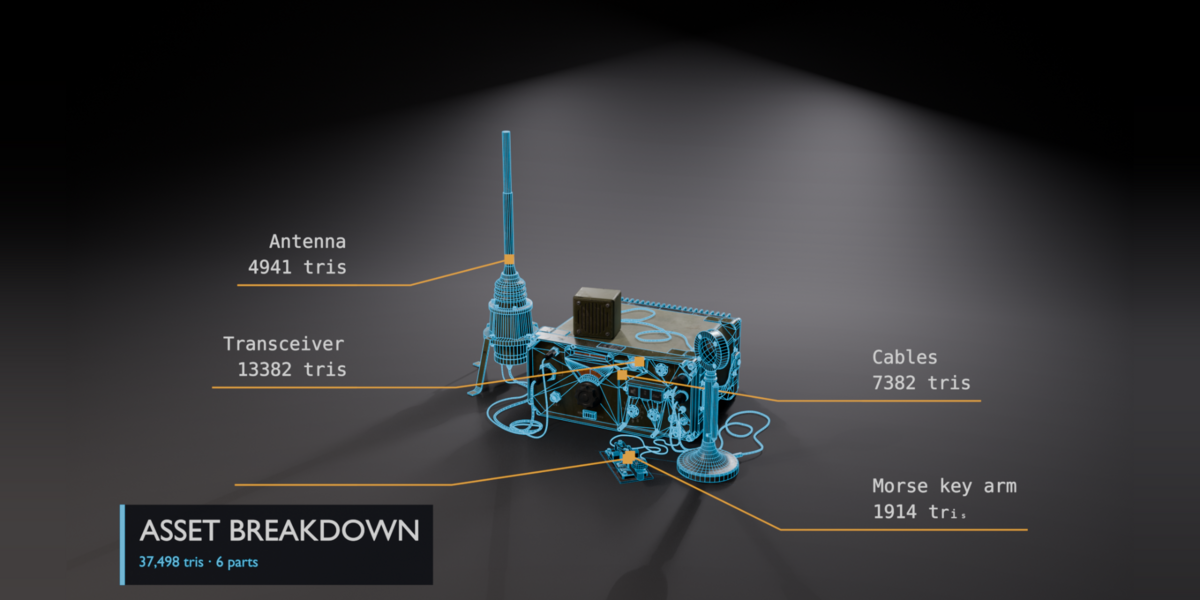
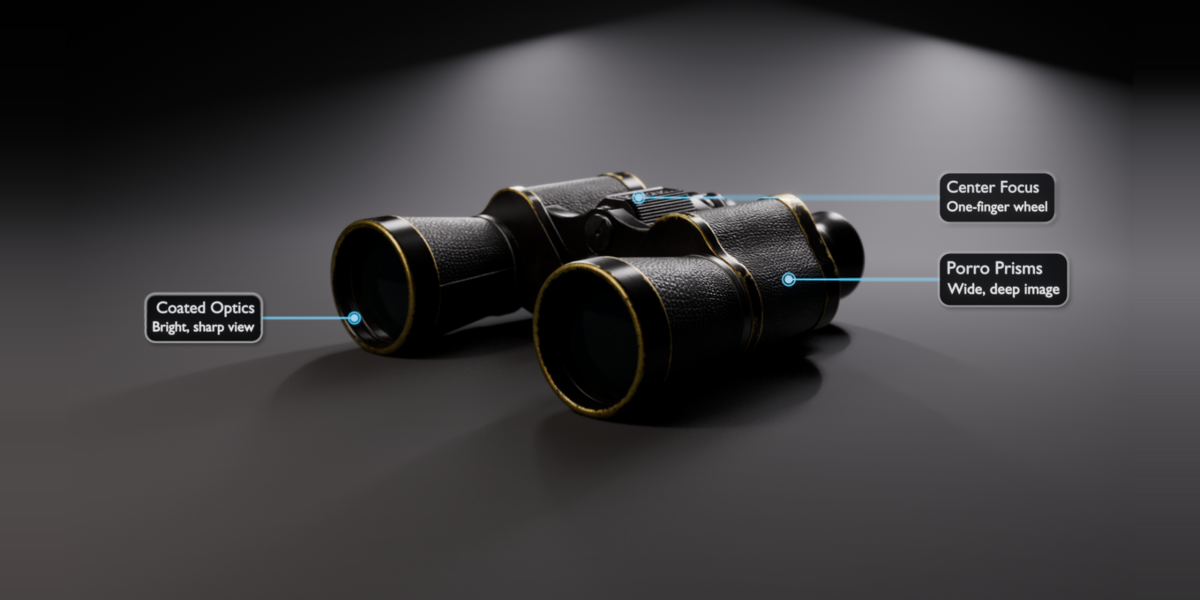
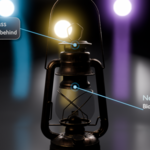
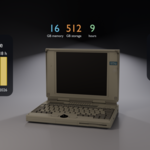
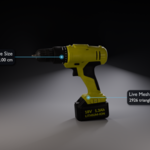
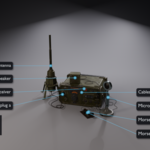
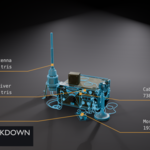
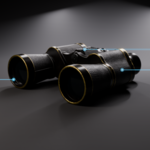
CalloutForge Studio turns a Blender scene into a finished product presentation: labelled, lit, animated and ready to render. It includes everything in CalloutForge Pro, plus the tools below.
Try it free first: CalloutForge Lite on BlendKit. Files made with Studio still open and render in Lite and Pro.
New in 1.3
- Callout icons: 50 built-in line icons, or your own PNG, JPG or SVG. Place them left of the text, above it, or in place of the dot. Size, gap and colour; icons animate with the label. Outline SVG sets (Tabler, Lucide) work too.
- New tabbed interface: Create, Text, Data, Scene and Finish tabs with custom icons, so every tool is one click away.
Only in Studio
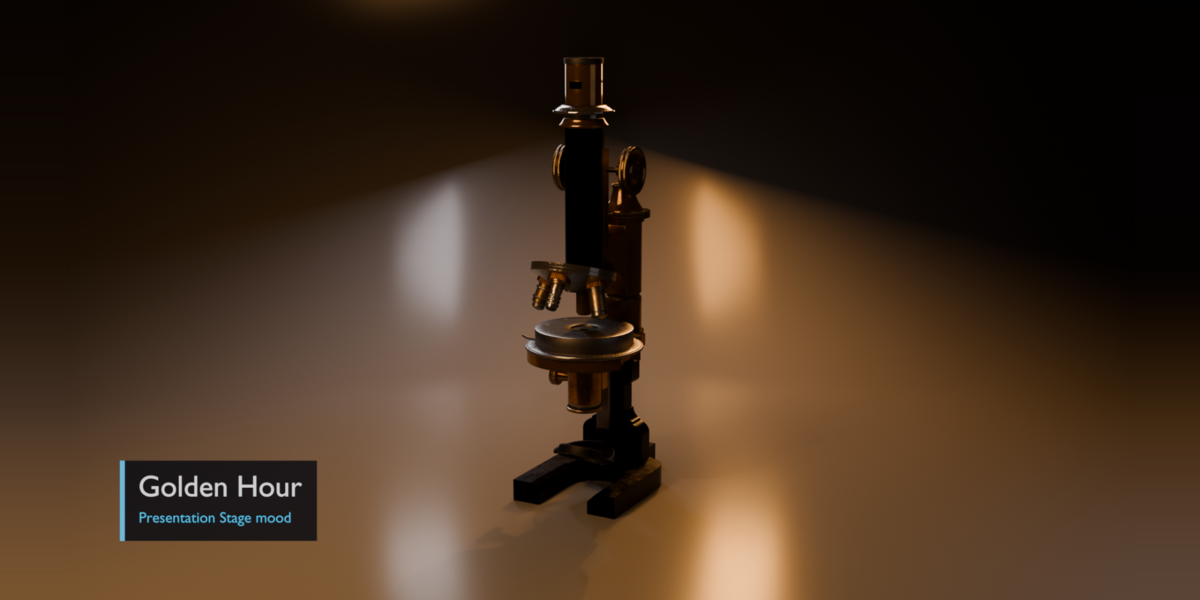
- Presentation Stage: 6 light rigs, 5 moods and a seamless backdrop, sized to your model.
- Auto Layout: labels in clean columns, no overlaps, no crossing lines. Works with moving cameras.
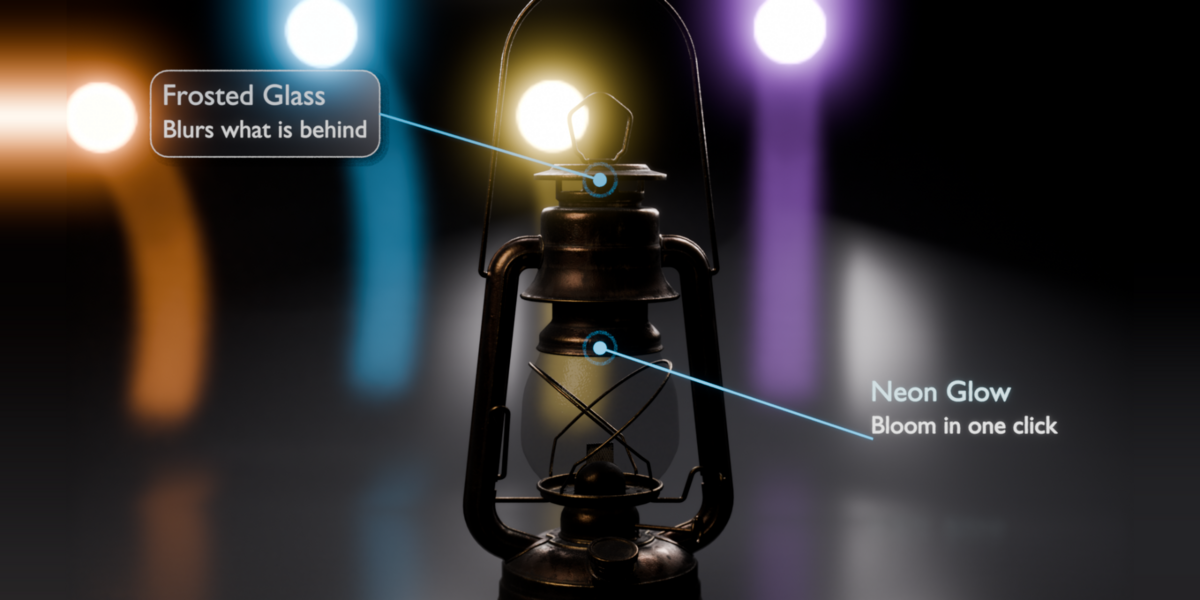
- Glass & Glow: frosted-glass label boxes, neon glow with bloom, and rack focus that follows each callout.
- Kinetic Text: letters, words or lines animate on their own. 13 In and 8 Out motions, plus 25 ready-made recipes.
- Captions: from SRT / VTT files or plain text, with word highlight, karaoke fill and 8 looks for 16:9 and 9:16.
- Live Data: size, triangle count, area, material and more update every frame. Auto W / H / D dimension lines.
- Data Widgets: animated 3D bar charts, donuts, rings, progress bars, counters and spec tables, from a table or CSV.
- Story Mode: a list of parts becomes a guided explainer with camera moves, labels and chapter titles.
- Templates: asset showcase, game asset breakdown, exploded view, spec sheet and room labels, one click each.
- Audio Timing: labels land on the beat of your music, or after each pause in a voice-over.
- Readability Check: finds small text, low contrast, short timing, off-frame labels and overlaps, and fixes them.
- Languages, spreadsheets, brand kit, batch tools and web hotspot export.
Everything in Pro is included
Smart Occlusion, 40 callout looks and 15 title looks, style editor, Pick Anchor, Multi-Target, measurement lines, 20 animation styles, 8 colour themes, Scene Manager and the pie menu.
Step-by-step tutorial
Compatibility
- Tested on Blender 4.5 LTS, 5.1 and 5.2 (Windows).
- Install: Edit > Preferences > Get Extensions > arrow menu > Install from Disk, then pick the zip. If Lite or Pro is enabled, Studio switches it off for you.
- No internet access needed, no extra Python packages.