 Domenas


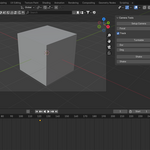
Features (matches the add-on)
-
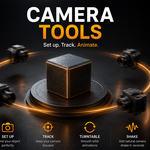
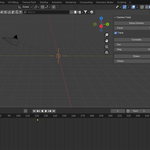
Setup Camera: creates a camera if none exists and positions it around the selected object
-
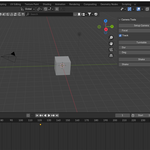
Track (Track To): creates a target and makes the camera follow it
-
Turntable: adds a 360° (or custom) rotation animation around the selected object using an empty controller
-
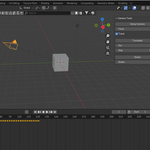
Shake: adds simple camera shake via rotation keyframes
Requirements
-
Blender 3.0+
Where to find it
-
View3D → N-panel → CameraTools
How to use
-
Select an object
-
Open N-panel → CameraTools
-
Click Setup Camera
-
Use Turntable or Shake as needed
License
-
GPL v3 (GPL-3.0)
If you find this add-on useful, please consider leaving a rating. Your feedback helps support future updates and lets other users know what to expect. Thank you!
