 Khanh
Khanh


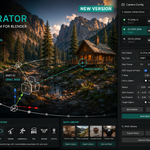
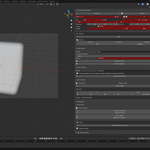
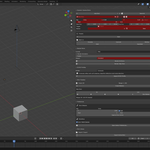
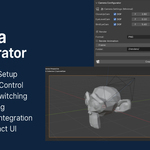
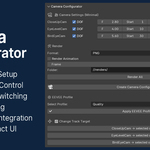
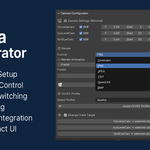
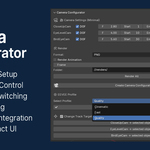
Camera Configurator v1.2.0
Professional Cinematic Camera Workflow System for Blender
Camera Configurator is a production-focused cinematic camera management addon for Blender 5.x that transforms traditional camera setup workflows into a modern dynamic shot pipeline.
Create unlimited cinematic shots with fully customizable rigs, animation ranges, DOF settings, render profiles, timeline tools, batch rendering, and reusable shot libraries — all directly inside the 3D Viewport.
Designed for artists who need fast, organized, scalable camera workflows for cinematic animation, architectural visualization, product rendering, previs, and virtual production.
What's New in Version 1.2.0
Version 1.2.0 is a major upgrade that replaces the old fixed 3-camera system with a fully dynamic professional shot workflow.
New Features
- Unlimited dynamic camera shots
- Fully data-driven shot system
- Automatic camera + rig generation
- New cinematic rig types
- Shot timeline visualization
- Timeline marker tools
- Production notes & shot status tracking
- Batch rendering system
- Shot import/export pipeline
- Reusable shot library system
- EEVEE render quality profiles
- Auto-build workflow system
- Animation baking tools
- Orphan shot detection & cleanup
- Built-in cinematic presets
- Modernized UI workflow
- Blender 5.x compatibility improvements
Core Features
Dynamic Shot Management
Manage unlimited camera shots directly inside Blender.
Each shot supports:
- Independent camera object
- Dedicated rig setup
- Unique animation range
- DOF configuration
- F-Stop control
- Focus object
- Target tracking
- Render settings
- Production notes
- Timeline integration
Duplicate, reorder, enable/disable, rebuild, or switch shots instantly.
Professional Camera Rigs
Included Rig Types
Dolly
Classic cinematic tracking motion.
Orbit
Automatic target-centered orbit camera.
Crane
Smooth cinematic crane movement.
Handheld
Procedural handheld camera shake system.
FPS
First-person walkthrough rig.
Drone
Advanced aerial flyover rig.
Static
Simple non-animated camera setup.
Each rig includes customizable parameters and automated animation generation.
Auto-Build Workflow
When creating or duplicating shots, Camera Configurator can automatically:
- Create cameras
- Generate rigs
- Build constraints
- Create animation paths
- Add keyframes
- Organize generated objects
No manual setup required.
Shot Timeline System
Visualize and organize shots directly on the timeline.
Features include:
- Shot range visualization
- Timeline markers
- Marker binding
- Quick frame navigation
- Animation baking
- Current shot indicators
Perfect for cinematic sequencing and production planning.
Production Tracking Tools
Track shot progress directly inside Blender.
Available statuses:
- Pending
- In Progress
- Approved
- Completed
- Rejected
Each shot also supports custom production notes.
Ideal for team workflows and client review pipelines.
Batch Rendering System
Render individual shots or entire sequences with one click.
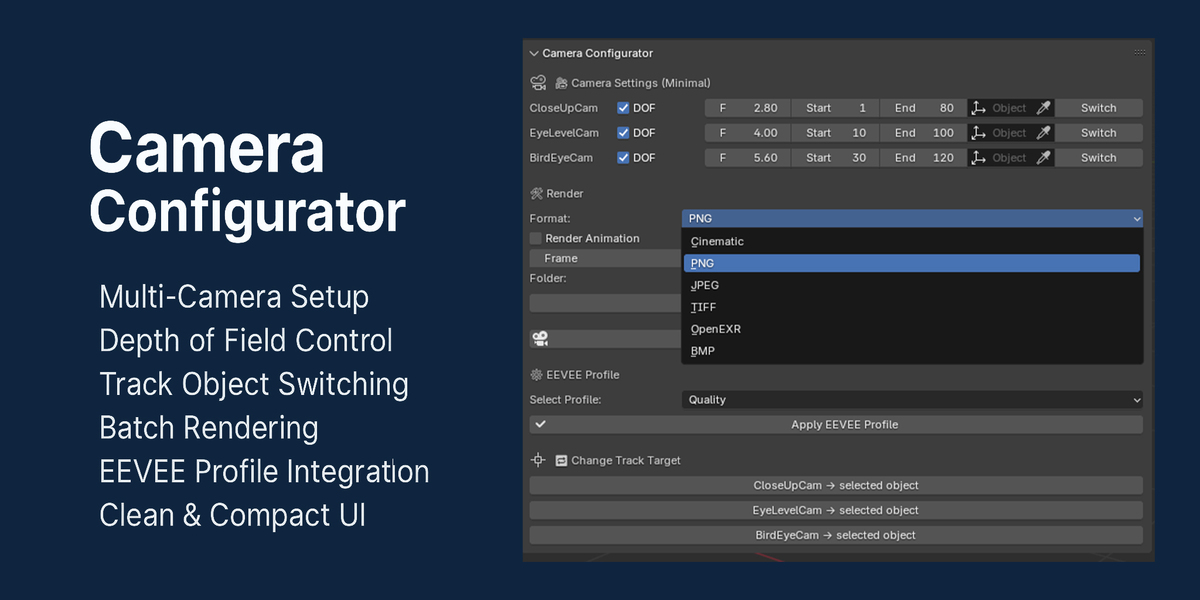
Supported Formats
- PNG
- JPEG
- BMP
- TIFF
- OpenEXR
Render Modes
Still Render
Render a single frame per shot.
Animation Render
Render the full animation range automatically.
Batch rendering includes isolated error handling so failed shots do not stop the entire queue.
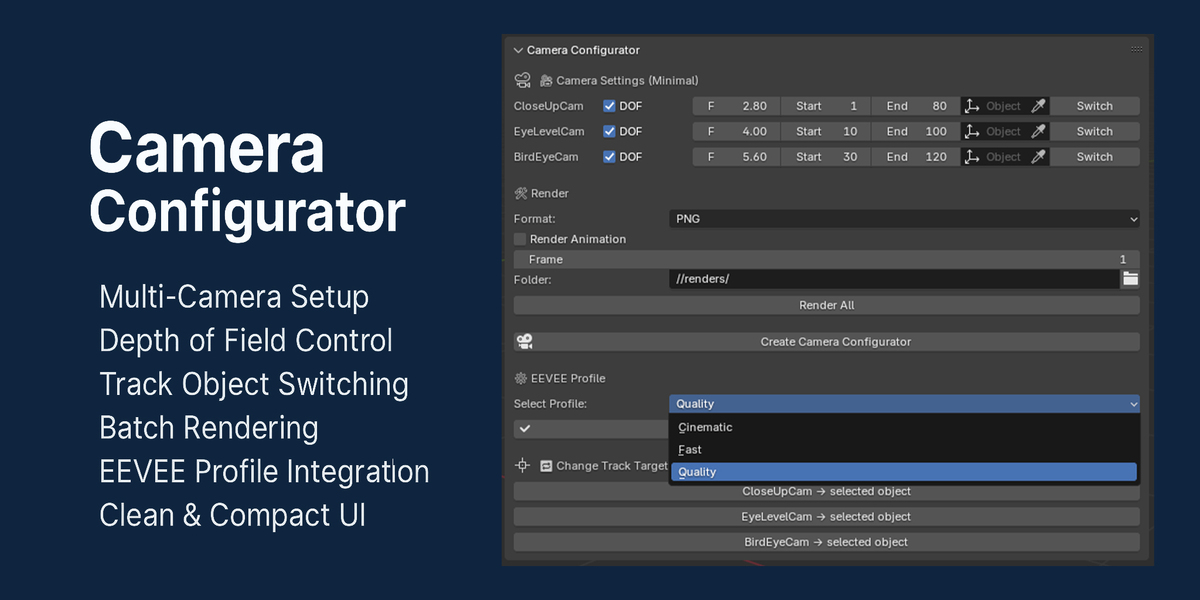
EEVEE Render Profiles
One-click EEVEE optimization presets.
FAST
Optimized for previews and fast iteration.
QUALITY
Balanced high-quality rendering.
CINEMATIC
Maximum cinematic quality with advanced lighting and raytracing settings.
Compatible with Blender 5.x EEVEE changes.
Shot Library & Presets
Save and reuse complete shot setups across projects.
Features
- Export individual shots
- Export entire shot collections
- Import JSON shot files
- Save reusable library entries
- Create custom presets
- Load cinematic templates instantly
Built-in presets included:
- CloseUp
- EyeLevel
- BirdEye
- Orbit
- Handheld
Designed For
Camera Configurator is ideal for:
- Architectural visualization
- Product rendering
- Cinematic animation
- Game previs
- Virtual production
- Motion graphics
- Environment flythroughs
- Freelance Blender workflows
Blender Compatibility
Compatible with:
- Blender 5.0+
- Blender 5.1+
- Modern EEVEE workflows
Why Use Camera Configurator?
Managing cinematic cameras manually inside Blender becomes difficult as projects grow.
Camera Configurator provides:
- Faster camera setup
- Cleaner organization
- Reusable workflows
- Professional shot management
- Automated rig generation
- Faster rendering workflows
- Production-oriented tools
Whether you are building cinematic animations, product showcases, or large architectural scenes, Camera Configurator streamlines the entire camera workflow into one unified system.
Installation
- Download the addon ZIP
- Open Blender
- Go to:
Edit → Preferences → Add-ons
- Click:
Install from Disk
- Select the ZIP file
- Enable:
Camera Configurator
Access the addon from:
3D Viewport → Sidebar → Camera Config
Update version: 1.1.0
Support Blender 5.1
Update version: 1.0.1
Fixed camera focus object not working
Now you can change focus object for each camera
Version: 1.0.0
Compatible with: Blender 4.3+
Location: View3D > Sidebar > Camera Config
🔧 Overview
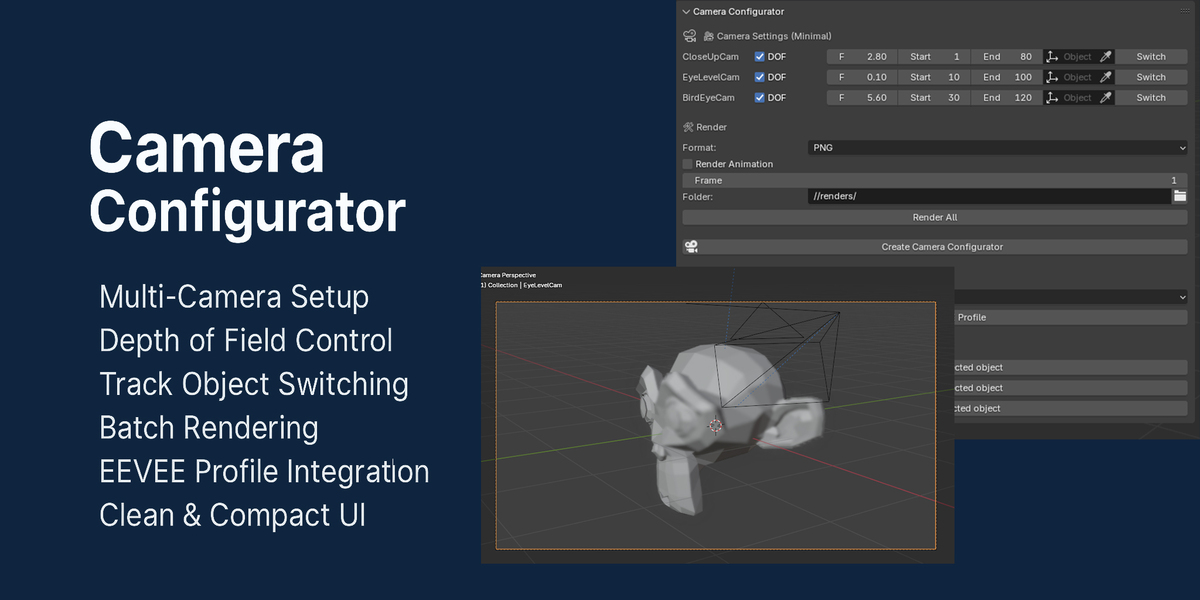
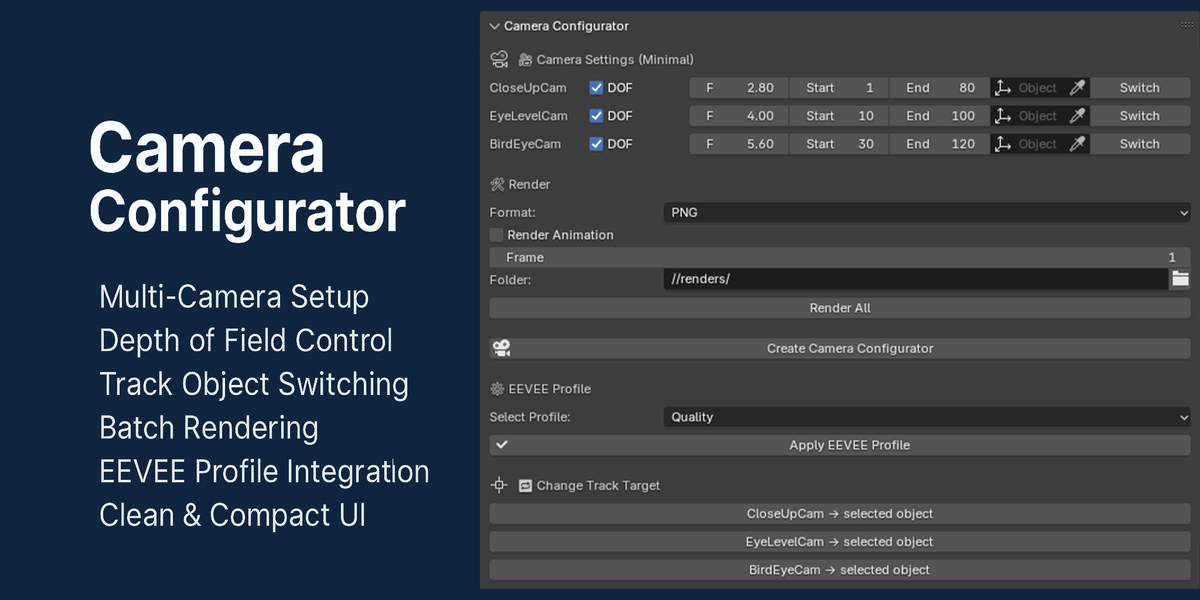
The Camera Configurator addon allows you to quickly set up multiple camera rigs with animation, DOF (depth of field), and track targets. It includes tools to:
-
Automatically create cinematic camera movements using dolly tracks.
-
Switch between different views.
-
Customize and apply render profiles (Fast, Quality, Cinematic).
-
Batch render still images or full animations from all camera angles.
🎥 Included Camera Types
-
CloseUpCam – Low F-Stop (2.8) for dramatic depth of field.
-
EyeLevelCam – Human eye-level view, ideal for storytelling.
-
BirdEyeCam – Top-down perspective with high F-Stop (5.6) for wide focus.
Each camera has:
-
Adjustable animation range (start and end frames).
-
DOF toggle and F-Stop control.
-
Assignable focus object and track target.
