 NODDITY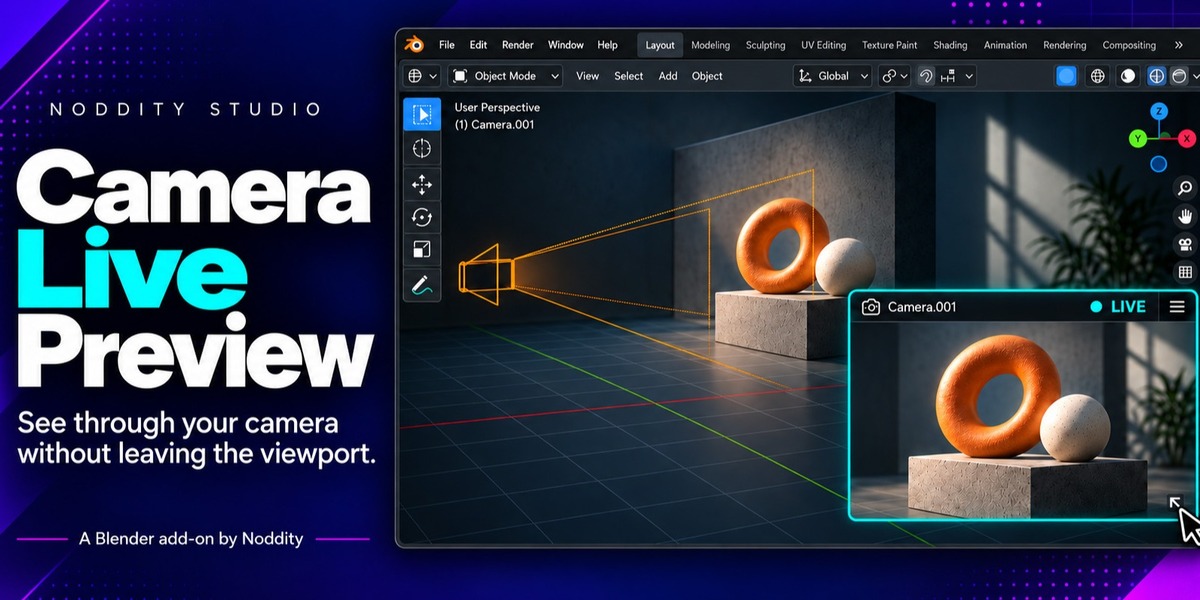
Camera Live Preview documentation
Version 1.0.0 / Blender 5.2 LTS and newer / by Noddity Studio
Recommended: install as an Extension
- Download
camera_live_preview-1.0.0.zip. Do not unzip it. - In Blender, go to Edit > Preferences > Get Extensions, click the dropdown arrow next to the search bar and choose Install from Disk.
- Select
camera_live_preview-1.0.0.zip. - Camera Live Preview is enabled automatically.
Alternative: drag and drop
Drag the .zip file directly into the Blender window to install it.
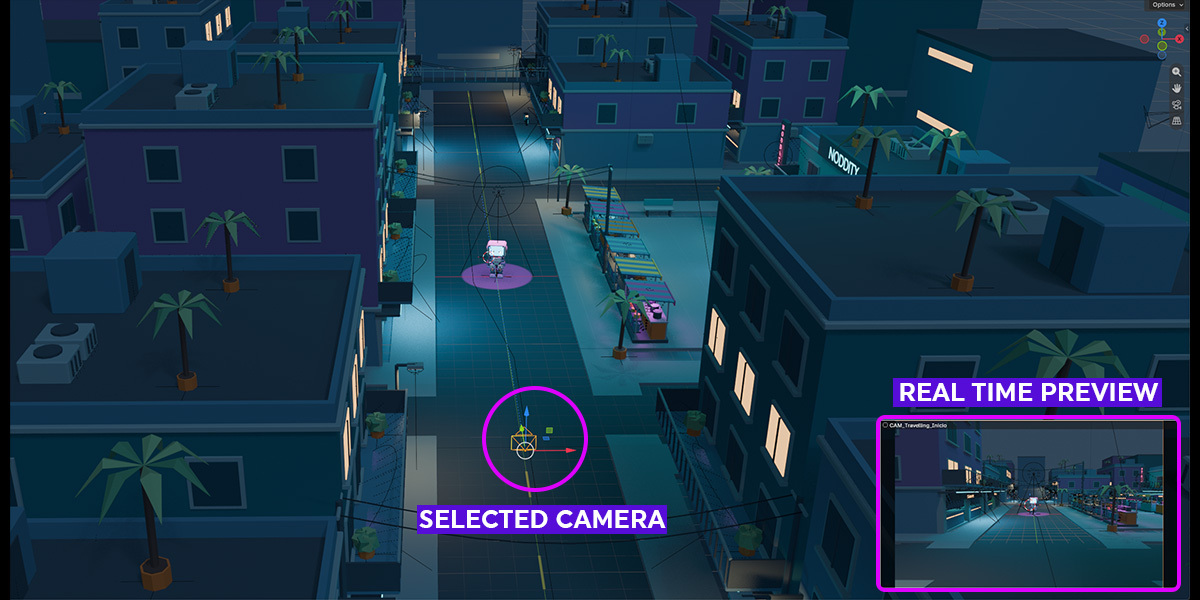
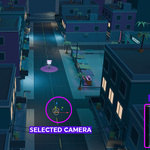
- Select a camera object in the viewport. The preview only appears while you navigate normally, not while looking through the camera, since it would be redundant in Camera View.
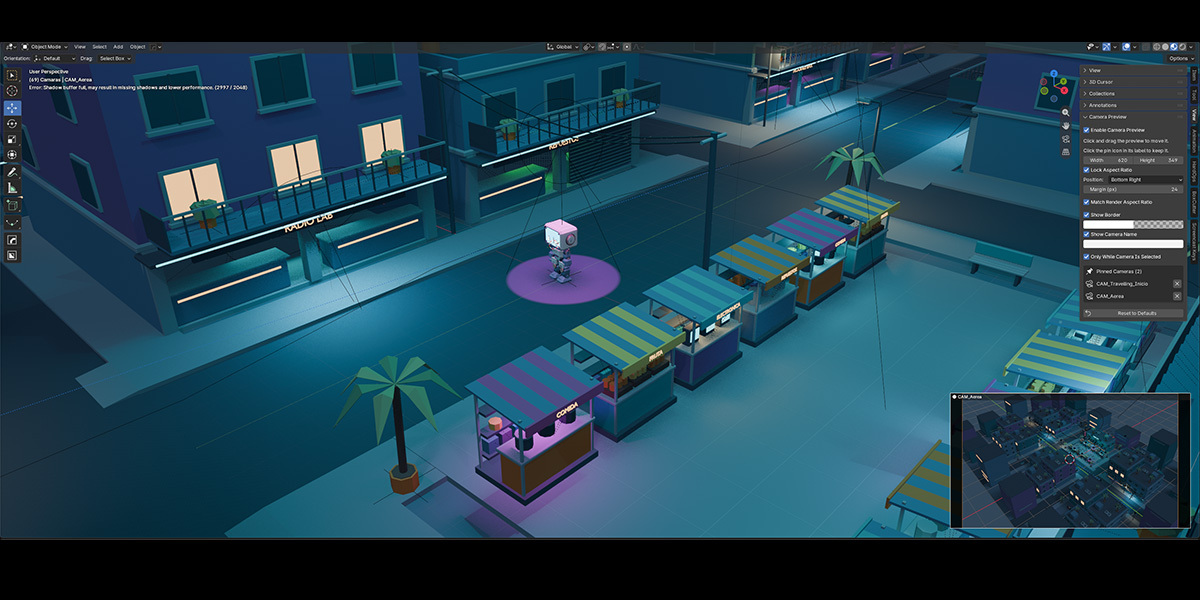
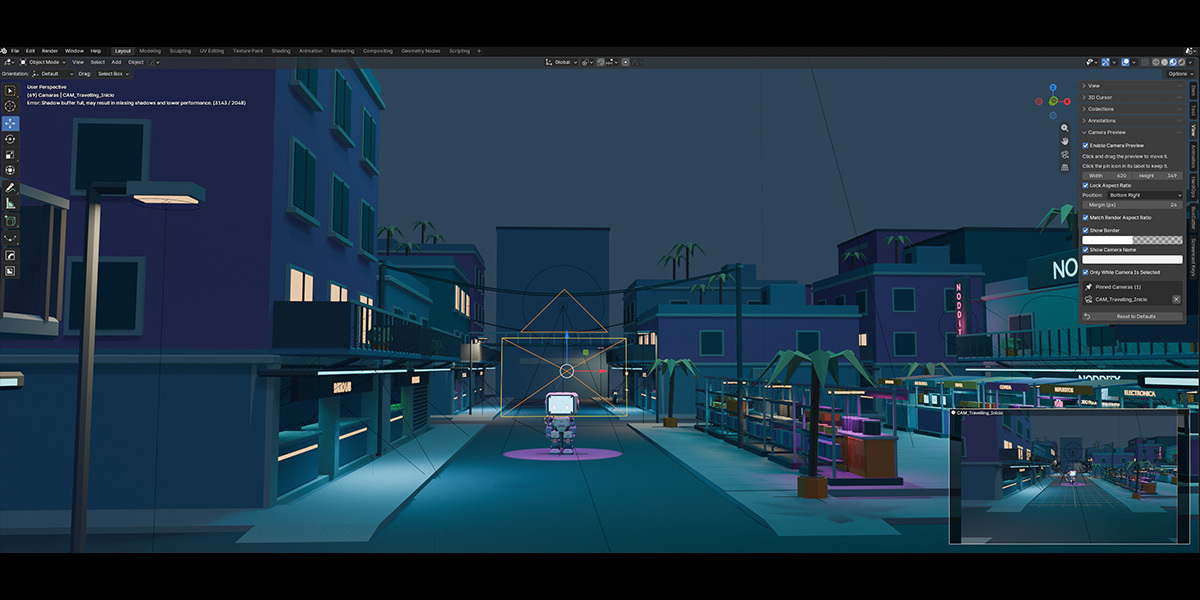
- The preview box appears automatically in the corner you've set.
- Click and drag inside the box to move it anywhere in the viewport.
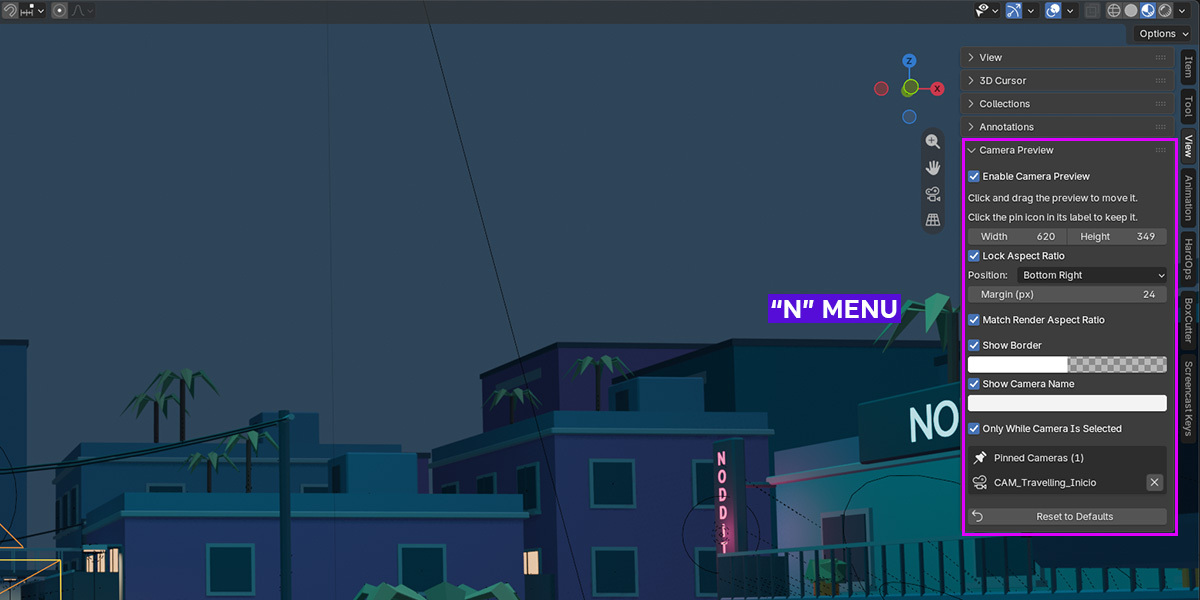
- Open the N-panel > View tab > Camera Preview to adjust size, position, colors and more.
- Want to keep watching a shot while you work on other objects? Use Pin Camera to lock the preview to the camera you're currently viewing. It stays on screen when you select anything else. Unpin it to go back to previewing the selected camera.
Found in the N-panel (N > View tab) and mirrored in Edit > Preferences > Add-ons > Camera Live Preview.
| Setting | What it does |
|---|---|
| Enable Camera Preview | Turns the whole feature on or off |
| Width / Height | Exact pixel size of the preview box |
| Lock Aspect Ratio | Keeps Width and Height proportional when you change one |
| Position (Corner) | Default corner the box snaps to: Top Right, Top Left, Bottom Right or Bottom Left |
| Margin | Distance from the viewport edge, in pixels |
| Match Render Aspect Ratio | Letterboxes the image to your scene's render resolution instead of stretching it |
| Show Border / Border Color | Toggles and recolors the outline (alpha supported) |
| Show Camera Name / Camera Name Color | Toggles and recolors the label (alpha supported) |
| Only While Camera Is Selected | If off, the preview stays visible while the camera is the active object, even after you click elsewhere |
| Pin Camera | Locks the preview to the camera you're currently viewing, so it stays visible when you select other objects. Unpin to follow the selected camera again |
| Reset to Defaults | Restores every setting above in one click |
The preview doesn't show up.
Make sure a camera object is selected (or active, if "Only While Camera Is Selected" is off) and that you're not currently looking through a camera (Numpad 0). Also check that Enable Camera Preview is on.
The preview disappears when I select another object.
That's the default behavior: the preview follows the selected camera. Turn on Pin Camera to keep the current camera's preview on screen no matter what you select.
Can I have more than one preview at once?
Not in v1.0.0. The add-on always previews the active camera. Multi-camera support is a natural candidate for a future update.
Does this affect render output or performance?
It never touches your render output; it only draws into the viewport. It uses Blender's own offscreen GPU rendering and matches your current viewport shading (Solid, Material Preview or Rendered), so its cost is roughly the same as the shading mode you're already using.
Is this GPL software? Can I still buy it?
Yes. Camera Live Preview is licensed under GPL-3.0-or-later, like all Blender add-ons that use the bpy API. The GPL governs the code, not whether access to it can be sold. See the included LICENSE file for the full text.
| License | GNU General Public License v3.0 or later. See the included LICENSE file for the complete text. Copyright © 2026 Noddity Studio. |
|---|
Have questions about this product?
Login to message
| Blender Extension Compatible | Yes |
| Published | about 7 hours ago |
| Blender Version | 5.0 - 5.2 |
| Extension Type | Add-on |
| Render Engine Used | Cycles, Eevee |
| License | GPL |