 Arq. Gustavo Garcia ARCHS


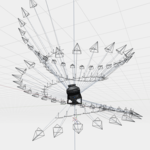
Product Description: Camera Mesh Generator
Plugin Name: Camera Mesh Generator
Version: 1.0.0
Compatibility: Blender 3.0+ - recent
Author: Architect Gustavo García Nova
Overview
Camera Mesh Generator is a revolutionary add-on for Blender that allows you to automatically generate cameras from mesh elements (vertices, edges, faces, or corners). Designed for 3D artists, architects, and filmmakers, this add-on simplifies the creation of complex camera systems with advanced control, animation, and customization tools.

Key Features
1. Smart Camera Generation

- Multiple Generation Modes:
- Vertices: Creates cameras at each vertex of the mesh.
- Edges: Generates cameras at the center of each edge.
- Faces: Places cameras in the center of each face.
- Corners: Distributes cameras at the corners of faces.
Advanced Filters

YOU CAN ROTATE THE GEOMETRY AND UPDATE IT

- Angle Filter: Selects elements based on the orientation of their normals (great for cameras pointing down or in specific directions).
- Selection Only: Spawns cameras only on selected elements in the mesh.
2. Camera Customization

- Lens Settings: Focal length, sensor size, and lens presets (wide, standard, telephoto).
- Depth of Field: Aperture (f-stop) and focus distance settings.
- Orientation: Automatic alignment to normal or pointed at a target.

- Offset and Randomization: Adjusts the offset distance and adds random variability to position and rotation.
3. Controllers and Rigs

- Individual Controllers: Each camera can have its own controller for independent adjustments.
- Master Controller: A single controller to manage all cameras simultaneously.
- Rigging System: Option to create an automatic armature rig for greater control over animations.
4. Animation Tools
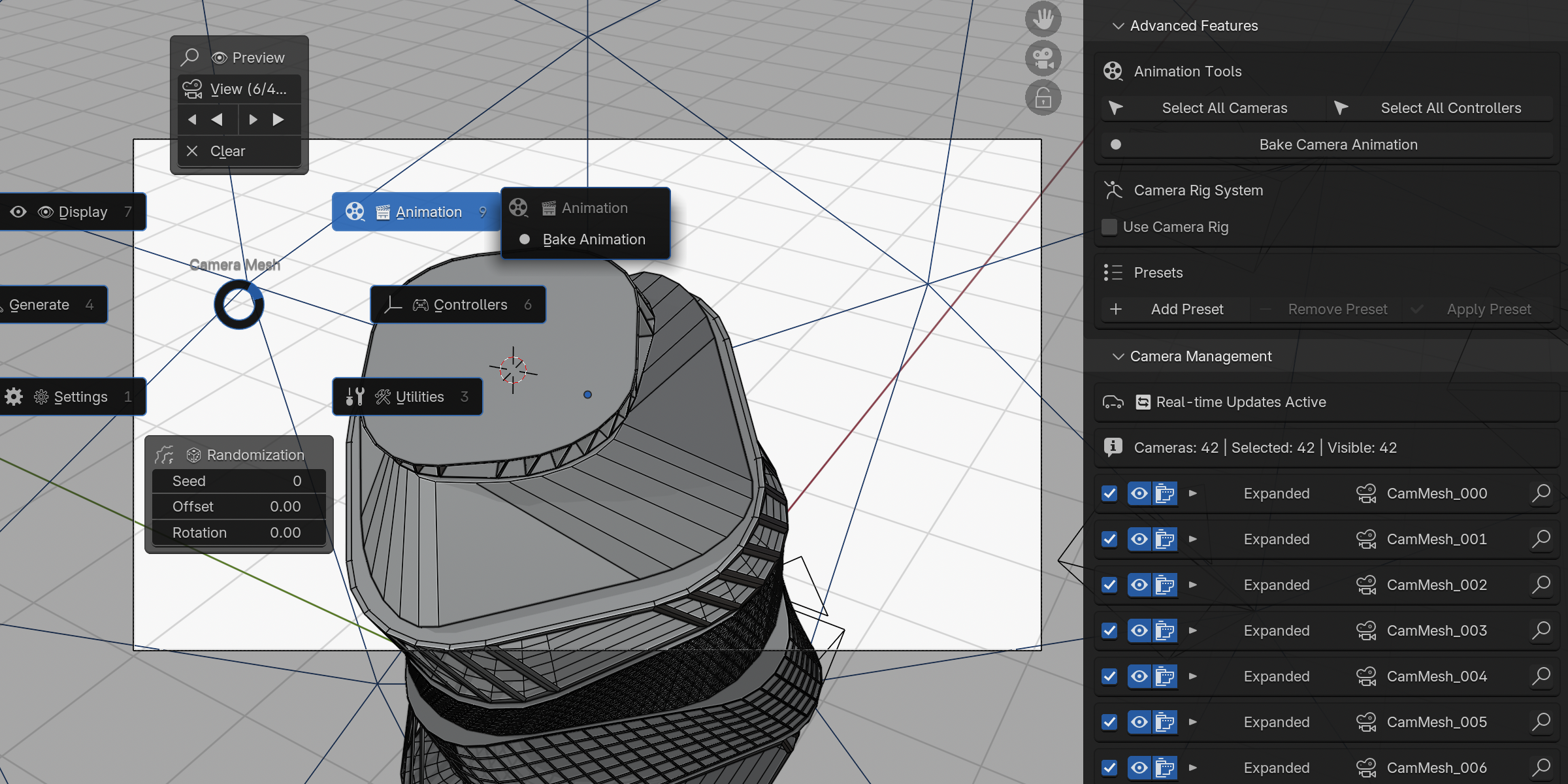
- Animation Bake: Convert camera movements into keyframes.
- Quick Preview: Navigate between cameras with preview buttons.
5. Intuitive Interface

- Main Panel: All essential options organized in one place.
- Footer Menu: Quick access to key functions from the 3D view (pressing `Shift + C` by default).
- Camera Management: Detailed list with individual controls for visibility, selection, and rendering.
6. Optimization and Performance

- Real-time Update: Change parameters and see the results instantly.
- Batch Mode: Process large numbers of cameras without slowing down Blender.
__Use Cases__
- Architecture: Generate automatic virtual walkthroughs by placing cameras at key points in an architectural model.
- Cinema: Create dynamic camera systems for long takes or complex transitions.
- Product Visualization: Distribute cameras around a product to capture professional angles.
- Visual Effects: Animate cameras following the surface of 3D objects for creative effects.
Requirements and Compatibility
- Blender 3.0 or higher.
- Recommended Hardware: Dedicated graphics card to handle scenes with many cameras.
Installation and Support
1. Download the add-on .zip file.
2. In Blender, go to Edit > Preferences > Add-ons > Install and select the file.
3. Activate the add-on from the list.
4. Support: For help, please visit my Instagram profile (https://www.instagram.com/gustavo_a_garcia_nova/) or the Blender Market page (https://superhivemarket.com).
Supercharge your workflow with Camera Mesh Generator!
An add-on designed to save hours of manual work, offering precision and creativity in camera placement and animation. Perfect for professional and experimental projects!
Download it now and transform your cinematic approach in Blender! 🎥✨

